

Dark Souls III is the fourth entry in the Souls franchise (with Demon's Souls being the spiritual predecessor to the series). There are many references to the previous entries scattered throughout the game, such as old NPCs, familiar places and items, and so on.
Support Summary
Widescreen | Ultra/Super‑Wide | Multi-Monitor | 4K Ultra HD | |
Support | ||||
Method | ||||
HUD | ||||
Cutscenes | ||||
FMVs |
Game Information
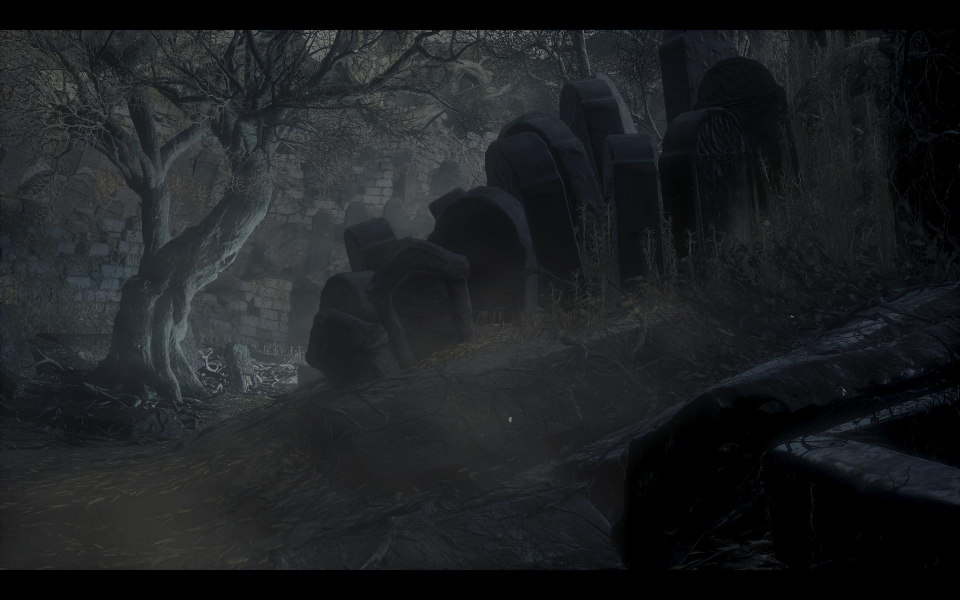
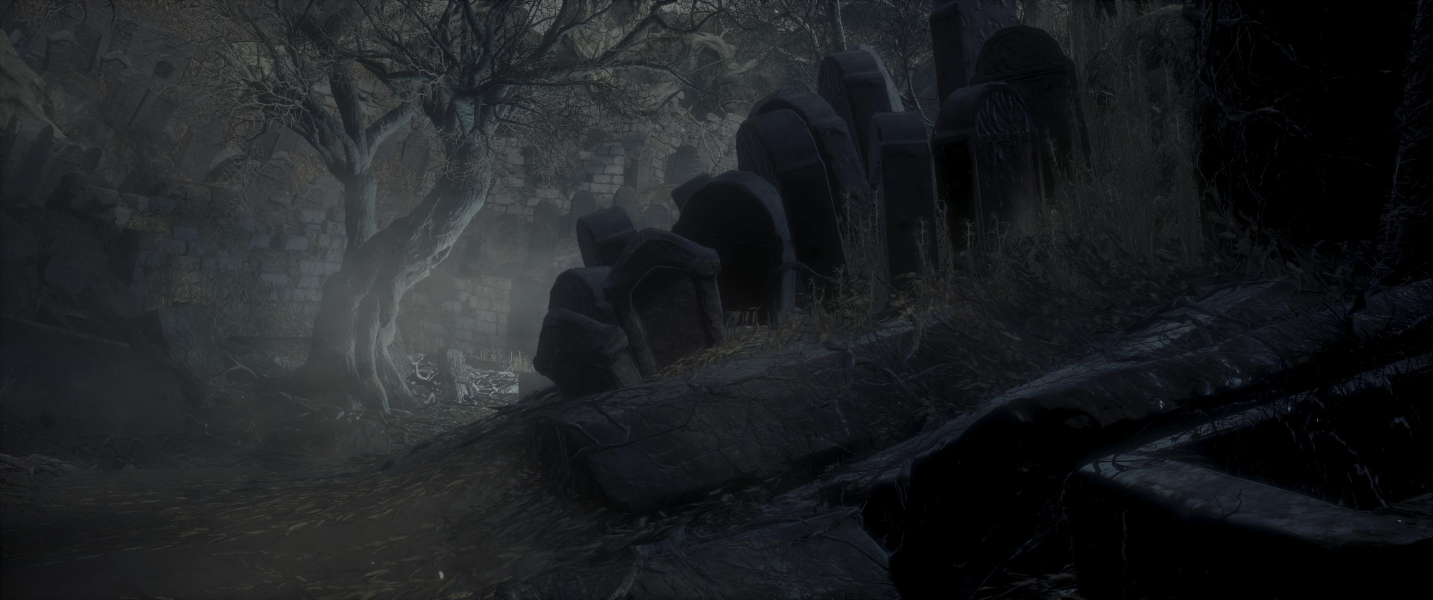
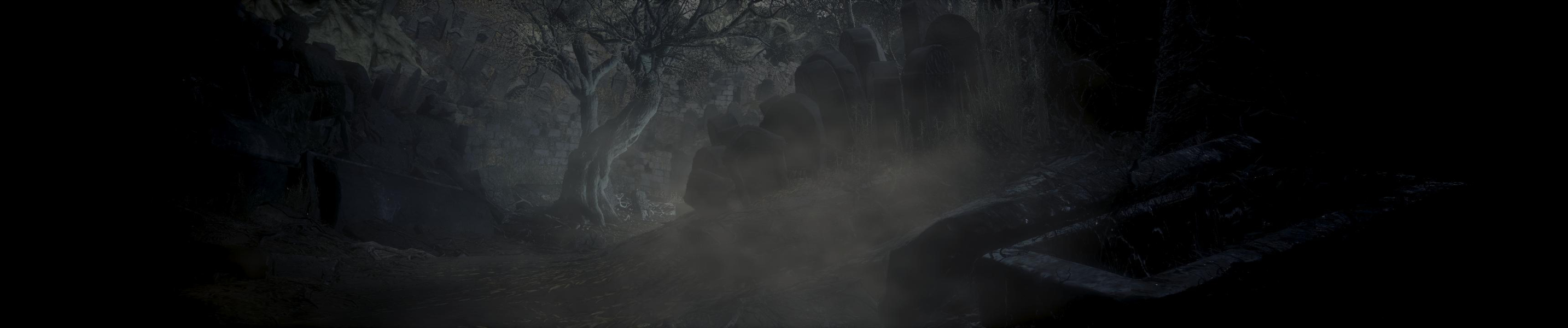
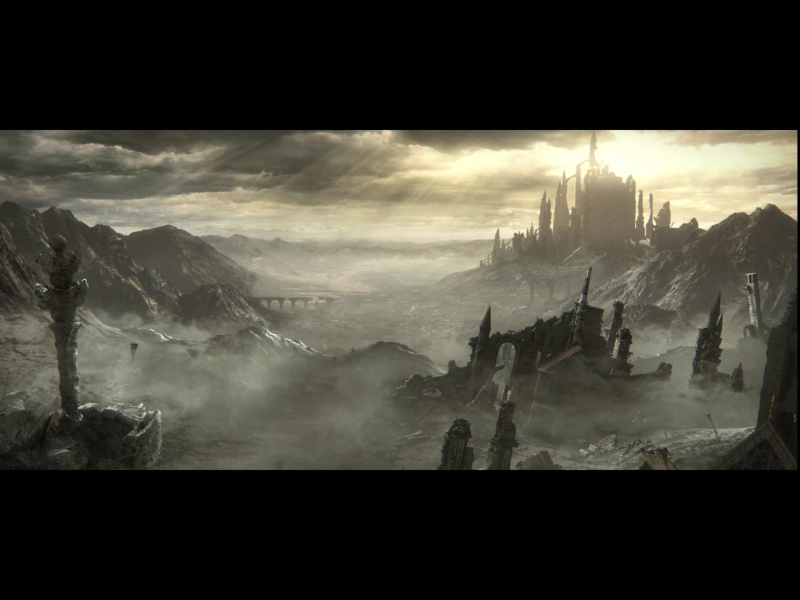
Screenshots Comparison
Solutions & Issues
The Game is full Anamorphic.
Use Kaldaiens FIX Souls "Unsqueezed" from here: https://steamcommunity.com/app/374320/discussions/0/357284131807728012/ files available from the PC Gaming Wiki Community Files (search there).
Quick-Start Guide:
Extract the Files --> ...\steamapps\common\DARK SOULS III\Game
Run ds3t.exe
Select the Graphics tab and set Aspect Ratio Correction to On
Select your desired resolution from Display Properties
For a detailed description of some of the more technical options in ds3t.exe, refer to the SoulsUnsqueezed.ini and dxgi.ini sections of the guide.
=====
Alternative Hex edit:
Hex edit: Go to --> ...\steamapps\common\DARK SOULS III\Game\DarkSoulsIII.exe
Look for 800700003804 and change it to 000A00003804 (2560x1080) or to 700D0000A005 (3440x1440)
INI edit: Go to --> C:\Users\...\AppData\Roaming\DarkSoulsIII\GraphicsConfig.xml
Change to this Values for 2560x1080
WINDOW
2560
1080
2560
1080
or Change to this Values for 3440x1440
WINDOW
3440
1440
3440
1440
Make the File under Properties READ-ONLY
Start the Game and in the Menu press ALT + RETURN (makes the Game Fullscreen and HOR+)
Use Kaldaiens FIX Souls "Unsqueezed" from here: https://steamcommunity.com/app/374320/discussions/0/357284131807728012/
Quick-Start Guide:
Extract the Files --> ...\steamapps\common\DARK SOULS III\Game
Run ds3t.exe
Select the Graphics tab and set Aspect Ratio Correction to On
Select your desired resolution from Display Properties
For a detailed description of some of the more technical options in ds3t.exe, refer to the SoulsUnsqueezed.ini and dxgi.ini sections of the guide.
=====
Alternative Hex edit:
Hex edit: Go to --> ...\steamapps\common\DARK SOULS III\Game\DarkSoulsIII.exe
Look for 800700003804 and change it to 801600003804 (or your des. resolution - see here http://www.wsgf.org/forums/viewtopic.php?f=64&t=19462) files available from the PC Gaming Wiki Community Files (search there).
INI edit: Go to --> C:\Users\...\AppData\Roaming\DarkSoulsIII\GraphicsConfig.xml
Change to this Values:
WINDOW
5760
1080
5760
1080
Make the File under Properties READ-ONLY
Start the Game and in the Menu press ALT + RETURN (makes the Game Fullscreen and HOR+)
Gameplay Screenshots

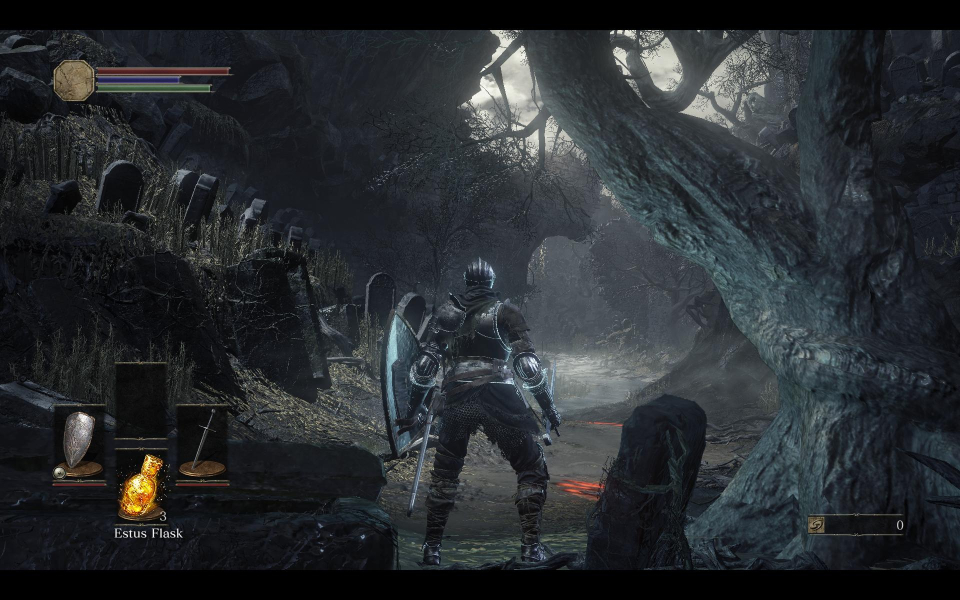

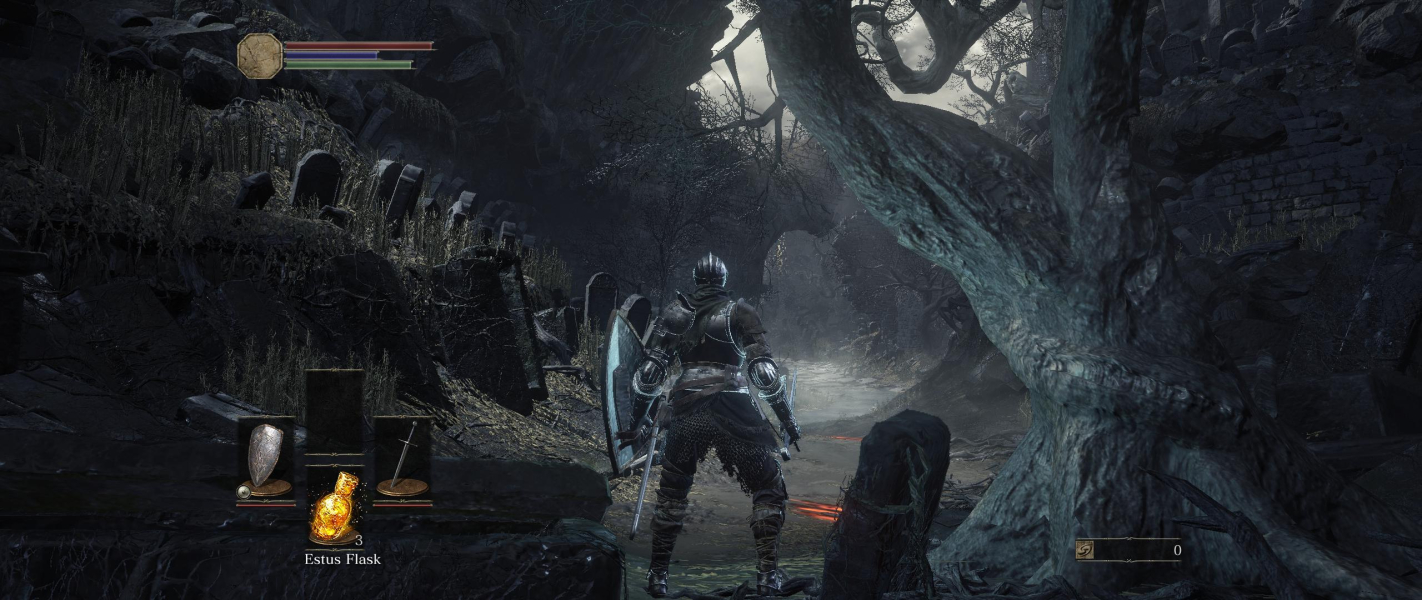
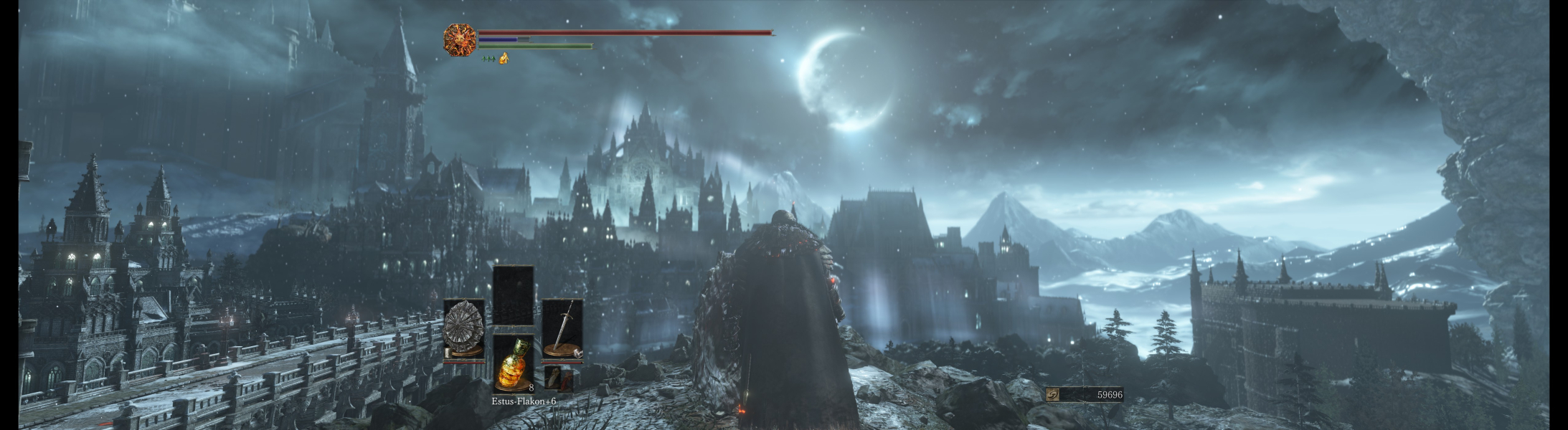
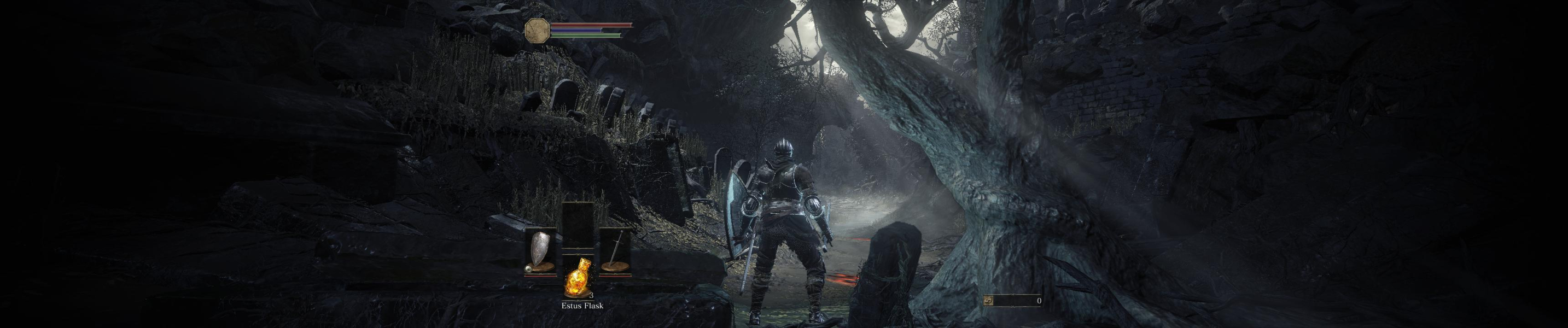
In-Game (Rendered) Cutscenes


FMV Cutscenes
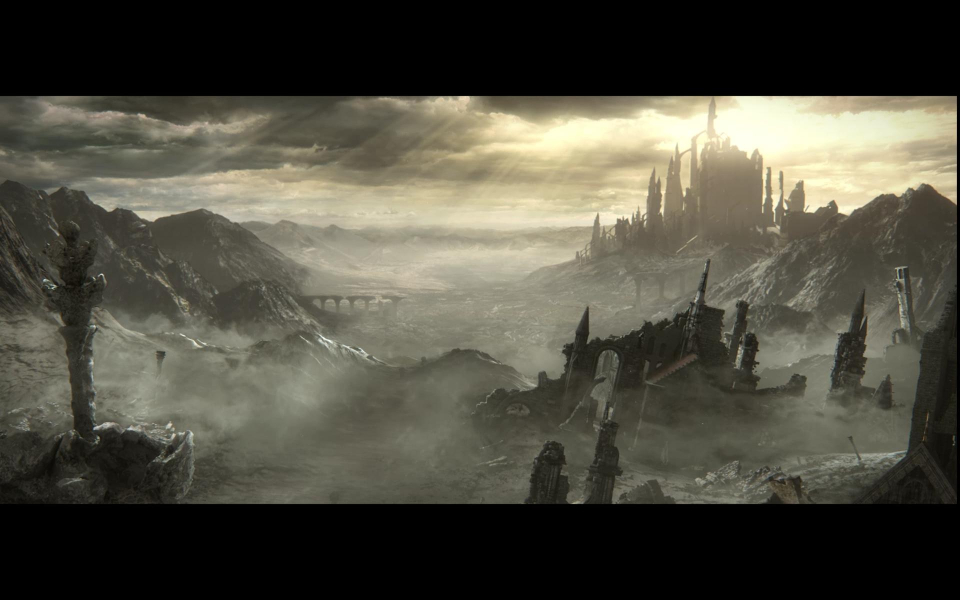

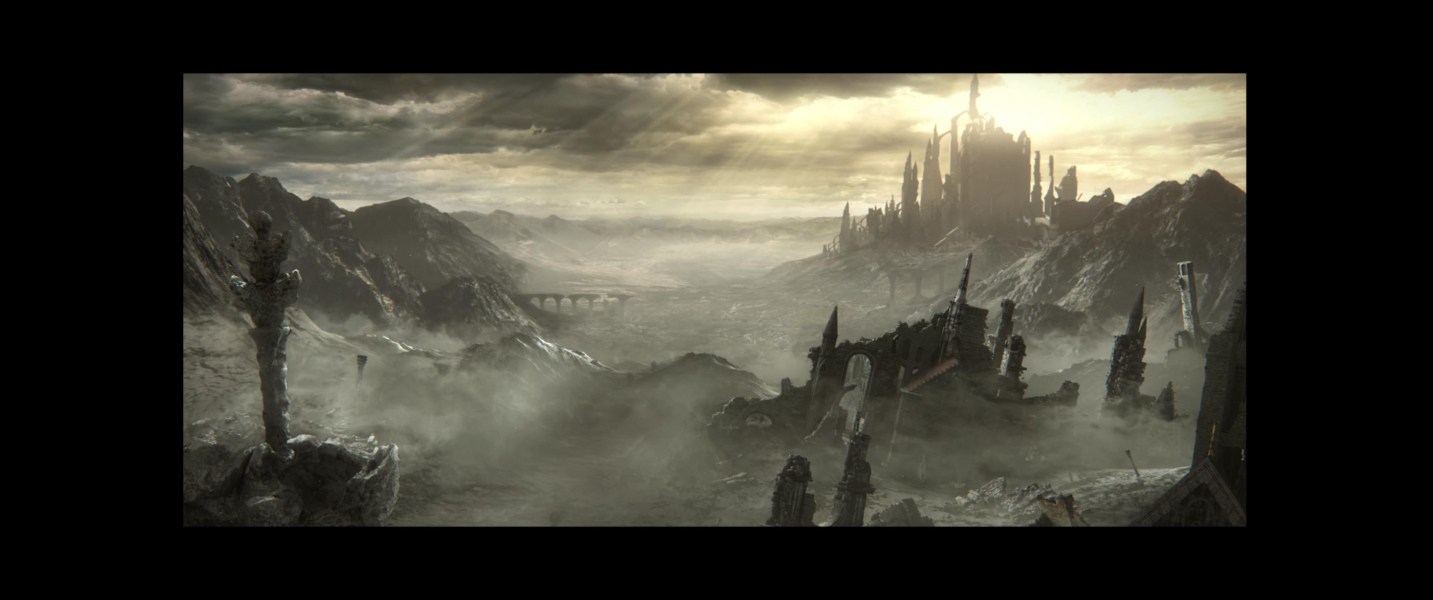

Menu Screenshots