

Real-time strategy entry in the Army Men video game series.
Support Summary
Game Information
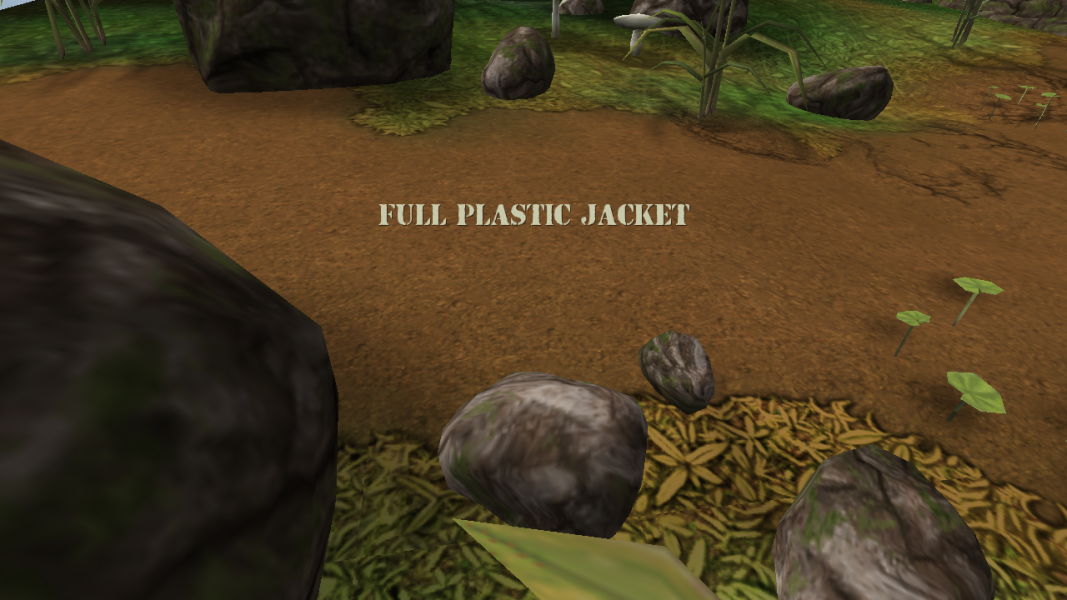
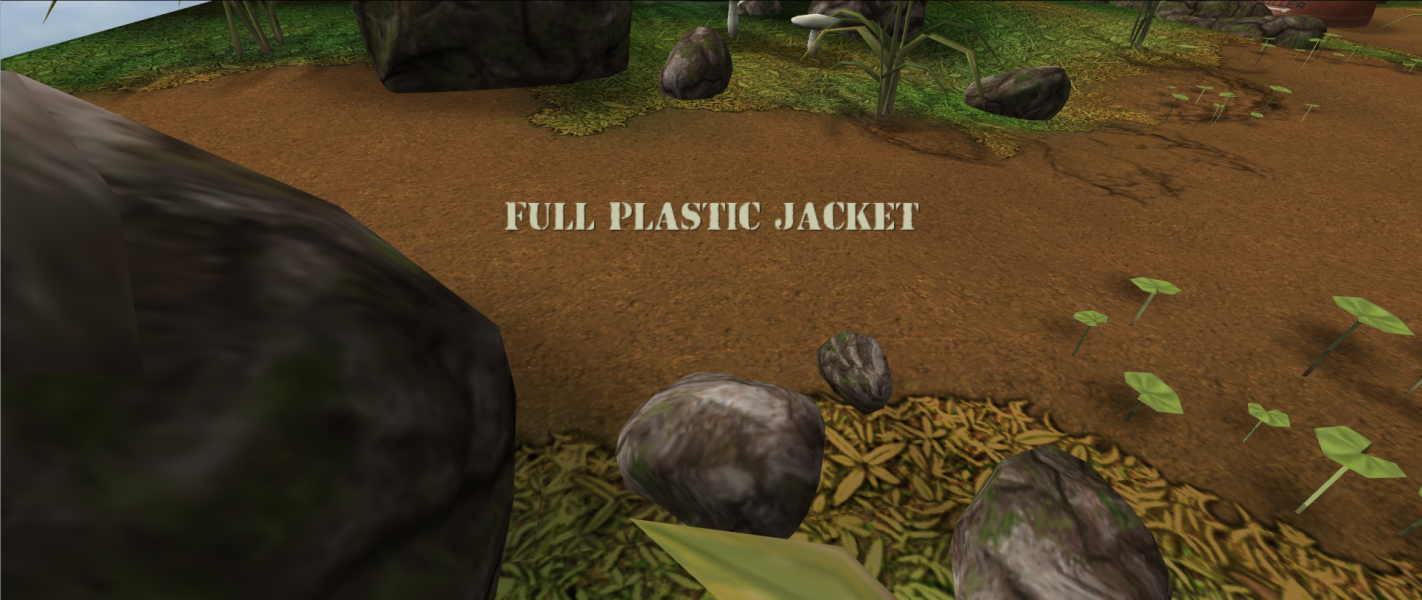
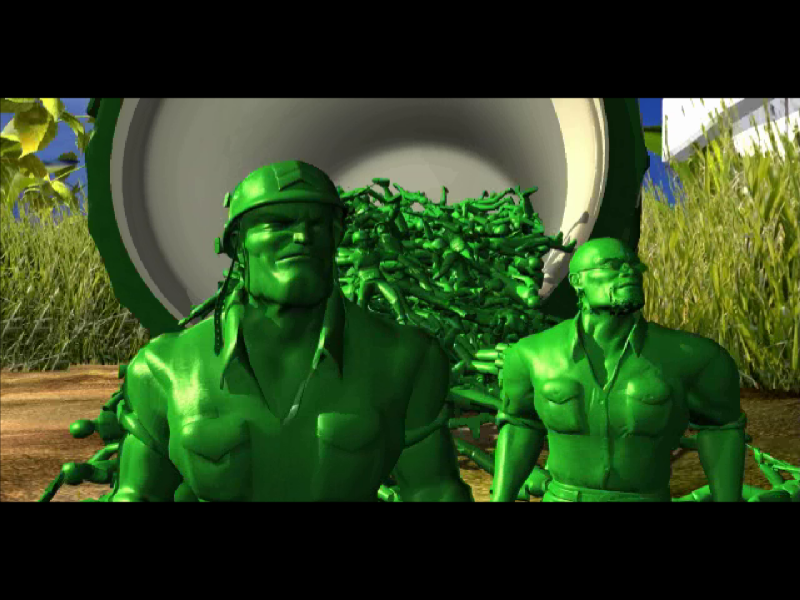
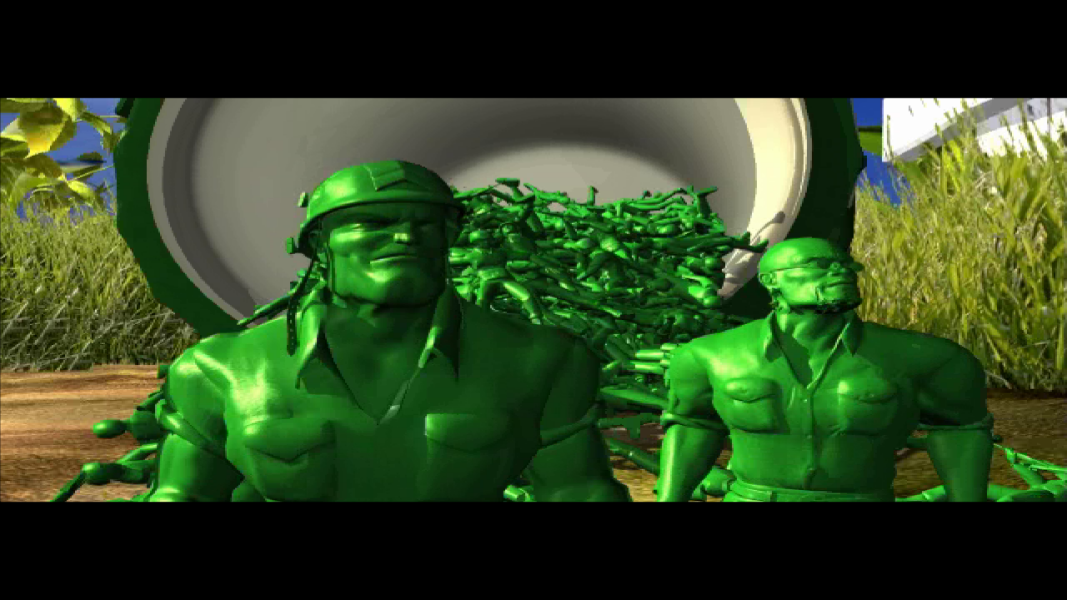
Screenshots Comparison
Solutions & Issues
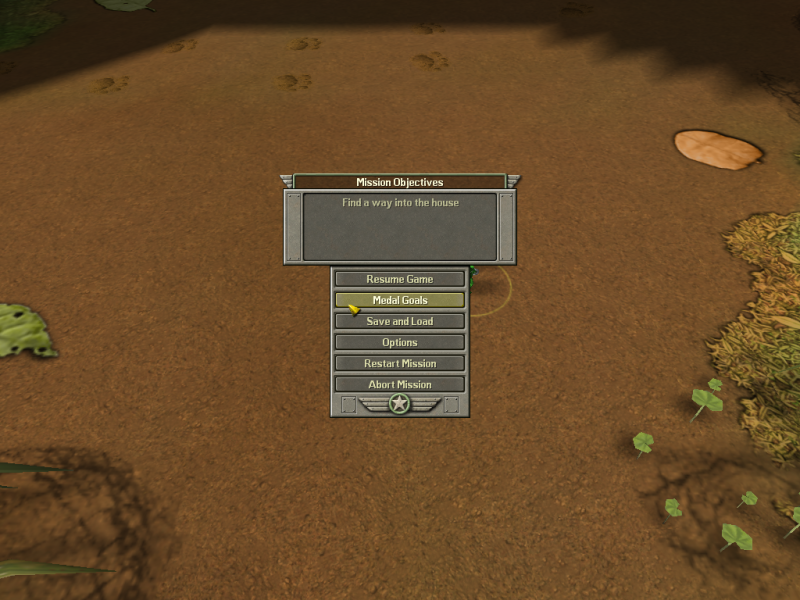
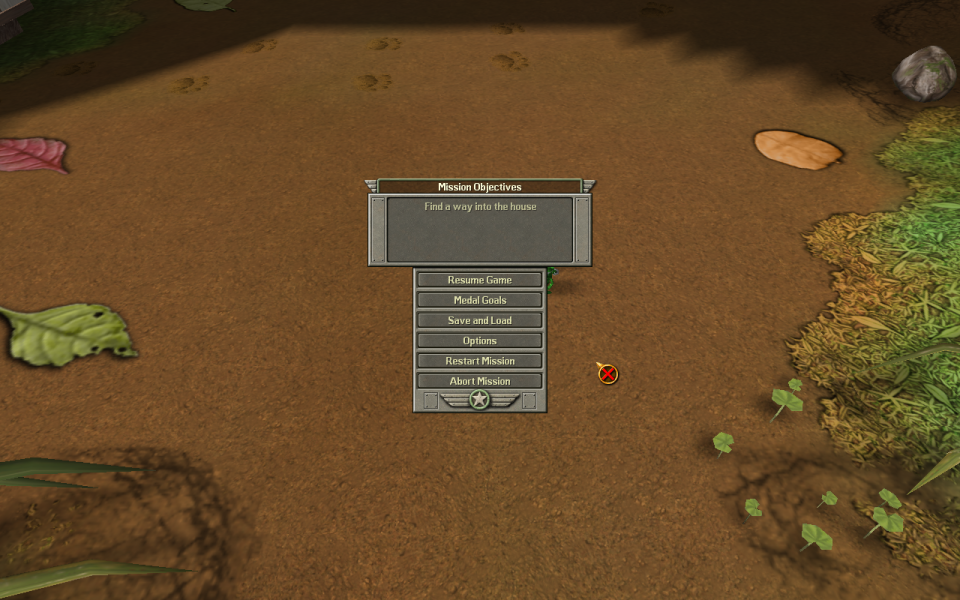
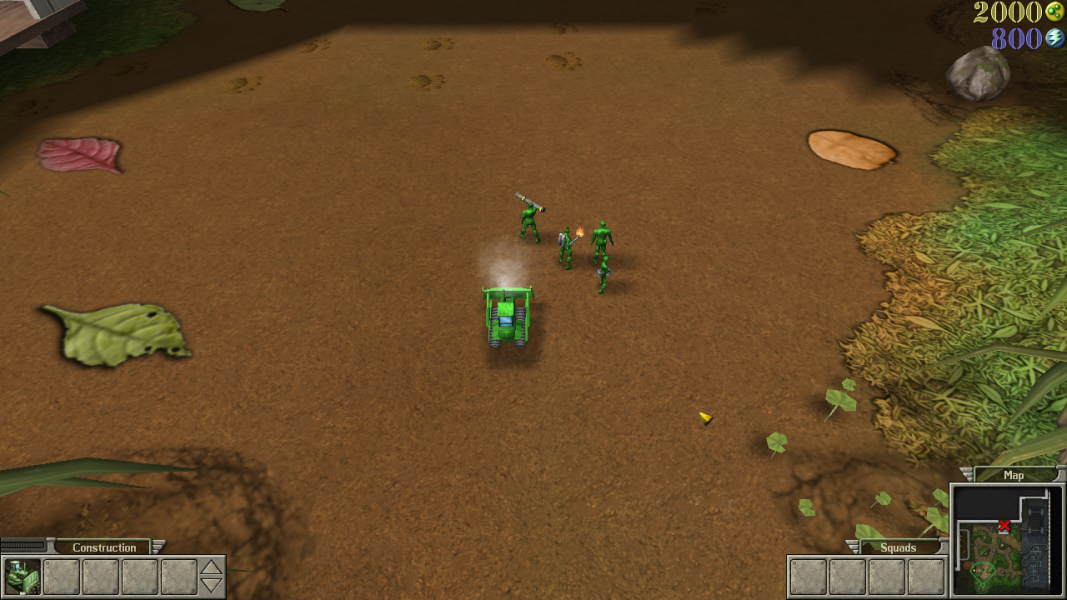
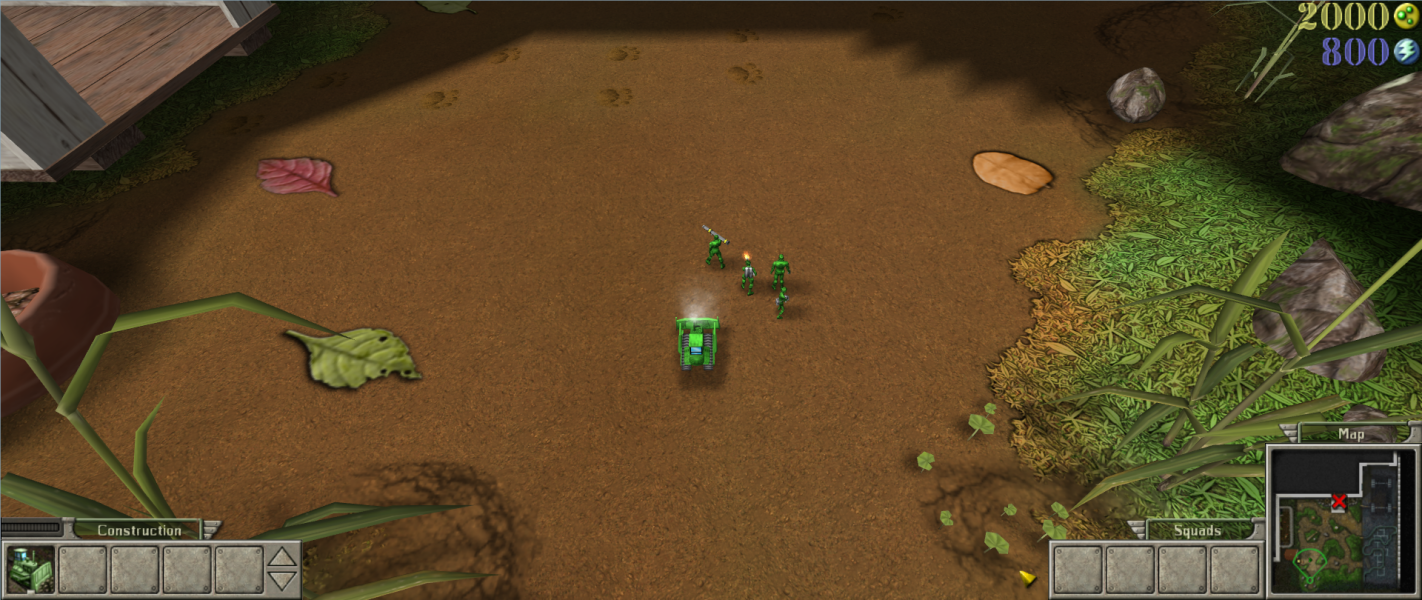
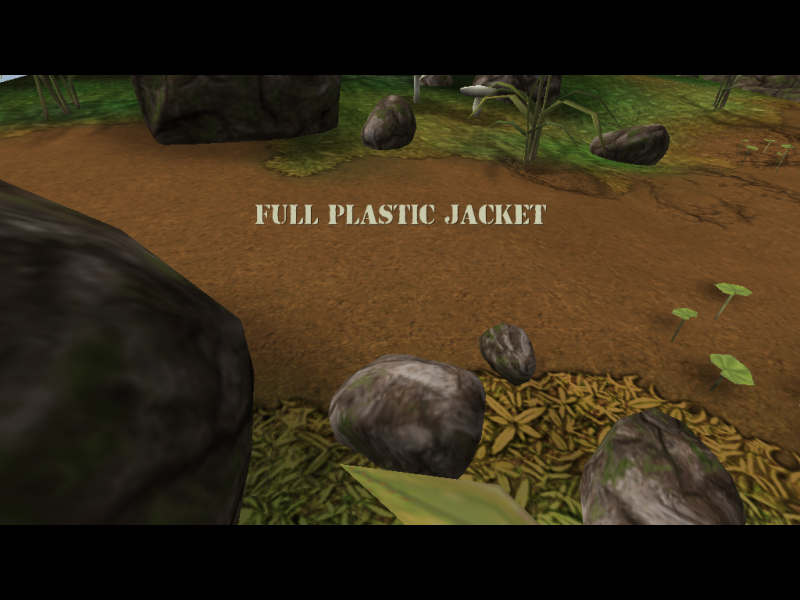
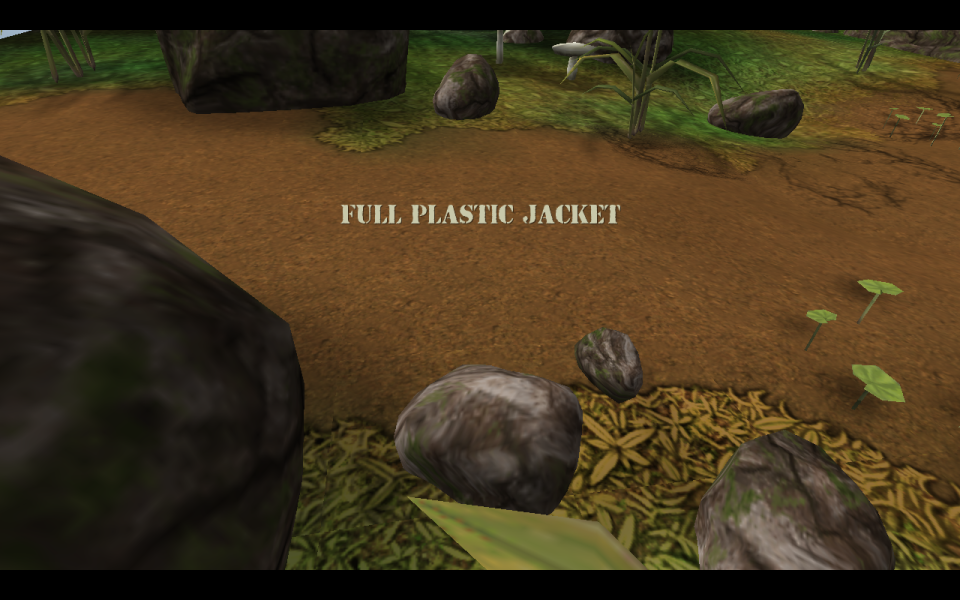
Native support, but the options menu displays only the first 22 resolutions available (usually up to 1280x1024). Menu and loading screen backgrounds are stretched from 4:3. Everything else works correctly. HUD/UI size does not increase at higher resolutions.
----- UPDATE
Widescreen on higher resolution using dgVoodoo 2:
- Download the latest version of dgVoodoo 2 and extract the archive.
- Copy the files from the MS folder to the game installation directory.
- Run dgVoodooCpl.exe and in the DirectX tab set the desired resolution.
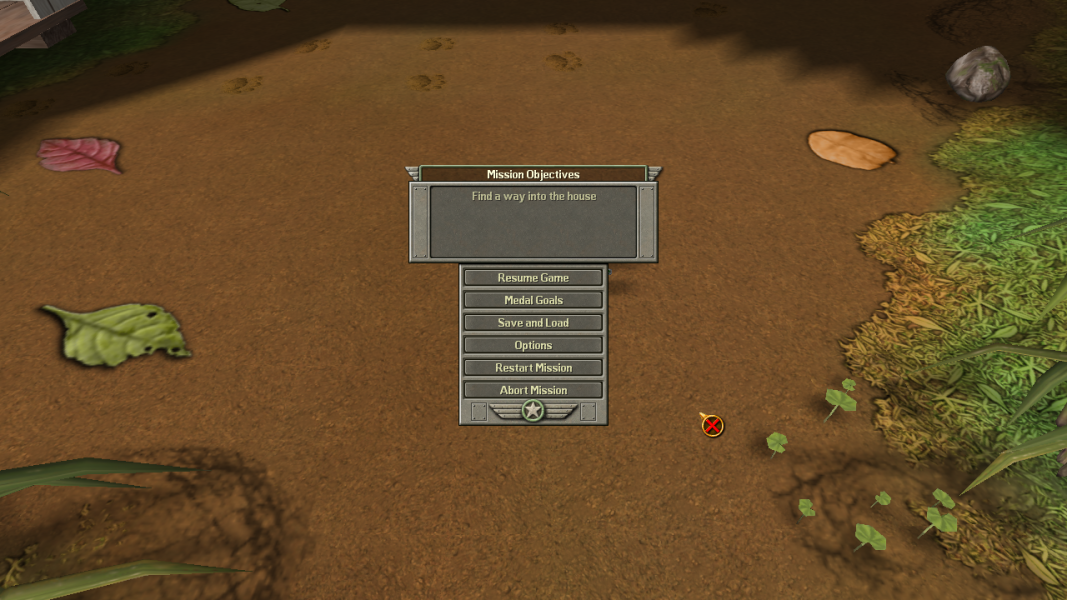
- Use the available widescreen resolutions in game options menu to set the proper aspect ratio.
The HUD/UI elements are scaled and are not small. The size can be controlled by selecting smaller or larger resolutions in the game options menu (the lower the resolution, the bigger will the HUD/UI be rendered on screen).
- Read the instructions under Widescreen.
- Use the graphics card control panel to make a custom resolution smaller than 1280x1024 (like 1280x540), so it can be selected in the game options menu for the proper aspect ratio.
- Read the instructions under Widescreen.
Gameplay Screenshots




In-Game (Rendered) Cutscenes
FMV Cutscenes


Menu Screenshots