


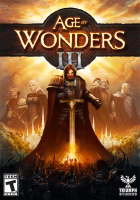


Fantasy 4X with an emphasis on eXtermination. AoW3 is the series' first foray into the kingdom of real-time 3D graphics.
Support Summary
Game Information
Game Status:Released
Release Date:
Tested Version:DRM-free 1.6
Play Styles:
Setting:Fantasy
Genre:
Developer:Triumph Studios
Screenshots Comparison
Solutions & Issues
Widescreen Solution & Issues:
Native Hor+ support. Resolution can be set on the launcher app or changed at any time in-game.
- There are three Display Modes to choose from, each with their own quirks.
Fullscreen: resolutions with a height lower than 768 are not available from the list.
Borderless: will make the game run at desktop resolution, including 1280x720.
Windowed: minimal size is 1024x768, but the window can be resized freely and the setting will stick between sessions. - Auto Scale UI: this setting only affects display heights over 1000 px. It resizes part of the UI so that windows and dialog boxes don't get shrunk too badly.
- Loading screens are 16:10 designs that get cut-off in 16:9.
Ultra/Super-Wide Specific Solution & Issues:
Native Hor+ support.
- Loading screens are Vert-.
Eyefinity / Surround Specific Solution & Issues:
Native Hor+ support with spanned HUD.
- Loading screens are Vert-.
4K UHD Specific Solution & Issues:
Native support. Check Auto Scale UI for maximum readability; however toolbars and tooltips remain tiny.
Gameplay Screenshots
4:3 Screenshot
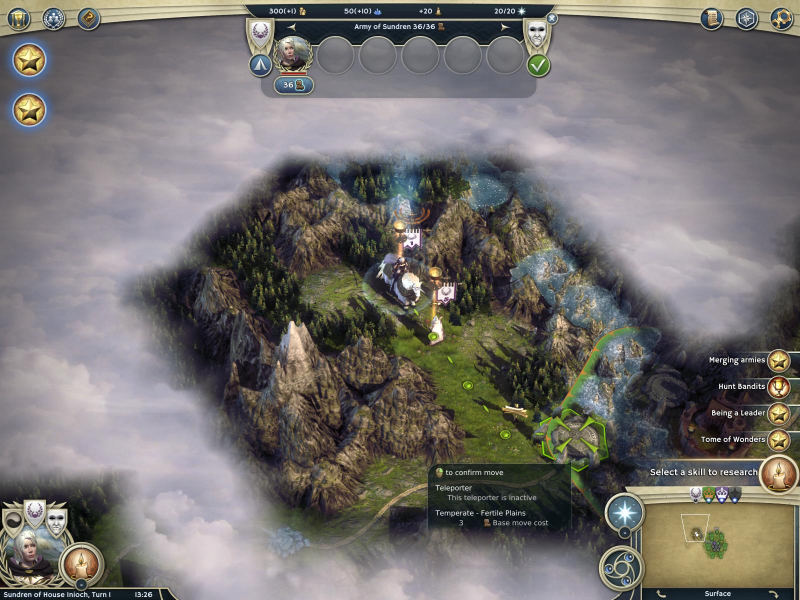
16:10 Screenshot
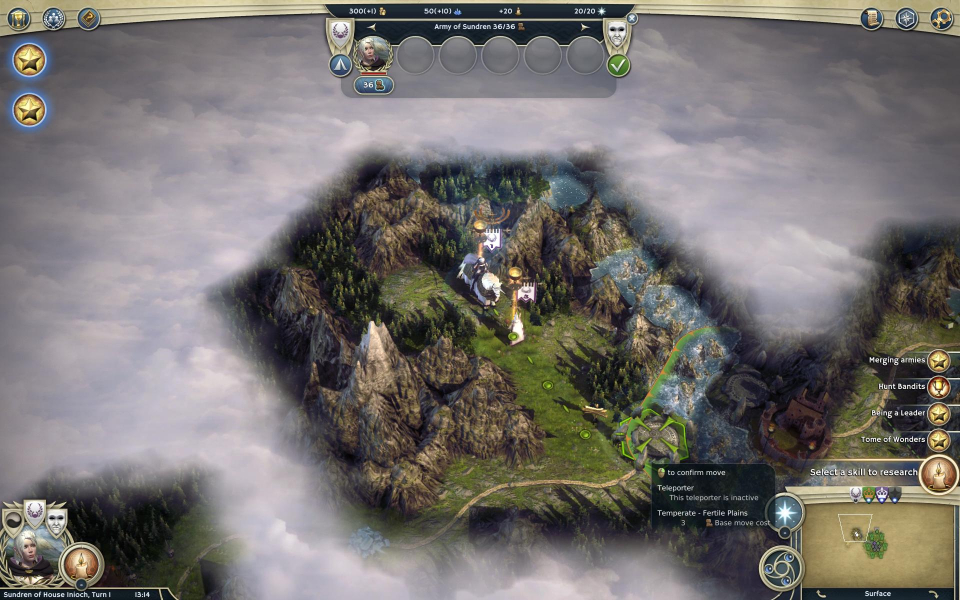
16:9 Screenshot

21:9 Screenshot
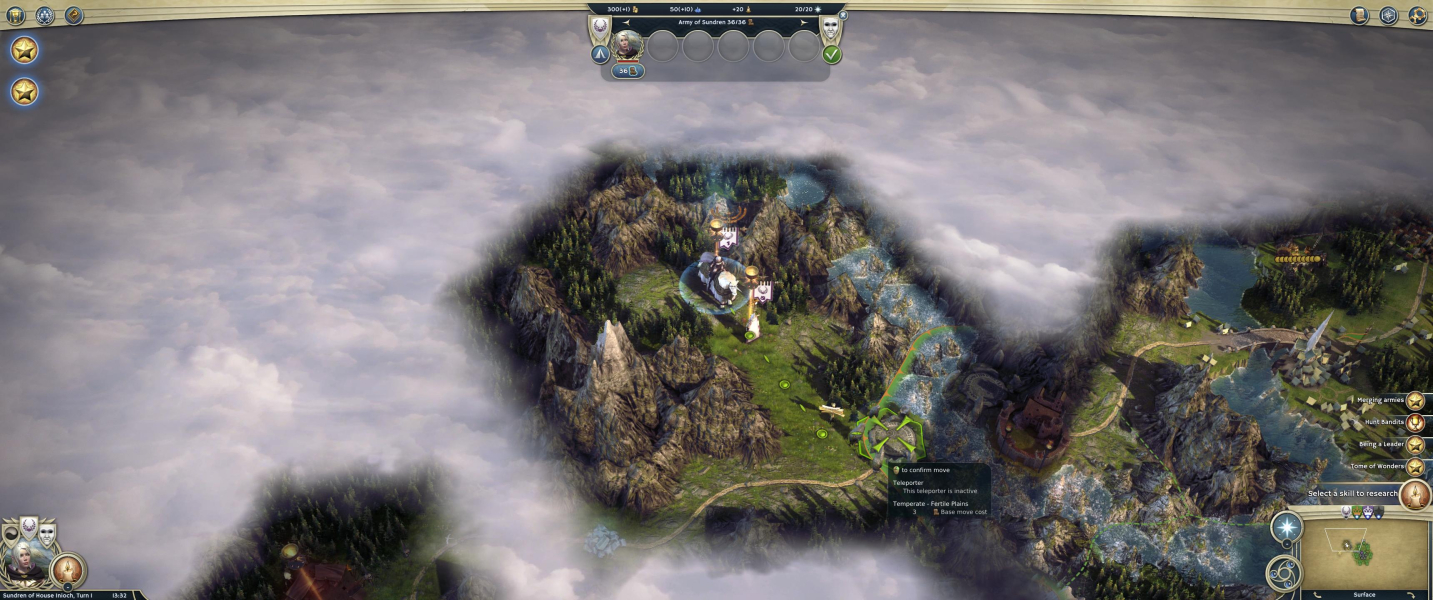
32:9 Screenshot

Eyefinity / Surround Screenshot

In-Game (Rendered) Cutscenes
4:3 Cutscene

16:10 Cutscene
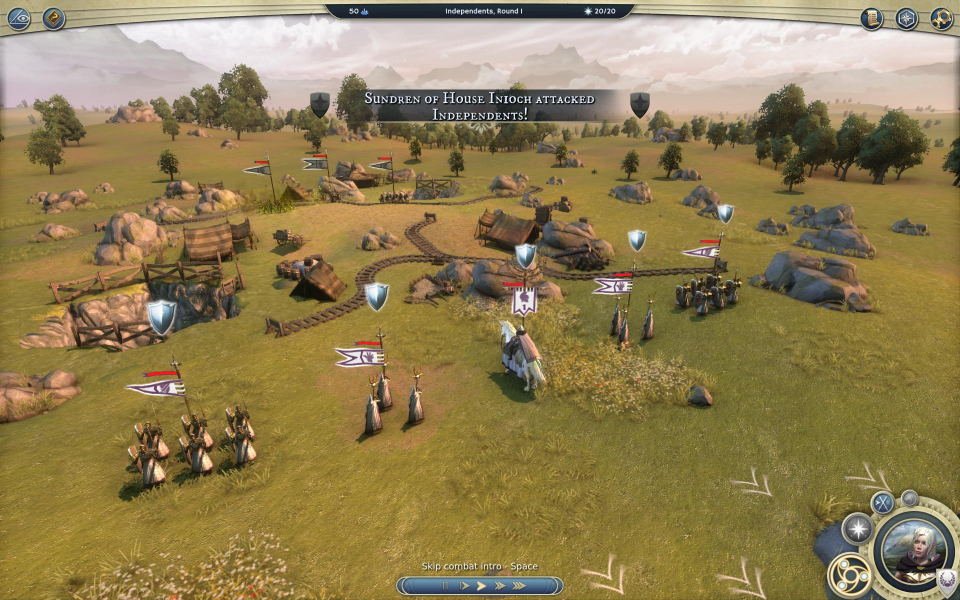
16:9 Cutscene
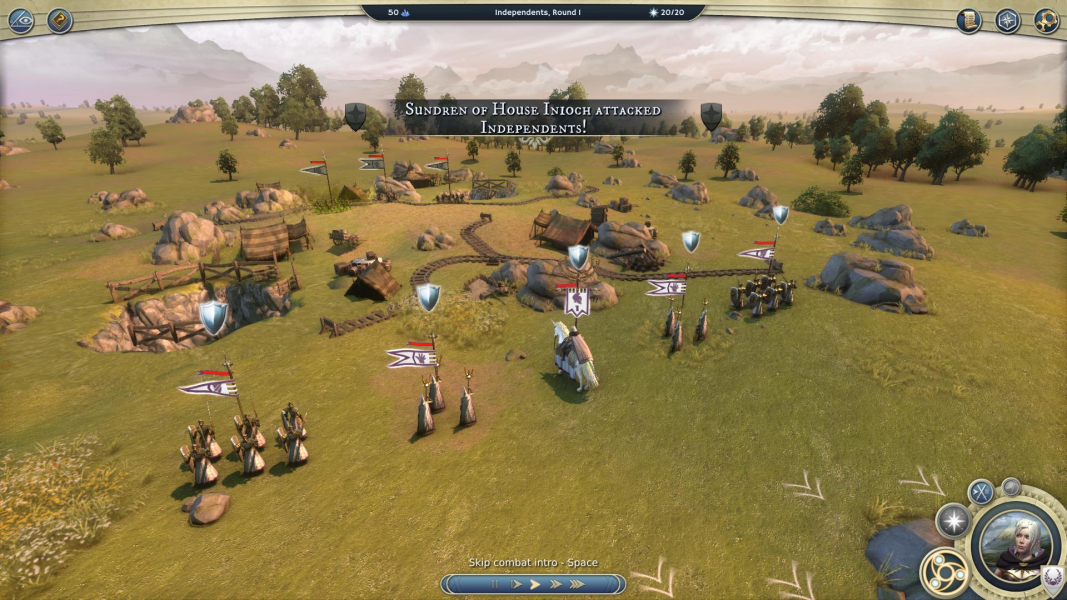
21:9 Cutscene

Eyefinity / Surround Cutscene

FMV Cutscenes
4:3 FMV Cutscene
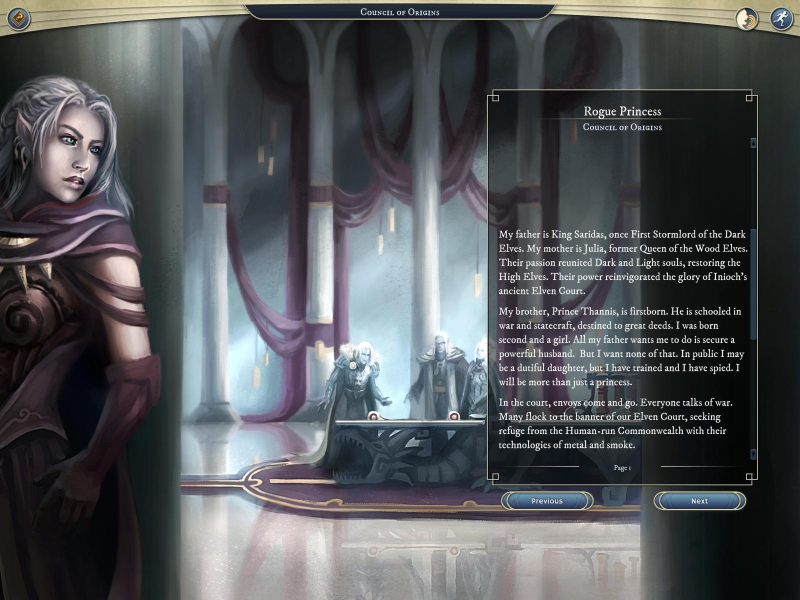
16:10 FMV Cutscene
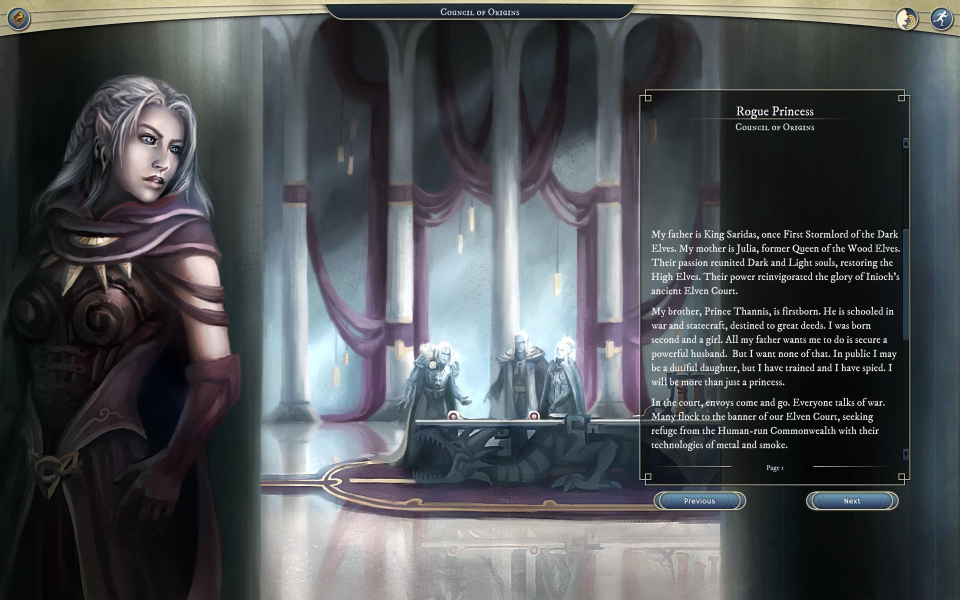
16:9 FMV Cutscene

21:9 FMV Cutscene
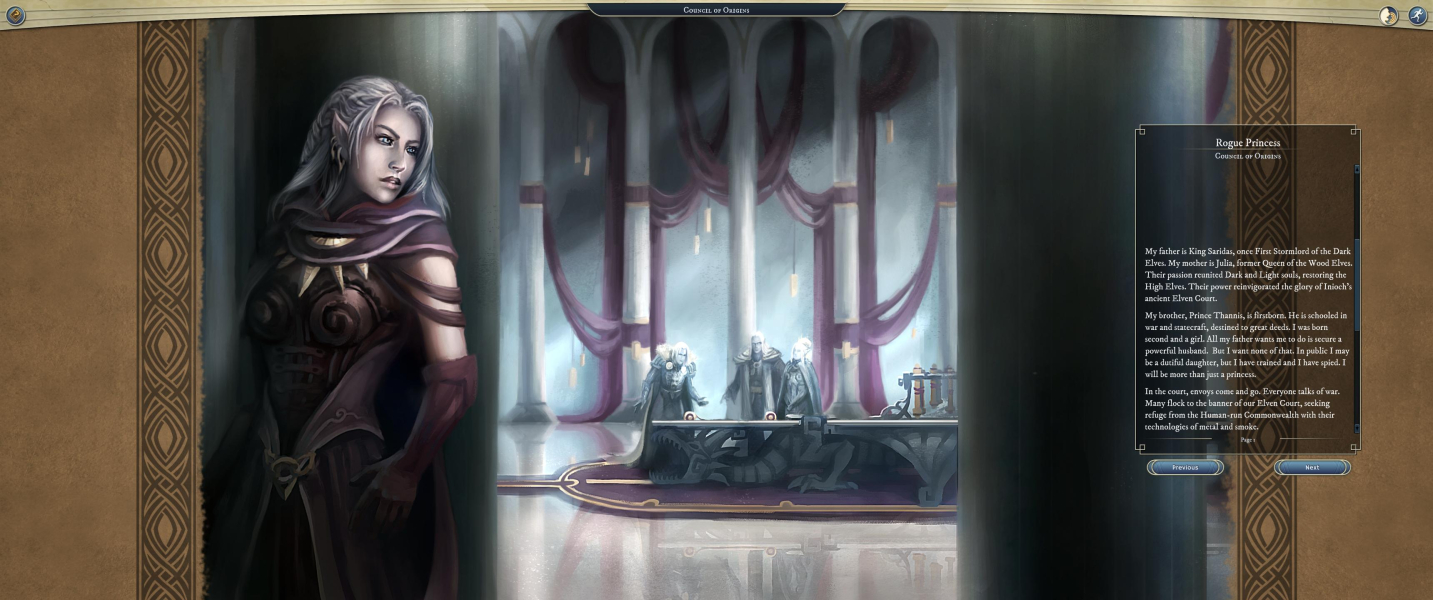
Eyefinity / Surround FMV Cutscene

Menu Screenshots
4:3 Menu

16:10 Menu

16:9 Menu
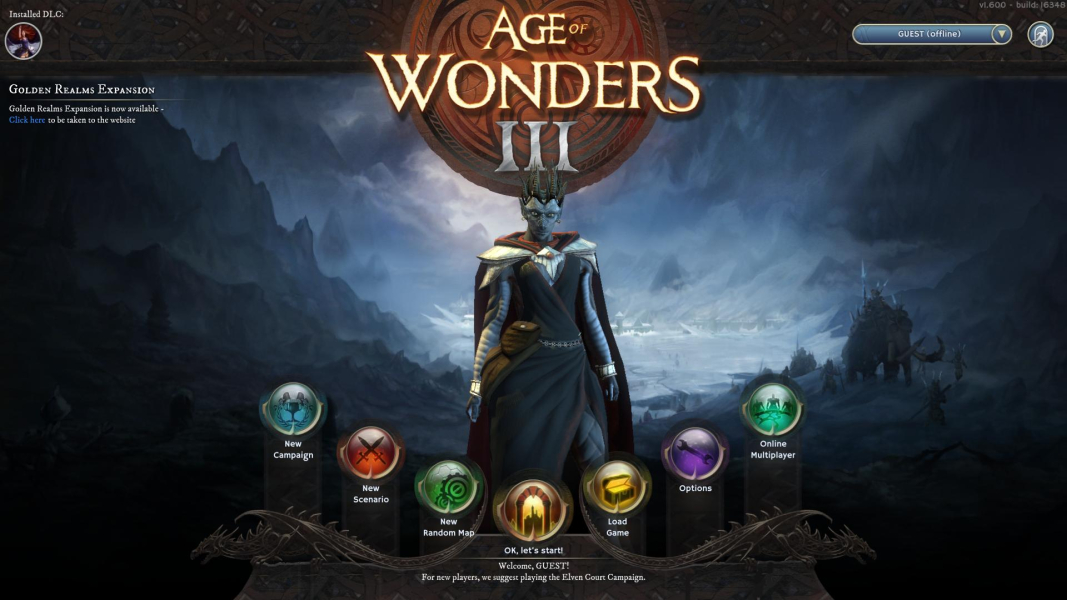
21:9 Menu
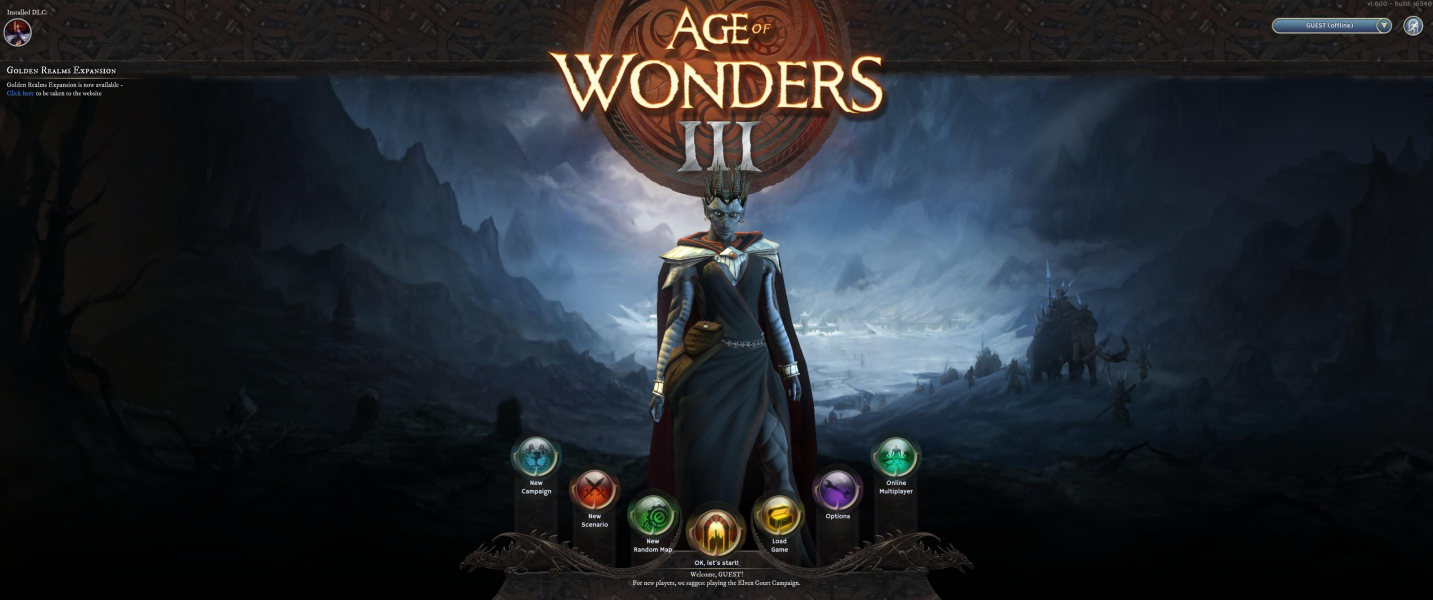
Eyefinity / Surround Menu

4K UHD Screenshots
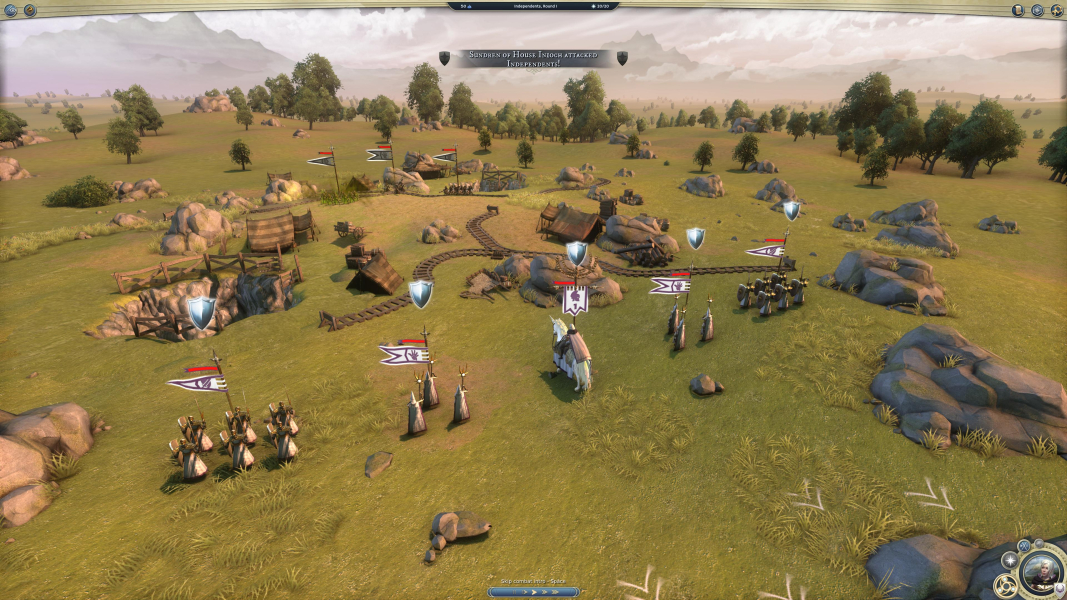
4K Gameplay Screenshot
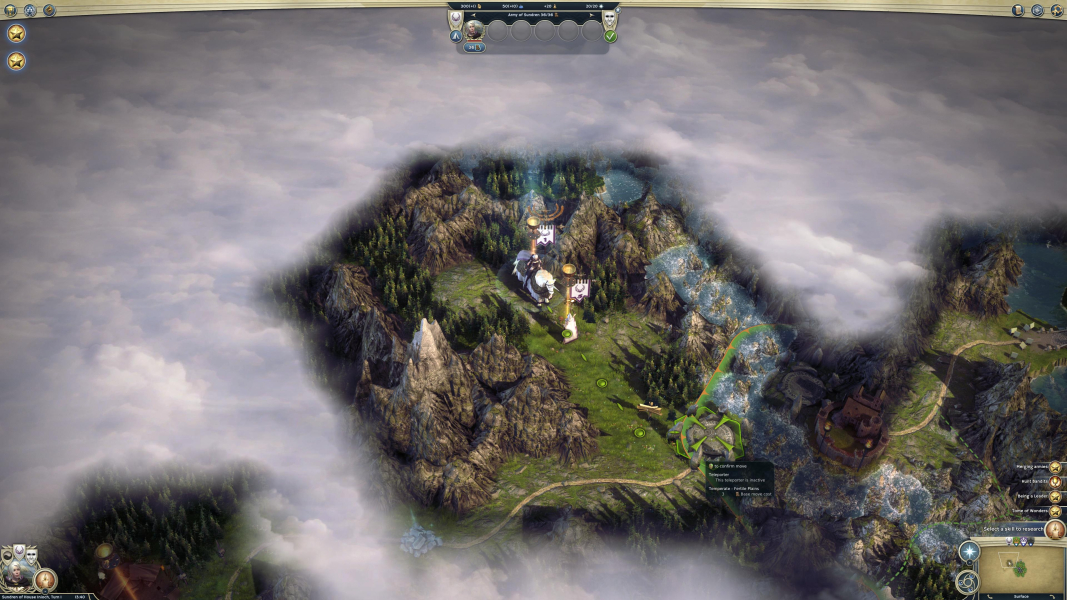
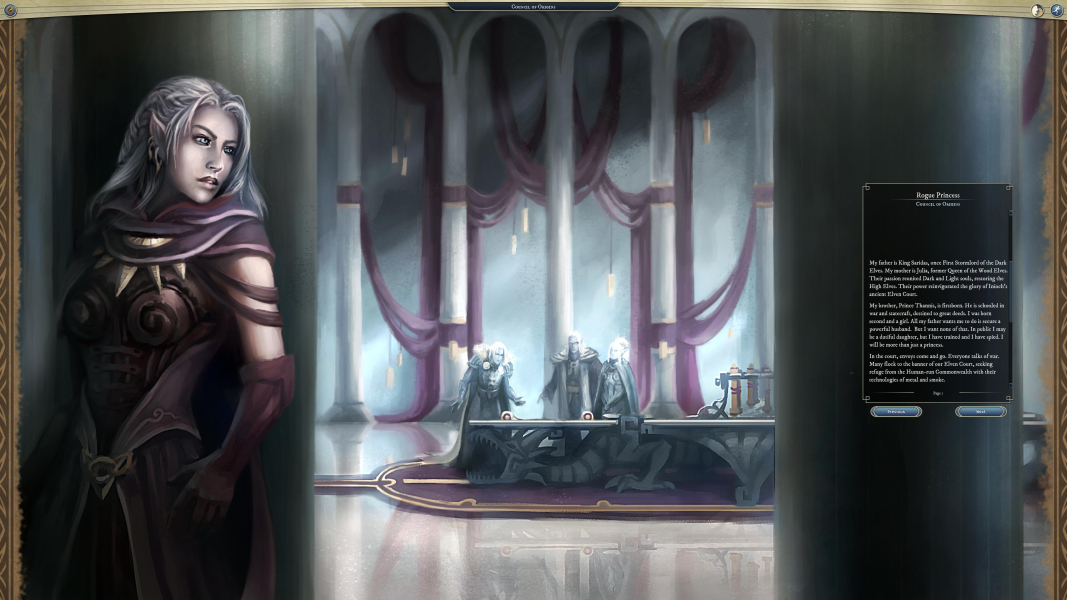
4K In-Game Cutscene
4K FMV Cutscene
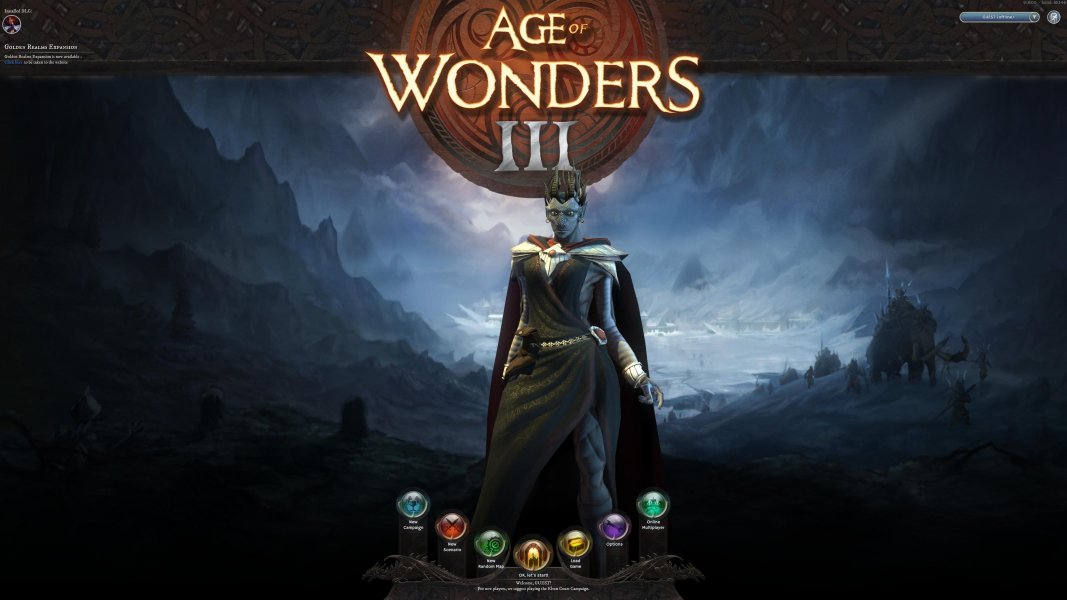
4K Menu Screenshot
Additional Screenshots

Auto Scale UI Off at 1920x1080

Auto Scale UI On at 1920x1080

Auto Scale UI Off at 2560x1440

Auto Scale UI On at 2560x1440

Auto Scale UI Off at 3840x2160

Auto Scale UI On at 3840x2160

Loading Screen, 4:3

Loading Screen, 16:10

Loading Screen, 16:9

Loading Screen, 21:9

Loading Screen, 48:10

Leader Selection, 4:3

Leader Selection, 16:10

Leader Selection, 16:9

Leader Selection, 21:9

Leader Selection, 48:10

Combat, 4:3

Combat, 16:10

Combat, 16:9

Combat, 21:9

Combat, 48:10
Resolutions & Configurations
15:9 Resolutions:1280x768
4K UHD Resolutions:3840x2160
Multi-Monitor Types:Nvidia Surround
Multi-Monitor Layouts:3x1-L


