

Assassin's Creed Chronicles: India is the second game in the Assassin's Creed Chronicles trilogy, a spin-off of based on the main Assassin's Creed franchise. It is a 2.5D platform game.
Support Summary
Widescreen | Ultra/Super‑Wide | Multi-Monitor | 4K Ultra HD | |
Support | ||||
Method | ||||
HUD | ||||
Cutscenes | ||||
FMVs |
Game Information
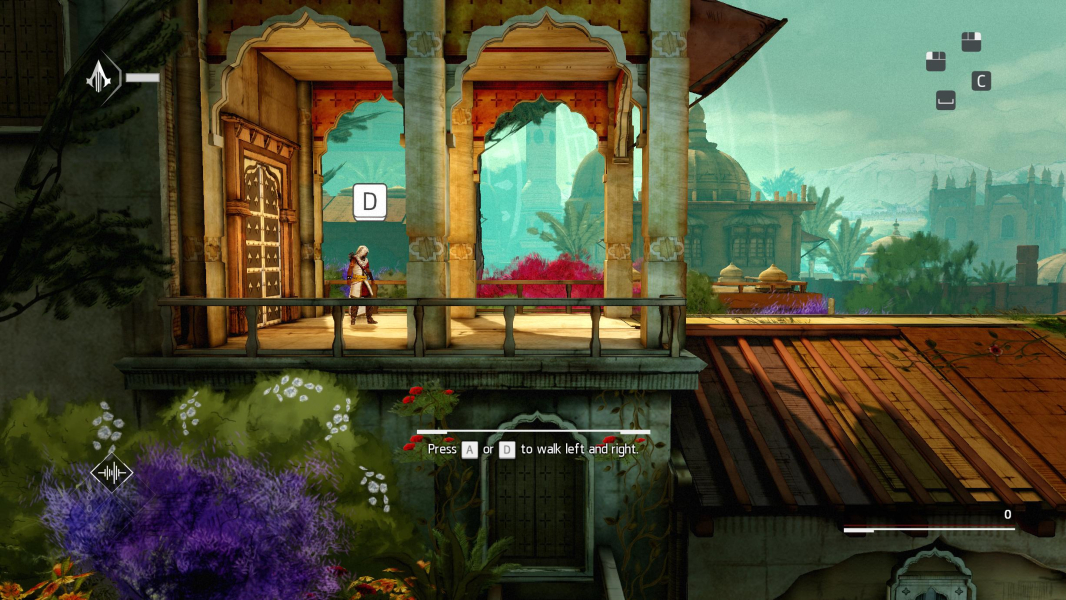
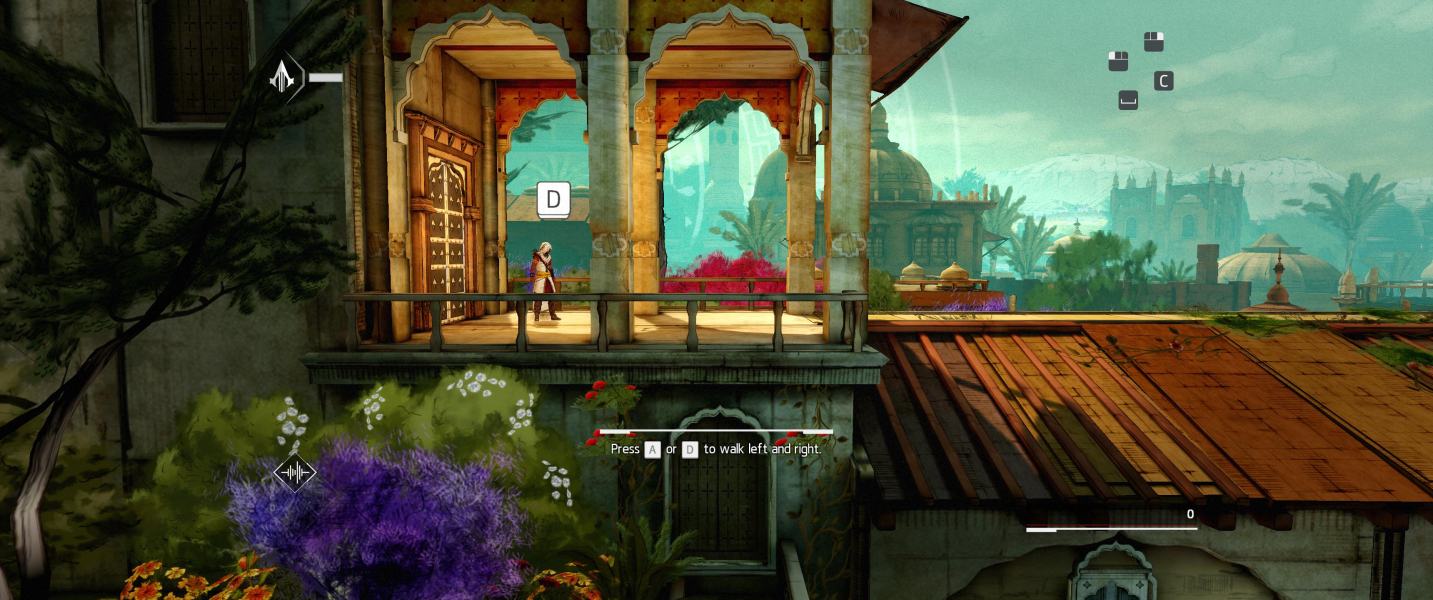
Screenshots Comparison
Solutions & Issues
Solution:FOV via ini edit & Aspect ratio via HEX edit.
Aspect Ratio: Go to ...\India\ACCGame\CookedPCConsole\ACCGame.upk
Look in Offset 1197C0 for this Hex Code: 4C 8E E3 3F and change it to your Aspect Ratio. for example CD 90 18 40 (21:9)
FOV: Go to C:\Users\...\my games\ACIndia\ACCGame\Config\PCConsole-ACCInput
Add this Lines under [ACCGame.ACCPlayerInput]
Bindings=(Name="F1",Command="FOV 92",Control=False,Shift=False,Alt=False)
Bindings=(Name="F2",Command="FOV 100",Control=False,Shift=False,Alt=False)
Bindings=(Name="F3",Command="FOV 110",Control=False,Shift=False,Alt=False)
Fix available from the PC Gaming Wiki Community Files (search there).
Solution:FOV via ini edit & Aspect ratio via HEX edit.
Aspect Ratio: Go to ...\India\ACCGame\CookedPCConsole\ACCGame.upk
Look in Offset 1197C0 for this Hex Code: 4C 8E E3 3F and change it to your Aspect Ratio. for example 8F E3 98 40 (43:9)
FOV: Go to C:\Users\...\my games\ACIndia\ACCGame\Config\PCConsole-ACCInput
Add this Lines under [ACCGame.ACCPlayerInput]
Bindings=(Name="F1",Command="FOV 115",Control=False,Shift=False,Alt=False)
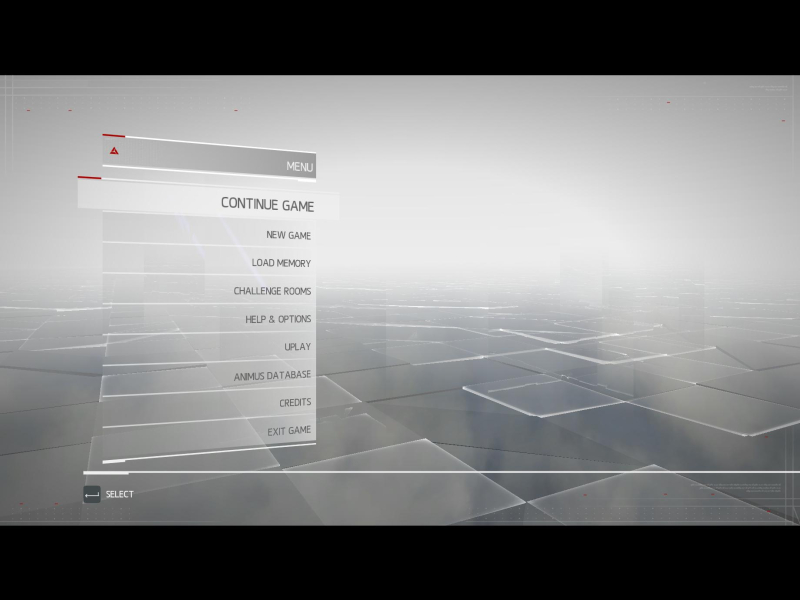
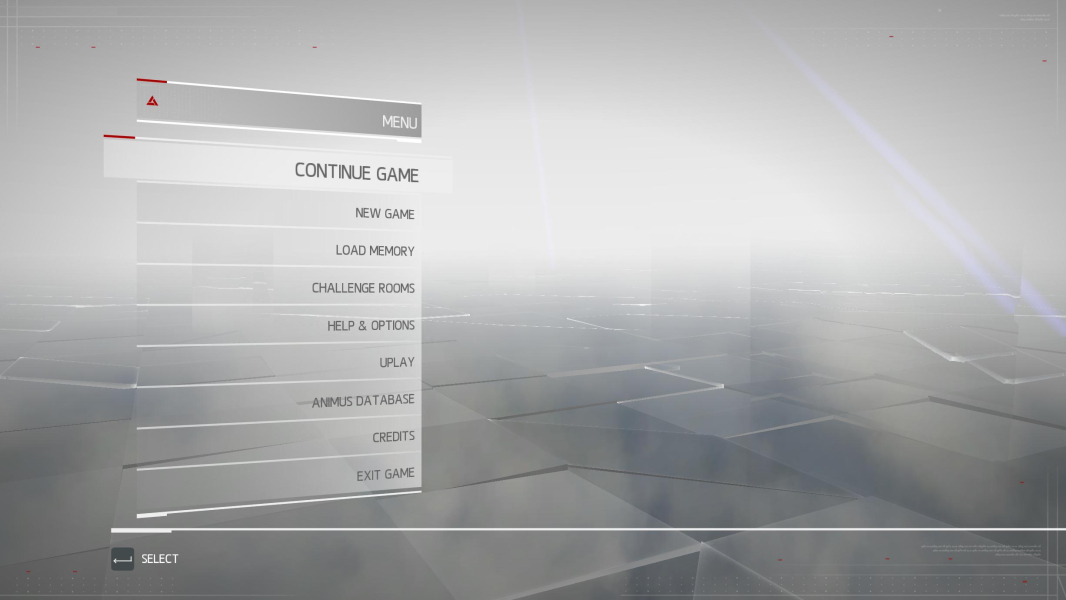
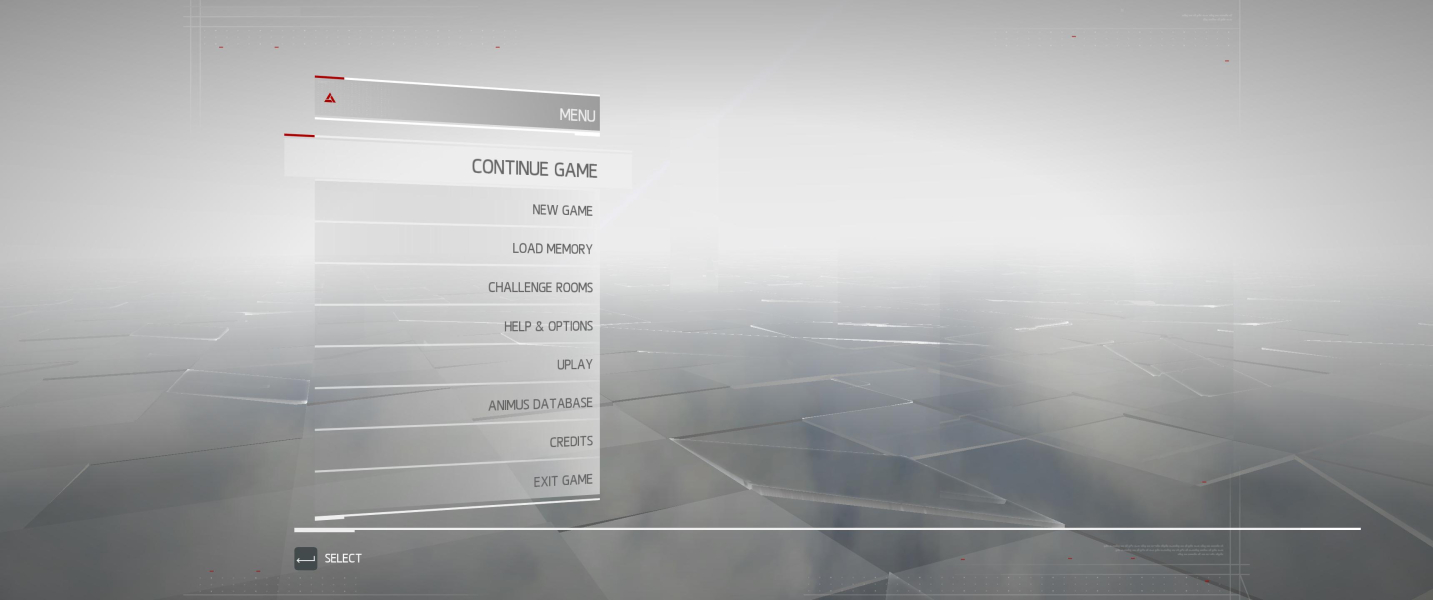
Issues: The Font in the Menu become invisible - see Menu Screenshots.
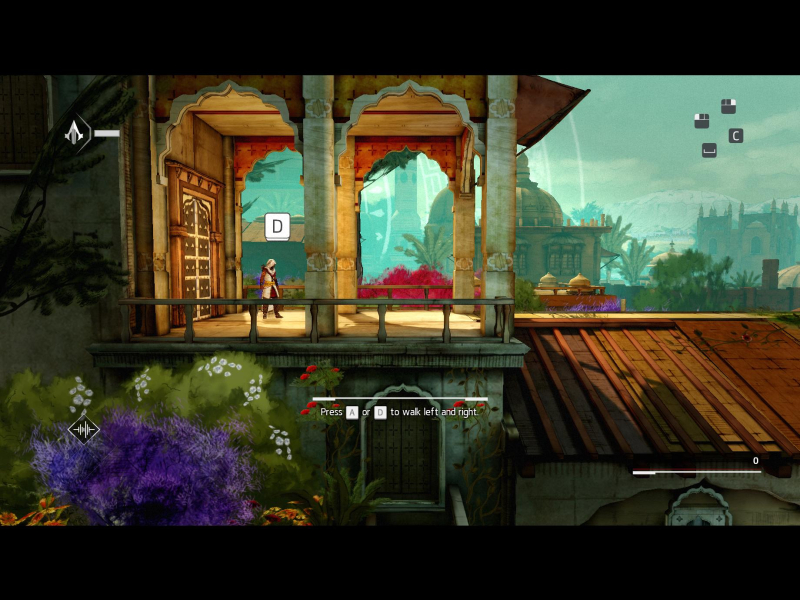
Gameplay Screenshots



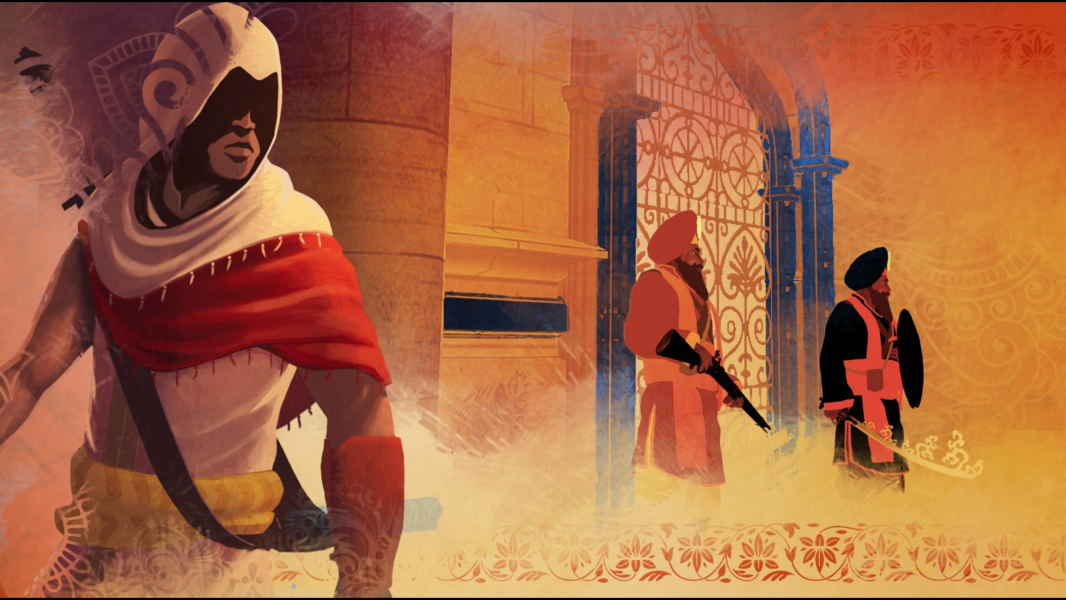
In-Game (Rendered) Cutscenes
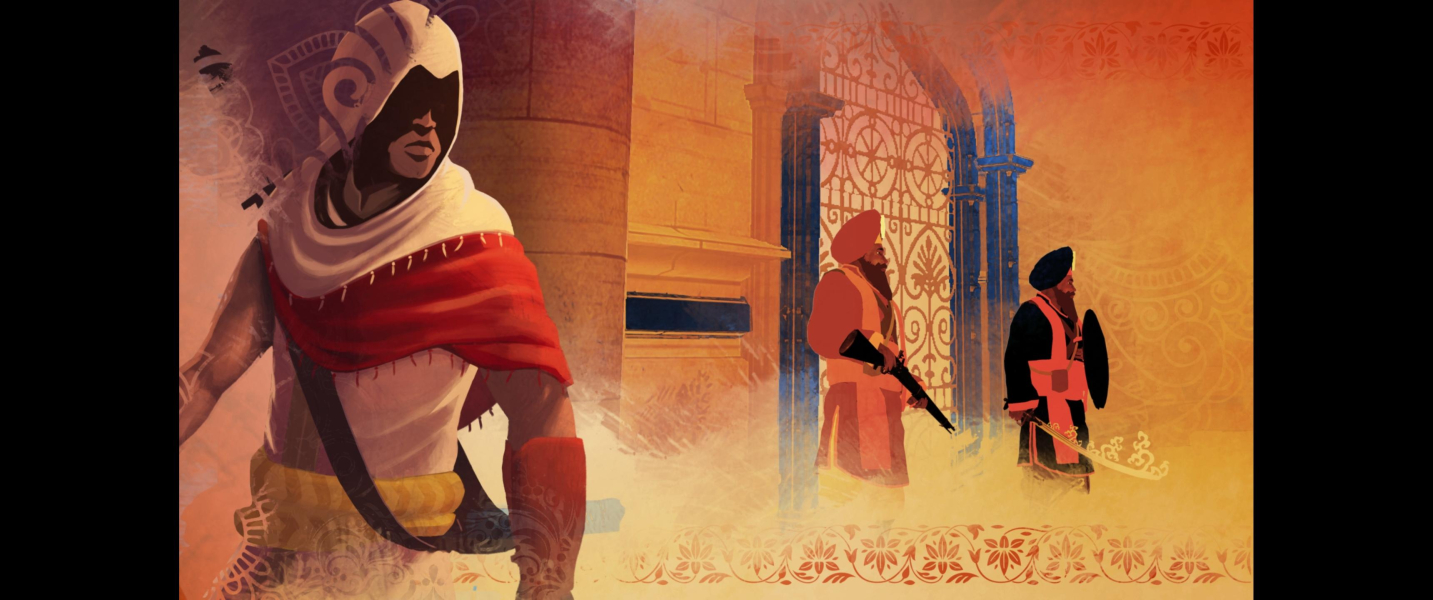

Menu Screenshots