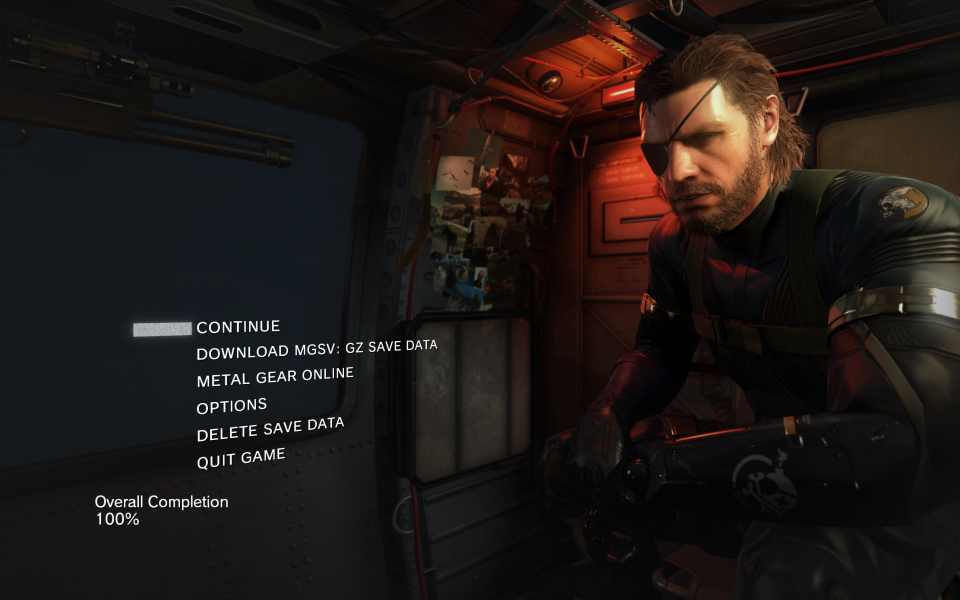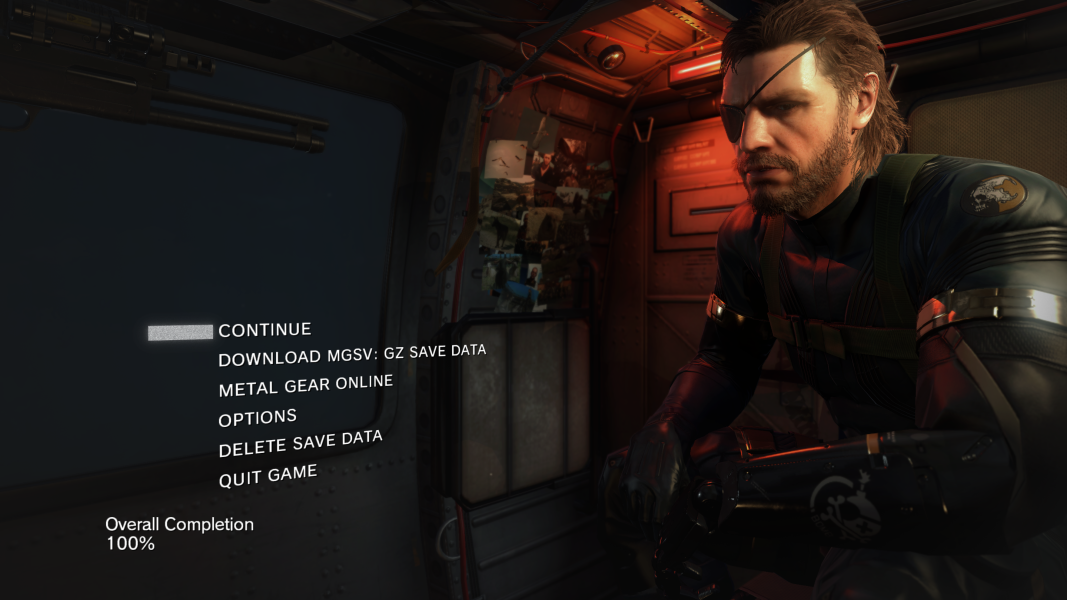


The Phantom Pain is the latest installment in the long-running Metal Gear series. It is an open world action-adventure stealth video game the follows directly its prequel Ground Zeroes.
Support Summary
Game Information
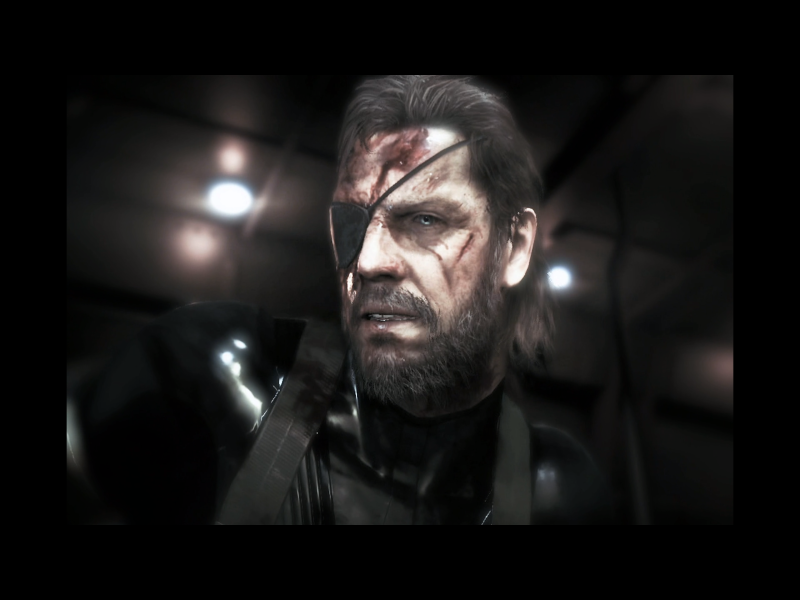
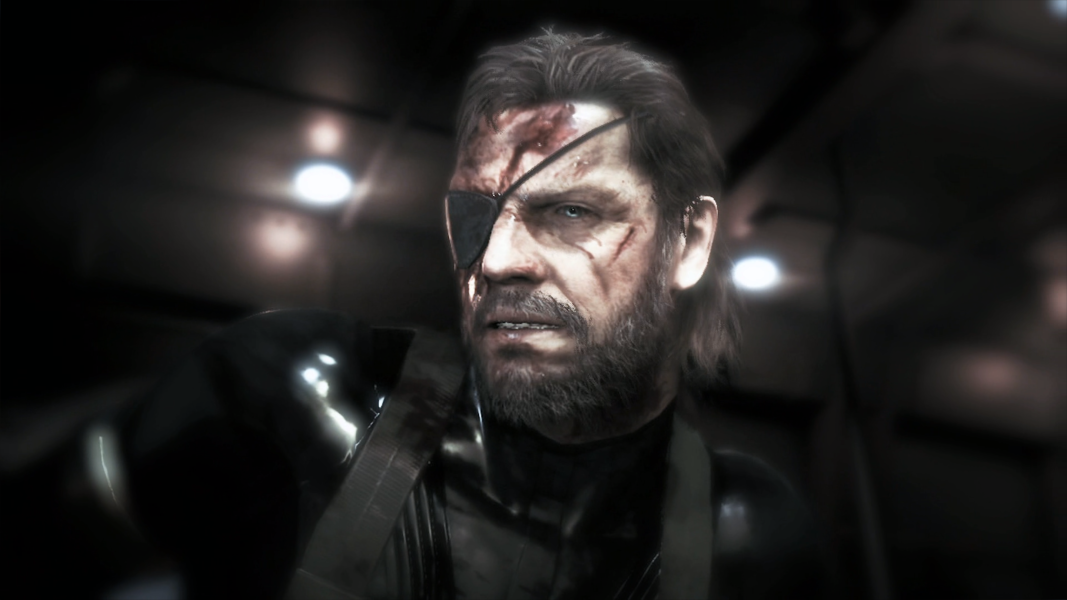
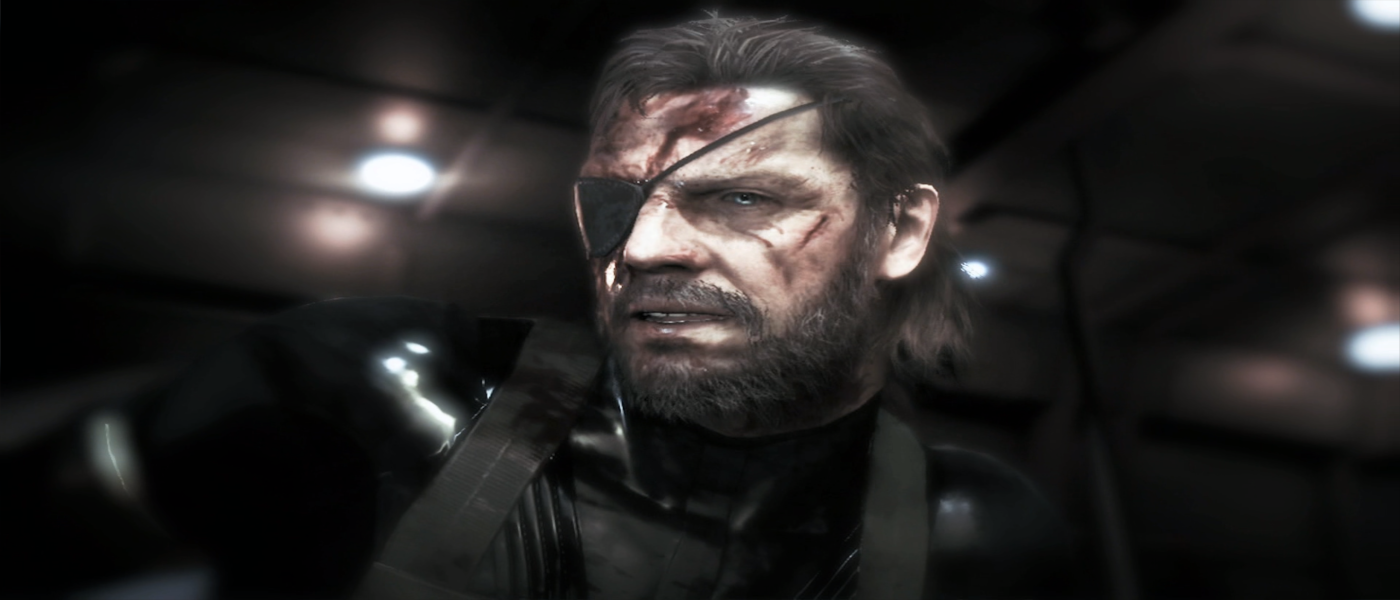
Screenshots Comparison
Solutions & Issues
The same fix applies for multi-monitor and ultra-widescreen resolution.
There is either a patcher by NightBits donwloadable from this post that allows for the following resolutions:
1024x768 (4:3)
1280x1024 (5:4)
1366x768 (16:9)
1440x900 (16:10)
1680x1050 (16:10)
1600x1200 (16:10)
1920x1080 (16:9)
2560x1080 (21:9)
3440x1440 (21:9)
5040x1050 (48:10)
4800x900 (48:9)
7860x1080 (48:9)
7860x2160 (48:9)
And patches from jackfuste available here for 4:3, 21:6, 48:10 and 48:9 resolutions. In the same post are also available a markers fix and a FOV tool. For the resolution patch Just copy and replace the files from the mgsvtpp.z7 archive to the game folder (the default is C:\Program Files (x86)\Steam\SteamApps\common\MGS_TPP\). The marker fix must be run every time before starting the game starts and then press F1 after the game is loaded.
There is another 21:9 marker fix that works on game version 1.10 by K4sh available here for testing. To remove black bars follow this guide by ChoGGi.
The same fix applies for multi-monitor and ultra-widescreen resolution.
There is either a patcher by NightBits donwloadable from this post that allows for the following resolutions:
1024x768 (4:3)
1280x1024 (5:4)
1366x768 (16:9)
1440x900 (16:10)
1680x1050 (16:10)
1600x1200 (16:10)
1920x1080 (16:9)
2560x1080 (21:9)
3440x1440 (21:9)
5040x1050 (48:10)
4800x900 (48:9)
7860x1080 (48:9)
7860x2160 (48:9)
And patches from jackfuste available here for 4:3, 21:6, 48:10 and 48:9 resolutions. In the same post are also available a markers fix and a FOV tool. For the resolution patch Just copy and replace the files from the mgsvtpp.z7 archive to the game folder (the default is C:\Program Files (x86)\Steam\SteamApps\common\MGS_TPP\). The marker fix must be run every time before starting the game starts and then press F1 after the game is loaded.
To remove black bars from game version 1.10 follow this guide by ChoGGi.
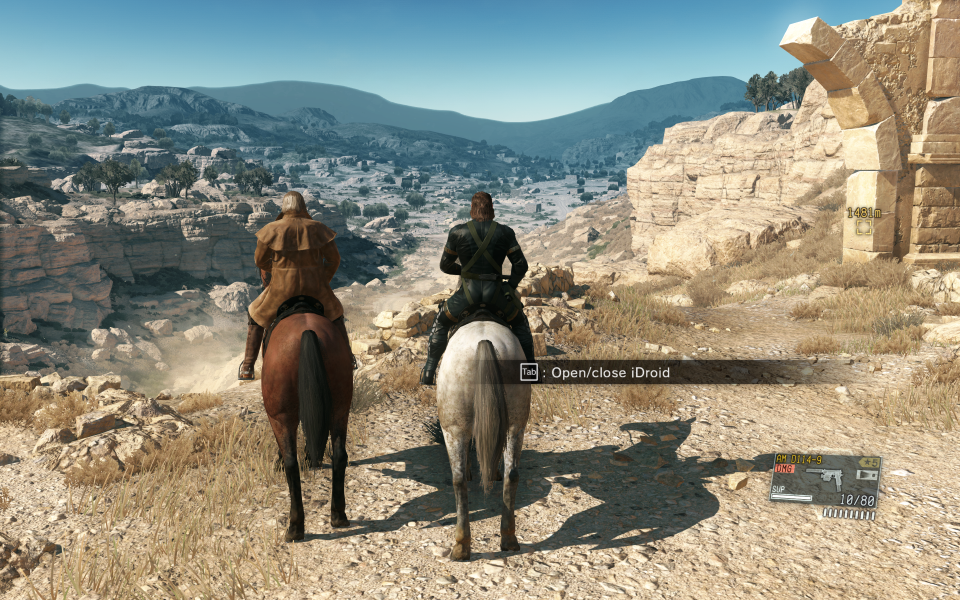
Gameplay Screenshots

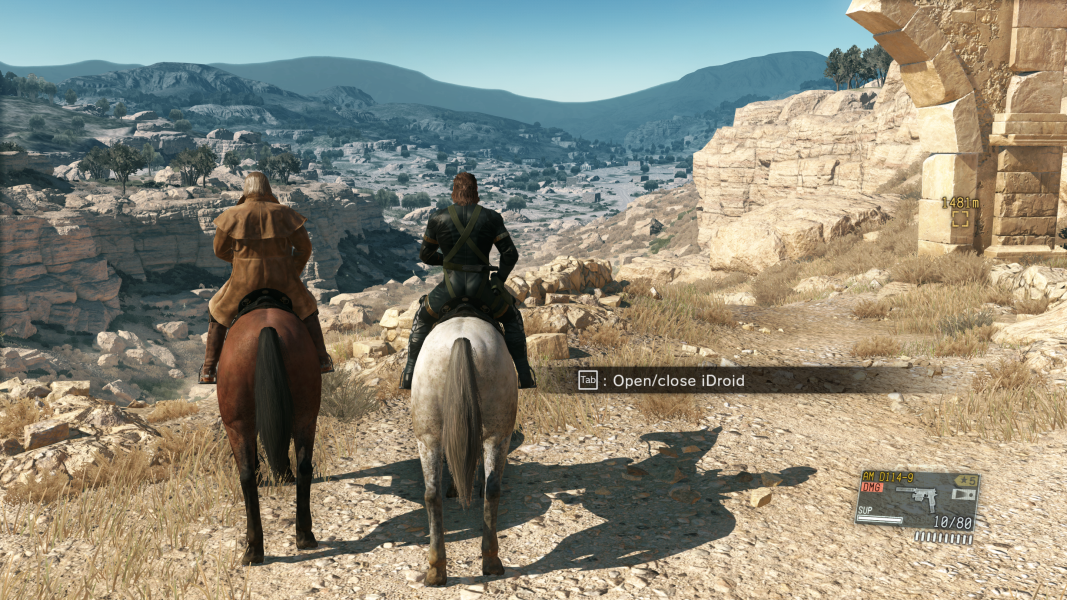
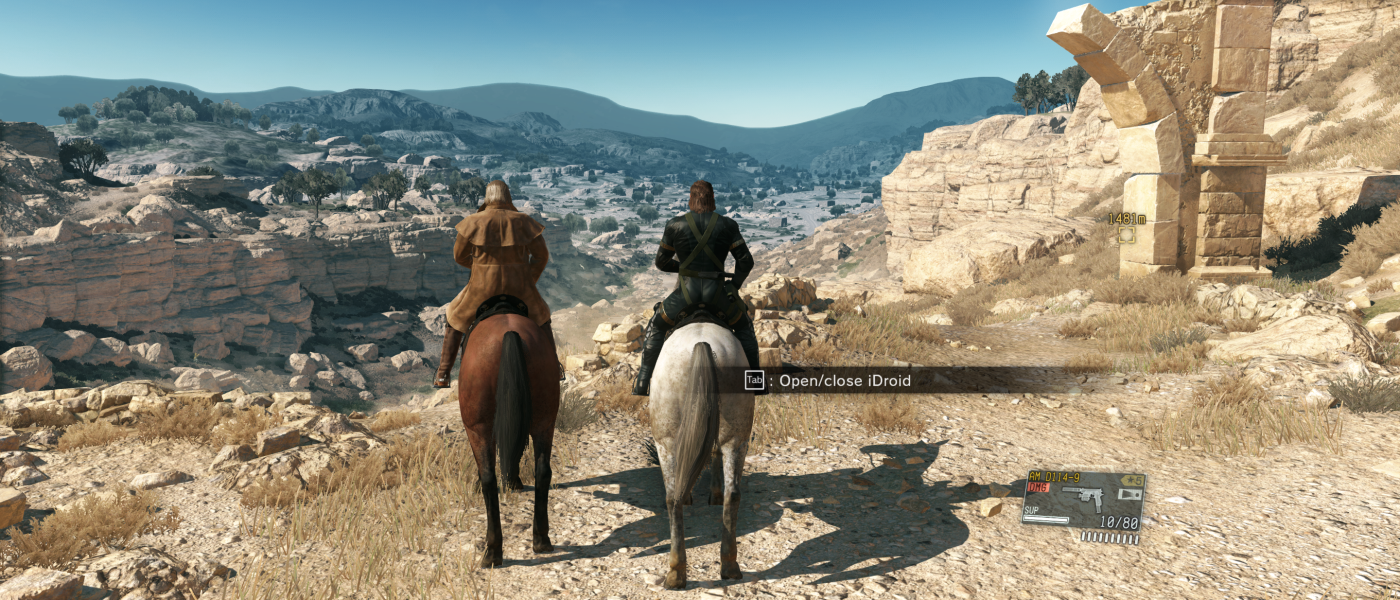


In-Game (Rendered) Cutscenes
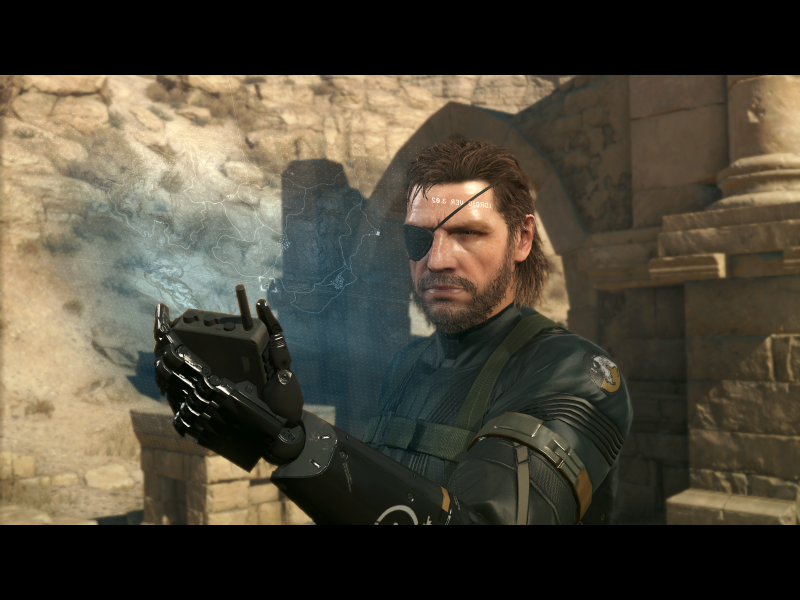
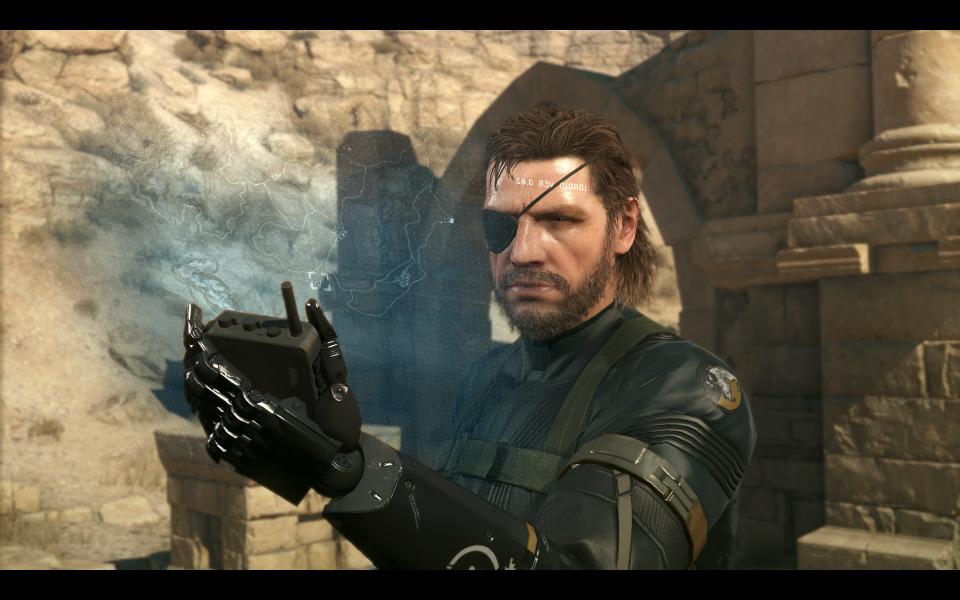



FMV Cutscenes


Menu Screenshots