

Dirty Bomb takes first person shooters back to their purest roots in a fast-paced team game that will challenge even the most competent players. This game won’t hold your hand, in fact it is more likely to kick your teeth in. With no controller support or aim assist, all that lies between you and certain death is player skill and reaction. Work together or die alone in the most challenging team-based FPS.
In the near future, London stands abandoned, a dilapidated shell of its former self. After a mysterious disaster, the international Crisis and Disaster Agency stepped in to clean up the mess and decontaminate the city. They failed... badly.
Now the streets of London are the playground of Private Military Companies (PMCs) who battle to control what remains of the city’s riches. After all, what’s a little radiation sickness when there’s money to be made?
Say goodbye to London, say hello to the Merc Capital of the World.
Features:
Your Mercs, Your Style: Choose from a wide array of distinct Mercenaries. Need heavy fire-power? Pick Fragger, a big man with a big gun and grenades to boot. Prefer a speedy little skirmisher? Grab Proxy and race around the map, hitting the flanks with a shotgun or cricket bat. Each Merc has a variety of load-outs and attributes to suit your style. So select your favorite three, form a squad, and get ready to Play Dirty!
There’s no I in Team: Although each Merc has their own individual strengths, they really come into their own when working as part of a team. Success in Dirty Bomb relies on creating balanced Mercenary squads, coordinating with your teammates to fight as one and showing your opponents the real meaning of hostile negotiations.
Competitive To The Core: Dirty Bomb is built to be a highly competitive and engaging FPS experience. From the team-based gameplay to party matchmaking to planning unique Merc strategies to achieve the objective, Dirty Bomb will have everything a player needs to vie for top honors.
A Mercenary's Playground: Compete for riches and bragging rights from 5v5 to 8v8 multiplayer action across the game’s initial two modes:
Objective – Complete team objectives such as blowing up a train while your opponent defends and tries to run out the clock.
Stop-Watch – It’s about teamwork and strategy in this race against time. Players take turns attacking and defending objectives while the clock counts down, the team that gets the furthest or completes it all faster takes the prize.
Free-to-Win: Totally free to play and, more importantly, free to win, Dirty Bomb gives you hundreds of hours of competitive multiplayer fully supported by dedicated servers. It’s all about playing well as a team and mastering your Mercs and their abilities, not the amount of money spent.
source: Steam
Support Summary
Game Information
Screenshots Comparison
Solutions & Issues
No Issues
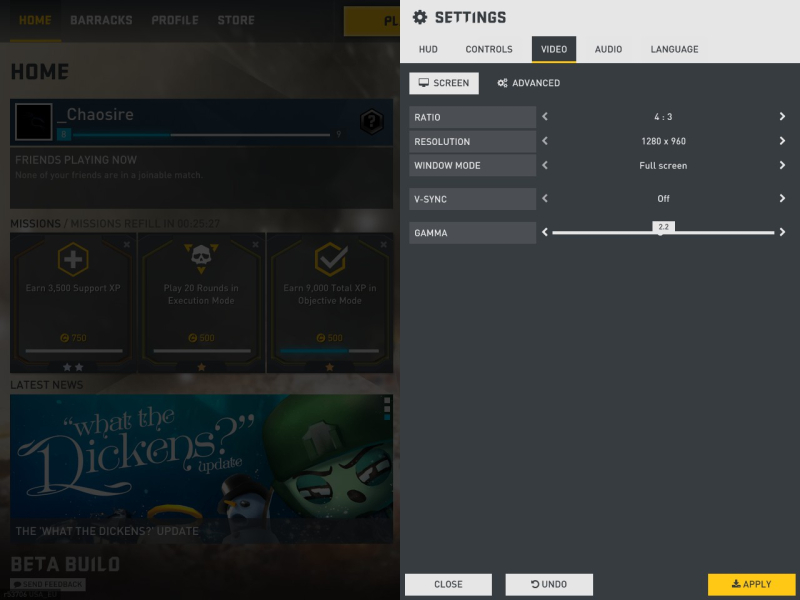
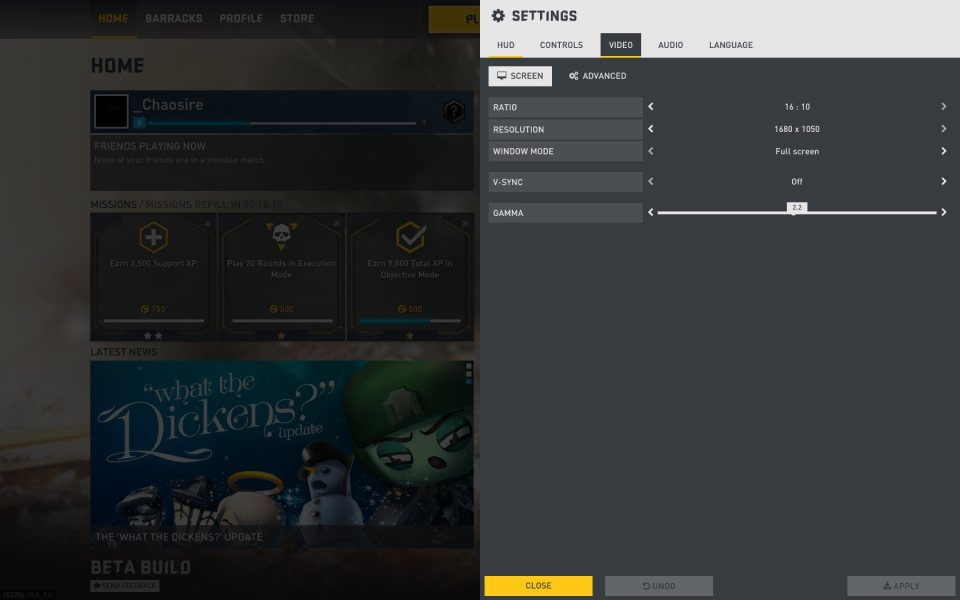
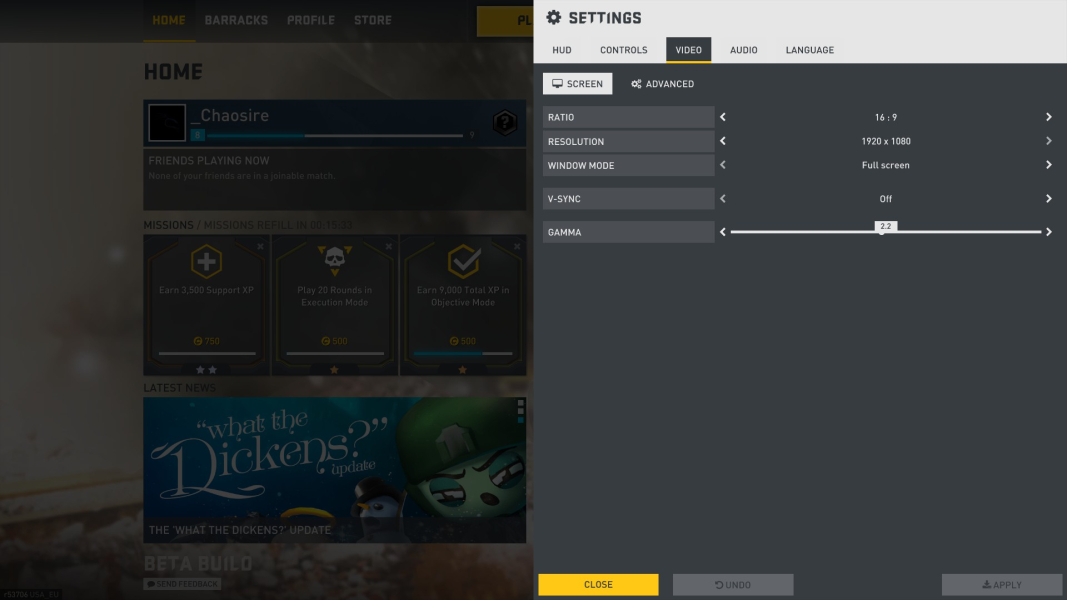
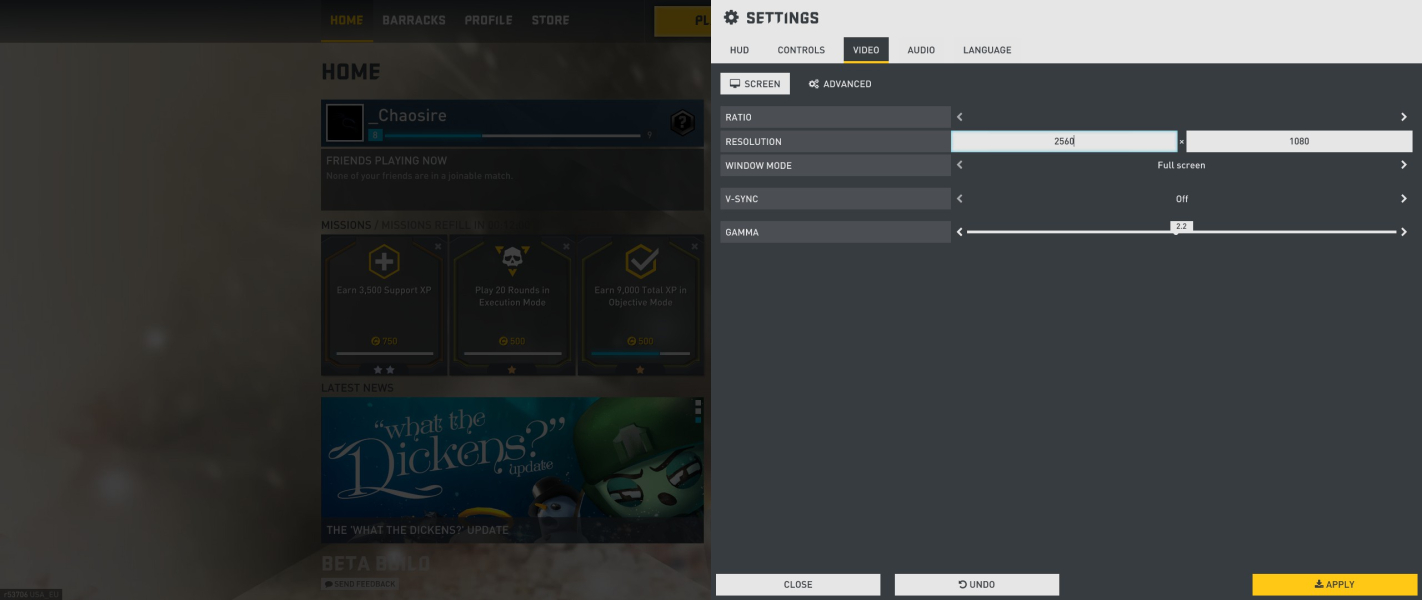
The in-game video settings menu does not support ultra wide resolutions and when adjusting a setting in this menu, such as FOV, it will reset your resolution. The full settings menu, available from the home screen, does not have this issue.
If this happens, the resolution can be edited in "C:\%USER%\Documents\My Games\UnrealEngine3\ShooterGame\Config\ShooterGame.ini" under the title [SystemSettings].
Just search for ResX and ResY and edit the corresponding numbers to your resolution.
It is sometimes possible to adjust this in the full settings menu when you change the aspect ratio to custom, although since the last update this appears to be removed.
Multi-monitor .ini edit :
The resolution can be edited in "C:\%USER%\Documents\My Games\UnrealEngine3\ShooterGame\Config\ShooterGame.ini" under the title [SystemSettings].
Just search for ResX and ResY and edit the corresponding numbers to your resolution.
This works for Widescreen and Ultra-widescreen multi-monitor setups.
HUD fix:
Most HUD items are easily re-positioned by editing "C:\%USER%\My Games\UnrealEngine3\ShooterGame\Config\ShooterUI.ini" under the title [ShooterGame.SGUIHUDPlayer].
A site that can help with custom HUD's is: http://wezelkrozum.com/temp/xt_hudconfig/v3/ , which does not support mulit-monitor resolutions. But after configuring the desired UI, you can simply add "PixelOffset=(X=1920)" to "HA_LEFT" and "HA_RIGHT" attached (not aligned) UI-items when you copy and paste the generated script.
Although some HUD-items can not be re-positioned.
Other issues:
- The in-game video settings menu does not support custom resolutions and when adjusting a setting in this menu, such as FOV, it will reset your resolution. The full settings menu, available from the home screen, does not have this issue and supports the custom resolutions.
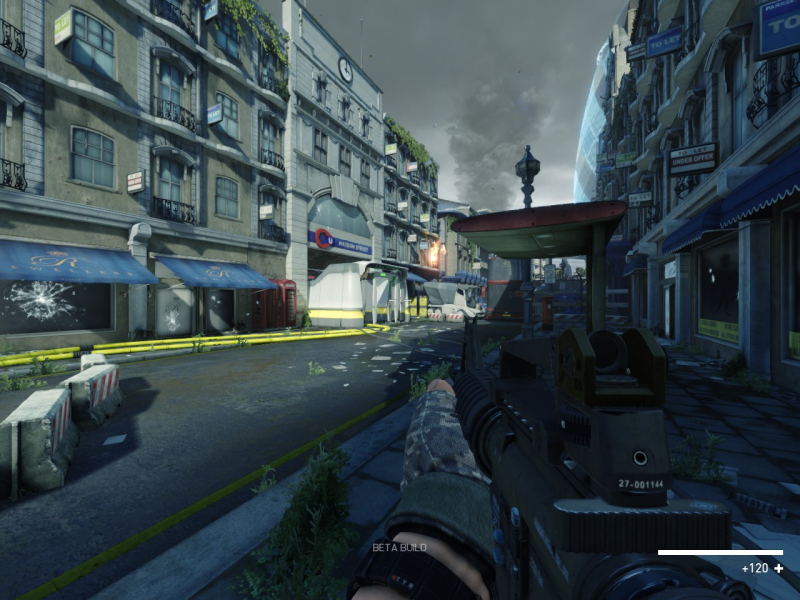
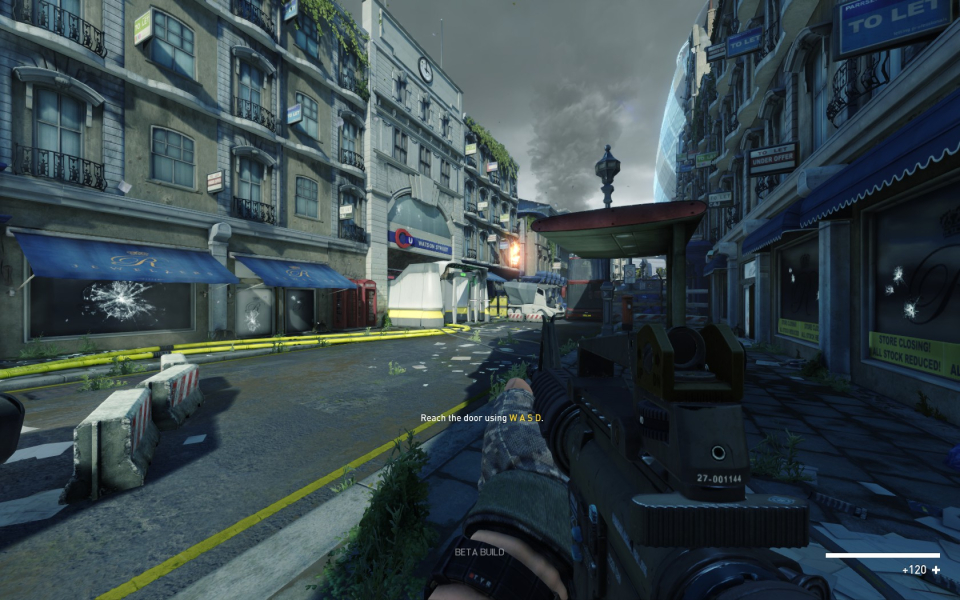
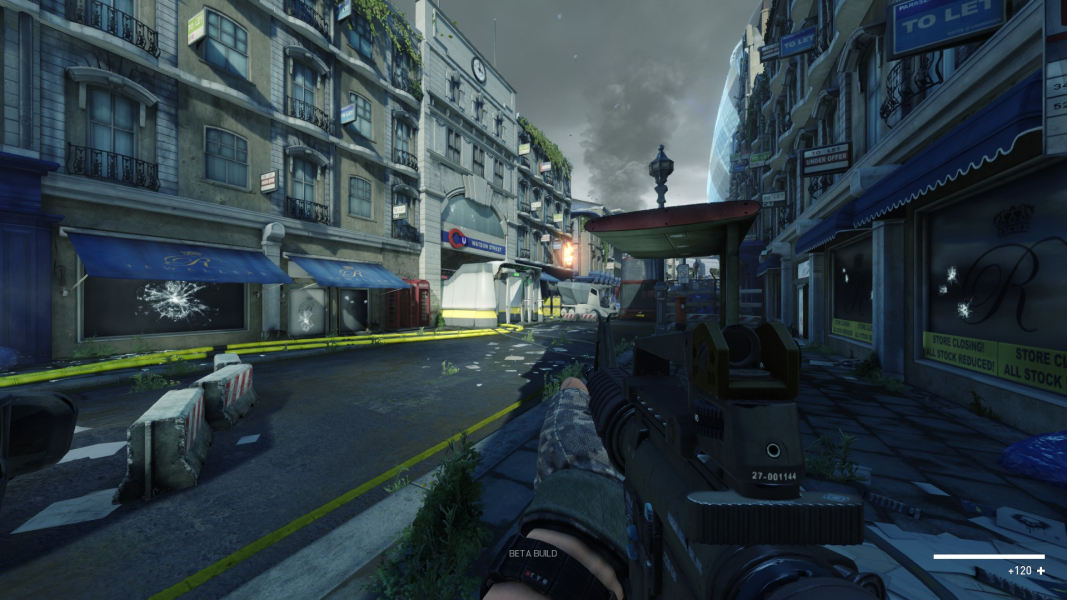
Gameplay Screenshots
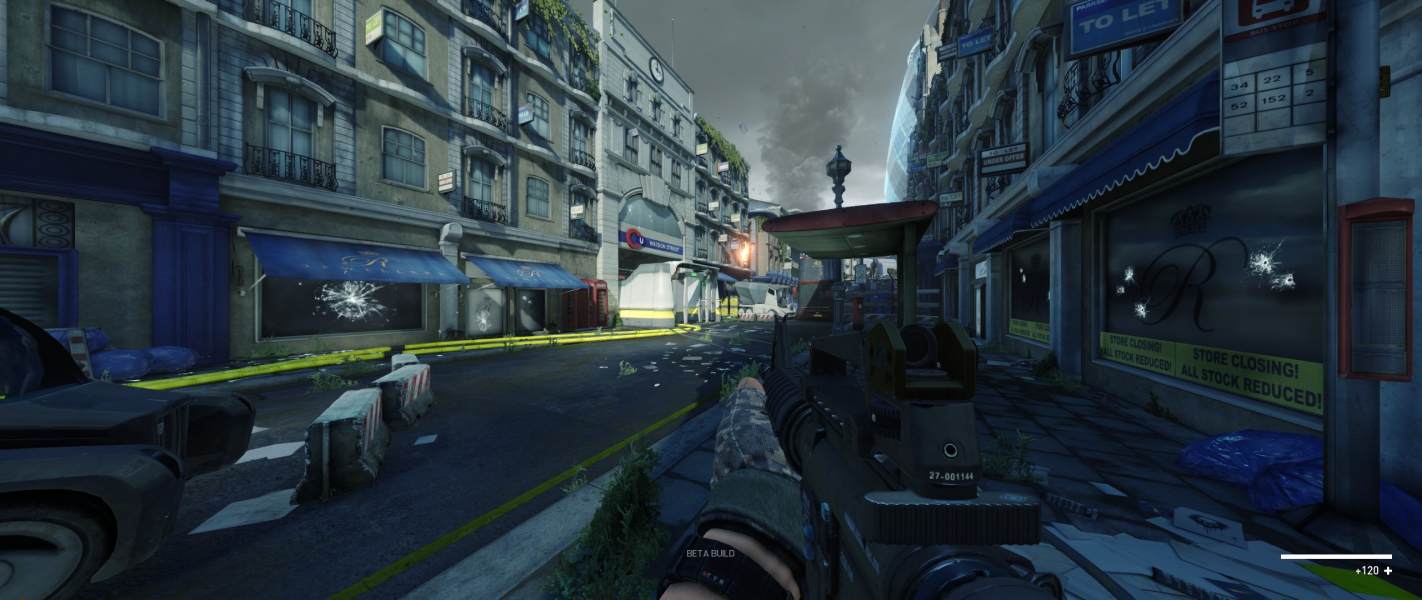


In-Game (Rendered) Cutscenes
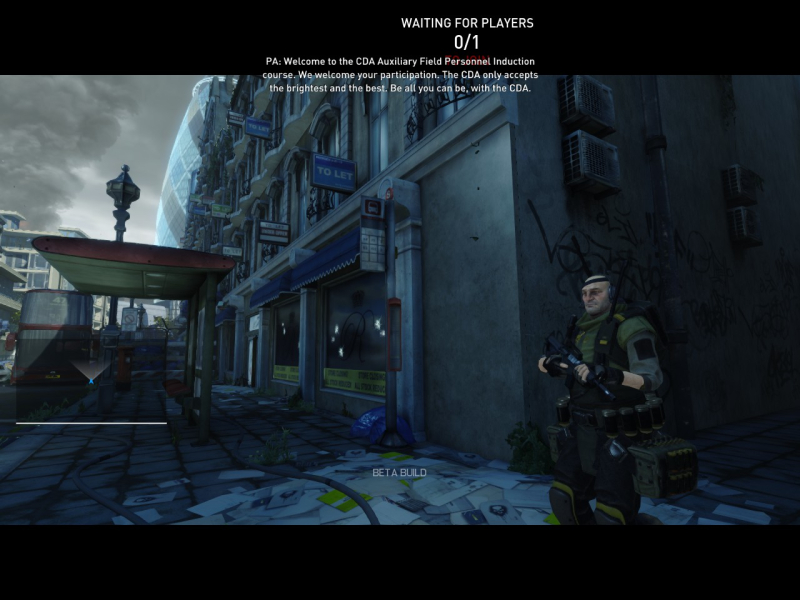
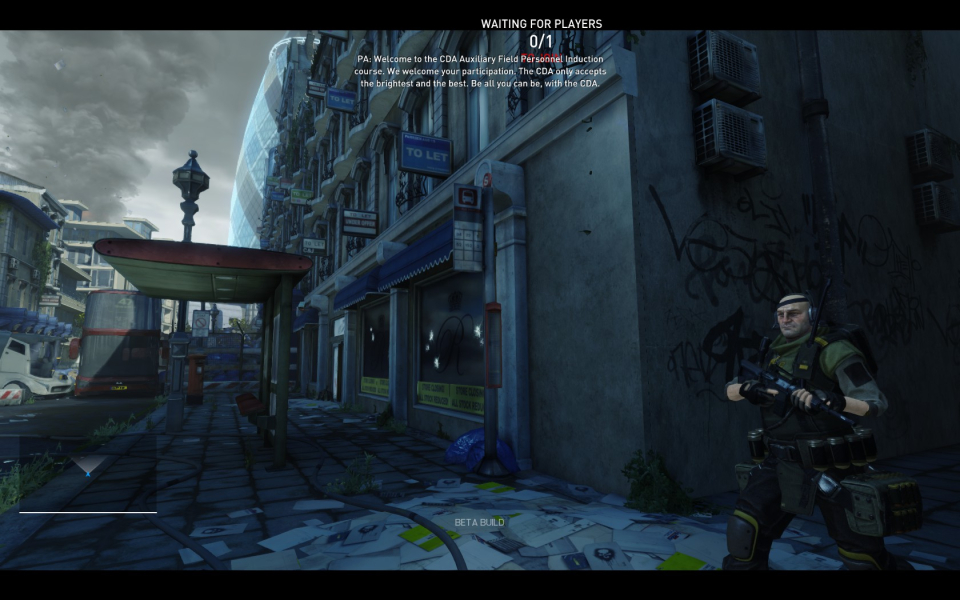

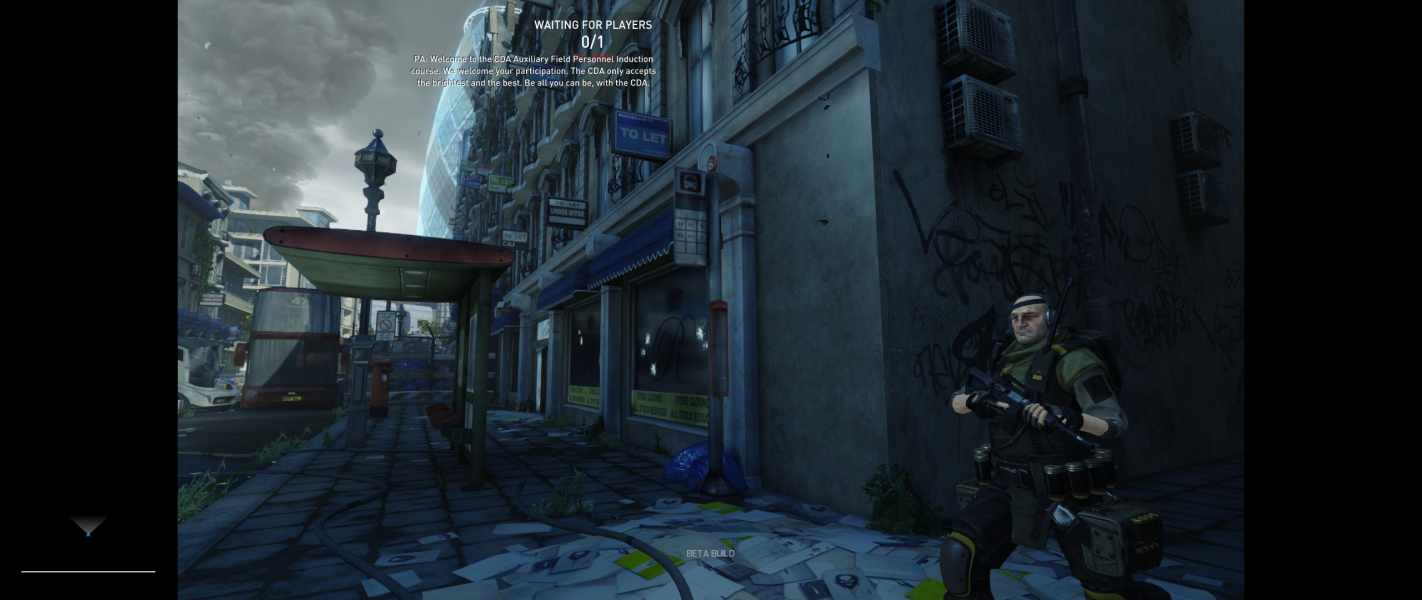

FMV Cutscenes

Menu Screenshots