




Here it comes, the PC version of the Japan-made WRPG from 2012.
Support Summary
Widescreen | Ultra/Super‑Wide | Multi-Monitor | 4K Ultra HD | |
Support | ||||
Method | ||||
HUD | ||||
Cutscenes | ||||
FMVs |
Game Information
Game Status:Released
Release Date:
Tested Version:Steam
Play Styles:Single-Player
Setting:Fantasy
Genre:
Developer:Capcom
Screenshots Comparison
Solutions & Issues
Widescreen Solution & Issues:
Native anamorphic support. VFOV can be increased up to +15 in Video Options.
- Main menu backdrop is Vert- (letterboxing hides the picture instead of prolonging it).
Ultra/Super-Wide Specific Solution & Issues:
Out of the box, gameplay FOV is Hor+ but the UI is cut-off at the bottom. Use Agnostic Dragon as detailed below.
Eyefinity / Surround Specific Solution & Issues:
Out of the box, gameplay FOV is Hor+ but the UI is so cut-off as to make the game unplayable.
Disable DOF: with or without the fix, Depth Of Field causes artefacts in aspects higher than 16:9 and must be disabled. The in-game setting is of no use as it doesn't disable DOF in cut-scenes, so a manual edit is required:
%LocalAppData%\CAPCOM\DRAGONS DOGMA DARK ARISEN\config.ini
Stereo=ON
Kaldaien is developing an aspect ratio fix for the UI: Agnostic Dragon
To use the fix:
- Copy the AG files to the game folder, lauch DDDA normally.
- Center the UI using Ctrl + Shift + < and Ctrl + Shift + > (QWERTY) or Ctrl + Shift + , and Ctrl + Shift + ; (AZERTY). This setting does not stick between sessions. The History screen is a great place to fine-tune UI centering.
- Before opening the map, disable the fix with Ctrl + Alt + Shift + A. The map is Vert- but the fix only breaks it even more. Enable the fix again on exit.
- Outstanding issues (AG v0.1.0):
- "Major" cut-scenes are Vert-.
- Some UI elements stretch (pawn lifebars, dialog markers).
- Minimap icons are squished, building symbols are missing.
- Notice Board UI spans the whole display.
4K UHD Specific Solution & Issues:
Native support.
Gameplay Screenshots
4:3 Screenshot

16:10 Screenshot

16:9 Screenshot

21:9 Screenshot

32:9 Screenshot

Eyefinity / Surround Screenshot

In-Game (Rendered) Cutscenes
4:3 Cutscene
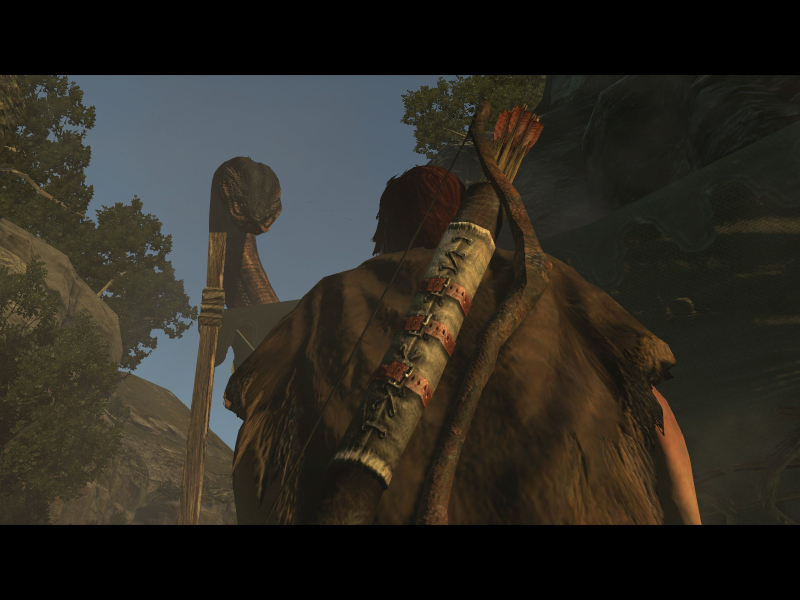
16:10 Cutscene

16:9 Cutscene
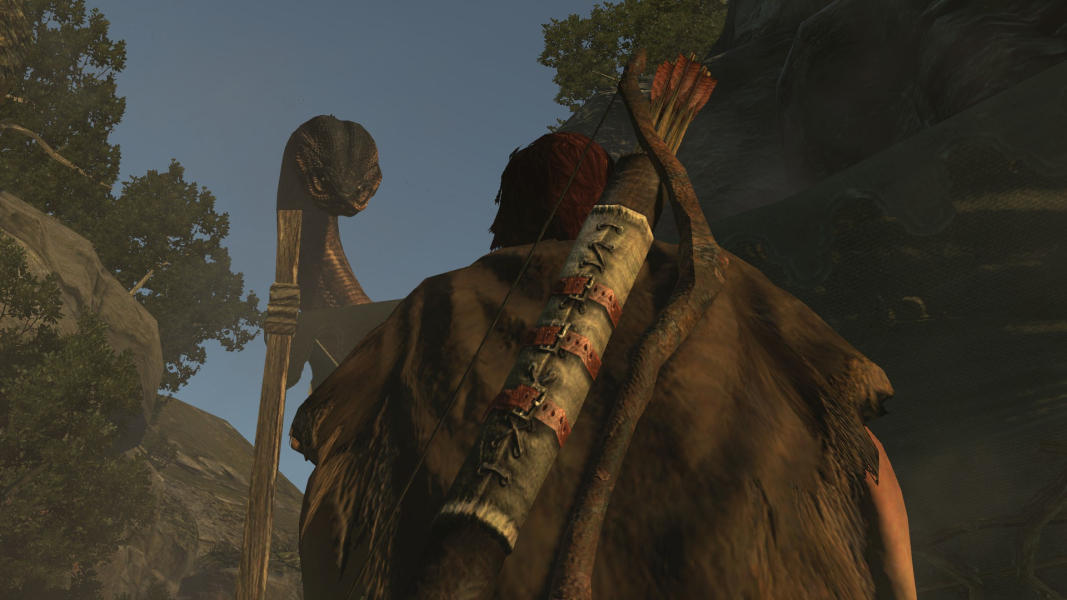
21:9 Cutscene

Eyefinity / Surround Cutscene

FMV Cutscenes
4:3 FMV Cutscene
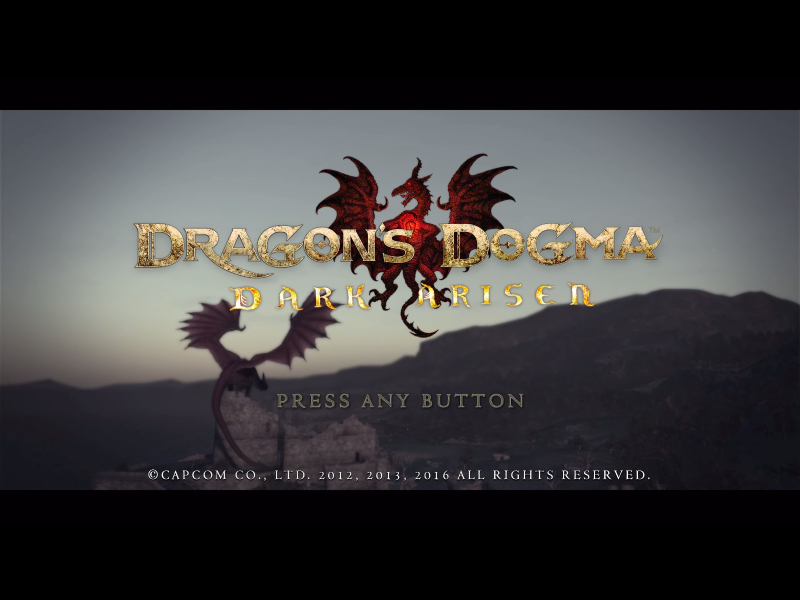
16:10 FMV Cutscene
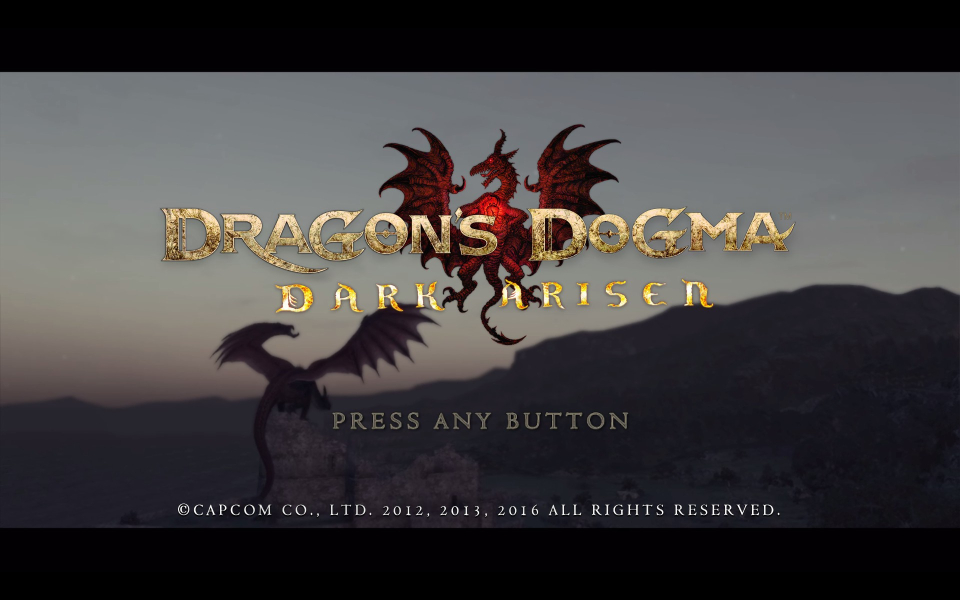
16:9 FMV Cutscene
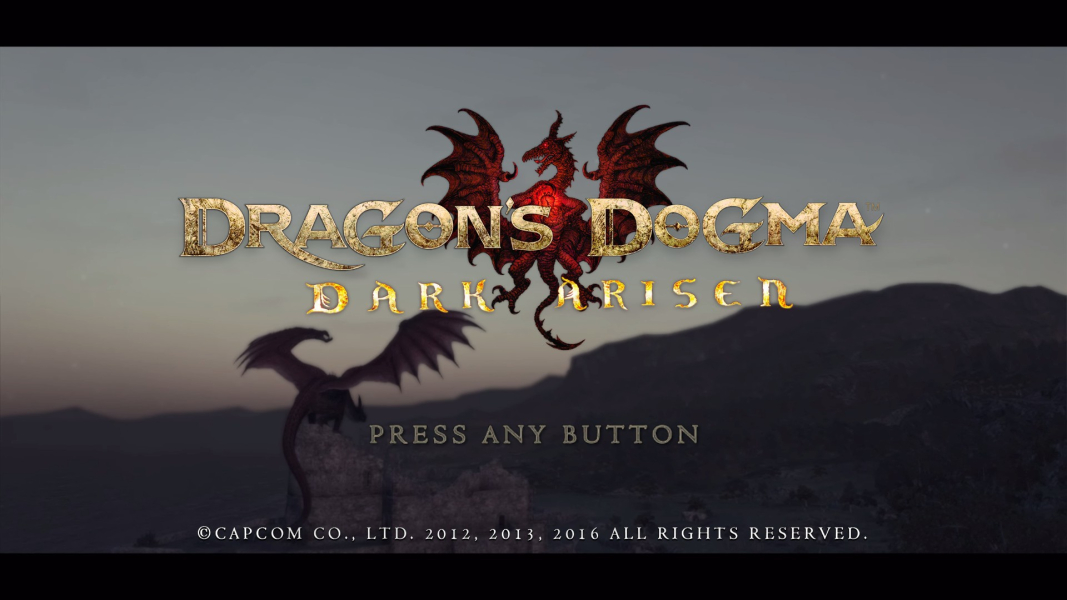
21:9 FMV Cutscene
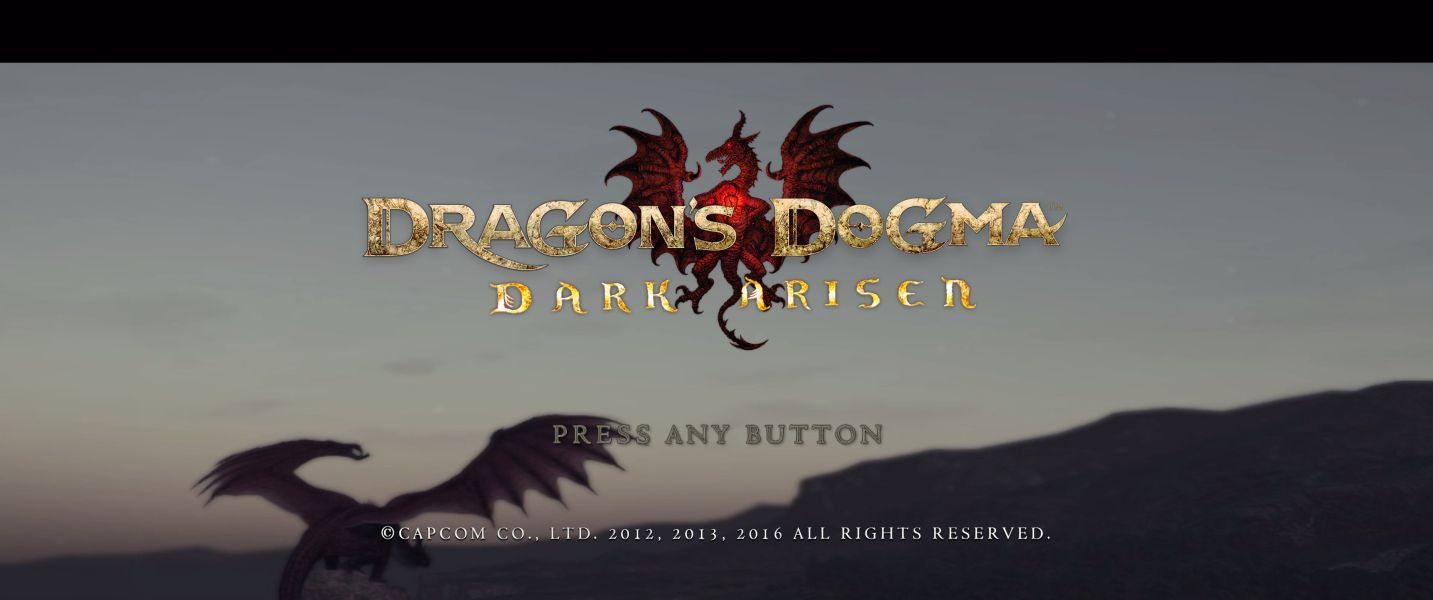
Eyefinity / Surround FMV Cutscene

Menu Screenshots
4:3 Menu
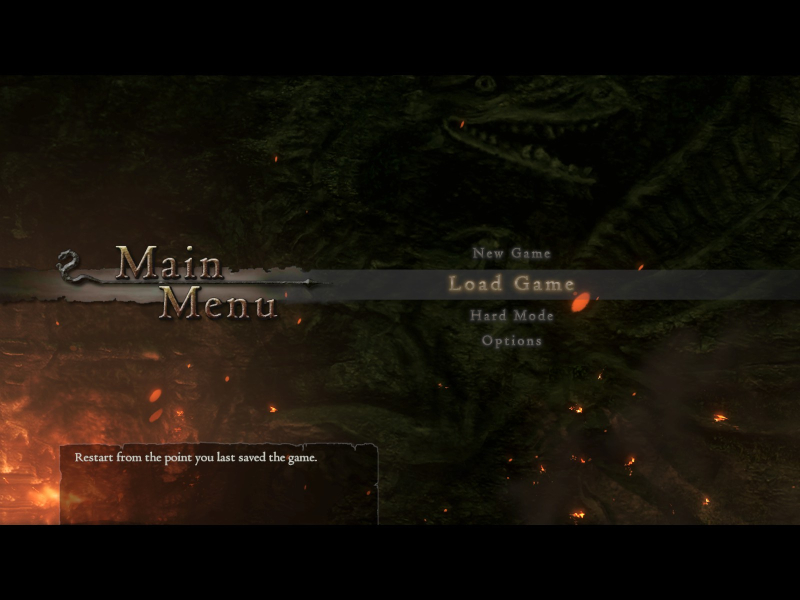
16:10 Menu
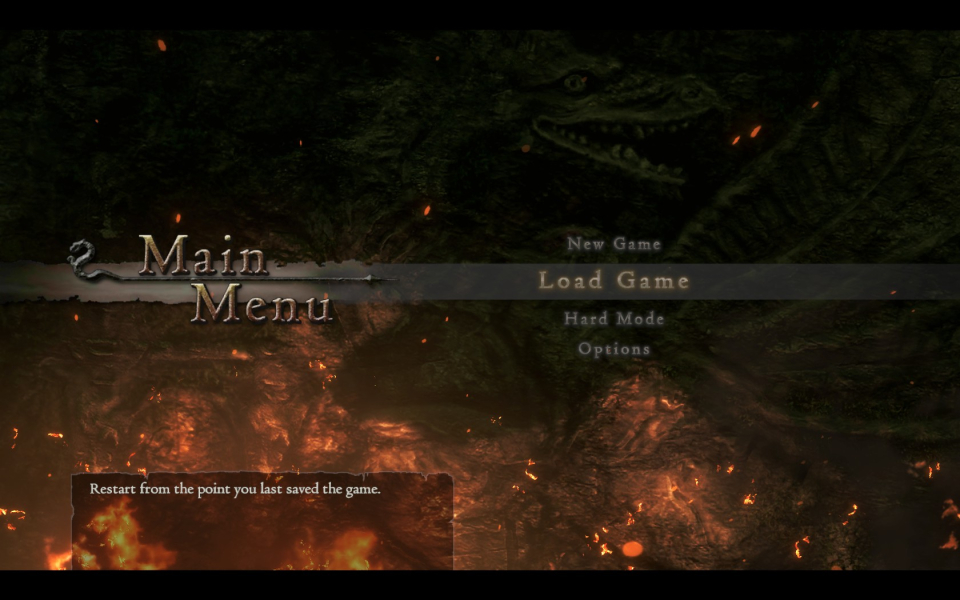
16:9 Menu
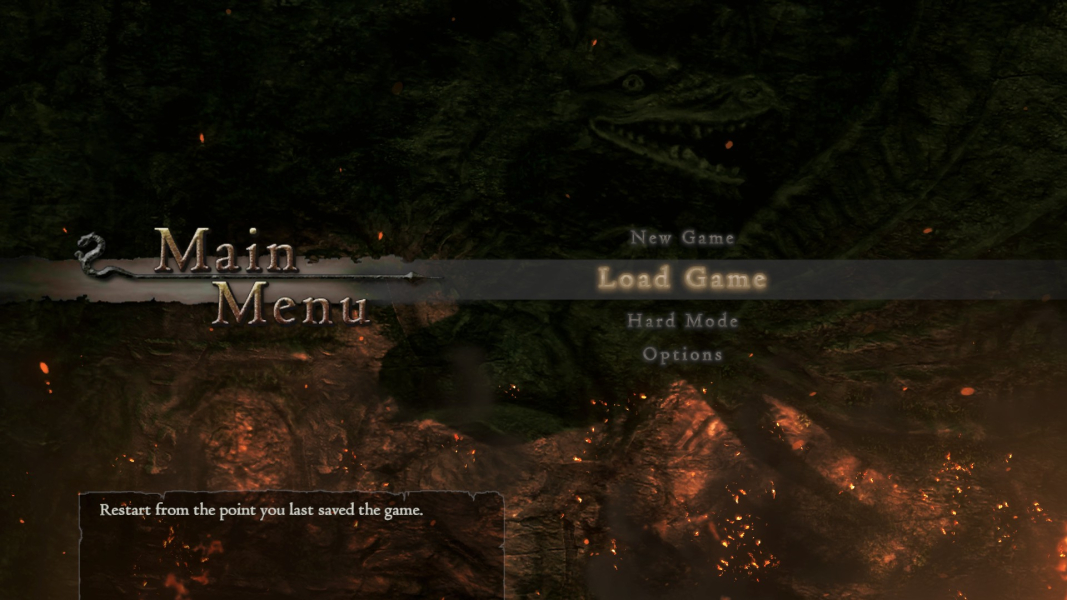
21:9 Menu

Eyefinity / Surround Menu

4K UHD Screenshots
4K Gameplay Screenshot
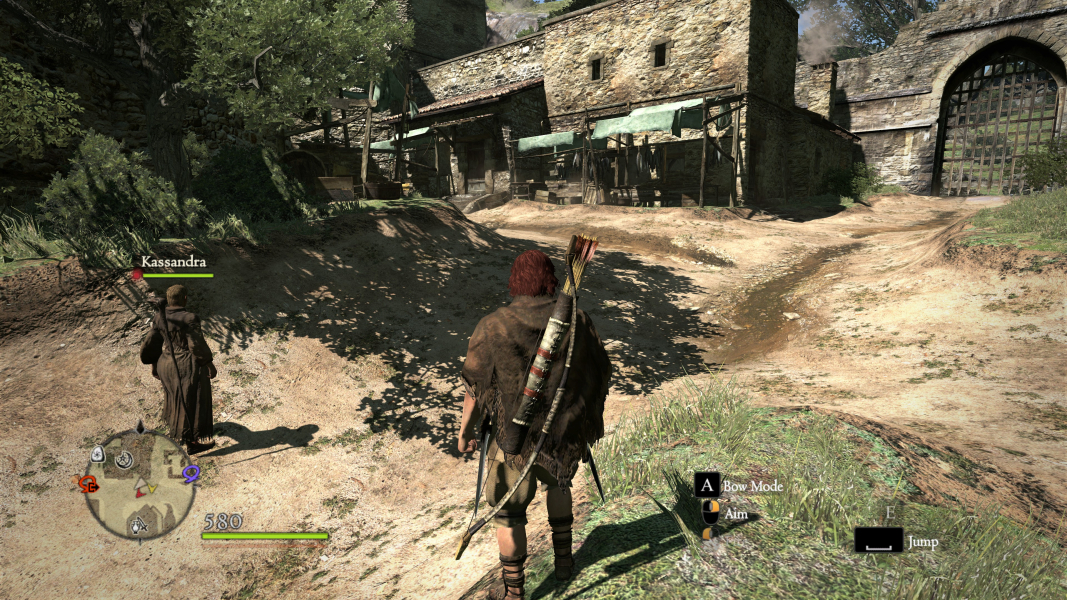
4K In-Game Cutscene
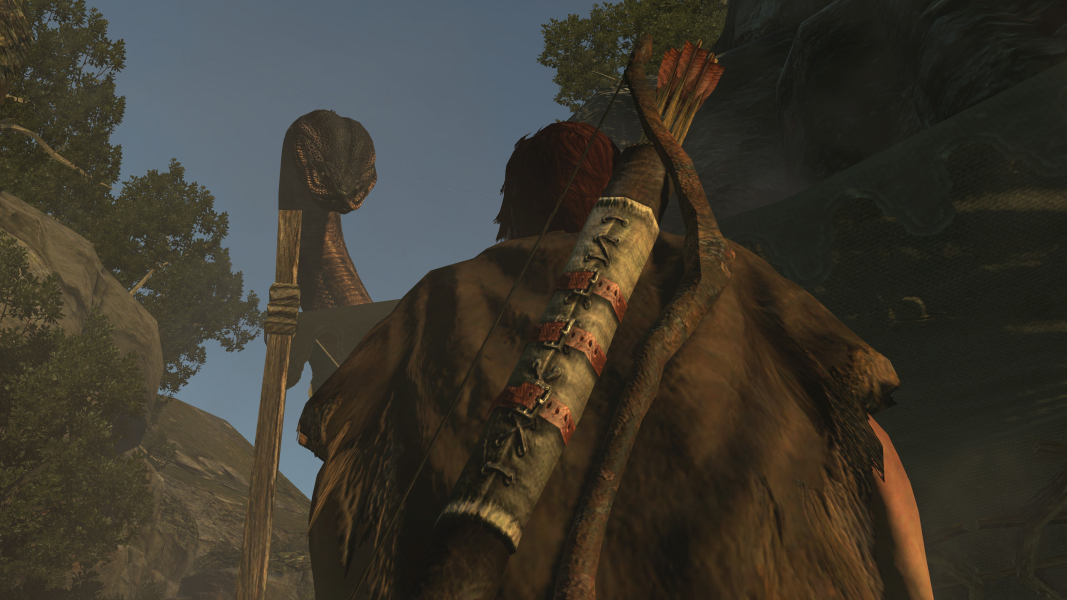
4K FMV Cutscene
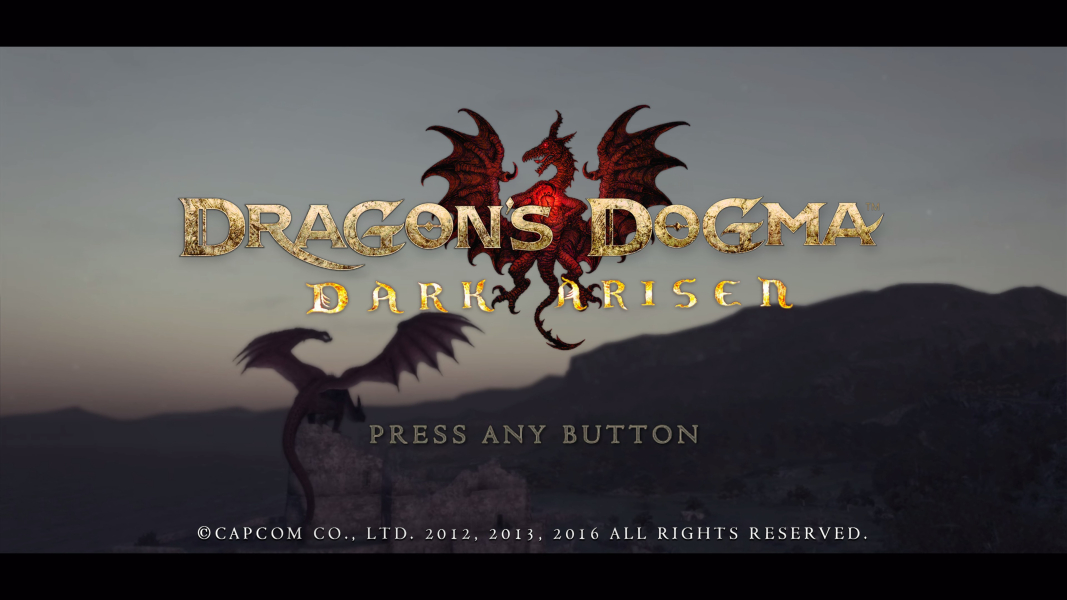
4K Menu Screenshot
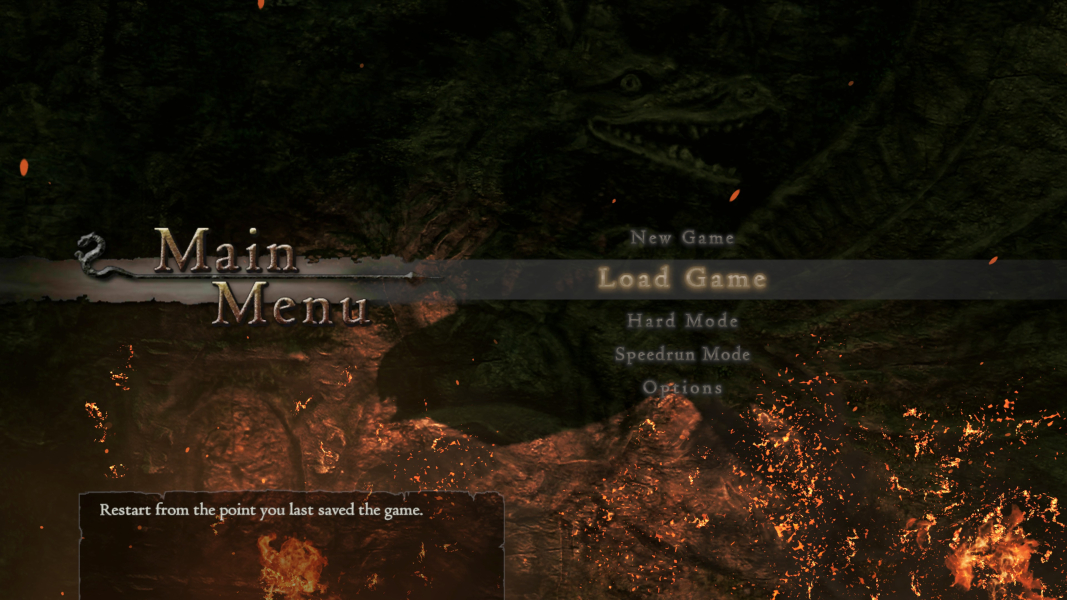
Additional Screenshots

Depth of Field: On, 16:9

Depth of Field: On, 21:9

Depth of Field: On, 15:4

Notice Board (fix on), 48:10

Map, 4:3

Map, 16:10

Map, 16:9

Map (fix off), 21:9

Map (fix off), 48:10

Map (fix on), 48:10

Equipment, 4:3

Equipment, 16:10

Equipment, 16:9

Equipment, 21:9

Equipment, 48:10

"Minor" Cut-Scene, 4:3

"Minor" Cut-Scene, 16:10

"Minor" Cut-Scene, 16:9

"Minor" Cut-Scene, 21:9

"Minor" Cut-Scene, 48:10
Resolutions & Configurations
15:9 Resolutions:1280x768
4K UHD Resolutions:3840x2160
Multi-Monitor Types:Nvidia Surround
Multi-Monitor Layouts:3x1-L


