

Legendary shoot-'em-up makes its way on the PCs! Abundant explosions, truly epic boss fights and beautifully crafted 3D environments are here to keep you entertained. Sky Force Anniversary offers single player experience and local cooperative mode for 2 players.
Support Summary
Game Information
Screenshots Comparison
Solutions & Issues
Run the Game, select resolution 2560 x 1440, press ALT + TAB to get it windowed, exit the Game.
Open registry --> [HKEY_USERS\S-1-5-21-2155245860-1154593641-1153711486-1001\SOFTWARE\Infinite Dreams\Sky Force Anniversary]
put under "Default Screen Width_h1445351396"=dword:00000d70 for 3440
Run the Game and ALT + TAB again.
or hex edit:
Hex Edit the Sky Force Anniversary.exe -> look for 39 8E E3 3F and change the to CD 90 18 40
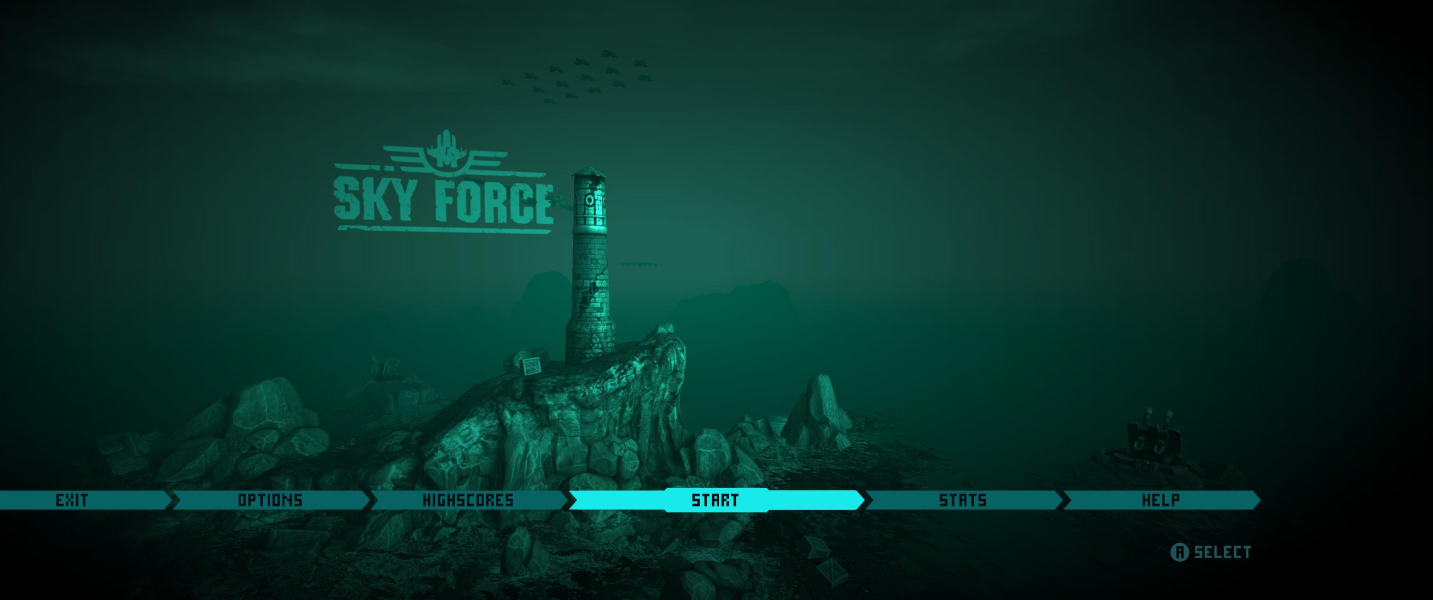
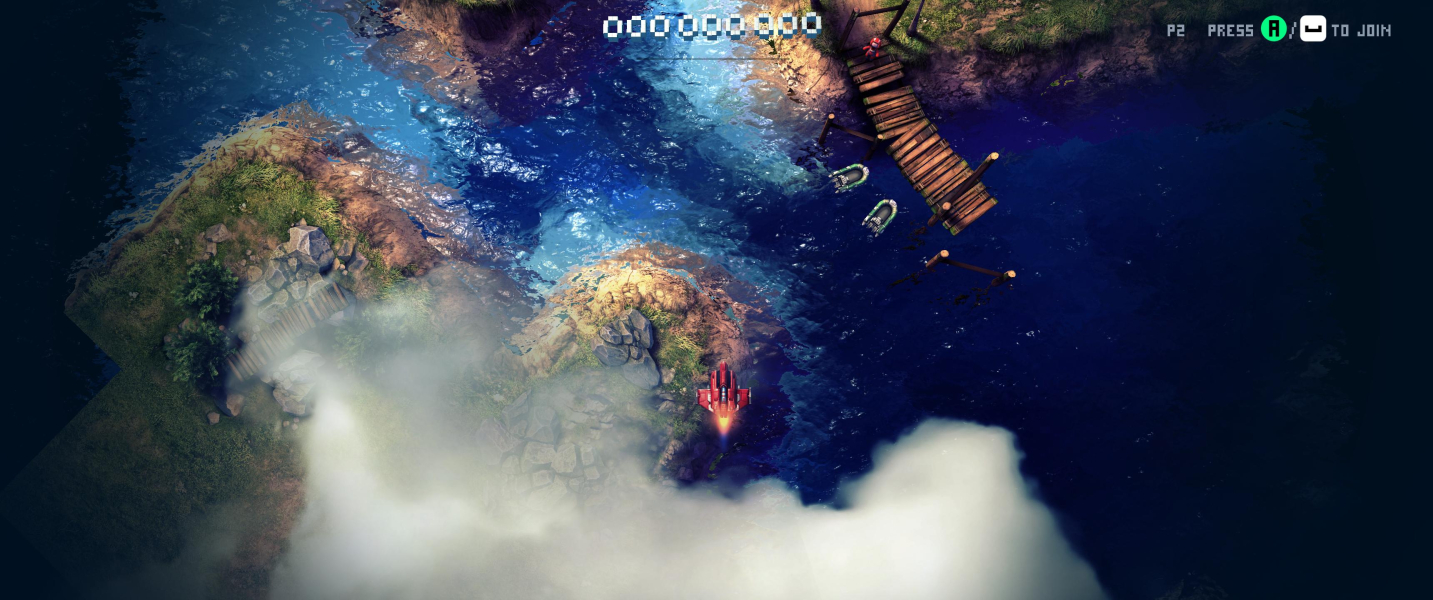
After that the 21:9 resolutions will be available in the Game Options.
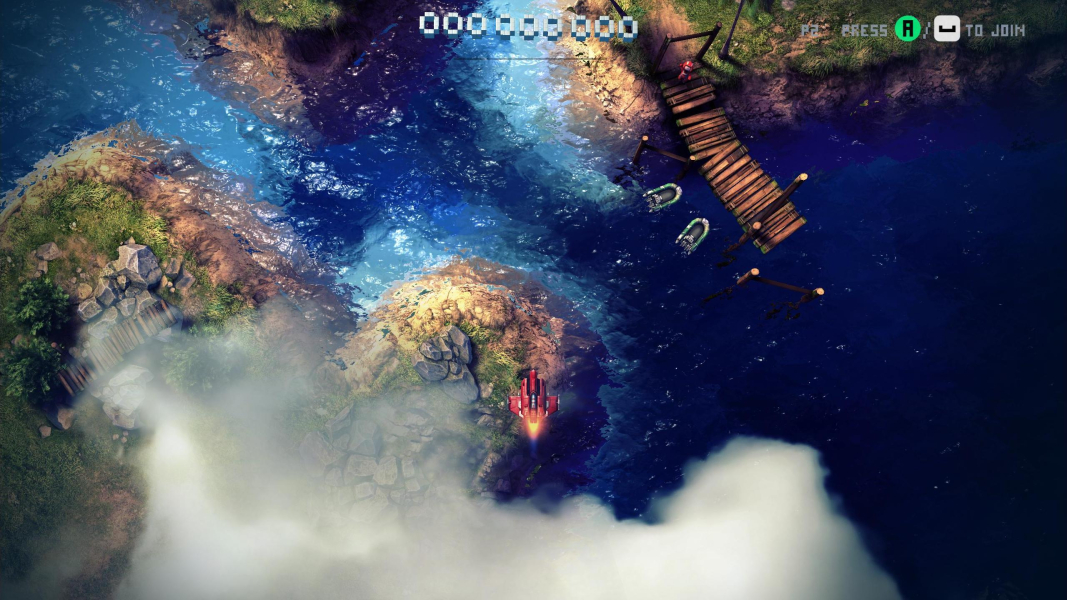
Gameplay Screenshots




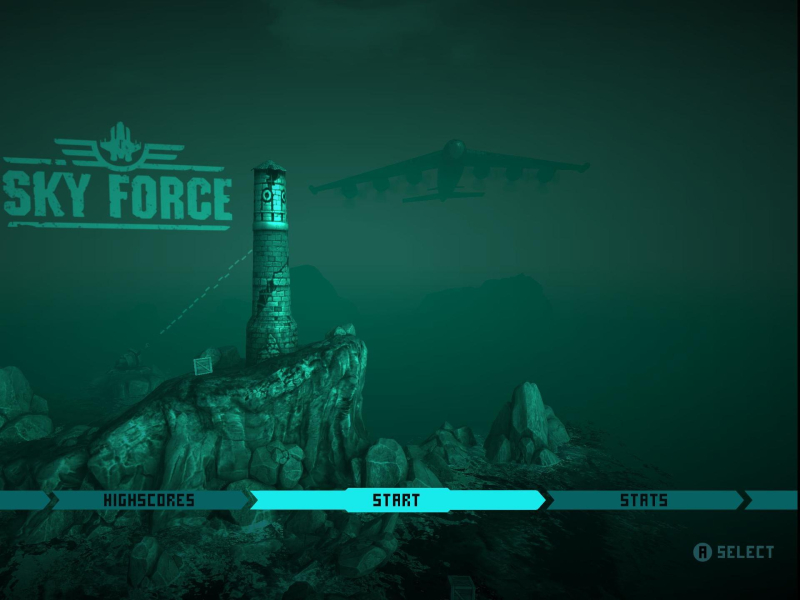
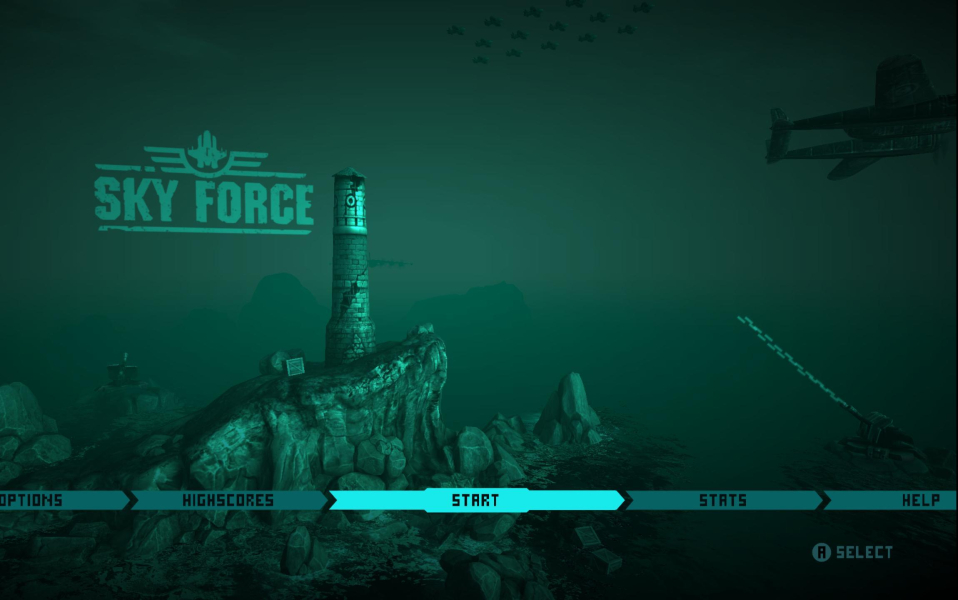
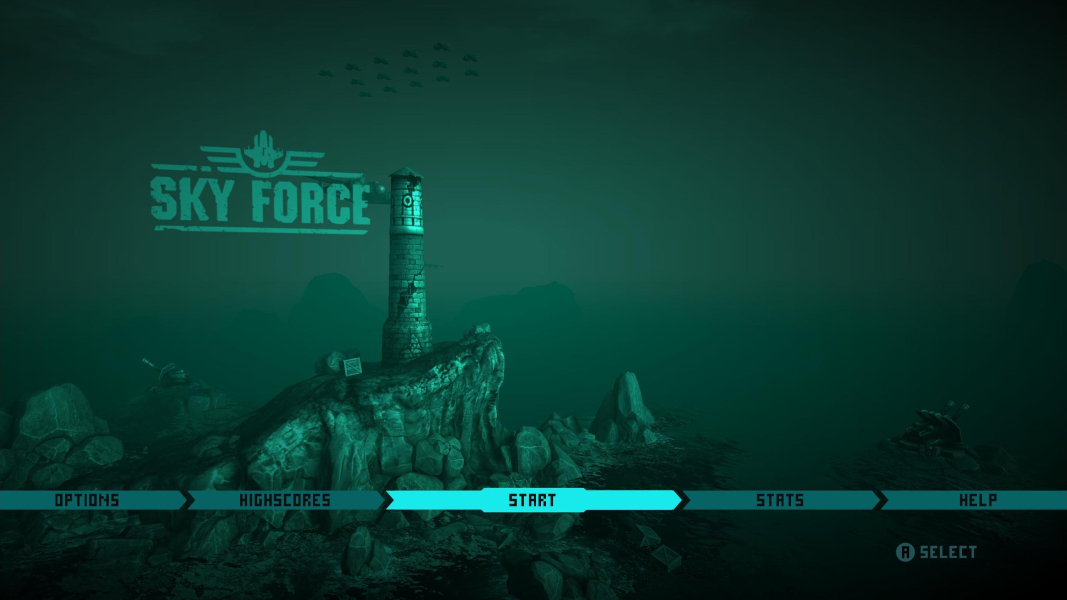
Menu Screenshots