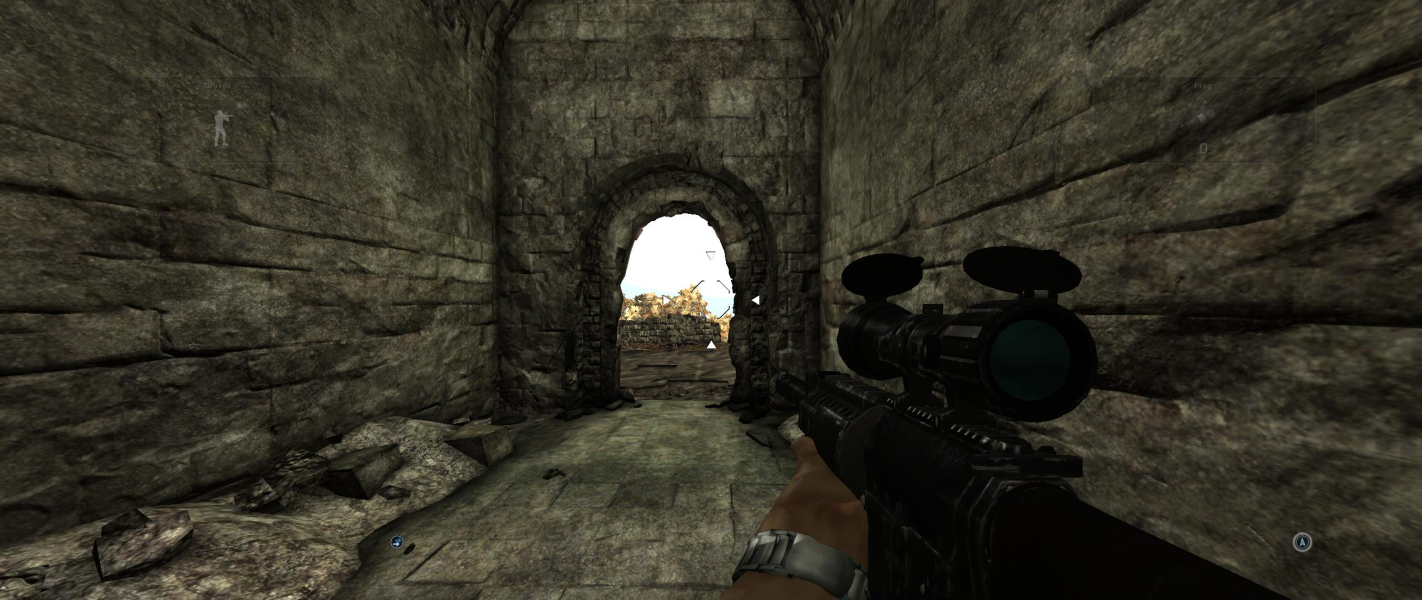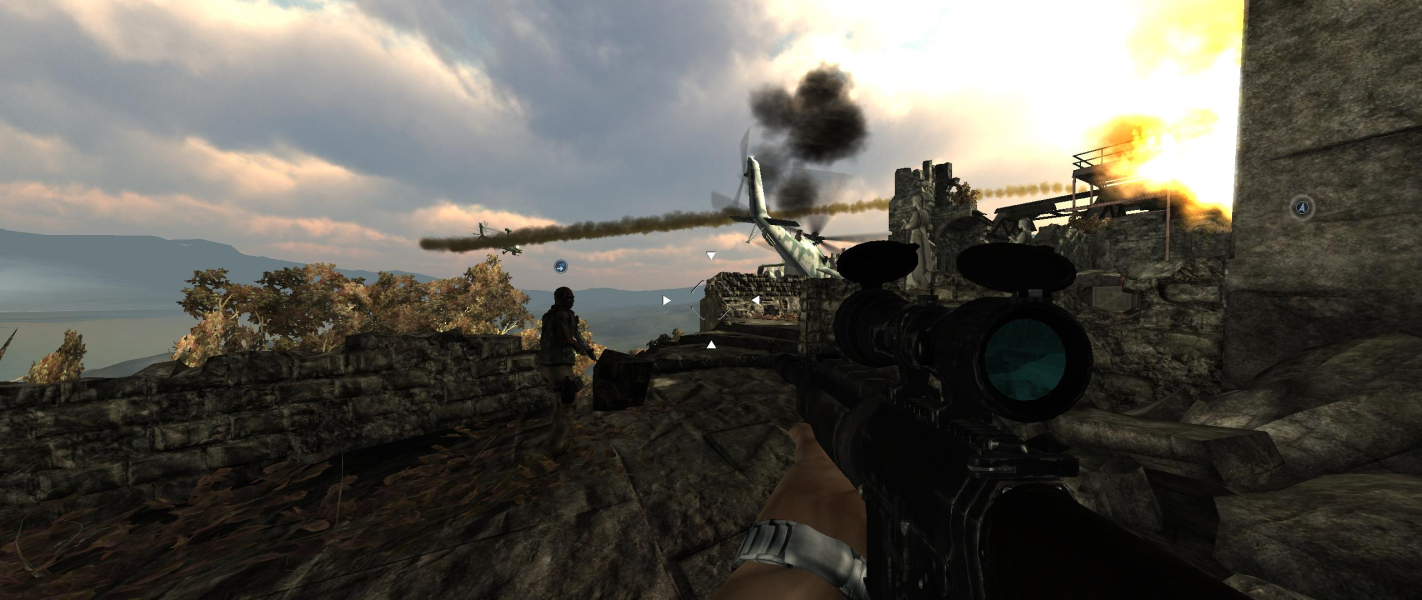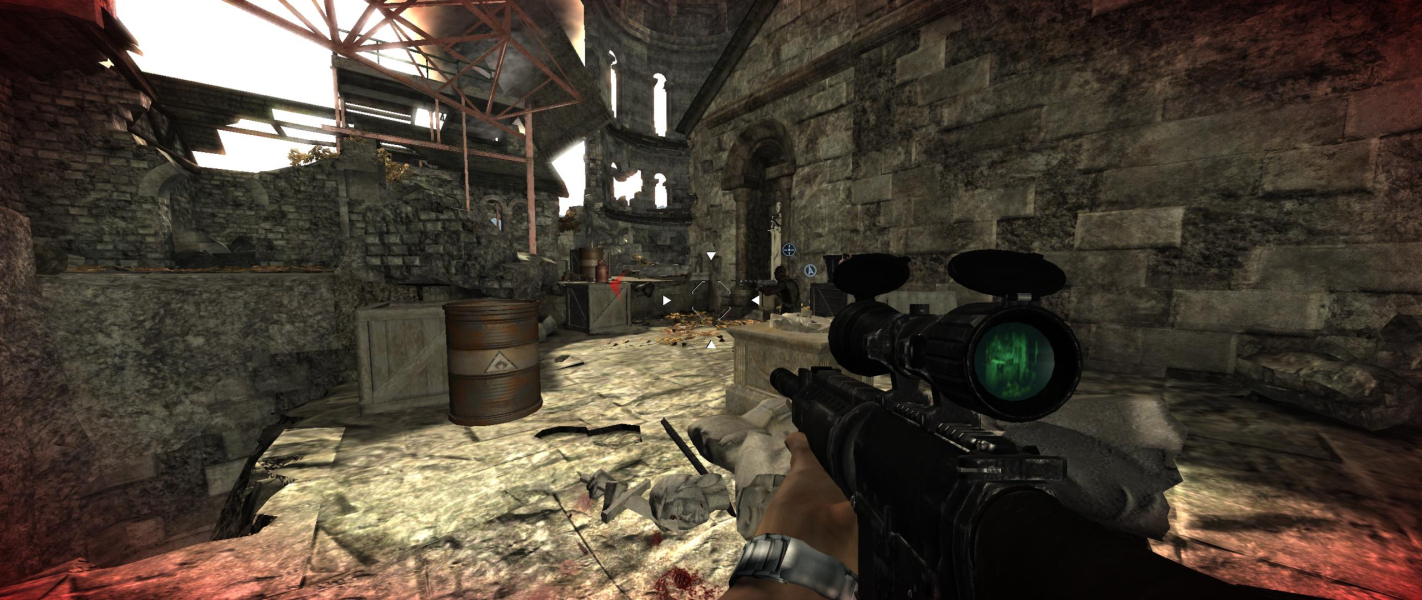


Conflict: Denied Ops is a highly accessible FPS featuring massive, extremely explosive firefights across destructible environments. Work as a team to utilize the specific skills of each operative and experience the ultimate in destructive satisfaction with tons of exploding objects and an endless barrage of terrorists who are begging to be blown to hell.
Support Summary
Game Information
Screenshots Comparison
Solutions & Issues
Max ingame resolution is 1680x1050 - everything above need a regedit or hexedit
Regedit --> Go to: HKEY_CURRENT_USER\Software\Eidos\CDO\Device Settings.
Edit ResolutionIndex -> type in a desired resolution value from a list below (may differ):
19 = 1920 x 1200
22 = 2560 x1440
Hexedit: hexedit the ConflictDeniedOps.exe --> look for 40 06 00 00 B0 04 and change it to your des res.
Optional
FOV is 60 - change it via hexedit and cheatengine possible. Hexedit 00 00 70 42 broke the Weaponzoom so i created it via cheatengine - best way to hook it via Hotkey Move Forward - see optional Screenshots. Fix available from the PC Gaming Wiki Community Files (search there).
Max ingame resolution is 1680x1050 - everything above need a regedit or hexedit
Regedit --> Go to: HKEY_CURRENT_USER\Software\Eidos\CDO\Device Settings.
Edit ResolutionIndex -> type in a desired resolution value from a list below (may differ):
21 = 2560 x 1080
24 = 3440 x1440
Hexedit: hexedit the ConflictDeniedOps.exe --> look for 40 06 00 00 B0 04 and change it to your des res.
Optional
FOV is 60 - change it via hexedit and cheatengine possible. Hexedit 00 00 70 42 broke the Weaponzoom so i created it via cheatengine - best way to hook it via Hotkey Move Forward - see optional Screenshots. Fix available from the PC Gaming Wiki Community Files (search there).
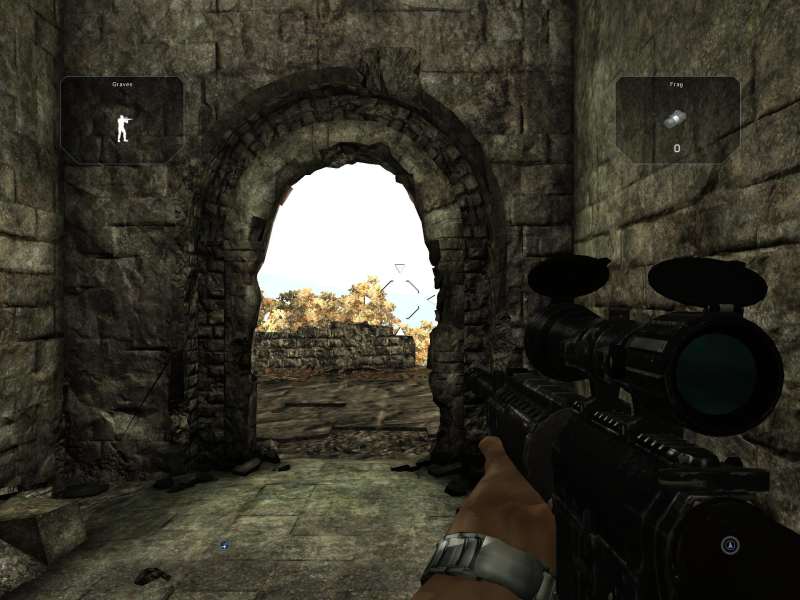
Gameplay Screenshots
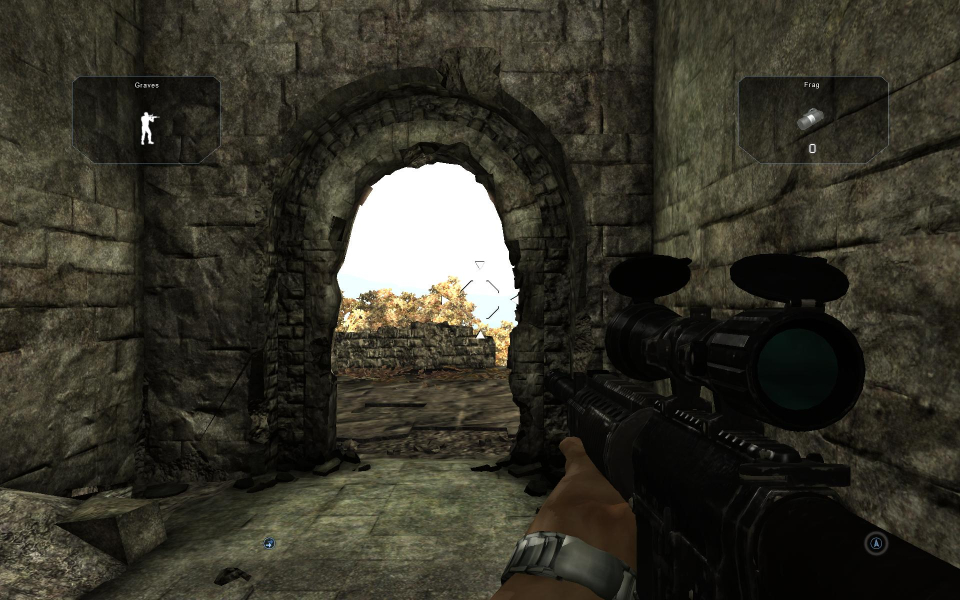
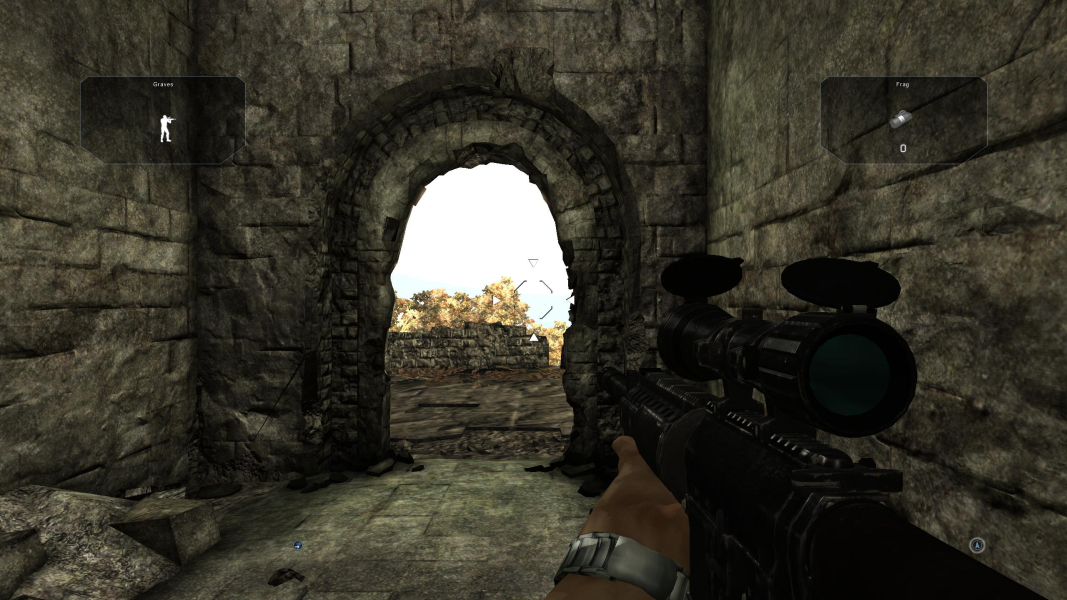


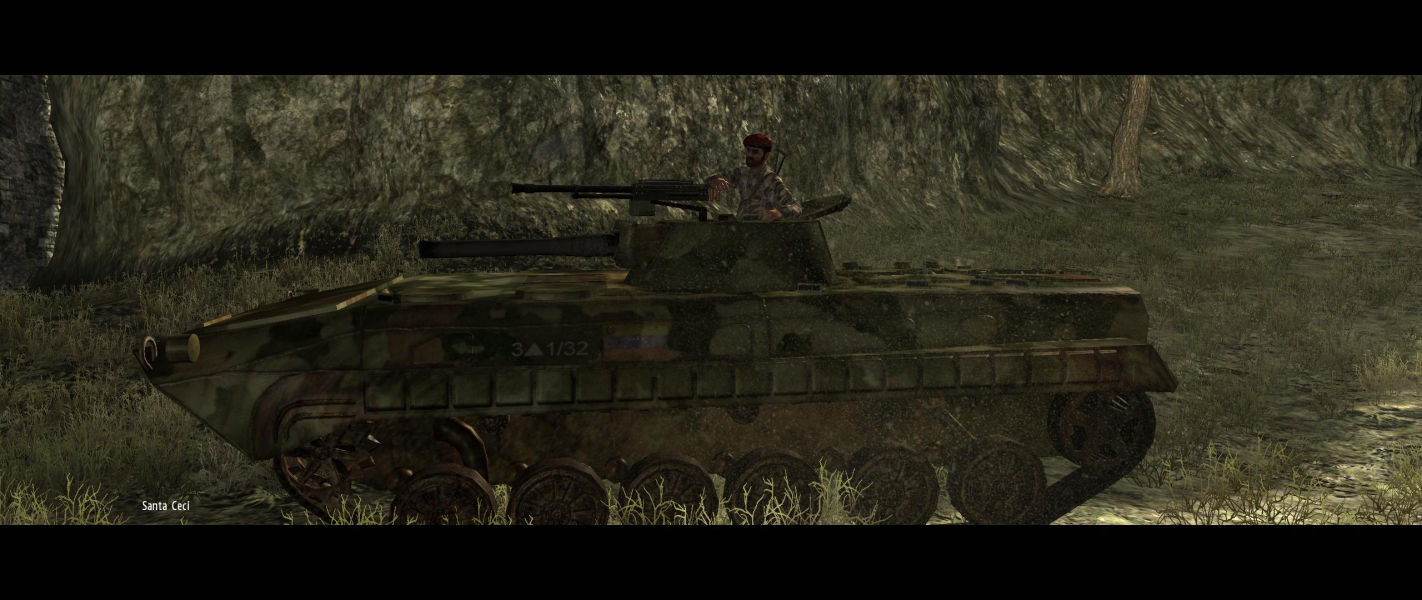
In-Game (Rendered) Cutscenes
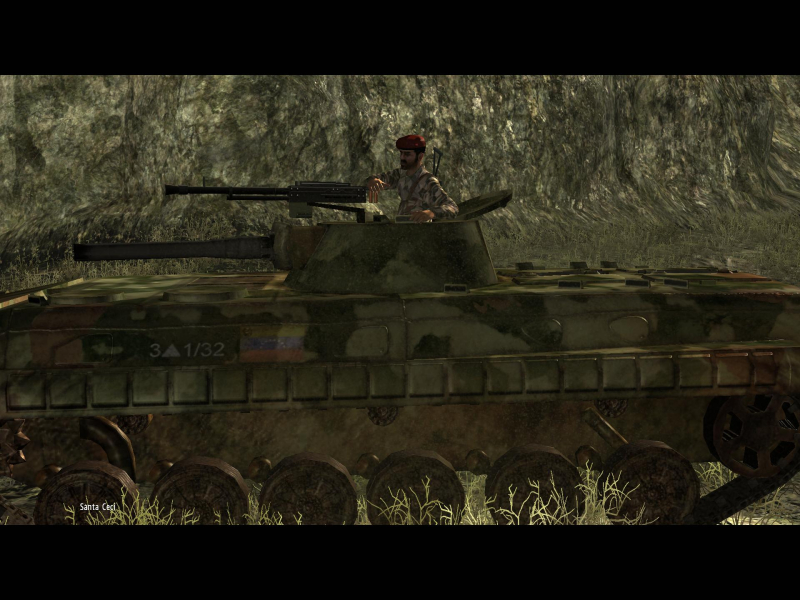
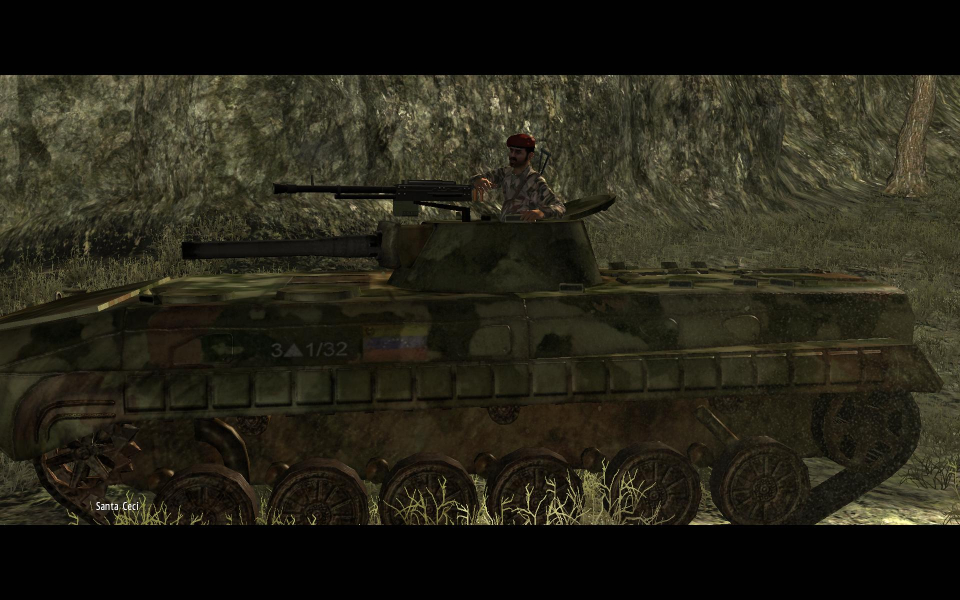

FMV Cutscenes
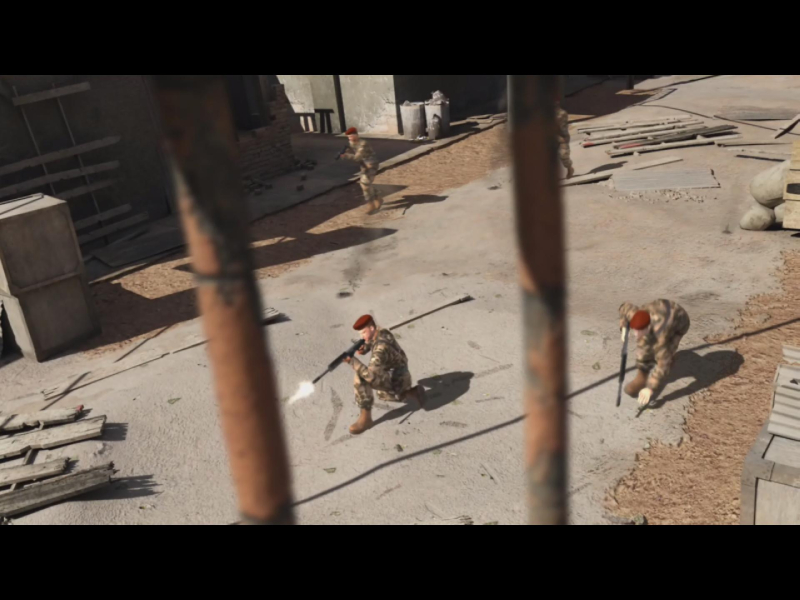
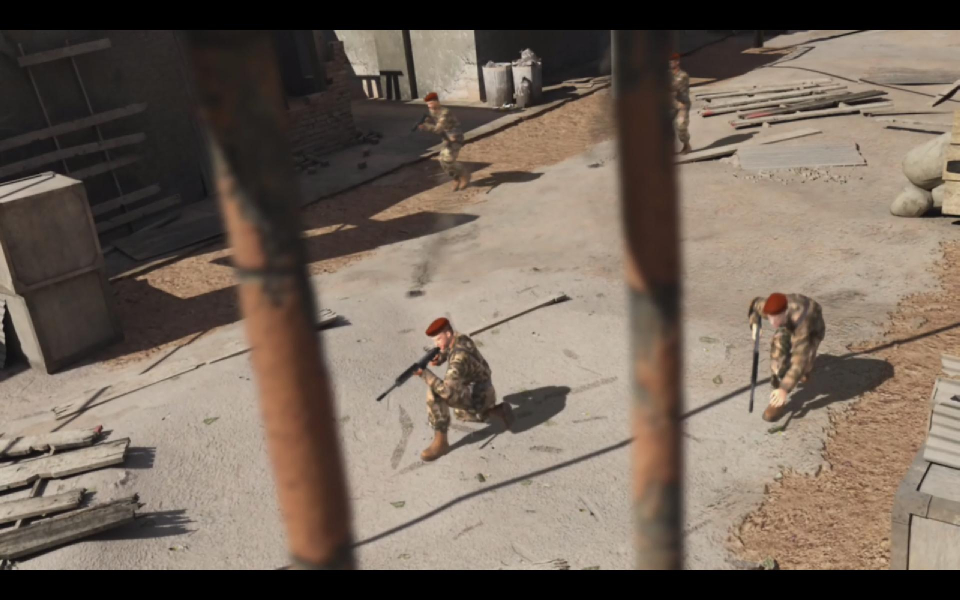
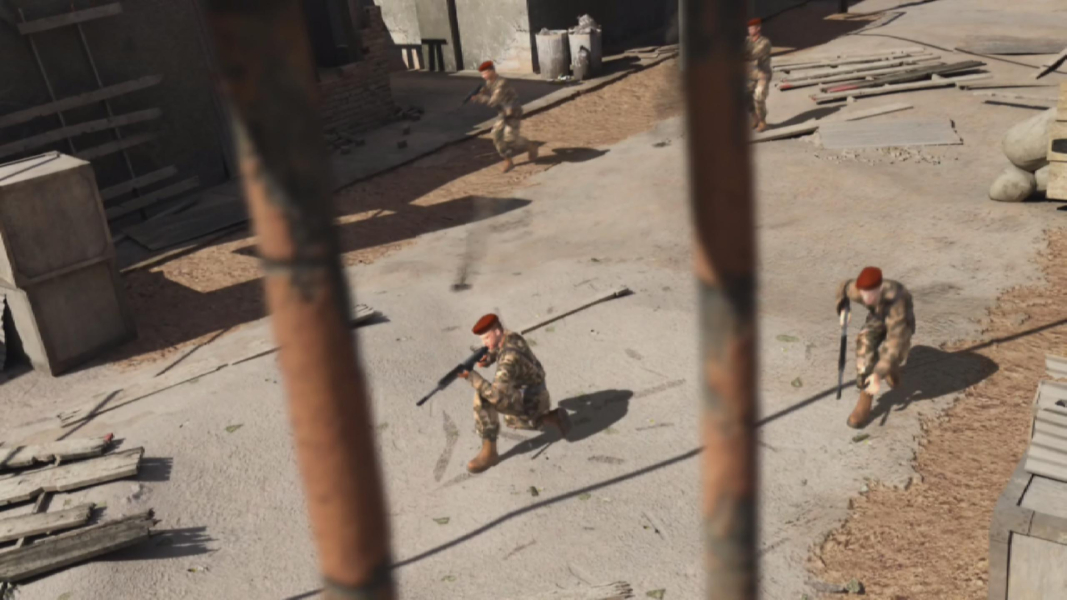

Menu Screenshots
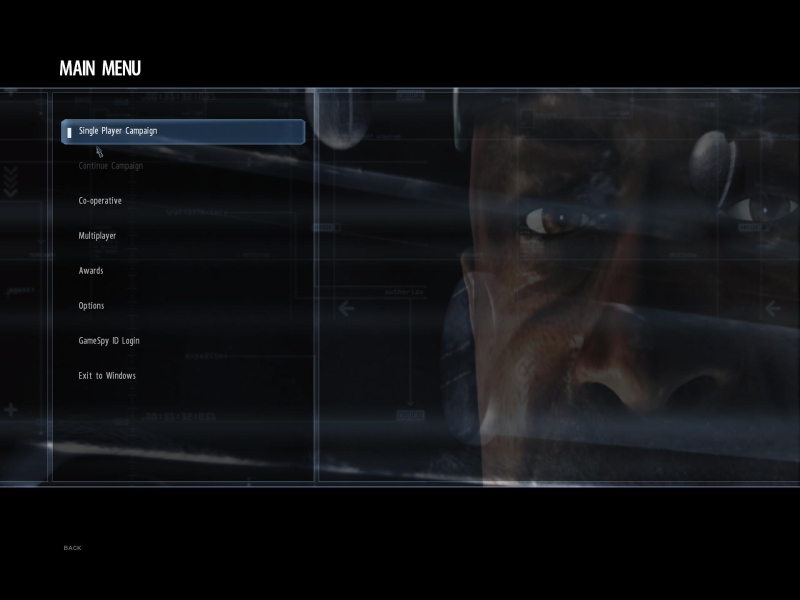
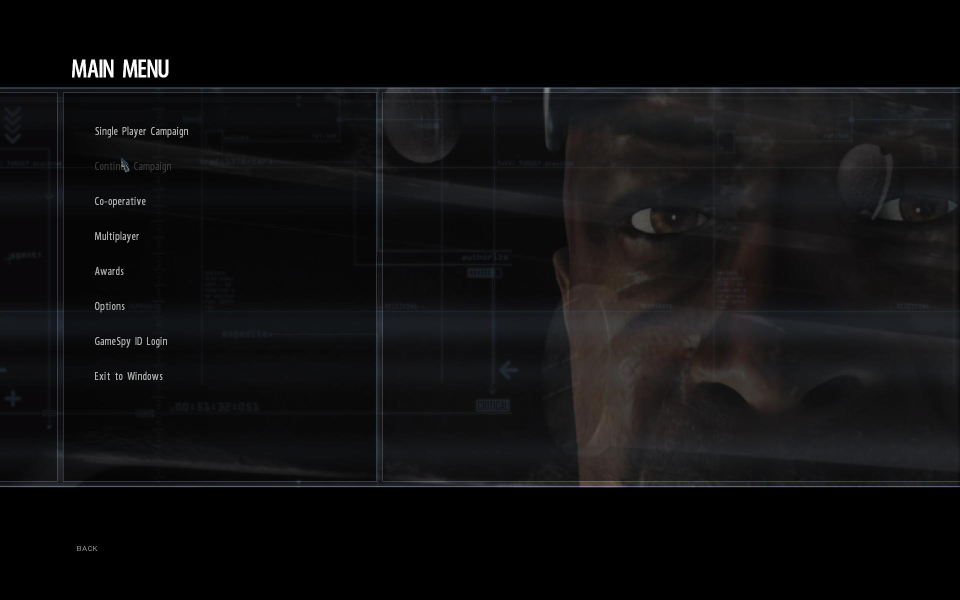
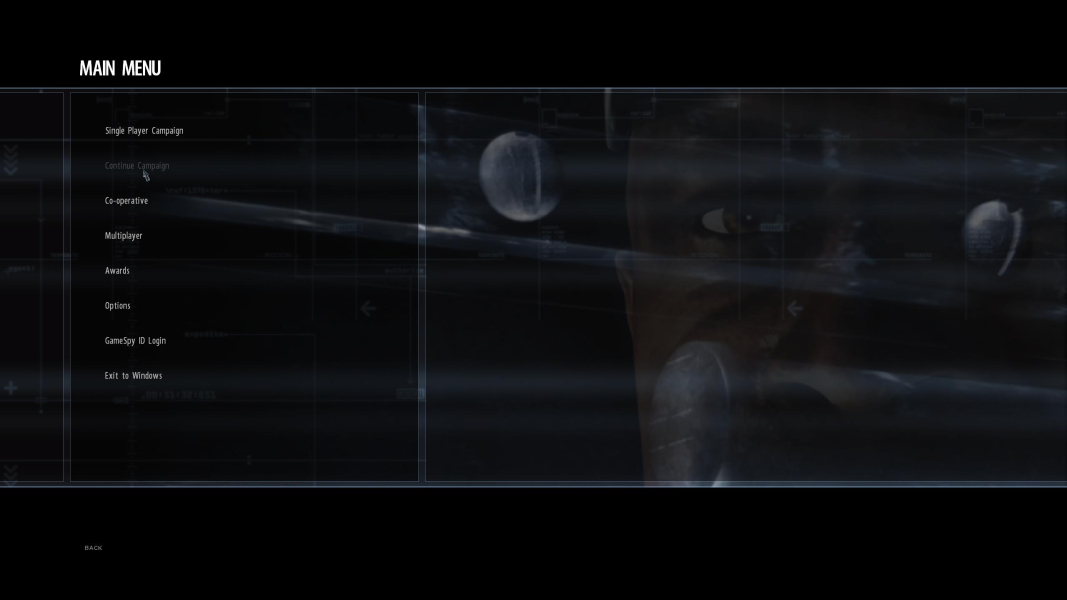
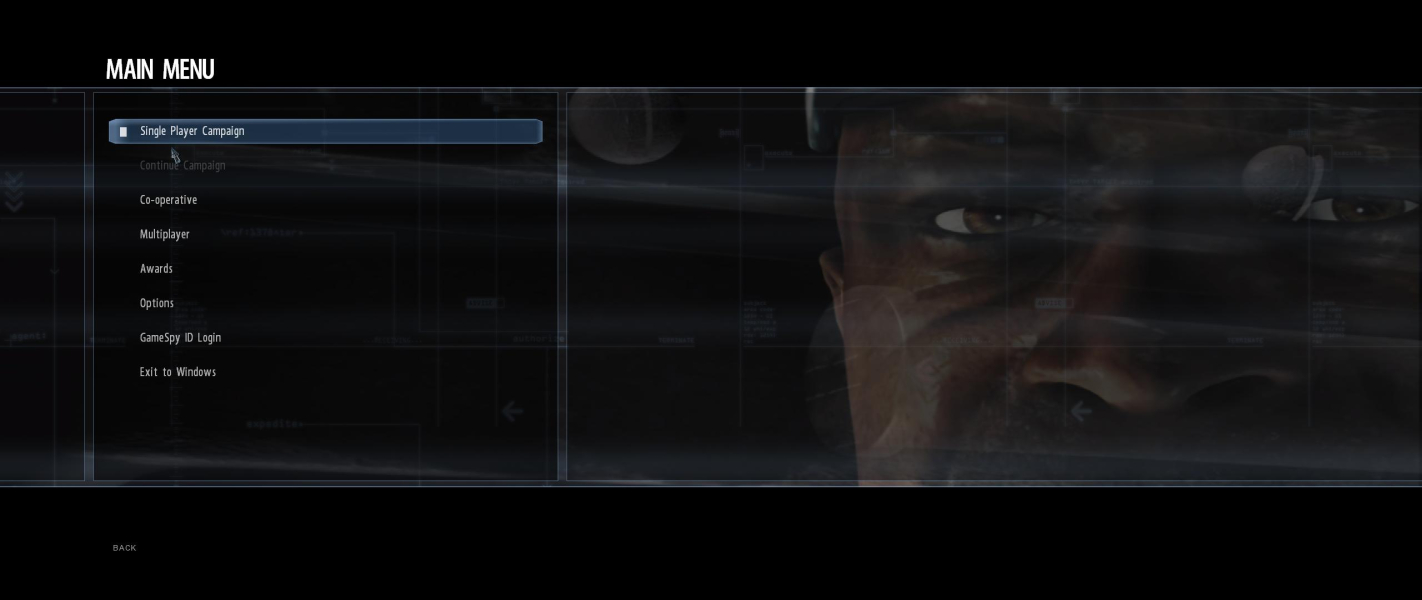
Additional Screenshots