




Orks meet Space Marines on chess board-shaped maps. Dakka dakka gambits and chainsword checkmates ensue.
Support Summary
Game Information
Screenshots Comparison
Solutions & Issues
Native Hor+ support is limited to ten hard-coded resolutions:1280x720
1280x800
1366x768
1440x900
1600x900
1680x1050
1920x1080
1920x1200
2560x1440
2560x1600
All other resolutions require a 3rd-party app:
- activate windowed mode in-game. The resolution is unimportant.
- use Borderless Gaming to force the windowed game to use your native resolution.
(Manually editing display options through the registry is also possible but ultimately impractical: HKEY_CURRENT_USER\Software\Hammerfall Publishing\Warhammer 40K Regicide
The game will always reset to the nearest hard-coded resolution on exit. Also the in-game setting for fullscreen or windowed supersedes the registry setting.)
Outstanding issues:
- FMVs stretch (from squished 4:3 to the 16:9 baseline).
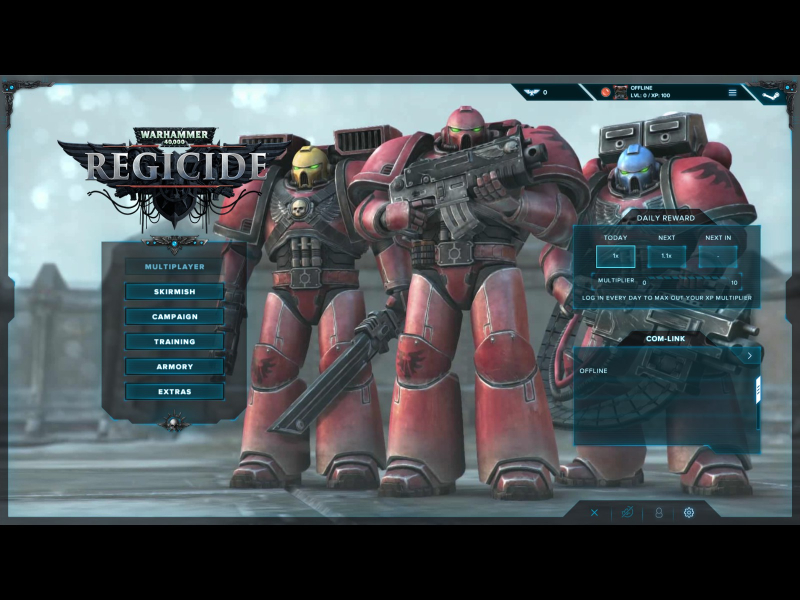
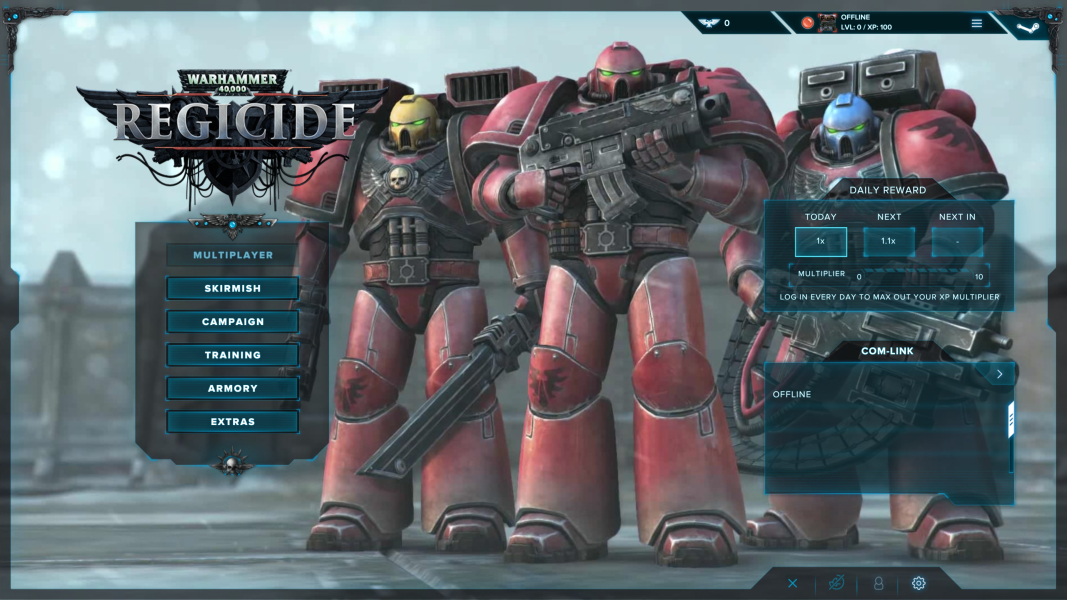
- main menu backdrop although mostly anamorphic does not scale perfectly; arbitrary mix of letterboxing, cropping and squishing.
Ultrawide resolutions require a 3rd-party app:
- activate windowed mode in-game. The resolution is unimportant.
- use Borderless Gaming to force the windowed game to use your native resolution.
FMVs and main menu backdrop are only lightly stretched, but also slightly off-center.
Multi-monitor resolutions require a 3rd-party app:
- activate windowed mode in-game. The resolution is unimportant.
- use Borderless Gaming to force the windowed game to use your native resolution.
Outstanding issues:
- HUD is spanned.
- FMVs stretch.
- main menu backdrop is stretched and off-center.
If you prefer to play on a single screen, you must first set your desktop resolution to single-screen.
A 3rd-party app is required:
- activate windowed mode in-game. The resolution is unimportant.
- use Borderless Gaming to force the windowed game to use your native resolution.
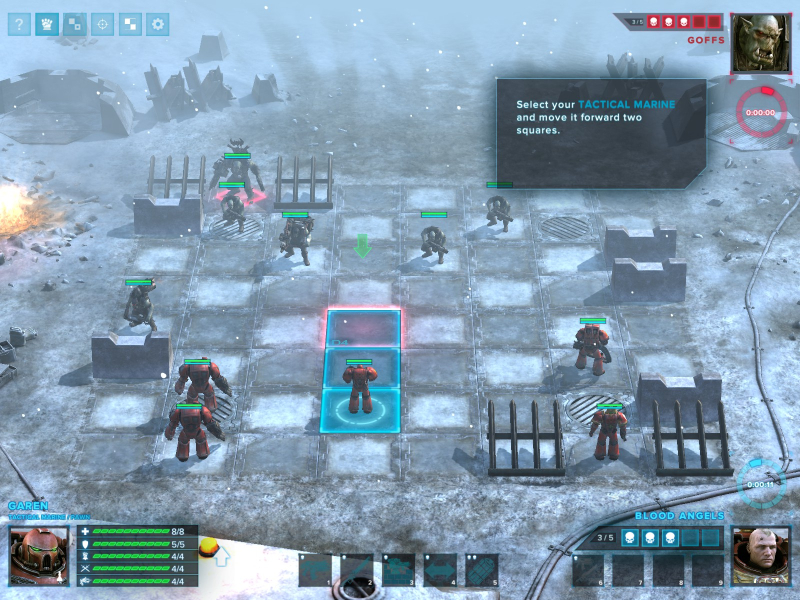
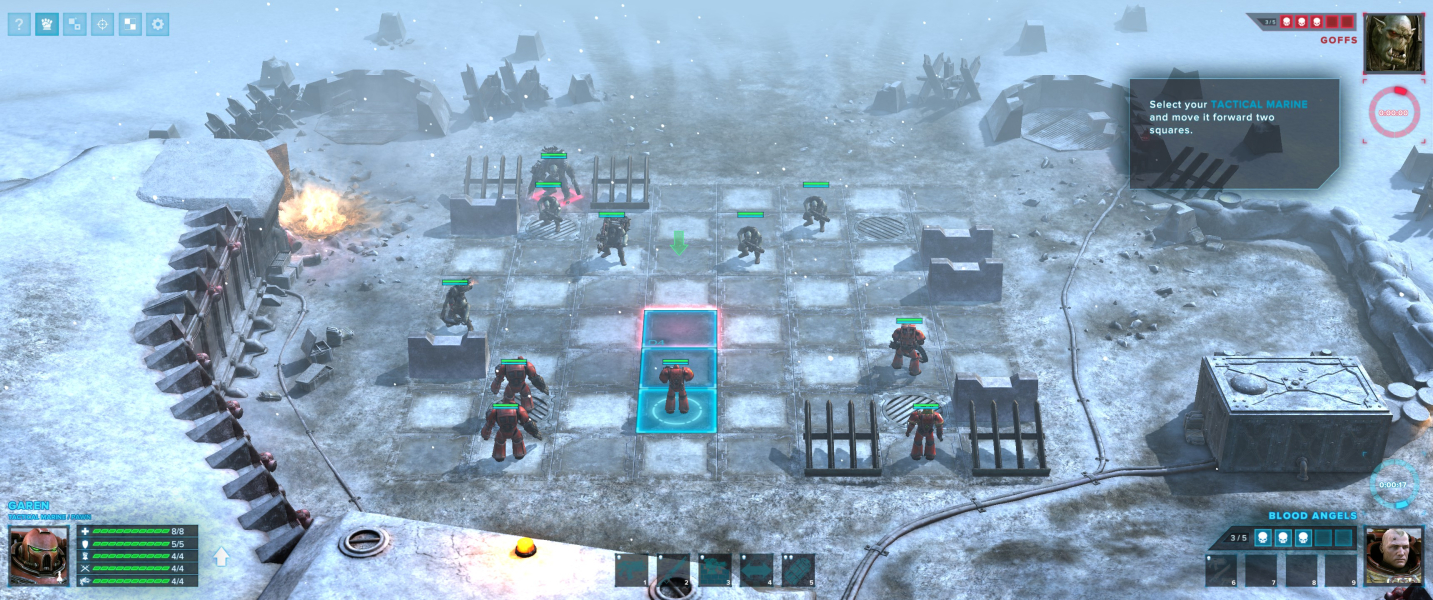
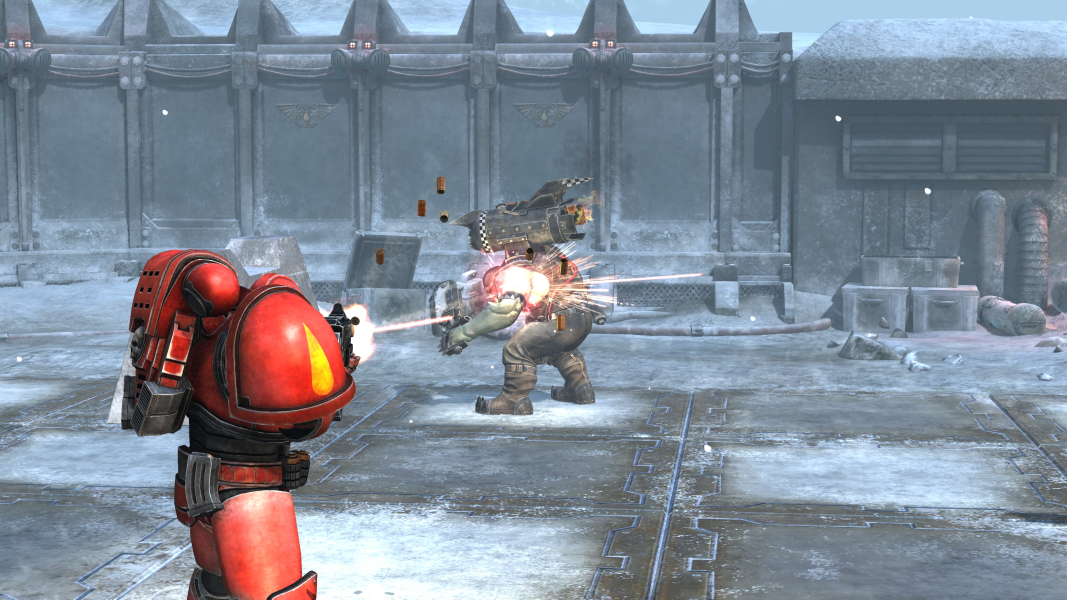
Gameplay Screenshots




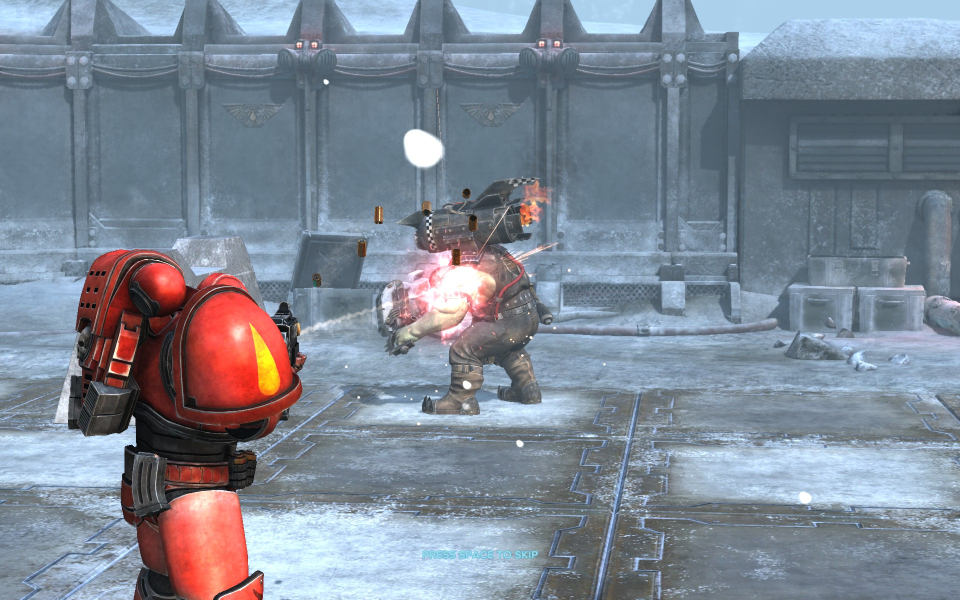
In-Game (Rendered) Cutscenes


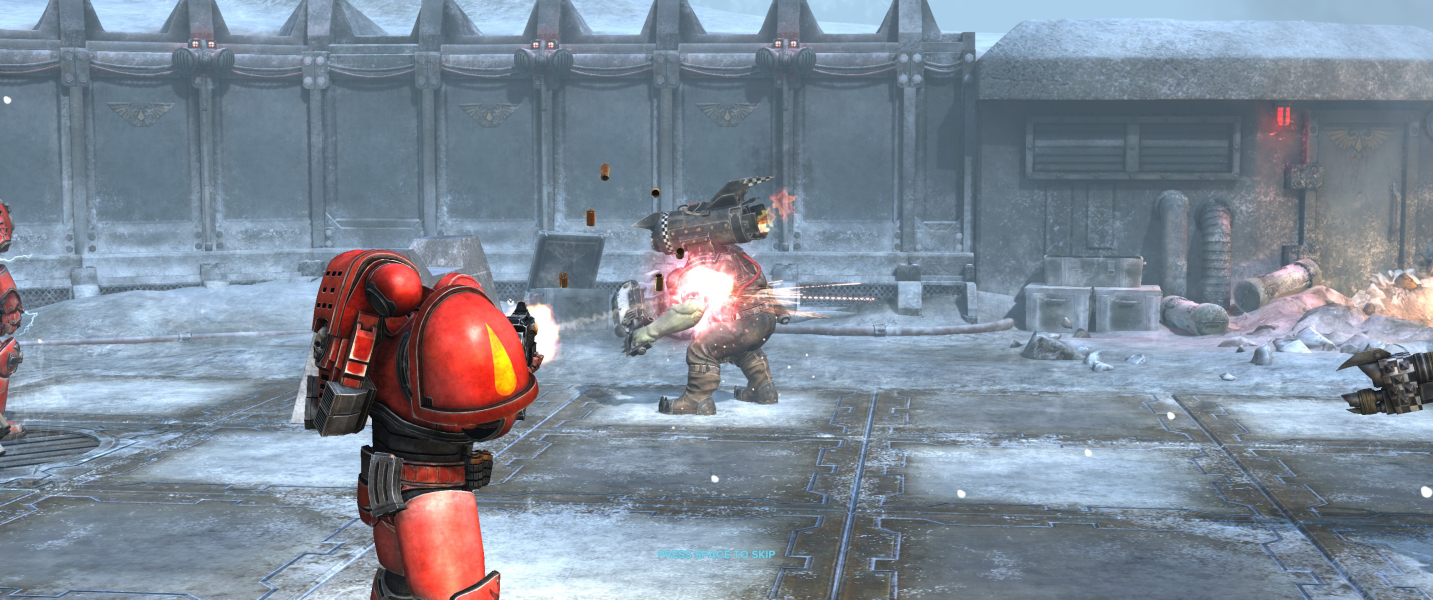

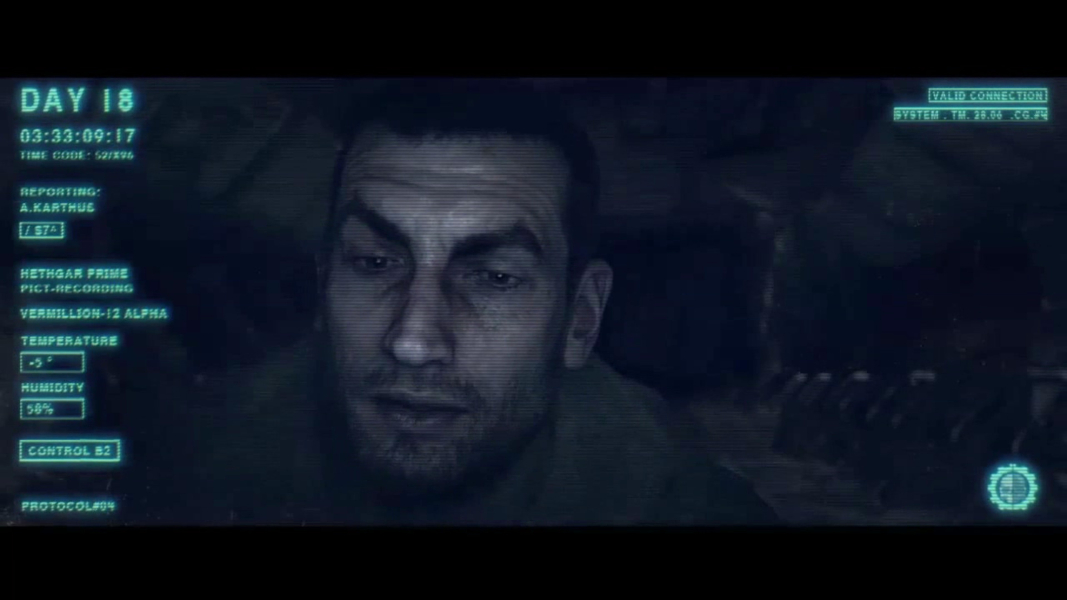
FMV Cutscenes
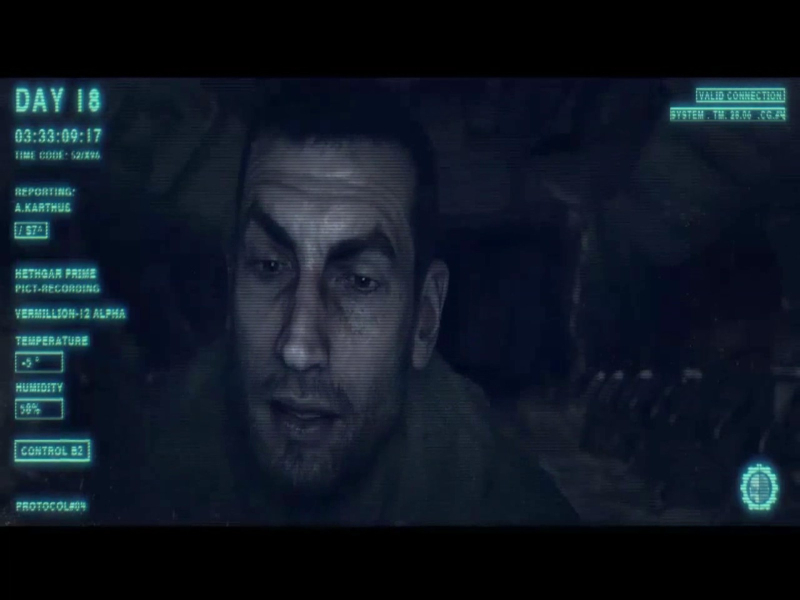

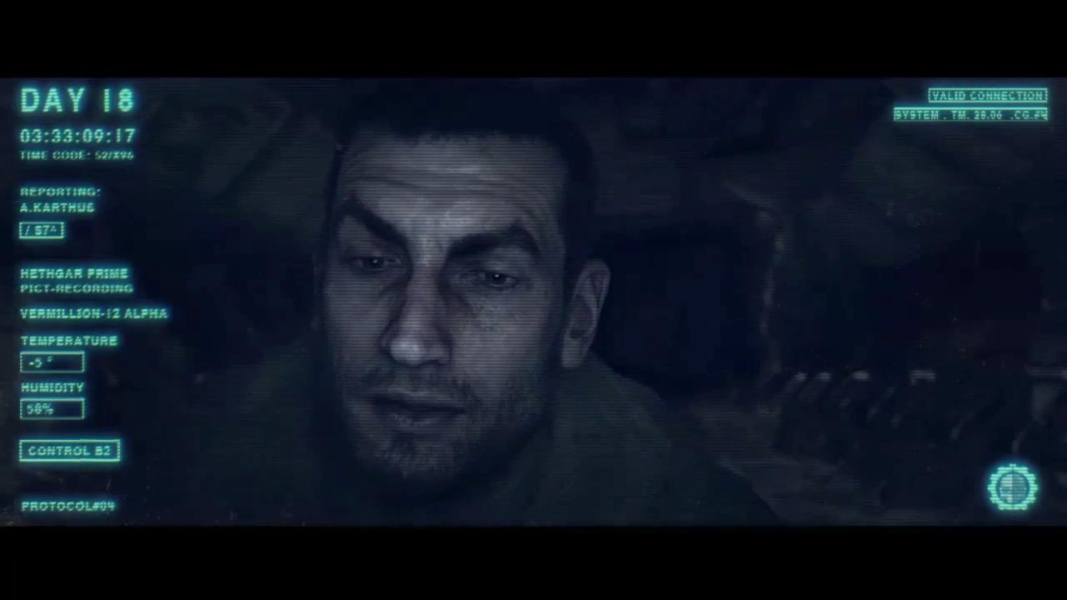


Menu Screenshots
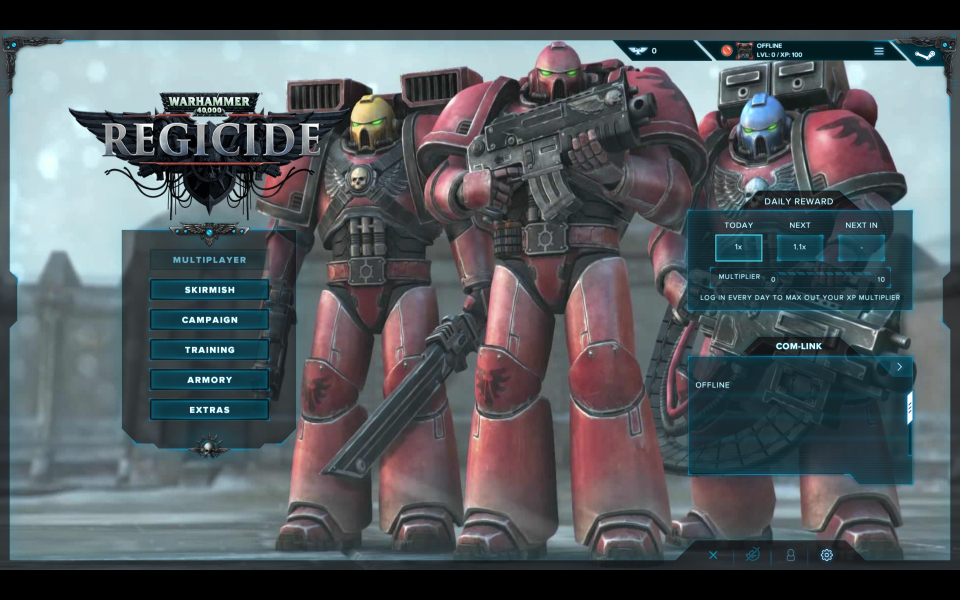
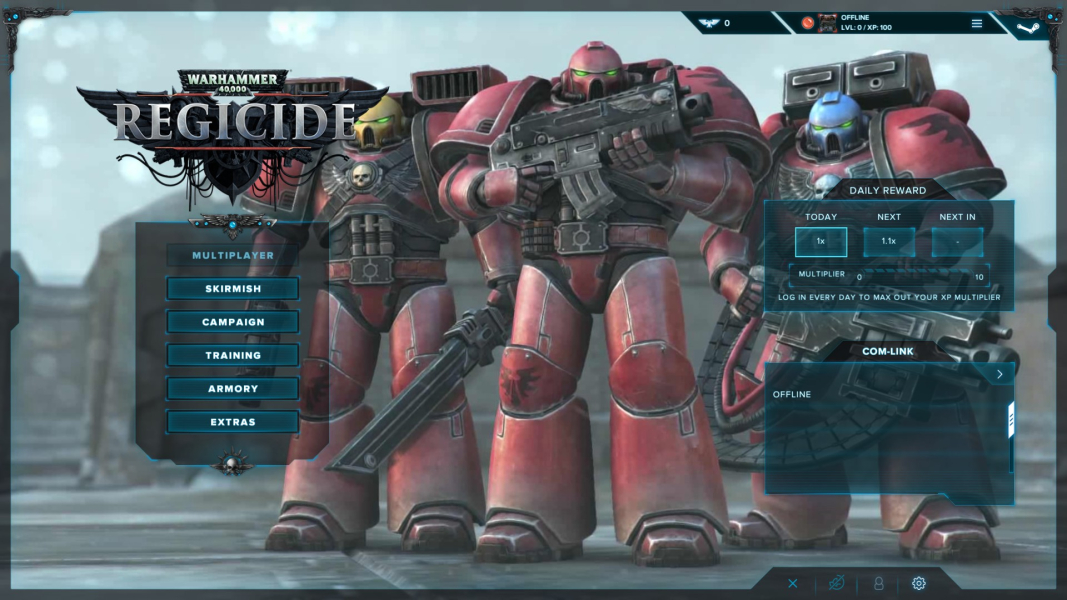
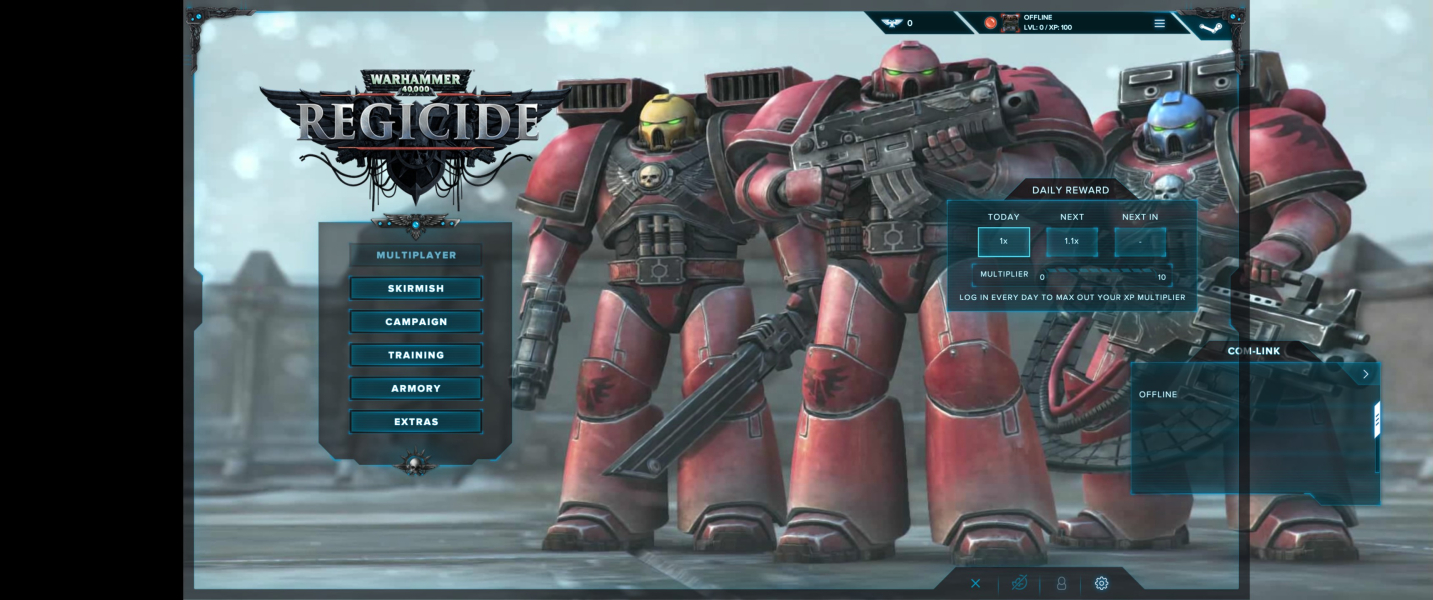

4K UHD Screenshots
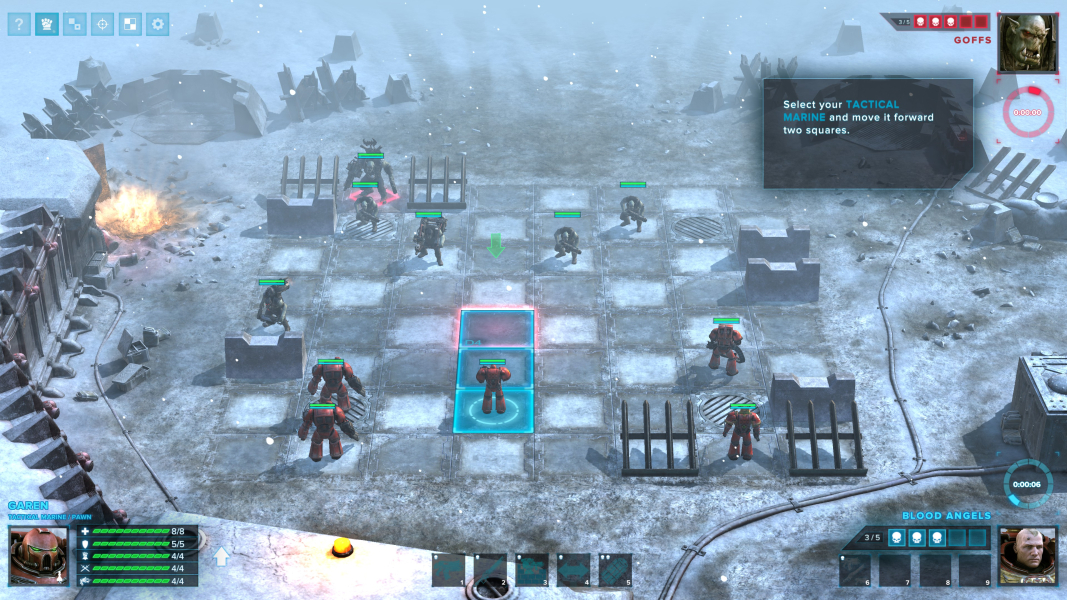
Additional Screenshots


