


A Warhammer-themed, story-driven, objective-based, 4-player co-op online pest control simulator.
Support Summary
Screenshots Comparison
Solutions & Issues
Widescreen Solution & Issues:
Native Hor+ support. Resolution can be set from the config launcher or at any time during play.
- VFOV may be adjusted in-game via a slider in Gameplay Settings (default 65, range 45-120). A custom VFOV also affects character inspection view and zoom.
- Menu screens and loading screens are 16:9 anamorphic. Their maximum resolution is 1920x1080. If width>1920 they are windowboxed, even in 16:9.
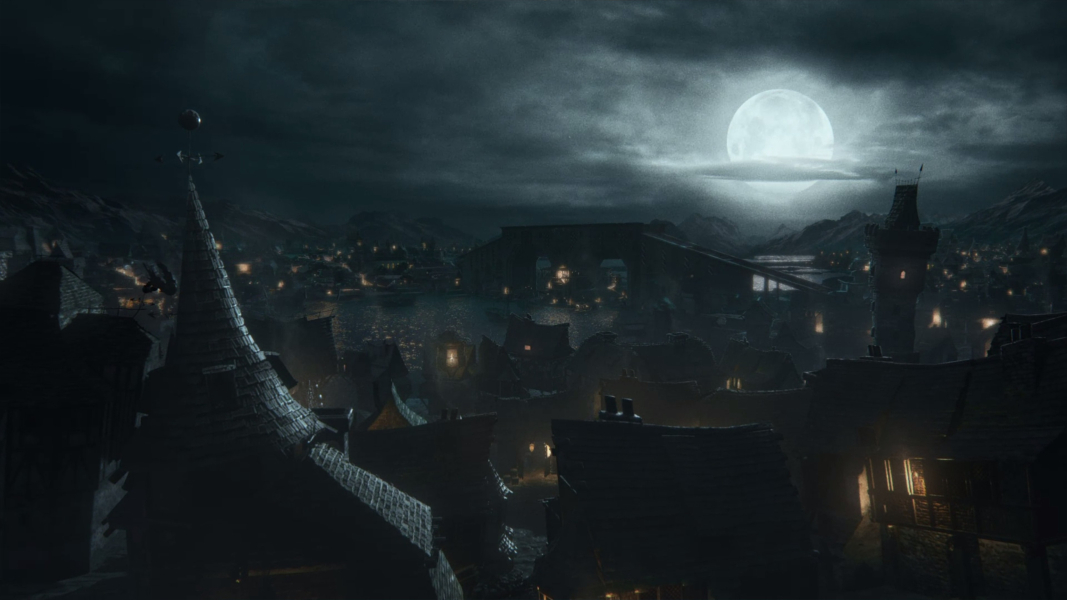
- Intro FMV is letterboxed up to 1920x1200, then windowboxed in higher resolutions. No black bars in 16:9, though.
Ultra/Super-Wide Specific Solution & Issues:
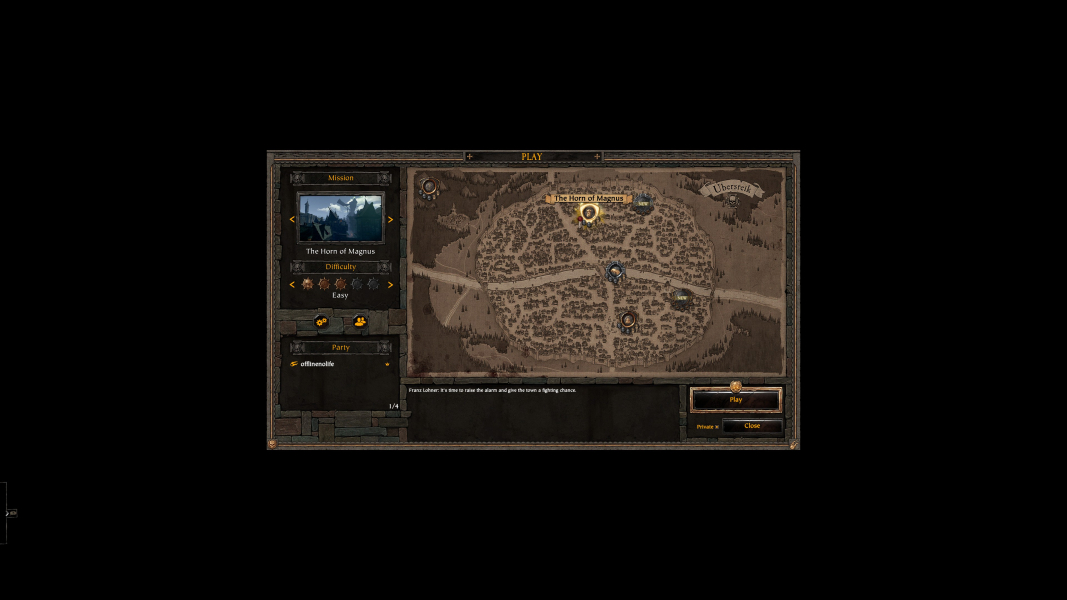
Native Hor+ support. Turn 'HUD Screen Fit' On under Display Settings.
- Menu screens, loading screens and FMVs are pillarboxed in 2560x1080 and windowboxed in 3440x1440.
- Loading icon does not scale all the way to the bottom-right corner.
- In 2560x1080, HUD Screen Fit Off results in the same HUD position as in 16:9.
Eyefinity / Surround Specific Solution & Issues:
Native Hor+ support. HUD is confined to the center monitor by default ('HUD Screen Fit' Off under Display Settings).
- Menu screens, loading screens and FMVs are also centered (1920x1080 designs are windowboxed if height>1080, pillarboxed otherwise).
- In 15:4 HUD and menu screens have full-height 16:9 proportions so the bounds are outside the center monitor.
4K UHD Specific Solution & Issues:
Native Hor+ support. Turn 'HUD Screen Fit' On under Display Settings.
- Menu screens and loading screens are windowboxed.
- Loading icon does not scale to the bottom-right corner.
You can fix the menus by using the HiDef UI Scaling mod (which is part of the Just Have Fun Mods and requires the QoL modpack). It should work for resolutions up to 8K. It does NOT fix the intro cinematic as mods are loaded right afterwards.
Gameplay Screenshots
4:3 Screenshot
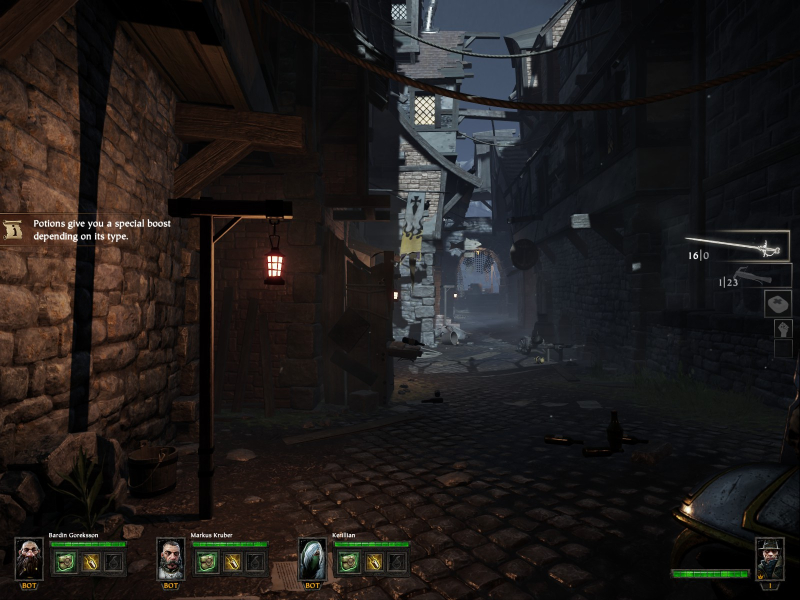
16:10 Screenshot
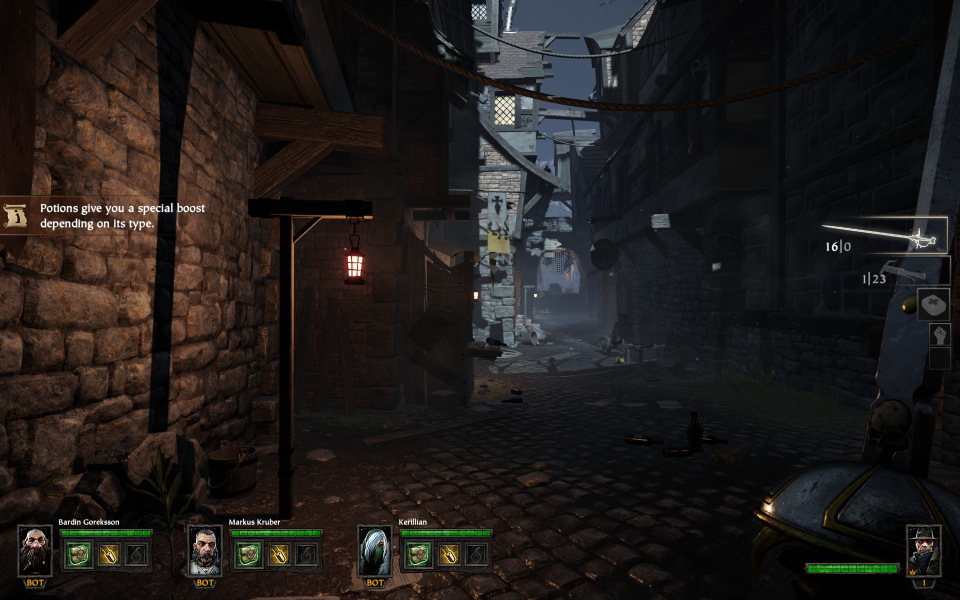
16:9 Screenshot
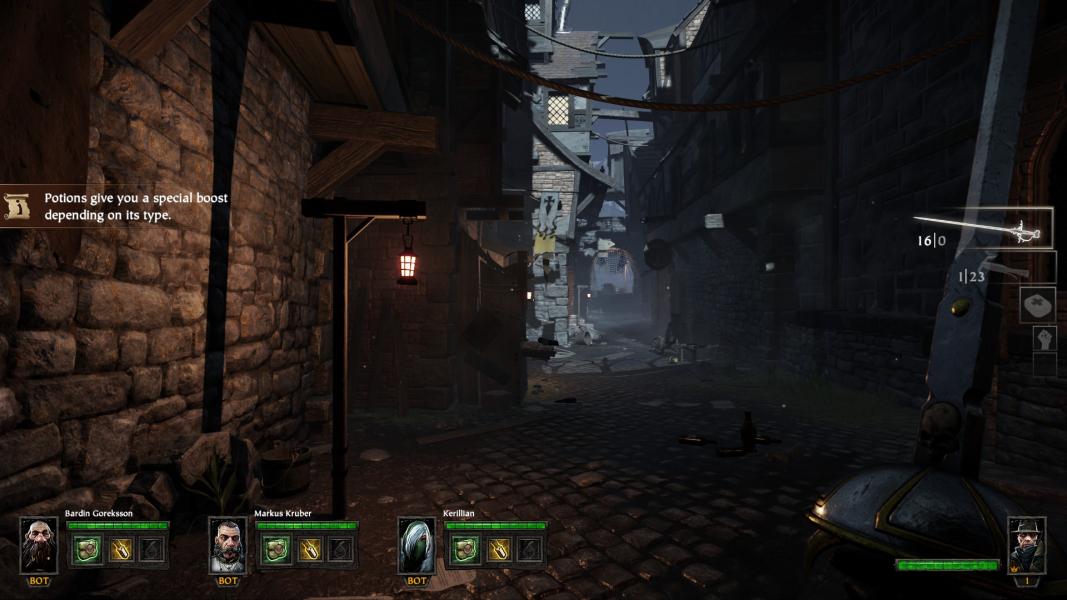
21:9 Screenshot
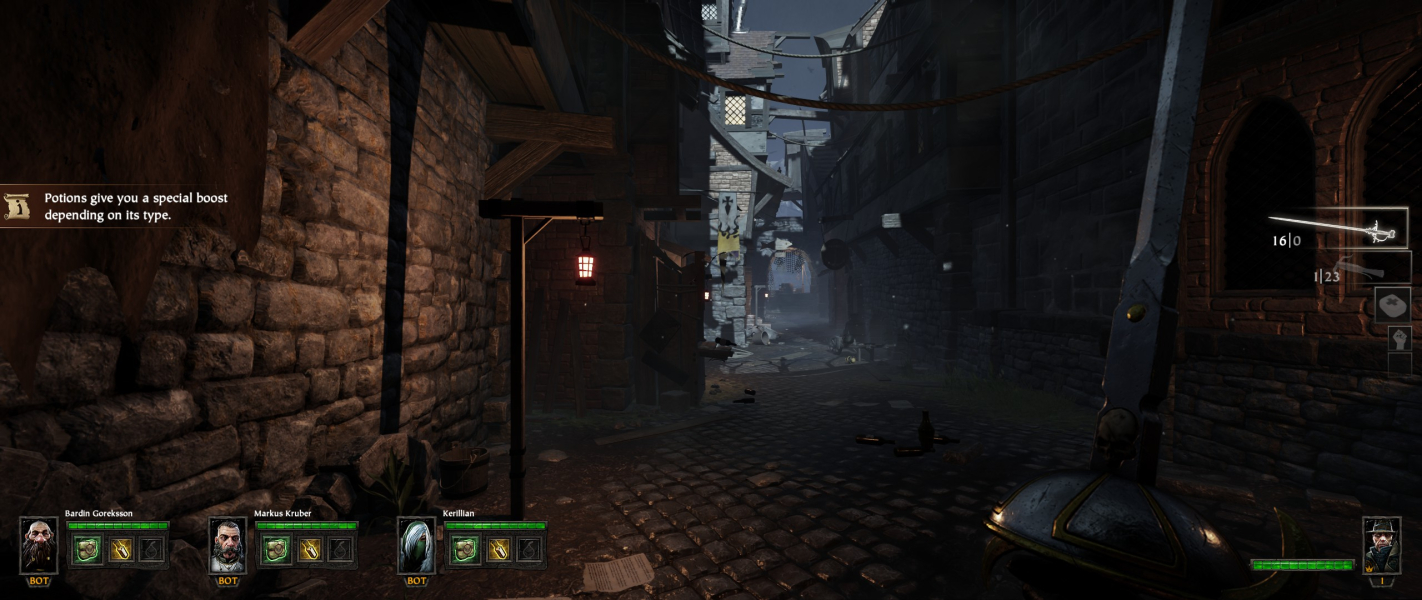
32:9 Screenshot

Eyefinity / Surround Screenshot

In-Game (Rendered) Cutscenes
4:3 Cutscene

16:10 Cutscene
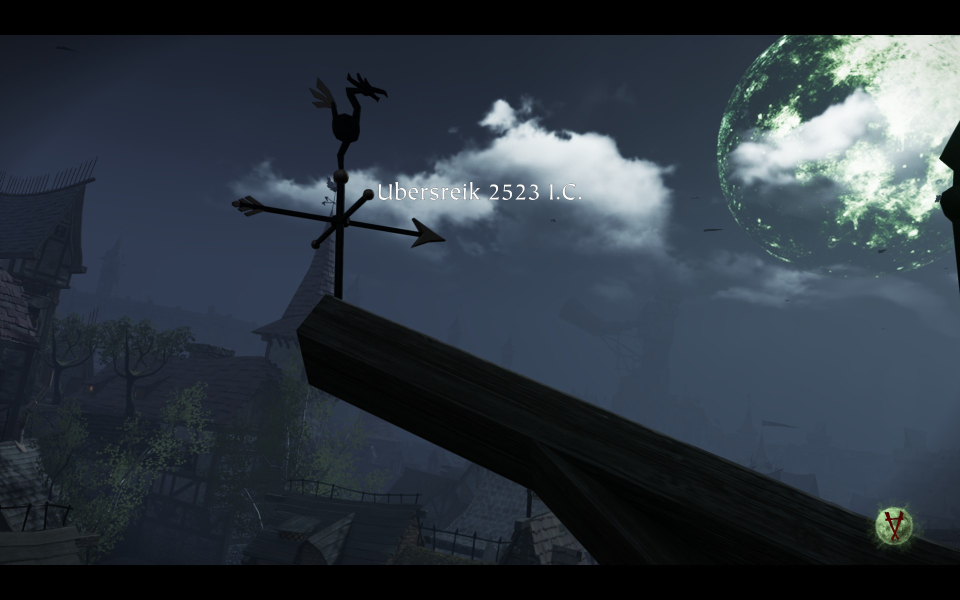
16:9 Cutscene
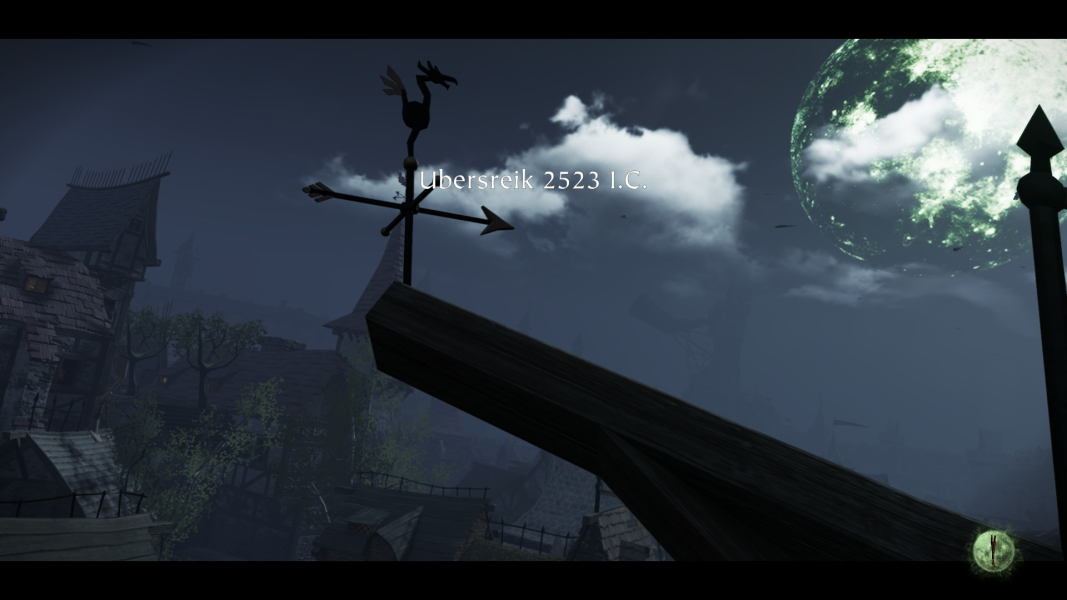
21:9 Cutscene
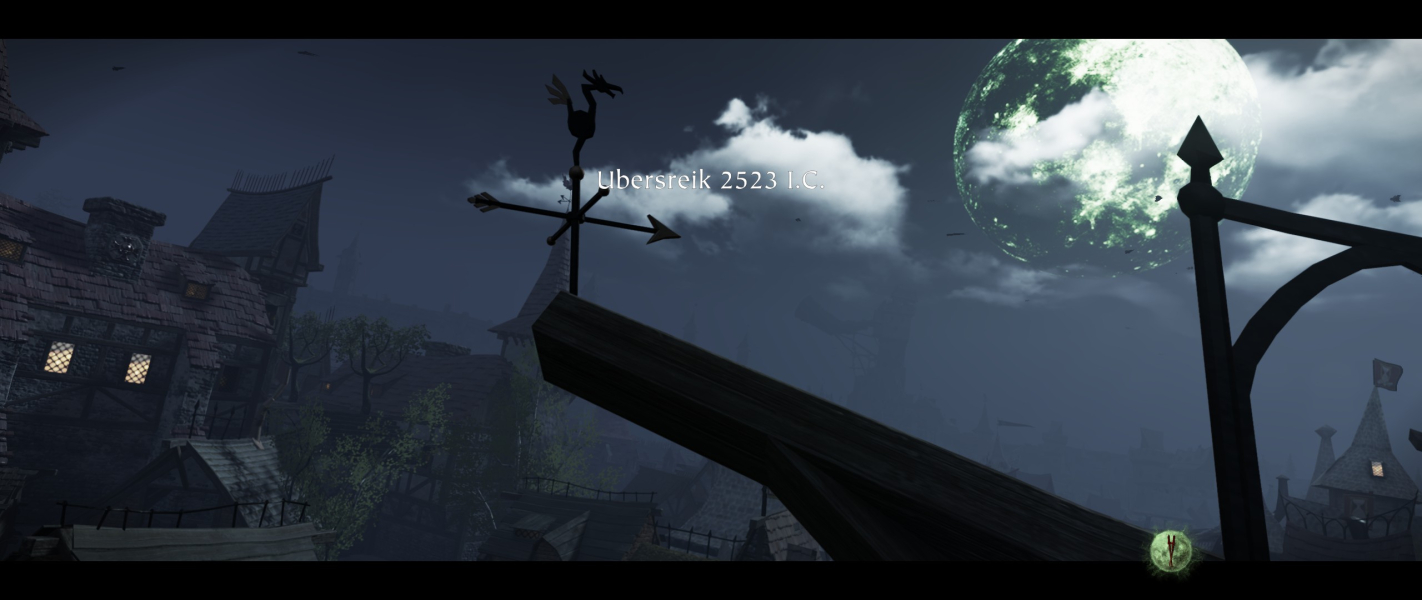
Eyefinity / Surround Cutscene

FMV Cutscenes
4:3 FMV Cutscene
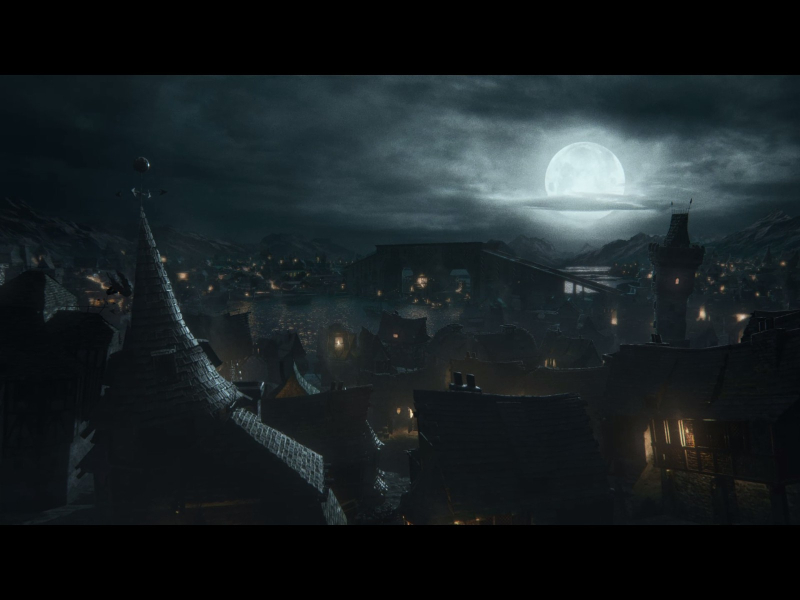
16:10 FMV Cutscene
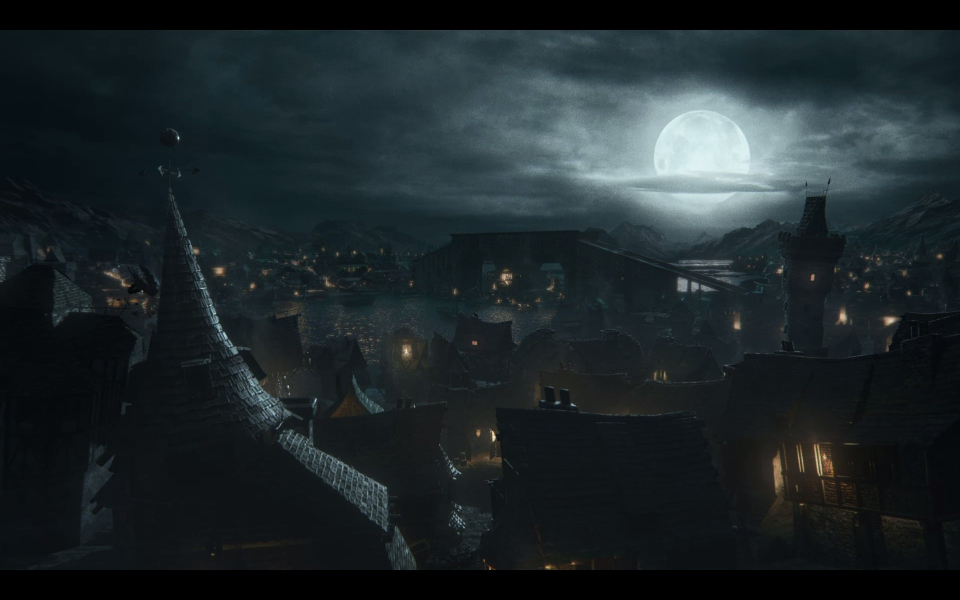
16:9 FMV Cutscene
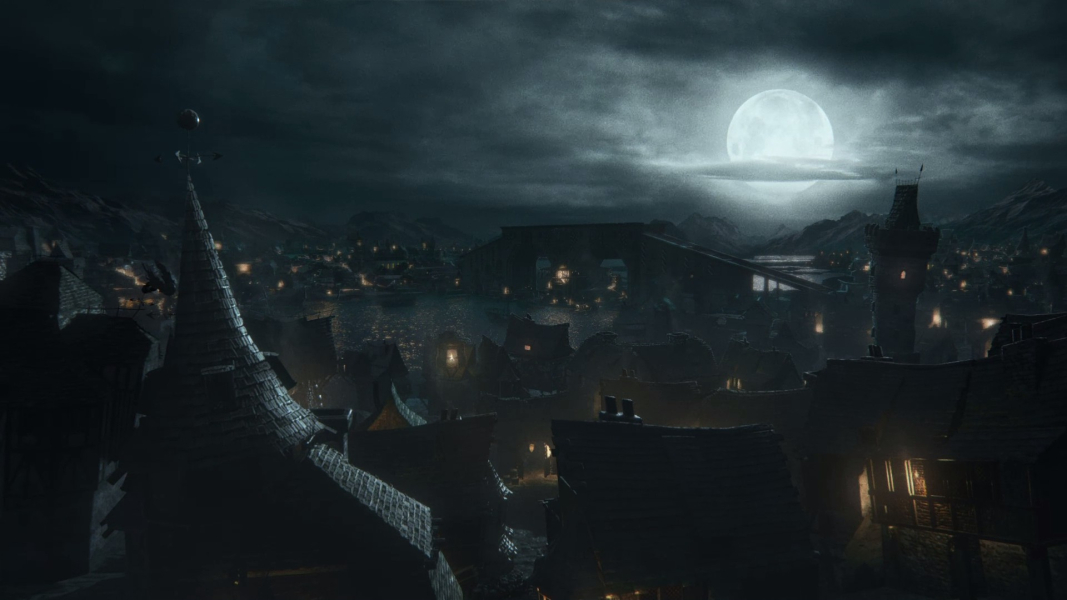
21:9 FMV Cutscene
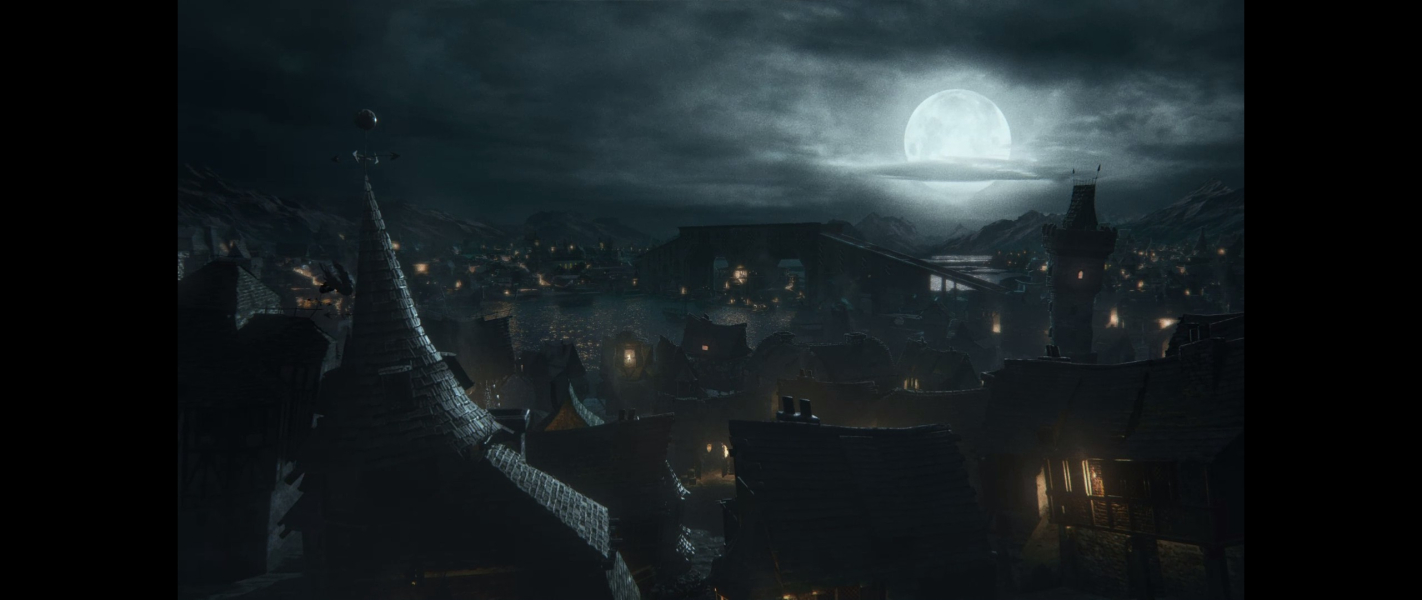
Eyefinity / Surround FMV Cutscene

Menu Screenshots
4:3 Menu
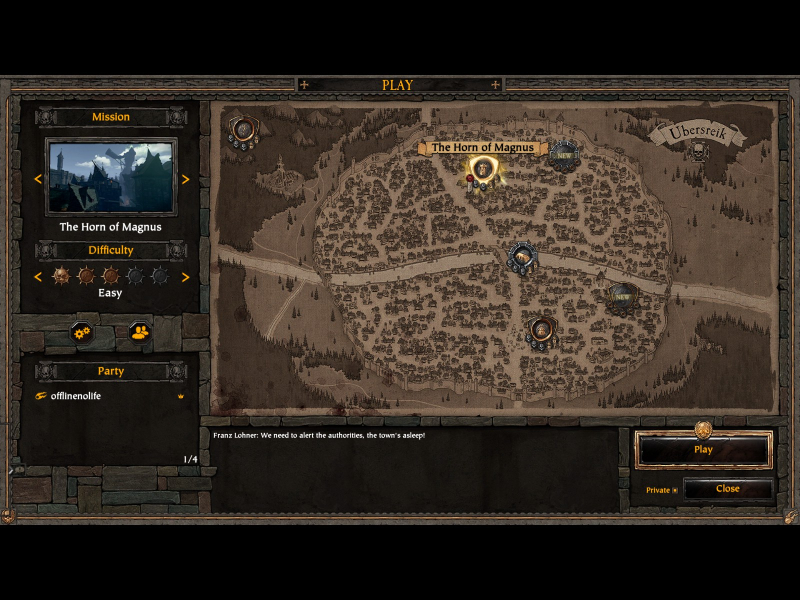
16:10 Menu
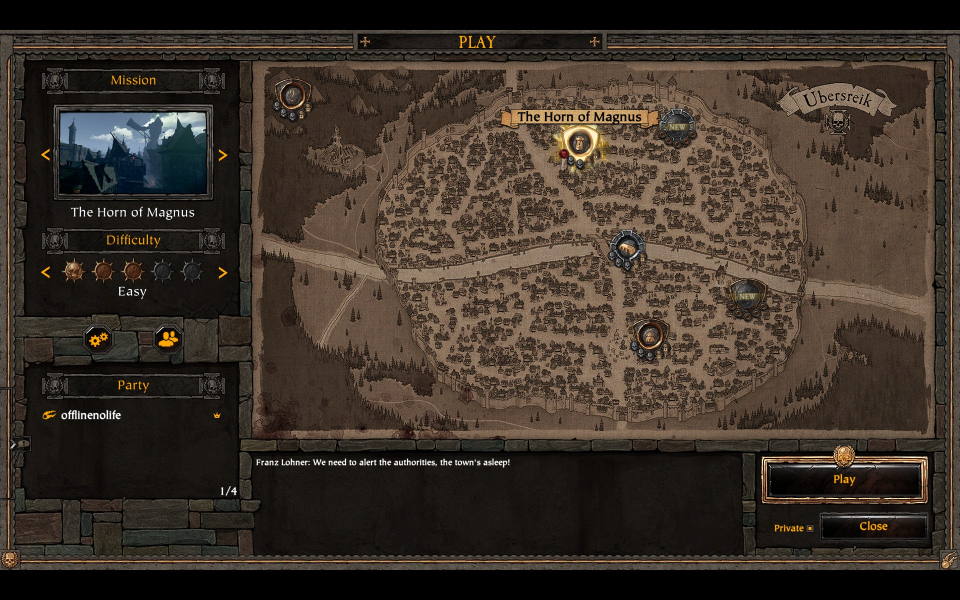
16:9 Menu

21:9 Menu
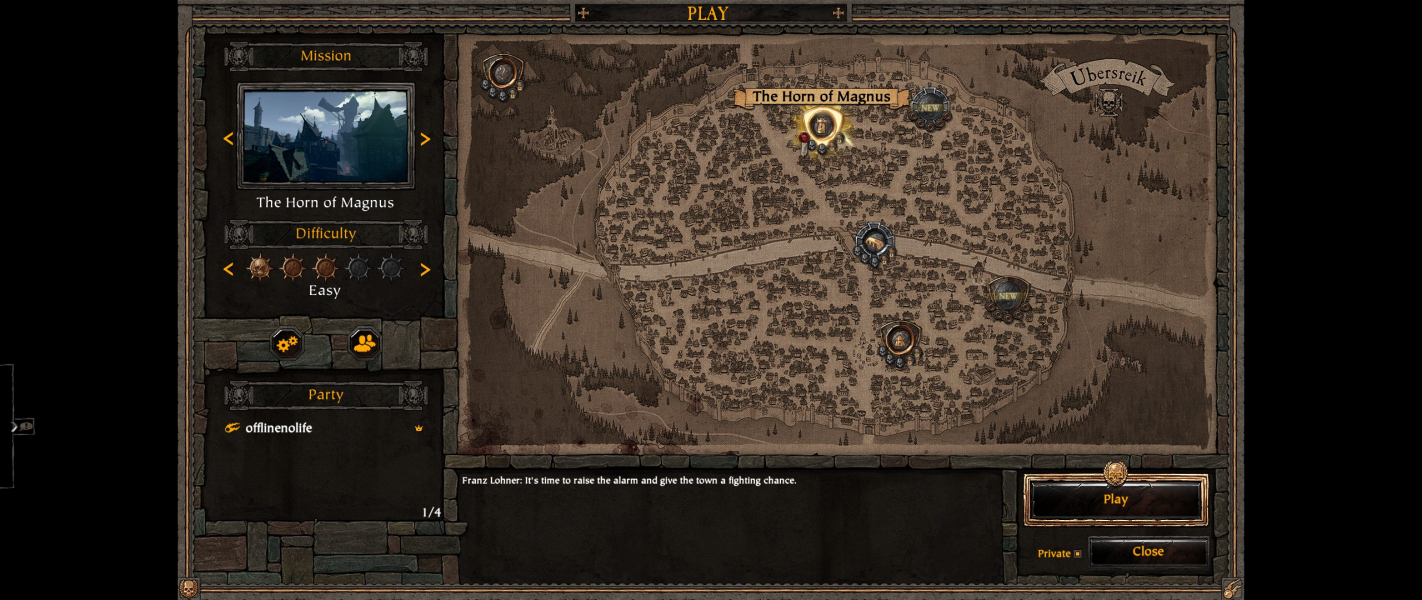
Eyefinity / Surround Menu

4K UHD Screenshots
4K Gameplay Screenshot

4K In-Game Cutscene

4K FMV Cutscene
4K Menu Screenshot