

A sequel to All Zombies Must Die. Step into the sturdy boots of McJagger and take on an army of the undead! In the standalone spin-off to All Zombies Must Die!, the only thing that really matters is your score. Build your multiplier and rack up as many kills as possible to become the best zombie-slayer in Deadhill; to that end, your mission remains the same: all zombies must die.
Support Summary
Widescreen | Ultra/Super‑Wide | Multi-Monitor | 4K Ultra HD | |
Support | ||||
Method | ||||
HUD | ||||
Cutscenes | ||||
FMVs |
Game Information
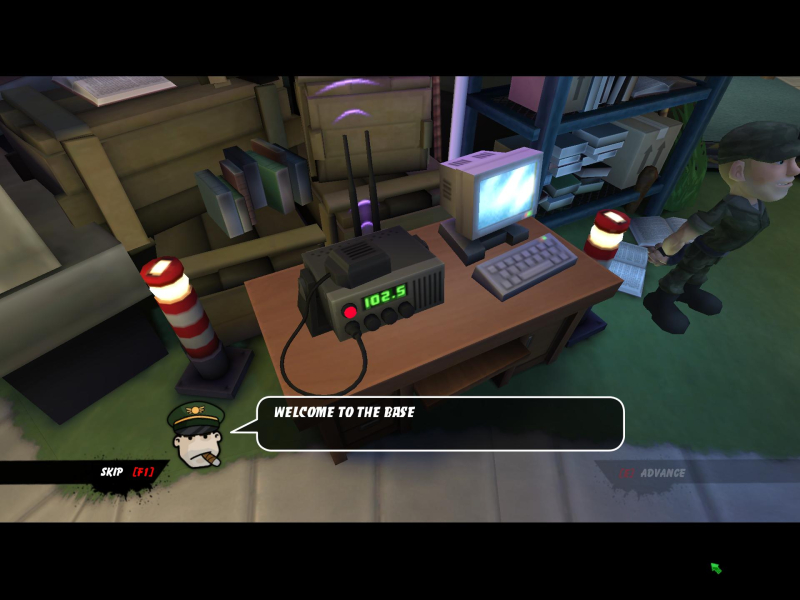
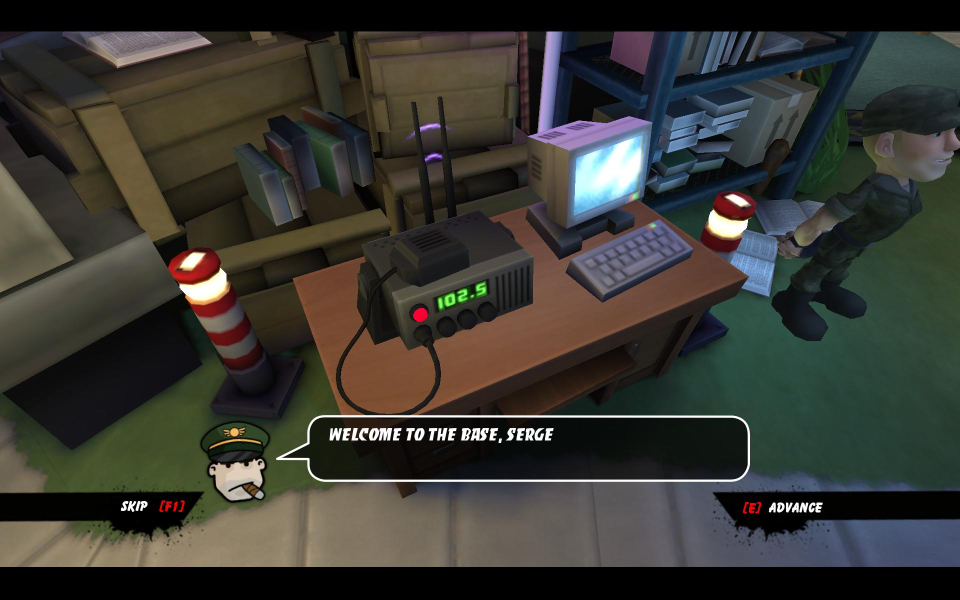
Screenshots Comparison
Solutions & Issues
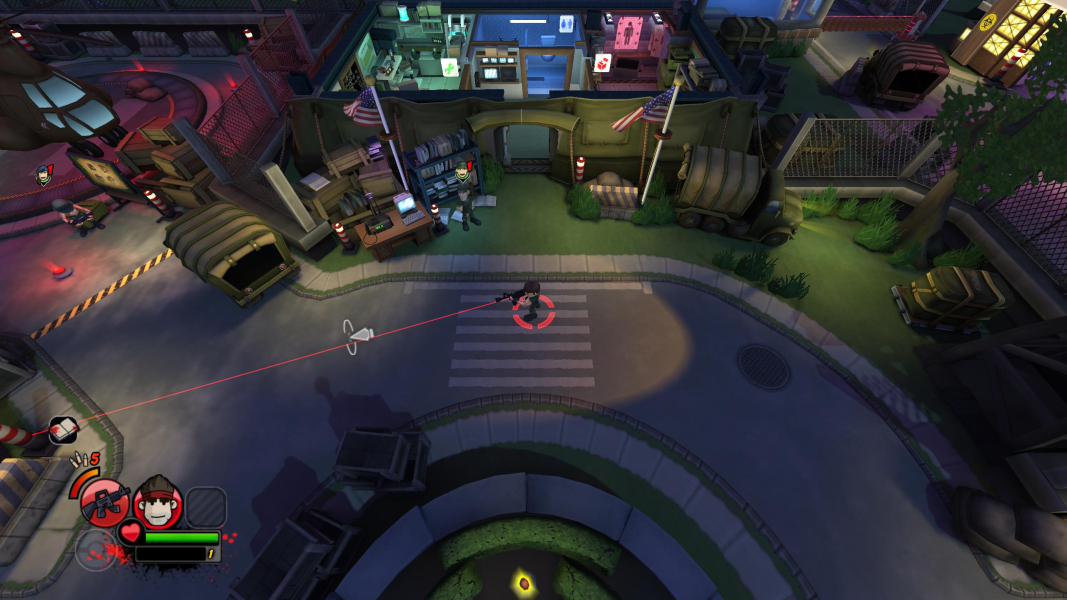
FOV is to narrow - can be changed via ini edit:
Go to C:\Users\.....\Documents\My Games\UnrealEngine3\Bzb2Game\ConfigBzb2Game.ini
[Bzb2Game.Bzb2PlayerCamera]
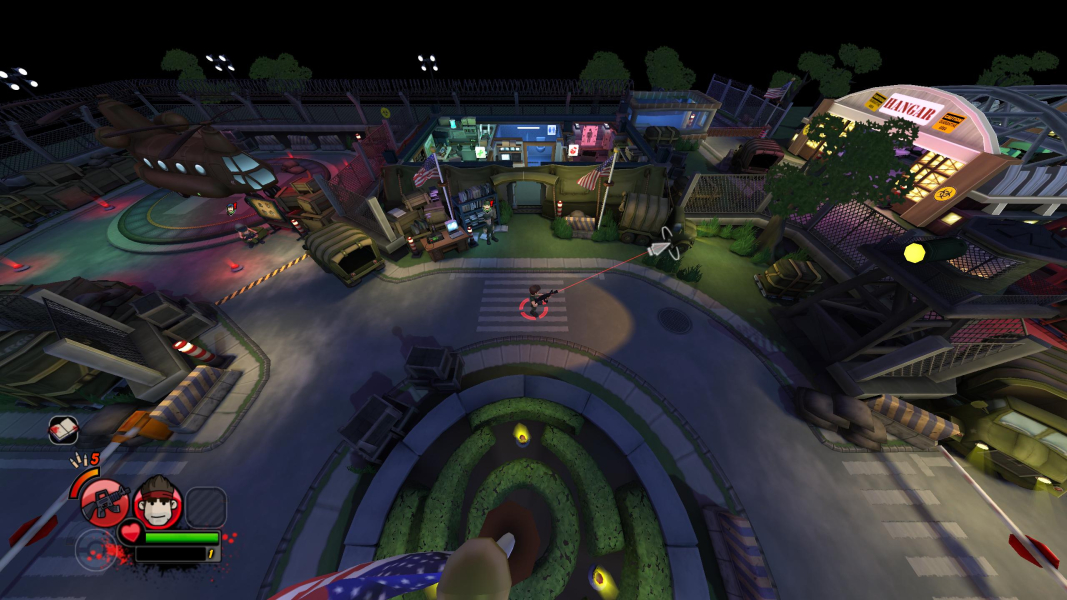
CameraFOV=80 change to 110 - see additional Screenshots
MaxMultiplayerCameraFOV=92 change to 110 - see additional Screenshots
Aspect Ratio via Cheat Engine - press F2 - Fix available from the PC Gaming Wiki Community Files (search there).
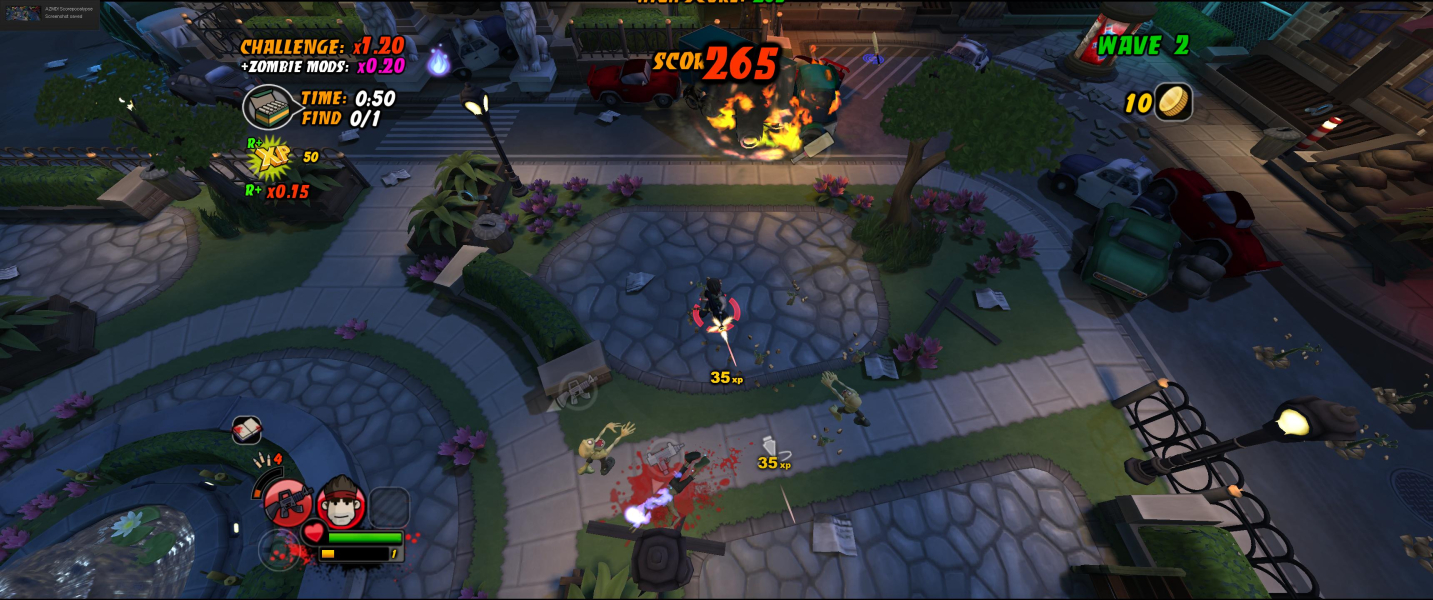
FOV can be changed via ini edit:
Go to C:\Users\.....\Documents\My Games\UnrealEngine3\Bzb2Game\ConfigBzb2Game.ini
[Bzb2Game.Bzb2PlayerCamera]
CameraFOV=80 change to 120
MaxMultiplayerCameraFOV=92 change to 120
Gameplay Screenshots

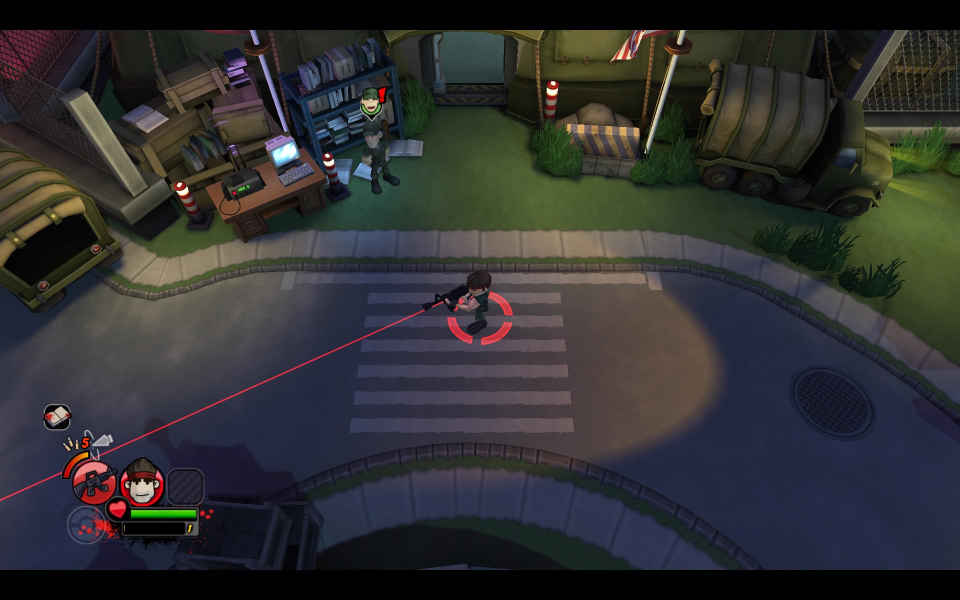
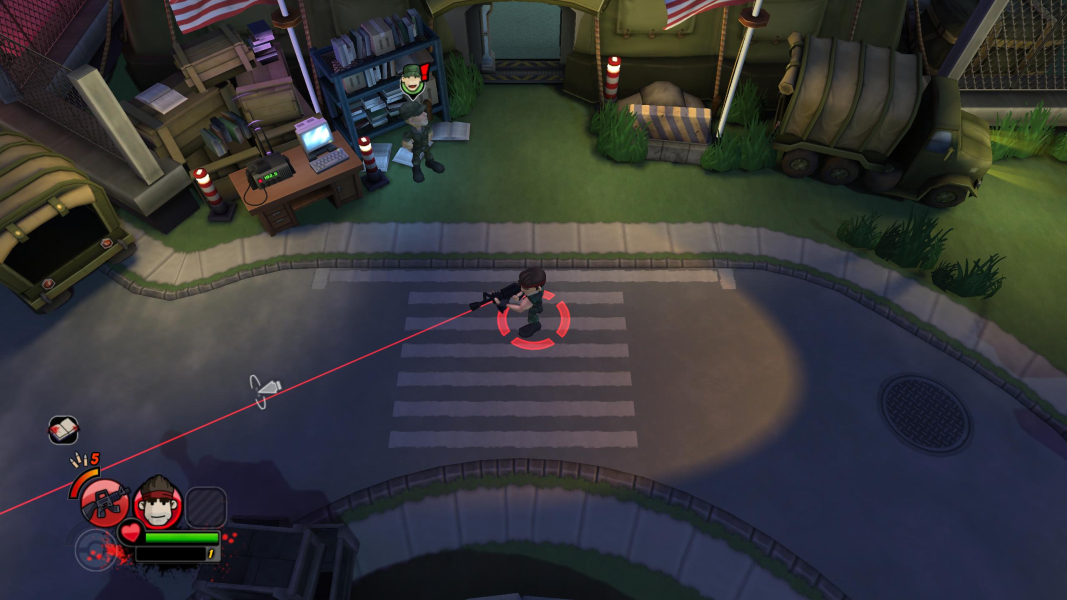


In-Game (Rendered) Cutscenes

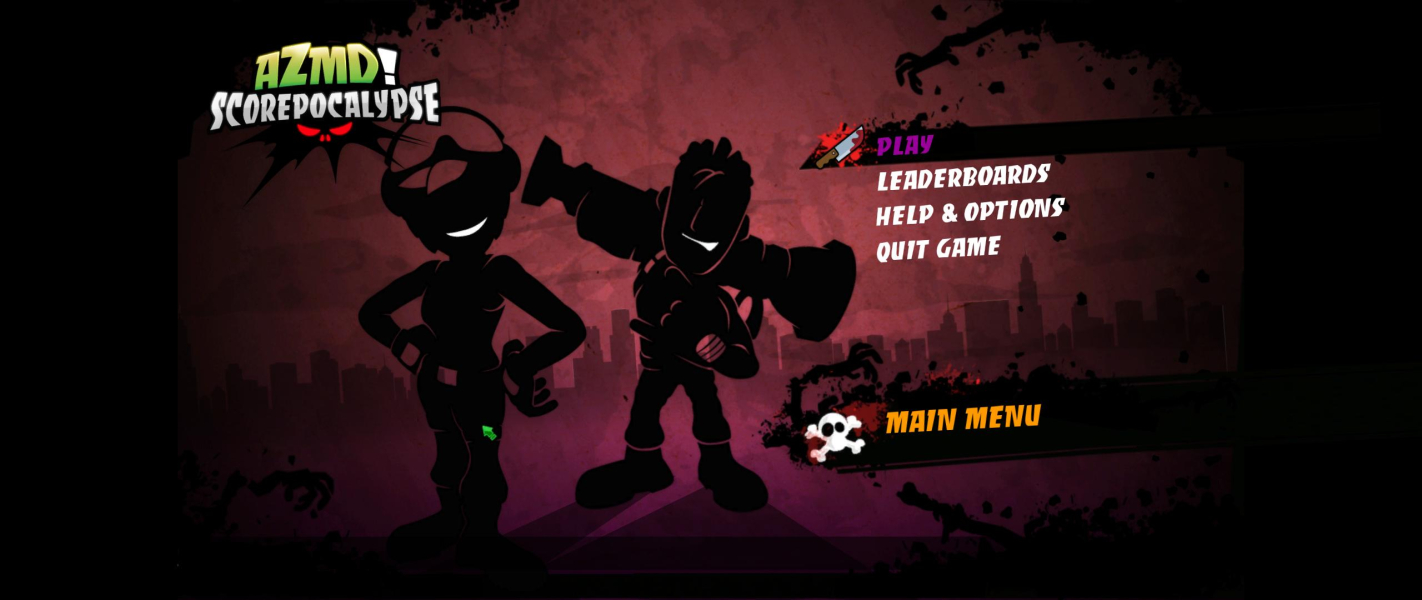
Menu Screenshots
Additional Screenshots