


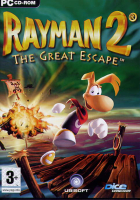


Admiral Razorbeard and his gang of robot pirates have enslaved all the creatures in Rayman's world, including the peaceful Teensies and the Lums, which give life to the earth. Rayman has been captured by the pirates as well and is lamenting his troubles in his prison cell, when he meets his good friend, Globox. Globox has smuggled in a silver Lum, given to him by the great fairy, Ly. With the power of the silver Lum, Rayman is able to once more shoot his fists. With his power restored, the pair escape the flying prison ship and embark on another adventure to save the entire world!
Rayman 2: The Great Escape is the sequel to Rayman, a 2D side-scrolling platform game. Unlike the previous game, Rayman 2 is entirely in free-roaming 3D environments, similar to Super Mario 64. Rayman has many unique abilities that can help him get around the world. In addition to being able to shoot his fists, he can use his hair to hover like a helicopter, and even glide on air currents in certain places. He can climb certain walls and ceilings and can even use his fists to swing from special purple Lums which are shaped like rings. Rayman also has many unique items at his disposal, such as powder kegs which can be carried or fly like jets, strange warheads with legs that he can ride and steer like bucking mules, and gigantic plums that can be thrown into the water to create new paths.
Rayman's goal is to find the four masks of the world, which allow the owner to reawaken Polokus, the spirit of the world. These masks are scattered far and wide, and are well hidden and guarded, so it is not an easy task. By gathering the yellow Lums, Rayman will gain access to new worlds, which will take him to the locations of new masks. Collecting yellow Lums also rewards him with new powers and life meter extensions.
Support Summary
Game Information
Screenshots Comparison
Solutions & Issues
Download Rayman 2 Widescreen Patch files available from the PC Gaming Wiki Community Files (search there). Choose your .exe for 16:9 or 16:10 display.
Download the latest dgVoodoo 2 wrapper and extract it. Copy the DLL files from dgVoodo's MS directory to the Rayman 2 game folder.
Start '''dgVoodooSetup.exe''', go to DirectX tab and adjust the rendering resolution there f.e. 2560 x 1440.
Now start GXSetup.exe and select the Resolution 1024 x 768 so the Game wont crash in higher Resolutions like 2560 x 1440.
Same Solution with dgVoodoo2.
I created the Aspect Ratio Files in the Attachment and another Version with higher FOV - Rayman2 - 21x9.zip files available on PC Gaming Wiki
Same Solution with dgVoodoo2.
I created the Aspect Ratio Files in the Attachment - Rayman2 - Surround.zip files available on PC Gaming Wiki
Gameplay Screenshots
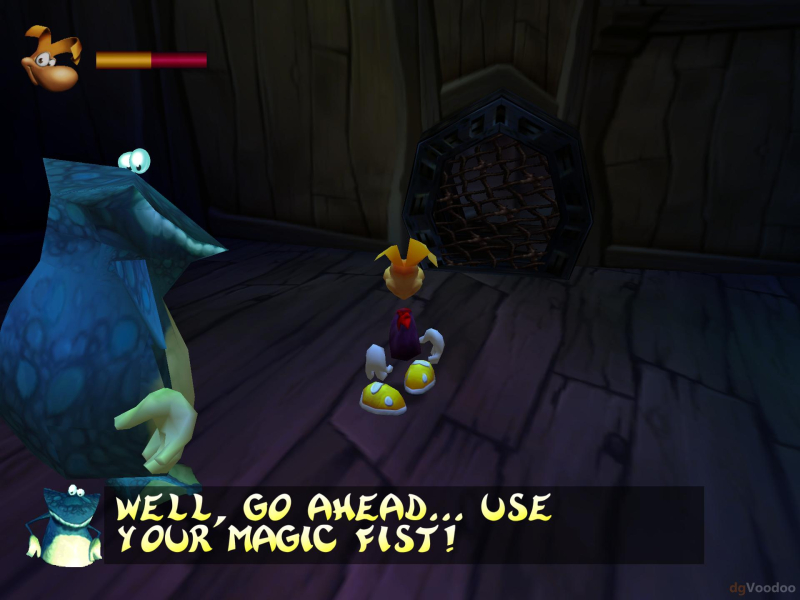
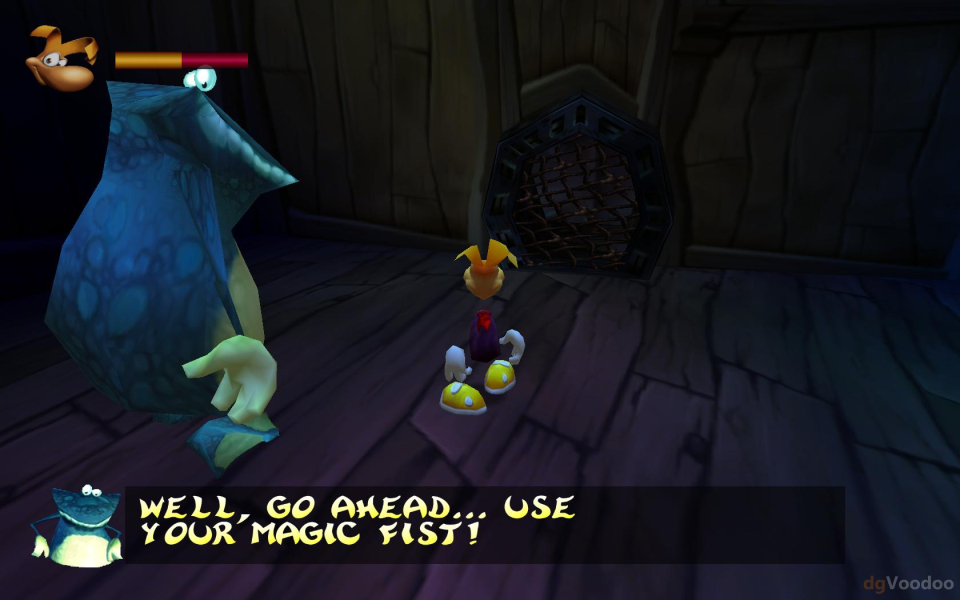
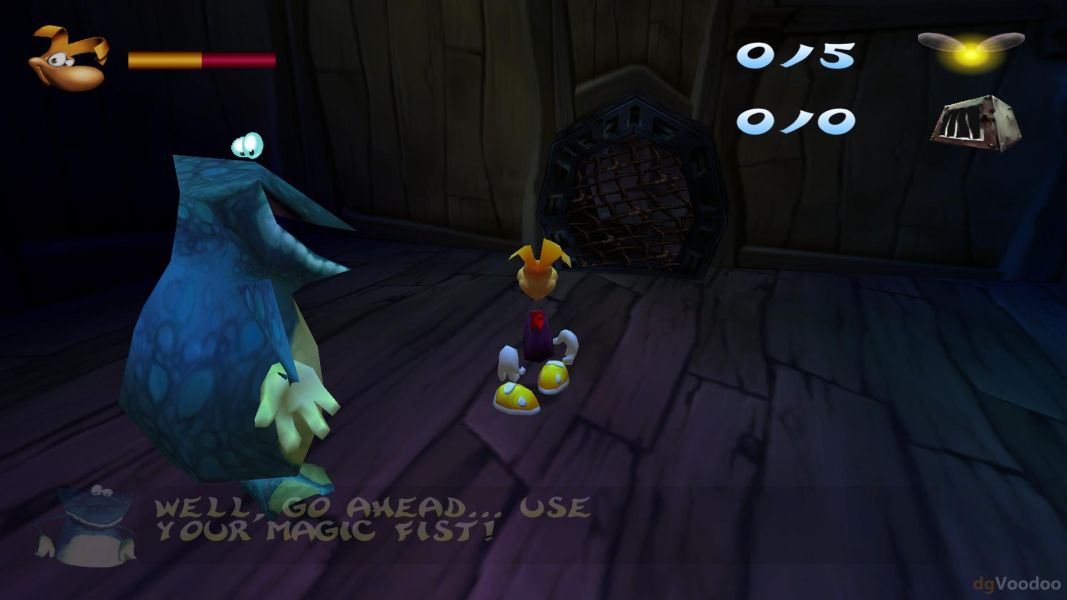



In-Game (Rendered) Cutscenes
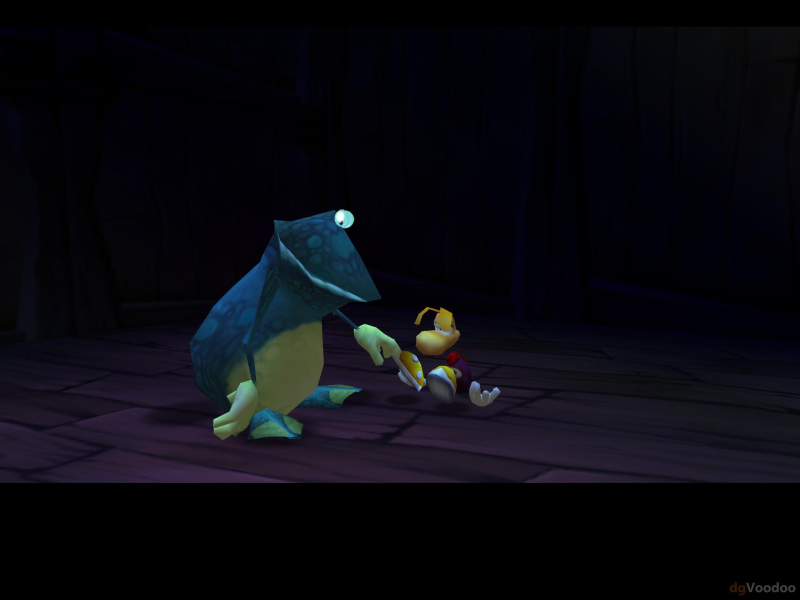
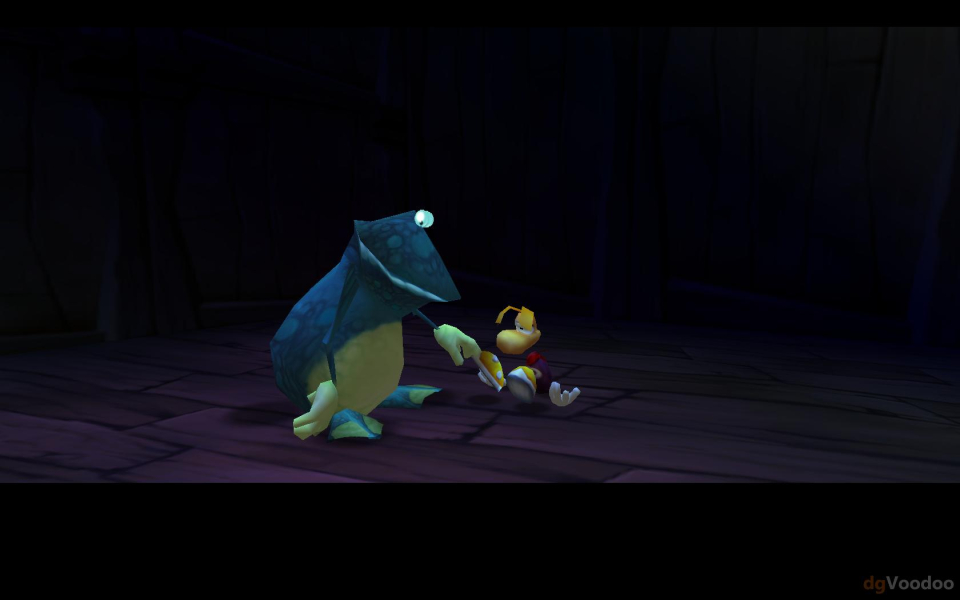



FMV Cutscenes





Menu Screenshots
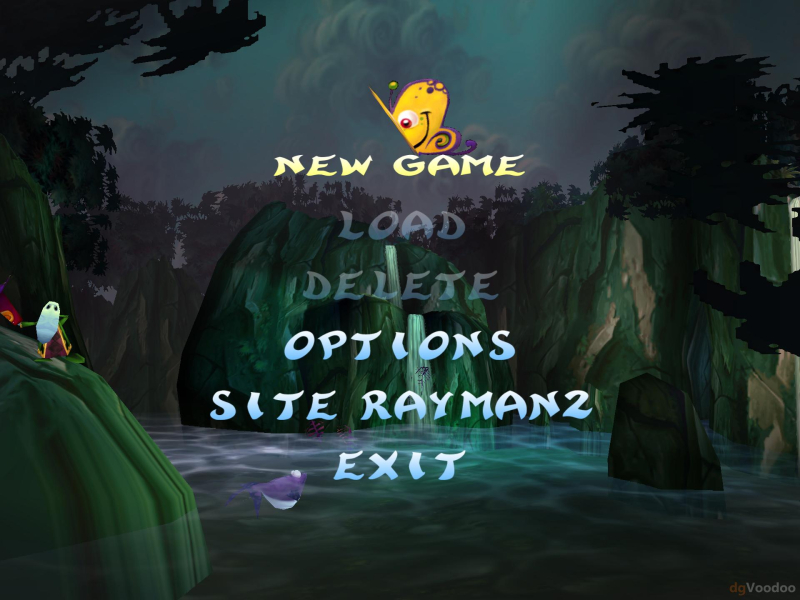

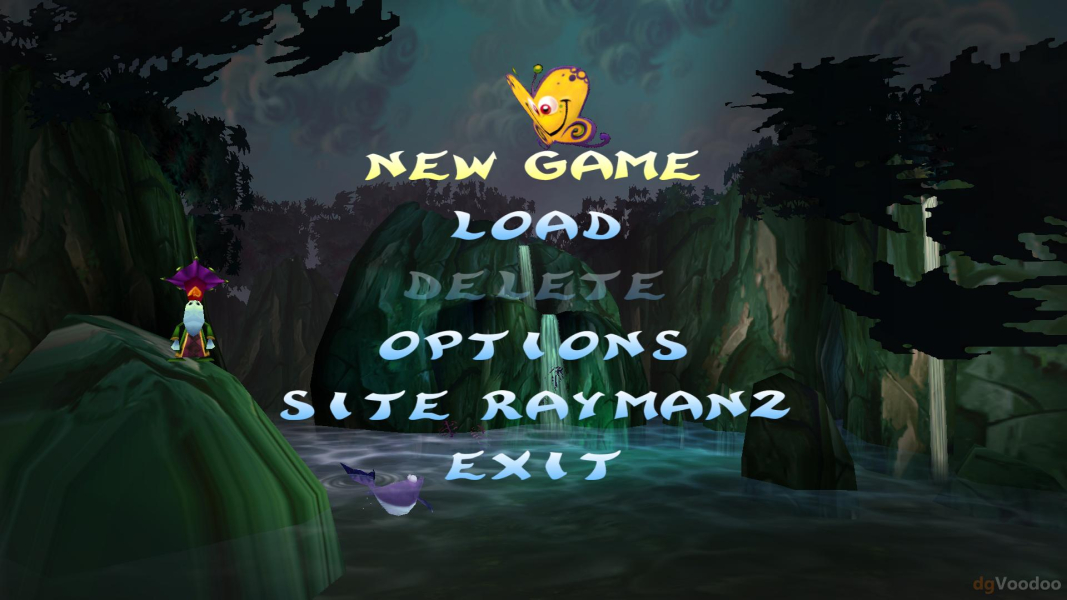


Additional Screenshots


