

" According to Egyptian legend, Horus, son of the light, outwitted the evil God Set and imprisoned him in a secret tomb. Five thousand years later, Lara Croft discovers the lost tomb and unwittingly unleashes the evil God Set, fulfilling the ancient prophecy of his return to plunge mankind into darkness! In a race against time, Lara must use all her wit and skill to re-imprison Set and save the world from Armageddon. Pursued at every turn by her arch-rival, the unscrupulous archaeologist Werner Von Croy, Lara embarks on a journey of discovery across Egypt, where she must overcome the most ingenious puzzles and infernal traps ever devised, and face terrifying evil from beyond the grave... With more twists and turns than an Egyptian labyrinth, this is heart stopping action-adventure; a Tomb Raider that truly offers... The Last Revelation. " - Steam store page
Support Summary
Game Information
Screenshots Comparison
Solutions & Issues
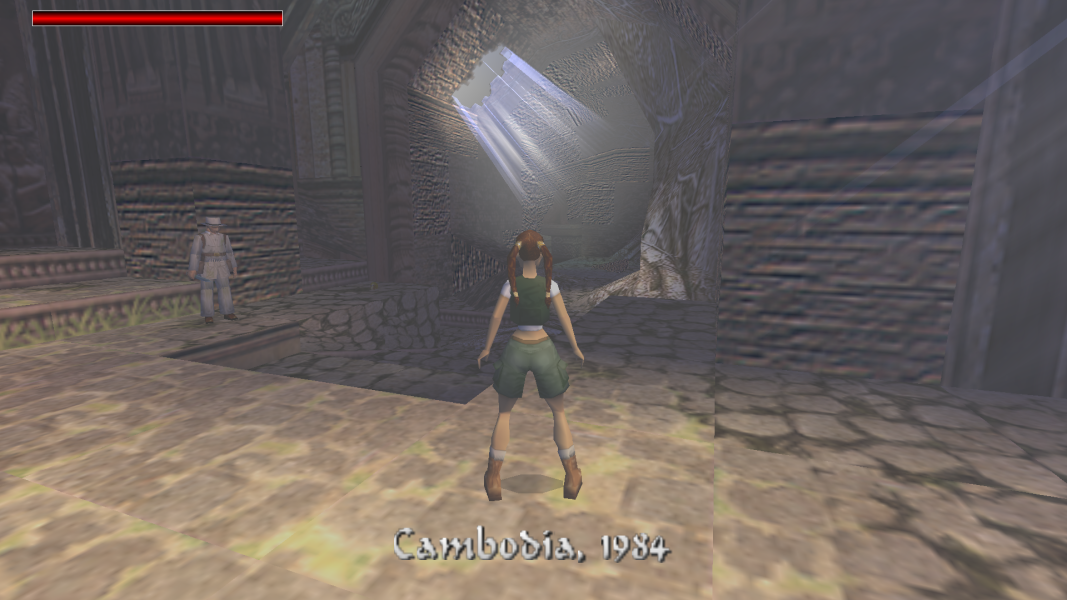
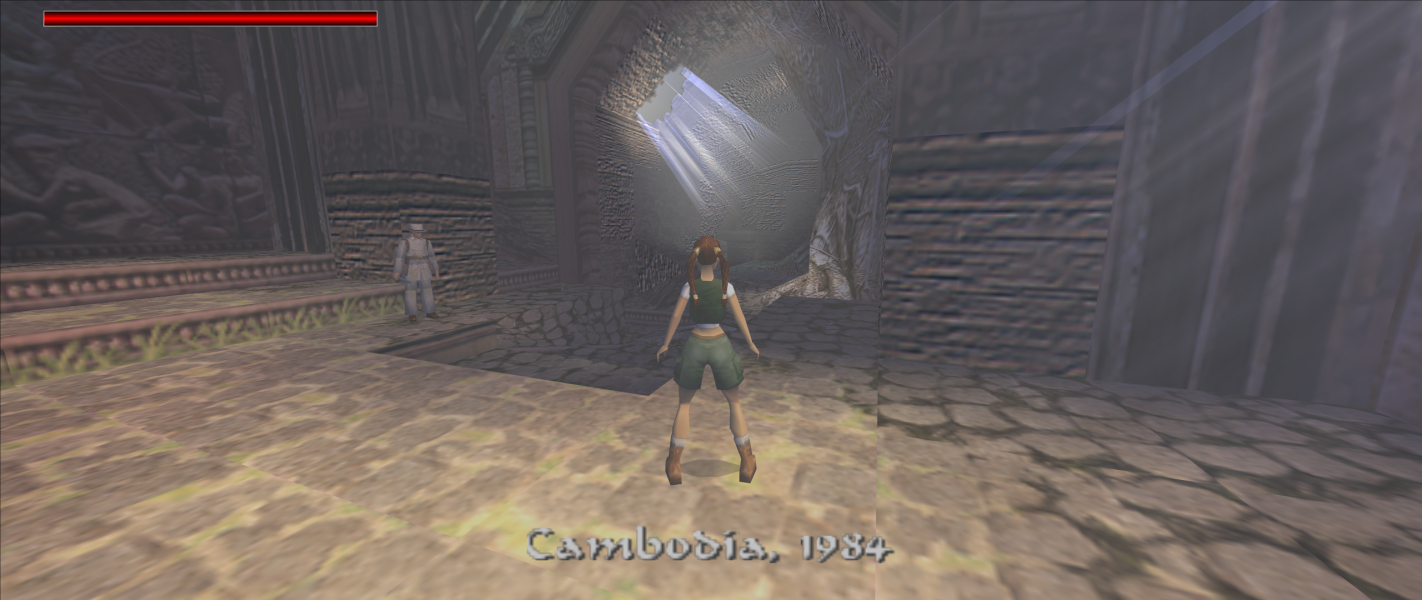
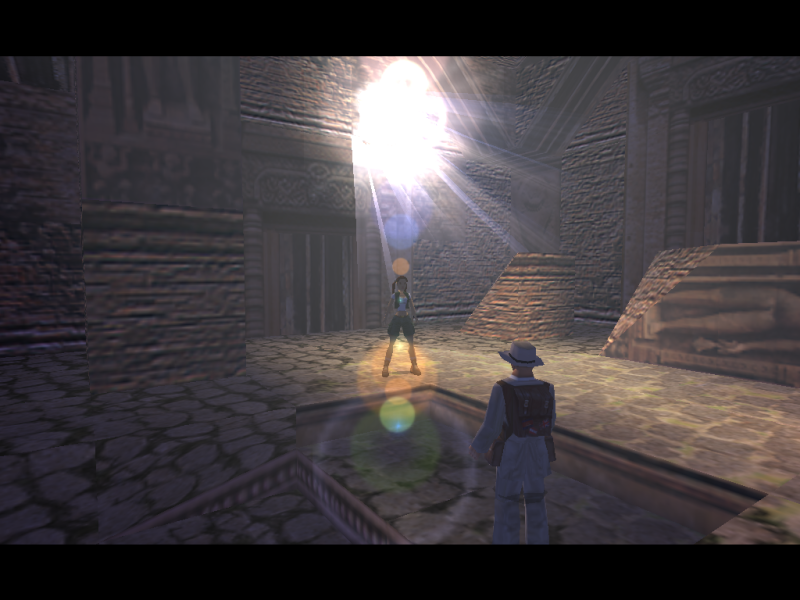
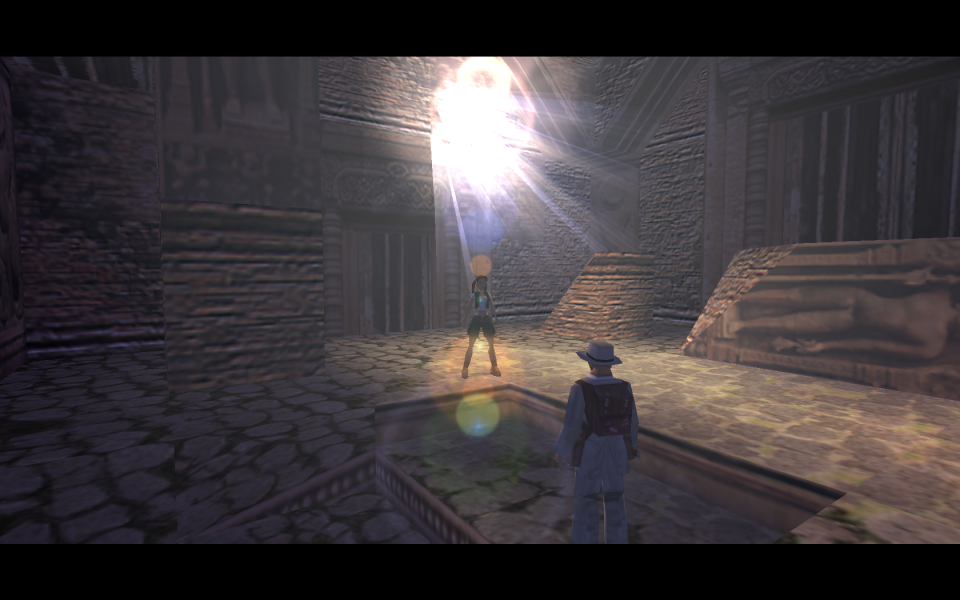
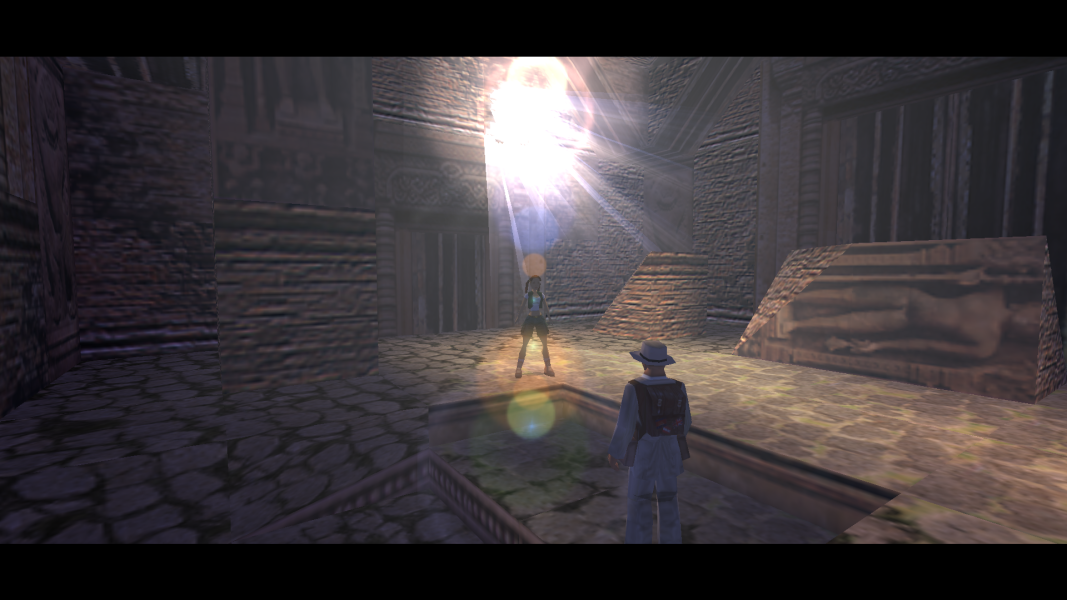
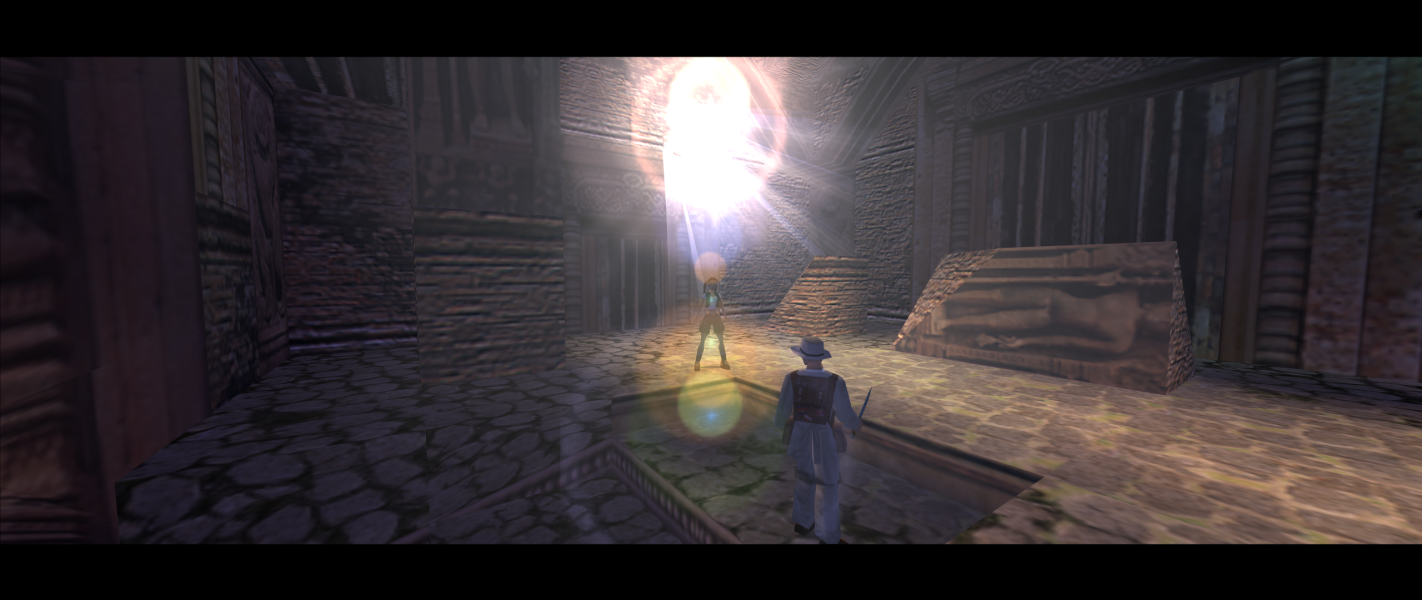
Widescreen resolutions stretch from 4:3 by default. Use Tomb Raider 2,3,4 Widescreen Patch to set aspect ratio, camera distance, and FOV. The aspect ratio list in the patcher may produce the wrong aspect ratio. Enter the resolution's dimensions manually if this happens.
All 3D elements scale correctly. All 2D elements stretch from 4:3. FMV cutscenes always run at 640x480.
Some higher resolutions (e.g. 2560x1440) will crash the game ("Tomb Raider IV: Failed To Setup DirectX"). Use dgVoodoo 2 to fix resolution limit.
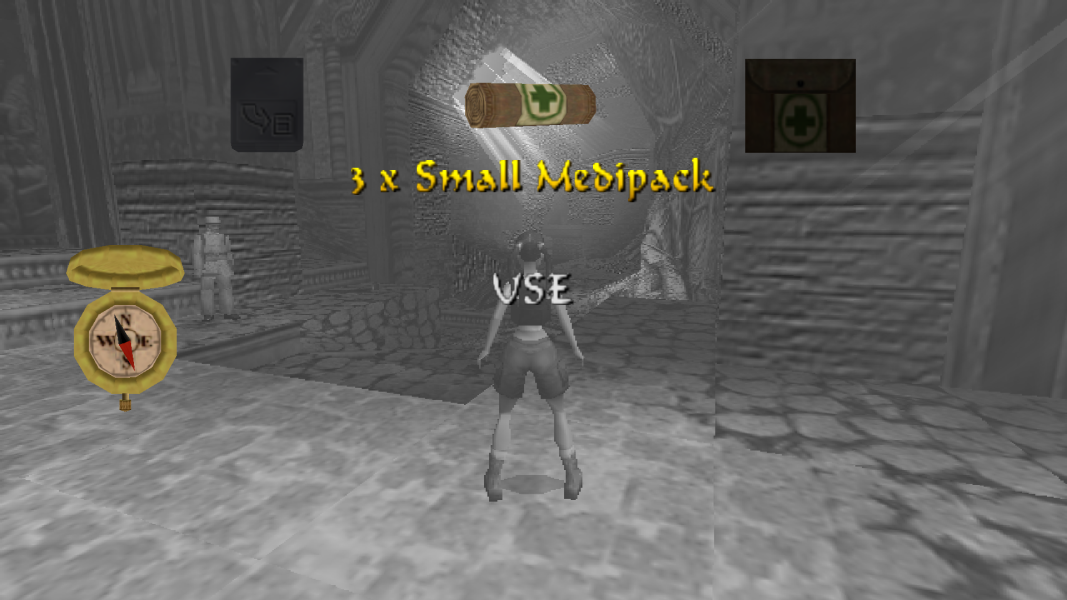
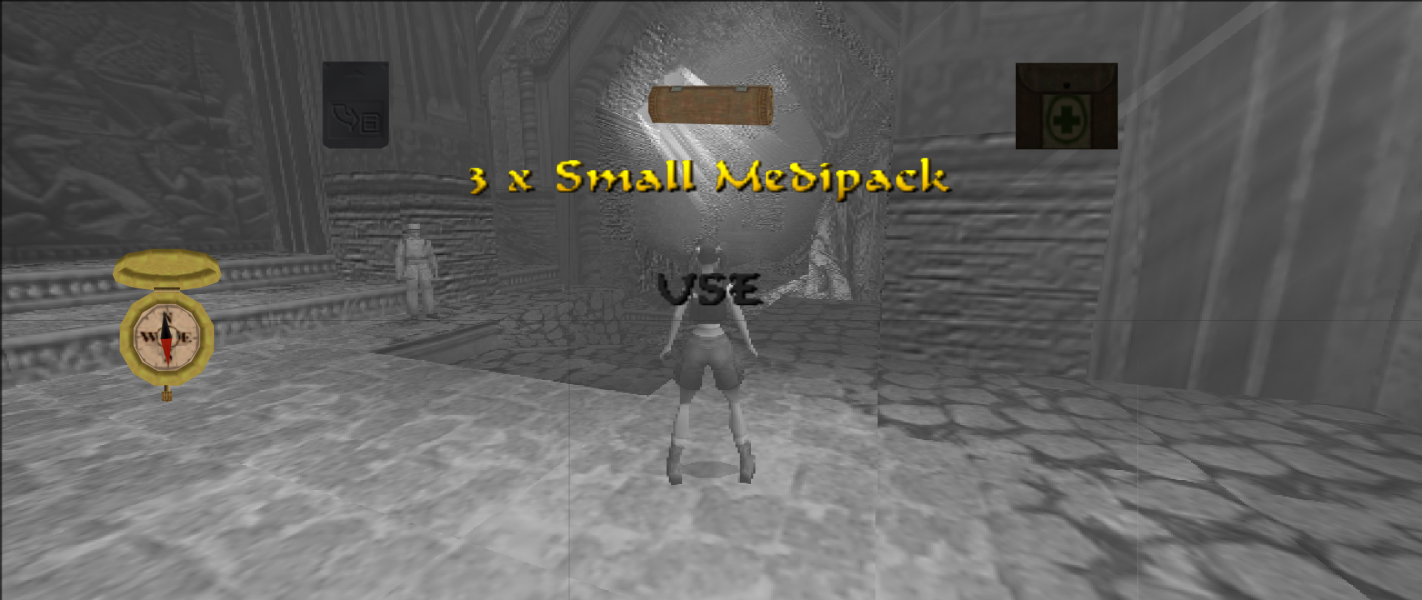
Some resolutions may show vertical lines for the background of the in-game menu screen (this is not caused by the widescreen patch).
Same as widescreen. Use dgVoodoo 2 to fix resolution limit.
Same as widescreen. Use dgVoodoo 2 to fix resolution limit.
Gameplay Screenshots
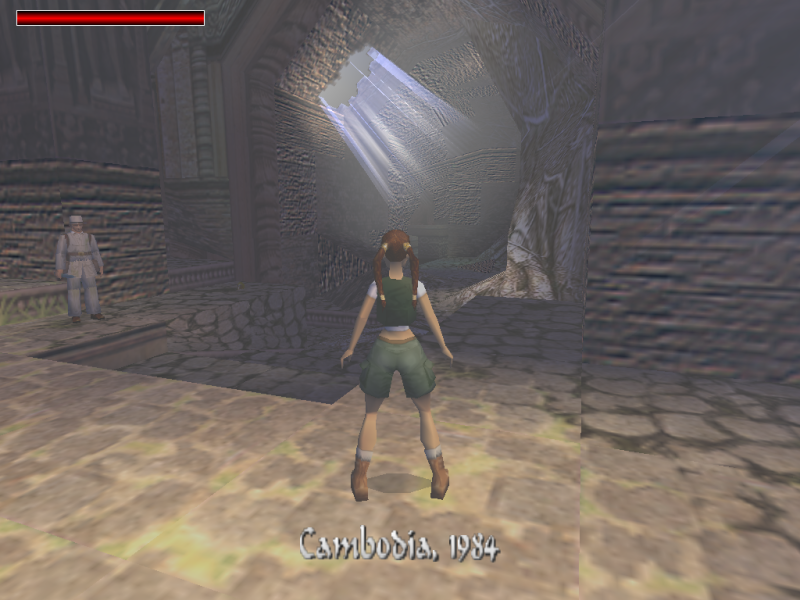



In-Game (Rendered) Cutscenes

Menu Screenshots