

Overthrow a corrupt dictator in the sequel to Red Faction.
Support Summary
Game Information
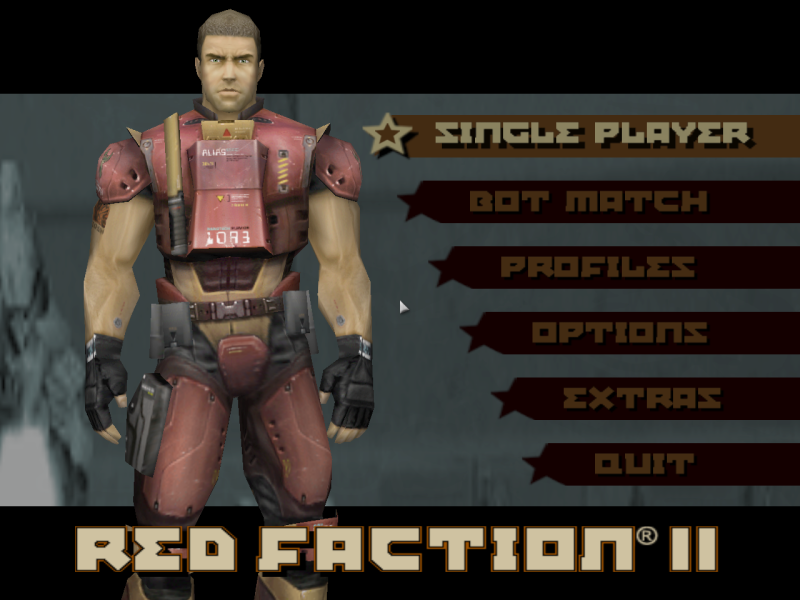
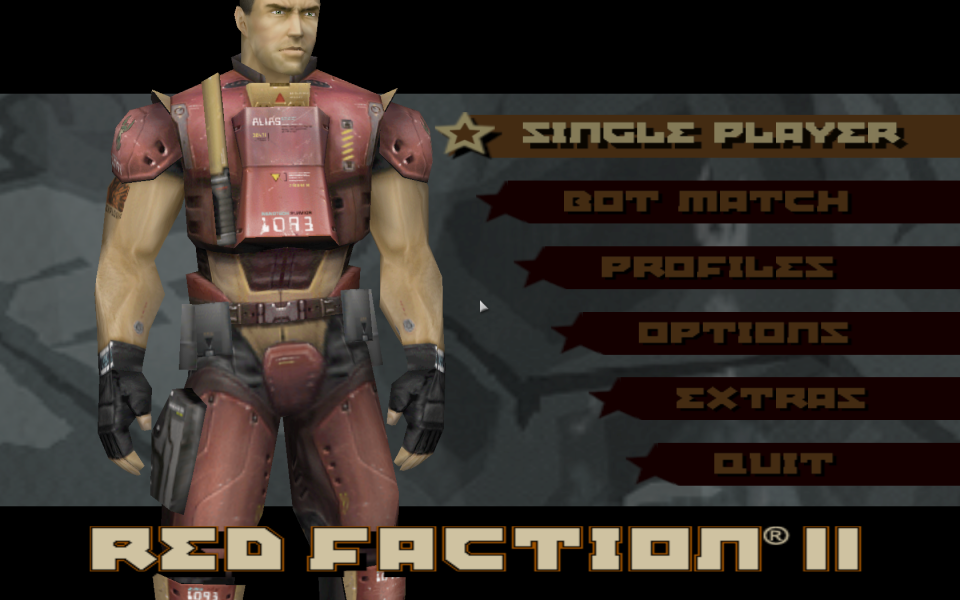
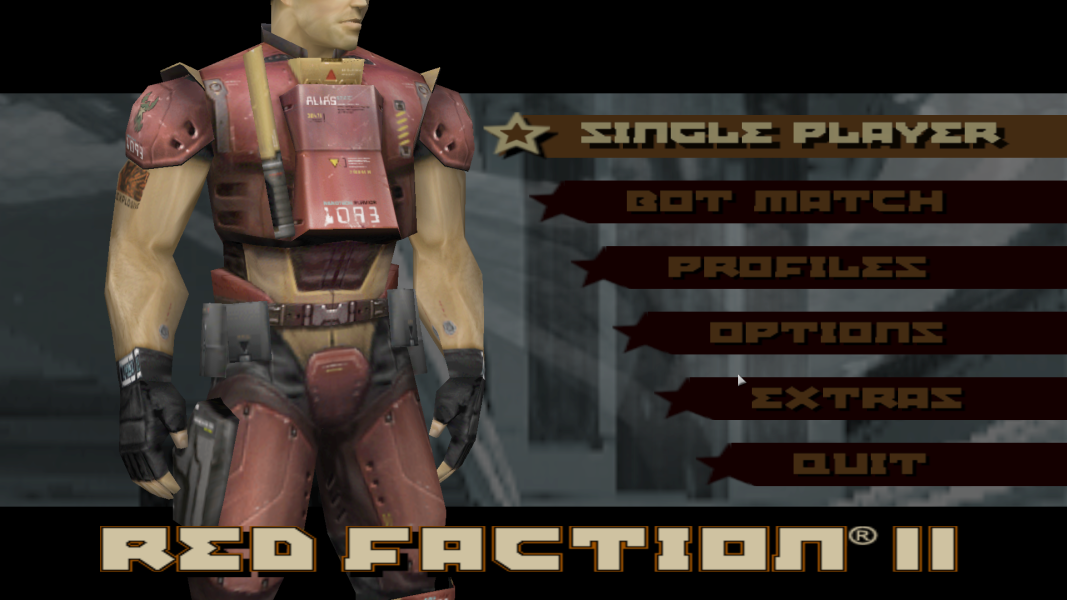
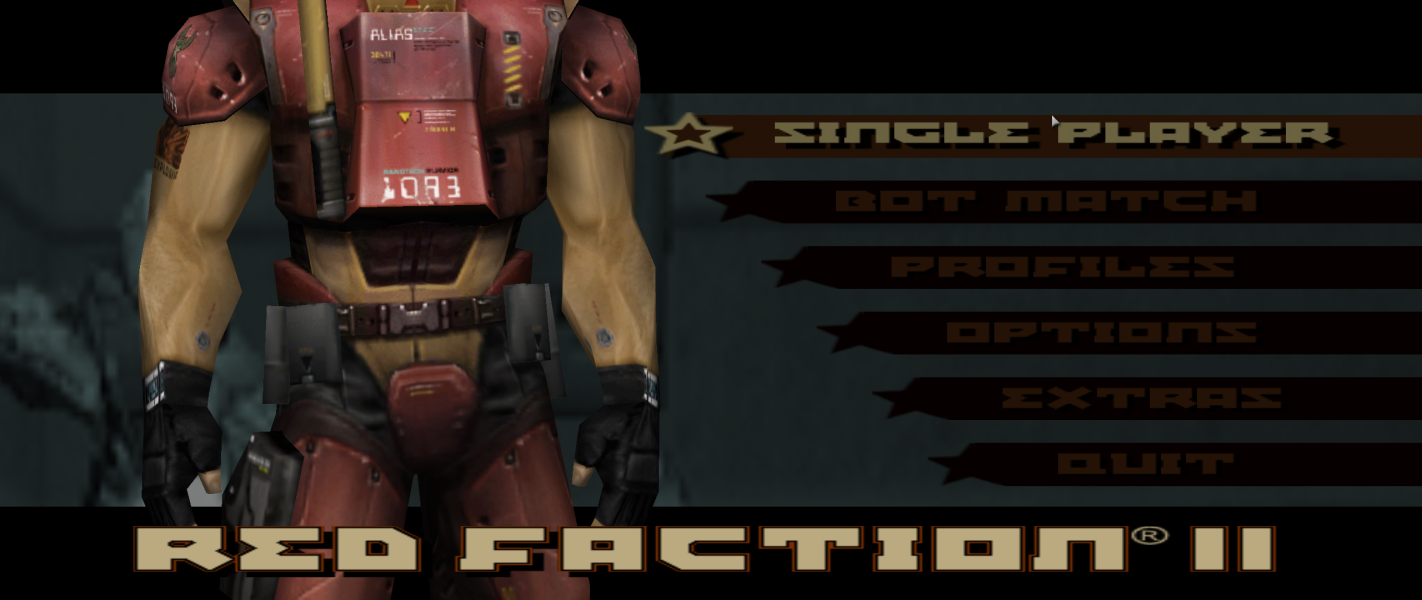
Screenshots Comparison
Solutions & Issues
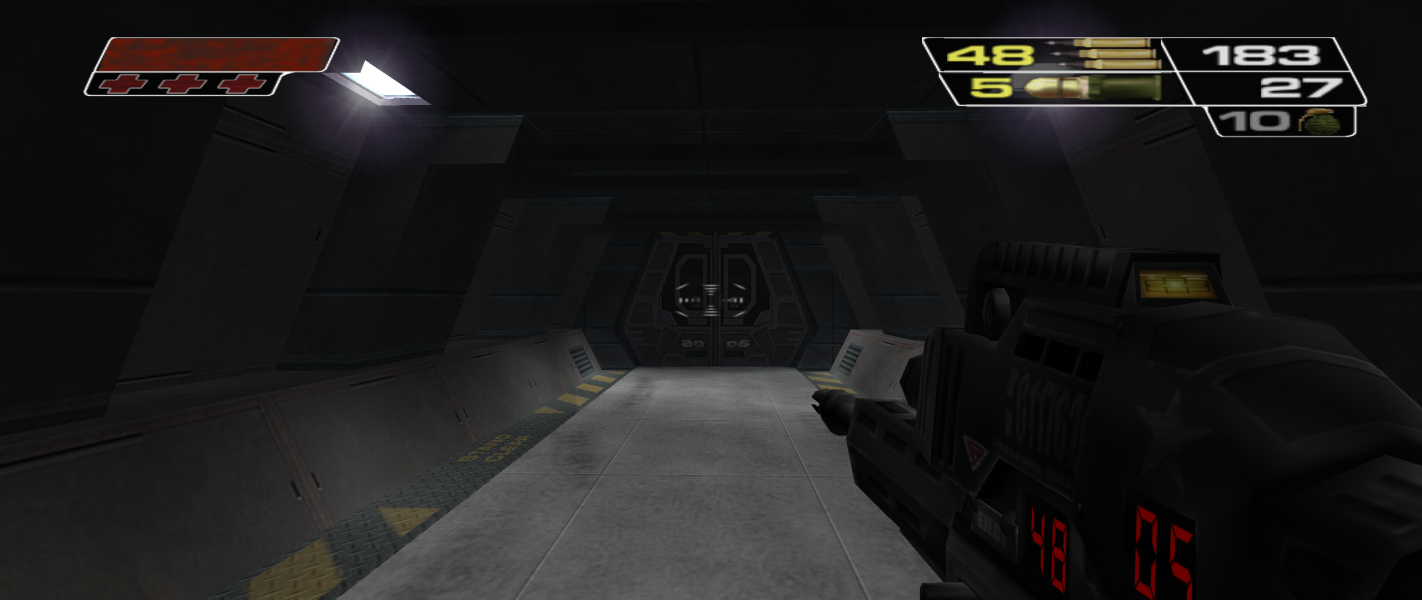
Widescreen resolutions are detected in the launcher but everything is stretched from 4:3 aspect ratio. Use the widescren fixer to fix the aspect ratio and set the FOV. Since the same address is used for FOV in cutscenes, the FOV change has to be done manually by key pressing.
NOTE: for the GOG.com version this tool must be run as an administrator (right click, choose Run as administrator).
FMV cutscenes are always played in 640x480 resolution.
Same as widescreen method. Cutscenes are Vert- (pressing the FOV key will make the cutscene FOV far too far away).
Same as widescreen method. Cutscenes are Vert- (pressing the FOV key will make the cutscene FOV far too far away). Some details of weapon models (e.g. built-in ammo counters) are off-screen (this information is also in the HUD).
Gameplay Screenshots




In-Game (Rendered) Cutscenes


Menu Screenshots