


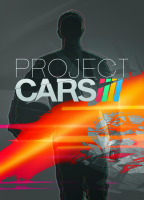


Developed by Slightly Mad Studios this Racing "Game" or better Simulation has been phostphoned for more than 2 years until it has been published on 7. may 2015
Support Summary
Game Information
Game Status:Released
Release Date:
Play Styles:
Setting:Modern
Genre:Racing (Sim-Style)
Developer:Slightly Mad Studios
Store Links:
Screenshots Comparison
Solutions & Issues
Eyefinity / Surround Specific Solution & Issues:
FOV must be adjusted by hand. There are seven Camera views, each with its own FOV slider. Default 16:9 FOV is 80 for all Camera views, except Rear Passenger is FOV 96. Proper multi-monitor FOV can be calculated, but adjusting by sight is also accurate (if done right, using either stickies or screenshots from proper 16:9).
Gameplay Screenshots
4:3 Screenshot
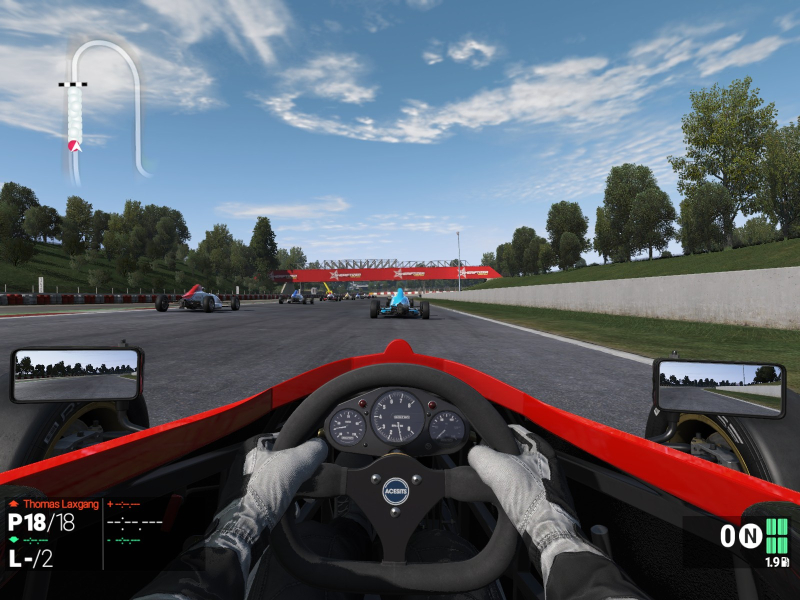
Cockpit Camera, using 16:9's default FOV 80
16:10 Screenshot

Cockpit Camera, using 16:9's default FOV 80
16:9 Screenshot
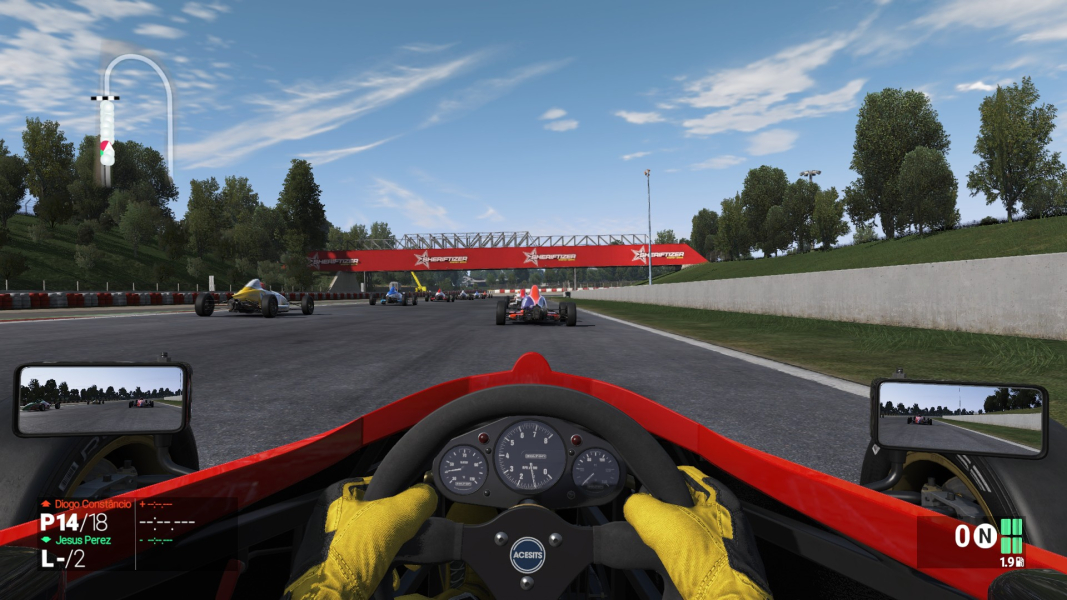
Default FOV 80
21:9 Screenshot

32:9 Screenshot

Eyefinity / Surround Screenshot

Adjusted FOV
Menu Screenshots
4:3 Menu
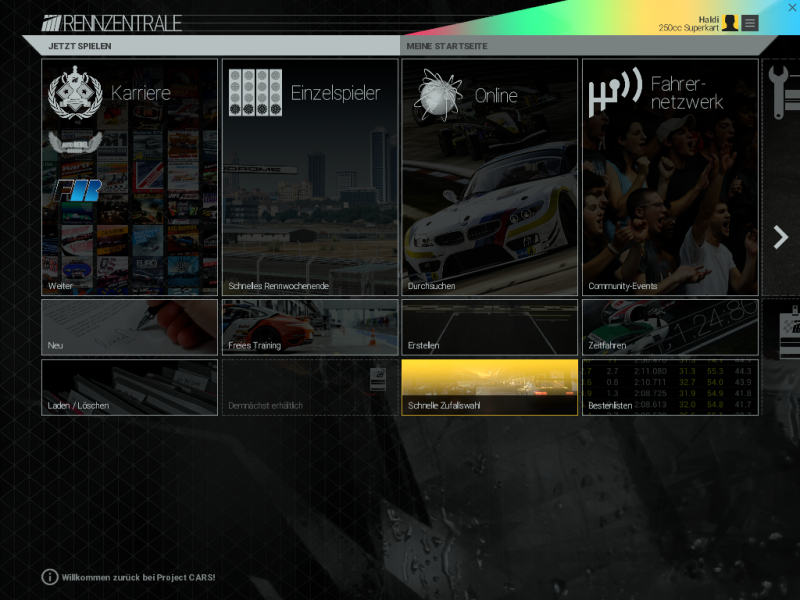
16:10 Menu
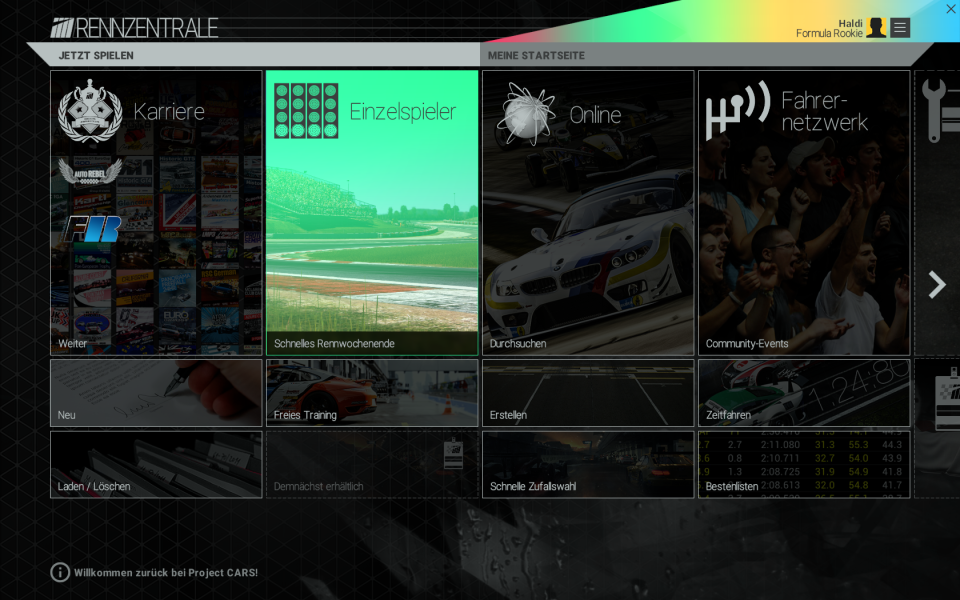
16:9 Menu

Eyefinity / Surround Menu

Additional Screenshots

Loading Screen





Resolutions & Configurations
16:10 Resolutions:1680x1050
16:9 Resolutions:1920x1080
Eyefinity / Surround Resolutions:5760x1080
Multi-Monitor Types:AMD Eyefinity
Multi-Monitor Layouts:3x1-L


