


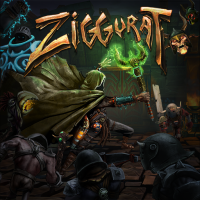


A rogue-lite fast-paced magical FPS. Fight through randomly-generated dungeons to find the portal key that will summon the level boss. Wield an assortment of staves, spells and weapons each using one of 4 mana types and boasting a secondary attack. Gain XP and choose new perks as you level up. Dodging is vital and death is final, but every kill counts toward unlocking new gear and playable characters for your future endeavours. The carnivorous carrot-ridden corridors of cartoonish carnage await...
Support Summary
Game Information
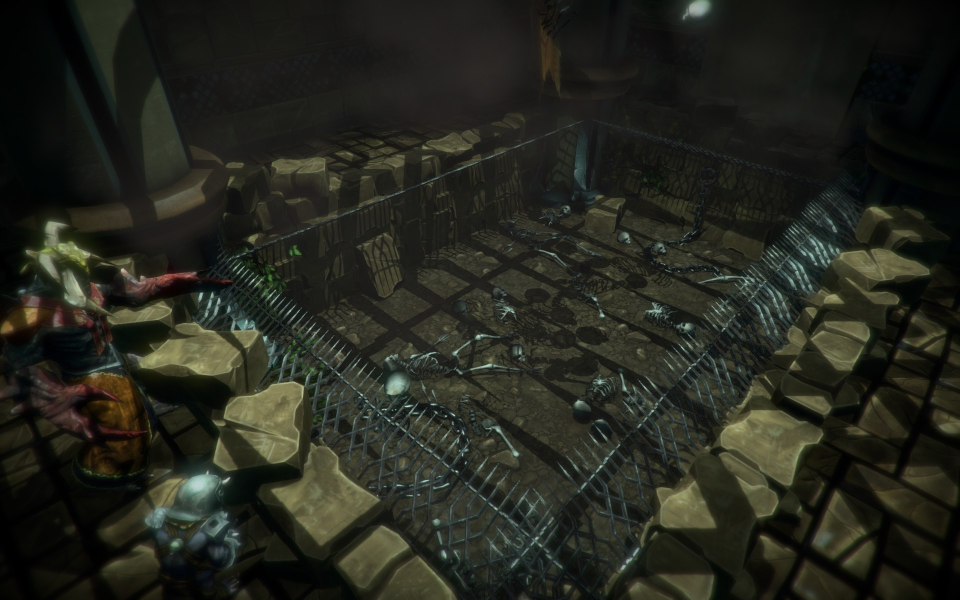
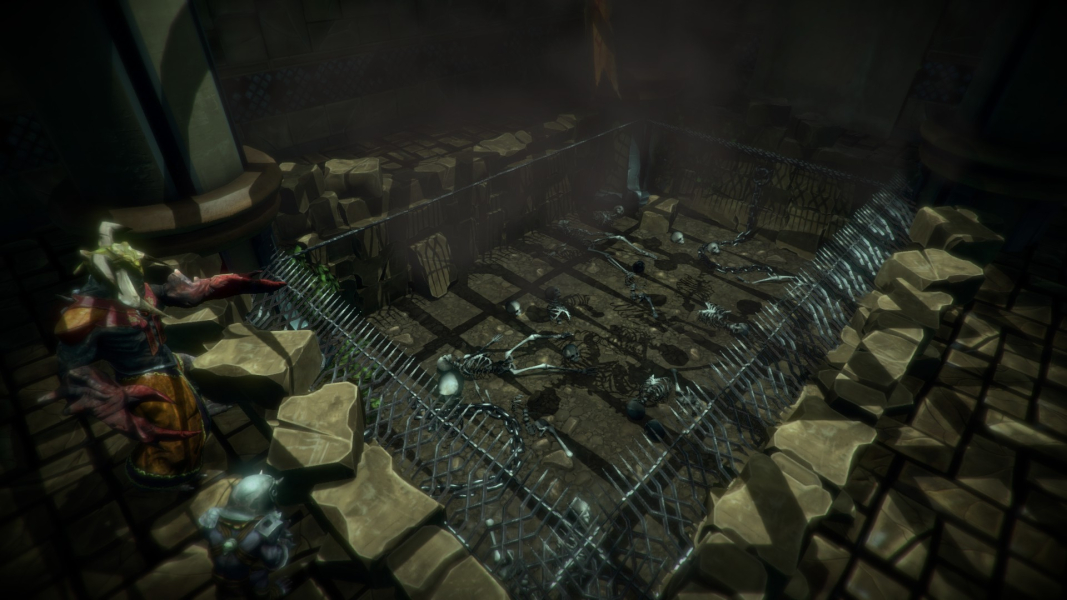
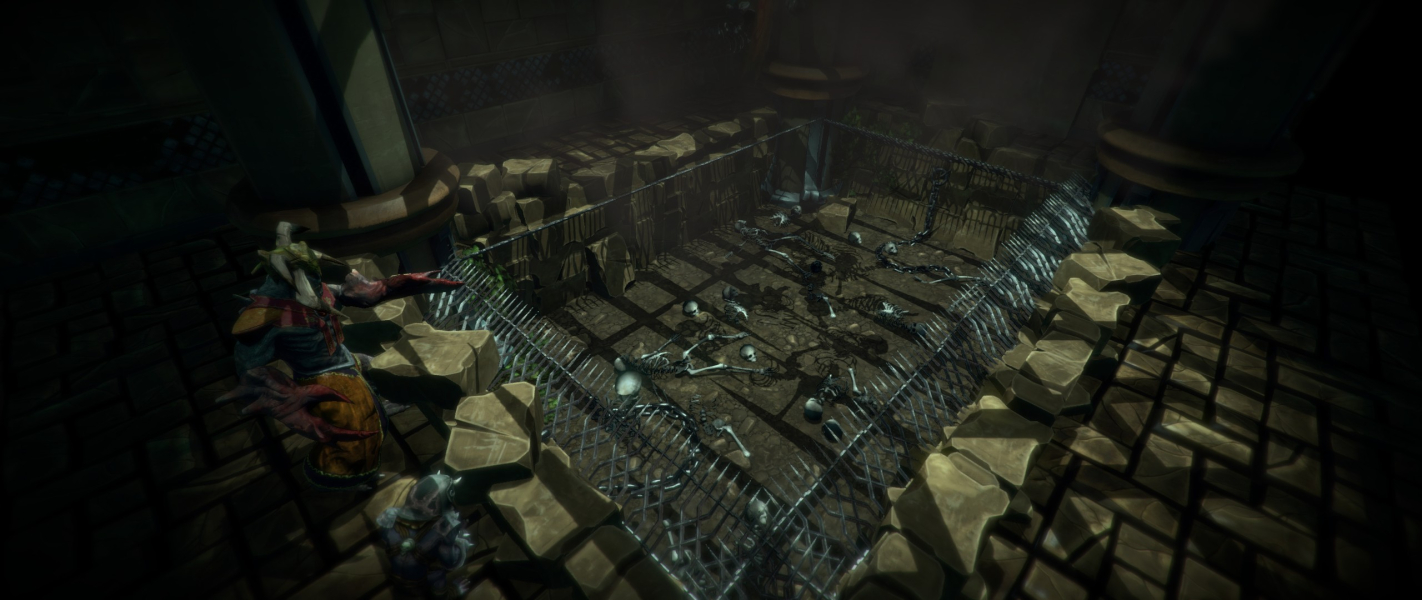
Screenshots Comparison
Solutions & Issues
Native Hor+ support.
The game will initially run at your native resolution. Changes to the display mode require a restart: clicking Apply commits changes to the config file but doesn't apply them right away. Customized settings are stored in Steam\userdata\\308420\remote\global_config.xml
Game options include several settings of interest to widescreen gamers:
- Field of view slider (in-game range 60-100, actual values 47-84 in config.xml)
- Sprint FOV toggle (not working properly... but disabling View Bob will also disable Sprint FOV)
- Interface scale (only affects HUD size)
Additional observations:
Optional zoom derives from FOV - it is not a fixed "scope sight".
Fullscreen map scale depends on aspect ratio: the wider the resolution, the more zoomed-in the view. You can always pan around the map, so it's an inconsequential oddity.
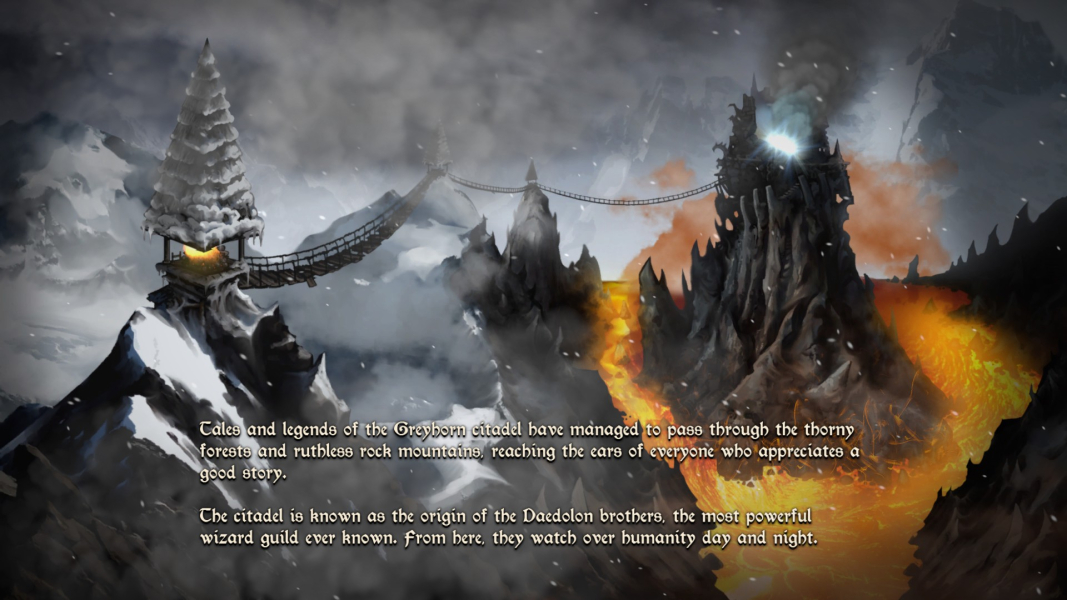
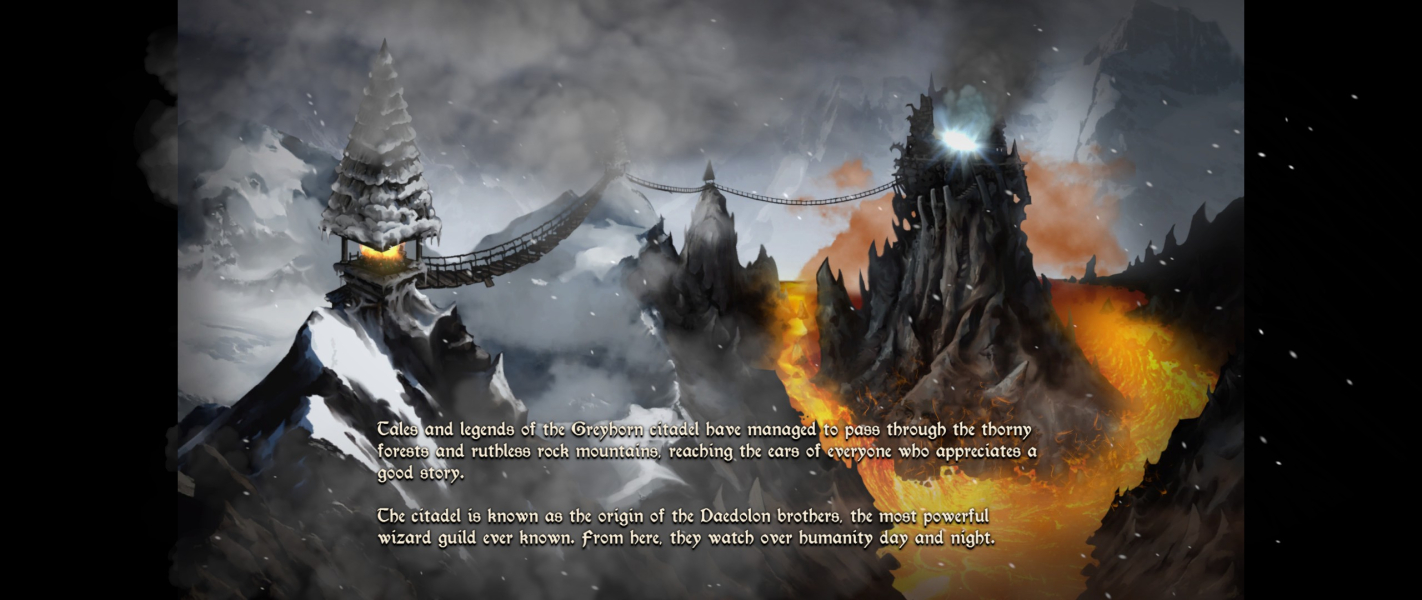
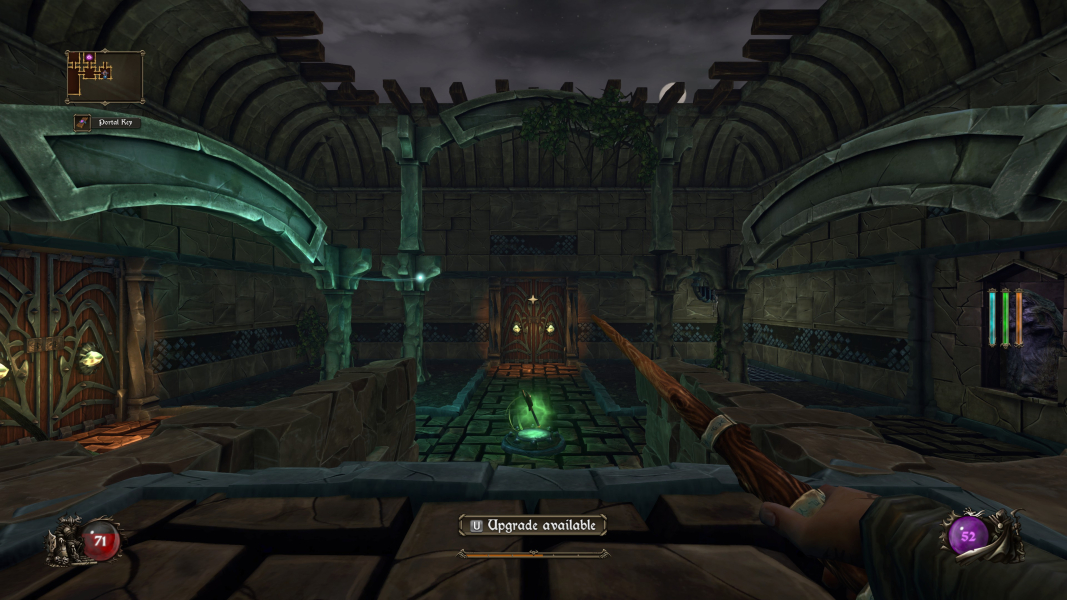
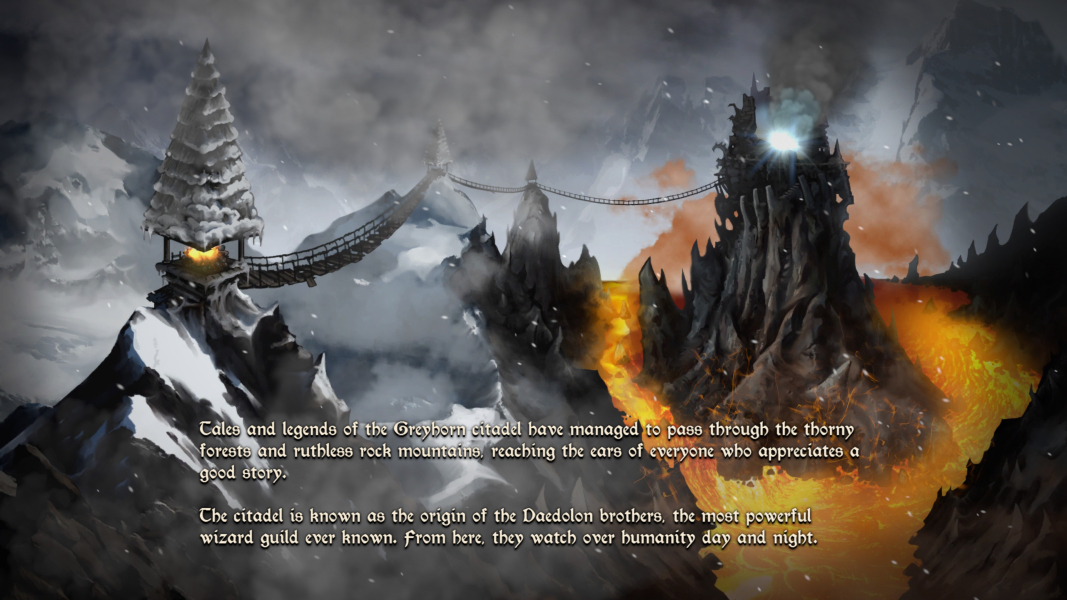
Native Hor+ support with pillarboxed FMVs. The HUD does not scale past 16:9.
Native Hor+ support. Thanks to Toothless Spoon's ever-impeccable lobbying, the HUD is centered (16:9).
Native Hor+ support.
Gameplay Screenshots


In-Game (Rendered) Cutscenes


FMV Cutscenes



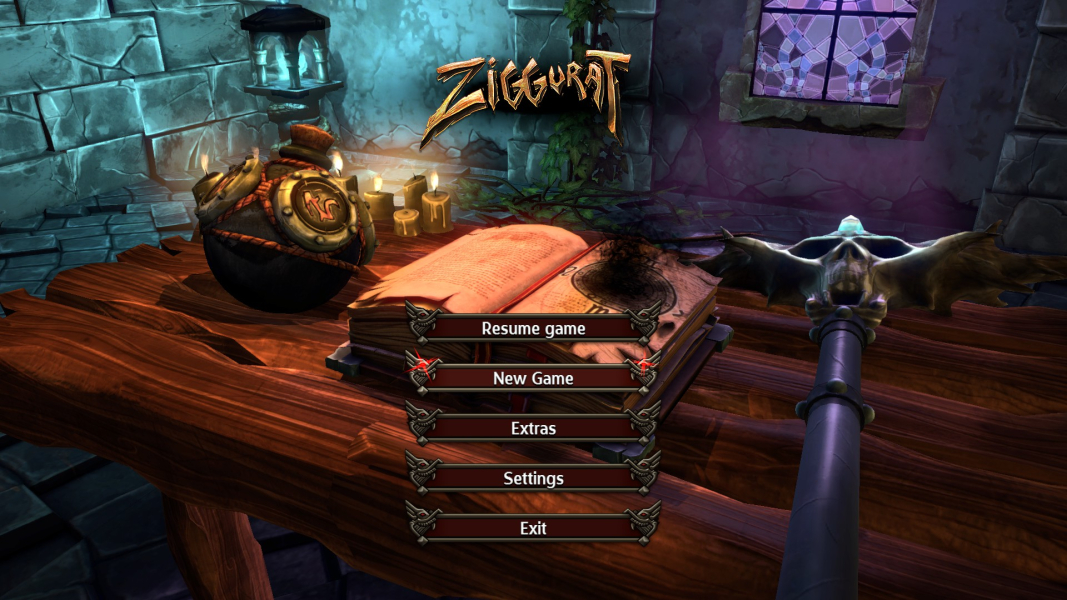
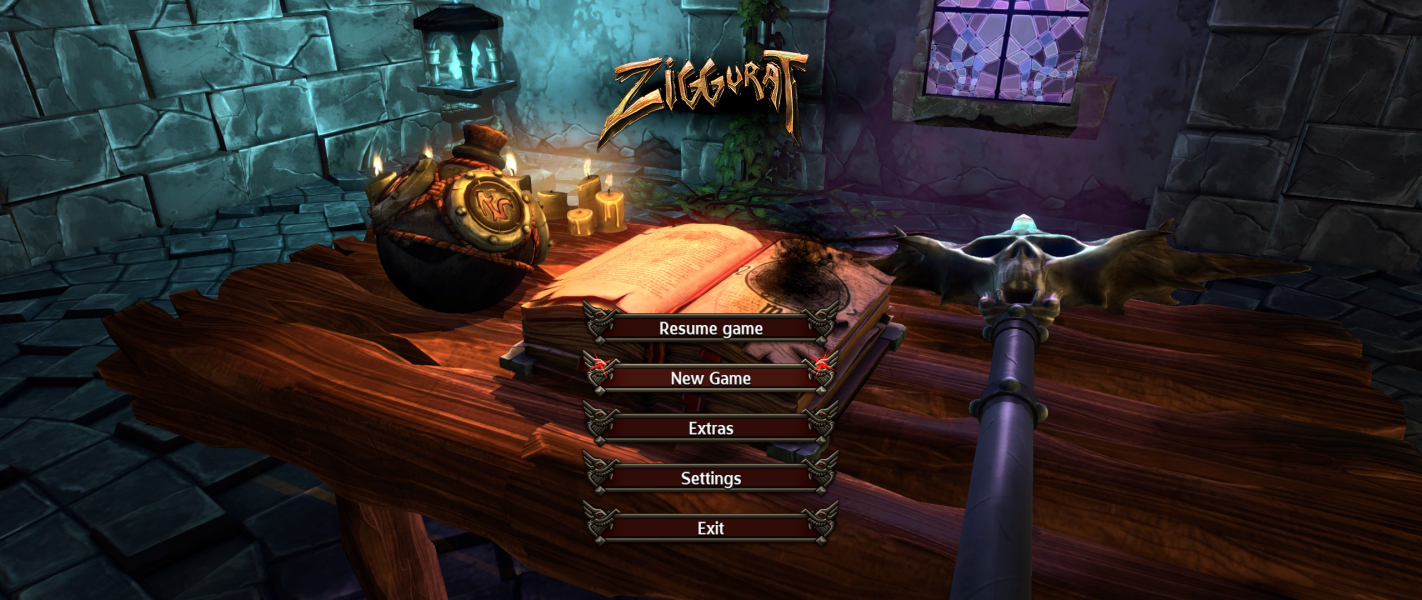
Menu Screenshots



4K UHD Screenshots
Additional Screenshots


