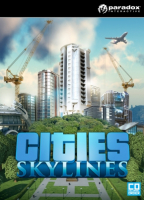


Cities: Skylines is a modern take on the classic city simulation. The game introduces new game play elements to realize the thrill and hardships of creating and maintaining a real city whilst expanding on some well-established tropes of the city building experience.
From the makers of the Cities in Motion franchise, the game boasts a fully realized transport system. It also includes the ability to mod the game to suit your play style as a fine counter balance to the layered and challenging simulation. You’re only limited by your imagination, so take control and reach for the sky!
Main features:
- Multi-tiered and challenging simulation: Constructing your city from the ground up is easy to learn, but hard to master. Playing as the mayor of your city you’ll be faced with balancing essential requirements such as education, water electricity, police, fire fighting, healthcare and much more along with your citys real economy system. Citizens within your city react fluidly, with gravitas and with an air of authenticity to a multitude of game play scenarios.
- Extensive local traffic simulation: Colossal Orders extensive experience developing the Cities in Motion series is fully utilized in a fully fleshed out and well-crafted transport systems.
- Districts and Policies: Be more than just an administrator from city hall. Designating parts of your city as a district results in the application of policies which results in you rising to the status of Mayor for your own city.
- Extensive modding support: Build or improve on existing maps and structures. You can then import them into the game, share them as well as download the creations of other city builders on the Steam workshop.
(Source: Steam Store Page)
Support Summary
Game Information
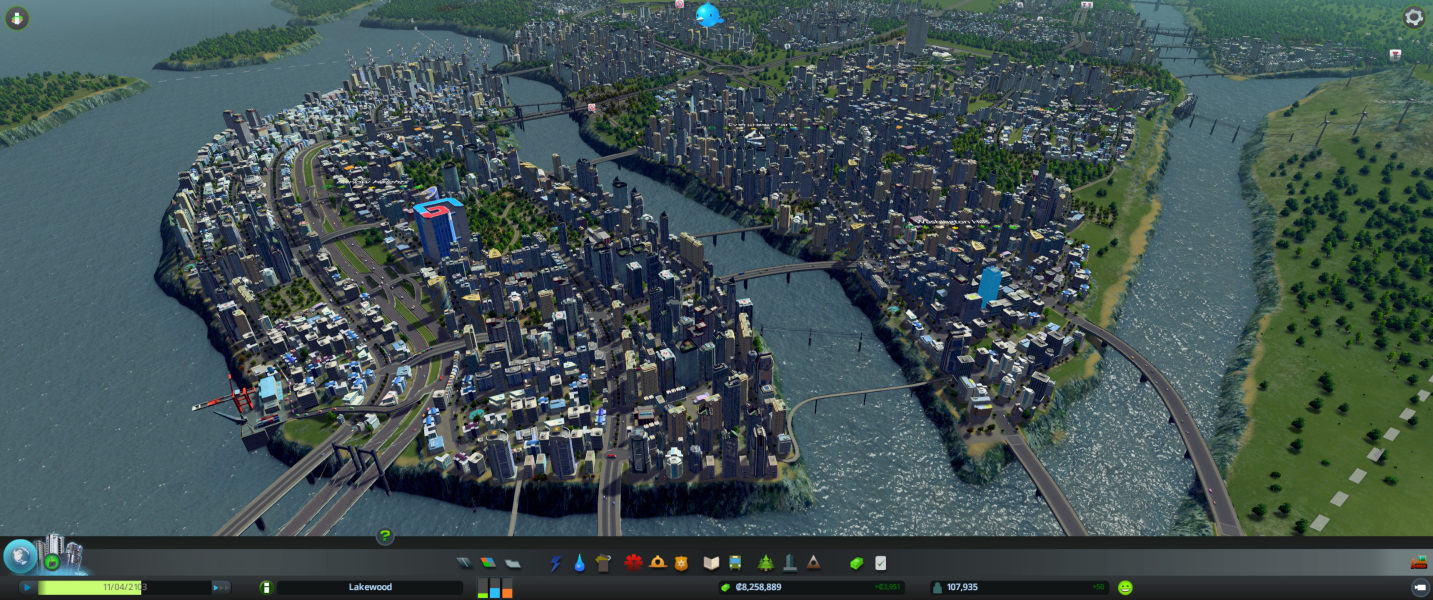
Screenshots Comparison
Solutions & Issues
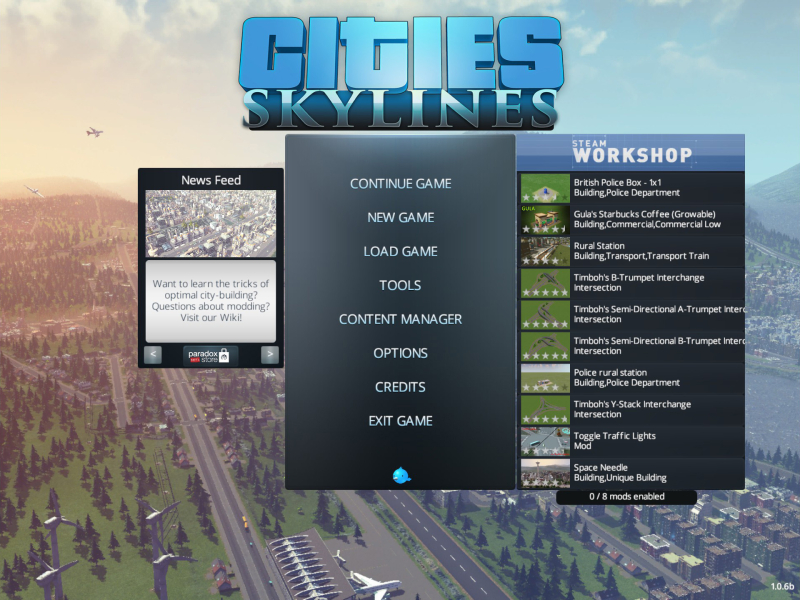
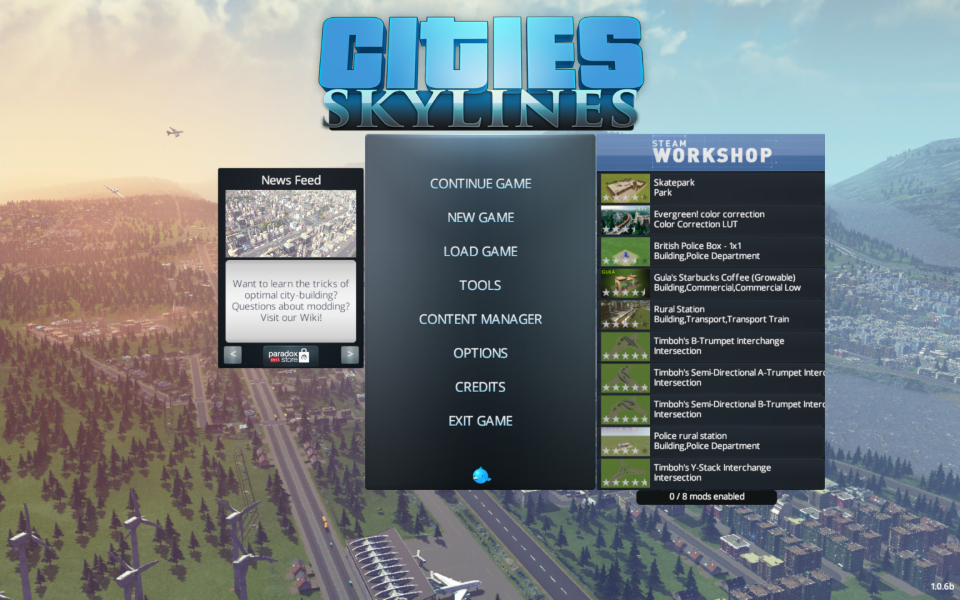
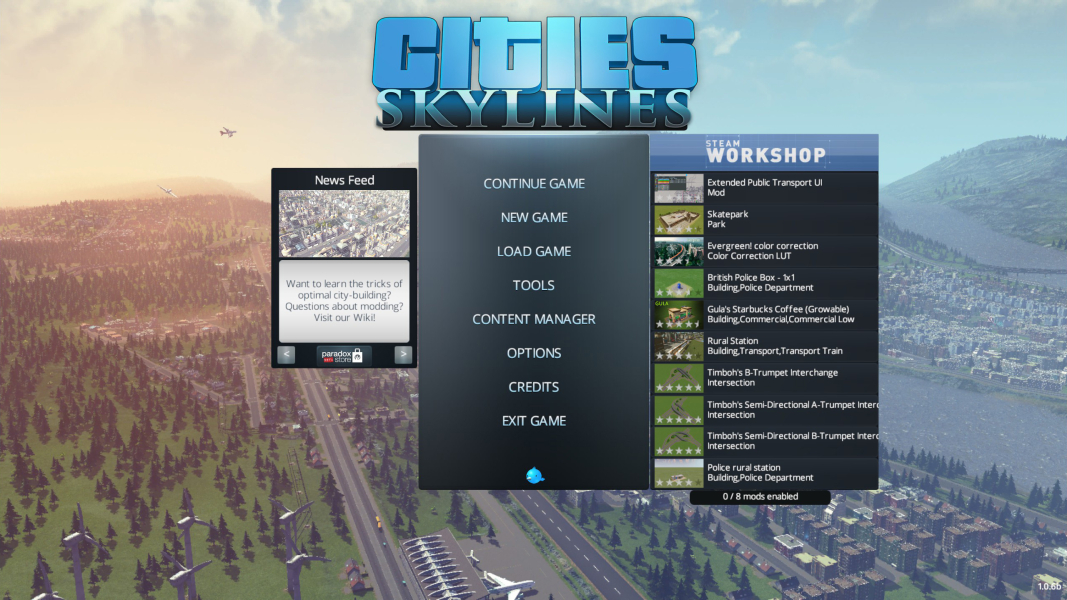
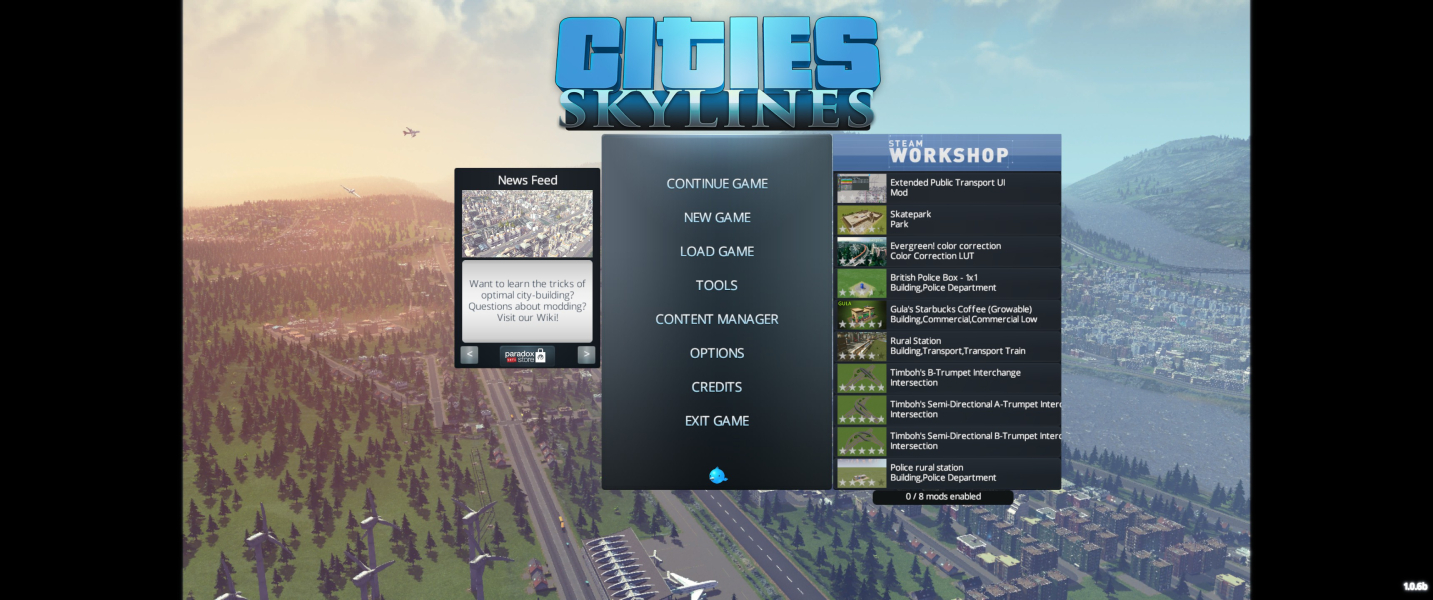
Main menu does not display ultra-wide. In game plays in
When in game, not menu, ALT-Enter to windowed mode, then Hit ALT-Enter again now your in Eyefinity. Options menu will say your in 4:3 - 640x480, but your actually running Desktop resolution.
Pros- Game seems to remember multi-monitor, so should not have to do again.
- 99% of UI normal, even main screen.
Cons- Bottom bar UI stretched across screens (But scaling is normal)
You can use MMC - Multimonitor cities to correct the UI and force the screen across all monitors.
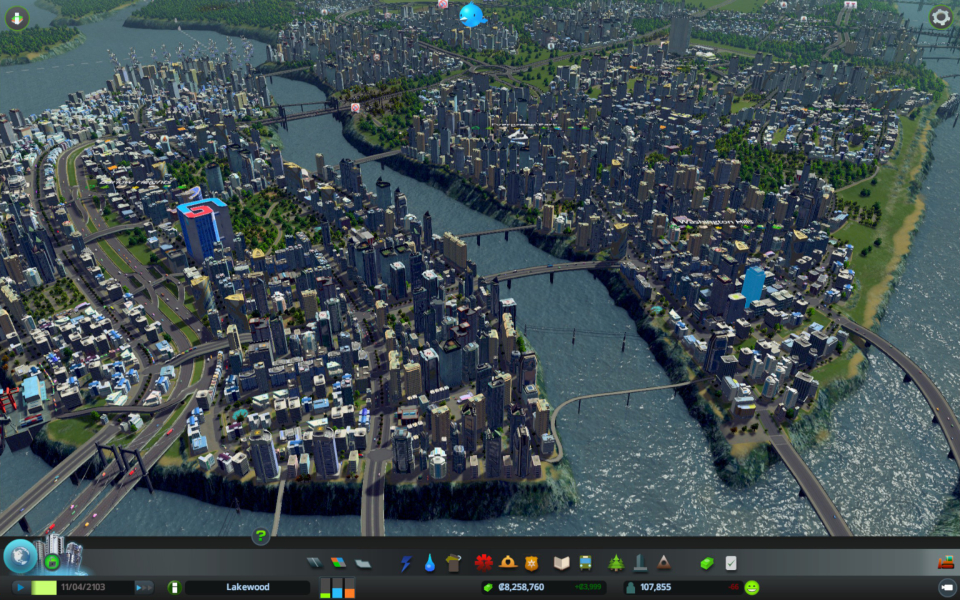
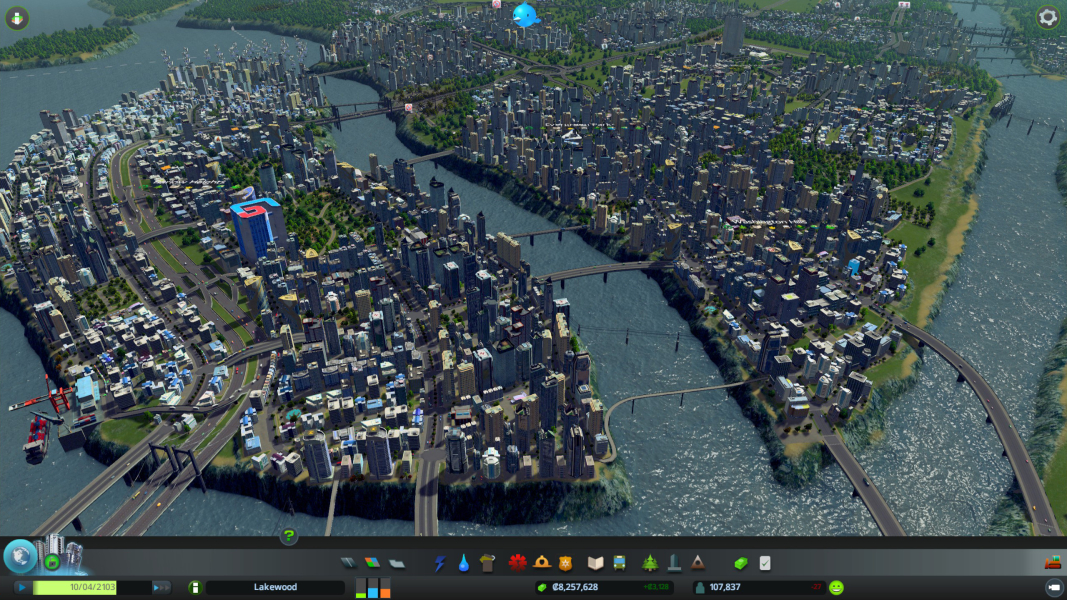
Gameplay Screenshots



Menu Screenshots