


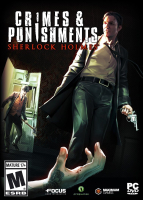


Crimes and Punishments is a series of six self-contained murder mysteries. Each case features the usual mix of exploration, interrogation, puzzles and the occasional more action-y sequence. Gathered clues combined in logical pairs will add nodes to the synaptic network of the "deduction space", but key elements of the story remain open for interpretation. It's up to you, Sherlock, to pick the most plausible chain of events, designate a guilty party and decide their fate. This leads to multiple possible endings and checking the accuracy of your deductions is not even mandatory - bringing replayability and a bit of roleplay to the holmesian adventure genre.
Support Summary
Game Information
Screenshots Comparison
Solutions & Issues
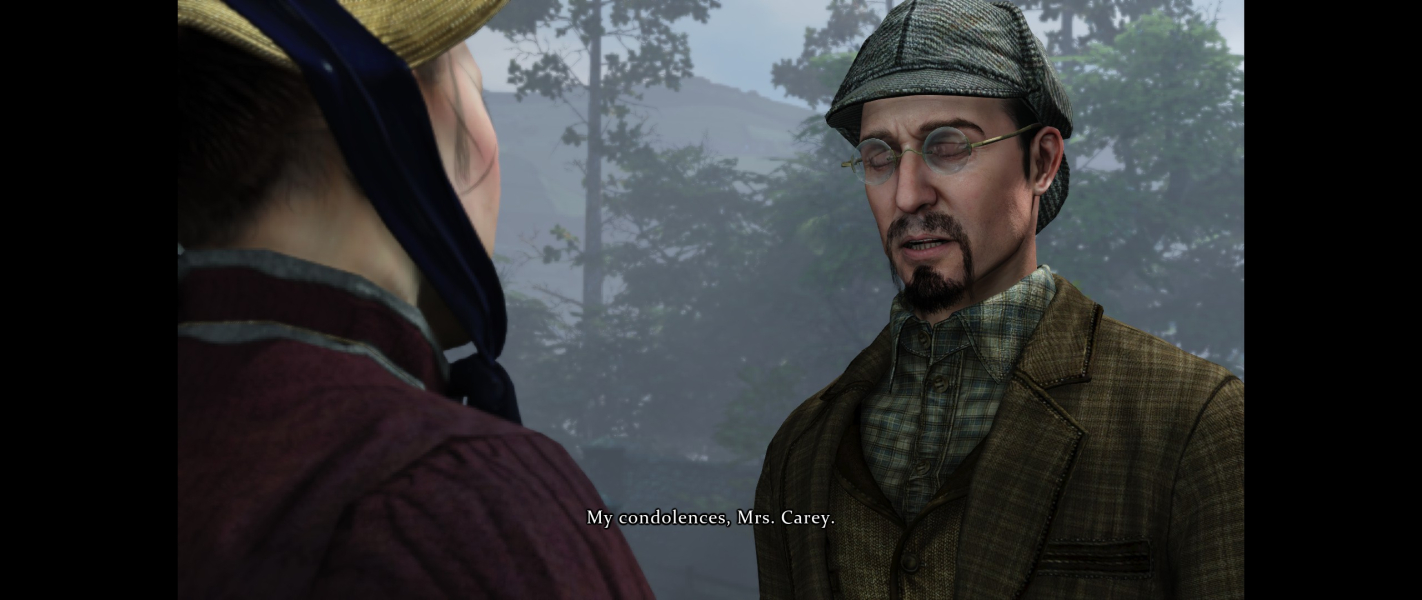
Native "Vert+" support with anamorphic cut-scenes.
Display settings are only accessible from the main menu; the game must be restarted for a new resolution to be applied.
Native Vert- support may seem OK, but it will prevent you from solving one particular puzzle.
%USERPROFILE%\Documents\my games\Sherlock Holmes - Crimes and Punishments\SH7Game\Config\SH7Input.ini
Copy the following line...
Bindings=(Name="F10",Command="FOV 106")
Paste it in the file under this line...
[SH7Game.Input_SH7_PlayerWalking]
and under this line...
[SH7Game.Input_SH7_InZoomer]
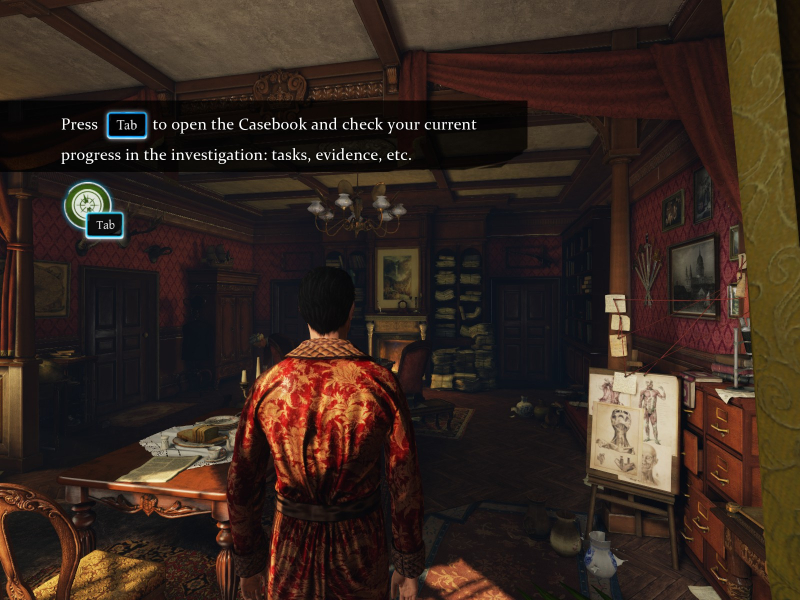
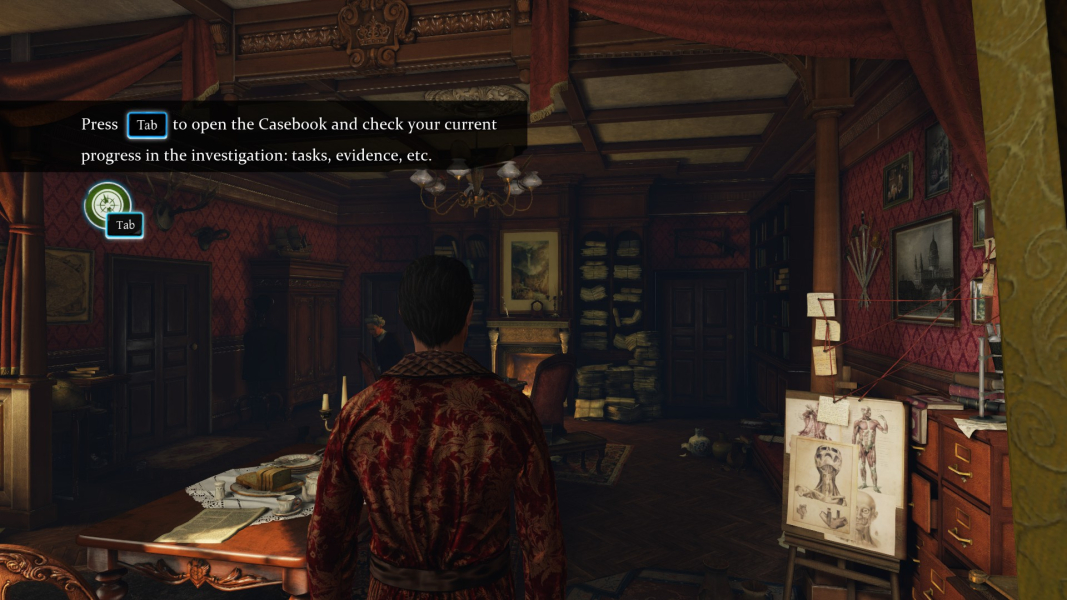
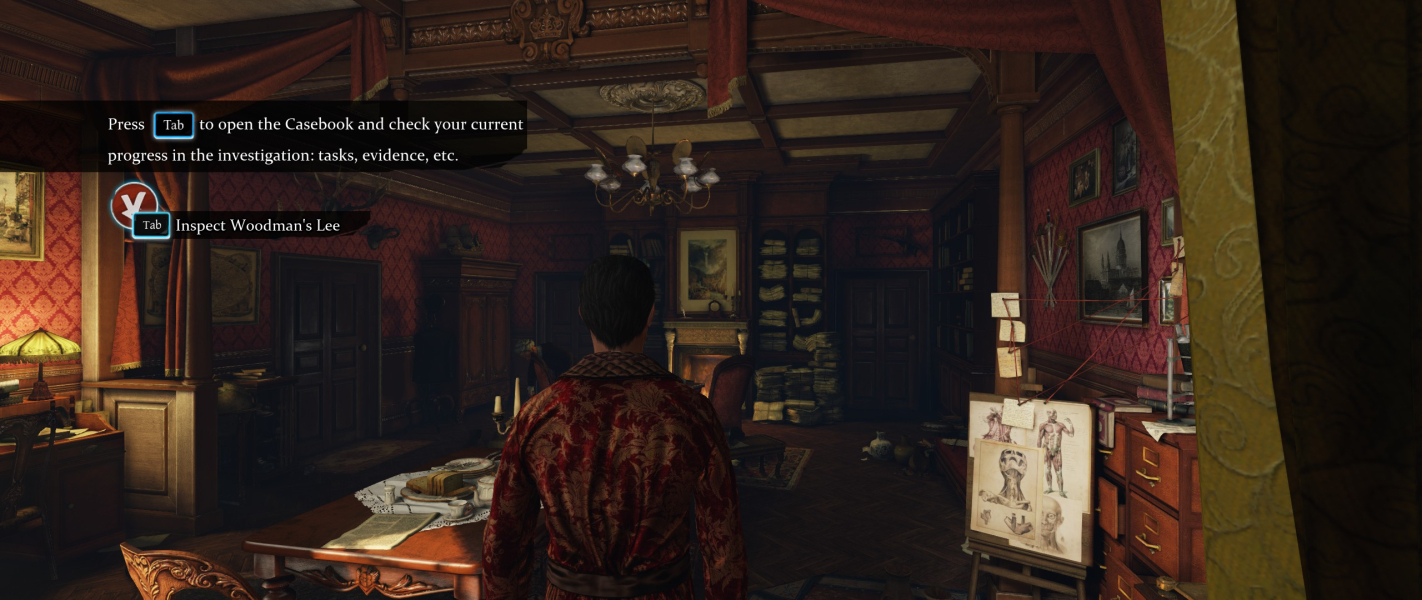
Press F10 for "mostly Hor+" exploration and "strictly Hor+" puzzle-solving. Required for clearing the bottom part of the mural in case #3 !
Partial support: problems with both FOV and aspect ratio.
1) TripleWide breaks the Casebook
Regardless of the FOV and pixel count, beyond 48:10 with minimal bezel compensation the Casebook is unusable. This is a major hindrance: without the Casebook's map you can't travel between zones.
2) Complex yet limited FOV fix
Default FOV is Vert-. The main camera does not support custom FOV values outside a very narrow 85-100 range. Other cameras have no such limitation.
%USERPROFILE%\Documents\my games\Sherlock Holmes - Crimes and Punishments\SH7Game\Config\SH7Engine.ini
Look for MaintainXFOV and replace with MaintainYFOV. Screen change is now Hor+/Vert+.
%USERPROFILE%\Documents\my games\Sherlock Holmes - Crimes and Punishments\SH7Game\Config\SH7Input.ini
Under the line...
[SH7Game.Input_SH7_PlayerWalking]
Paste the following line...
Bindings=(Name="F10",Command="FOV 85")
PlayerWalking is the main camera used for movement in 1st- and 3-rd person view. Press F10 for a slightly less Vert+ FOV. Values lower than 85 have no additional effect on this particular FOV.
Under the line...
[SH7Game.Input_SH7_InZoomer]
Paste the following line...
Bindings=(Name="F10",Command="FOV 58.72")
InZoomer (not to be confused with InZoom) is the generic close-up camera used in examination, lockpicking, chemical analysis, the wardrobe... Pressing F10 will restore the default 16:9 vFOV in these areas.
You could add a similar binding to pretty much every other [SH7Game.Input_SH7_*] paragraph. Problem is, there's a dozen cameras each with its own baseline for FOV. Fixing one may affect another that didn't need fixing in the first place, e.g if you mod CharacterObservation ("FOV 23.14") you'd better mod InDialog too ("FOV 60"). Fixing every one is tedious to do and use, and the main camera remains an issue anyway. A fixed InZoomer is the most beneficial to the gameplay.
Gameplay Screenshots


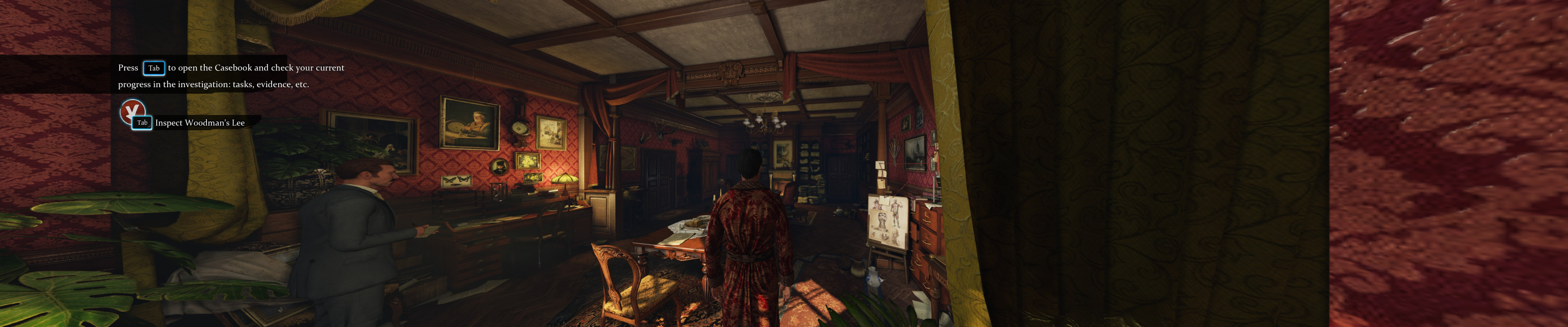
In-Game (Rendered) Cutscenes
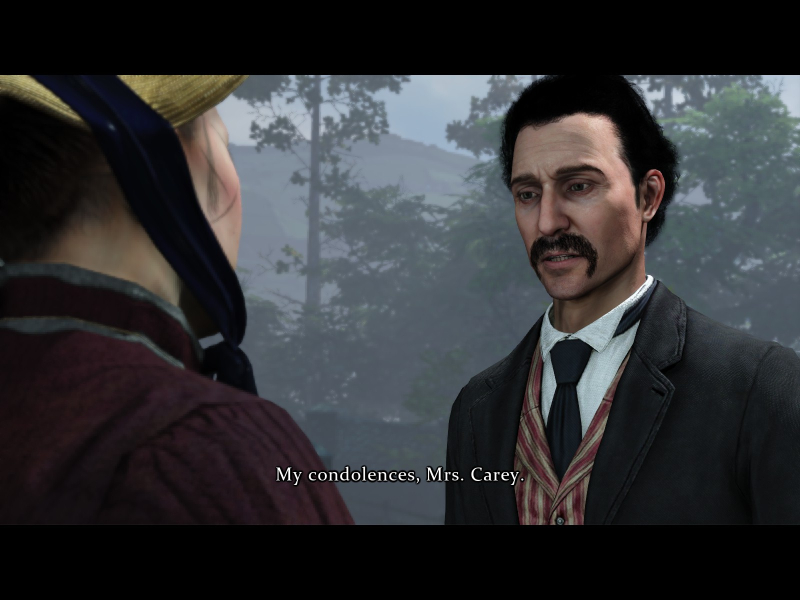
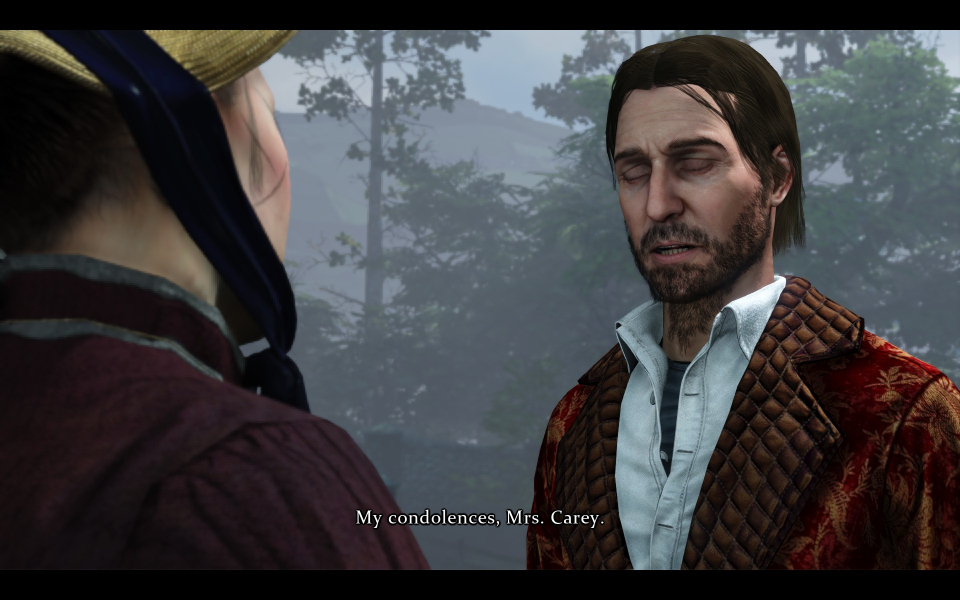
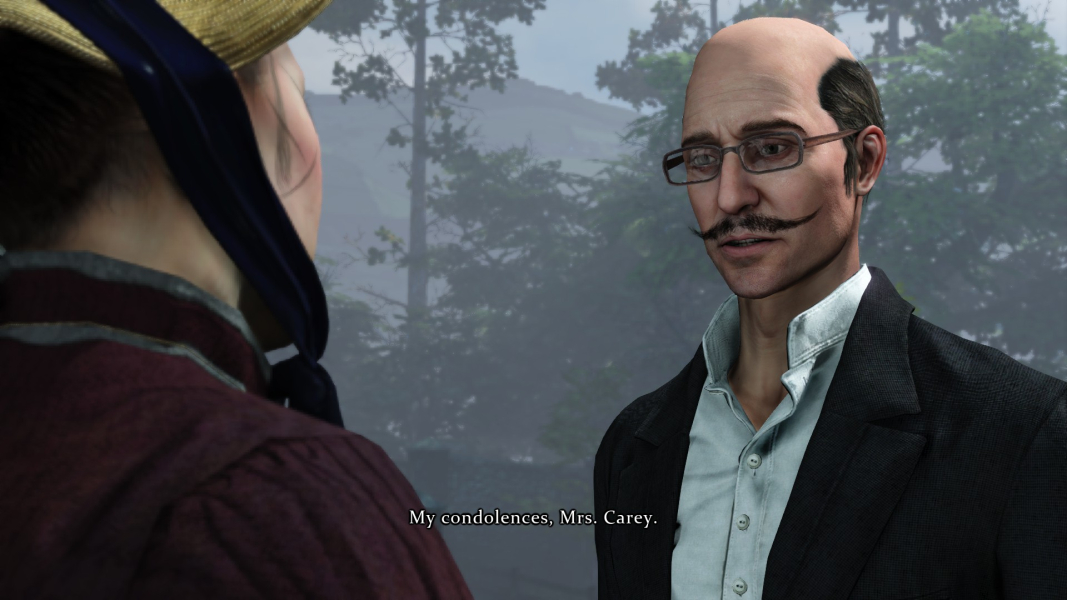

FMV Cutscenes


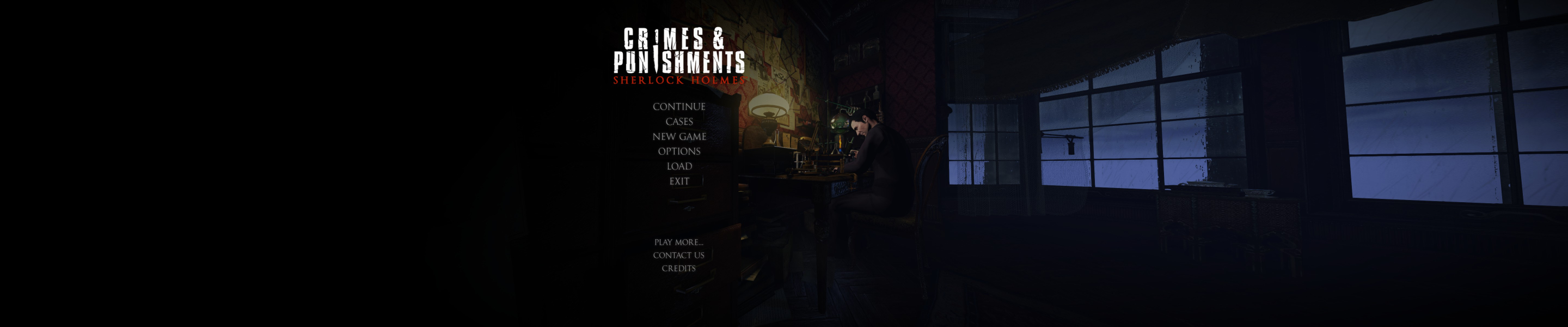
Menu Screenshots

Additional Screenshots


