


Fullscreen (best choice *): SoftTH (DX9 x86). In-game select massive resolution. Game then requires restart. OR Borderless: Edit %USERPROFILE%\Documents\Venetica\settings-user.ini. fullscreen = false, window_size = yours (+ border). In-game wait for main menu, then ShiftWindow (+ border = borderless).
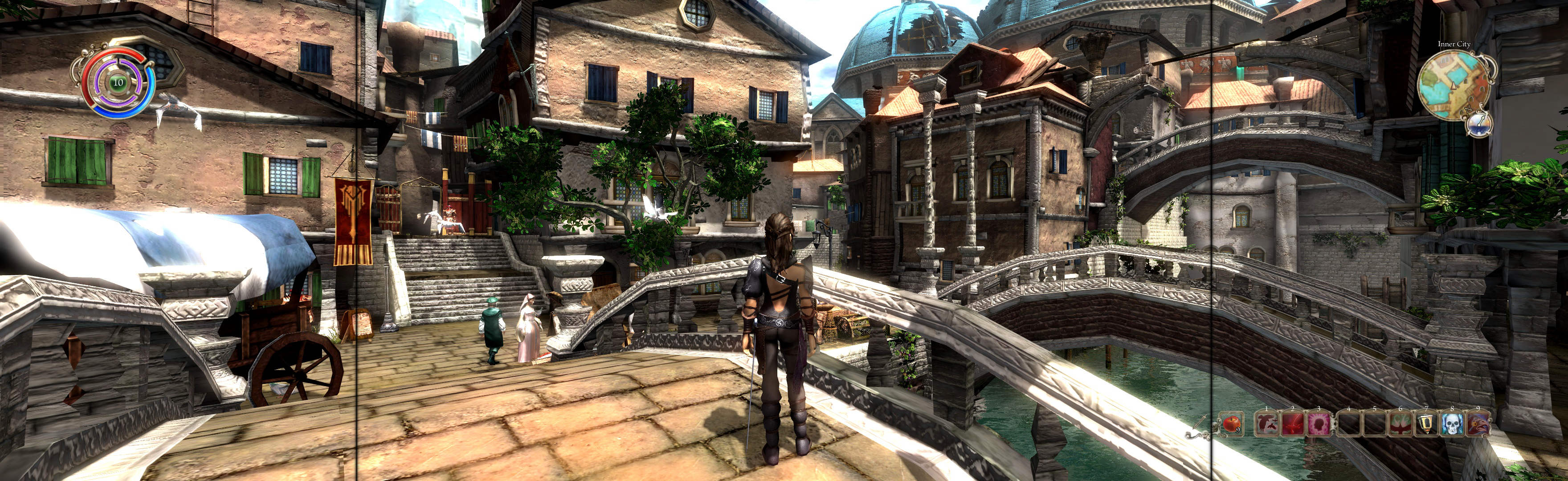
(PLP screenshot with bezel effect)
Game looks good. Flexible view distance on mouse-wheel.
Optional FOV (not needed): in settings-user.ini, game_camera_fovy = ##.
If resolution change causes a missing texture, restart game.
* Fullscreen game works better than borderless (FPS noticeably higher & HUD displayed perfectly).
View guide for general help with the instructions.
File Attachments:




