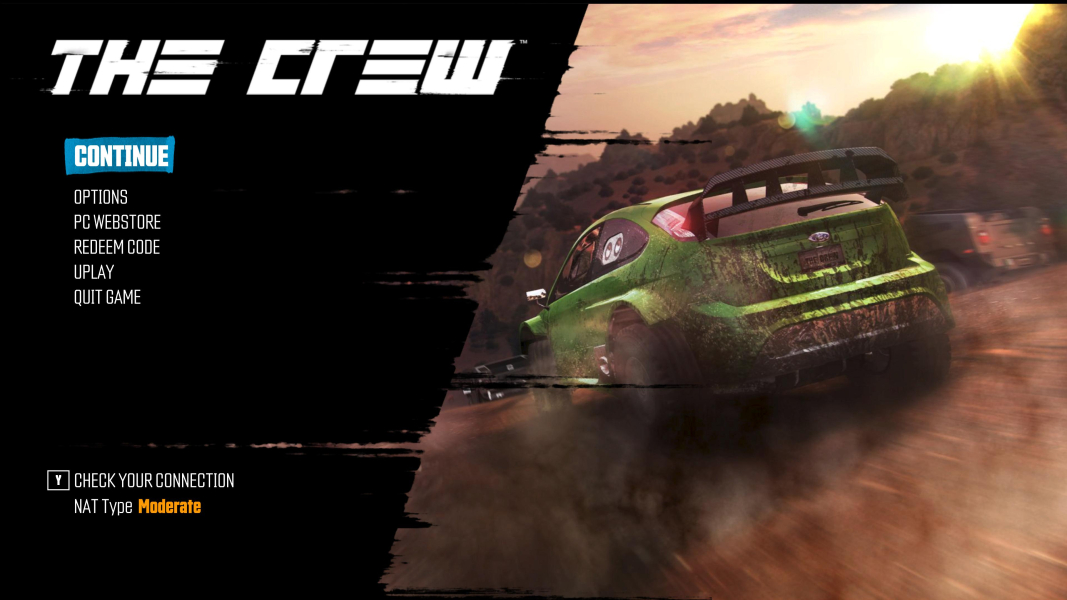
The Crew

The Crew is an open-world racing game set across a simplified-yet-extensive map of the United States. Players can drive freely or teleport to discovered areas, and pick any activity between story missions, exploration, faction races and the many on- and offroad challenges scattered around the land. The always-online game blends solo and multiplayer seamlessly and borrows some of its progression mechanics to MMOs. Victory means money but more importantly access to better car parts, while XP and Crew Credits award perk points to improve various cars and driver stats.

Support Summary

Widescreen
Ultra/Super‑Wide
Multi-Monitor
4K Ultra HD
Support
Method
HUD
Cutscenes
FMVs

Game Information

Game Status:Released
Release Date:
Tested Version:Uplay
Setting:Modern

Screenshots Comparison

4:3 Screenshot
16:10 Screenshot
16:9 Screenshot
21:9 Screenshot
32:9 Screenshot
Eyefinity / Surround Screenshot
Solutions & Issues
Widescreen Solution & Issues:

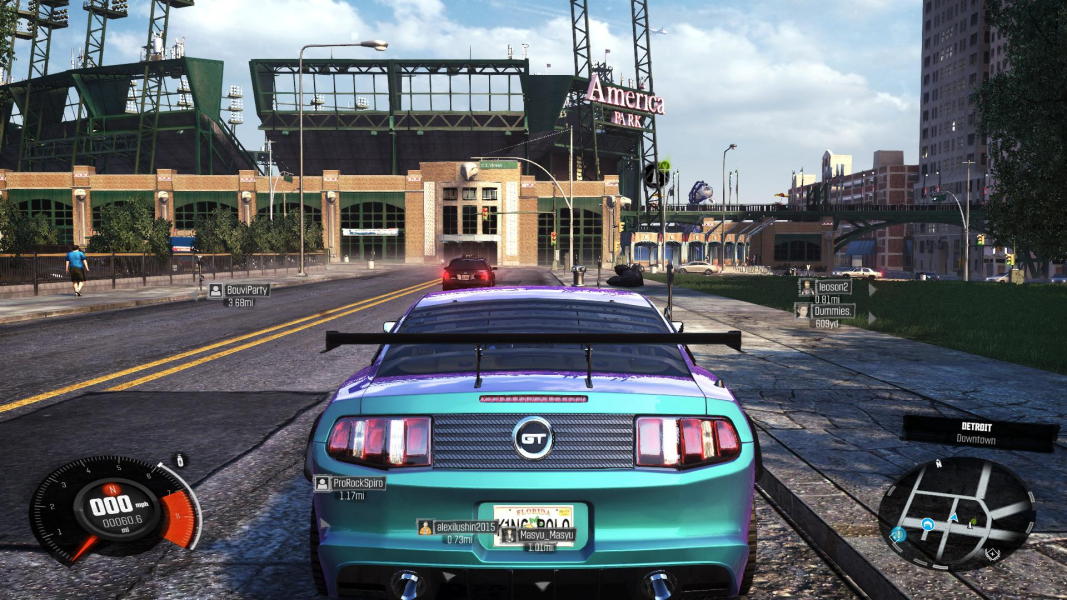
Native "Vert+" support. Display mode can be changed at any time, just make sure FPS Limit does not get reset to 30 for no reason.

Ultra/Super-Wide Specific Solution & Issues:

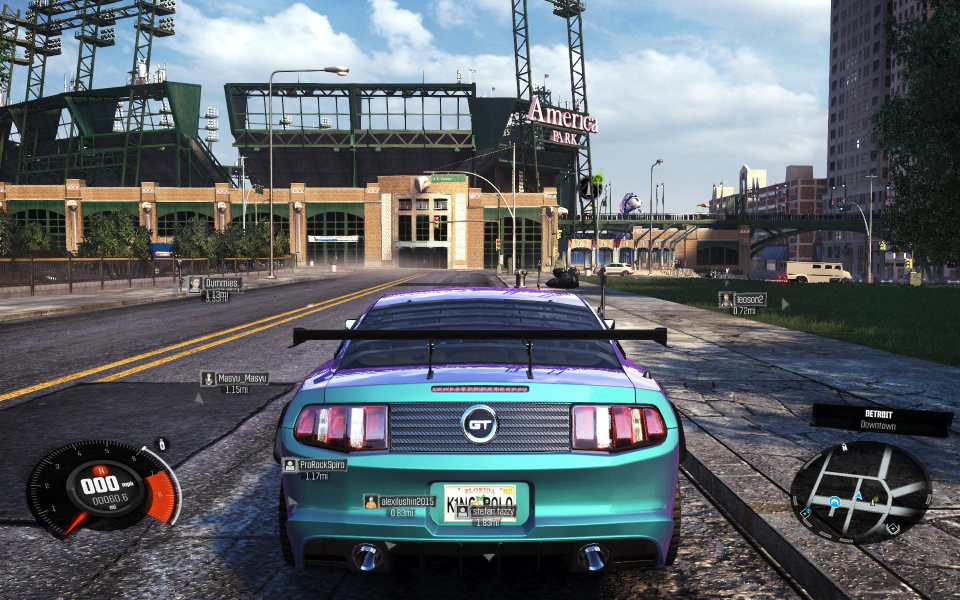
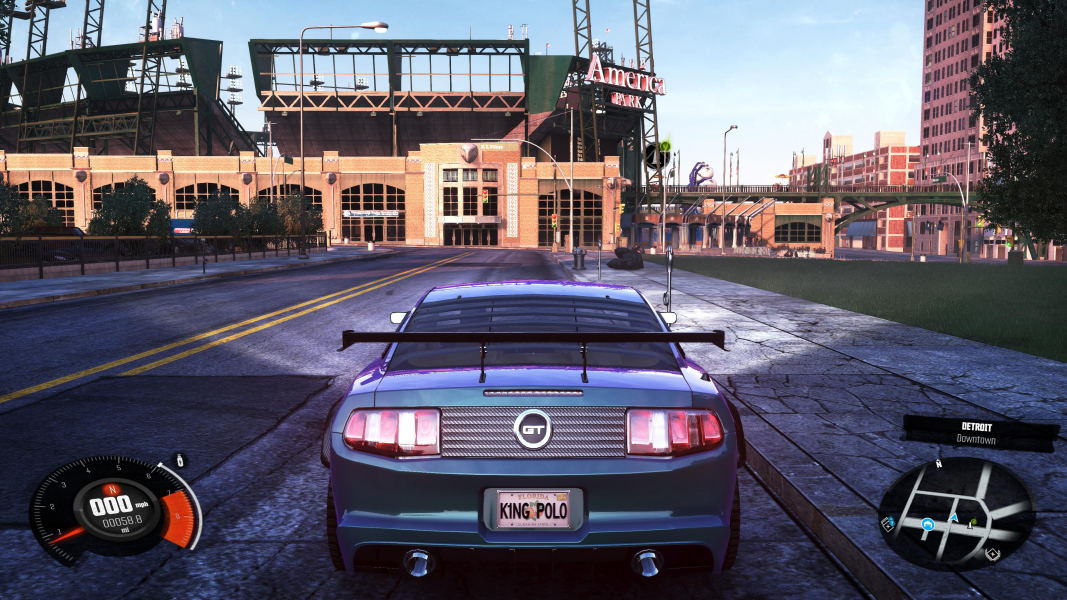
Native Hor+ support. UI is identical to 16:9.

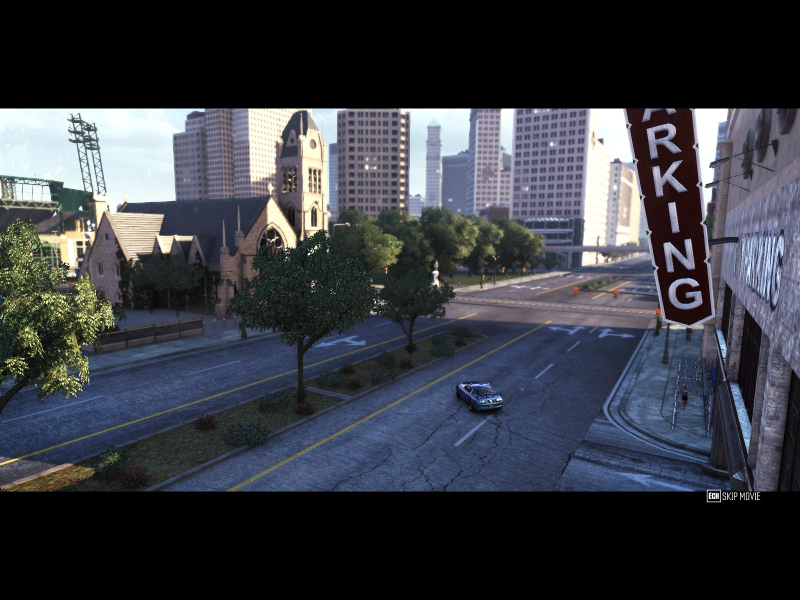
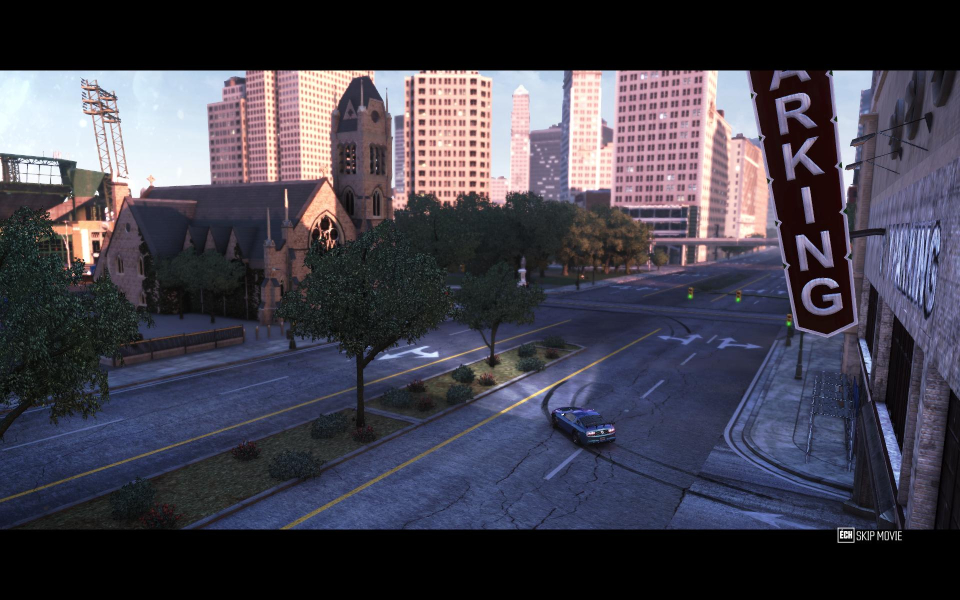
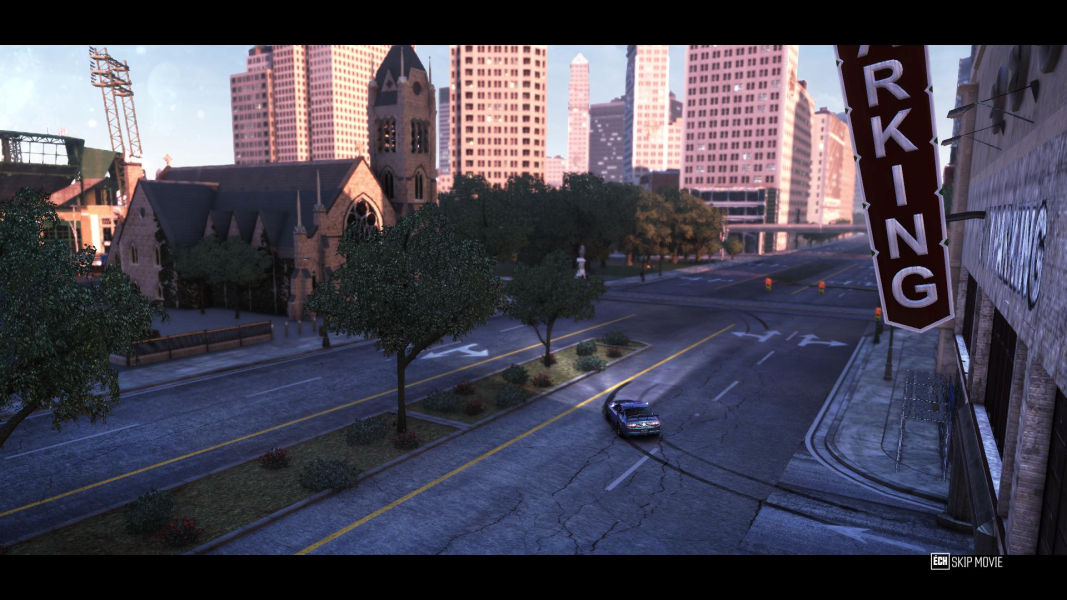
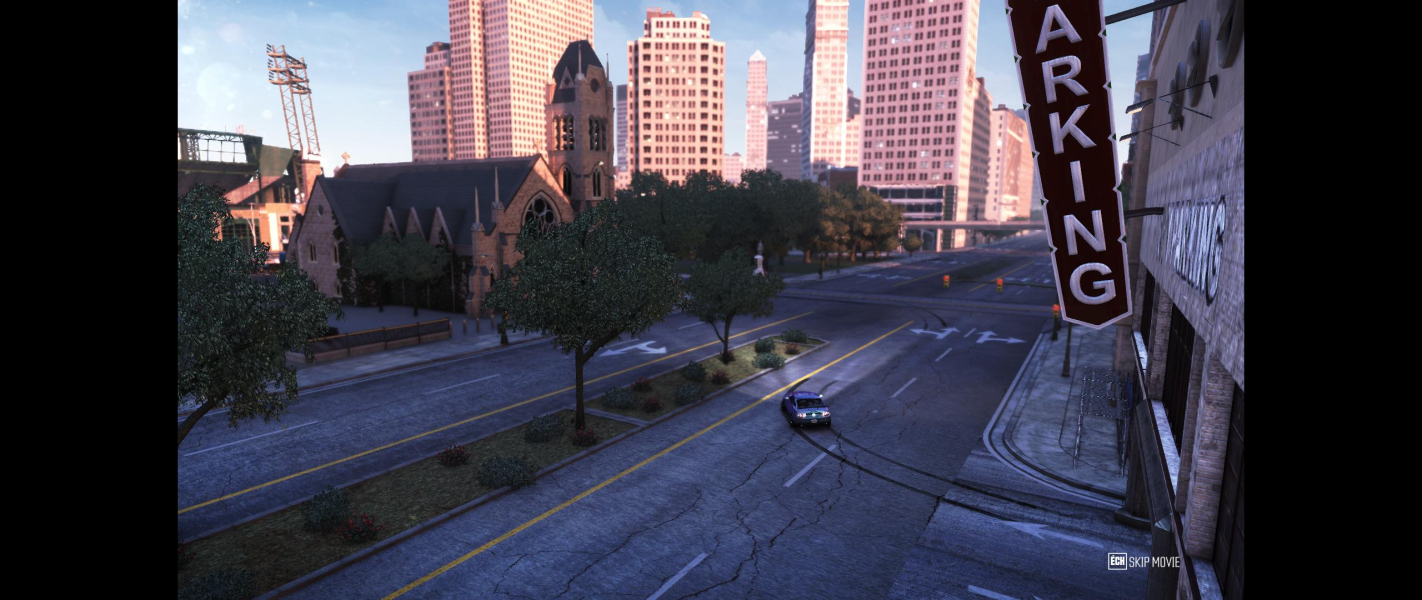
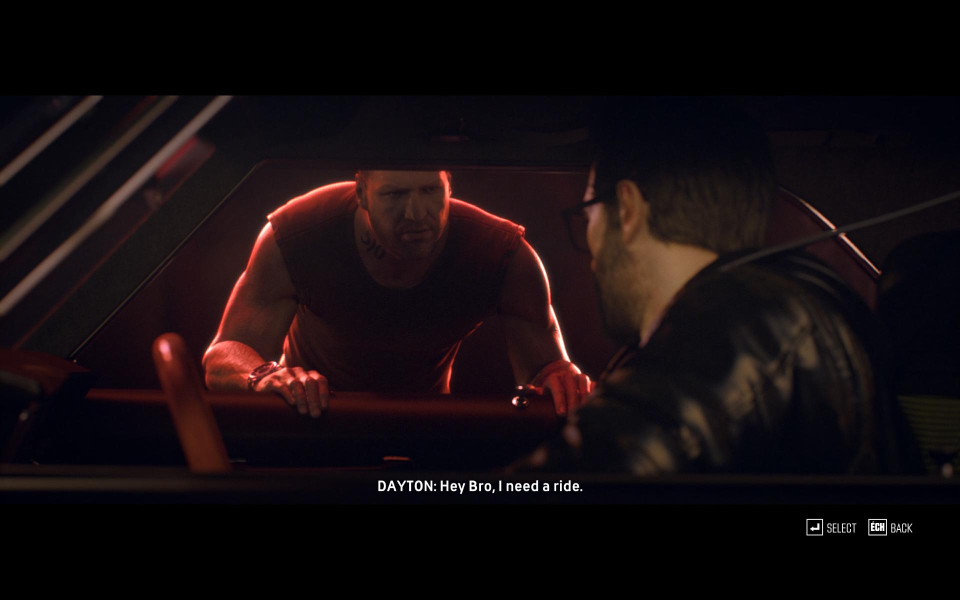
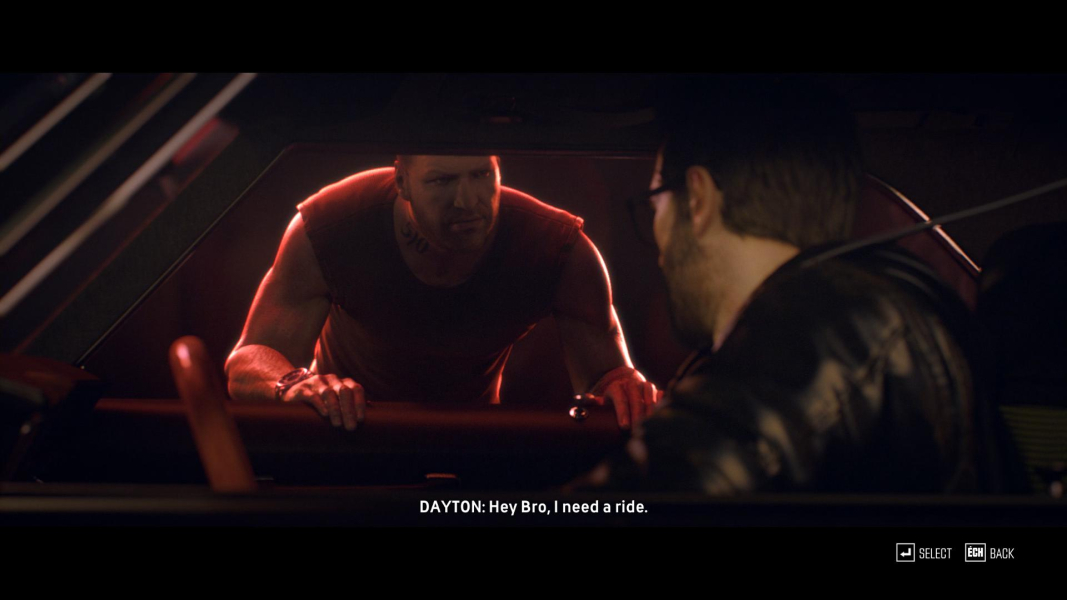
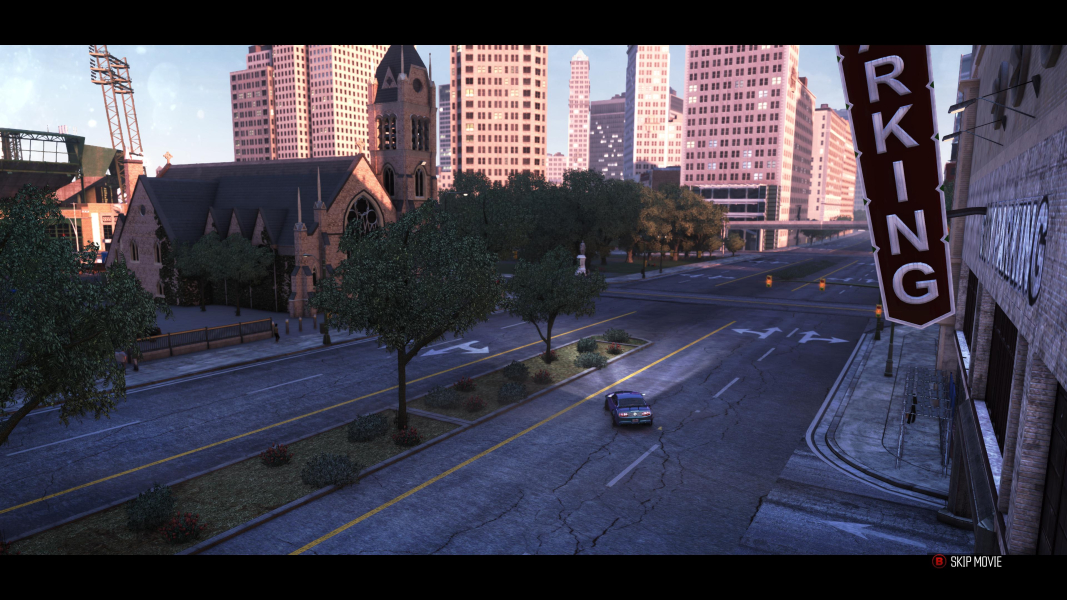
Most cut-scenes are pillarboxed, the rest (crashes, arrests, landmarks) are Hor+.
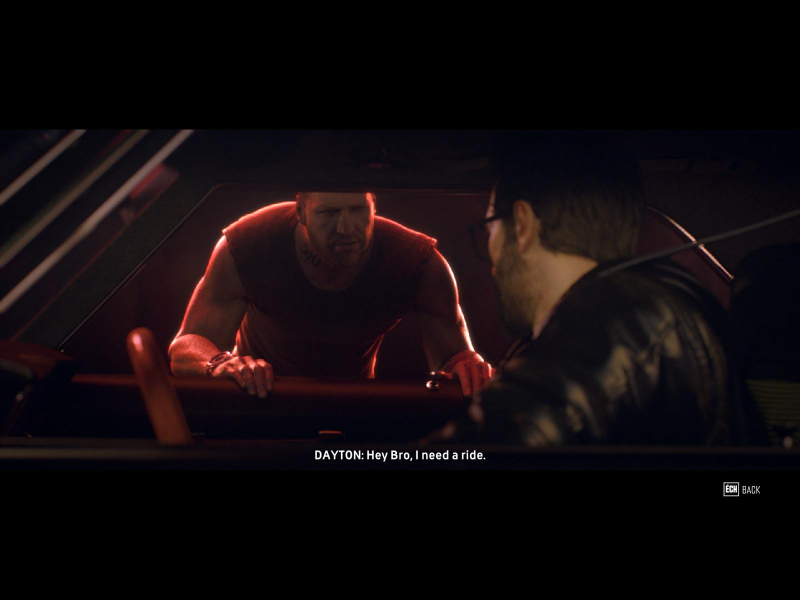
Story FMVs are windowboxed; "intelligence" FMVs are pillarboxed.

Eyefinity / Surround Specific Solution & Issues:

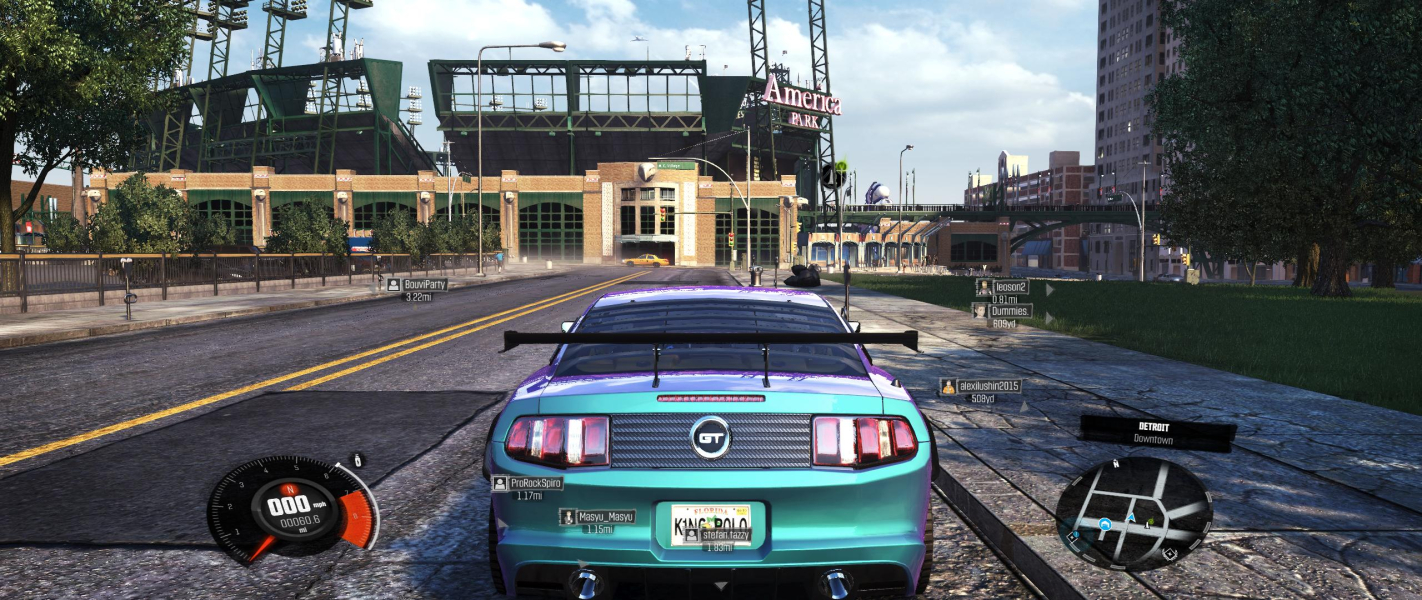
Native Hor+ support. Fine-tune the FOV through the FOV Scale Factor slider in Video, Advanced options.

Notes:

  • FOV Scale Factor is only available 1) for in-game resolutions wider than 16:9 2) if a multi-monitor desktop resolution was detected at game launch.
  • You can set the FOVSCALESECTOR value manually in %USERPROFILE%\Documents\The Crew\PCScalability.xml (default is 1, in-game max is 1.35, highest safe value is around 1.9).

Blemishes:

  • The map screen and all garages/shops are pillarboxed (windowboxed on non-16:9 monitors).
  • Story FMVs are windowboxed.
  • Some cut-scenes are Hor+ (crashes, arrests, landmarks) but most are pillarboxed (windowboxed on non-16:9 monitors).
  • All in all despite the Hor+ driving almost half of the game does not take advantage of the side screens.
4K UHD Specific Solution & Issues:

Native support.

4:3 Screenshot
16:10 Screenshot
16:9 Screenshot
21:9 Screenshot
32:9 Screenshot
Eyefinity / Surround Screenshot
4:3 Cutscene
16:10 Cutscene
16:9 Cutscene
21:9 Cutscene
Eyefinity / Surround Cutscene
4:3 FMV Cutscene
16:10 FMV Cutscene
16:9 FMV Cutscene
21:9 FMV Cutscene
Eyefinity / Surround FMV Cutscene
4:3 Menu
16:10 Menu
16:9 Menu
21:9 Menu
Eyefinity / Surround Menu
4K Gameplay Screenshot
4K In-Game Cutscene
4K FMV Cutscene
4K Menu Screenshot
Uploaded by: skipclarke
21:9 Gameplay: Pursuit Overlay & Expanded Minimap
Uploaded by: skipclarke
Cockpit View, 4:3
Uploaded by: skipclarke
Cockpit View, 16:10
Uploaded by: skipclarke
Cockpit View, 16:9
Uploaded by: skipclarke
Cockpit View, 21:9
Uploaded by: skipclarke
Cockpit View, 48:10
Uploaded by: skipclarke
Map Screen, 4:3
Uploaded by: skipclarke
Map Screen, 16:10
Uploaded by: skipclarke
Map Screen, 16:9
Uploaded by: skipclarke
Map Screen, 21:9
Uploaded by: skipclarke
Map Screen, 48:10
Uploaded by: skipclarke
Inside HQ, 4:3
Uploaded by: skipclarke
Inside HQ, 16:10
Uploaded by: skipclarke
Inside HQ, 16:9
Uploaded by: skipclarke
Inside HQ, 21:9
Uploaded by: skipclarke
Inside HQ, 48:10
Uploaded by: skipclarke
Landmark Cut-Scene, 4:3
Uploaded by: skipclarke
Landmark Cut-Scene, 16:10
Uploaded by: skipclarke
Landmark Cut-Scene, 16:9
Uploaded by: skipclarke
Landmark Cut-Scene, 21:9
Uploaded by: skipclarke
Landmark Cut-Scene, 48:10
Uploaded by: skipclarke
Intelligence FMV, 4:3
Uploaded by: skipclarke
Intelligence FMV, 16:10
Uploaded by: skipclarke
Intelligence FMV, 16:9
Uploaded by: skipclarke
Intelligence FMV, 21:9
Uploaded by: skipclarke
Intelligence FMV, 48:10
15:9 Resolutions:1280x768
Ultra/Super-Wide (21:9/32:9) Resolutions:
Eyefinity / Surround Resolutions:
4K UHD Resolutions:3840x2160
Multi-Monitor Types:Nvidia Surround
Multi-Monitor Layouts:3x1-L