





It sure looks familiar, but the sequel to 2008's tower defense classic dares to do things a bit differently.
Resources are not tied to alien kills anymore, and maps do not always leave ample room for maze-like path design - so efficiency is more than ever the key to victory. To that effect, in addition to the 3 levels of individual upgrade, each tower type can now be assigned a special, randomly unlocked item of power. Allied AIs can charge the orbital laser with new abilities. The new boost tower may be used as an inexpensive road block, providing vantage to any tower built on top of it, but also loading it with an optional bonus.
DG2 features a 20-mission campaign, 4 levels of difficulty and the array of game modes that made Defense Grid a paragon of replayability, plus a full-fledged map editor. All-new multiplayer modes include local co-op and the online-only DG Fighter module, where each alien you kill resurrects and teleports to your opponent's map. A demo is available.
Support Summary
Game Information
Screenshots Comparison
Solutions & Issues
On the launcher window, select your resolution under Graphic Settings.
Native support.
UI blemishes:
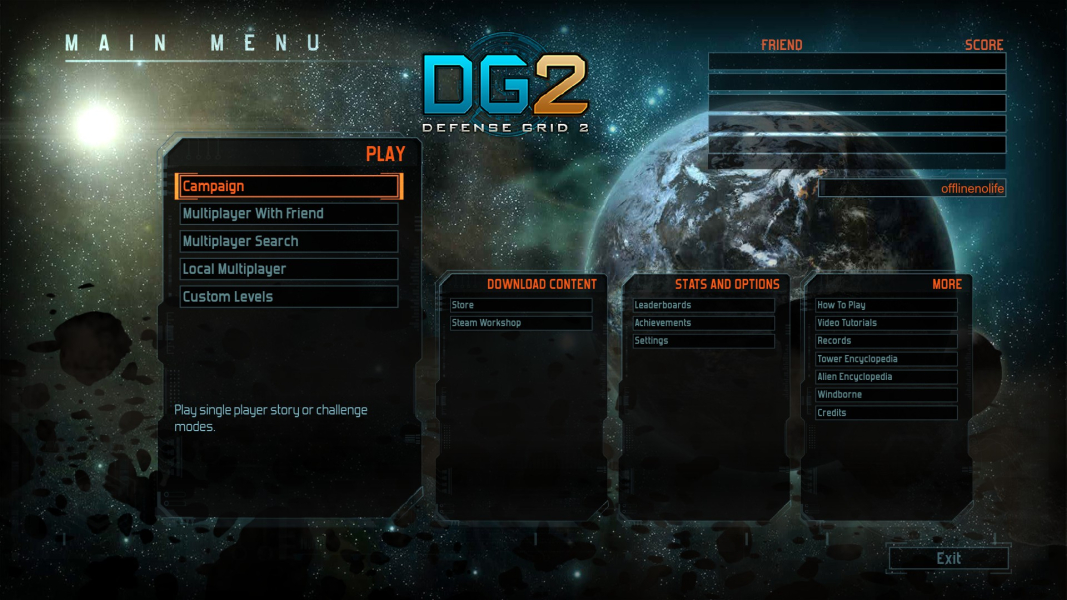
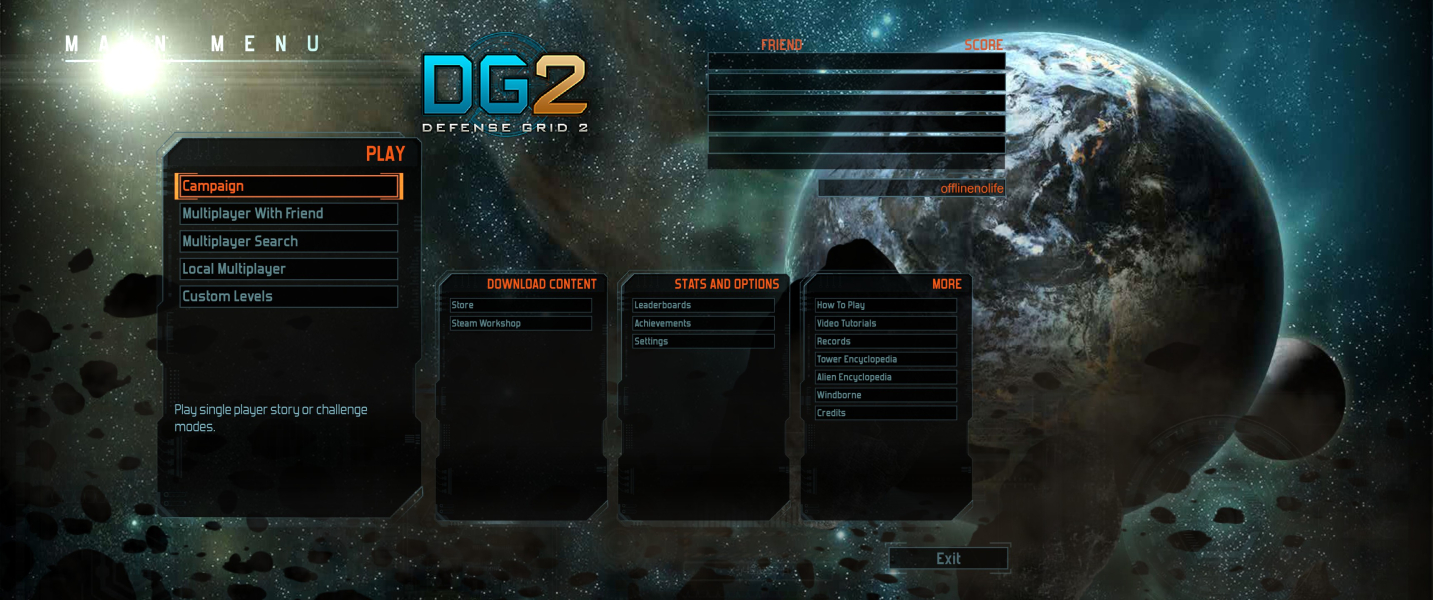
- Menus scale to the left over Vert- art. Only dialog boxes are centered.
- Alien inspection: barely functional. Marker is bigger than normal, window scales over the HUD and is partly cut-off (can't see health/shield status).
Native support.
UI blemishes:
- Menus scale to the left monitor over Vert- art. Only dialog boxes are centered.
- HUD is spanned. Tower construction/upgrade window opens on the left monitor (and right, in local co-op). This is arguably a massive hindrance.
- Alien inspection: unusable. Green marker is huge, window scales over the HUD and most of it is cut-off. This feature is not critical to gameplay, though.
Gameplay Screenshots
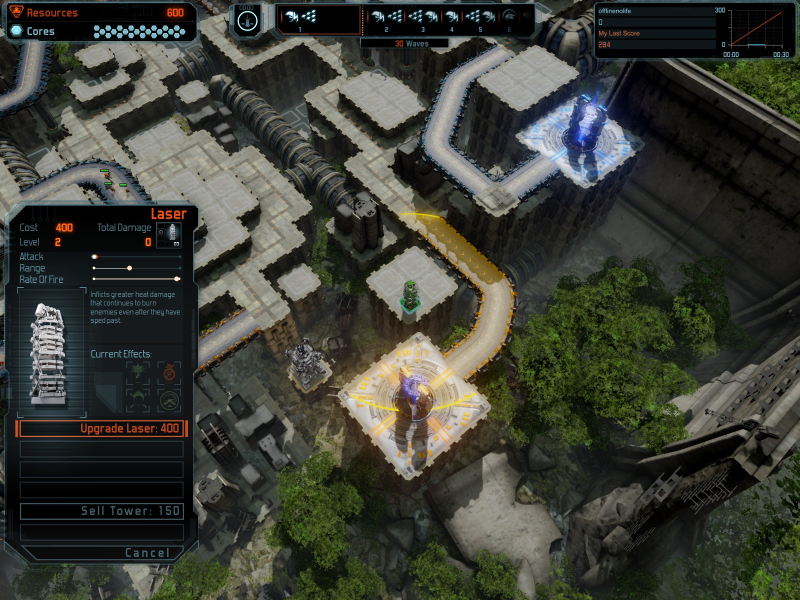

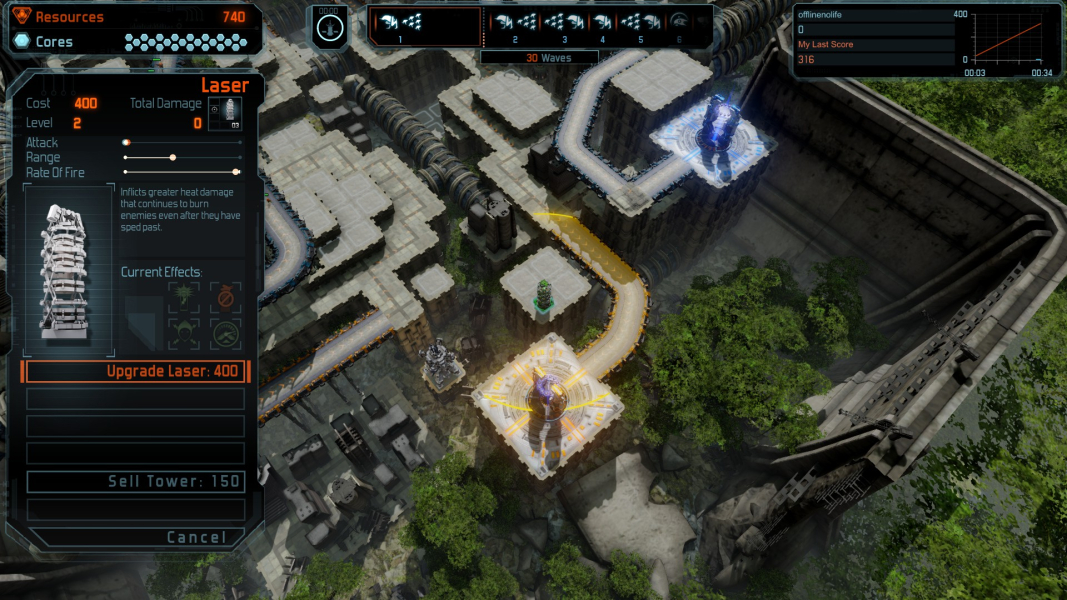
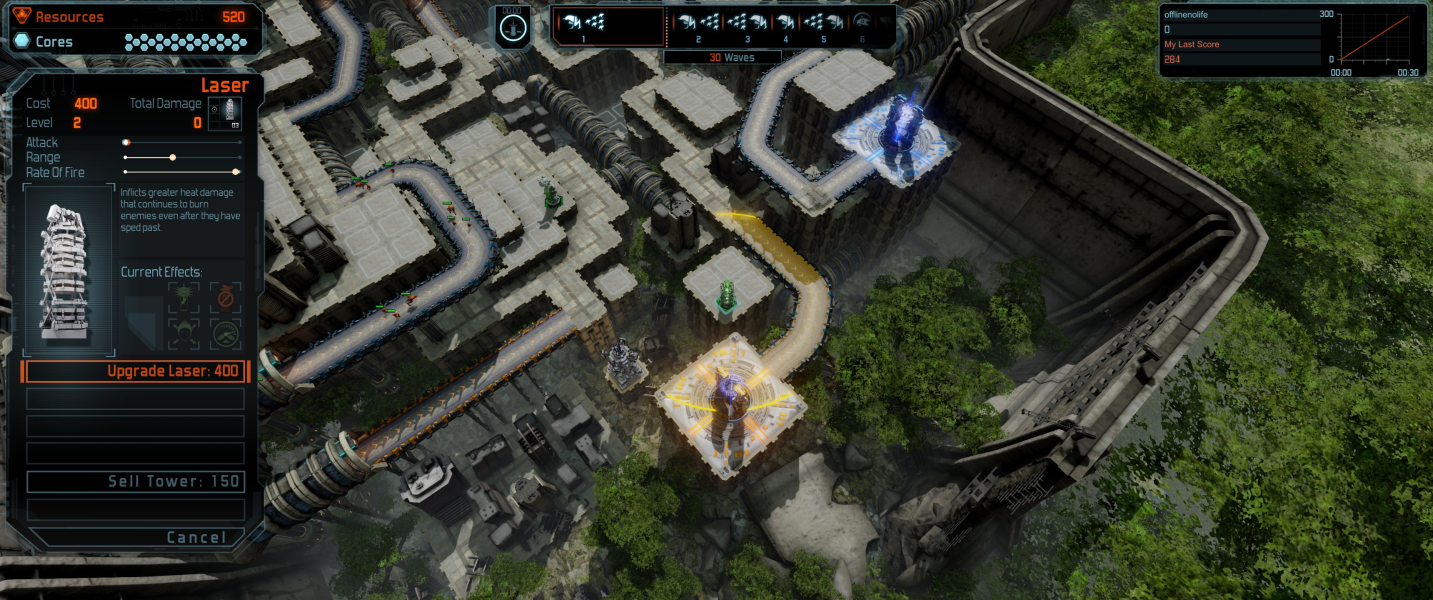


In-Game (Rendered) Cutscenes
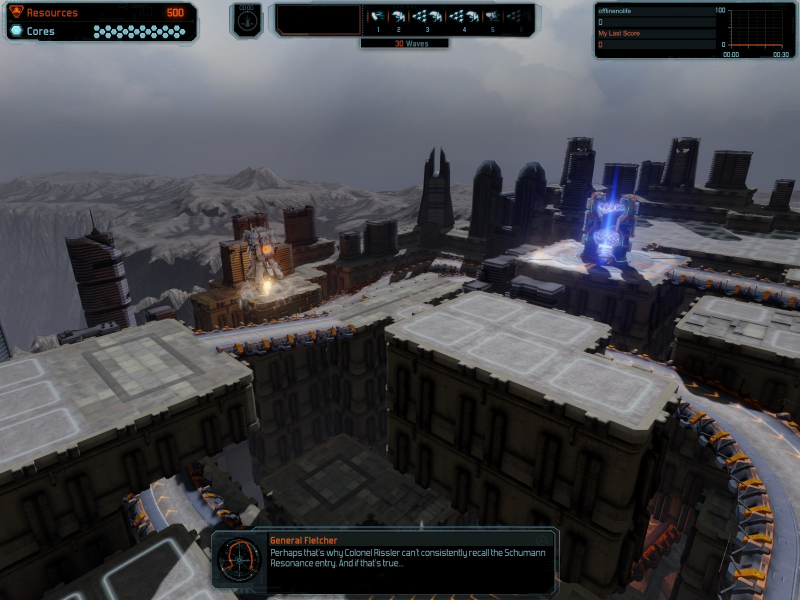
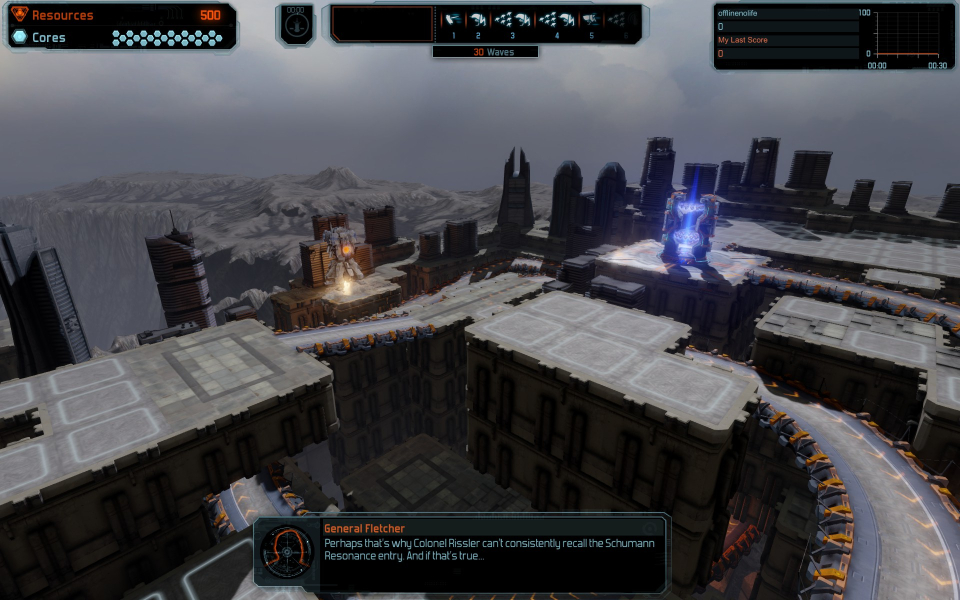
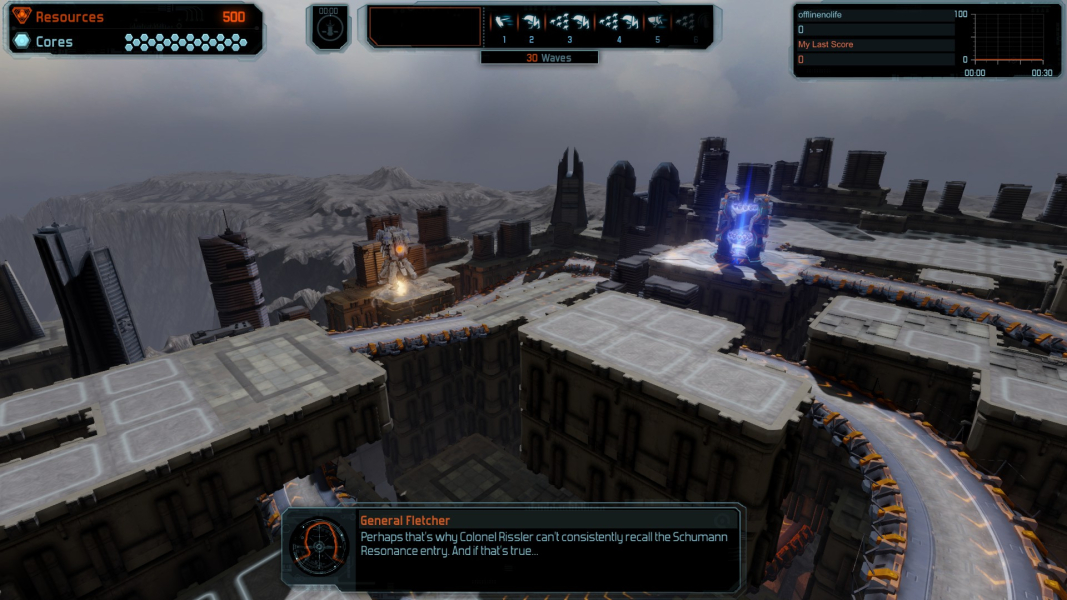
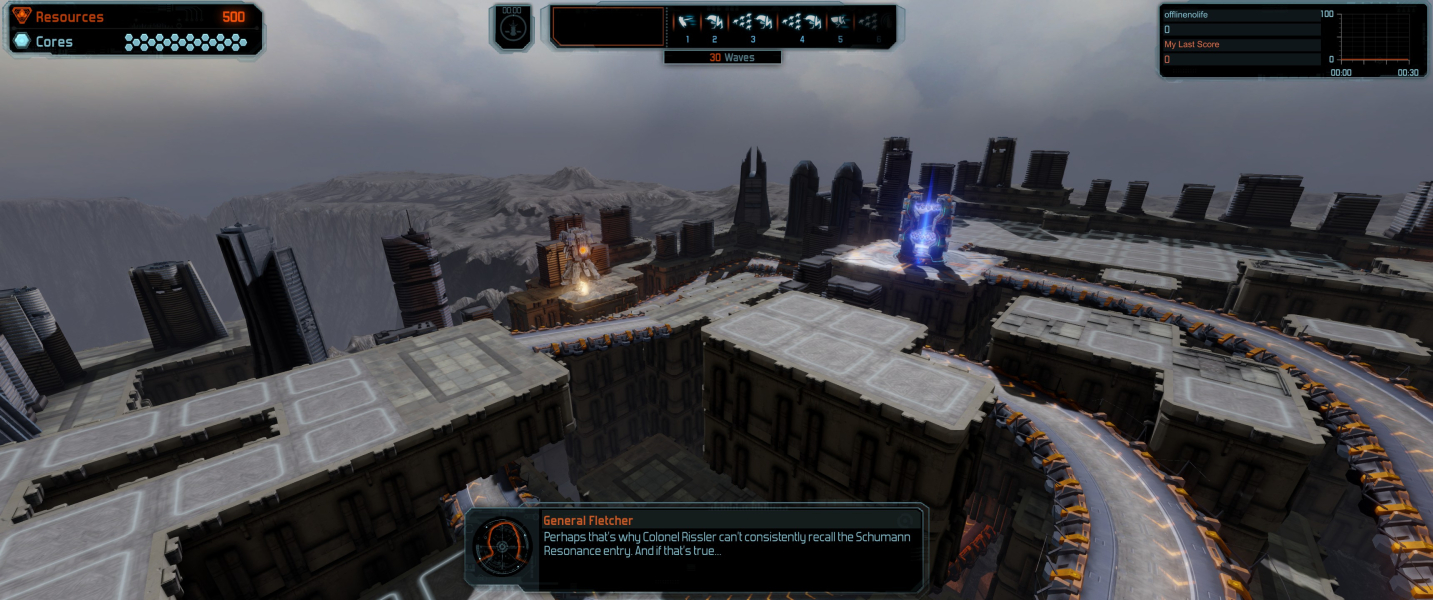

FMV Cutscenes
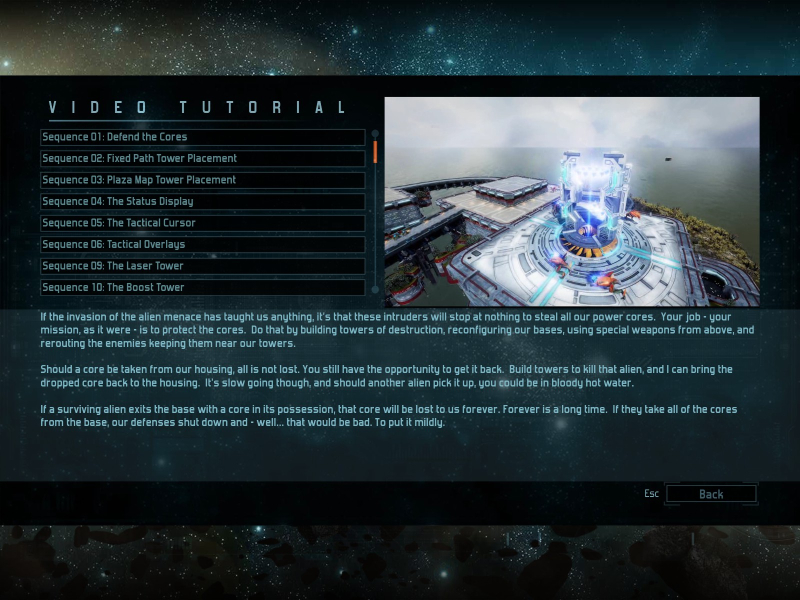
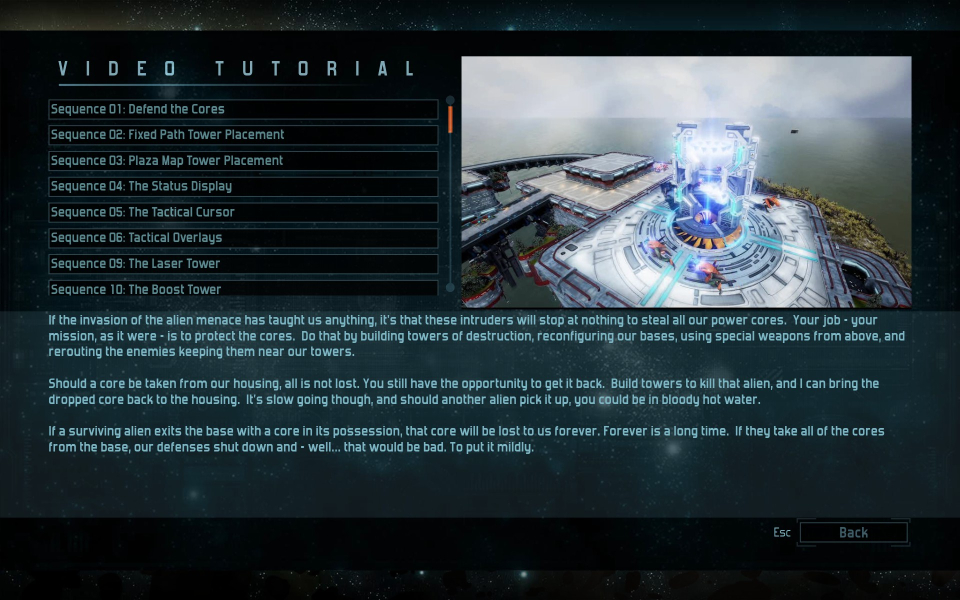
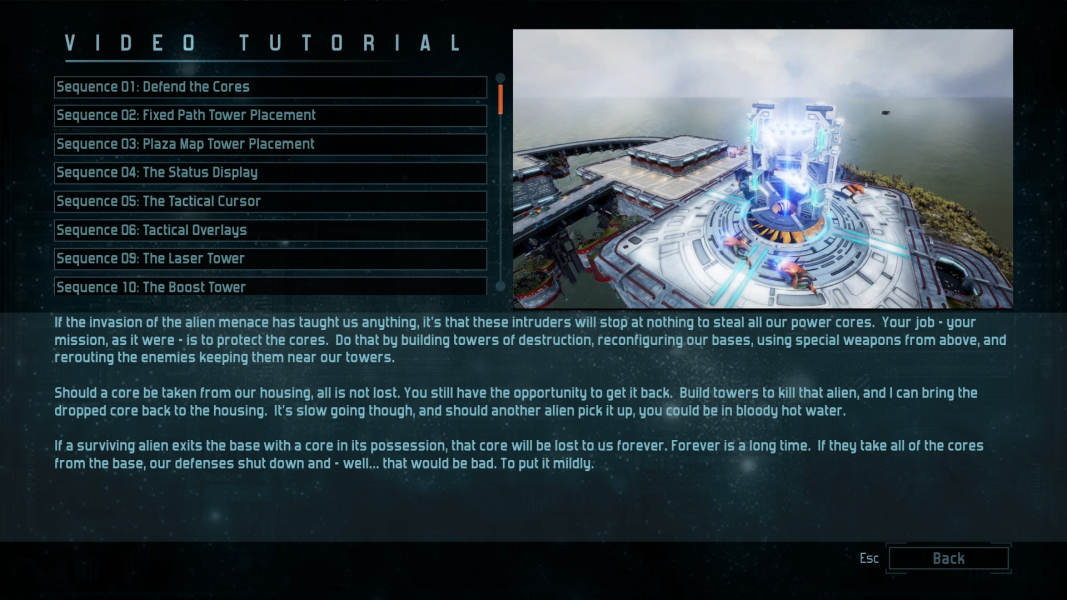
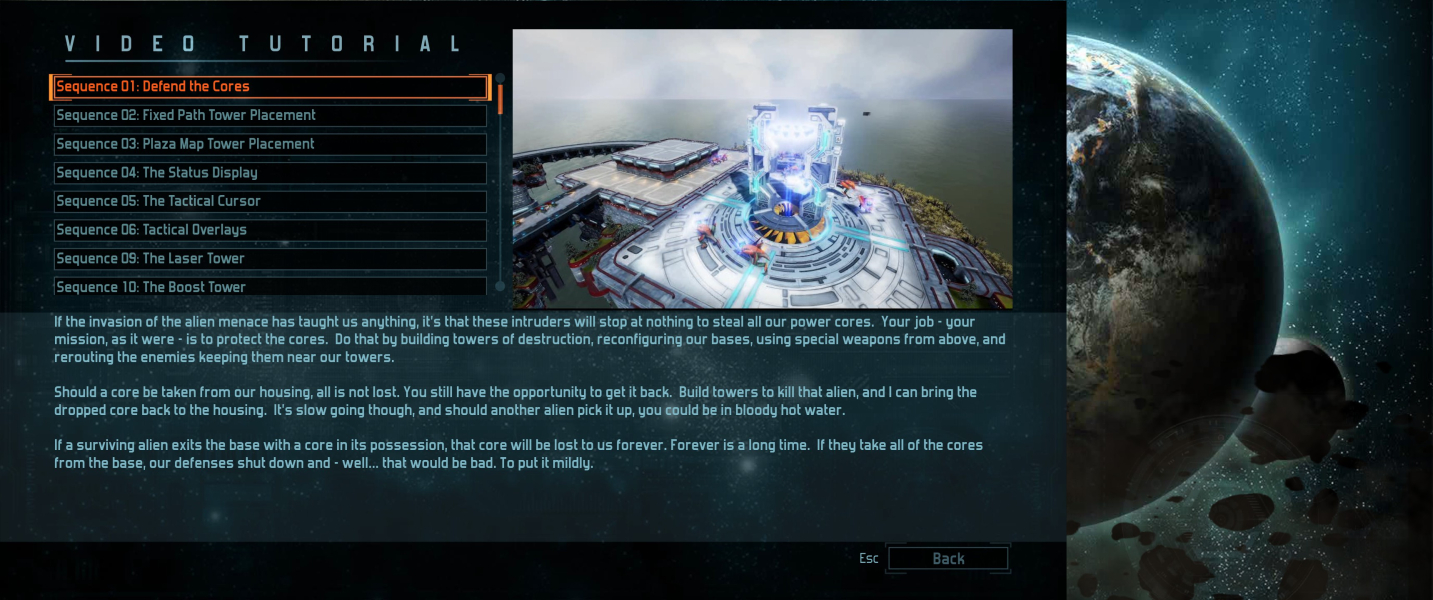

Menu Screenshots

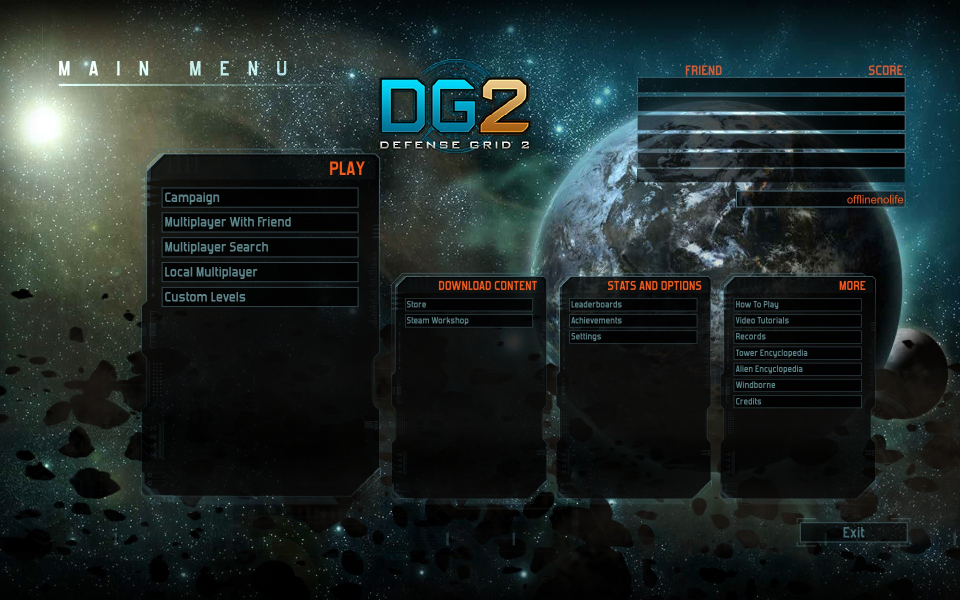

Additional Screenshots


