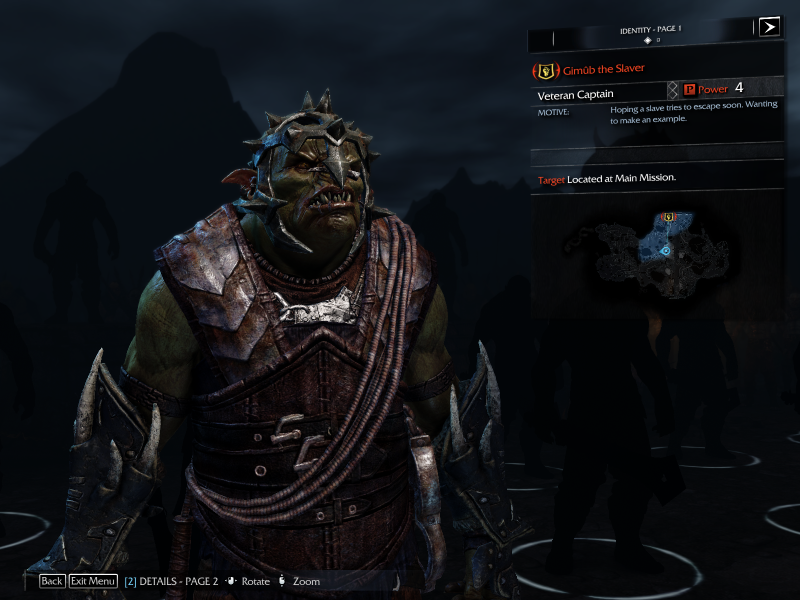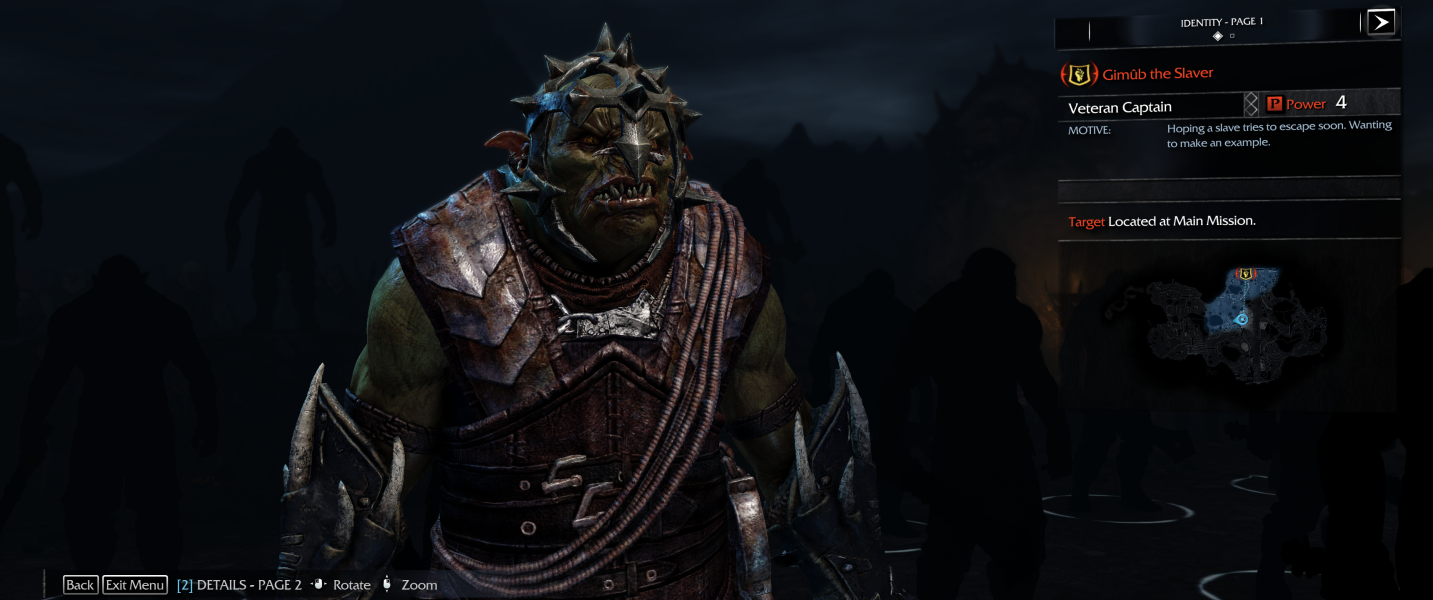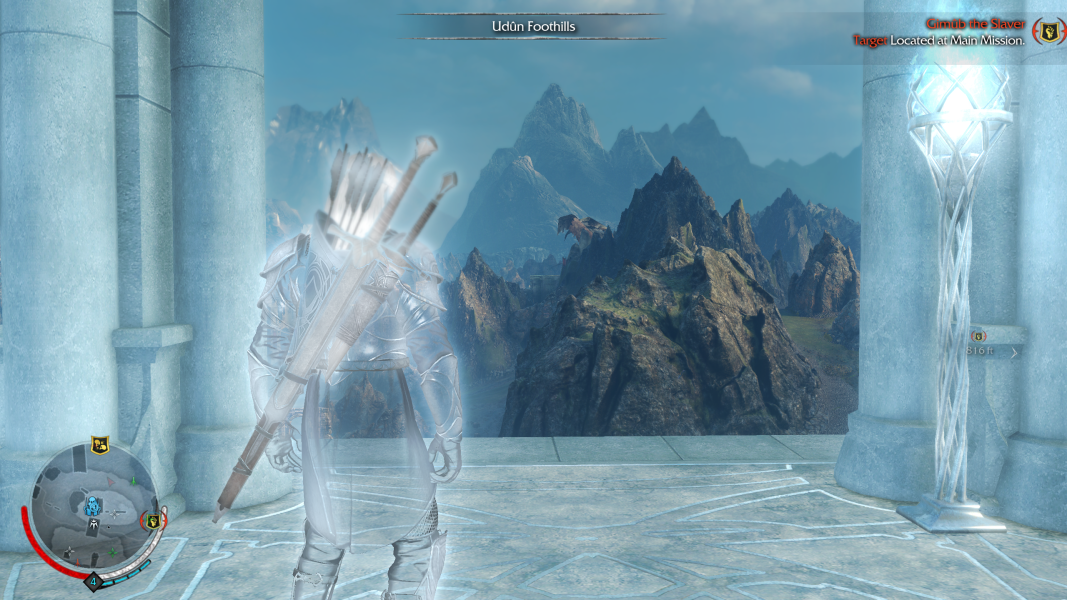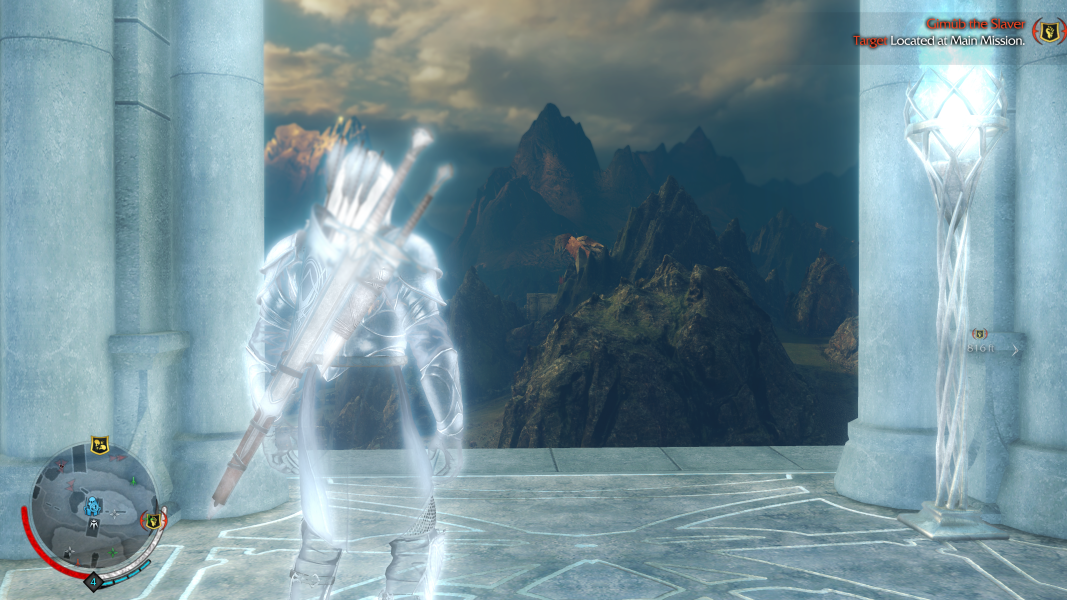



Middle-earth: Shadow of Mordor is an open world Action RPG, where the player controls a Ranger by the name of Talion who has wraith-like abilities. Besides the main quest, the player also has the freedom to pursue side quests and roam around Mordor. Players fight through Mordor and uncover the truth of the spirit that compels you, discover the origins of the Rings of Power, build your legend and ultimately confront the evil of Sauron in this new chronicle of Middle-earth.
Support Summary
Game Information
Screenshots Comparison
Solutions & Issues
See info on Eyefinity/Surround. Same issues impact 21:9, but not to as high a degree. However, the game is still only playable with Flawless Widescreen.
Note that the game supports 21:9 natively... but not 64:27 (2560x1080) or 43:18 (3440x1440) ! Read jackfuste's explanation in this thread.
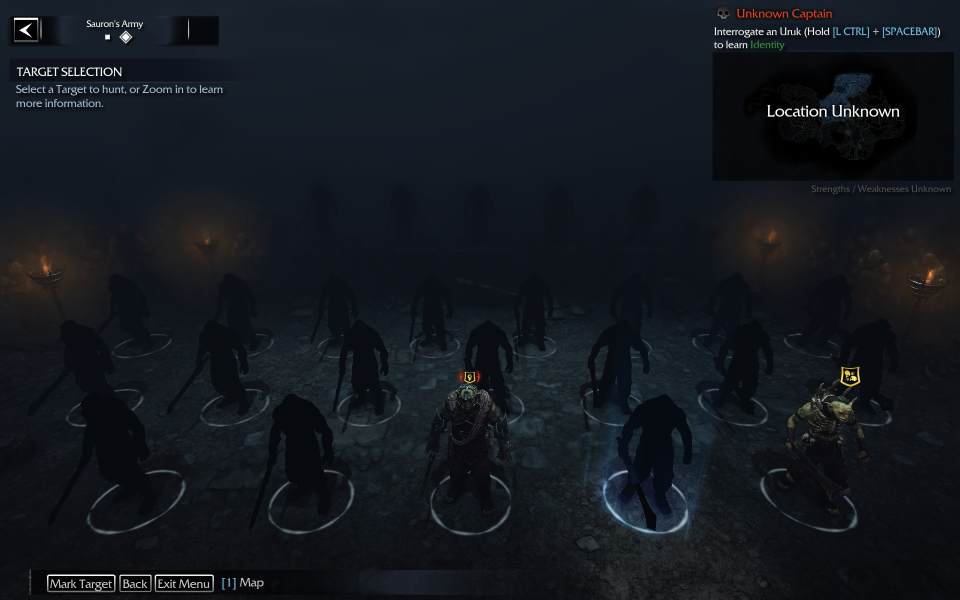
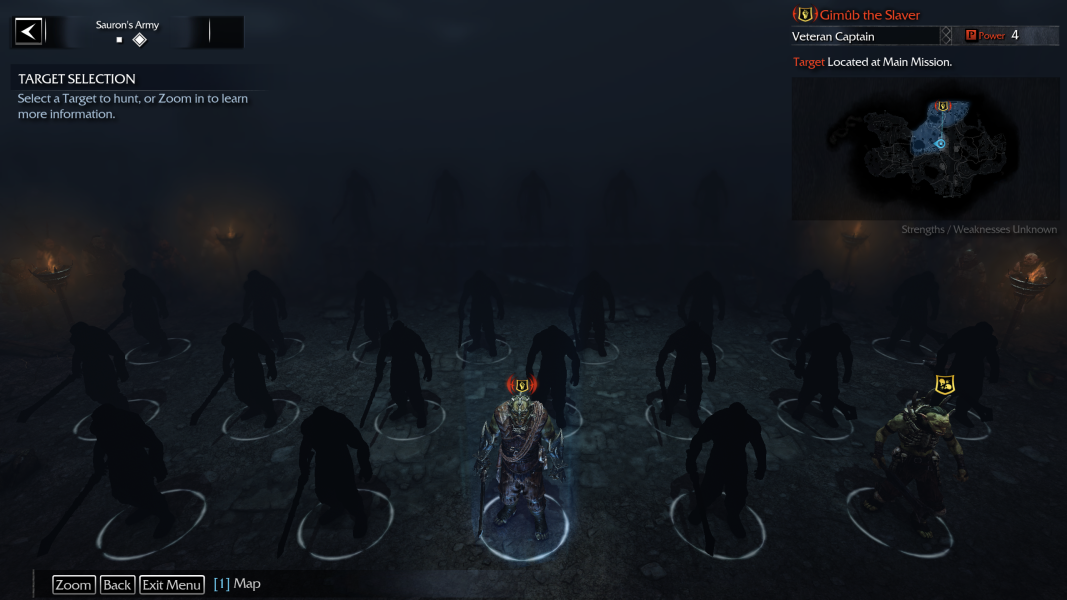
Game requires Flawless Widescreen to work properly. Without it the "Sauron's Army" and other gameplay elements are cut-off and/or unusable. With FWS, HUD can be centered and Mixed Res Eyefinity is supported.
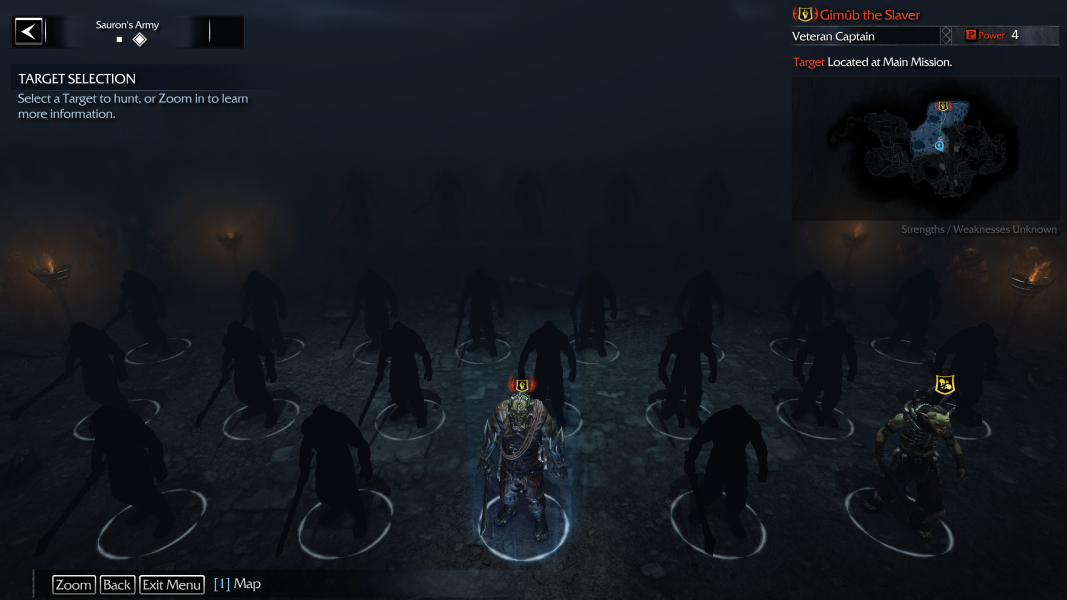
Minor issue using FWS on Sauron's Army screen: as reported by dayglow, as soon as Warchiefs are unlocked the camera won't pan to the front rows anymore. You can still review every unit's face & info, but the army's first two rows are out of view. See Additional screenshots section below.
Initially I could not get the game to launch in 4k UHD. The game offered resolution options for 3840x2160 (I could see them when launching with my desktop set to 2560x1440). With my desktop res set to 3840x2160, the game would load the first two "legal" intro movies, but abort (with no error message) prior to showing the NVIDIA intro video.
Using the skip intro videos instructions available at PCGamingWiki, I was able to get the game to launch. I renamed the "legal" folder, and the "nvidia_splash" video. The game loads with the other intro video enabled. Not sure if the error was at the end of the legal video, or the NVIDIA video itself not liking 4k, but skipping the videos is the fix. Not sure if anyone else had this issue, or if it only impacts AMD users, so I'm setting as a "Minor Issue".
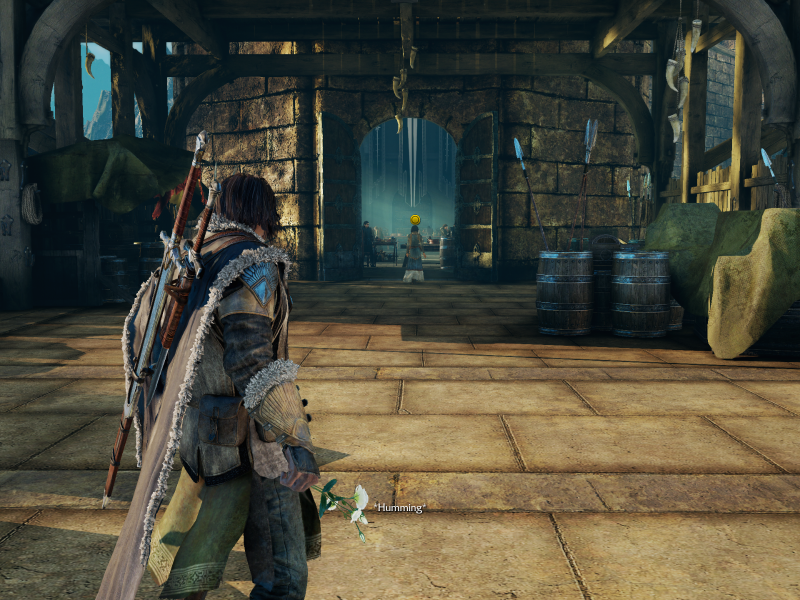
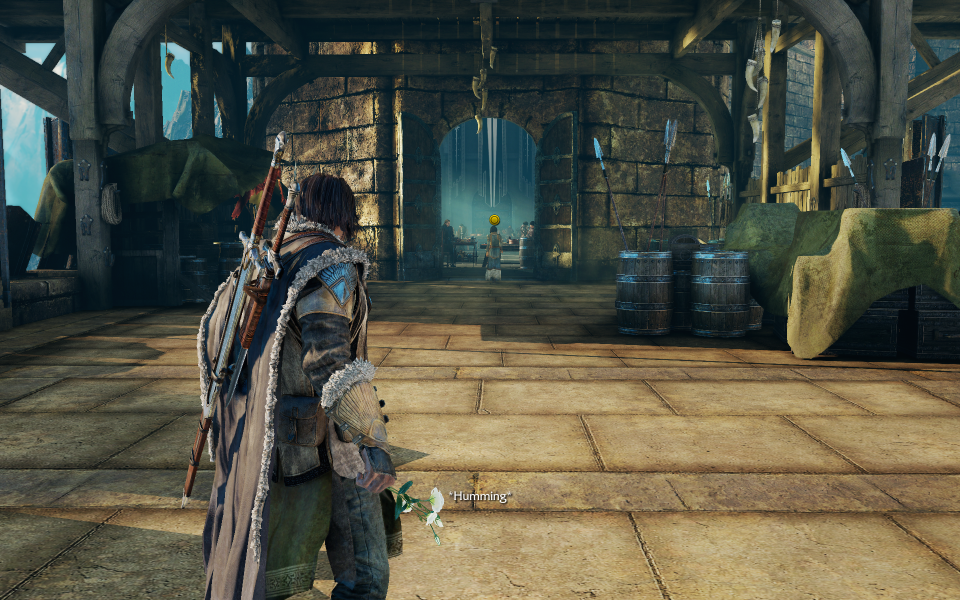
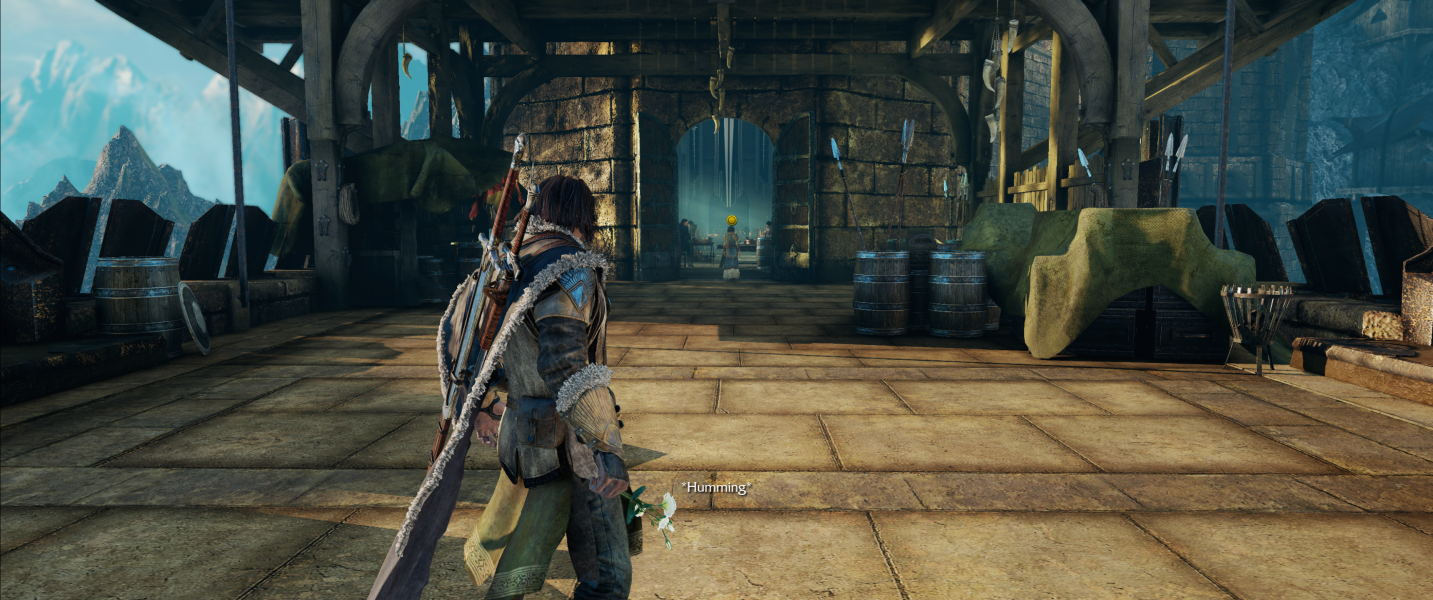
Gameplay Screenshots



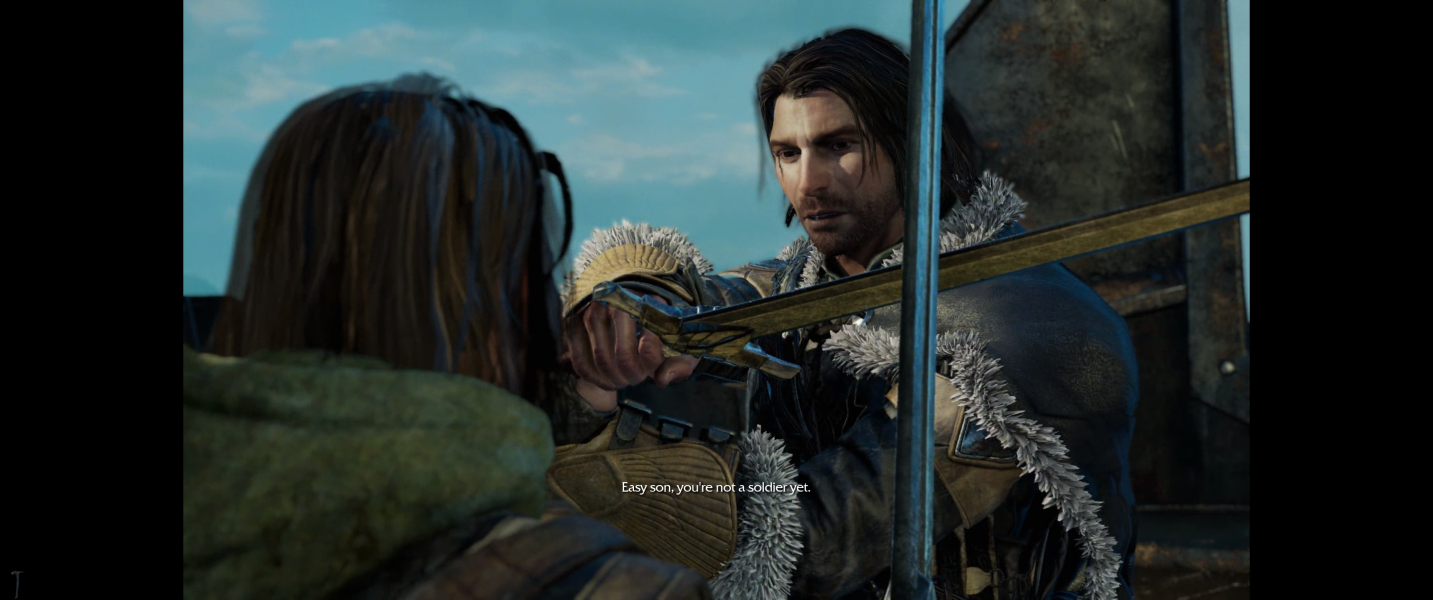
FMV Cutscenes
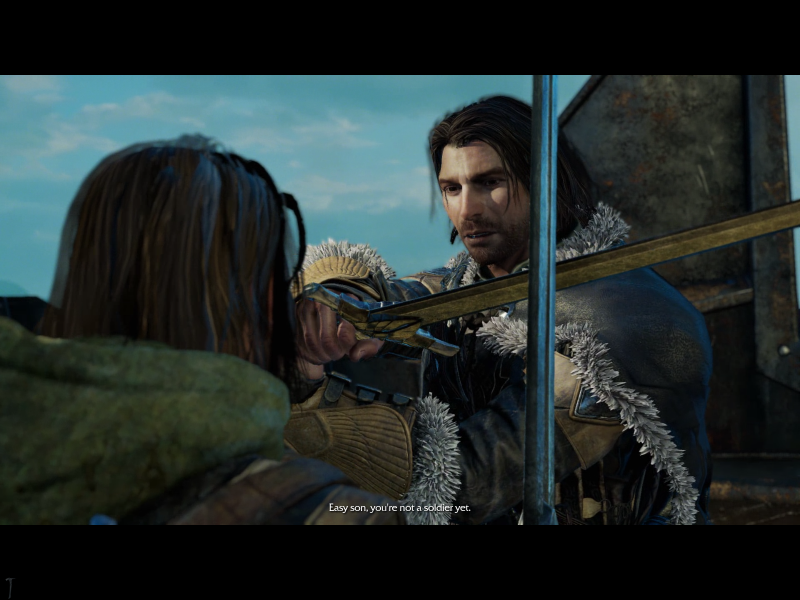
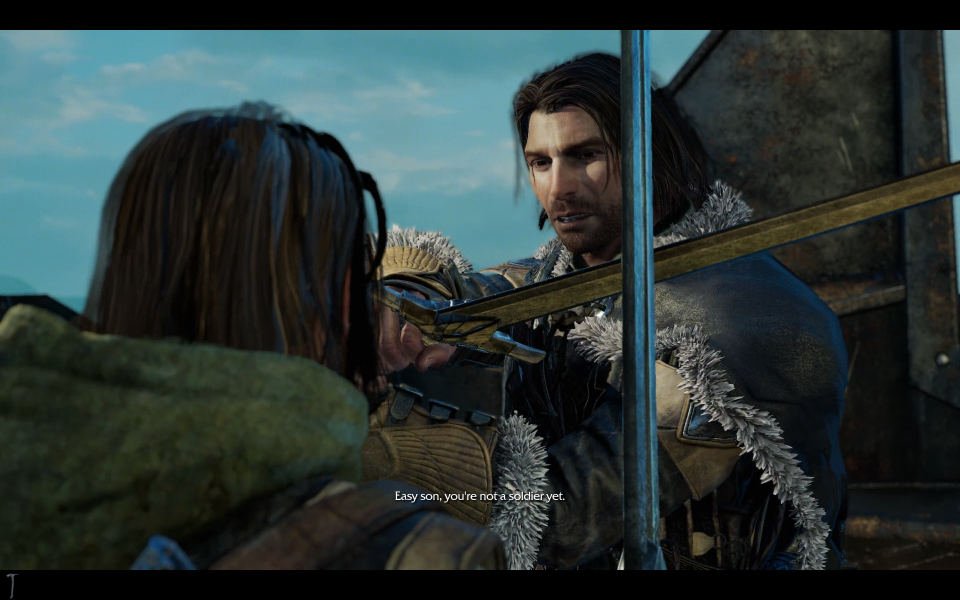
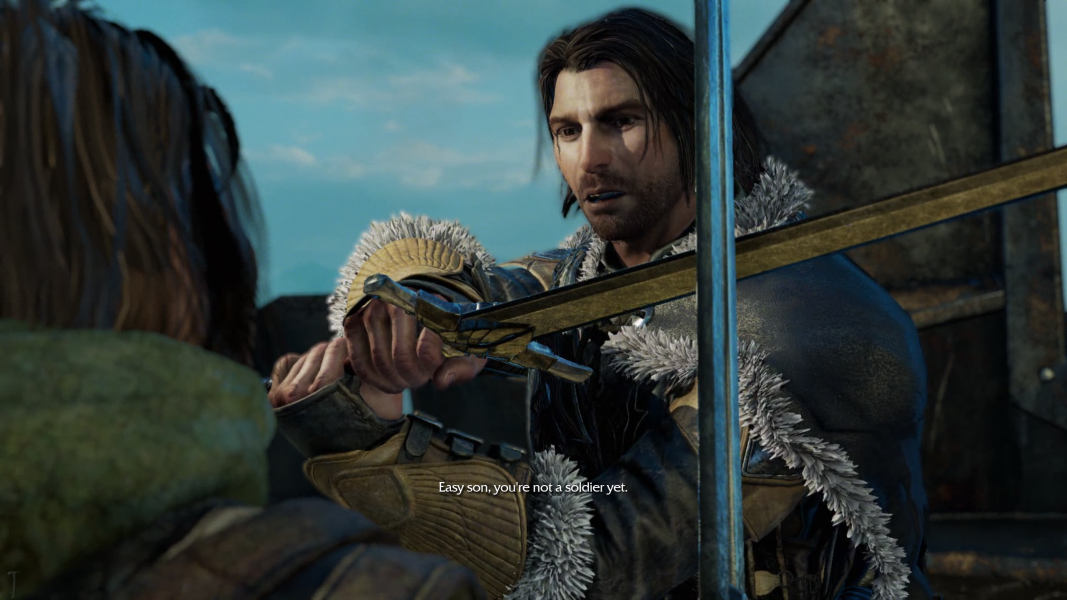

Menu Screenshots



4K UHD Screenshots
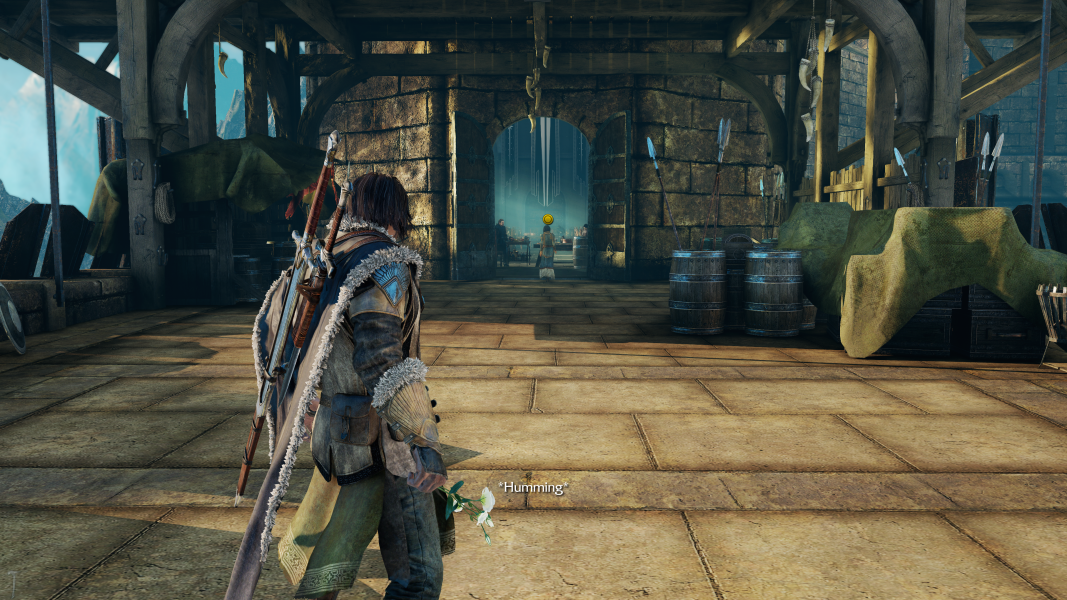
Additional Screenshots