

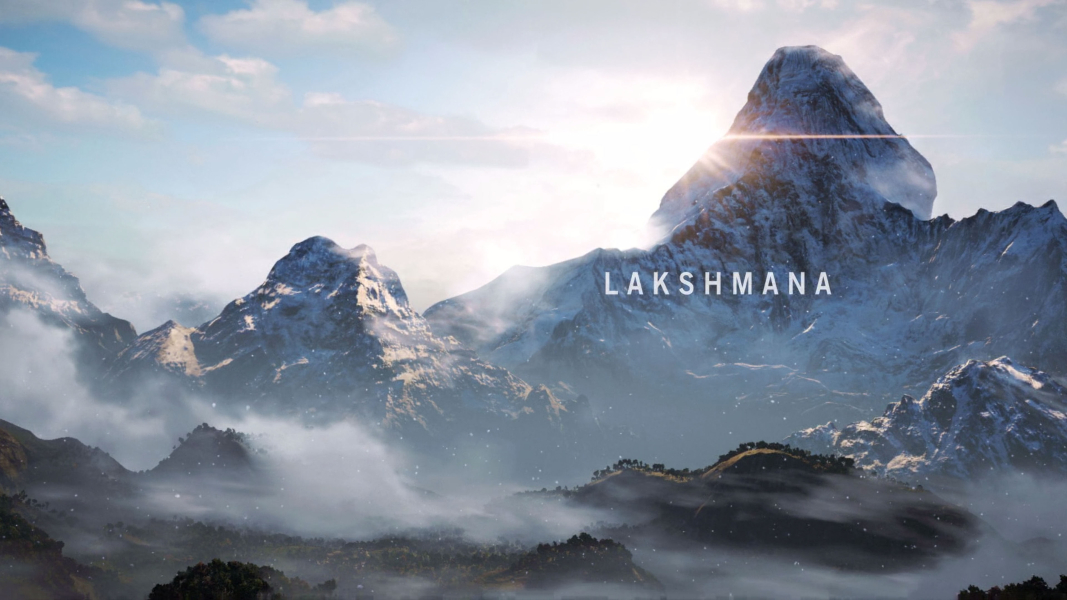
Hidden in the towering Himalayas lies Kyrat, a country steeped in tradition and violence. You are Ajay Ghale. Traveling to Kyrat to fulfill your mother’s dying wish, you find yourself caught up in a civil war to overthrow the oppressive regime of dictator Pagan Min. (Source: Steam)
Support Summary
Widescreen | Ultra/Super‑Wide | Multi-Monitor | 4K Ultra HD | |
Support | ||||
Method | ||||
HUD | ||||
Cutscenes | ||||
FMVs |
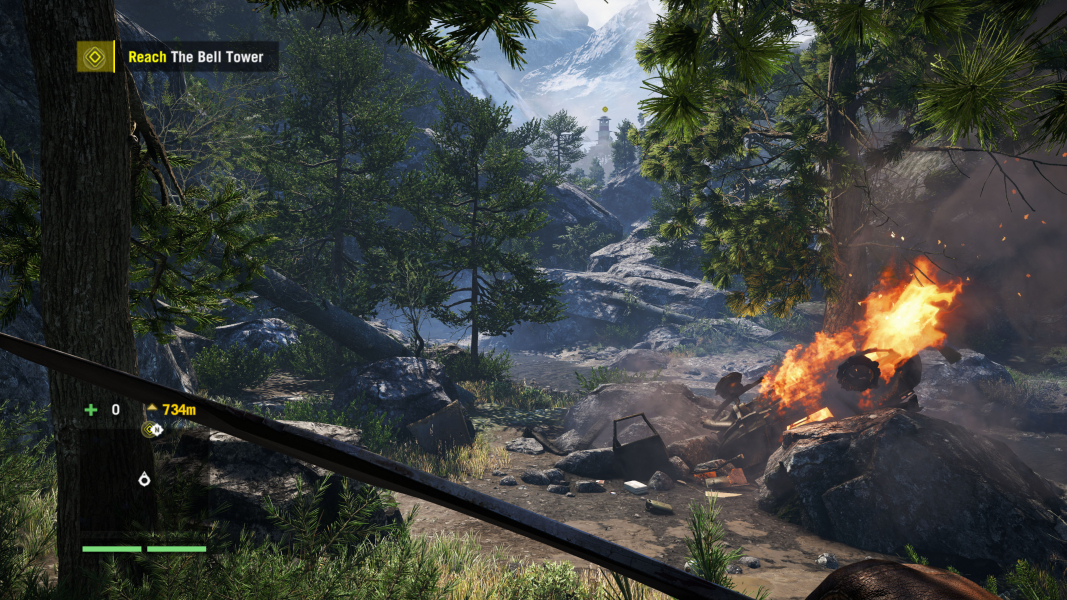
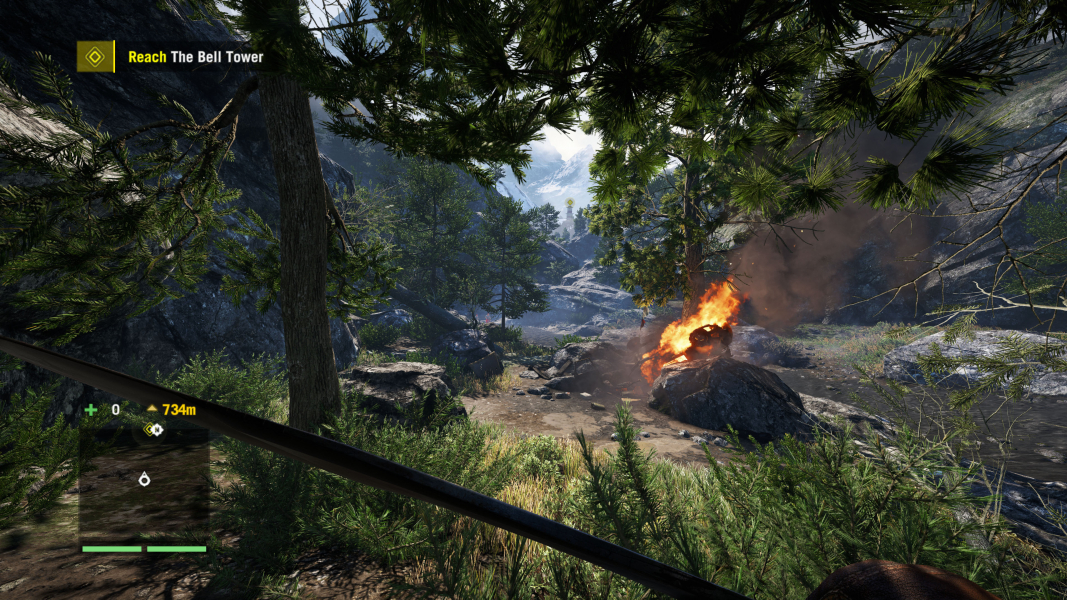
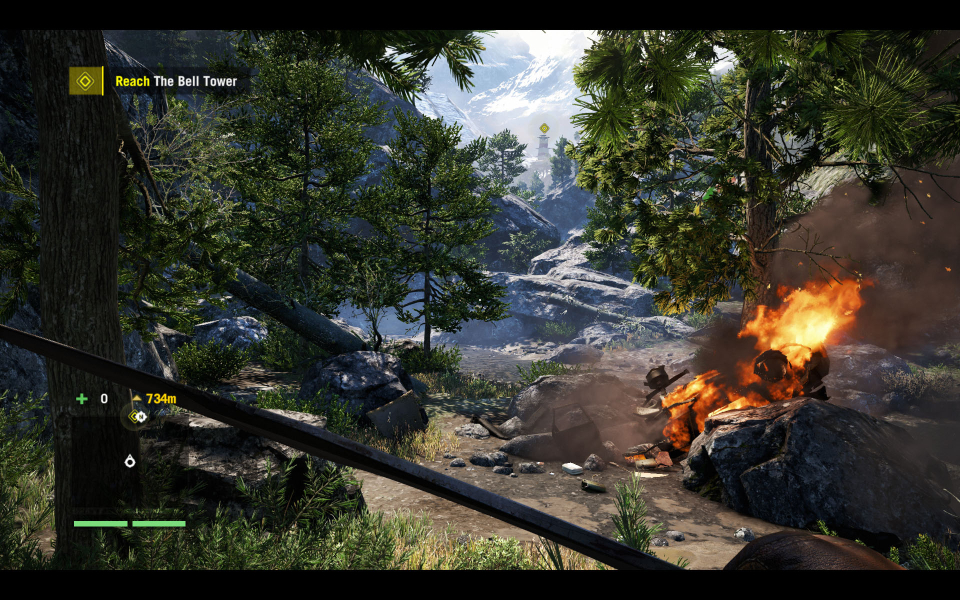
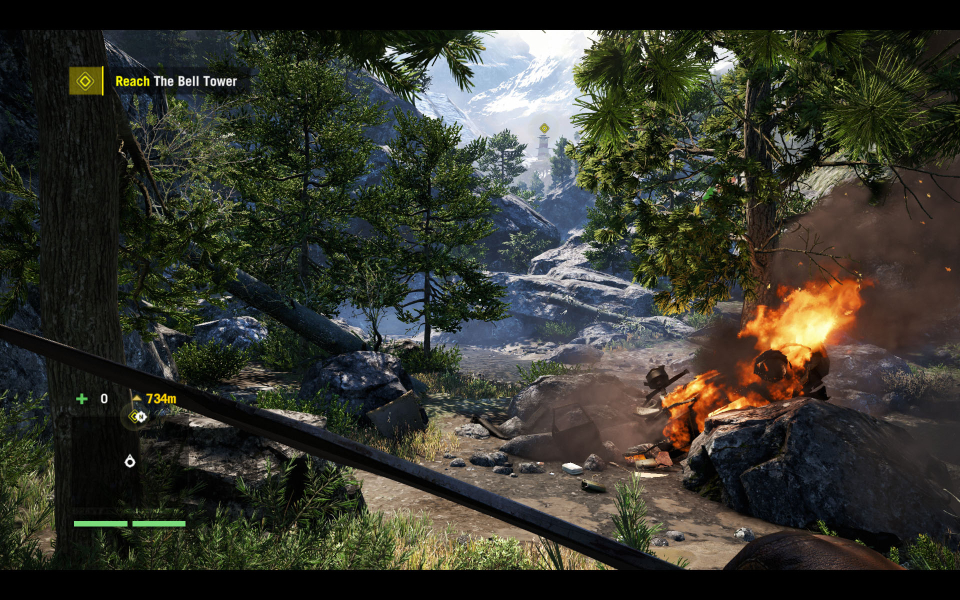
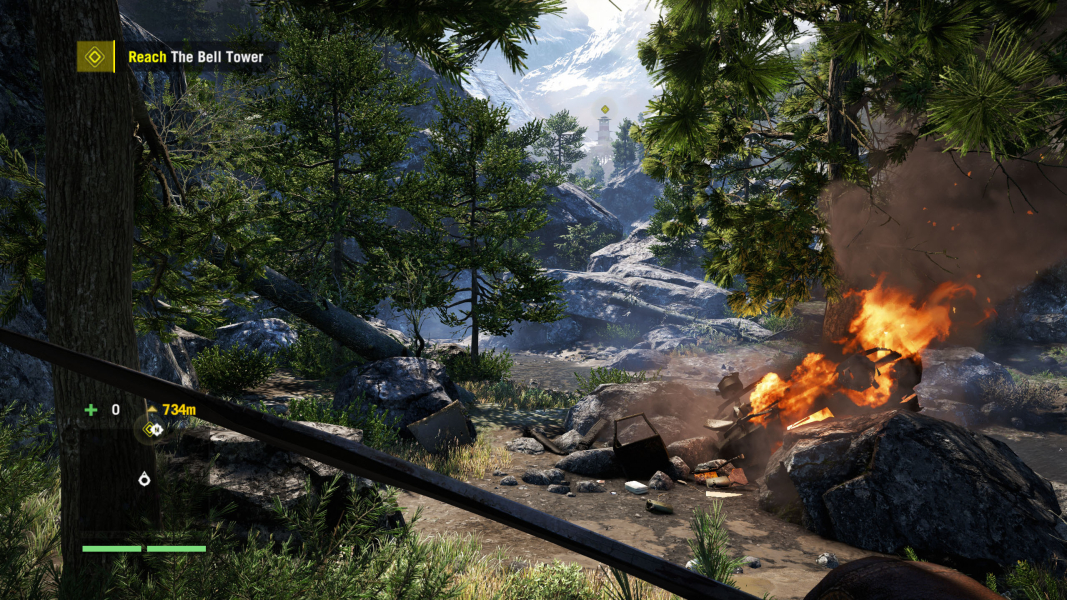
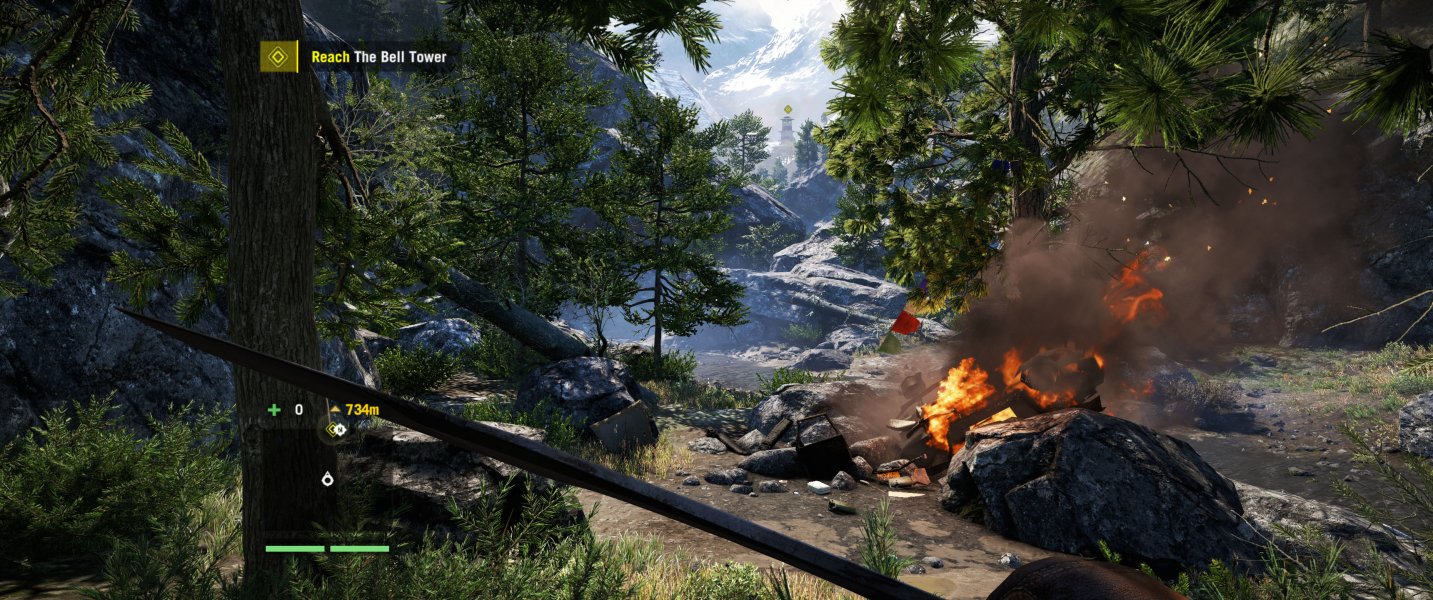
Screenshots Comparison
Solutions & Issues
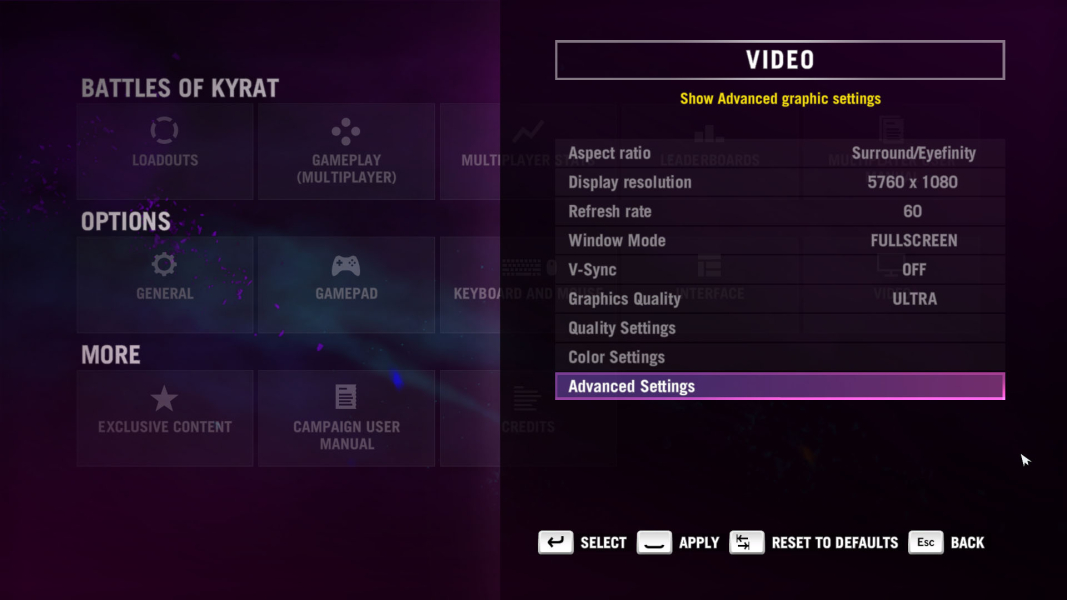
Graphics options start with the Aspect set to "Auto". This autodetects your native aspect ratio, and offers those resolutions. You can manually select a different aspect ratio and resolution. You must manually select the Aspect Ratio first.
If you want the proper FOV in 16:10, you must edit the GameProfile.xml file. If you don't edit the file, the game will be letterboxed on top of the 16:9 FOV. This is only needed for any FOV "less than" 16:9. Using this setting in 21:9 or Eyefinity/Surround will result in Vert- gameplay.
c:\(User)\My Documents\My Games\Far Cry 4
Change the value of UseWidescreenFOV from 1 to 0.
As with Eyefinity/Surround, the FOV slider is missing from the graphics options in 21:9. It can be set manually. See the solution in Eyefinity/Surround.
Supports Mixed Res Eyefinity with 16:9 - 21:9 - 16:9. The game has an FOV slider in the graphics options, but it disappears when Eyefinity/Surround resolutions are used. The FOV can manually be set in the GameProfile.xml file.
c:\(User)\My Documents\My Games\Far Cry 4
Change the value of FOVScaleFactor.
Default is 1.0. The slide offers a range from 0.75 to 1.50, though you can set virtually any value you desire.
Gameplay Screenshots



In-Game (Rendered) Cutscenes
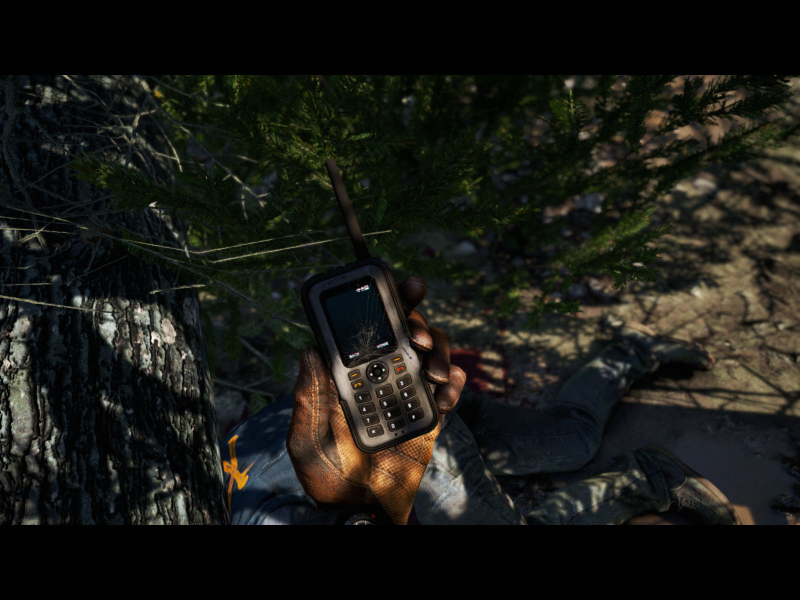
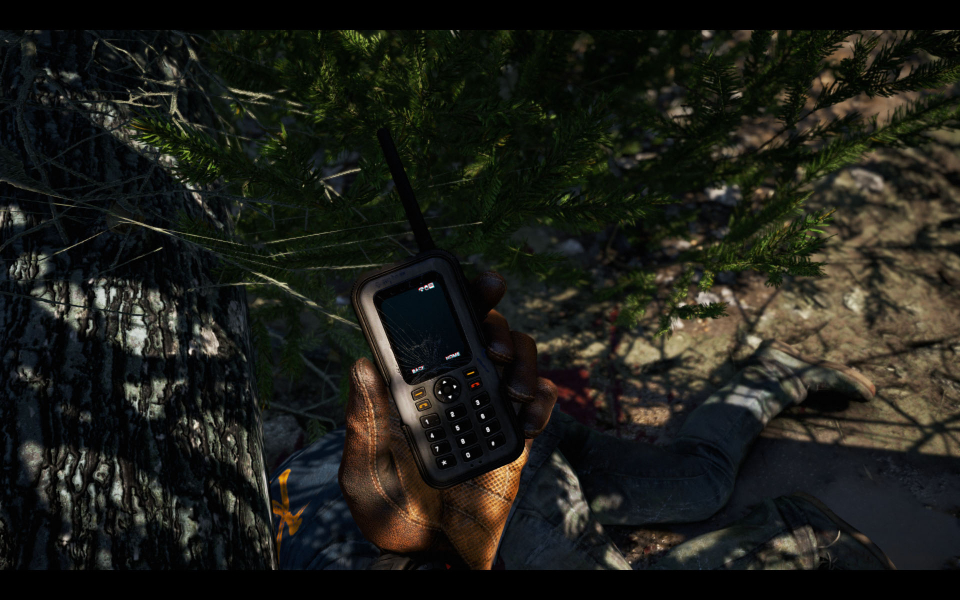
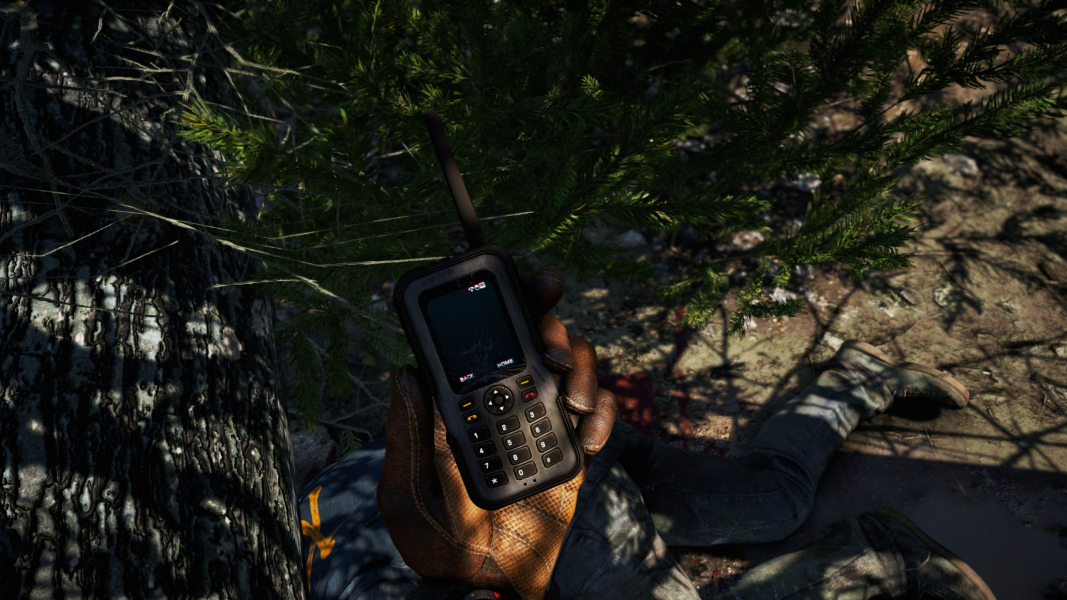
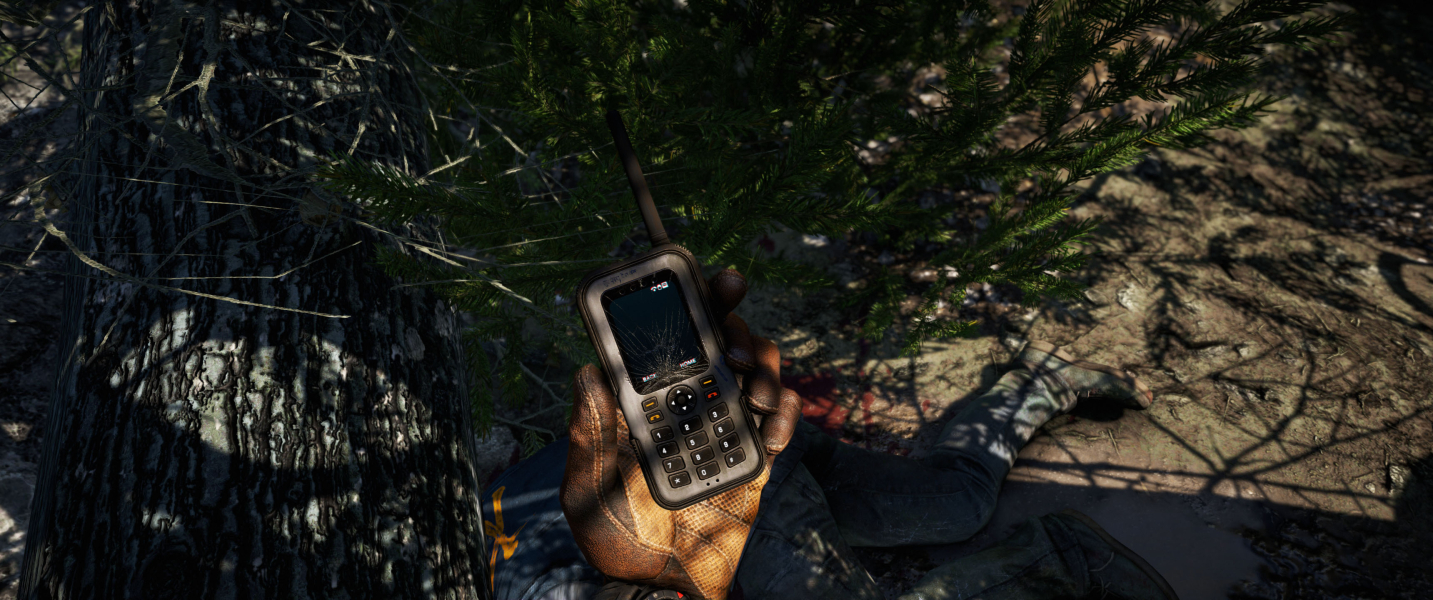

FMV Cutscenes

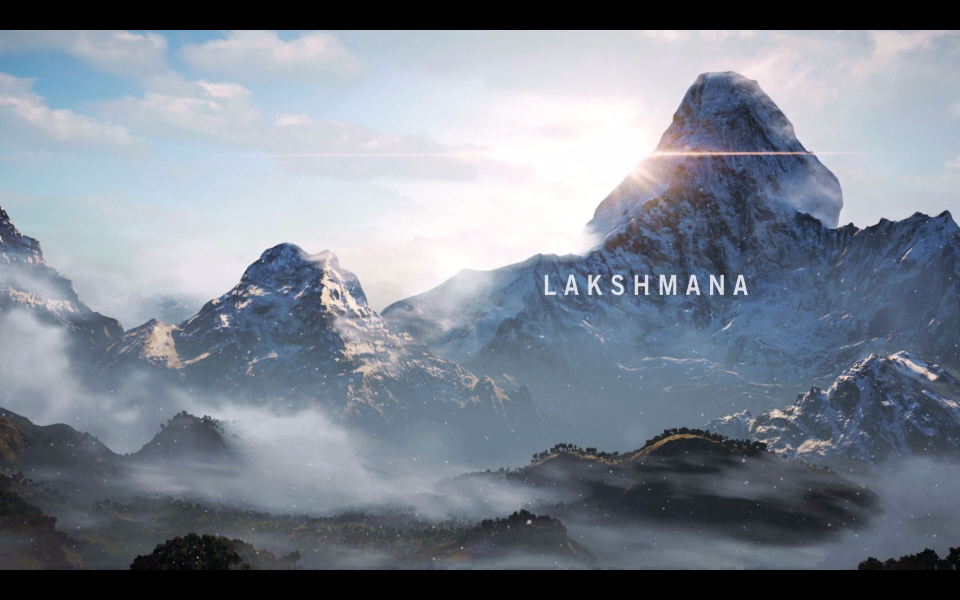
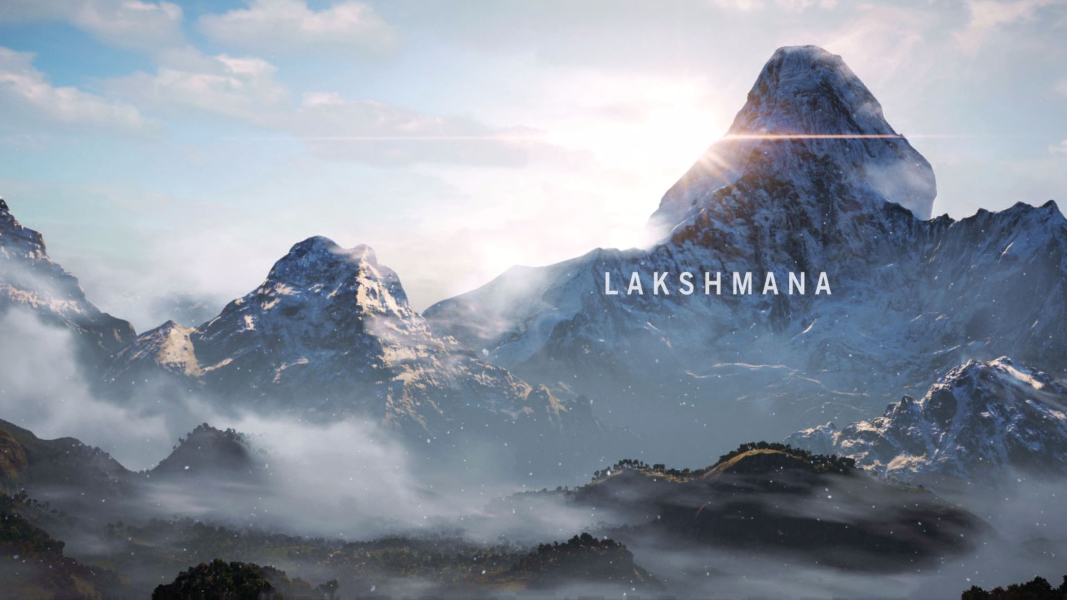
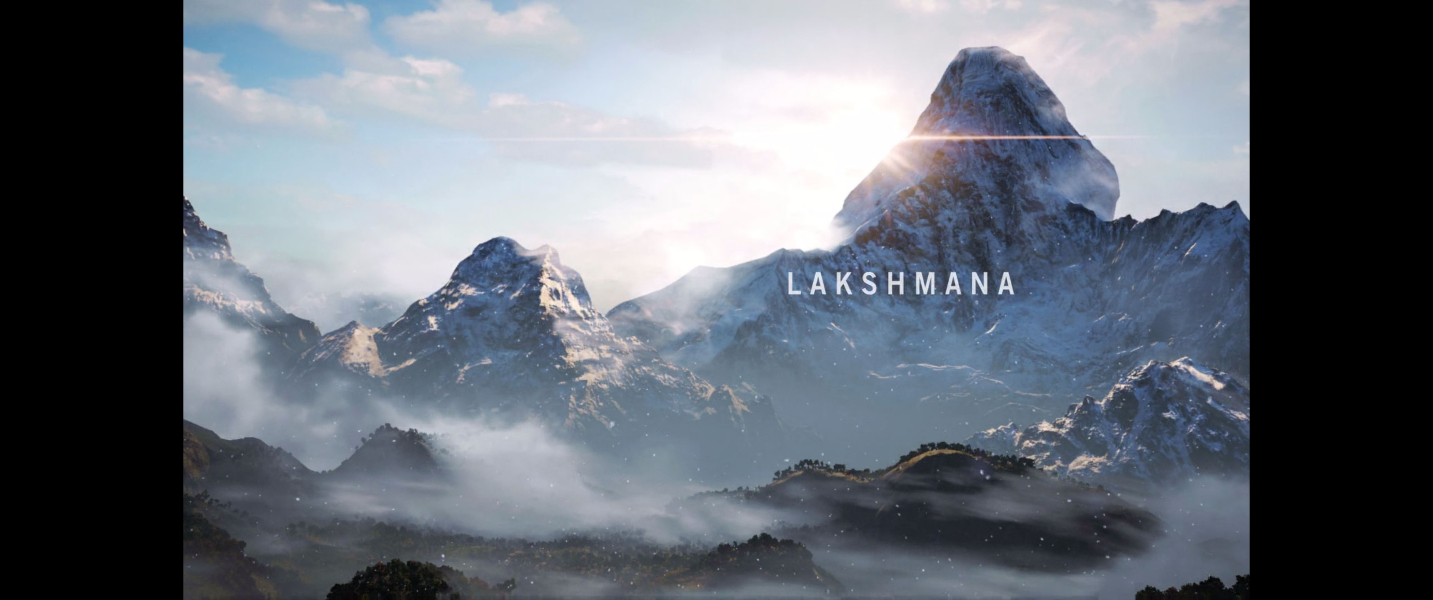

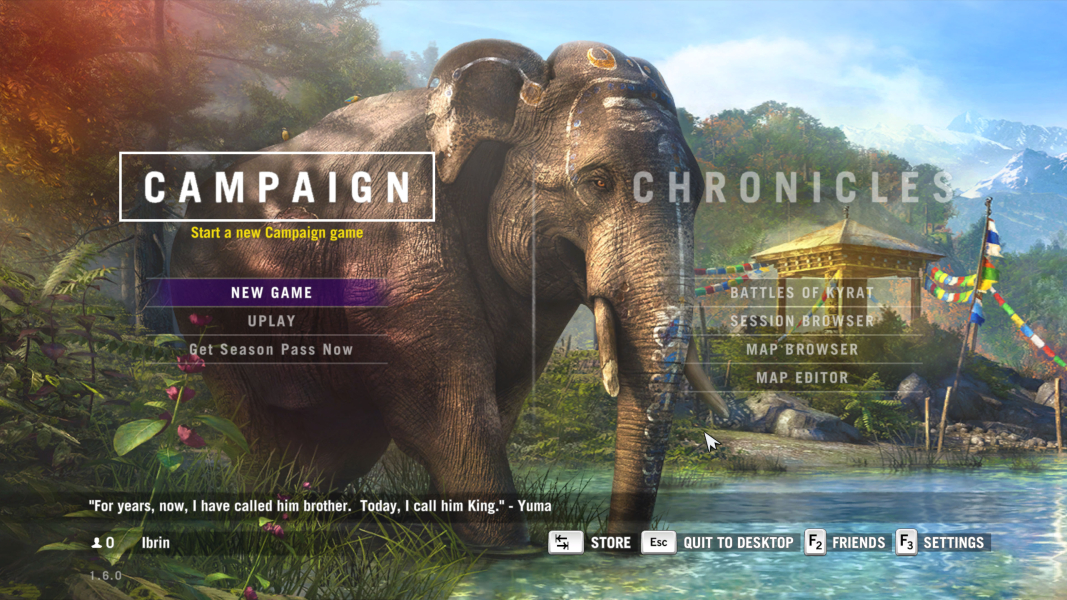
Menu Screenshots
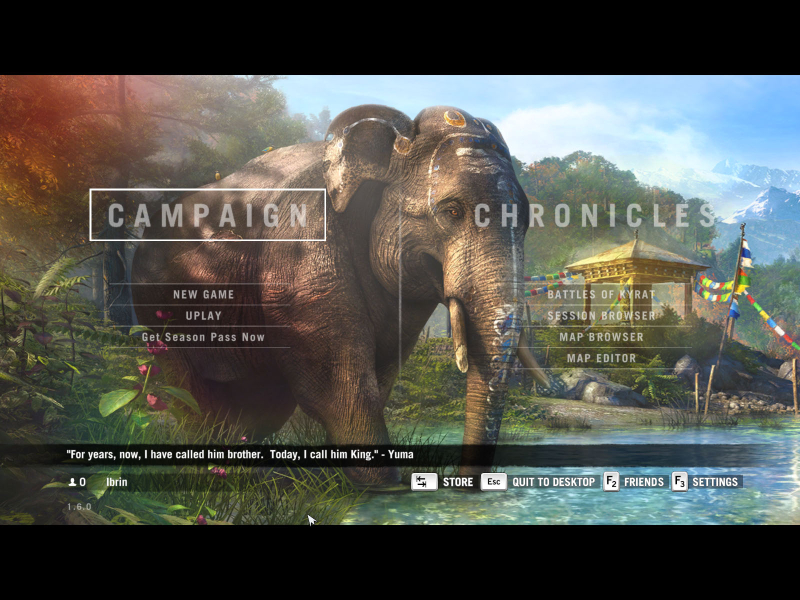
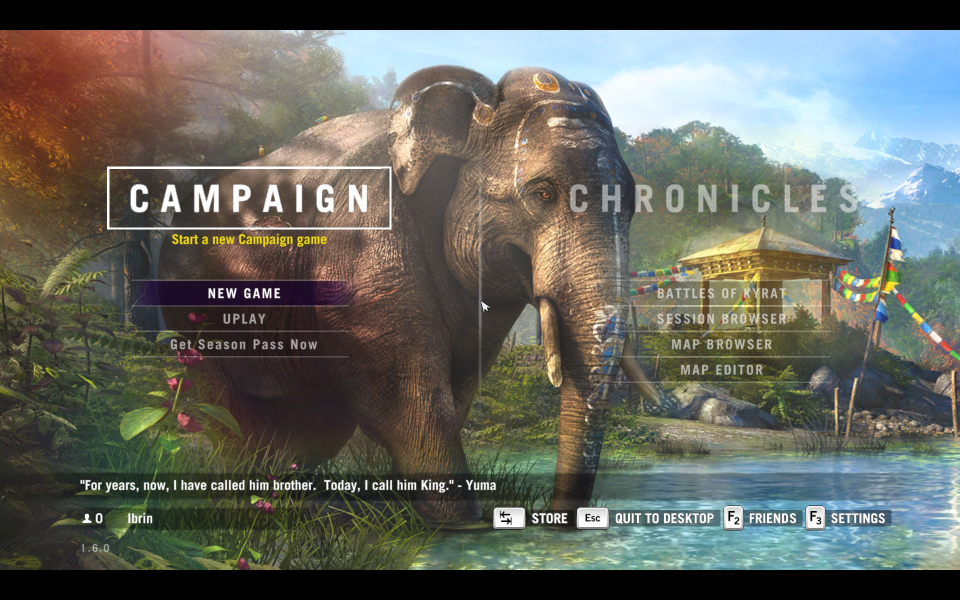
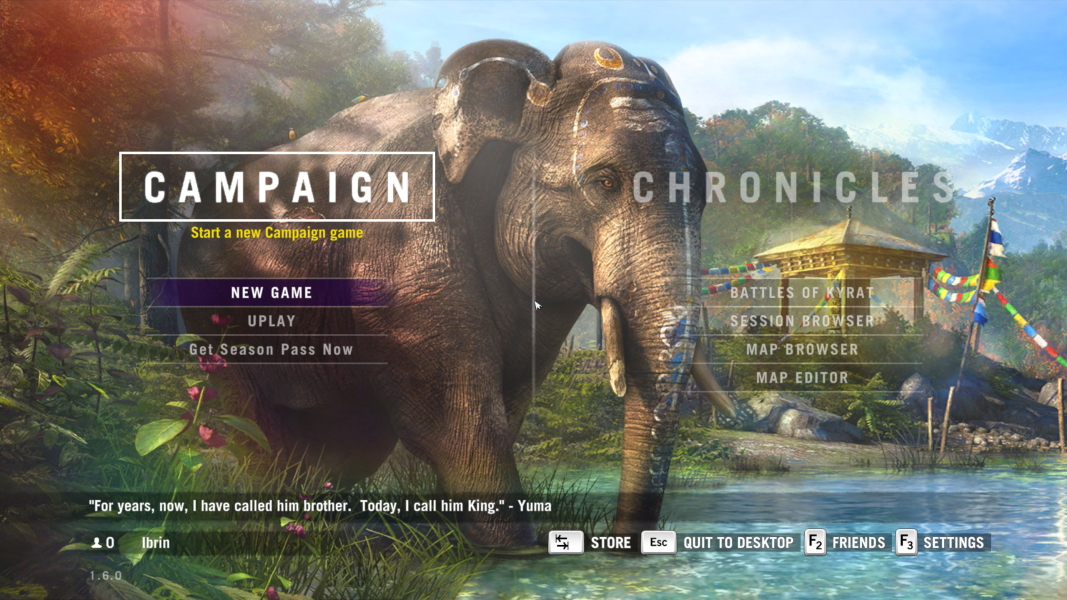


4K UHD Screenshots
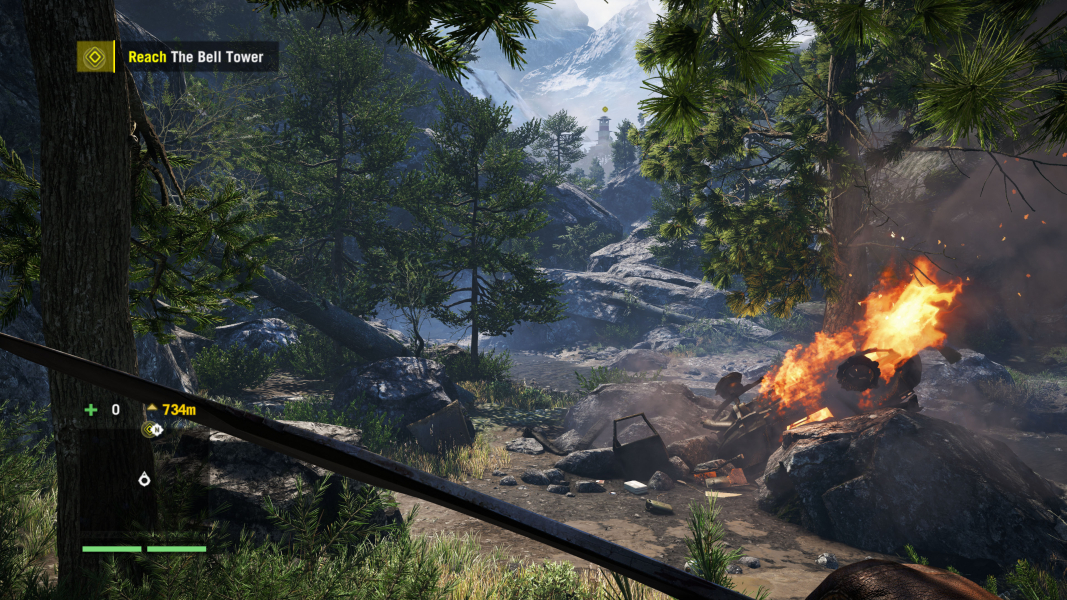
Additional Screenshots