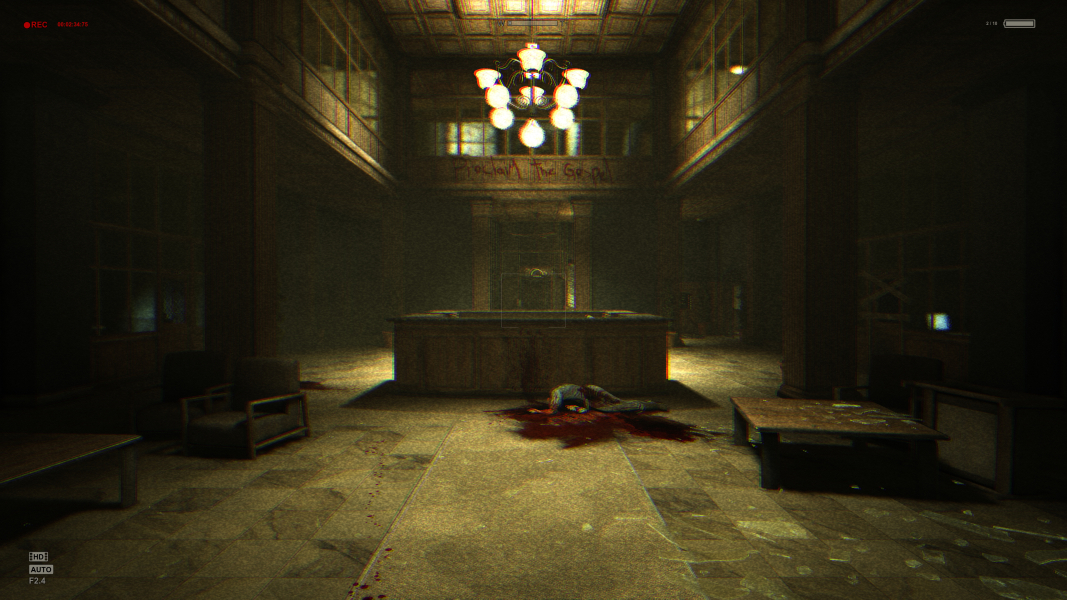


Here's your chance to get locked inside a mental asylum during a stormy night. With no weapon or torchlight, only your journalist's thirst for answers and a battery-powered camcorder to rely on, you're prepared to run and hide from trouble... but can your mind endure Mount Massive's darkest secret ?
Outlast's consciously restrained gameplay makes it more of a spooky sneaky adventure than classic survival horror. The amount of violence and gore is off the chart - so much so that the game, although always tense, quickly becomes genuinely hilarious (for mature audiences). Body awareness is expertly used and puts a lot of higher-budget games to shame.
Support Summary
Game Information
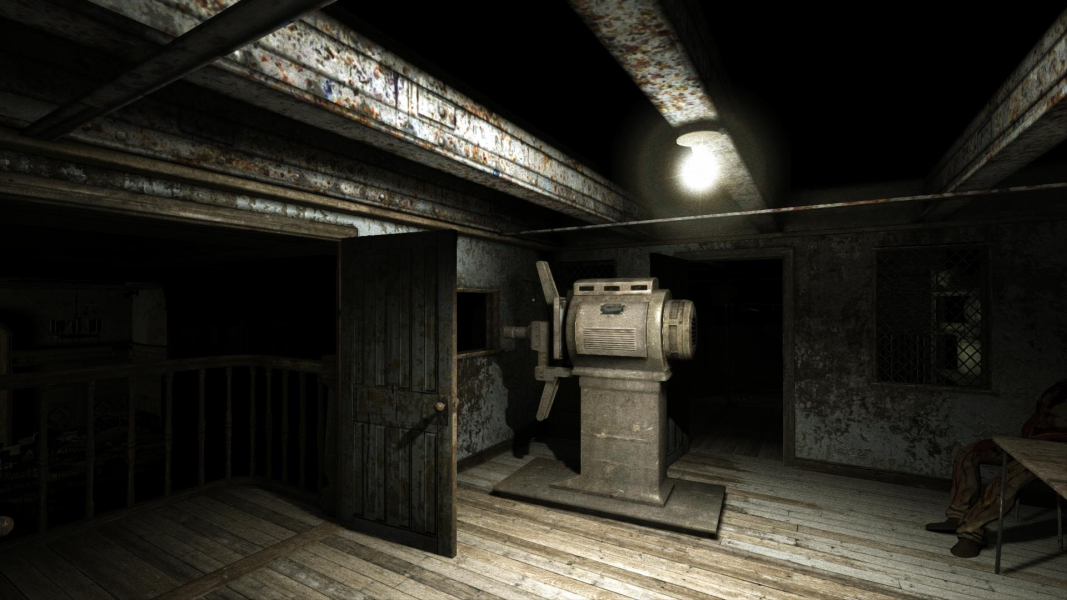
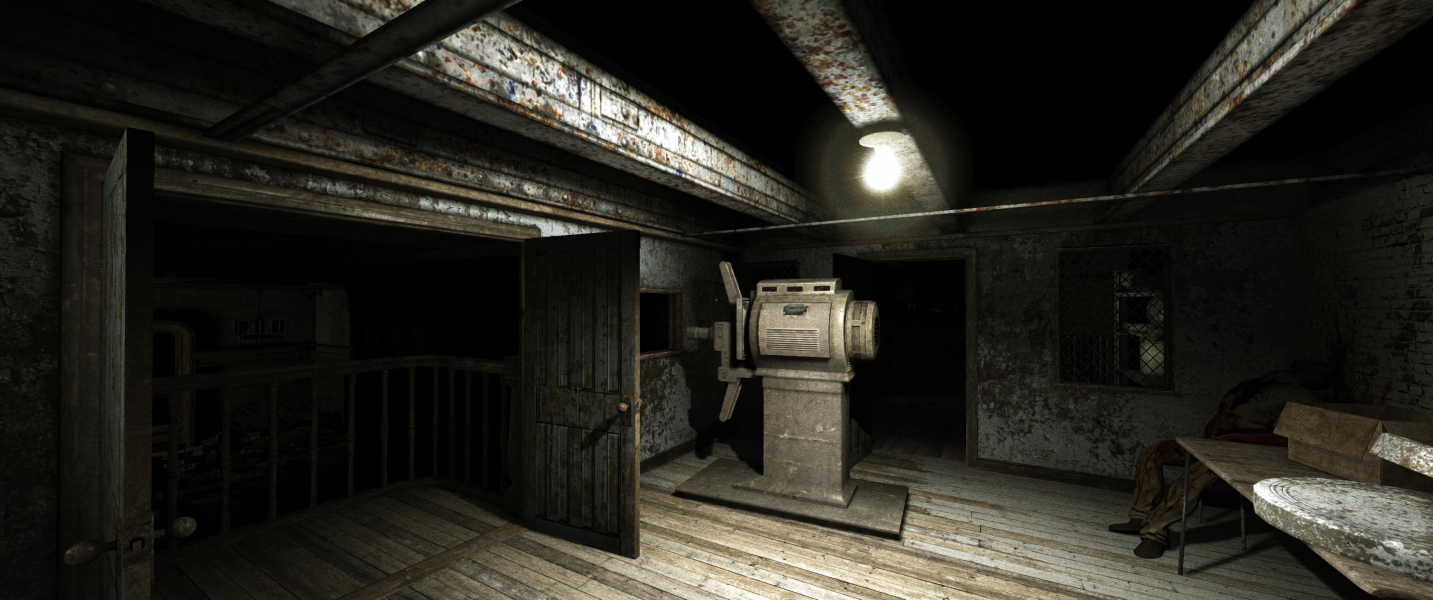
Screenshots Comparison
Solutions & Issues
Native support. By default the game will run at your current desktop resolution.
If you're looking to adjust the FOV, edit the following values in %USERPROFILE%\Documents\my games\Outlast\OLGame\Config\OLGame.ini
DefaultFOV=90.0 (Miles' actual FOV)RunningFOV=100.0 (slightly higher FOV during sprint, including 'run+look back')
CamcorderMinFOV=15.0 (camcorder FOV at maximum zoom, leave at default)CamcorderNVMaxFOV=83.0 (camcorder FOV, Night Vision on)CamcorderMaxFOV=83.0 (camcorder FOV, normal view)
Note that these are reference values in a natively Hor+ game; FOVCalc won't help you here. Just try slightly higher values where needed.
Native support.
Negligible issue: the UI is centered but dialog boxes scale slightly to the right.
Arguable issue: the camcorder's LCD screen spans across the whole display.
Native support.
If you want to run the game at a MM resolution other than your desktop's, open %USERPROFILE%\Documents\my games\Outlast\OLGame\Config\OLEngine.ini
Look for these lines...bUseCustomResolution=False (change to True)CustomResX=0 (replace 0 with desired display width)CustomResY=0 (replace 0 with desired display height)
Blemishes:
- Dialog boxes open on the right monitor. There are only a few (e.g to confirm exit or Insane mode). Menus, documents and subtitles are all centered.
- Camcorder: the 16:9 LCD screen spans across the whole display.
- Camcorder: chromatic aberration is noticeably exaggerated (color stripes). It's not so bad as to hurt gameplay, though.
- Camcorder: night vision is slightly more blurry than in regular widescreen (grain seems to stretch). Visibility is pretty much the same.
Native support.
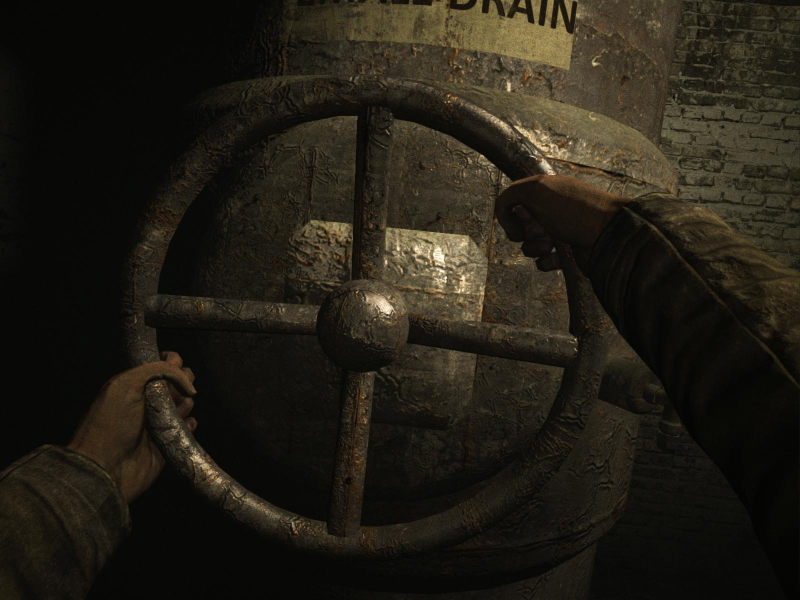
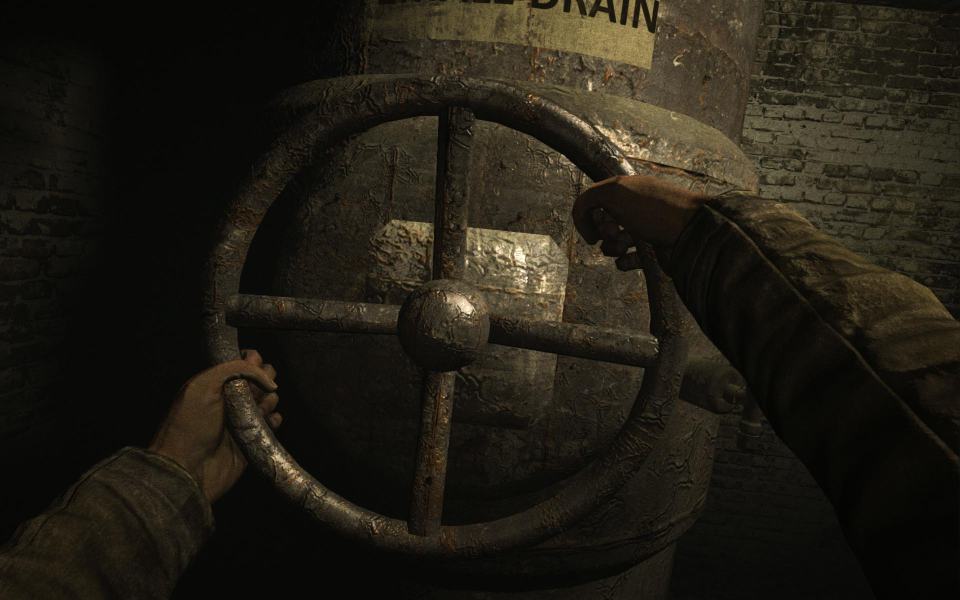
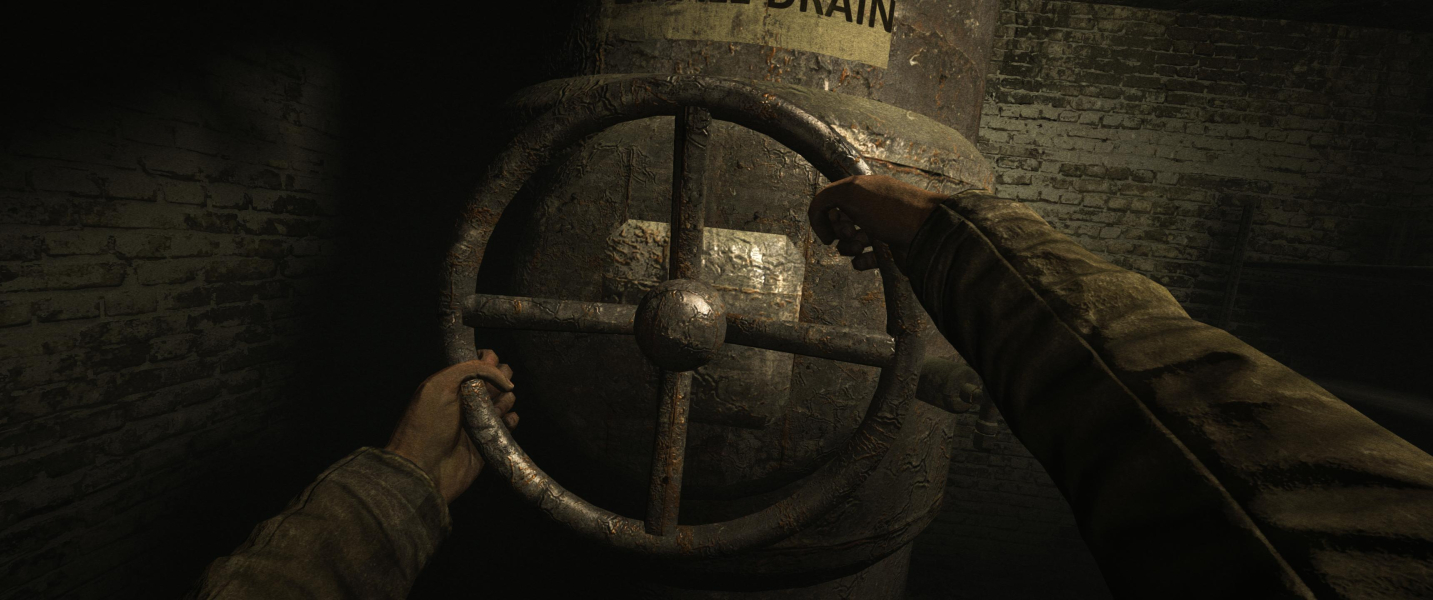
Gameplay Screenshots




In-Game (Rendered) Cutscenes


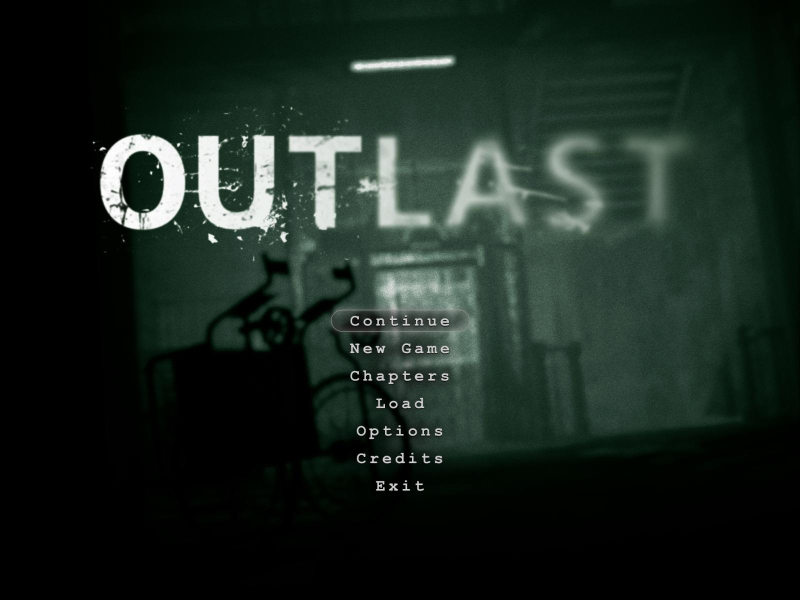
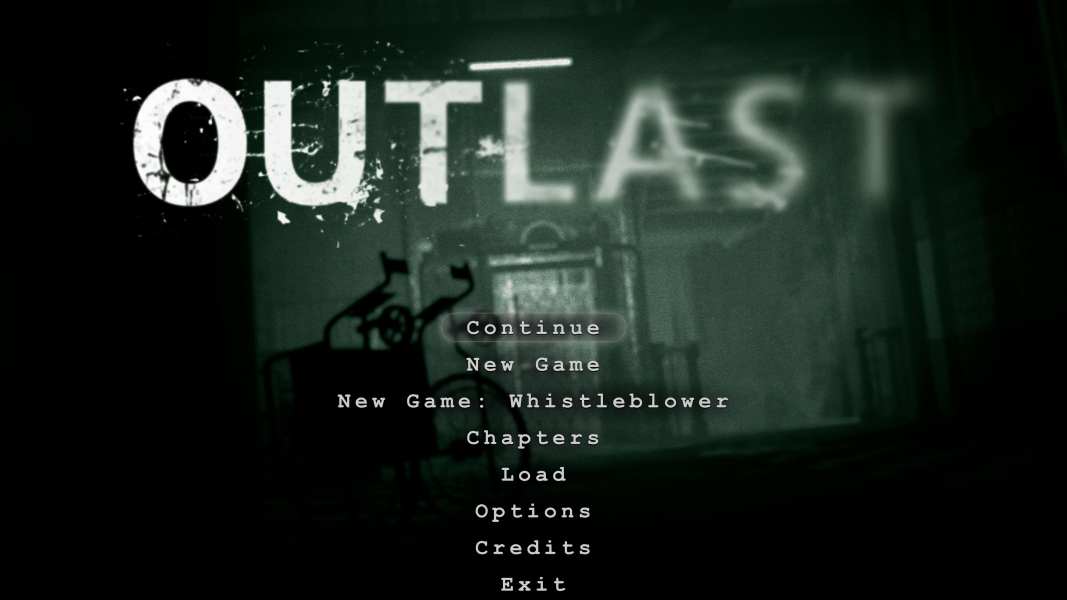
Menu Screenshots
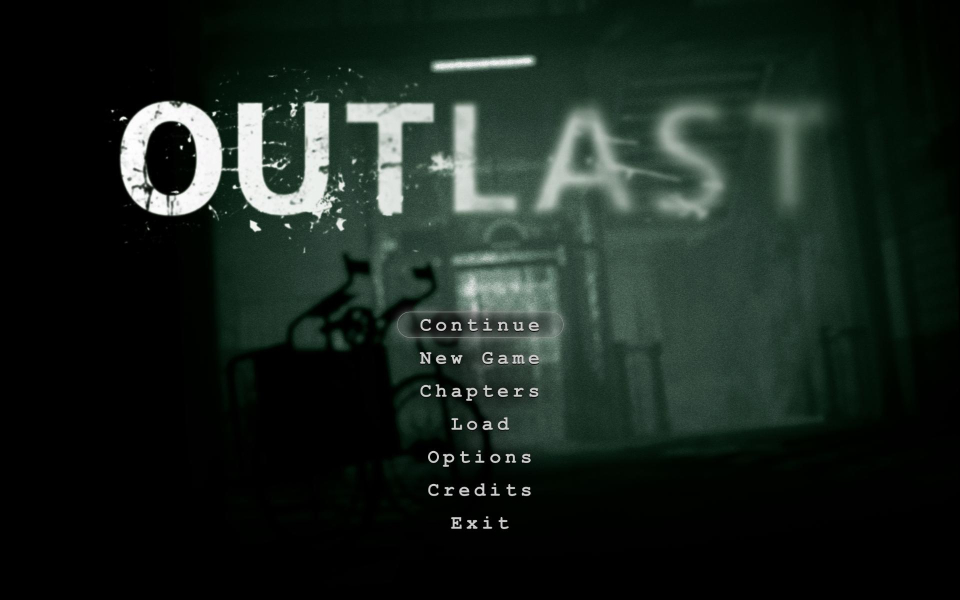
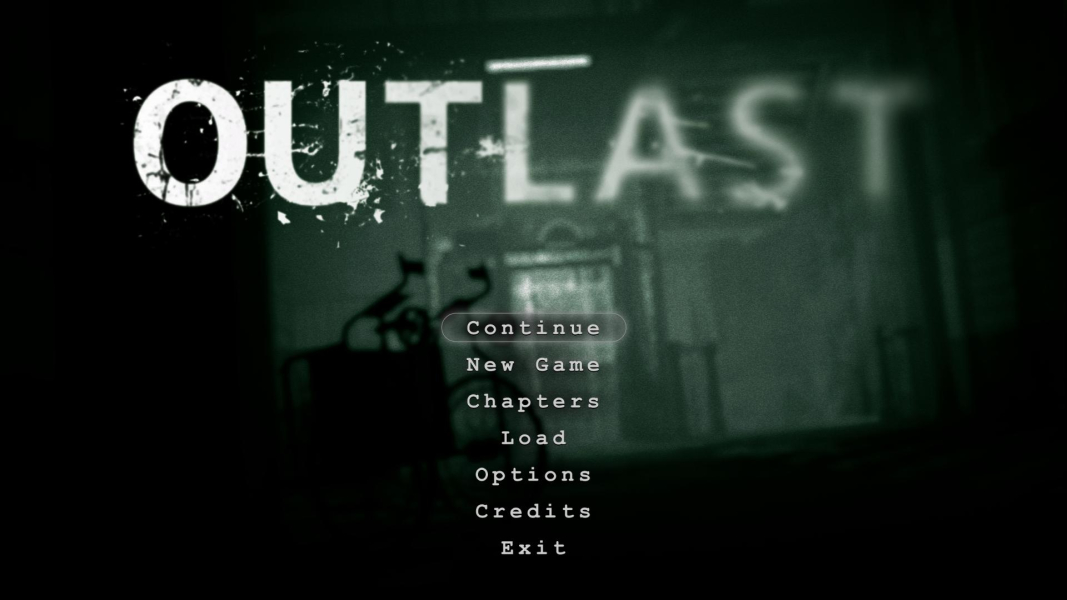
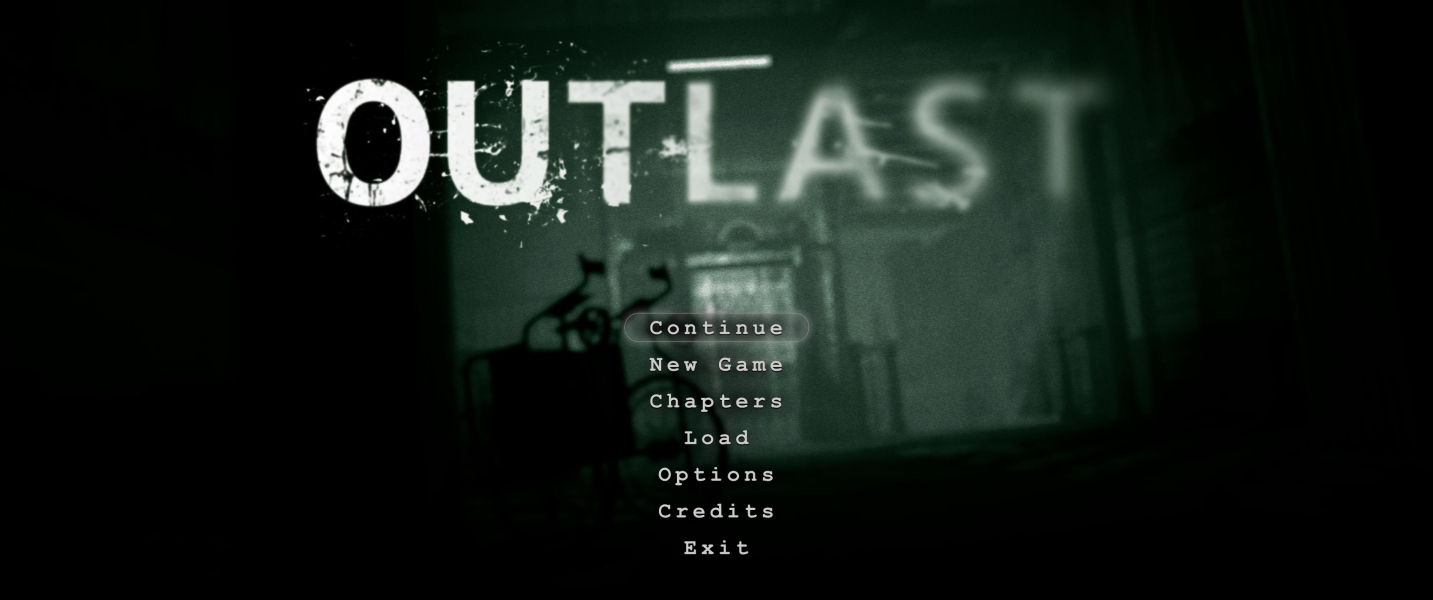

4K UHD Screenshots
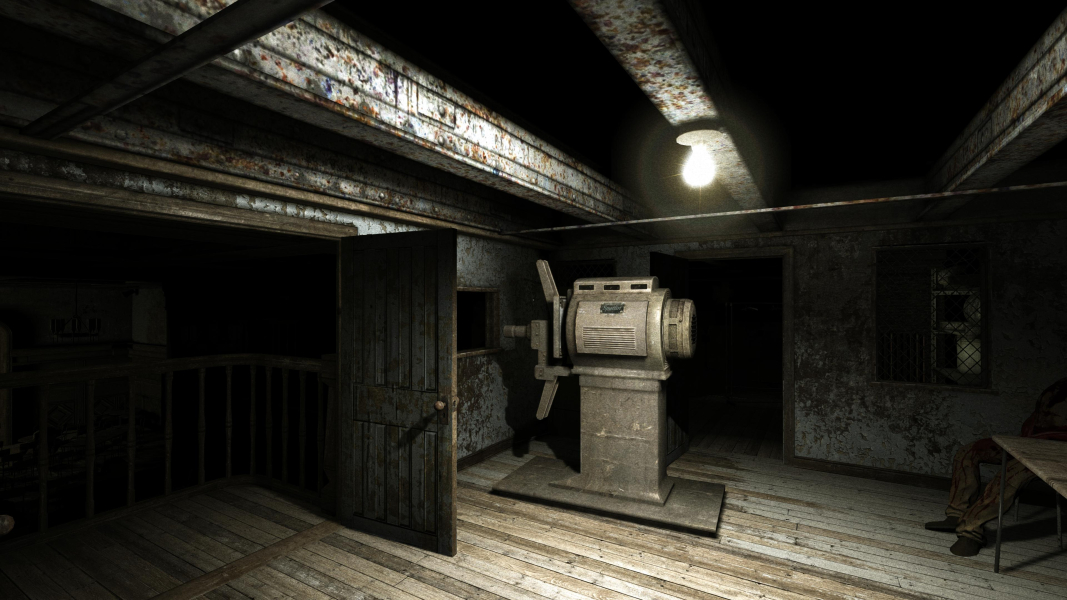

Additional Screenshots