


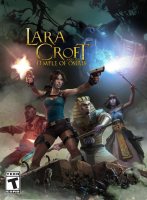


A sequel of sorts to 2010's Guardian Of Light, Temple Of Osiris is an action-platformer combining lush 3D graphics and an old-school isometric view. Lara must reclaim the pieces of the shattered statue of Osiris to restore the betrayed god's power and prevent Set to accomplish his evil plans. Up to four players can join forces to fight Set's minions, operate gigantic contraptions - and "accidentally" kill each other whenever the loot is too good to share. The game consists of story and bonus levels, all scattered around an open hub area subject to climatic conditions that affect available paths and the appearence of treasure chests.
Support Summary
Game Information
Screenshots Comparison
Solutions & Issues
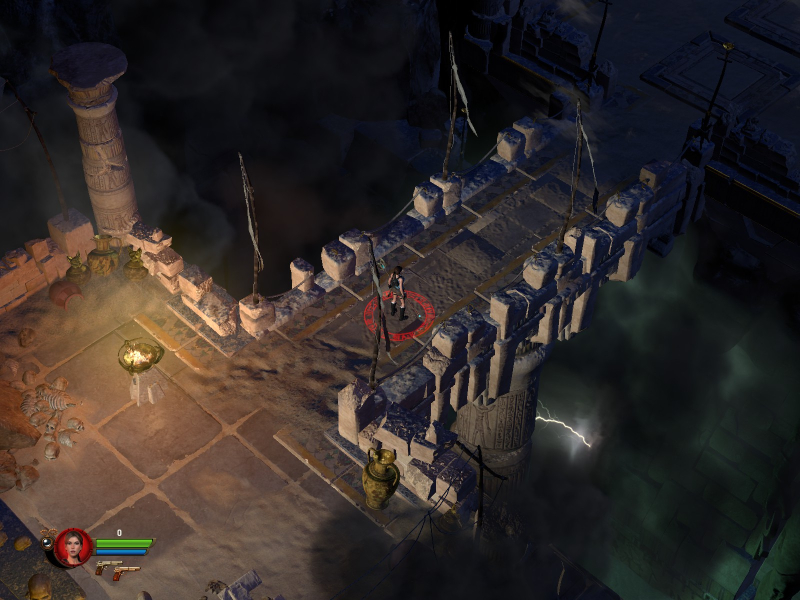
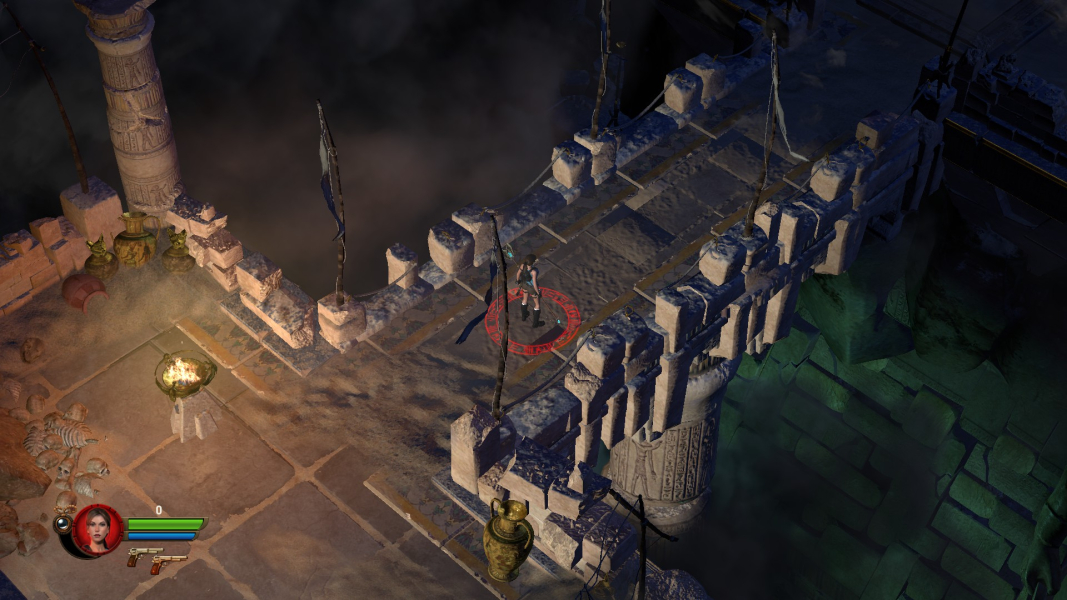
Native support of all 16:9 and narrower resolutions. Display settings are available from the game launcher and in-game.
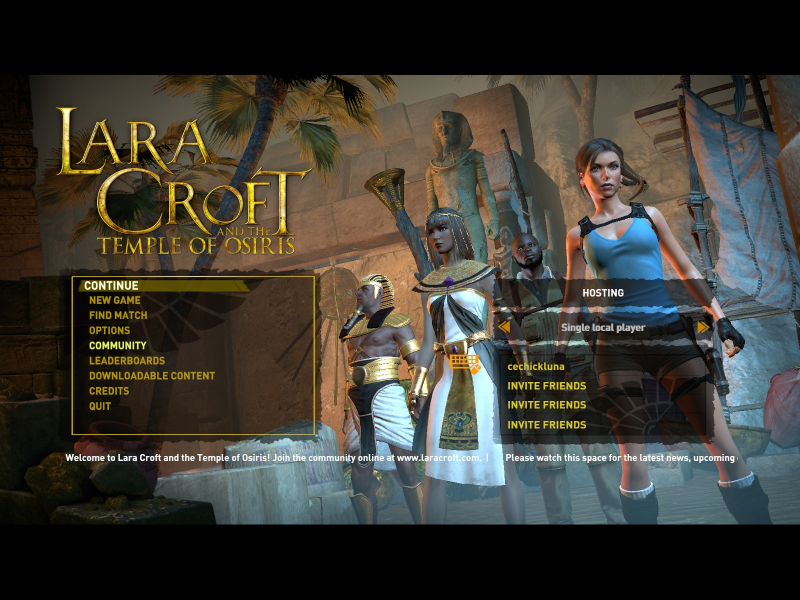
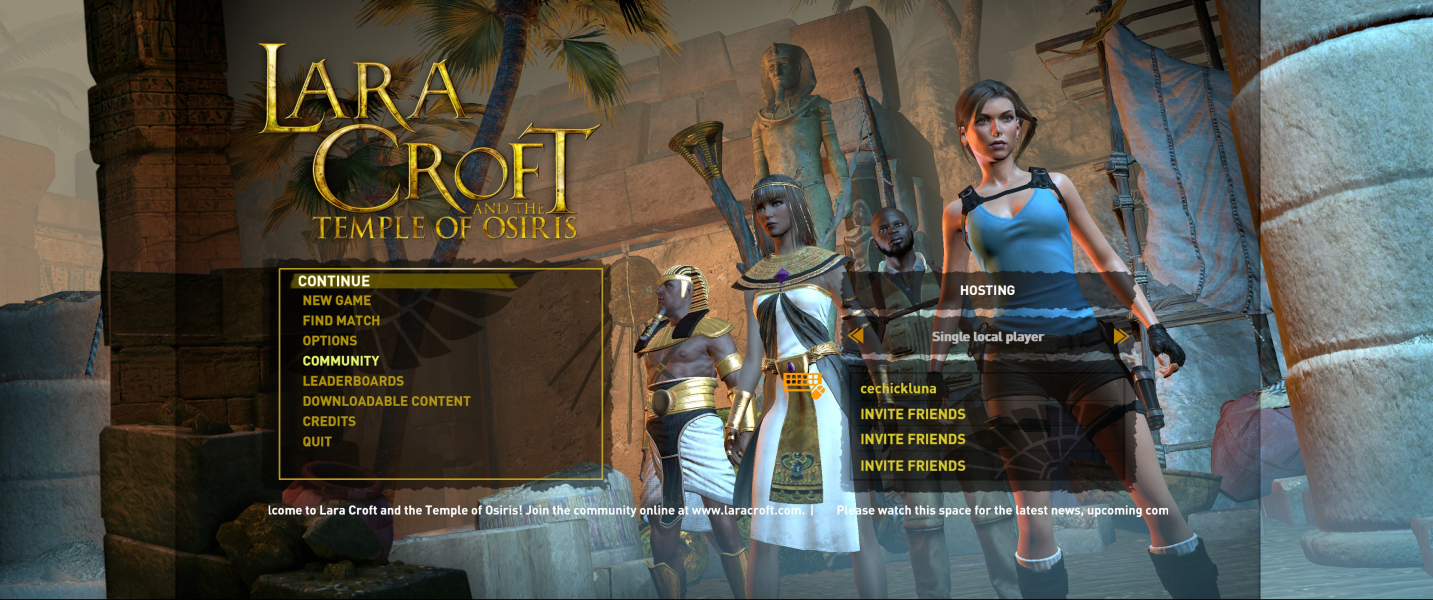
Screen change is "Vert+" for gameplay and cut-scenes, although the main menu is anamorphic (letterboxed).
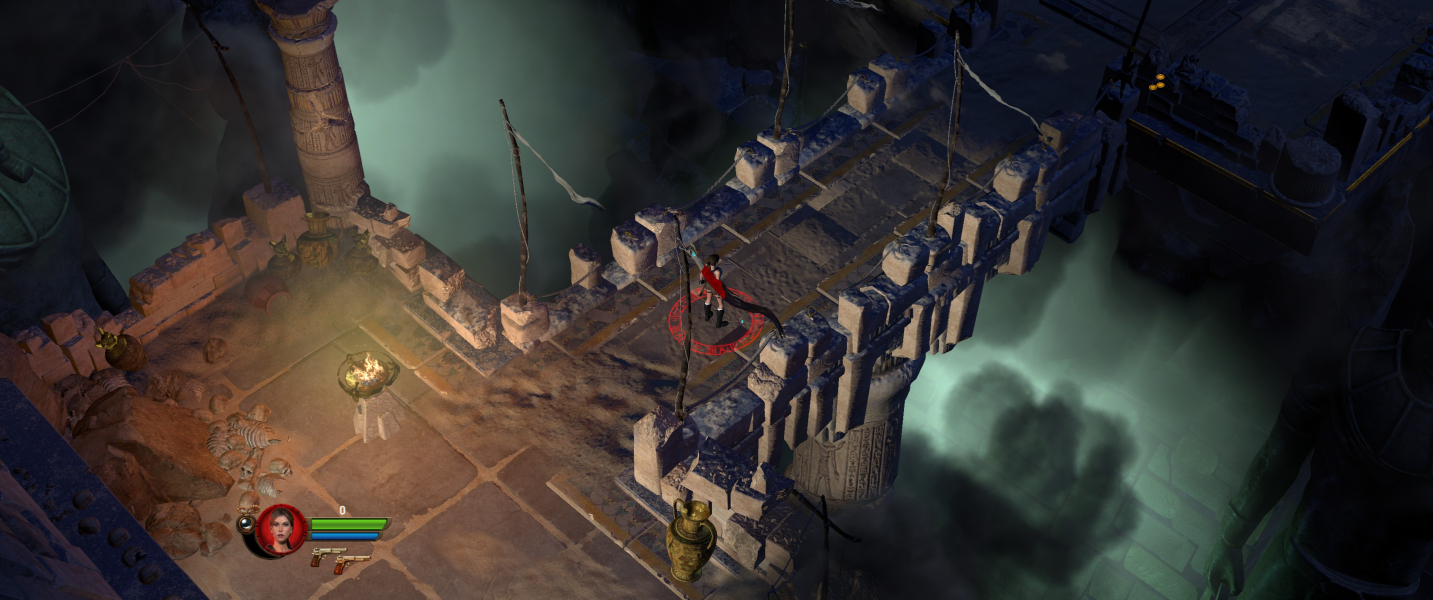
UWS resolutions are supported natively, but the picture is pillarboxed. Fixing this requires a hacked exe as explained by jackfuste. files available from the PC Gaming Wiki Community Files (search there).
- As usual with this kind of solutions, use at your own risk.
- Open the install folder. Replace LC2.exe with the relevant fixed exe from the attached archive.
The HUD doesn't scale (i.e is identical to 16:9).
Local multiplayer is unchanged by the Hor+ FOV. Players cannot move away from each other further than the central 16:9 portion of the display.
You'll need a hacked exe and a third-party window manager like Borderless Gaming. New exe available on PC Gaming Wiki
- As usual with this kind of solutions, use at your own risk.
- Open the install folder. Replace LC2.exe with the relevant fixed exe from the attached archive. Fixes for 3x1L, 5x1P & PLP are included.
- Launch the game in windowed mode; fullscreen remains pillarboxed.
The HUD is centered only because the UI doesn't scale (i.e is identical to 16:9).
Local multiplayer is unchanged by the Hor+ FOV. Players cannot move away from each other further than the central 16:9 portion of the display.
Gameplay Screenshots



In-Game (Rendered) Cutscenes
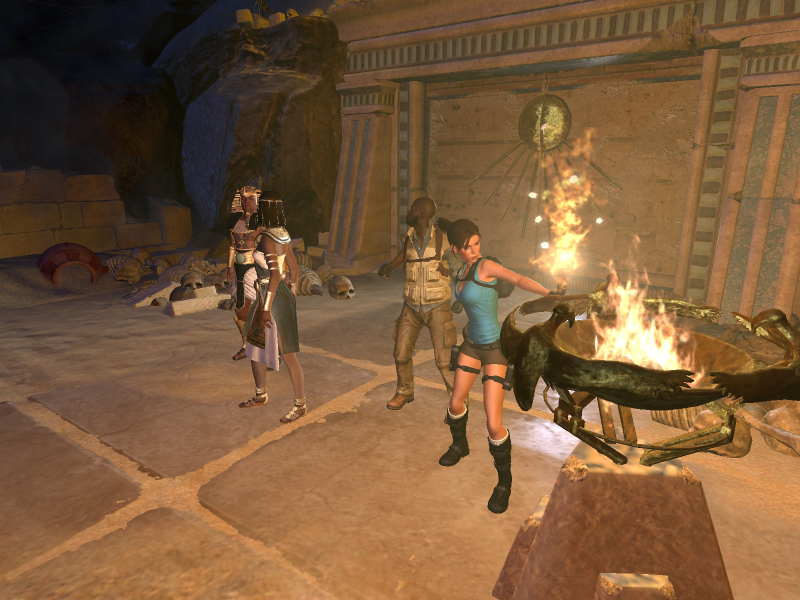
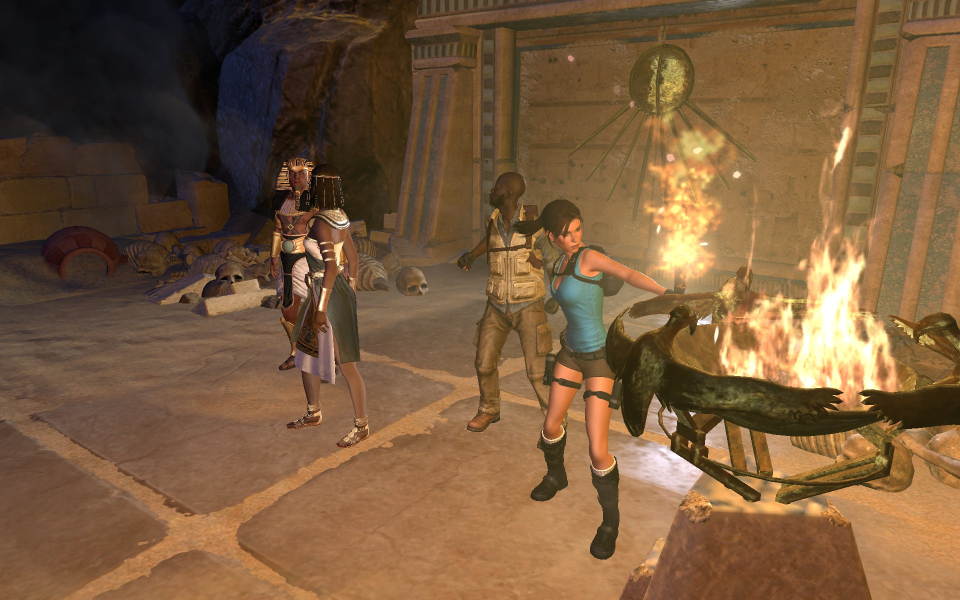
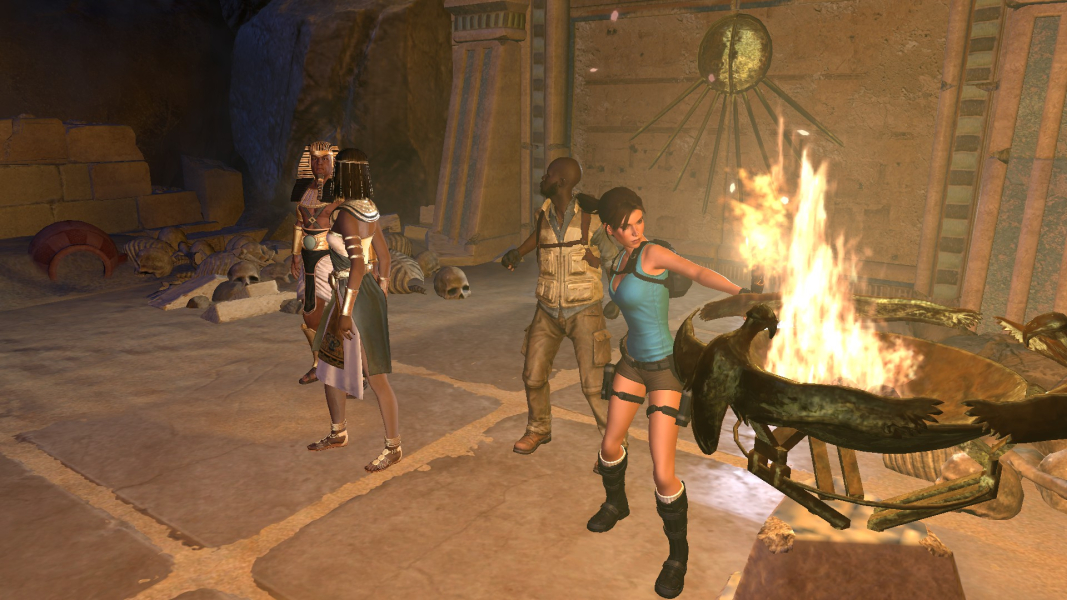
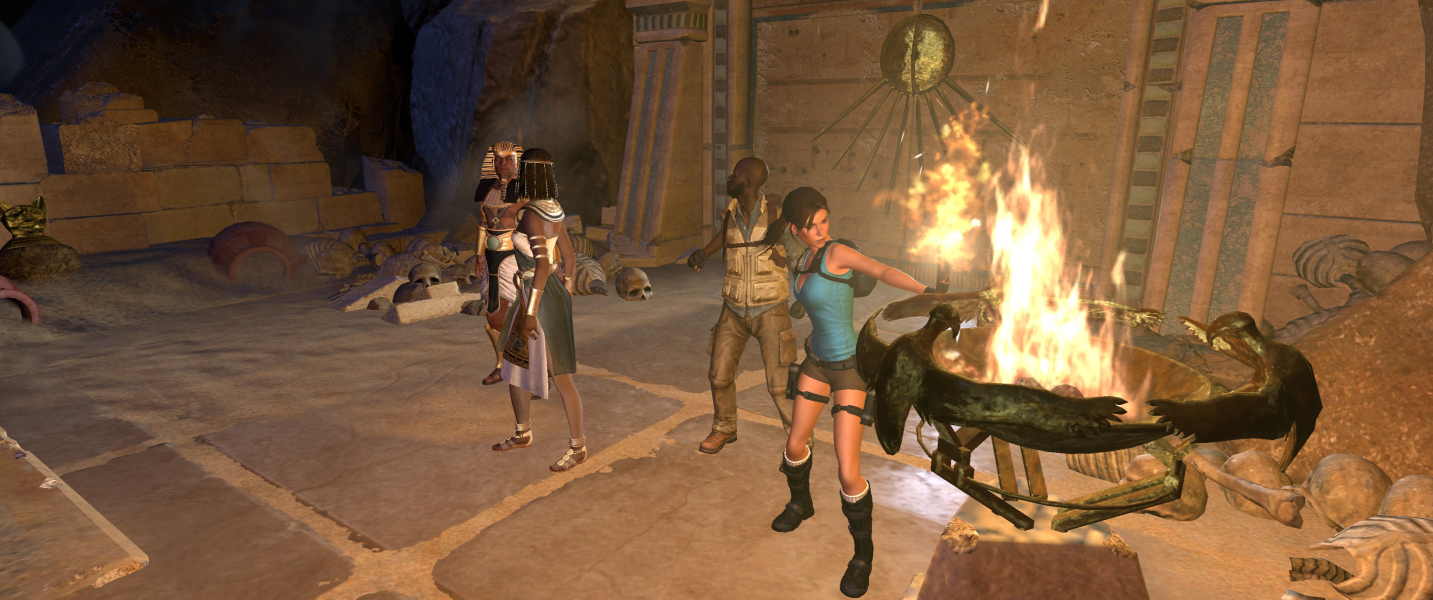

FMV Cutscenes

Menu Screenshots



Additional Screenshots


