





Back to basics. Leaving behind WRC3's more arcadey features like livery customization and DiRT 2-inspired Road To Glory mode, WRC4 shifts the focus back to real rally.
The new career mode will take players from their Junior WRC wild cards debut to fame, competing in the four official classes in no particular order through sponsor objectives and a simplified reputation system. The physics are refined, the tracks are narrower and thanks to newly-implemented daylight conditions, all 2013 season's 78 events can be experienced at dawn, noon and dusk. And for the first time ever... native Triple Monitor support !
Support Summary
Widescreen | Ultra/Super‑Wide | Multi-Monitor | 4K Ultra HD | |
Support | ||||
Method | ||||
HUD | ||||
Cutscenes | ||||
FMVs |
Game Information
Screenshots Comparison
Solutions & Issues
Native anamorphic support up to 1920x1200.
For higher resolutions, an .ini edit is required:
%APPDATA%\Milestone\WRC4\Config.ini
- Edit these lines...
- Save the changes, then (IMPORTANT!) set the file to Read-only.
- An error message box saying "Cannot save Config.ini" will pop up a few times each time you run the game. Close it or click Ok to proceed.
Width=
Height=
21:9 resolutions are not available out of the box, an .ini edit is required:
%APPDATA%\Milestone\WRC4\Config.ini
- Copy/paste the following over the existing text, or just edit the 3 important lines under [Video Configuration]
- Save the changes, then (IMPORTANT!) set the file to Read-only.
- An error message box saying "Cannot save Config.ini" will pop up a few times each time you run the game. Close it or click Ok to proceed.
[Language]

  LanguageID=9

  [Video Configuration]

  DeviceID=0

  WideScreen=1

  Windowed=0

  TripleMonitor=1 // This will enable Hor+ support beyond 16:9 (0 is anamorphic)

  VSync=0

  MultisampleQuality=0

  Width=3440 // Or your desired display width

  Height=1440 // Or your desired display height

  RefreshRate=60

  [Audio Configuration]

  DeviceID=0

  Voices=64

  Mute=0

  Speakers=Stereo
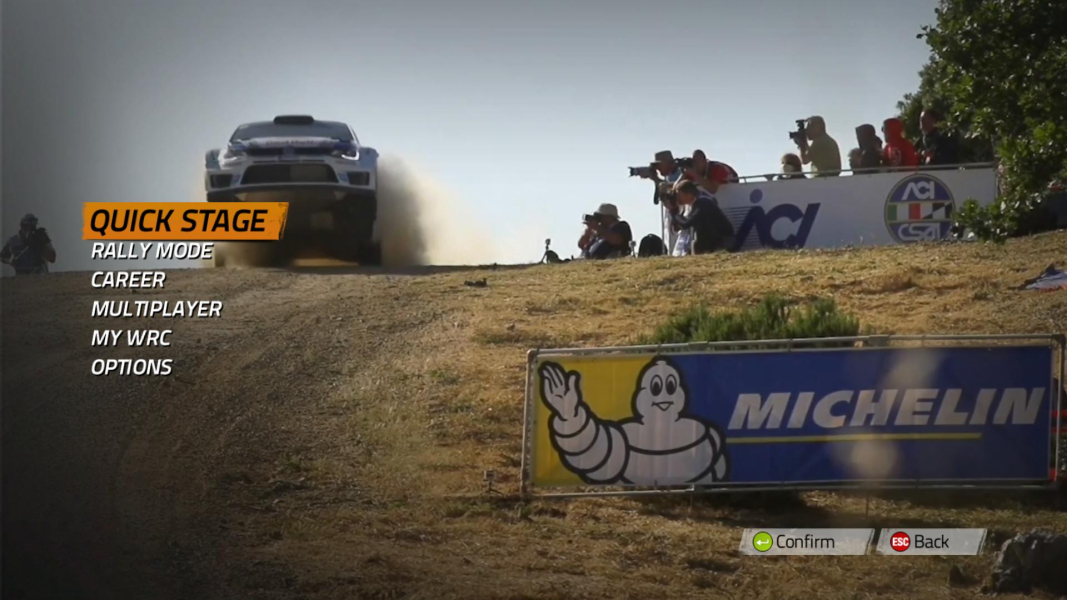
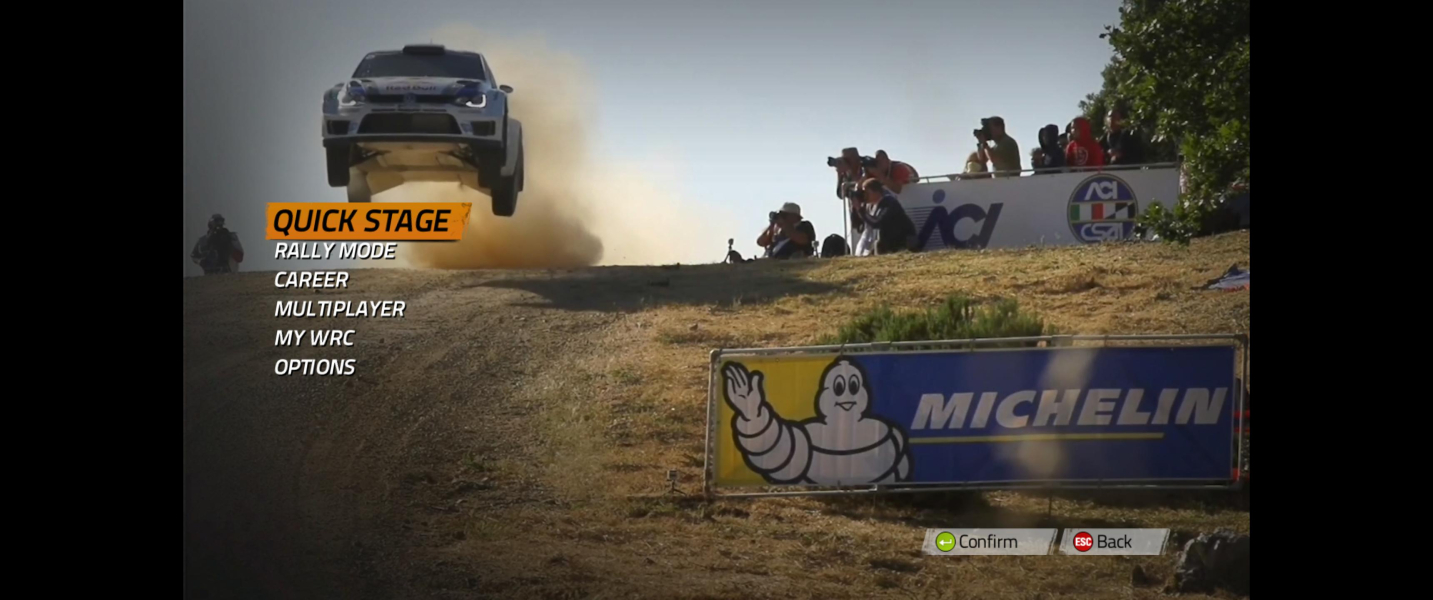
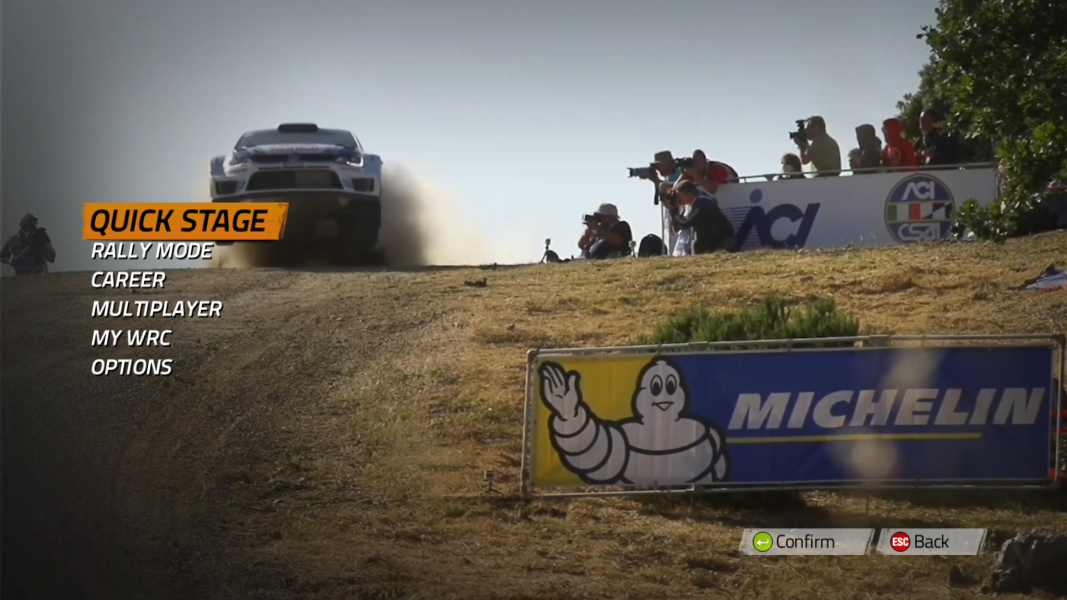
HUD position is identical to 16:9.
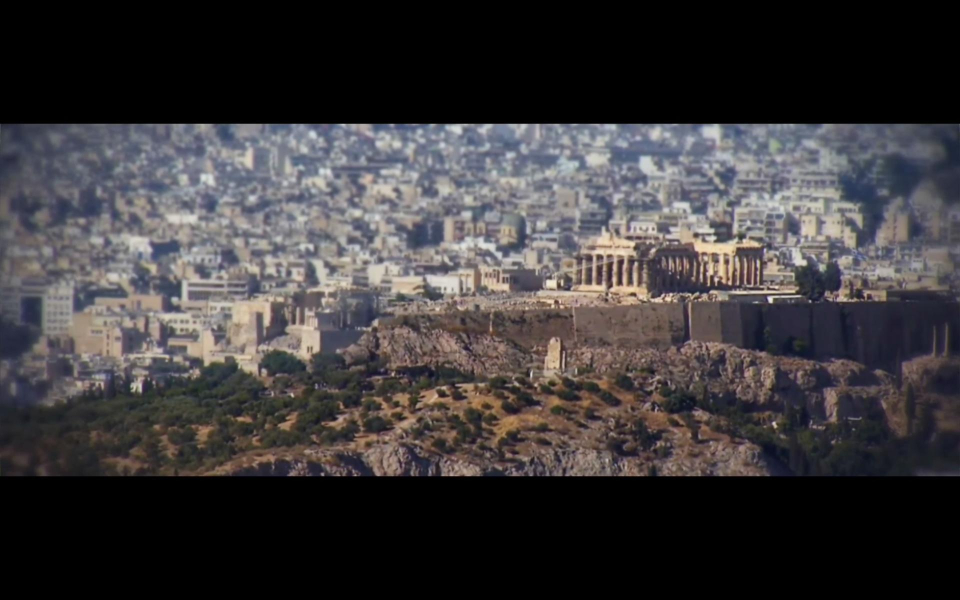
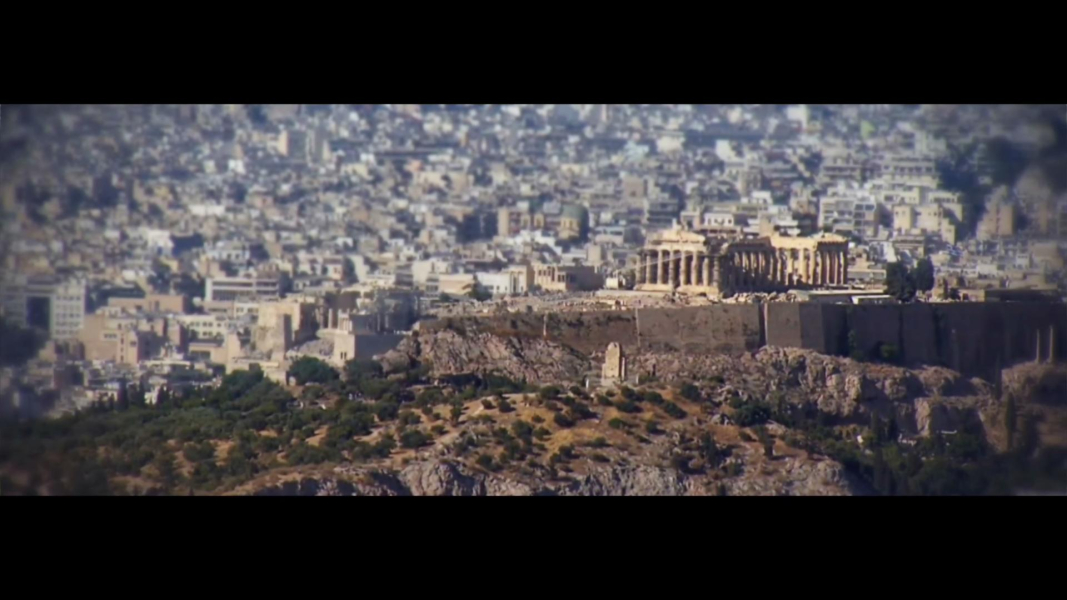
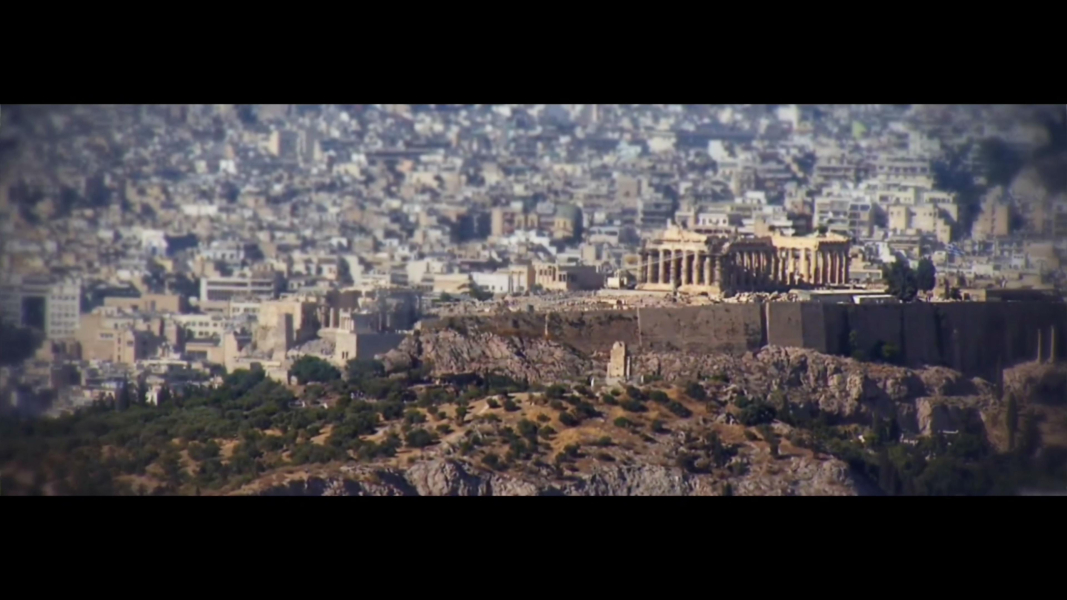
FMVs are windowboxed.
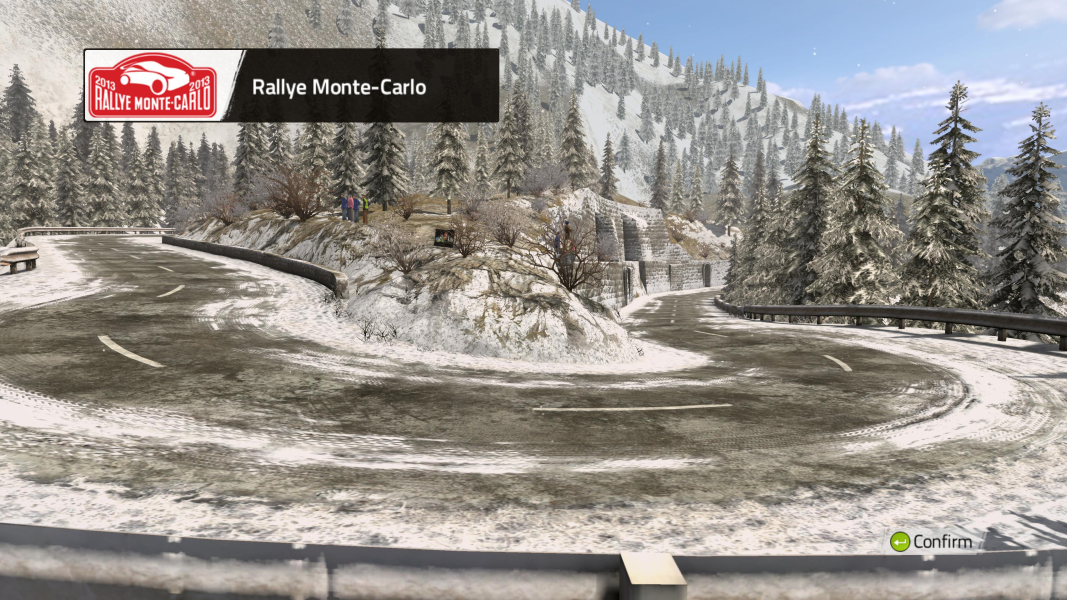
Cosmetic blemishes in career mode's office:
- video loop stretches beyond the TV screen on the wall
- automatic screenshots used to illustrate Latest News are squished to fit the 16:9 frame
Tick the Triple Monitor checkbox under Video Settings on the launcher. All your multi-mon resolutions are now available from the drop-down list.
(Fourth time's the charm... Props to Racer_S and the whole WRC3 Advanced Plugin mod team for raising awareness !)
HUD position is identical to 16:9 (perfect for TripleWidescreen, less so for classic 15:4).
FMVs are windowboxed.
Cosmetic blemishes in career mode's office:
- video loop stretches beyond the TV screen on the wall
- automatic screenshots used to illustrate Latest News are squished to fit the 16:9 frame
See Widescreen method above to force resolutions higher than 1920x1200.
Gameplay Screenshots

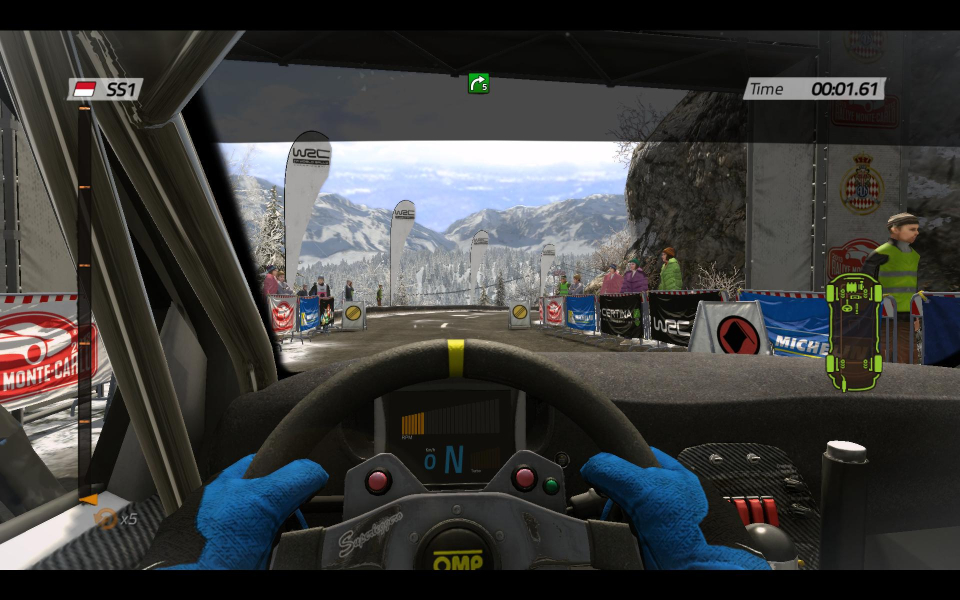
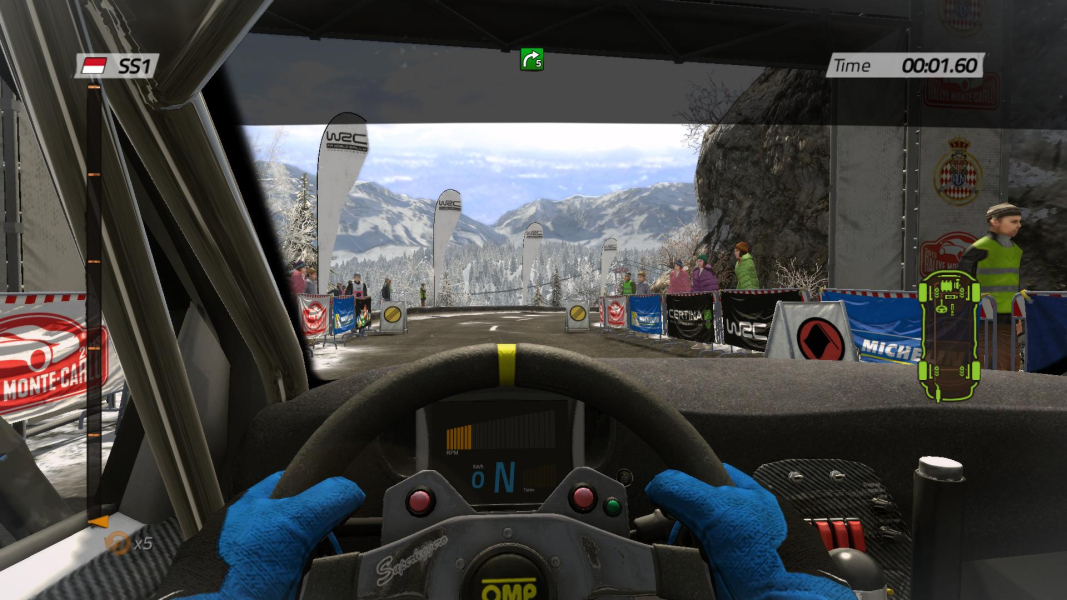
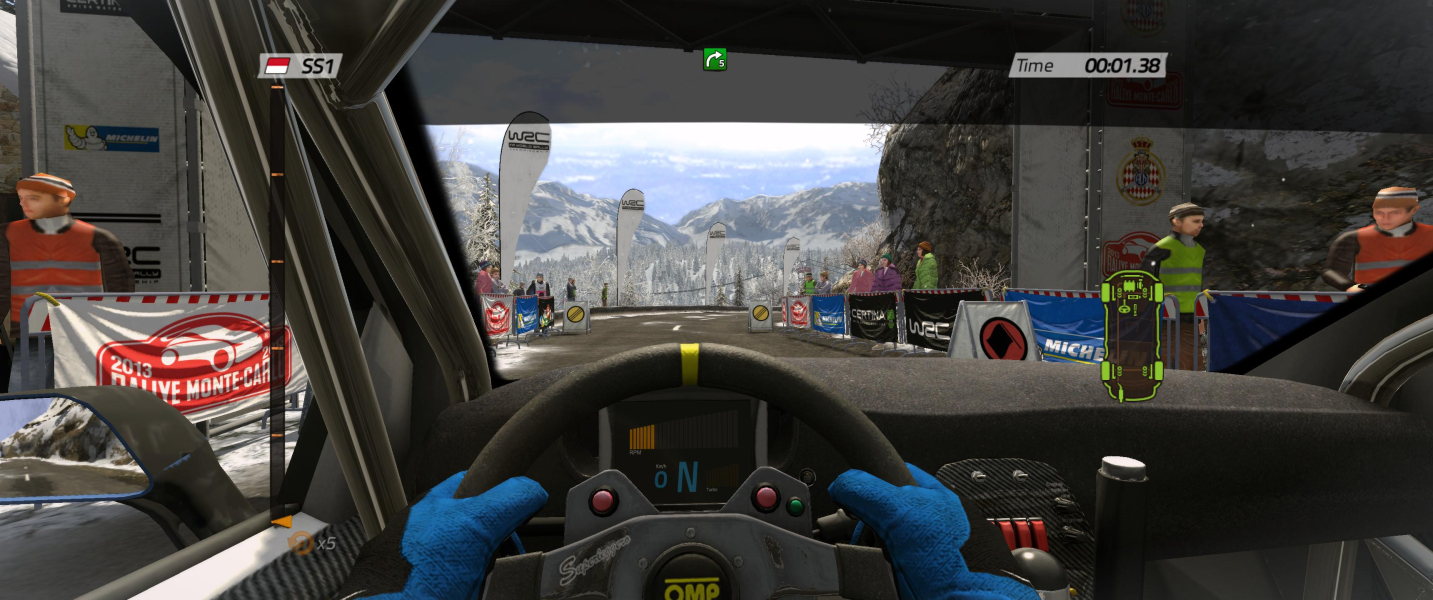


In-Game (Rendered) Cutscenes
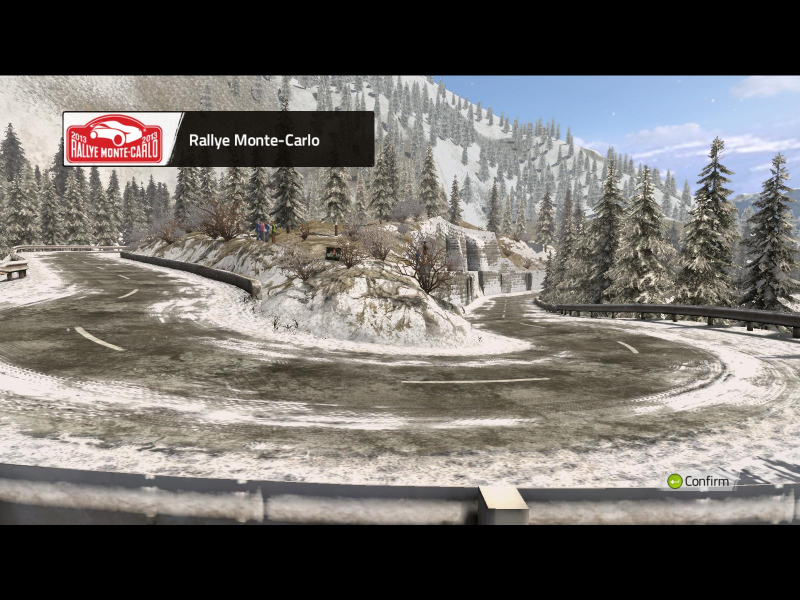
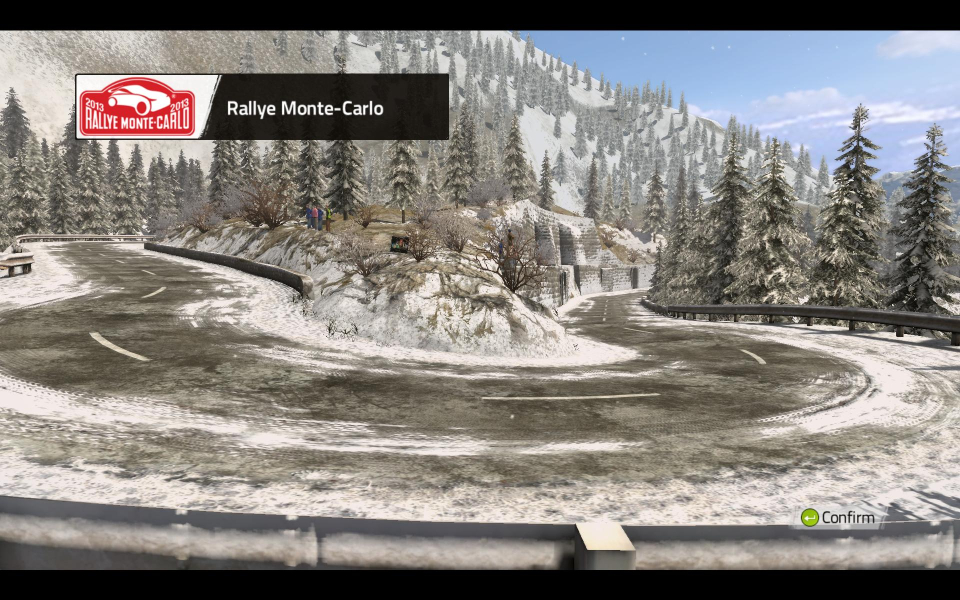

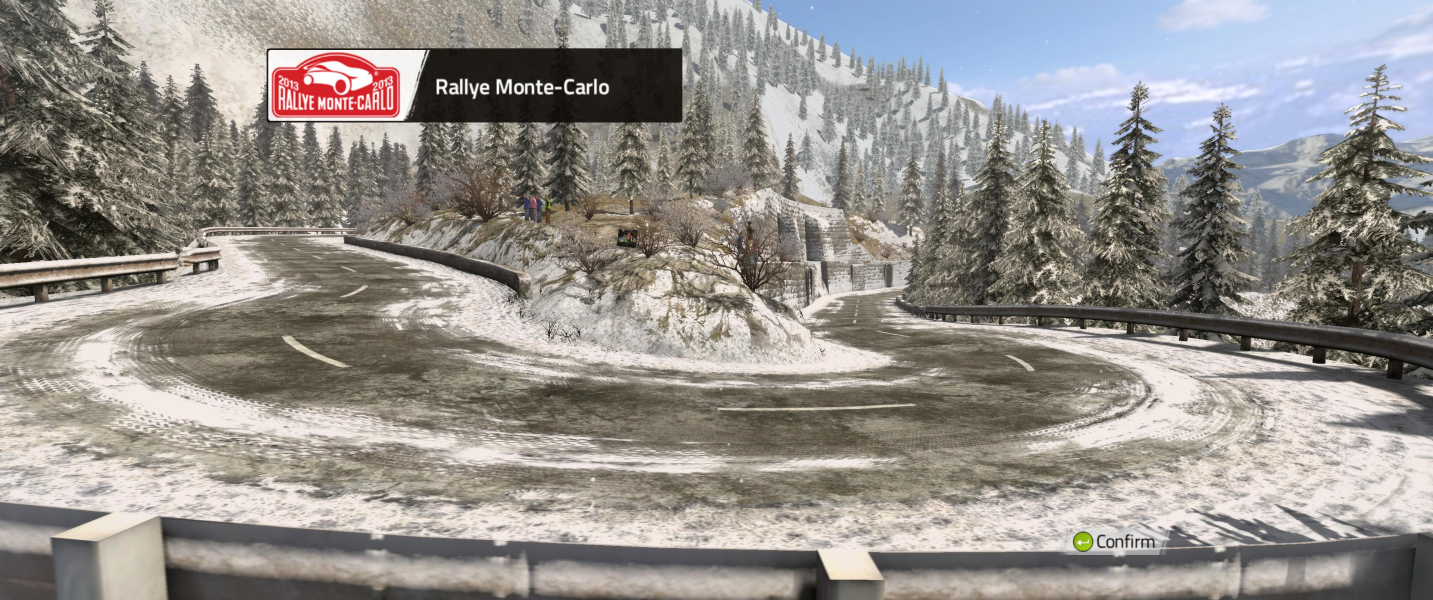

FMV Cutscenes


Menu Screenshots



4K UHD Screenshots

Additional Screenshots


