

Depths Of Fear Double Colon Knossos is a first-person Rogue-like developed by a one-man studio. It's also a true diamond in the rough, with low-poly models and clunky animations that only add to the strong atmosphere of mystery and danger that emanates from its procedurally-generated levels.
You are Theseus, trapped in the labyrinthine complex under king Minos' palace. You must descend into the halls where mythical monsters stand guard, sneak your way past the traps and minions to their lairs, and steal the medallions that make them immortal. Only then will you be able to defeat them and ultimately wield The Sword, the only artifact capable of defeating the almighty Minotaur...
Support Summary
Game Information
Screenshots Comparison
Solutions & Issues
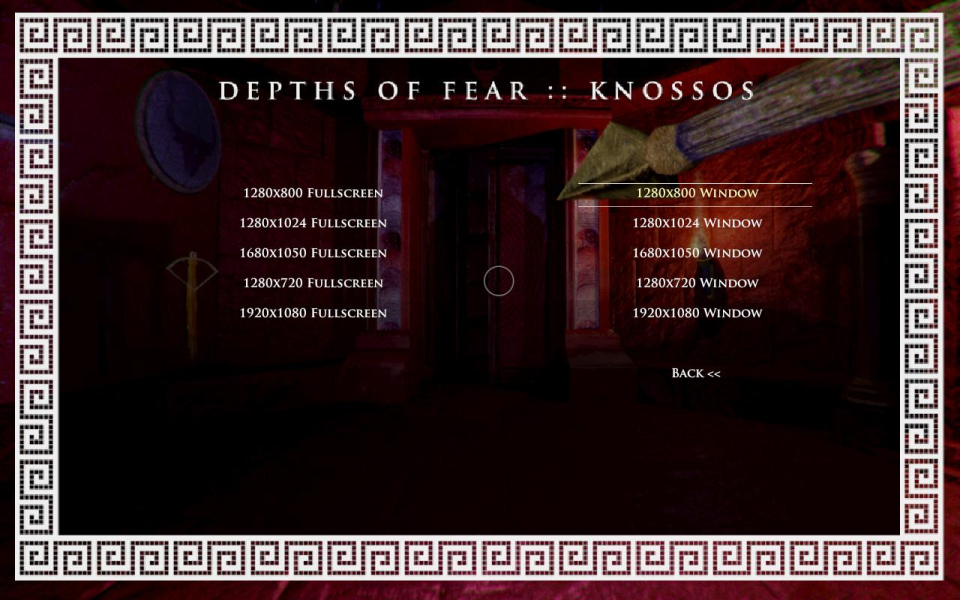
Only a handful of hard-coded resolutions are supported natively. Use the following command line arguments to fix this:
-screen-width 1920 -screen-height 1200
- Right-click the game entry in your Steam library and bring up Properties.
- On the General tab, click Set Launch Options...
- Paste the above line in the box. Replace 1920 and 1200 with your desired display width and height.
Display settings are also accessible through the registry: HKCU\Software\Dirigo Games\Depths of Fear :: Knossos\
Look for these keys, dont mind the _h# at the end:
Screenmanager Is Fullscreen mode_h3981298716 (0 for windowed, 1 for fullscreen)
Screenmanager Resolution Height_h2627697771 (decimal: your desired height)
Screenmanager Resolution Width_h182942802 (decimal: your desired width)
Flawed FOV:
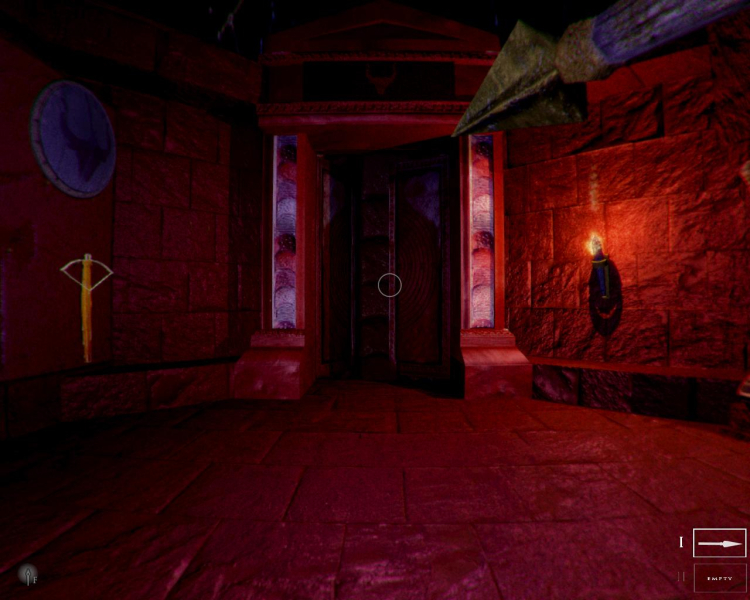
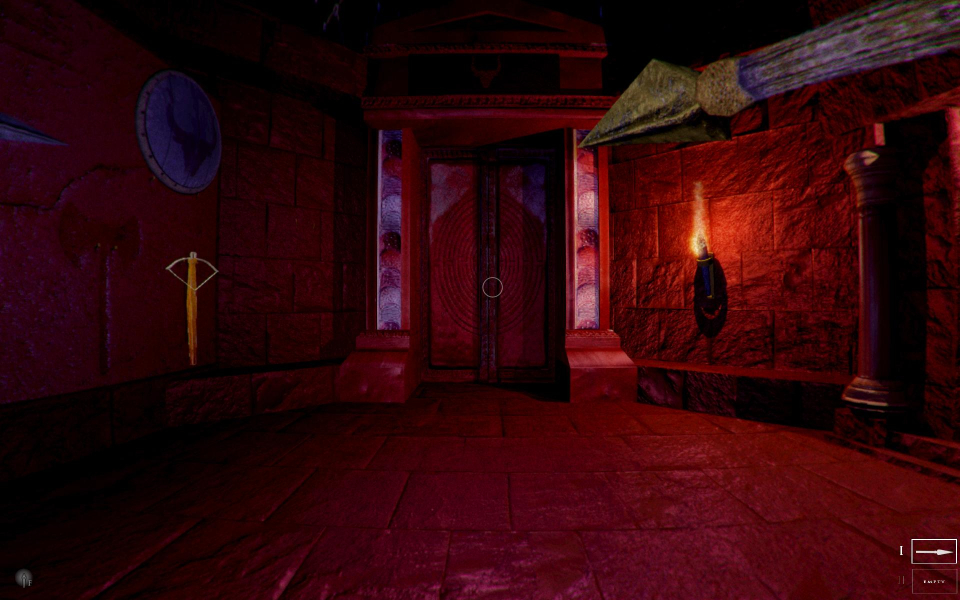
The game has a strange way to apply aspect ratio to FOV. If the main menu's door carving and the main chamber's medallions are any indication, circles look right at 1:1 resolutions, then the picture is increasingly squished in wider aspects. This is a very subtle flaw as far as basic widescreen is concerned though.
Graphics deformation is noticeable, but does not hurt gameplay.
Game is playable, but the FOV feels really odd (vastly Hor+, slightly Vert-, stretched vertically).
To play on a single screen, you must set your desktop to a single-screen resolution in addition to the cmd line or registry edit.
(Untested. UI elements appear to shrink as display height rises, which might affect readability.)
Gameplay Screenshots
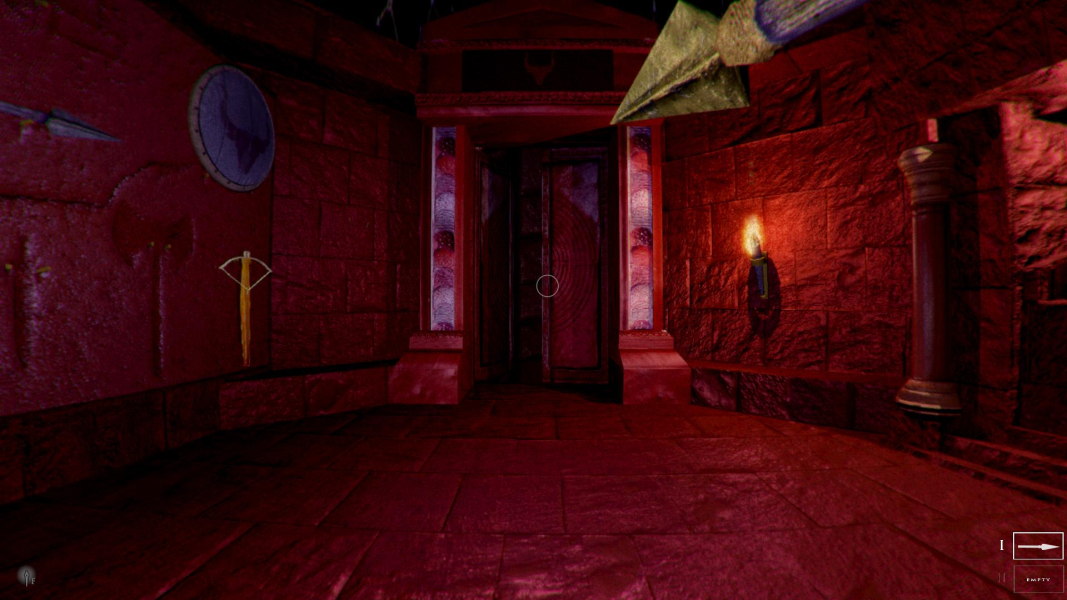
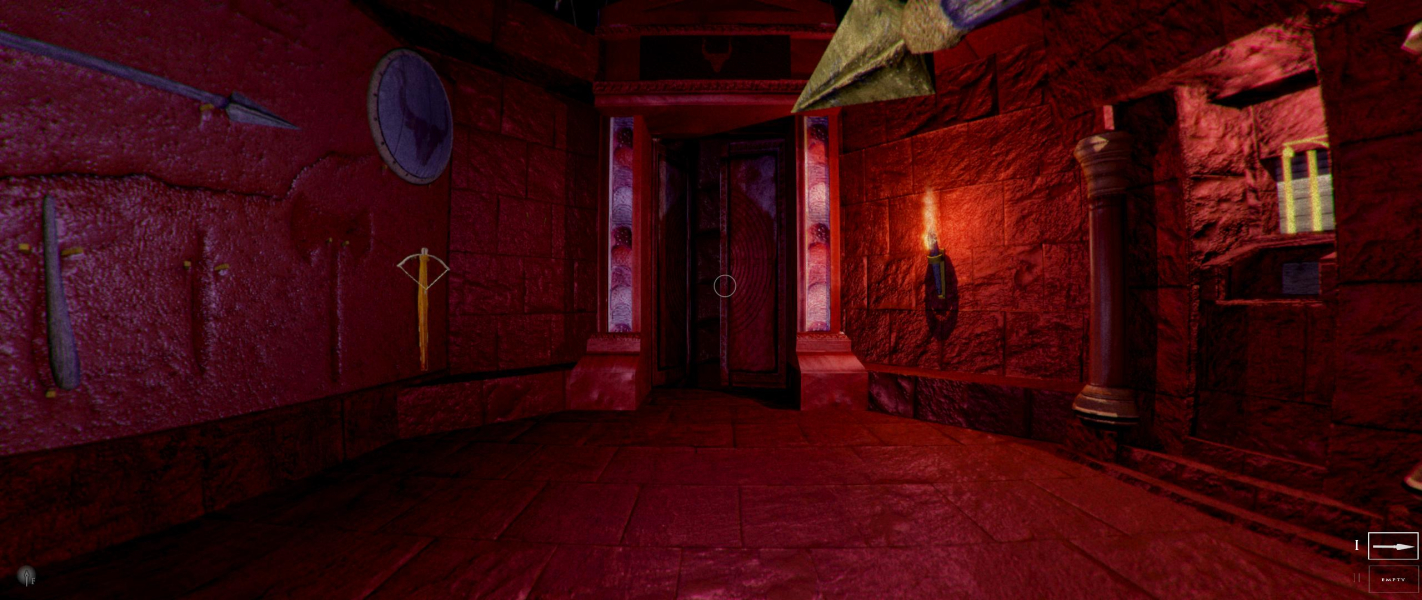


Menu Screenshots


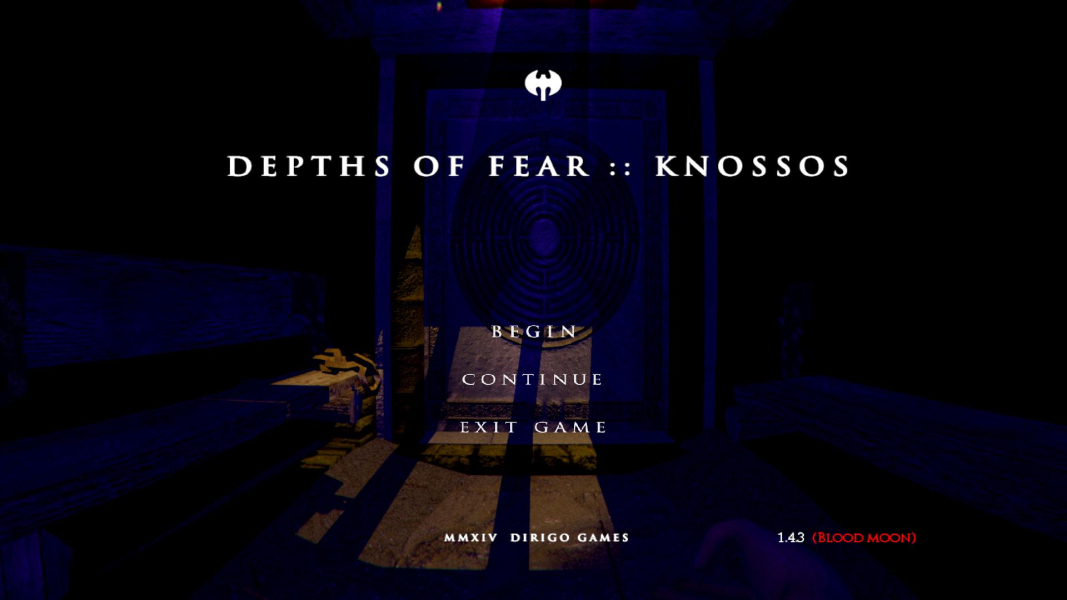
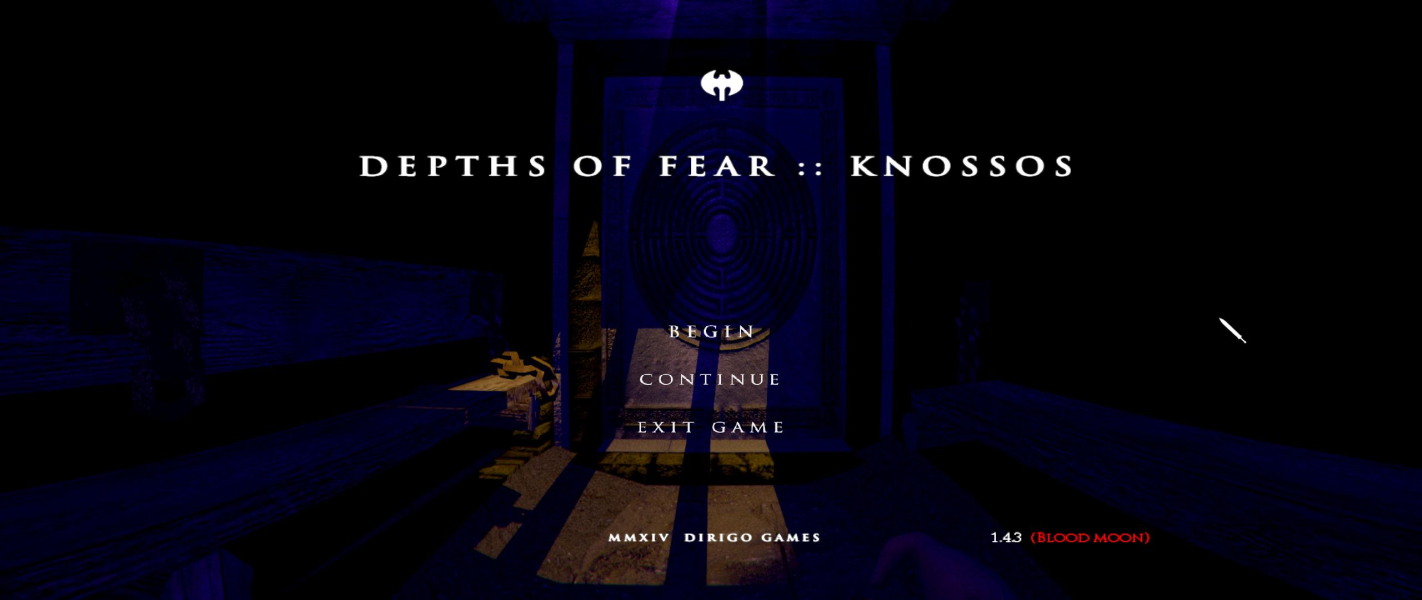

Additional Screenshots