


Cryostasis: Sleep of Reason is a psychological horror video game developed by Action Forms for Microsoft Windows.
The game story develops with help of a unique system called Mental Echo - the ability to penetrate another character's memory and change the actions taken by that character in the past. This can involve saving people's lives by taking over their bodies in their memories and changing the course of history.[1]
The game, being set in an arctic setting, employs body heat as a health meter - the player must use heat sources (such as lights or stoves) to replenish health.
source: Wikipedia
Support Summary
Game Information
Screenshots Comparison
Solutions & Issues
The game is kinda tricky to get it working in widescreen.
Cryostasis was designed with 4:3 AR in mind.
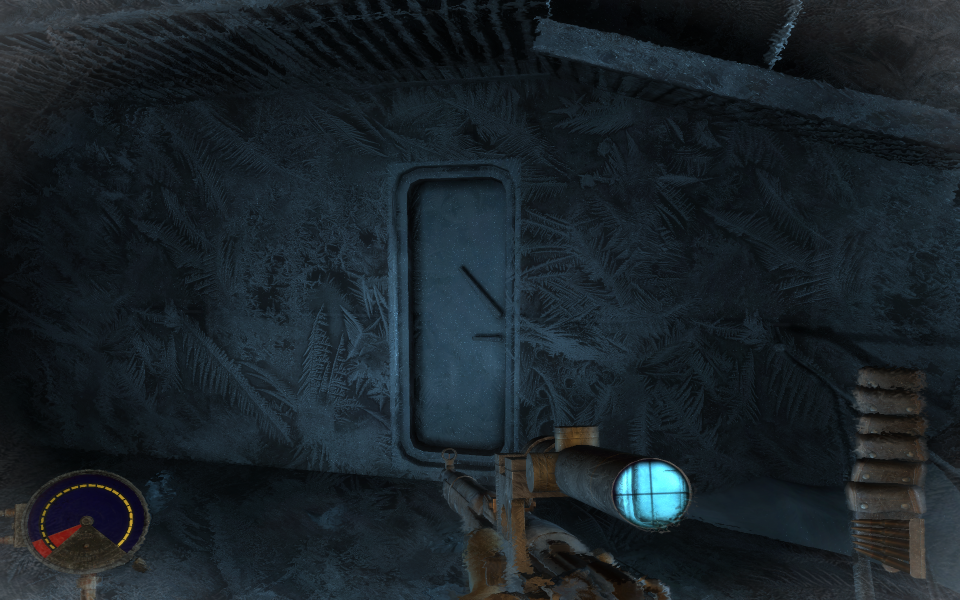
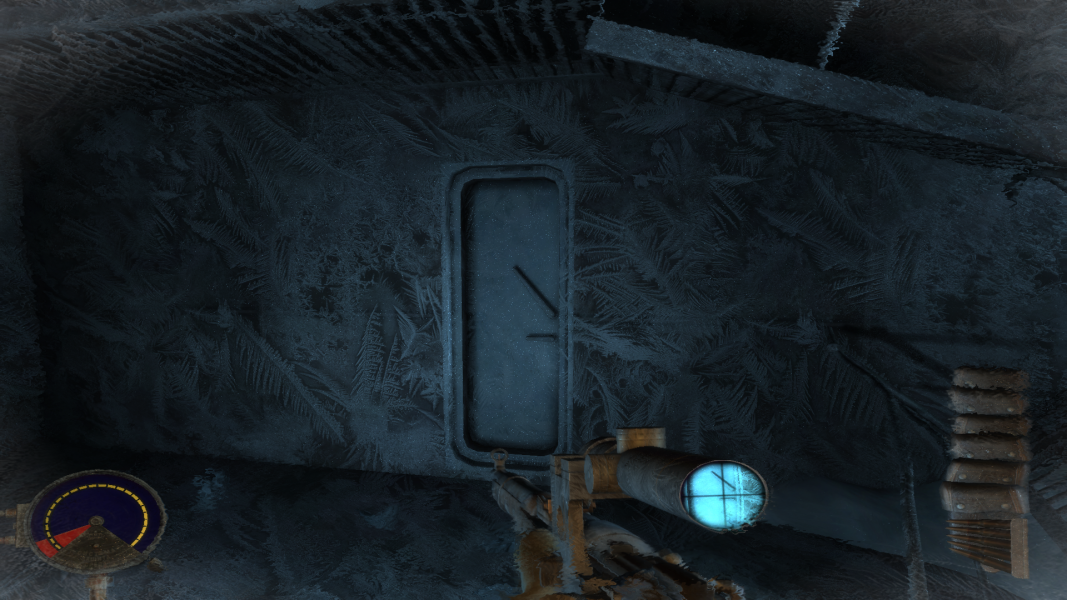
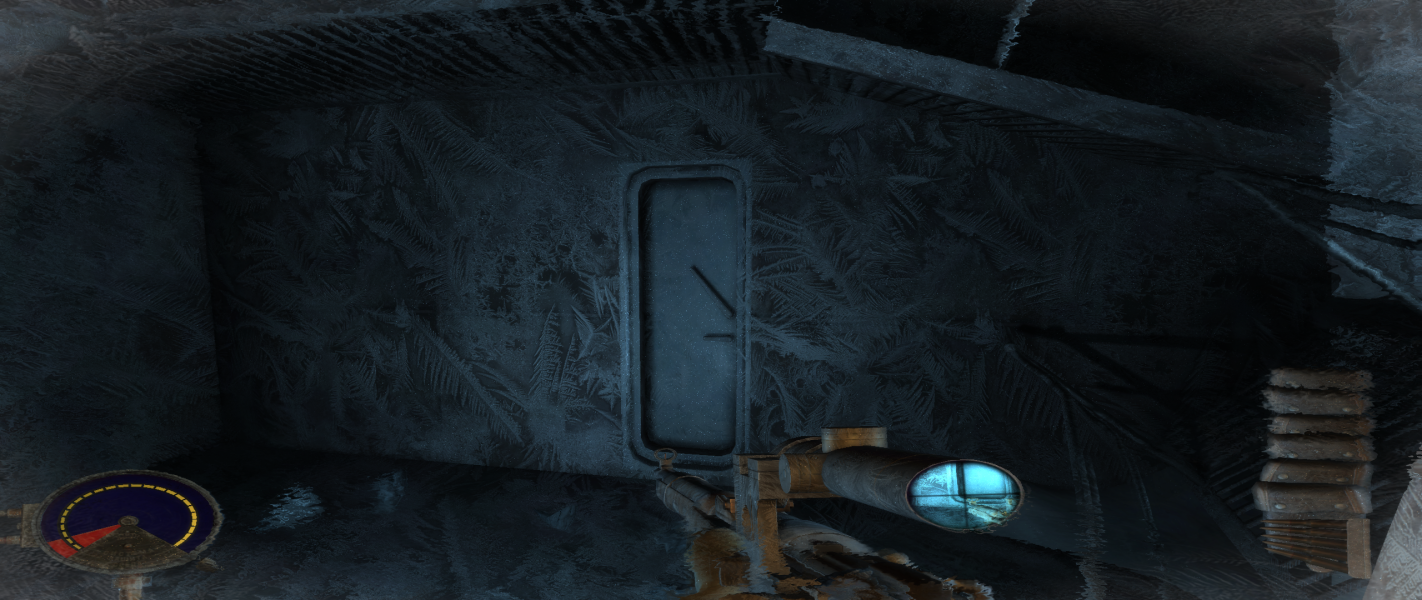
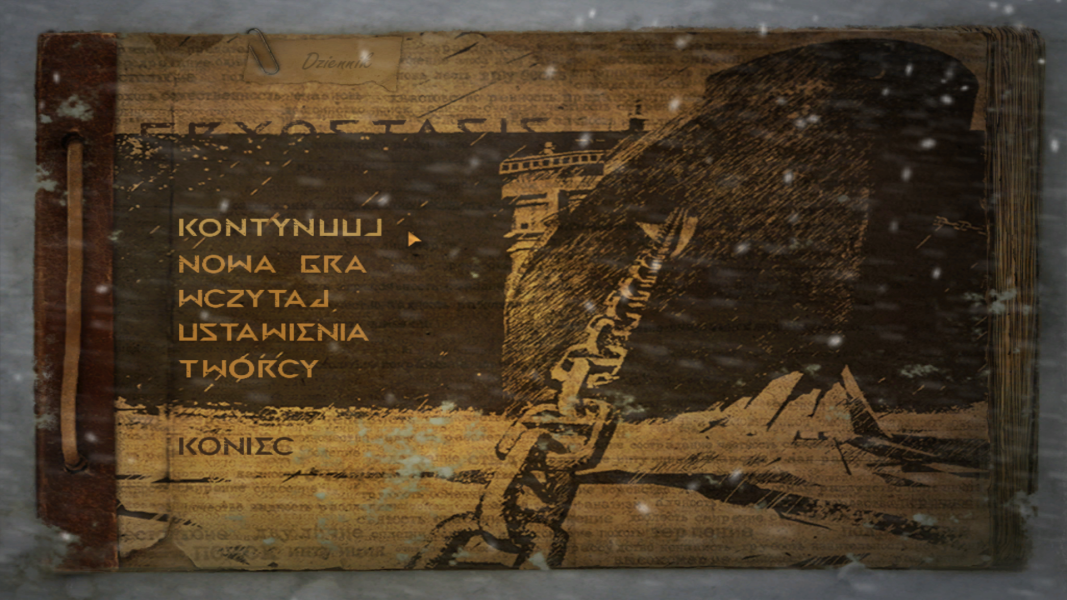
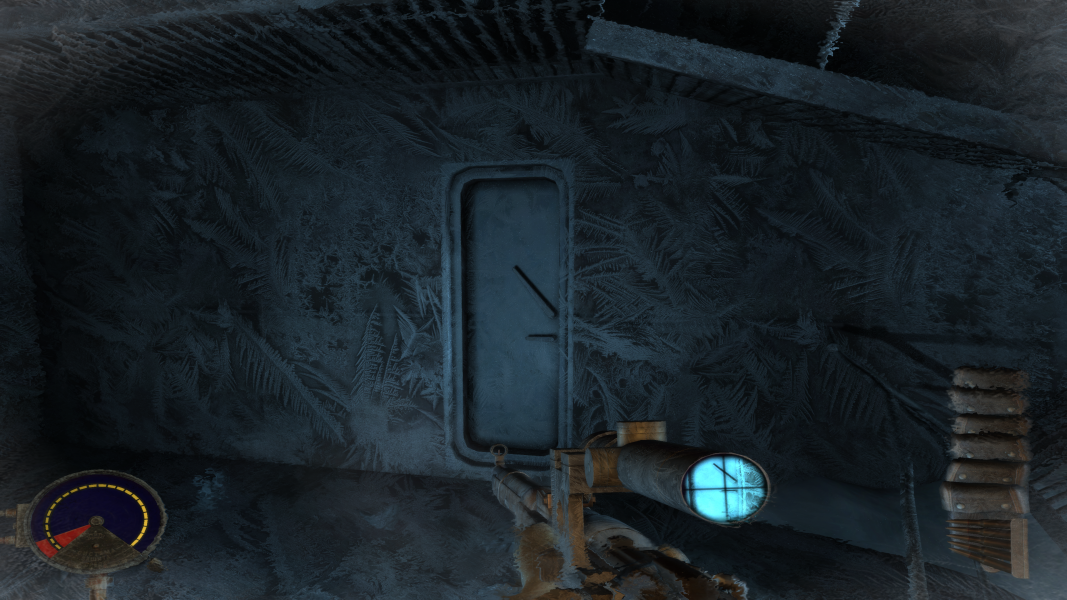
By default the game is VERT- and not only that, because you not only see less vertically, but you also have HUD squished vertically in widescreen.
Hands, weapons, health/ammo indicators are all squished. They are treated as GUI/HUD. There are no 2D HUD elements - everything is 3D.
I couldn't find a way to correct this.
Unfortunately game's Aspect Ratio only fix the "game", and not the HUD/GUI. It's even more funny, because they said they fixed the HUD in patch 1.01
So, if you go widescreen, you have to increase FOV from the default 80.
You can use this fov calculatorhttp://emsai.net/projects/widescreen/fovcalc/
you will need this because, changing FOV is not as simple as changing one value in one ini/cfg file.
Some people already tried to play in widescreen. So read it up:
http://steamcommunity.com/sharedfiles/filedetails/?id=258501369
In short:
change the gameplay FOV in Cryostasis\Data\Scripts\init.cfg
Change the aspect ratio in Cryostasis\config.cfg
What i want to add is that the game will reset the aspect ratio if you go to the menu.
Unfortunately you can't change the AR from menu - you can do it in console by typing r.aspectratio 1.777778 for 16:9, or you can just set it in autoexec.cfg.
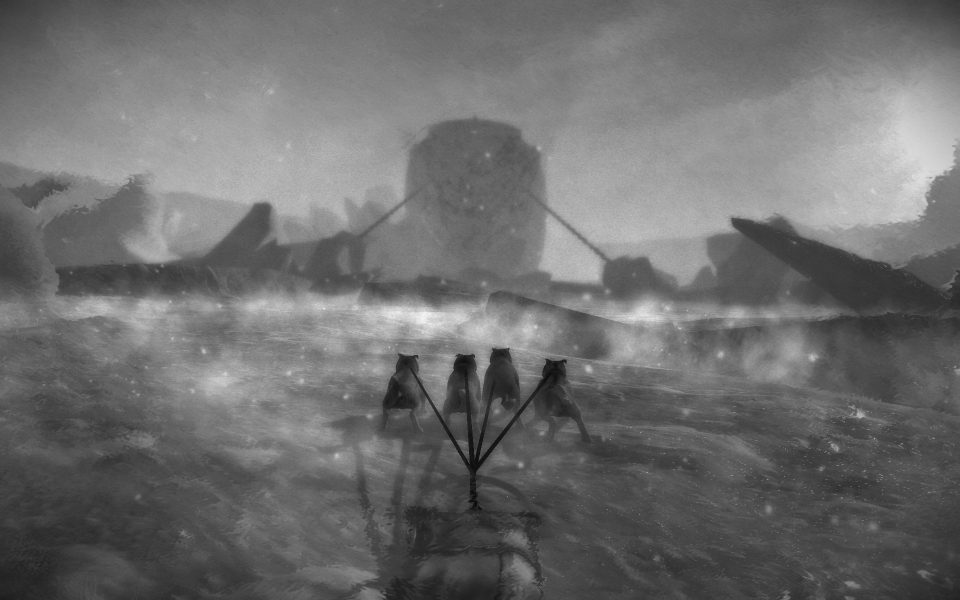
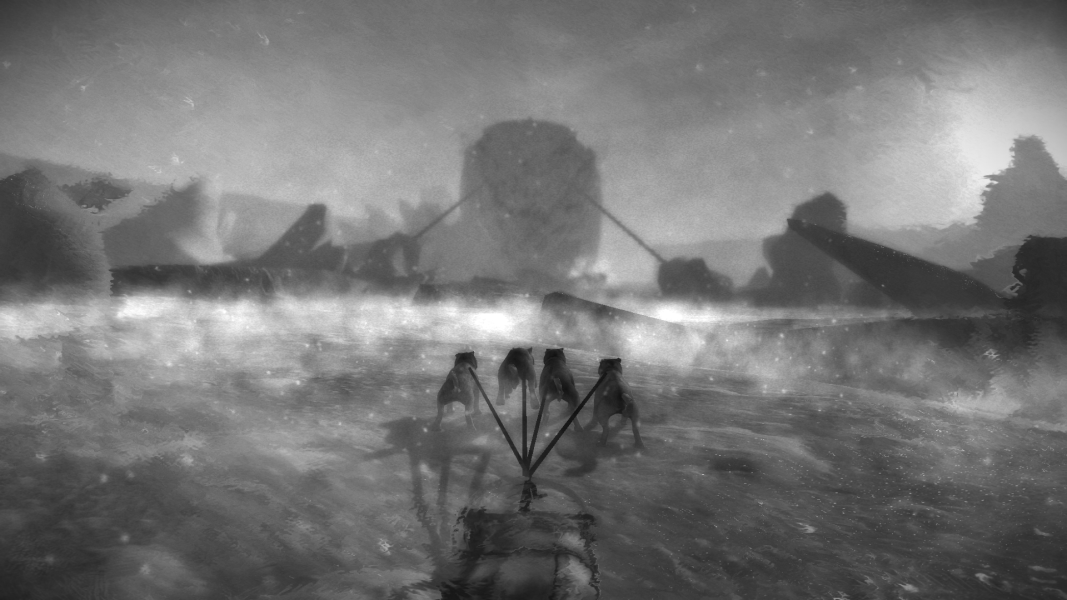
NOW, even if you have your fov, the gave will reset the FOV when launching some cut-scenes.
So it's not as simple as setting your desired FOV in init.cfg
I did not test it thoroughly, but I tested some early scenes in the game and a corresponding scripts and it's working.
You will gonna have to to search for FOV values in .cfg files located in Cryostasis\Data\Areas\BIOS...\Scripts folders and change the values to correct one. Again, use the fov calculator.
I use Total Commander search function to search for text inside the files.
That's not all, in
Cryostasis\Data\Scripts\game\camera.s
there is another FOV value: c.fov = 80
Change it to your desired value.
So, read that steamcommunity site, and this guide here and you should be able to play in widescreen.
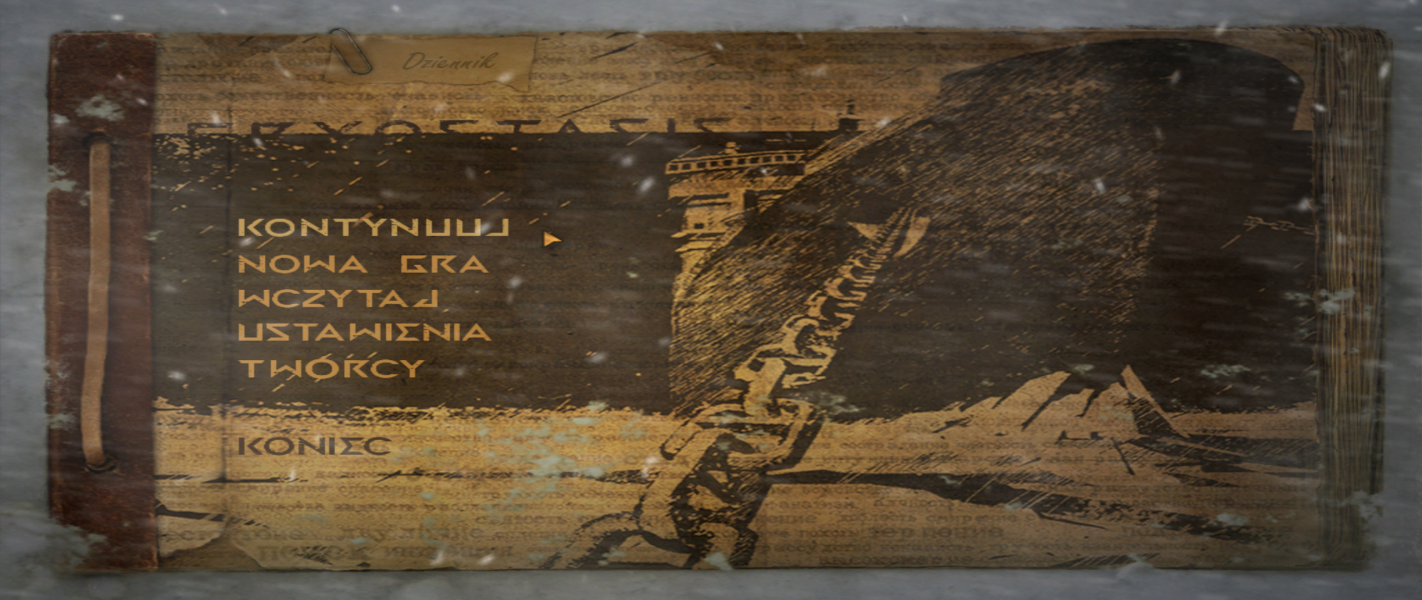
It's playable, but stretched hud is quite noticable. You could get used to it in 16:9, but in 21:9 it's pretty obvious it's stretched.
Just don't go to video settings or change there something, or the aspect ratio will be reset.
Of course, you can alwasy use console command r.aspectratio 2.370370 for 2560x1080, or 5120x2160; or r.aspectratio 2.388889 for 3440x1440 to change it back
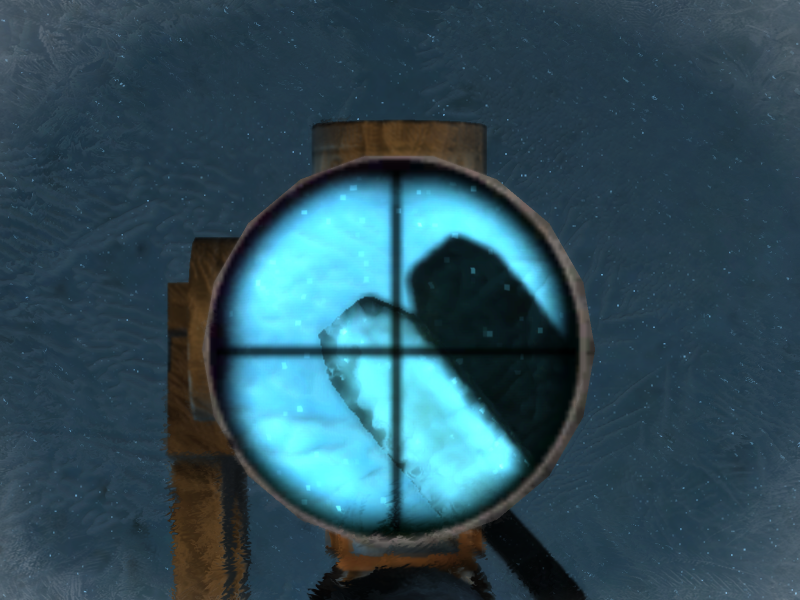
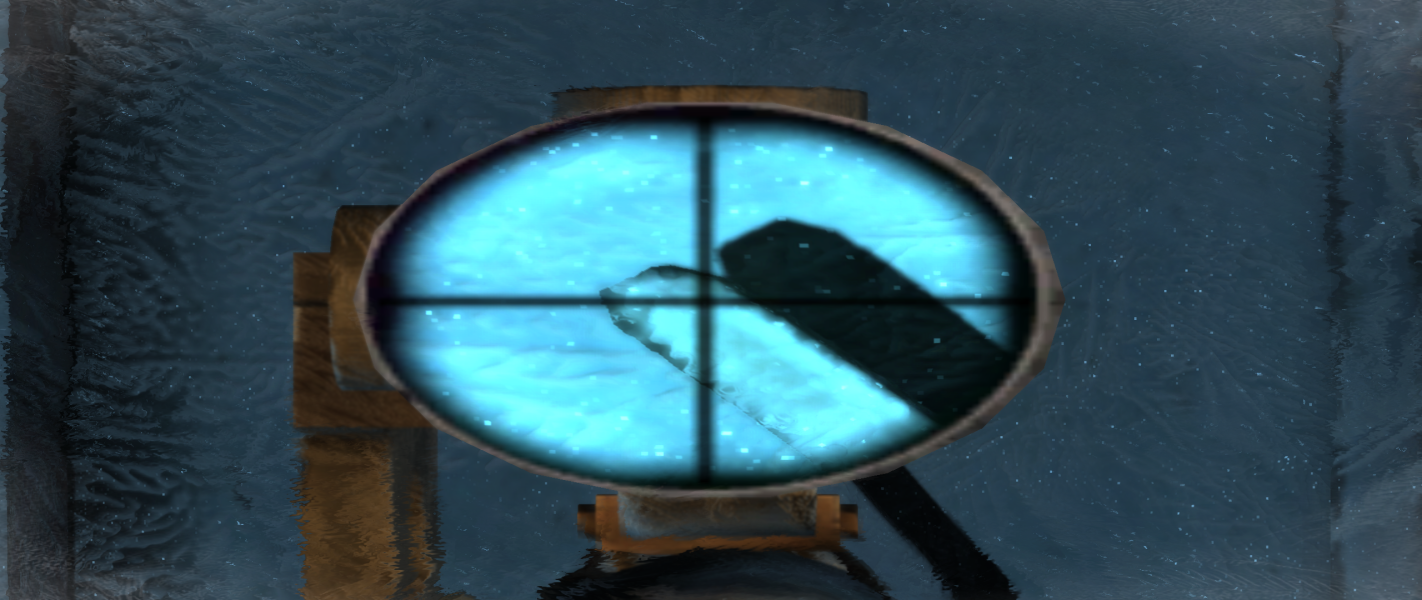
It's possible to run this game in surround but the hud is awfully stretched, additionally the image in rifle scope is uh, erm, um "distorted".
I don't know, maybe it's me, but image on sides is heavily stretched, but... that could be me - I don't play on MM setup.
Cryostasis allows to choose from menu any resolution you can set in Windows.
I don't know why, but In my case, changing resolutions always reset the Aspect Ratio to 16:9.
So for me, it's working out of the box.
Of cource you still need to change FOV values in all those different .cfg files.
Gameplay Screenshots



In-Game (Rendered) Cutscenes


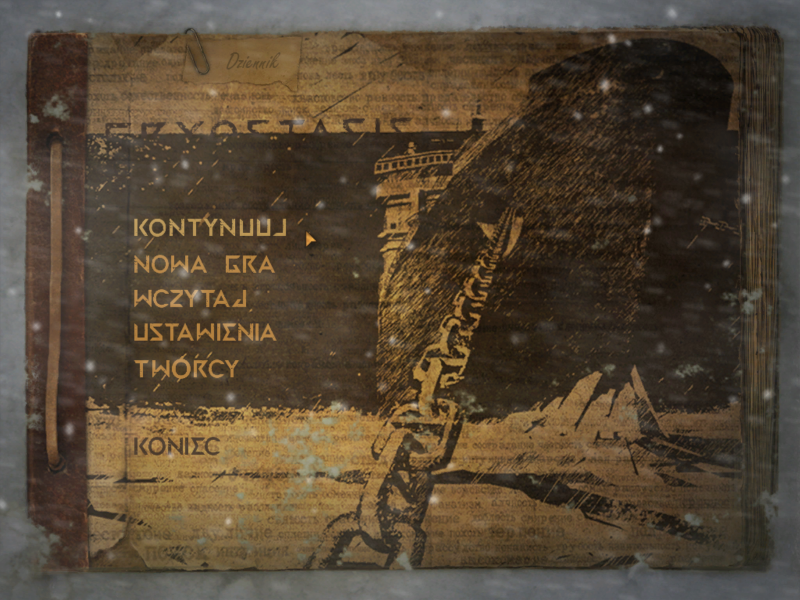
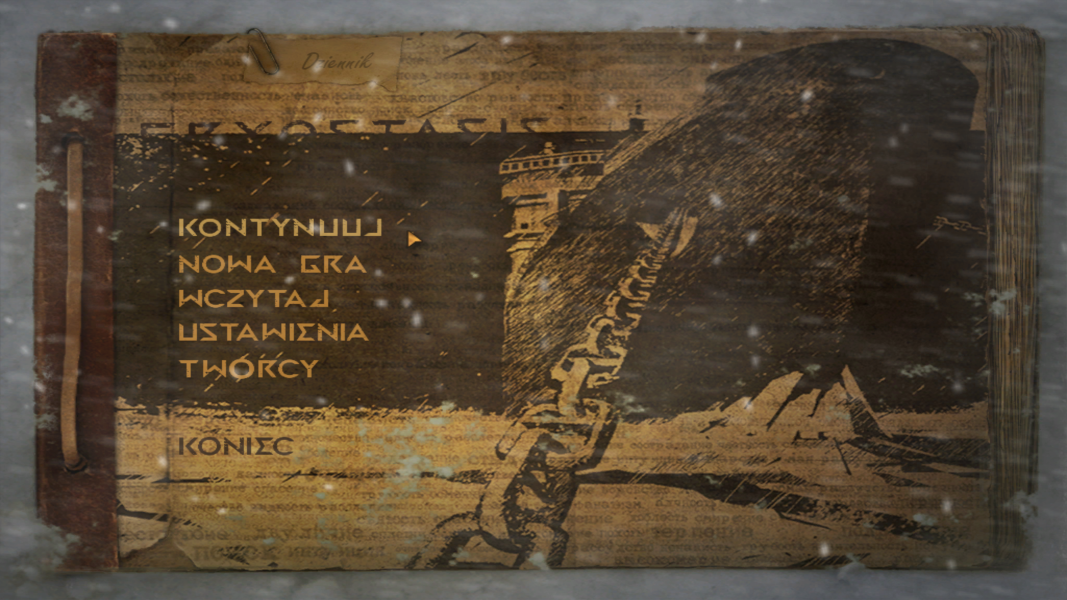
Menu Screenshots


4K UHD Screenshots
Additional Screenshots