


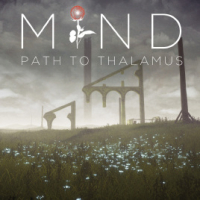


MIND: Path to Thalamus is a First Person Puzzler that throws you into a fantastic and surreal environment. You will bend the natural elements to your will in order to progress in this emotive, mindbending tale.
Support Summary
Game Information
Screenshots Comparison
Solutions & Issues
Open the "UDKEngine.ini" the the Folder "Mind Path to Thalamus\UDKGame\Config" Edit the X in
Quote:
[Engine.LocalPlayer]
AspectRatioAxisConstraint=AspectRatio_MaintainXFOV
to a Y
In-game, 2560x1080 resolution settings is not listed, instead 2560x1440.
However, the aspect ratio is displayed correctly (no stretching image and HUD)
If you have 21:9 monitor, just choose 2560x1440 resolution and fullscreen size.
(If you choose Windowed mode, the aspect ratio will become 16:9)
Open the "UDKEngine.ini" the the Folder "Mind Path to Thalamus\UDKGame\Config" Edit the ResX=1920 to wathever X Value you like (Mostly 5760 or 3240) and change the X in
Quote:
[Engine.LocalPlayer]
AspectRatioAxisConstraint=AspectRatio_MaintainXFOV
to a Y
Gameplay Screenshots


Menu Screenshots


Additional Screenshots


