

Multiplayer based, first person enabled, action packed and skill demanding shooter set in the Wild West times. A unique combination of non stop action and slow but powerful weaponry.
This game originally started as a mod for Half-Life 2 and is now a full F2P game on Steam.
Support Summary
Game Information
Screenshots Comparison
Solutions & Issues
Game is pretty much playable without any fixing done. Chat and the health bar are fixable using the same method as CSS.
----------- HUD fix ----------
To center the HUD follow these instructions:
1. Create a modified hudlayout.res and basechat.res (this file can not be found within the .vpk files I used and included the one from CSS which works fine) files using the http://www.wsgf.org/HUD_Editor choose the settings for CSS and check HudFoFHealth and uncheck(!) HudAmmo
1.1 To center the death notifications you need to manually add the following lines to the modified hudlayout.res file after the 'HudCrosshair' section:
HudDeathNotice
{
"fieldName" "HudDeathNotice"
"visible" "1"
"enabled" "1"
"xpos" "r3412" // the number after the r is 4 * the value you got on the FOV calculator page
"ypos" "12"
"wide" "628"
"tall" "468"
}
2. Create a folder MMHUDFix (this folder can be created wherever you want for e.g. your desktop)
2.1 Create a subfolder "scripts"
2.1.1 Put the modified hudlayout.res file inside this folder
2.2 Create a subfolder "resource" and another subfolder "ui"
2.2.1 Put the modified basechat.res file inside this folder
2.3 Create a text file called addoninfo.txt in the MMHUDFix folder
2.3.1 Copy & Paste the following into the text file and save it:
// The addoninfo.txt file is a metadata file that is required by all Source Engine Add-ons.
"AddonInfo"
{
addonSteamAppID 265630 // 265630 is the app ID for Fistful of Frags
addontitle "WSGF Multi-Mon HUD" // Add-on title that shows up in Add-ons list. ~20 chars max
addonversion 1.00 // Version number of add-on version of the form .
addontagline "WSGF - FoF 5760x1080 Eyefinity & Surround HUD" // Add-on tagline or wrap-up- a short description. ~100 chars max
addonauthor "Revy" // Name/alias of the author
addonSteamGroupName "Widescreen Gaming Forum" // (Optional) Steam group related to the add-on. We use this to construct a URL to the group page.
addonContent_Campaign 0 // This addon provides multiple connected maps with a finale
addonURL0 "http://www.wsgf.org/dr/fistful-frags/en" // An html home page for the add-on that includes a download link.
addonDescription "Centered FoF HUD for 5760x1080 Eyefinity/Surround users - from the Widescreen Gaming Forum (WSGF) community. http://www.wsgf.com" // short description that appears in the Add-on list screen...
}
3. Now drag the folder you first created onto the vpk.exe found inside X:\Steam\SteamApps\common\Fistful of Frags\sdk\bin\ this will create a file called MMHUDFix.vpk (depending your first folder name choice this can differ)
4. Put the MMHUDFix.vpk file into the folder X:\Steam\SteamApps\common\Fistful of Frags\fof\custom\ and start the game
I've added a already packed .vpk file for the resolutions 5760x1200 and 5760x1080 (available from the PC Gaming Wiki Community Files (search there).) just download the one for your resolution and unpack it into X:\Steam\SteamApps\common\Fistful of Frags\fof\custom\ folder.
Further you can download the original hudlayout.res and basechat.res files as well so you don't have to extract them using GCFScape.
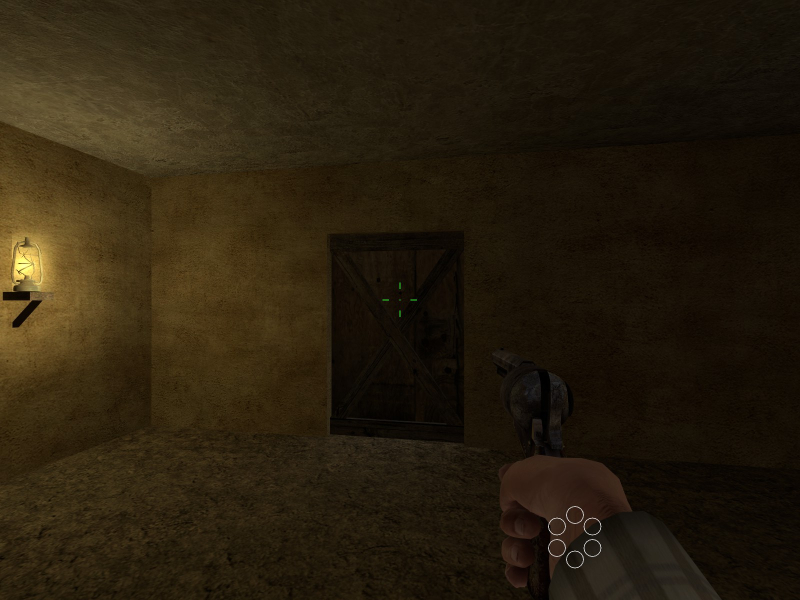
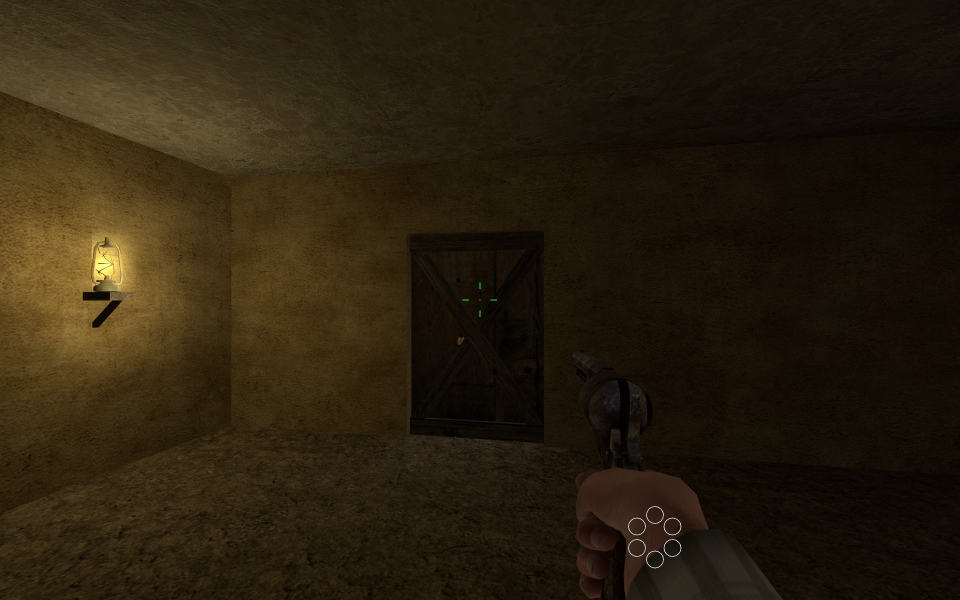
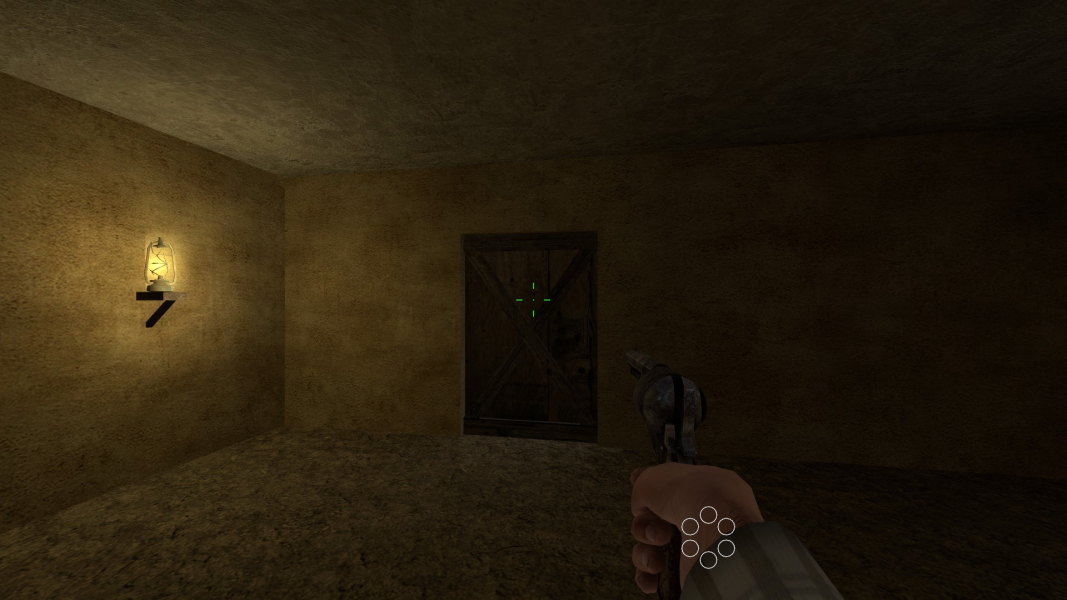
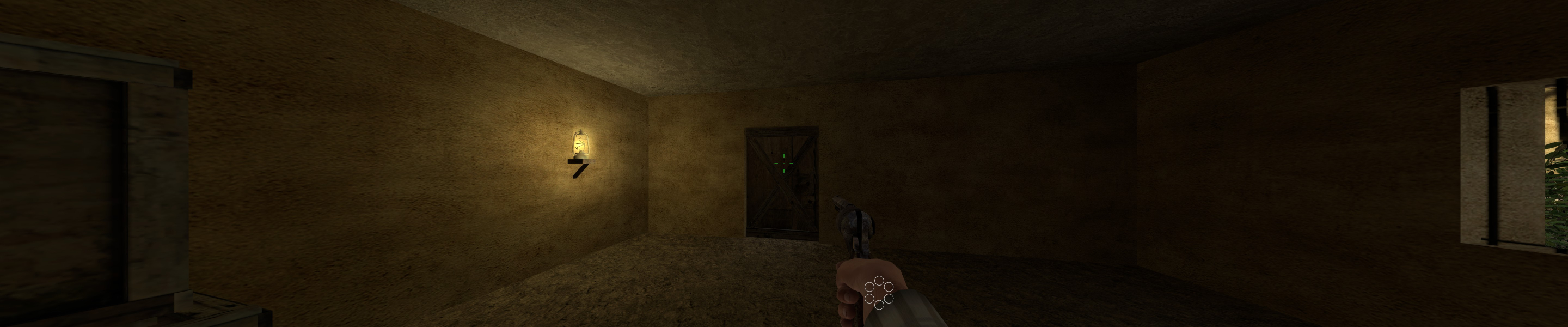
Gameplay Screenshots


Menu Screenshots