


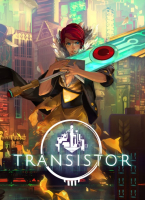


From the creators of Bastion, Transistor is a sci-fi themed action RPG that invites you to wield an extraordinary weapon of unknown origin as you fight through a stunning futuristic city. Transistor seamlessly integrates thoughtful strategic planning into a fast-paced action experience, melding responsive gameplay and rich atmospheric storytelling. During the course of the adventure, you will piece together the Transistor's mysteries as you pursue its former owners.
Support Summary
Widescreen | Ultra/Super‑Wide | Multi-Monitor | 4K Ultra HD | |
Support | ||||
Method | ||||
HUD | ||||
Cutscenes | ||||
FMVs |
Game Information
Screenshots Comparison
Solutions & Issues
Native support till 1920x1080. You can force game to run in windowed mode, or set a specific resolution, using the Launch Options in Steam (right-click on Transistor in your game library, select Properties, then select Set Launch Options).
The parameters are:
-windowed -noborder = Forces the game to start in borderless windowed mode.
-x XXXX -y XXXX = force higher resolution with parameter (only upscaled from 1920x1080).
If you want real resolution higher then 1920x1080 then you need to Hex edit the Engine.dll.
I created some resolutions in the files available from the PC Gaming Wiki Community Files (search there) Transistor - Widescreen.7z .Extract the File Engine.dll in this Folder ...\Steam\steamapps\common\Transistor\x64 and overwrite it.
If the Game does not start in your selected resolution go to Video Option and select it there or write it in the Launch Options.
Use the new 21:9 Fix as a workaround.
Same "Solution" - use Transistor- Widescreen.7z but it is actually unplayable the Game HUD is gone and also the Main Menu became way to big.
True 4K - same Solution - use your resolution from the Attachment Transistor - Widescreen.7z.
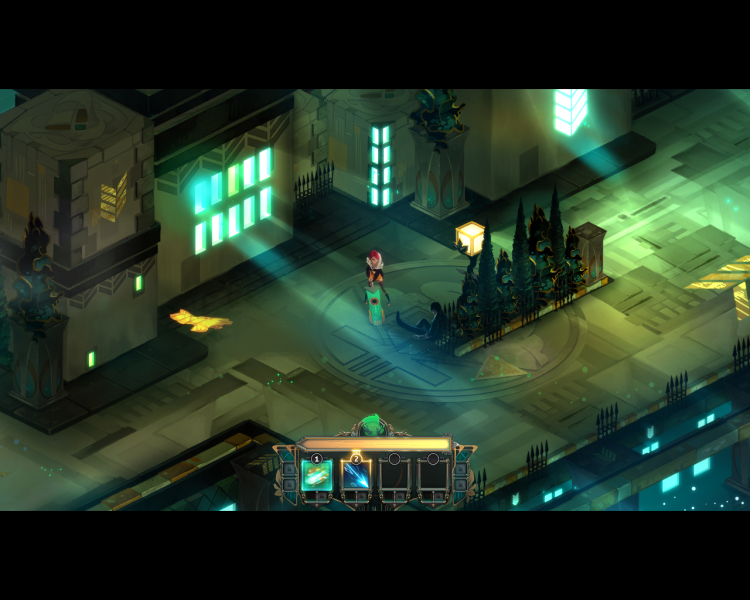
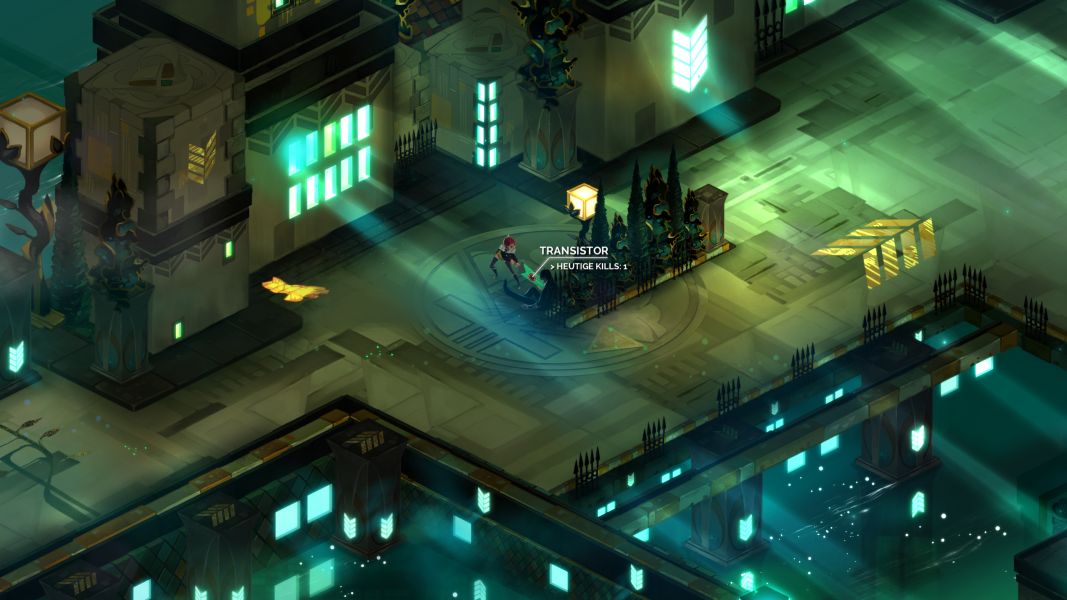
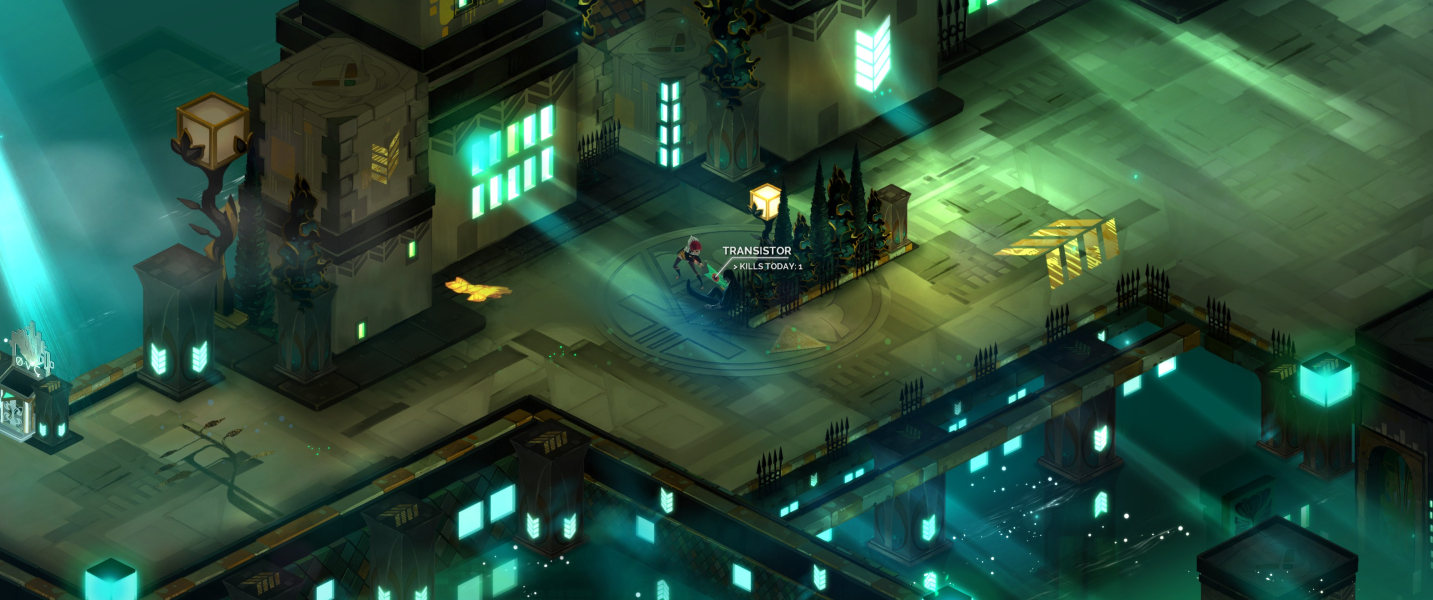
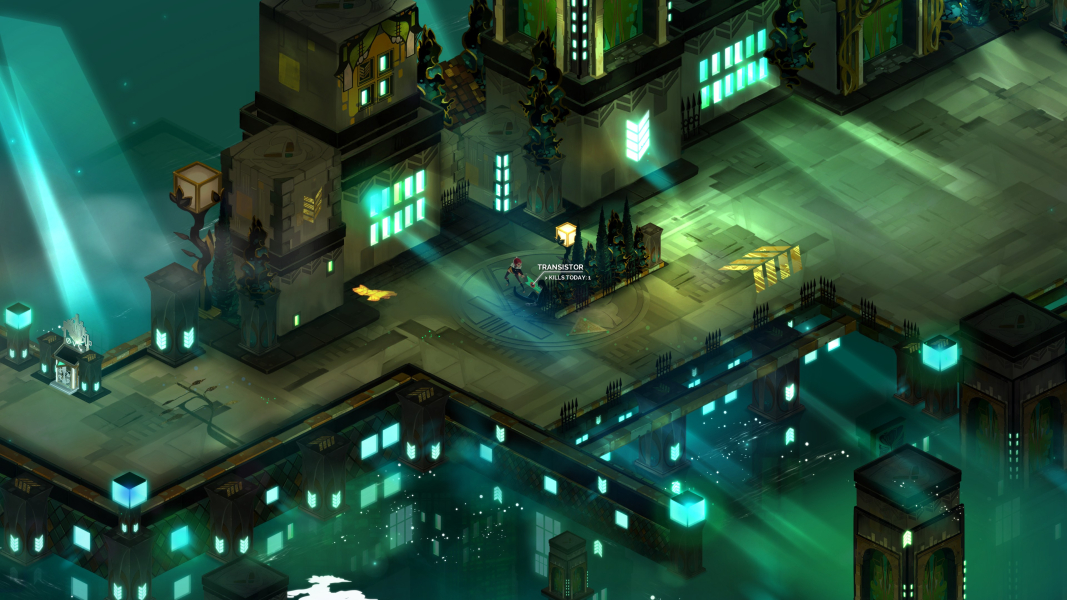
Gameplay Screenshots



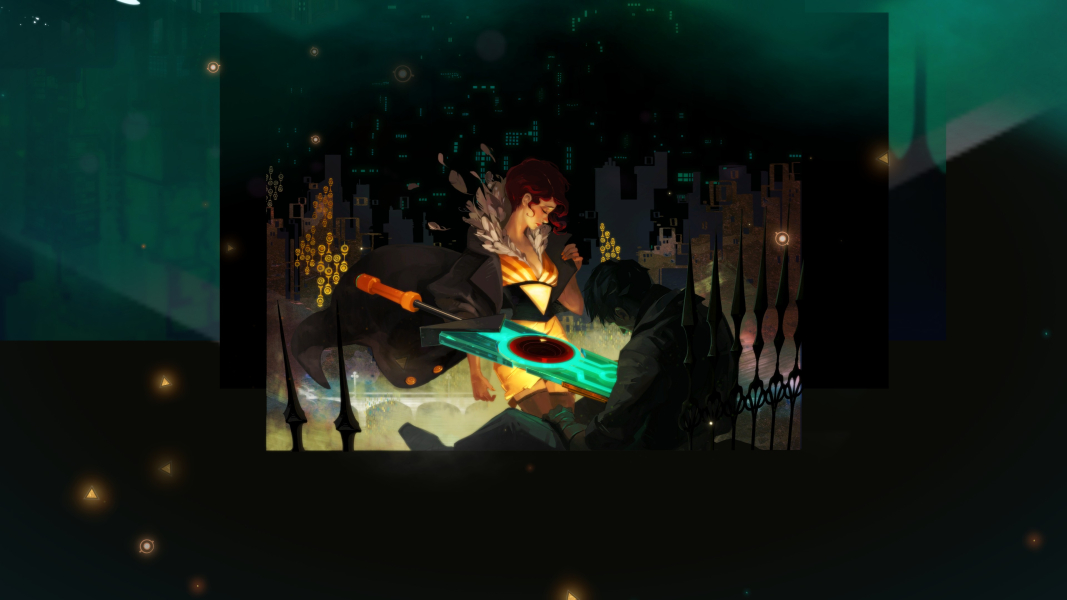
In-Game (Rendered) Cutscenes


FMV Cutscenes





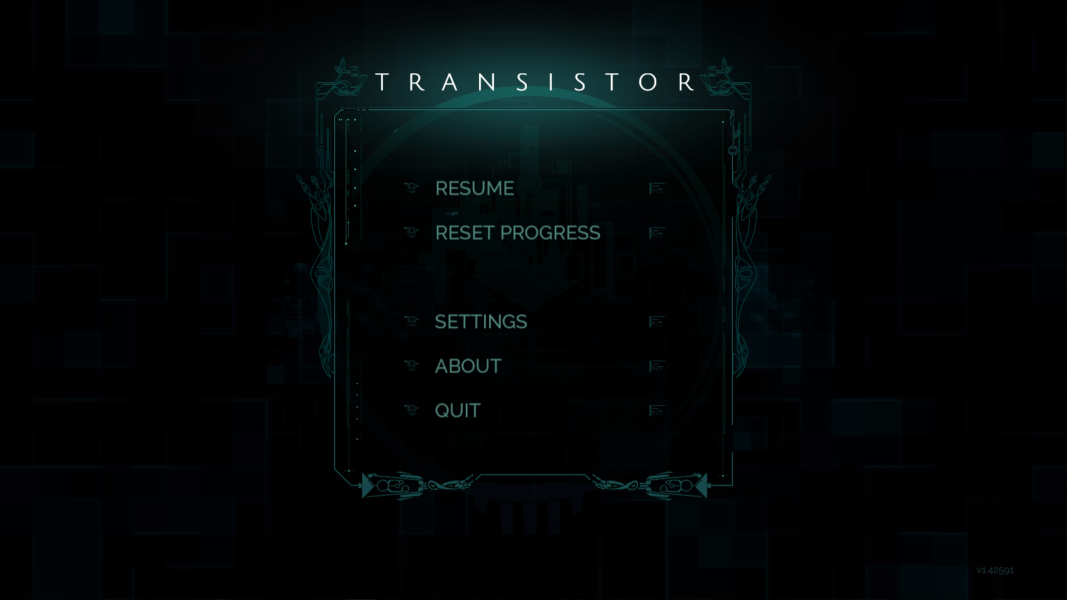
Menu Screenshots
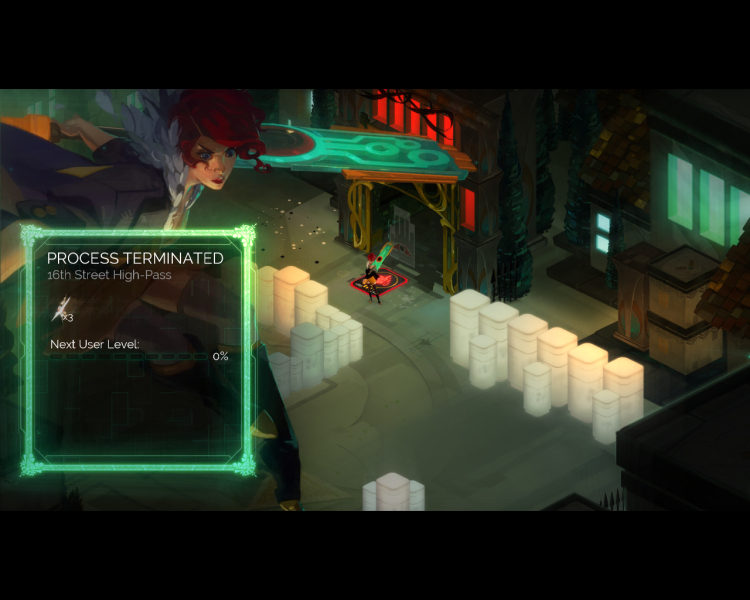
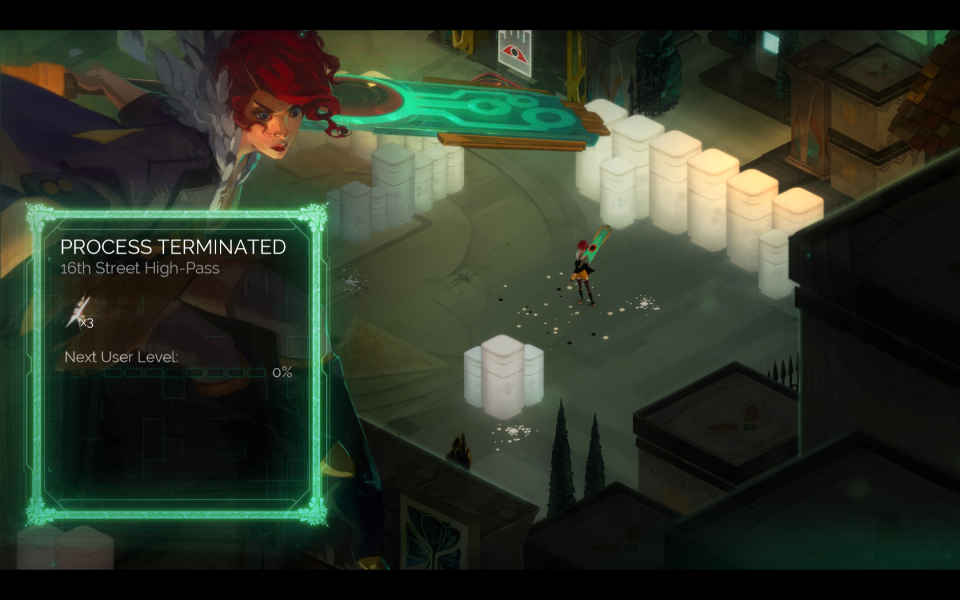
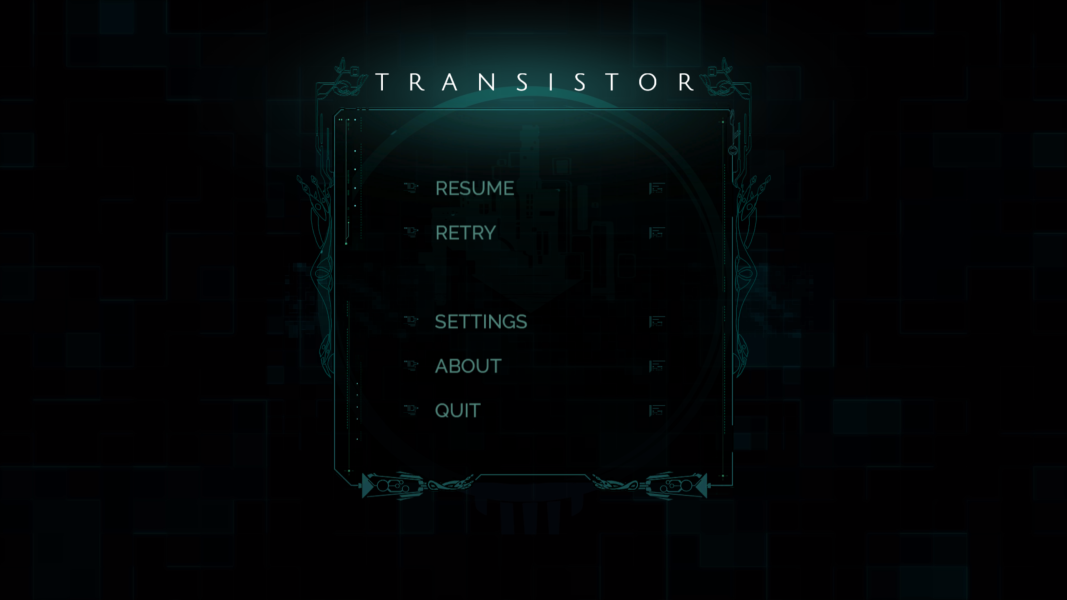
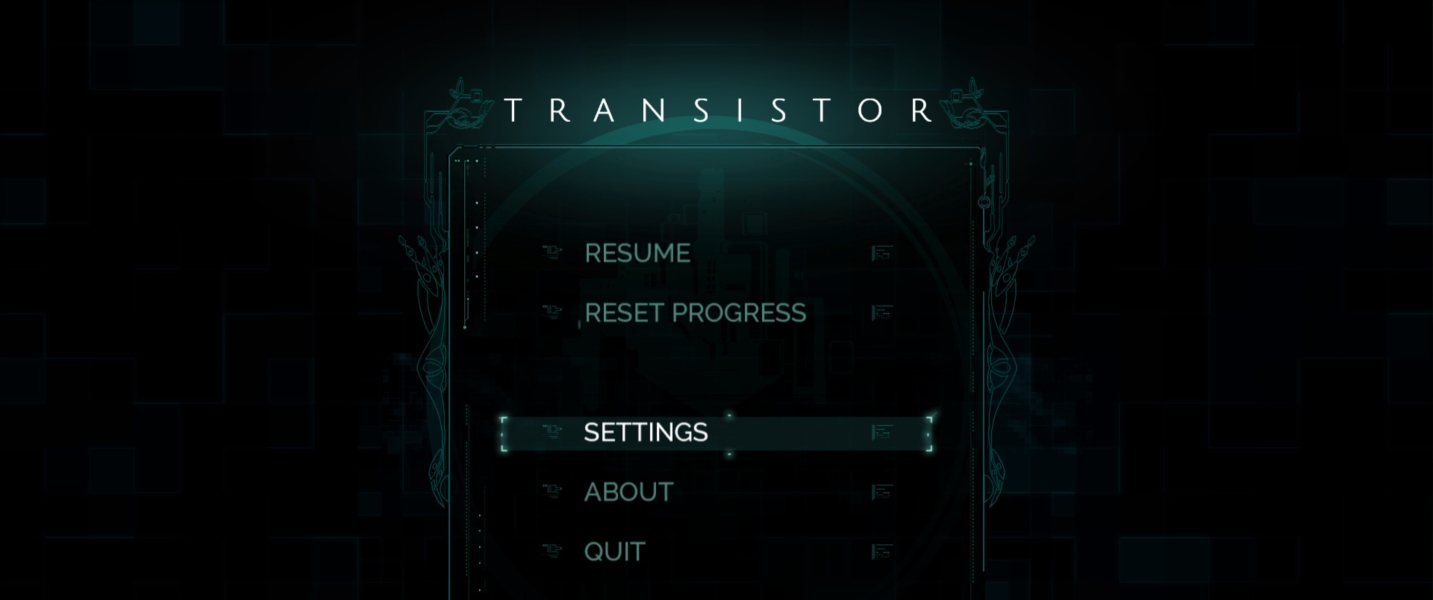

4K UHD Screenshots

Additional Screenshots


