




Twin-stick singleplayer co-op: it's a thing. Join the unnamed brothers on their quest for a legendary cure to save their dying father.
Support Summary
Game Information
Screenshots Comparison
Solutions & Issues
Native support. Select resolution under Settings on the config launcher.
FOV baseline is 16:9, lower aspects are to be considered Vert+.
There is no HUD in Brothers, but the rim of the telescope sight stretches.
UE3 game, Vert- FOV... Use the tried and true FOV key method:
%USERPROFILE%\Documents\my games\UnrealEngine3\P13\Config\P13Input.ini
[Engine.PlayerInput]Bindings=(Name="T",Command="FOV 106.26")
Run the game and press T to fix the FOV.
See MM Solution below for more info.
Same method, use FOVCalc to determine the best FOV for any aspect ratio.
AR, recommended FOV :
16:9, 90
21:9, 106.26
15:4, 129.27
48:10, 139.35
48:9, 143.13
Chapter 4 telescope bug:
At one point during the game, the brothers can use a telescope. Any custom FOV will render the telescope's zoom unusable, which renders a certain achievement impossible to get.
Luckily there's a checkpoint right before the telescope, so here's a workaround:
- when you've reached the telescope, quit the game. (Feel free to look around the scenery, but fixed FOV is way too high and zoom is broken.)
- run the game, do NOT press FOV key !
- load last checkpoint and use the telescope all you want. Default FOV is Vert- but native zoom functionality is restored.
- press T when ready to continue the adventure.
FYI default telescope FOV is 30 in 16:9.
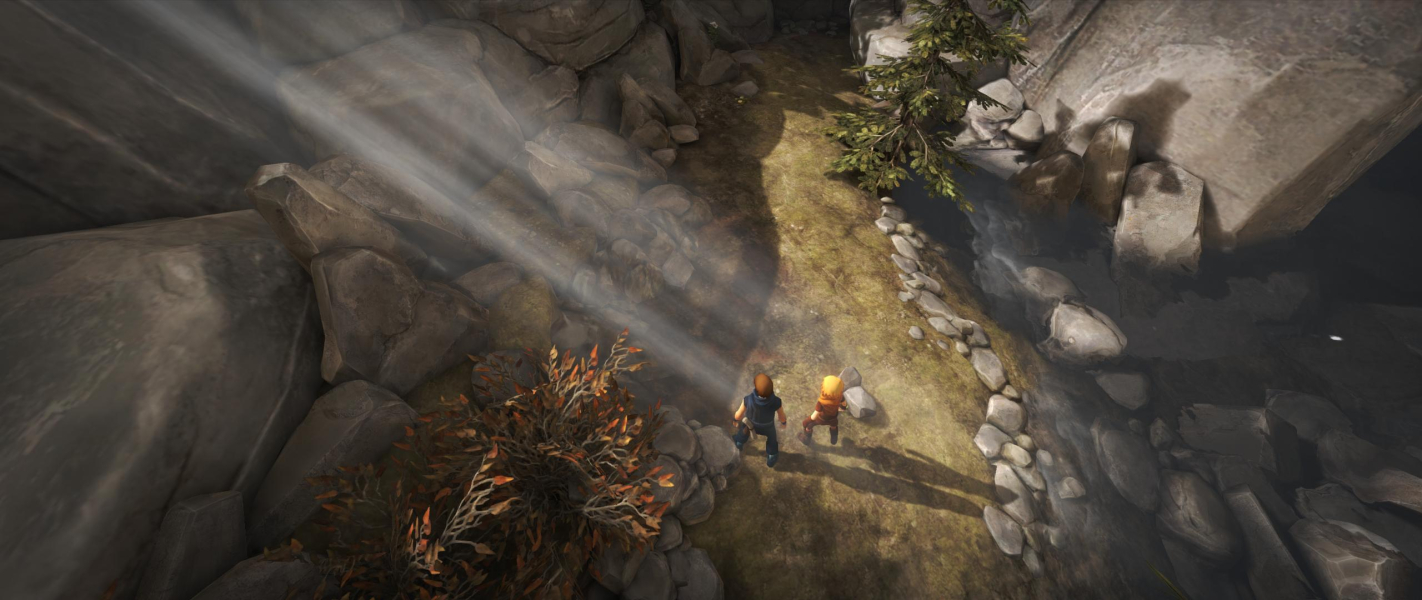
Gameplay Screenshots
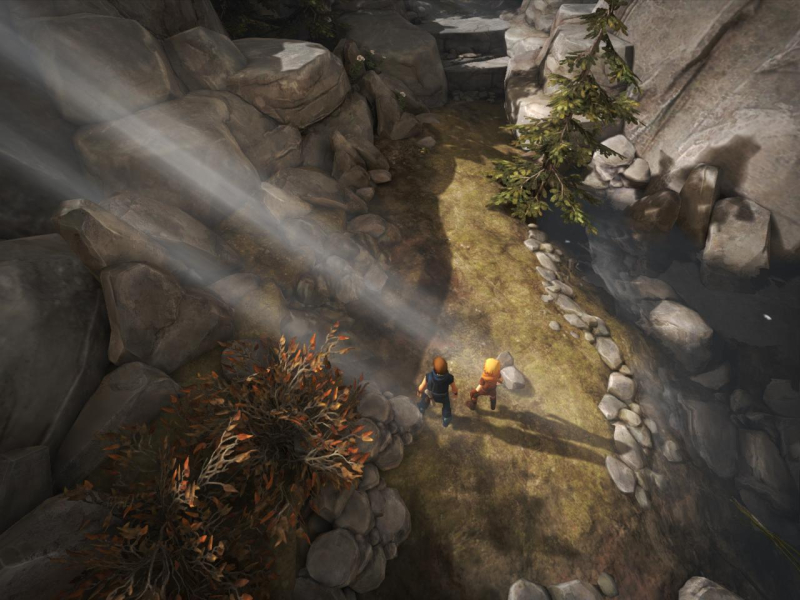
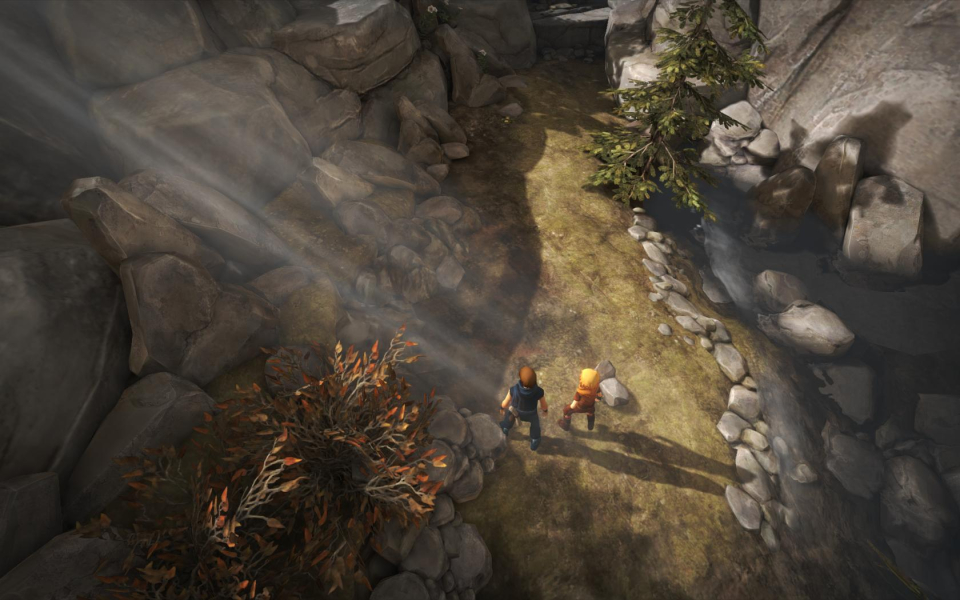
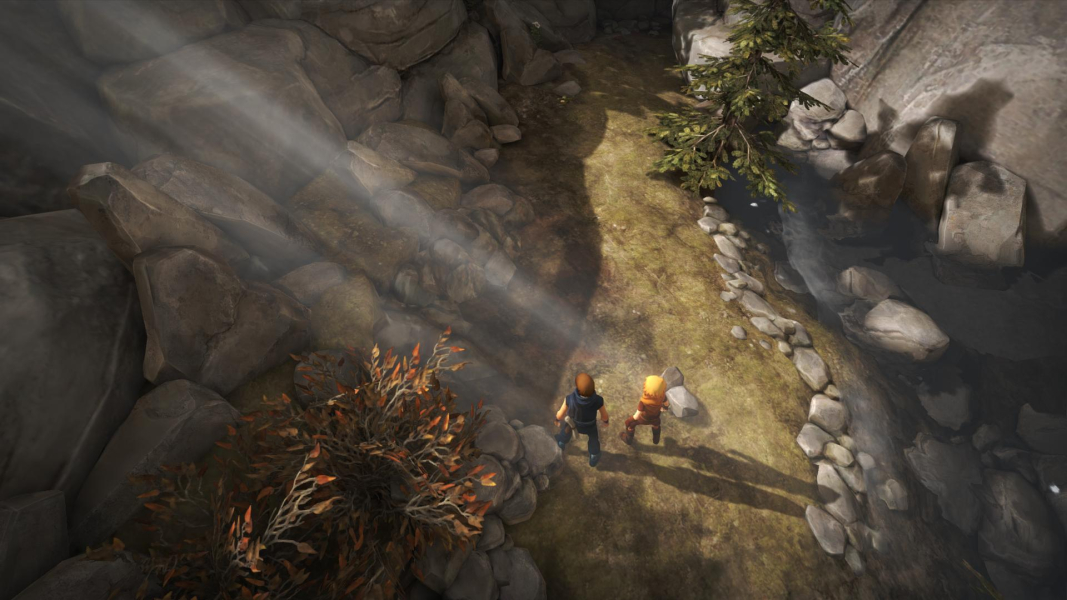


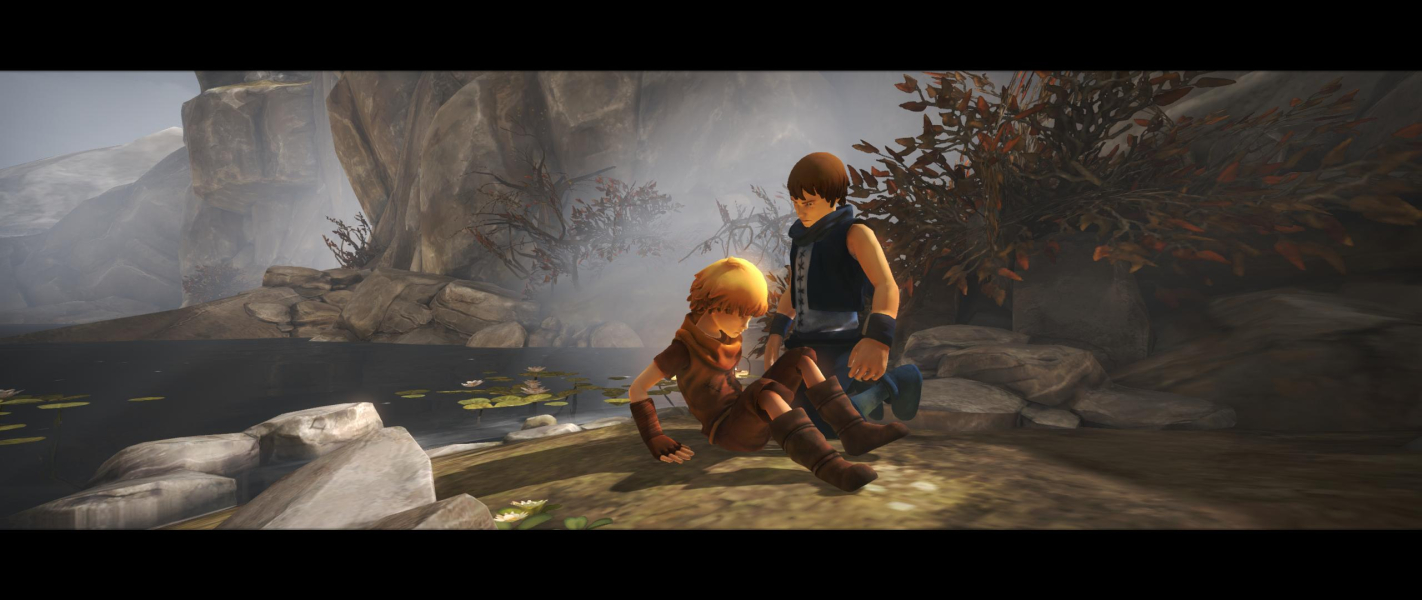
In-Game (Rendered) Cutscenes
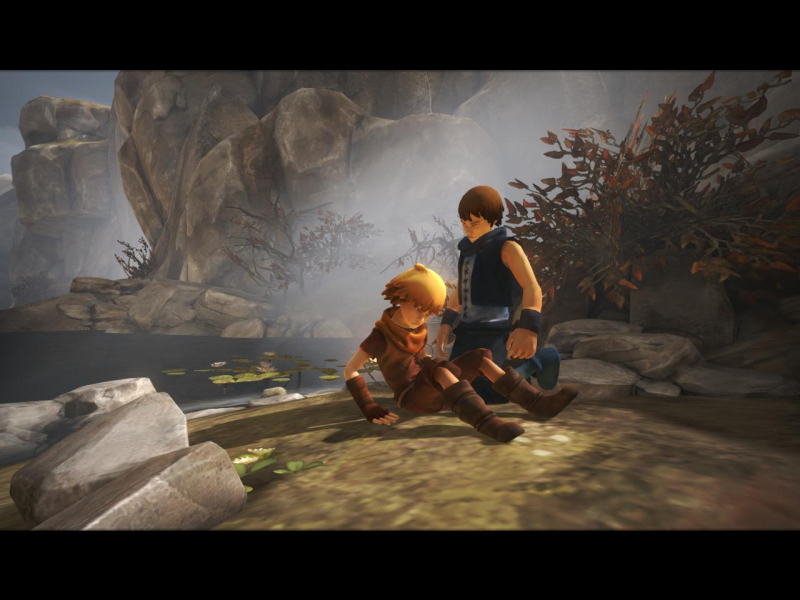
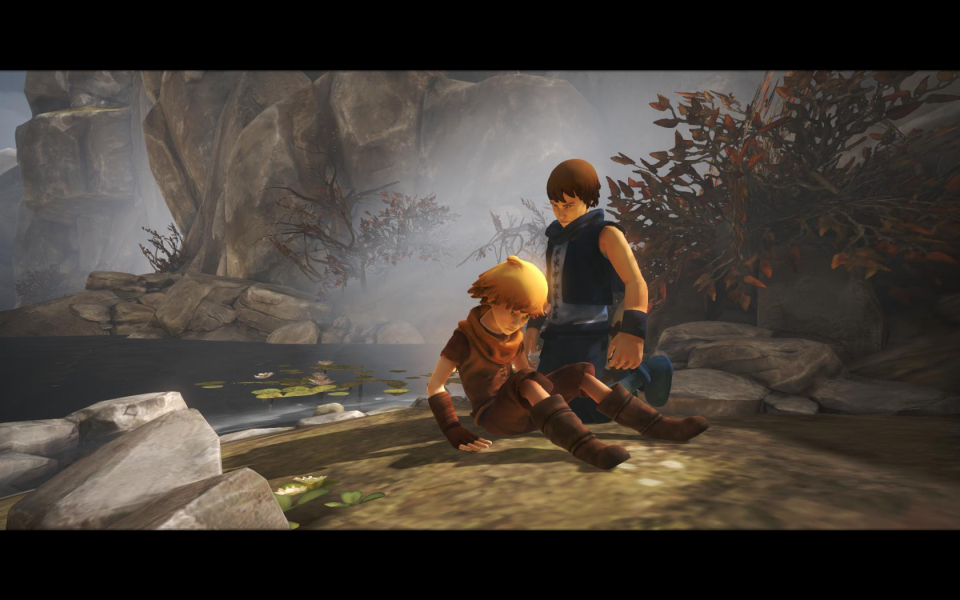
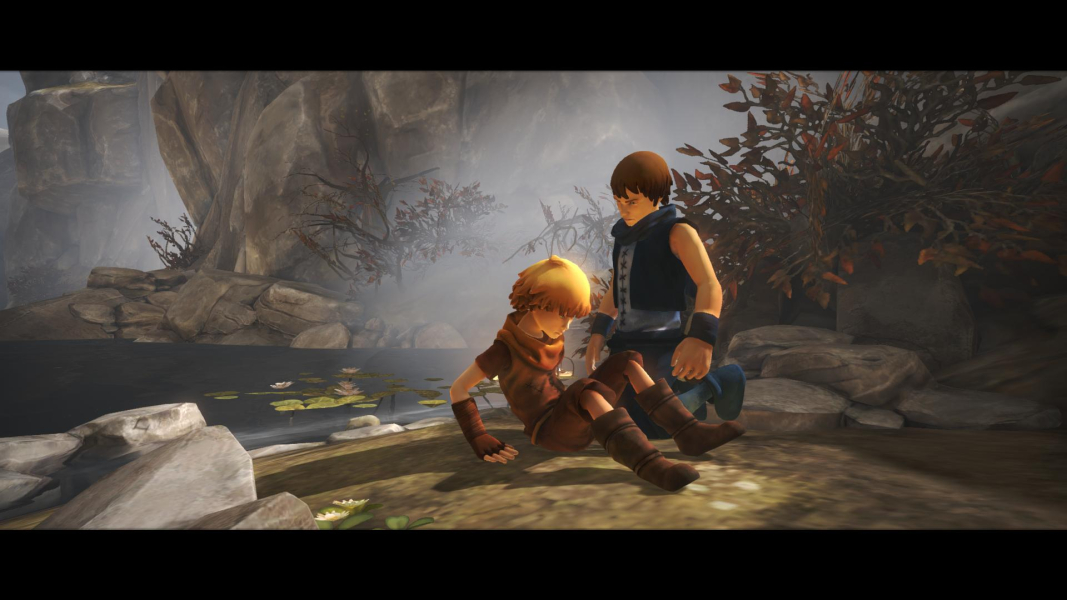

Menu Screenshots

Additional Screenshots


