


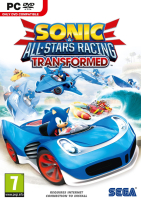


Is it a boat ? Is it a plane ? No, it's... just a kart ! That transforms. And shoots things. Piloted by a superstar. Speeding across scenery taken from a dozen vintage videogames. And brought to you in megawide-o-rama by HaYDeN. Suddenly, all other kart games feel a bit stale...
Support Summary
Widescreen | Ultra/Super‑Wide | Multi-Monitor | 4K Ultra HD | |
Support | ||||
Method | ||||
HUD | ||||
Cutscenes | ||||
FMVs |
Game Information
Screenshots Comparison
Solutions & Issues
Native support. Select Configure upon game launch to set in-game resolution. For resolutions lower than 16:9, use the modified Flawless Widescreen script in the attachments and place it in this directory:
C:\Program Files (x86)\Flawless Widescreen\PluginCache\FWS_Plugins\Modules\SonicASRTransformed\Dependencies\Scripts
Also, it will automatically adjust the width and height of the UI without having to use manual display detection override.
Using any resolution other than 16:9 through the configuration requires editing the executable to run the game in any resolution even with scripts enabled.
When open in any hex editor of your choice, find these bytes in a hex editor:
DE F9 D9 5C 24 18 D9 44 24 18 DC 15
then at offset 0x16 from the address where the bytes are located at, change 15 to 00 and at 0x23 from 0A to 00. This only works for decrypted executables only.
Warning: The HUD will suddenly remove from the screen if it has been set at a negative number.
files available on PC Gaming Wiki
Flawless Widescreen or GameCompanion required.
Although the config launcher detects all resolutions available to the system, the game won't work in ARs beyond 16:9 - you can hear the game running in the background but 3D graphics are not rendered; the intro FMV is never cleared from the screen.
Select windowed mode and any 16:9 resolution in the config launcher or hex edit the exe with the bytes above, then FWS or GameCompanion will make the game fit the screen. Note that using FWS with the modified script in the attachments above would make the HUD automatically extend according to the selected resolution.
Same method as for 21:9.
You must use a windowed 16:9 resolution even if you're not using 16:9 monitors, otherwise the game will be letterboxed and FMVs off-centered unless the exe is edited.
FMVs and UI are centered and formatted for 3x 16:9 (slightly squished in lower ARs).
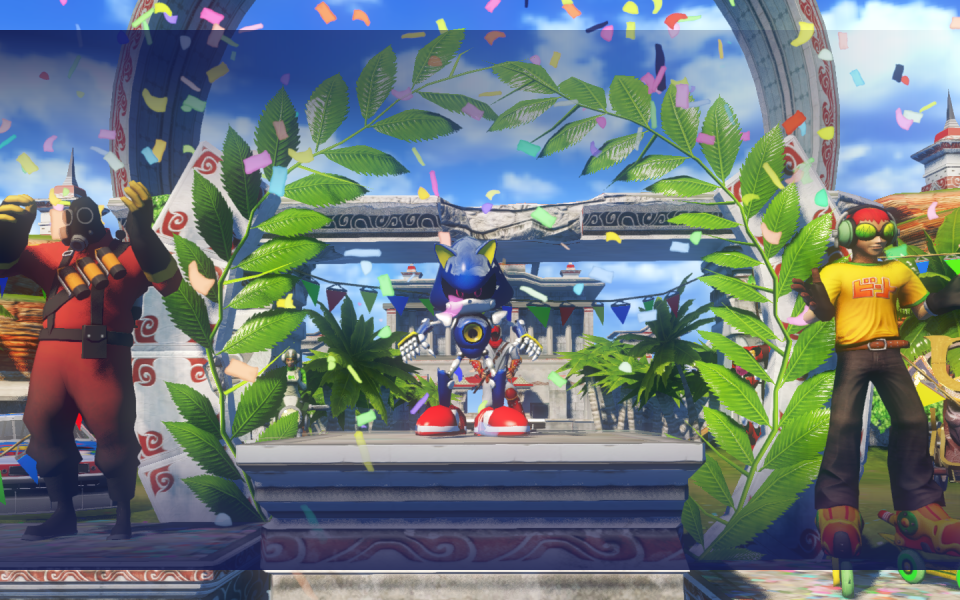
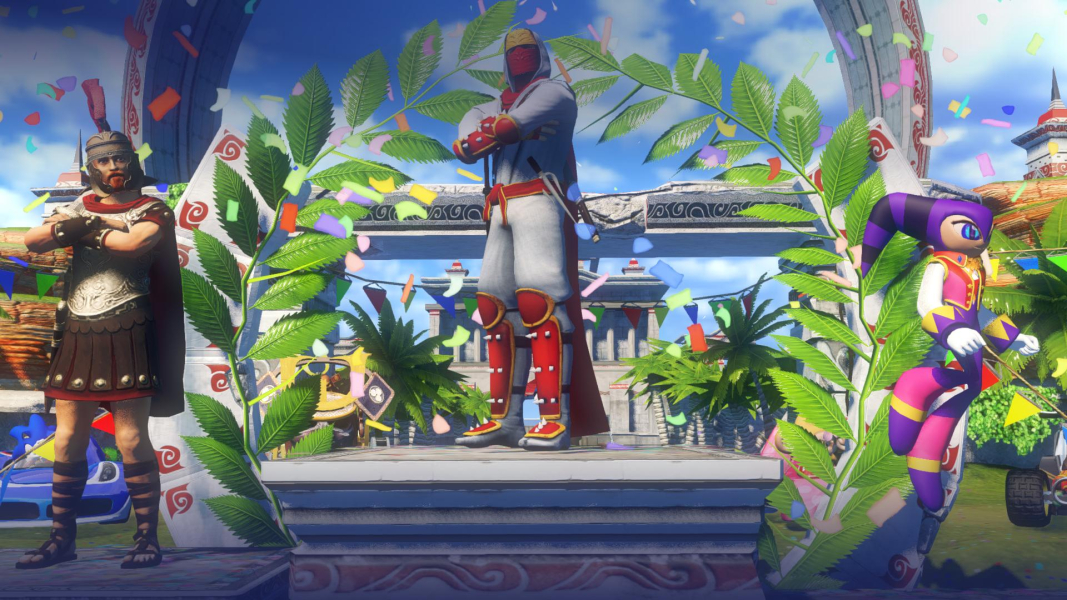
Gameplay Screenshots


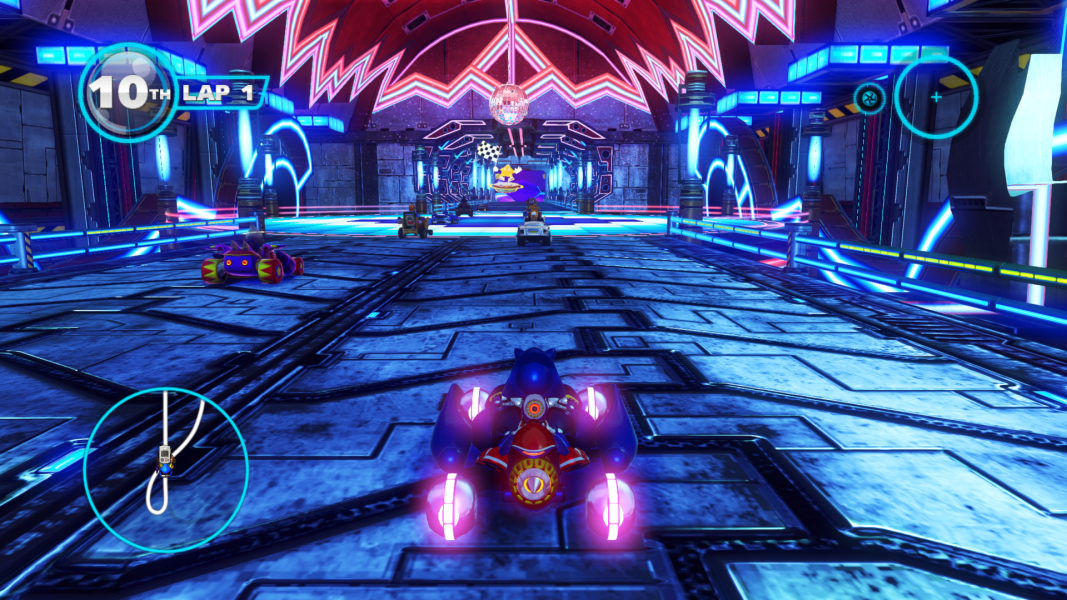
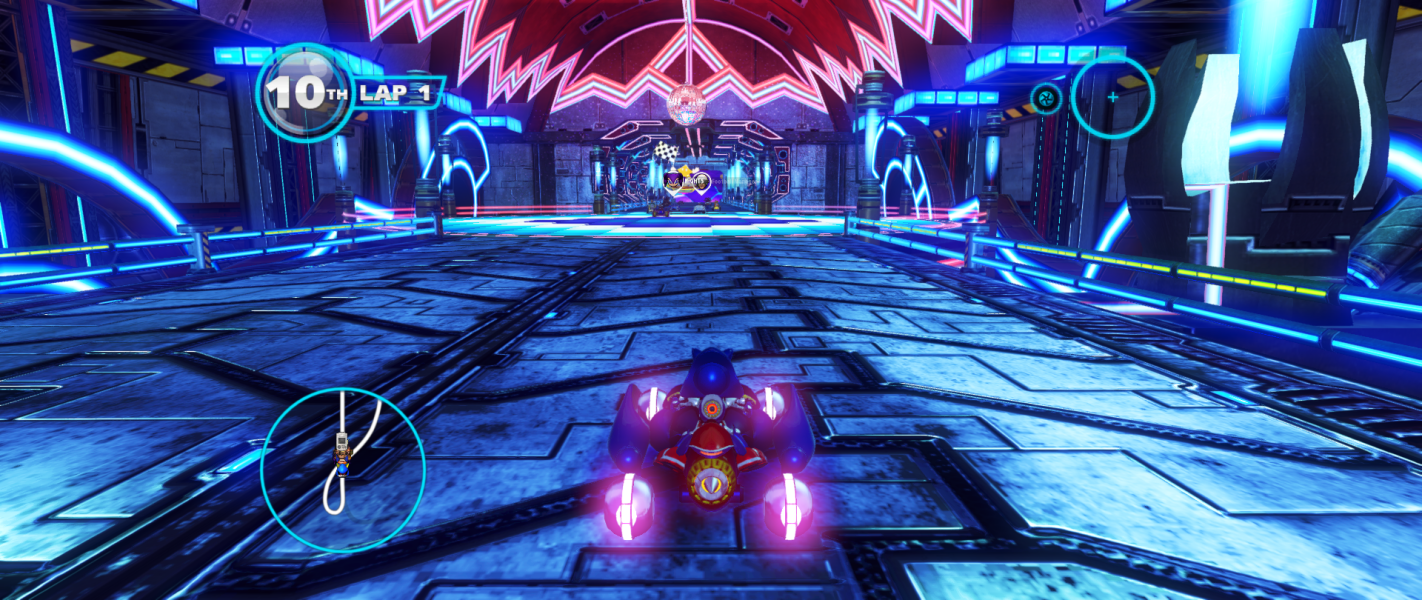


In-Game (Rendered) Cutscenes
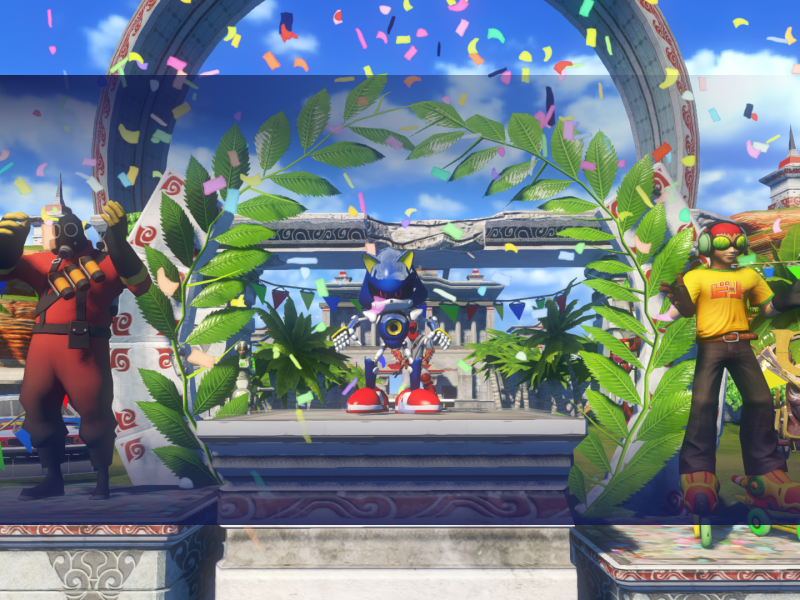


FMV Cutscenes
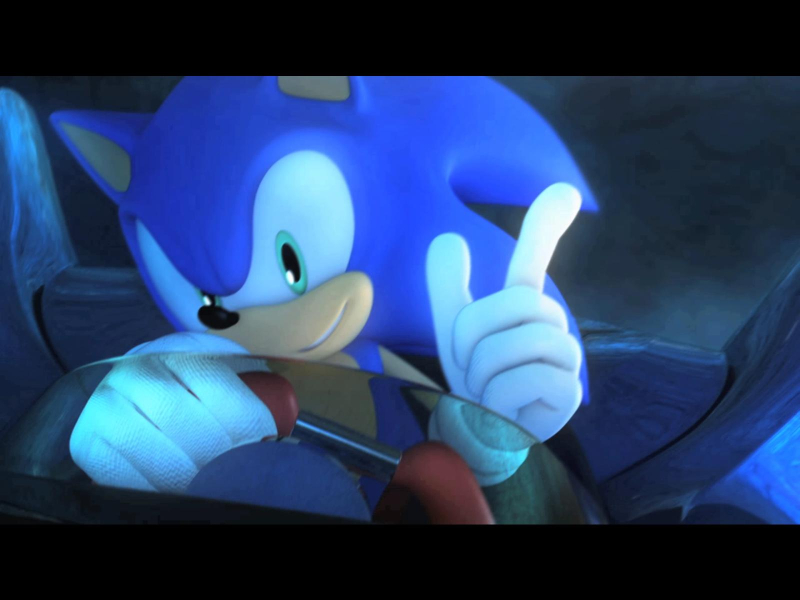
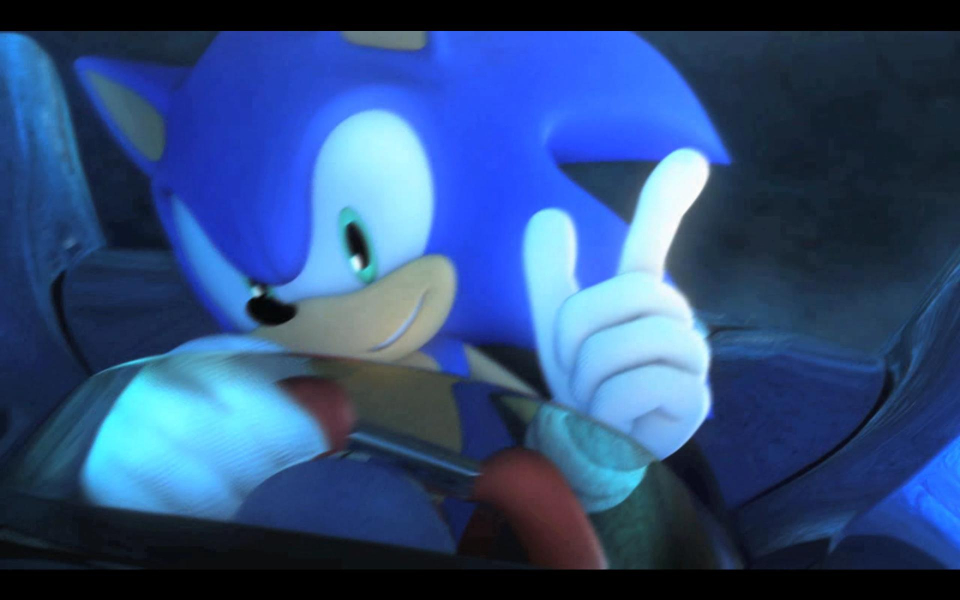
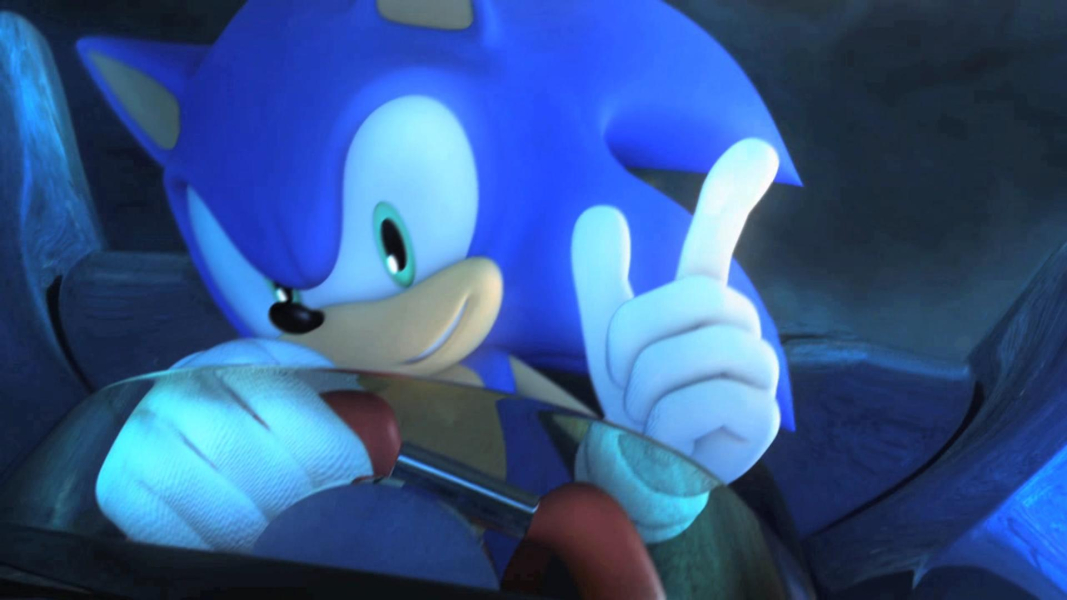
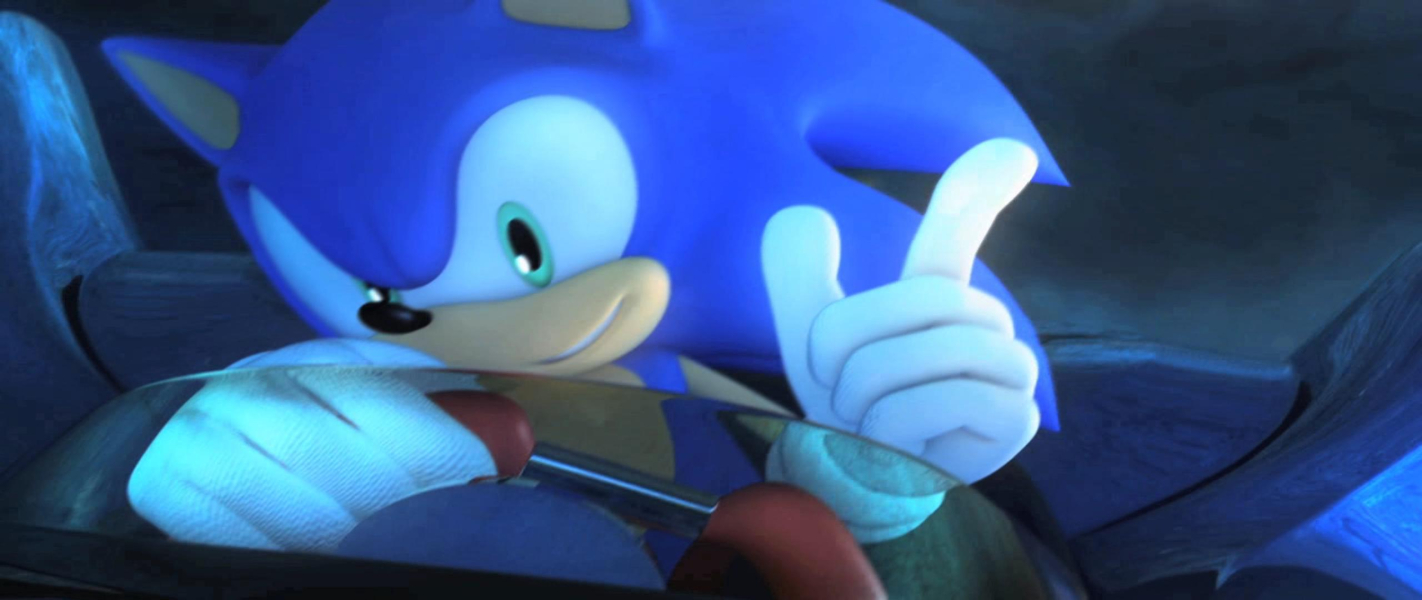

Menu Screenshots


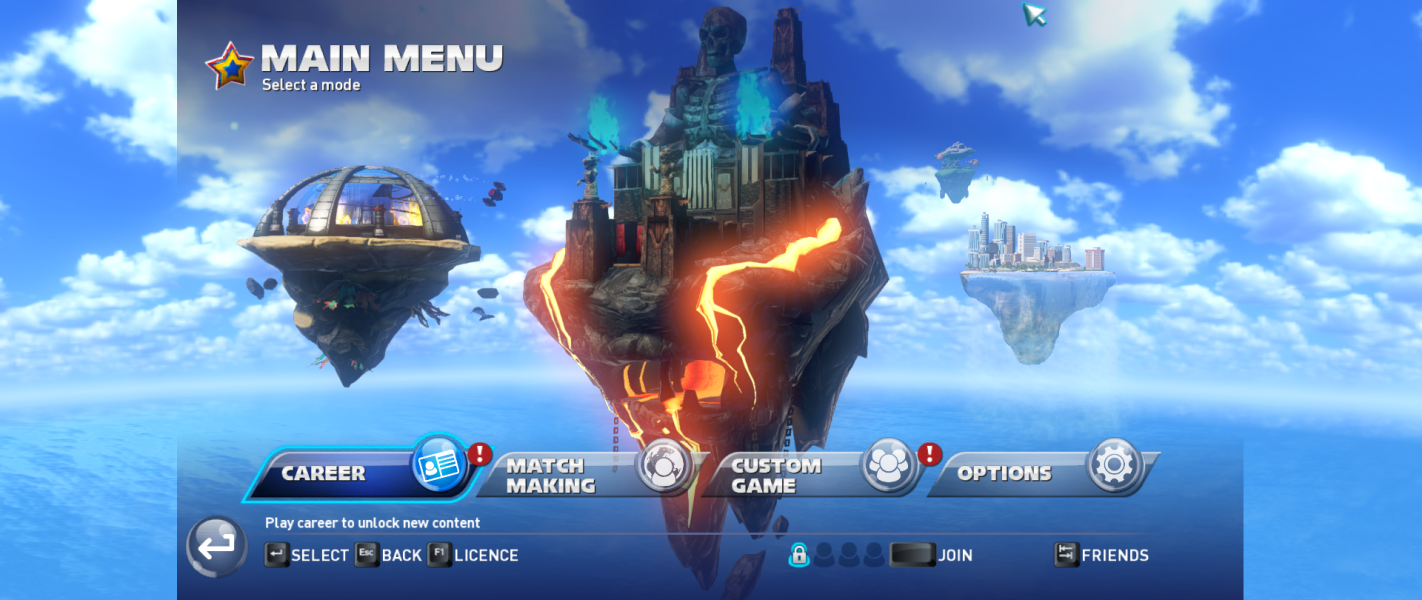

Additional Screenshots


