


Assetto Corsa is a racing game/simulation with a strong focus on realism.
It is developed by Kunos Simulazioni, a small indie developer based in Italy best known from two other racing sims: Ferrari Virtual Academy and NetKar Pro.
While the game is still in developement, a Technology Preview (v0.9.9) is available to all owners of NetKar Pro, containing one car - the Lotus Elise SC and one track - Autodromo dell'Umbria aka Magione. The full game will contain a large number of licensed cars and tracks, but a full content list has not yet been disclosed.
The technology preview already offers excellent triple screen support; it has a "Triple Screen" selection box in the menu that, when ticked, enables the player to alter several surround parameters while in the car through a graphical interface.
Support Summary
Game Information
Screenshots Comparison
Solutions & Issues
The HUD is freely cofigurable by the player, as to what he sees on screen and what not, and where he sees it. It uses simple drag-and-drop for the various HUD components.
The HUD is freely cofigurable by the player, as to what he sees on screen and what not, and where he sees it. It uses simple drag-and-drop for the various HUD components.
For triple monitors the game has a useful graphical customization interface accessible from within the car.
Here the player can enter/change the angle between displays, the distance to central display, screen width, and bezel compensation -both positive and negative- .
The effects of changes made are live visible on screen, making setting up your screens a doddle. (see Additional Screenshots)
This however does not (yet) support 5x1P layouts.
Gameplay Screenshots
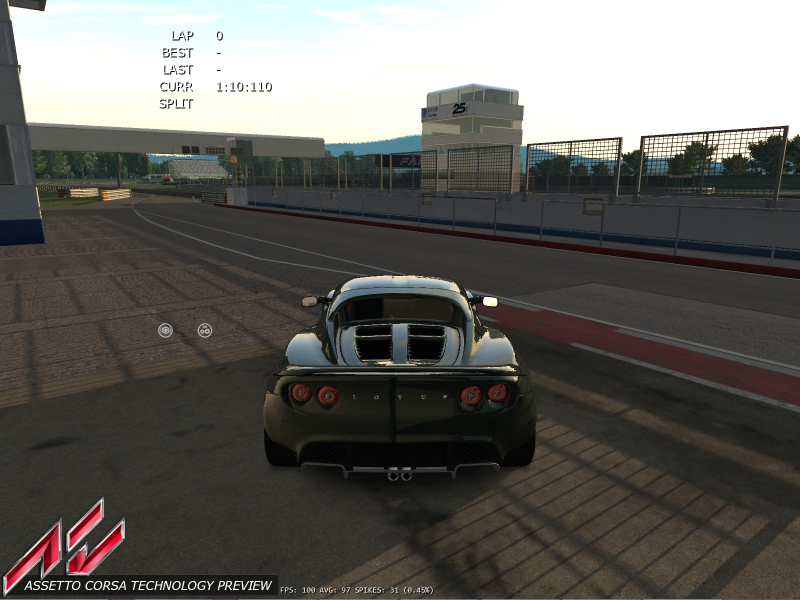
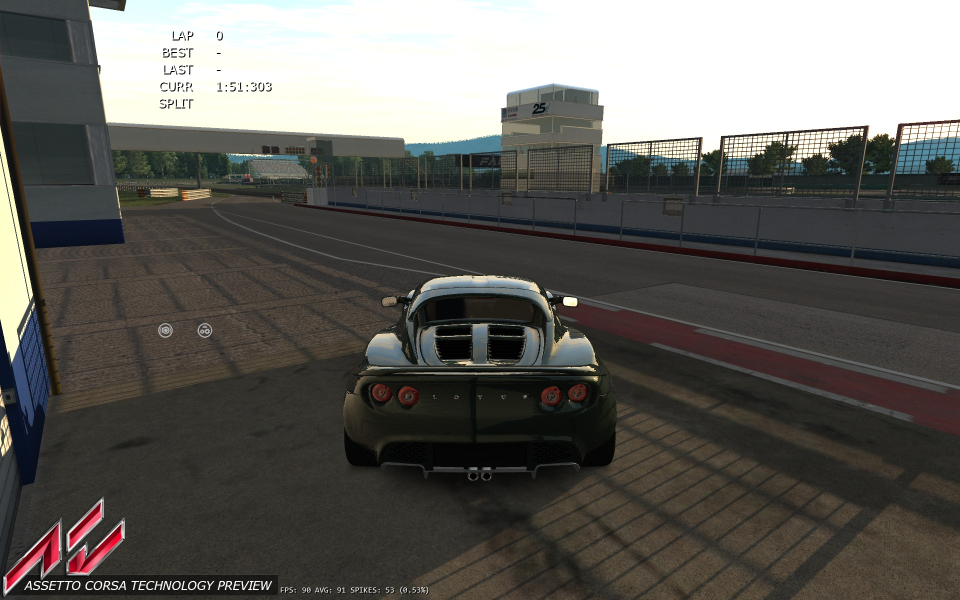
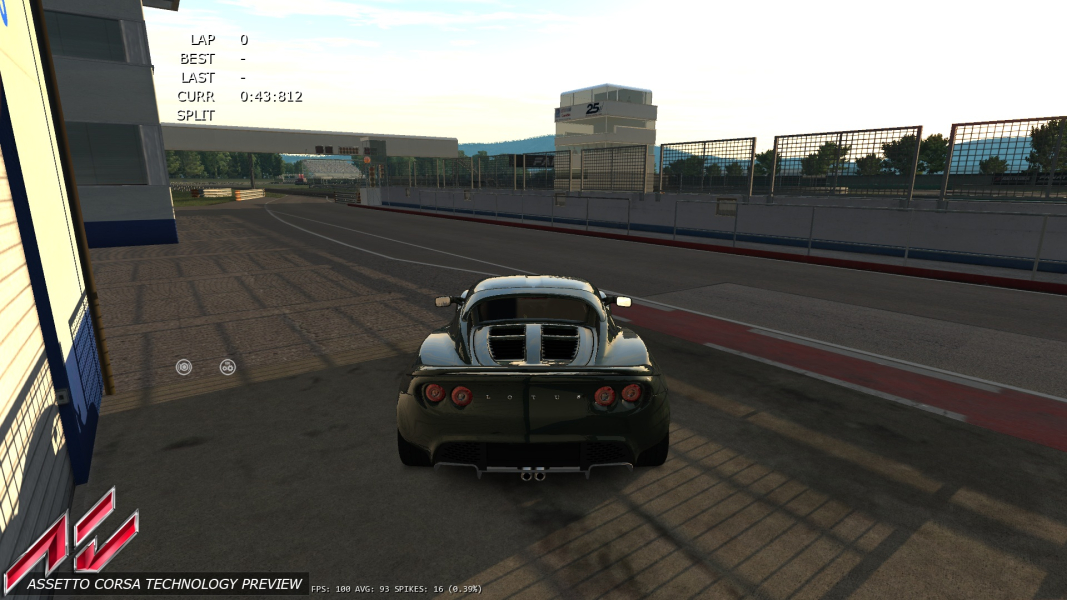


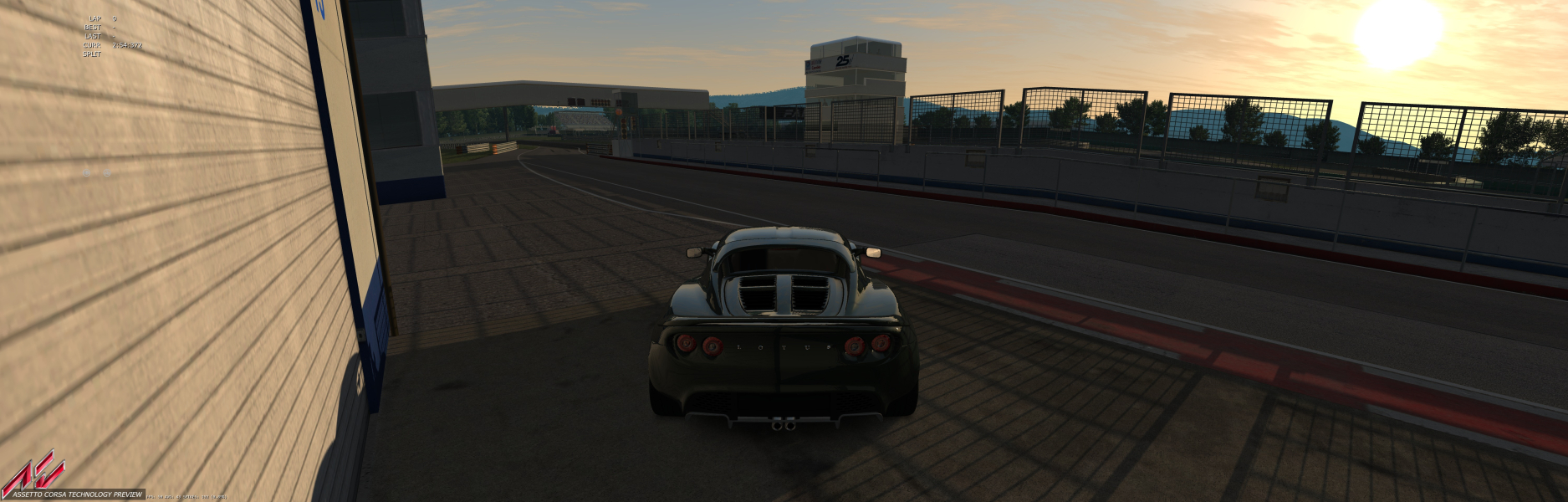
Menu Screenshots
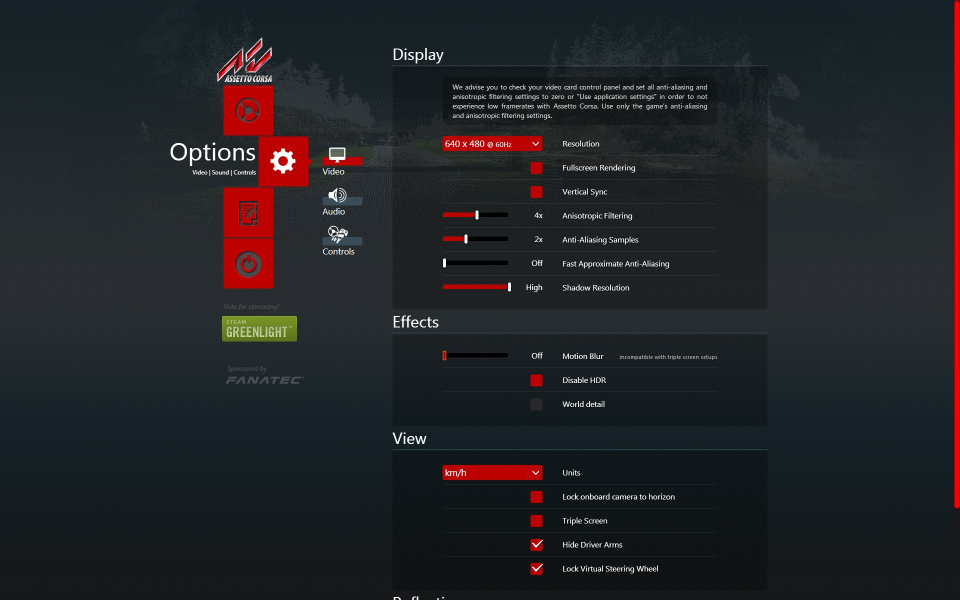

Additional Screenshots


