

a fps featuring judge dredd a character from the 2000 AD comic series
Support Summary
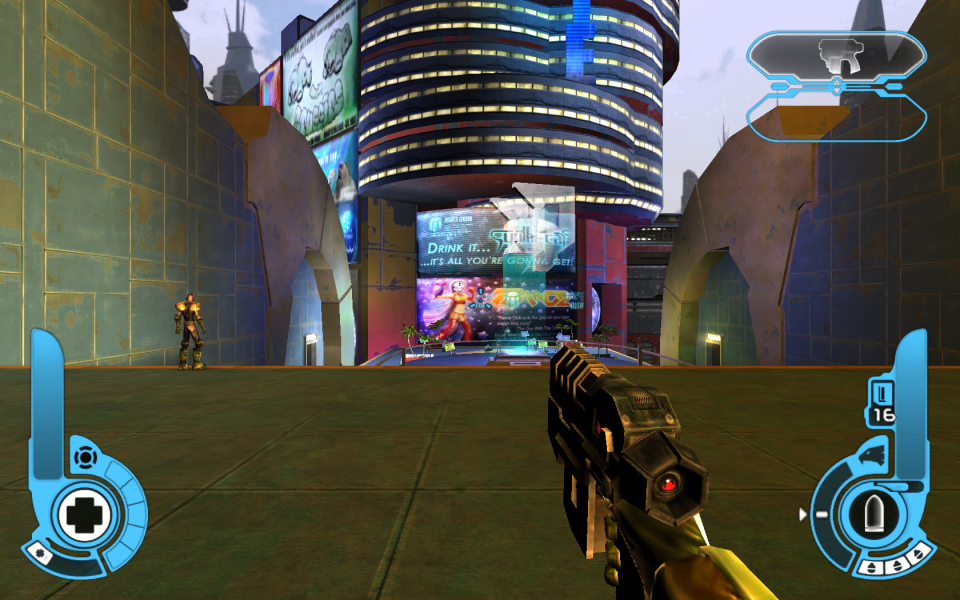
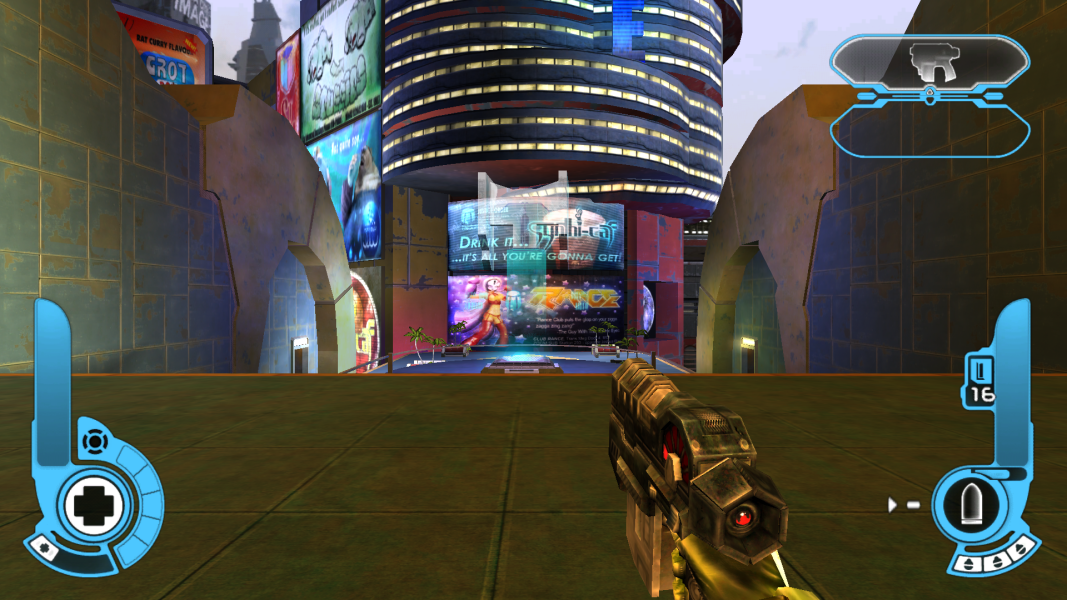
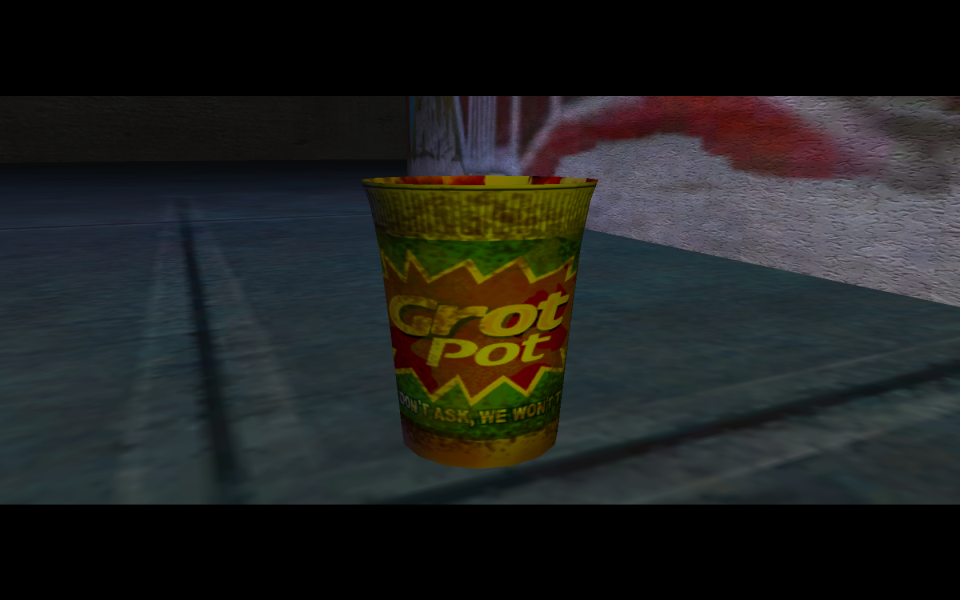
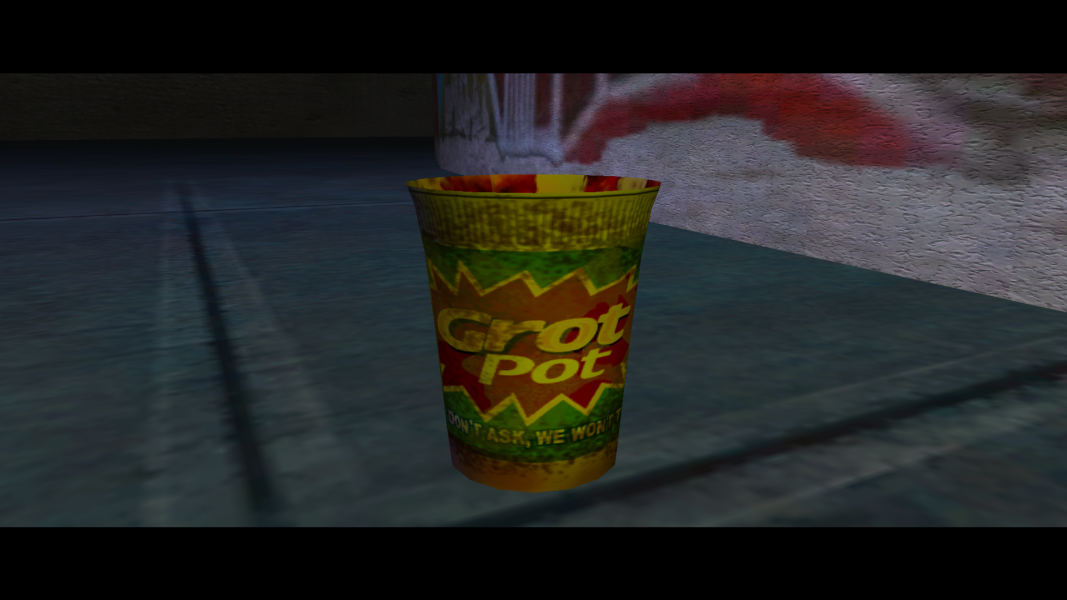
Screenshots Comparison
Solutions & Issues
To get the game running in Widescreen mode use Dredd vs Death Custom Resolution Tool (by RiptoR).
The screen change is Vert-, which isn't a big issue, since it's possible to change game's FOV. HUD isn't stretched, but it's not properly scaled either (elements are too big). The game starts in 640x480 and applies the resolution only after selecting gamer's profile.
Here are instruction for experts:
Edit save0.dsg in your game directory with a hex editor:
At the address: 0x00000088 replace 2 bytes with your screen width.
At the address: 0x0000008C replace 2 bytes with your screen height.
Refer to this tutorial on how to calculate the values.
Then edit Dredd.exe with a hex editor:
At the addressees: 0x001EA01C, 0x001EA020, 0x001EA024, 0x001EA028 type in a desired FOV value (as a float value - use this calculator - if your hex editor doesn't feature a proper converter - remember to write bytes in reversed order 105 (0x42D20000) is 0x0000D242).
At the address 0x00213D14 type in your aspect ratio as a float number. For example 398EE33F for 16:9 (1.7777777).
Gameplay Screenshots



In-Game (Rendered) Cutscenes

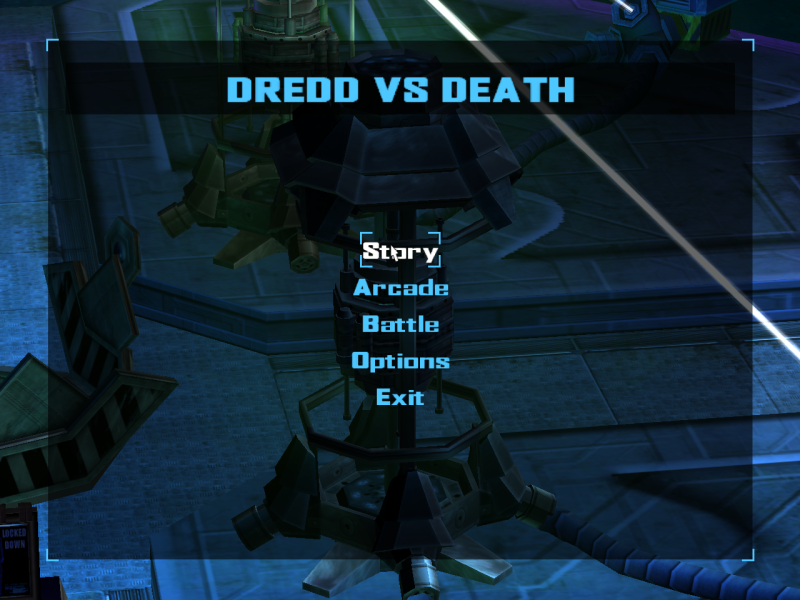
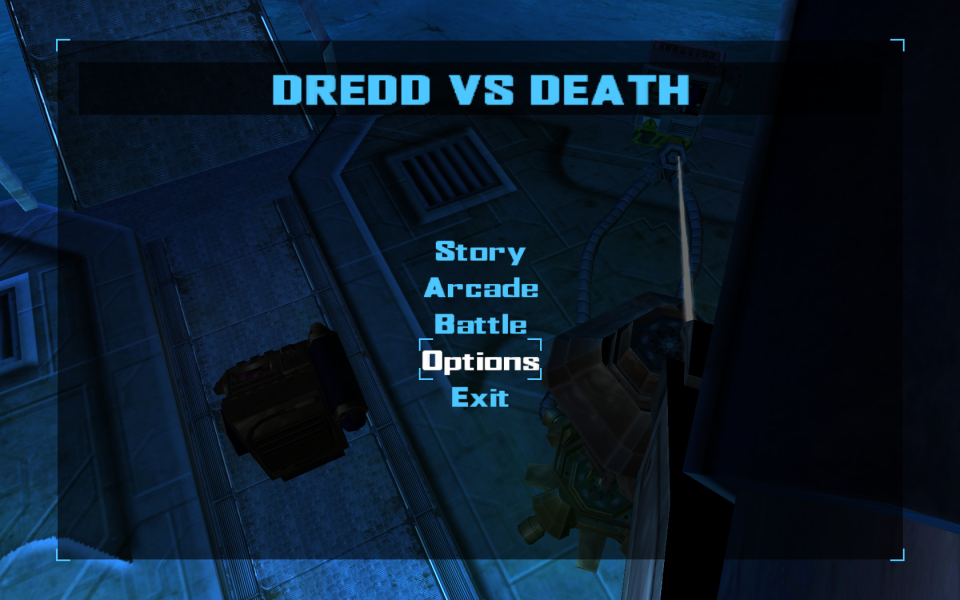
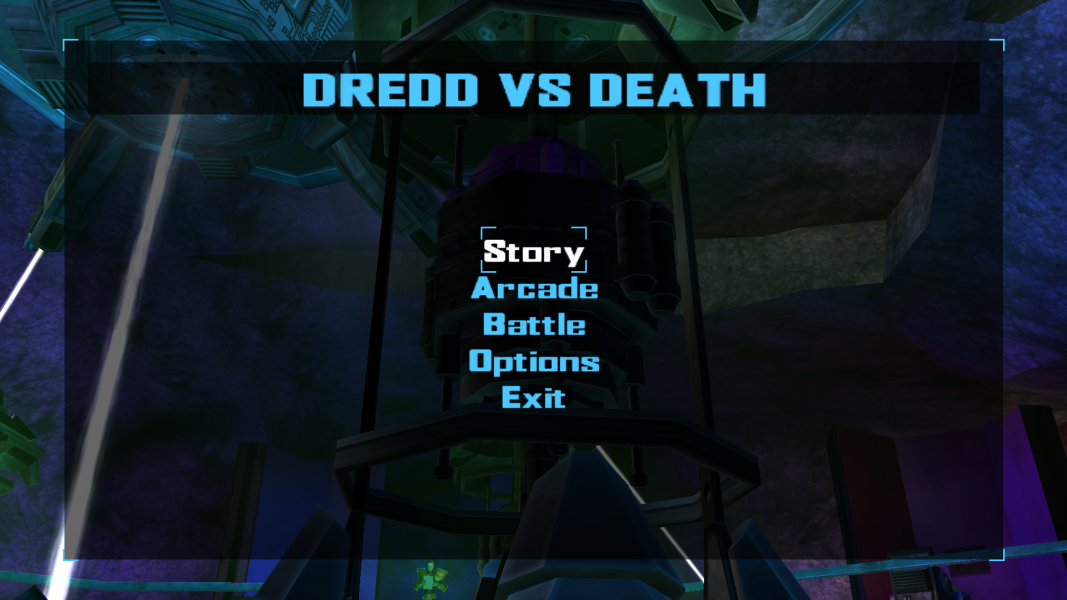
Menu Screenshots