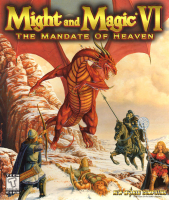


The Might and Magic RPG series jumps to 3D with its successful sixth entry. Might and Magic VI takes place on the planet of Enroth, a setting shared with the Heroes of Might and Magic spin-off series.
Support Summary
Game Information
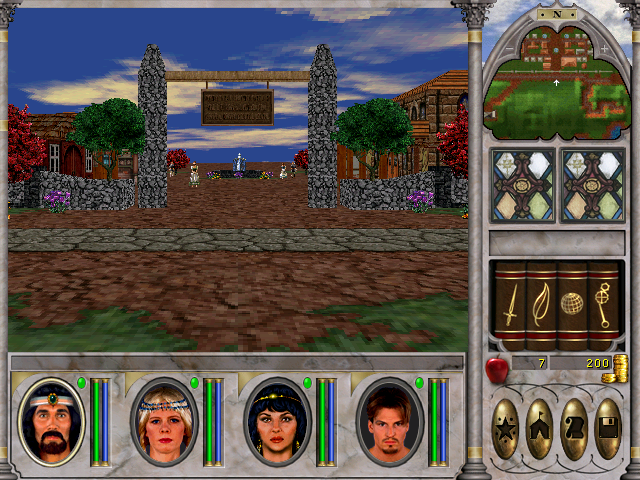
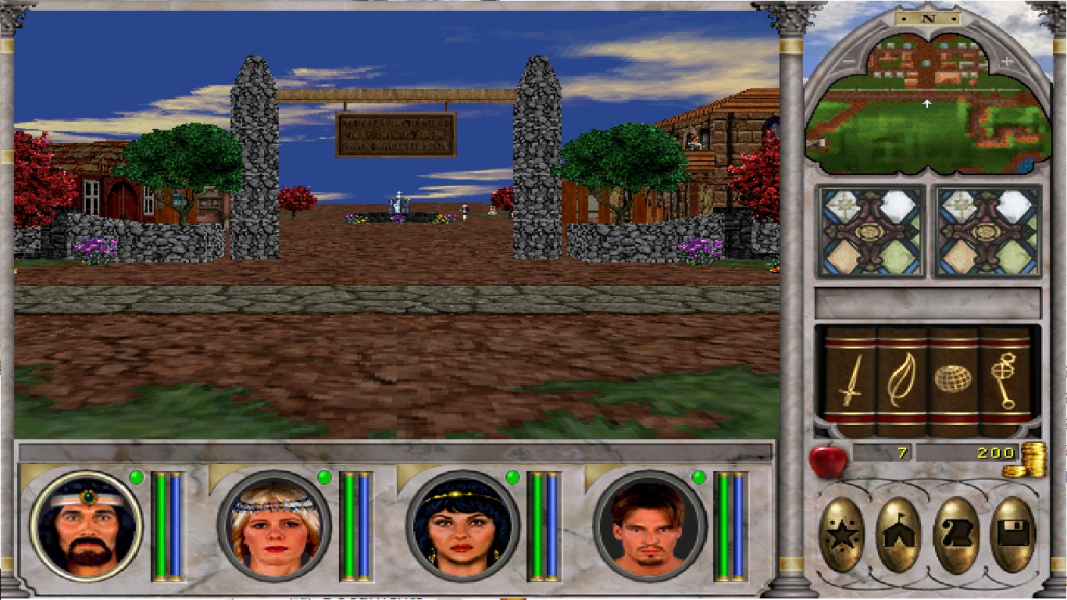
Screenshots Comparison
Solutions & Issues
Using dgVoodoo2 you can run the game in widescreen:
Search and download. Now open the dgVoodoo.zip, and copy dgVoodooSetup.exe and the three files in MS (but not the folder) into the game directory. Run the unpacked .exe and click the '.\' in the top right. Now open the 'DirectX' tab, and untick dgVoodoo Watermark. Set VRAM to your VRAM, and leave Resolution on Unforced, otherwise it will not work. Set Antialaising to your wanted, click Apply, then OK. Your game will take a little bit longer to load, but is now widescreen.
There is a Might&Magic 6 resolution mod which allows changing the windowed mode size but this works by stretching the 640x480 output to the chosen dimensions rather than actually increasing the game's rendering resolution.
Gameplay Screenshots