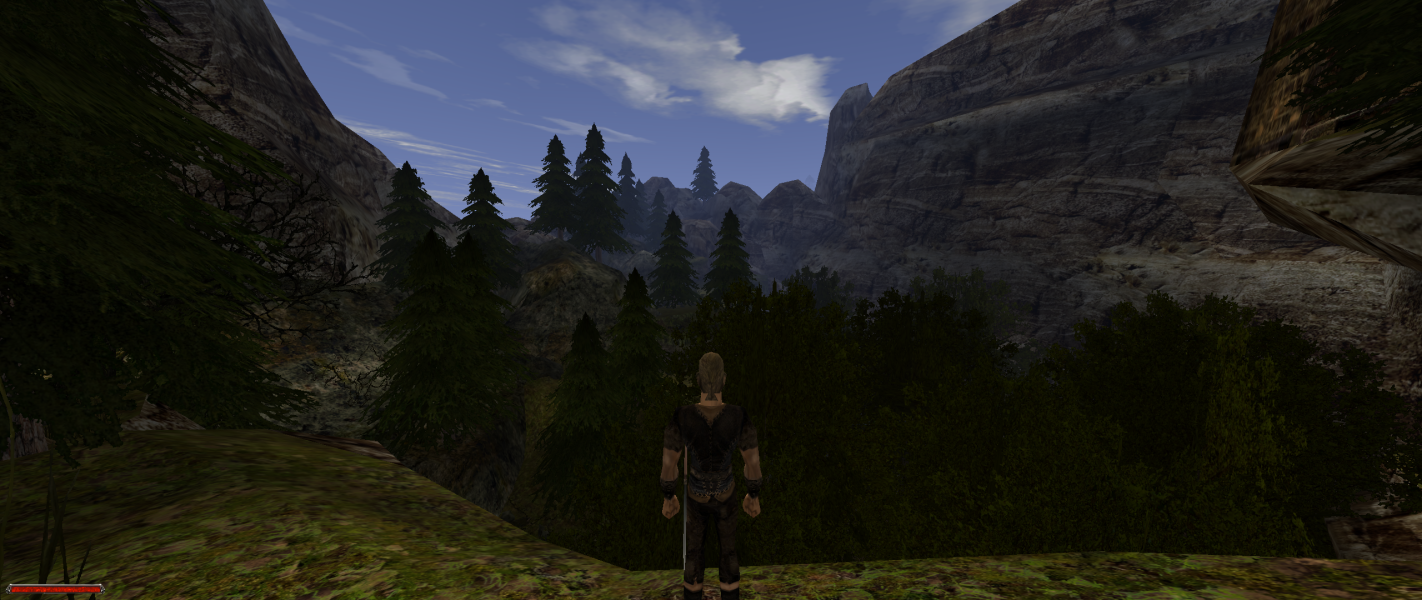


The second game of the Gothic series continues the third-person RPG goodness. Gothic II was developed by Piranha Bytes. The Night of the Raven expansion is integrated into the original Gothic II game. This expansion adds additional game content and features. Players choose different character specializations which will determine how their character develops. Training points are earned through gaining experience which can be spent to increase character stats or learn new abilities. This game is focused towards hardcore, experienced gamers.
Like Gothic, Gothic II is set on the medieval styled isle Khorinis. Places include the City of Khorinis, the monastery of the fire mages, farms and woods. The mine valley of part I is also in the game, though it has changed. Of the old camp only the castle remains, the new camp has turned into a region of ice, and the swamp camp is made inaccessible by a fence built by the orcs. The place final visited in the game is Irdorath, a dungeon similar to the temple in Gothic.
Support Summary
Game Information
Screenshots Comparison
Solutions & Issues
Native widescreen support is Vert- and only detects 1280x720, 1280x768, 1280x800, and 1440x900.
Use Gothic ½ — SystemPack. This mod adds native Hor+ support for all resolutions and corrects the aspect ratio of 2D elements. FOV can be adjusted in the configuration file.
FMV cutscenes may be black or not play correctly. If this happens edit gothic.ini in the game's system folder and change scaleVideos=1 to scaleVideos=0
Characters may look fat/thin after changing the resolution. Save and load the game to correct this.
Old manual method (not recommended):
For other resolutions Edit gothic.ini in the game's system folder
Set resolution:
zVidResFullscreenX=
zVidResFullscreenY=
Set extendedMenu= to 1
Same as widescreen, with this note from a user:
I have been playing Gothic 2 on ultrawide 21:9 2560 x 1080, on a new game the fov seems to be ok, but when I load a game the fov seems to change sometimes. I searched on forums and the DirectX 11 renderer seems to be causing this, I tried tweaking the fov and for horizontal I was thinking around 121.3, and for vertical I chose to leave it at 160 for now at time of typing. The fov values can be changed by opening a menu by pressing CTRL F11 and changing the values there.
More info here (you'll probably need to translate the page) - https://forum.worldofplayers.de/forum/threads/1531944-(D3D11)-21-9-2560…
Same as widescreen. Some HUD elements are at the far edges of the resolution.
Gameplay Screenshots