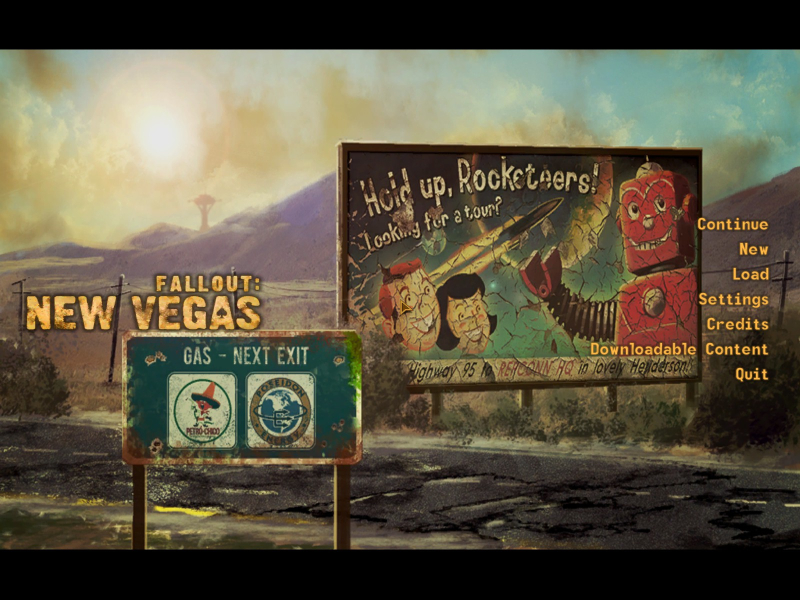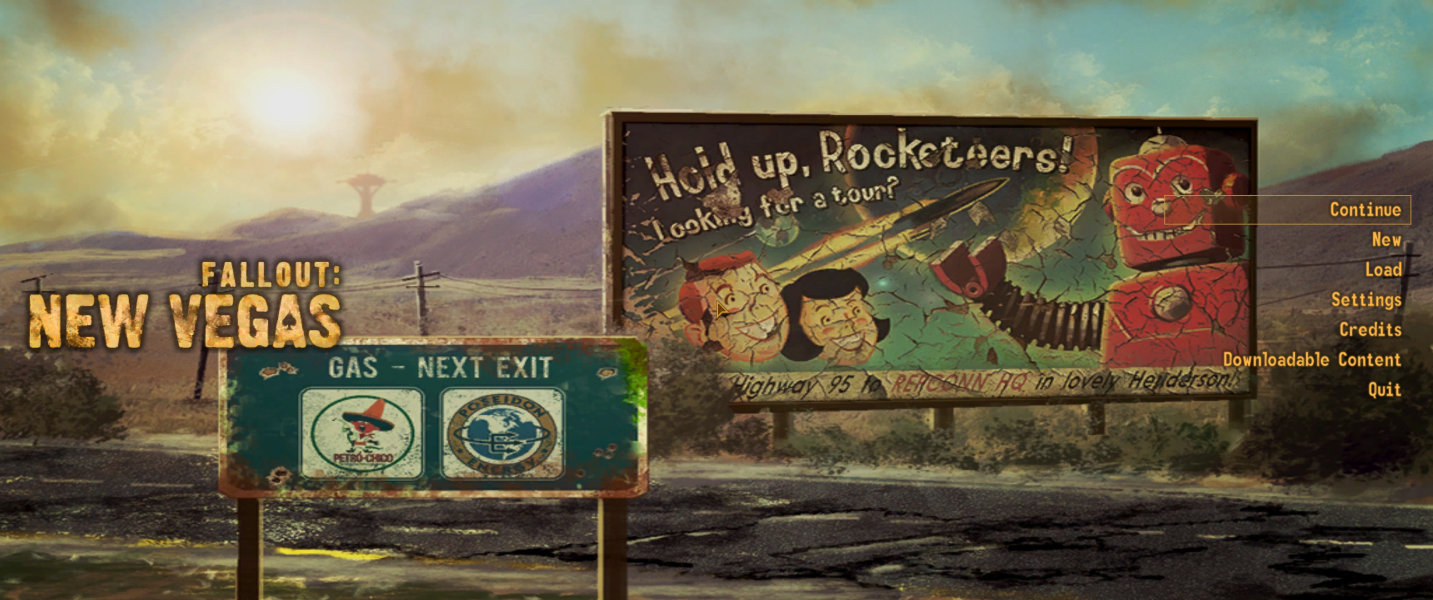


Fallout: New Vegas is an action role-playing video game developed by Obsidian Entertainment and published on October 2010 by Bethesda Softworks
Obsidian Entertainment presents new features and improvements in Fallout: New Vegas that are implemented upon the foundation of Fallout 3. For example, the original Fallout 3 version of the Gamebryo engine was reworked to accommodate the extra lights and effects of the Las Vegas Strip.
(Source: Wikipedia)
Support Summary
Game Information
Screenshots Comparison
Solutions & Issues
For 3440x1440:
In the options panel in the New Vegas launcher
Select 16:9 aspect ratio
Set the resolution to 2560x1440
Edit Fallout_default.ini in game directory, Fallout.ini and FalloutPrefs.ini in Documents\My games\FalloutNV:
(FalloutPrefs.ini directly affects the game so you only have to edit this one)
[Display]
Modify iSize w from iSize W=2560, to iSize W=3440
Change fDefaultFOV from fDefaultFOV=75, to fDefaultFOV=95
[RenderedTerminal]
Change fRenderedTerminalZoom=33 to fRenderedTerminalZoom=75
HUD issues with bezel compensation.
Fixing the UI is the same as Fallout3:
edit the three .ini-files (Fallout_default.ini in game directory, and Fallout.ini/FalloutPrefs.ini in documents/games/FalloutNV):
[Display]

fDefaultFOV=120.0000

bEnableEyefinity=0

iSize W=6048

iSize H=1080
[Interface]

iSafeZoneXWide=925

iSafeZoneYWide=15

iSafeZoneX=925

iSafeZoneY=15
To make the pipboy/terminals more usable:
[Fonts]

sFontFile_1=Textures\Fonts\Glow_Monofonto_Large.fnt

sFontFile_2=Textures\Fonts\Glow_Monofonto_VL_dialogs.fnt

sFontFile_3=Textures\Fonts\Glow_Monofonto_Medium.fnt

sFontFile_4=Textures\Fonts\Monofonto_VeryLarge02_Dialogs2.fnt

sFontFile_5=Textures\Fonts\Glow_Monofonto_VL_dialogs.fnt

sFontFile_6=Textures\Fonts\Glow_Monofonto_VL_dialogs.fnt

sFontFile_7=Textures\Fonts\Baked-in_Monofonto_Large.fnt

sFontFile_8=Textures\Fonts\Glow_Futura_Caps_Large.fnt

sFontFile_9=Textures\Fonts\NVFont_Test.fnt
[RenderedTerminal]

fRenderedTerminalZoom=88
Gameplay Screenshots

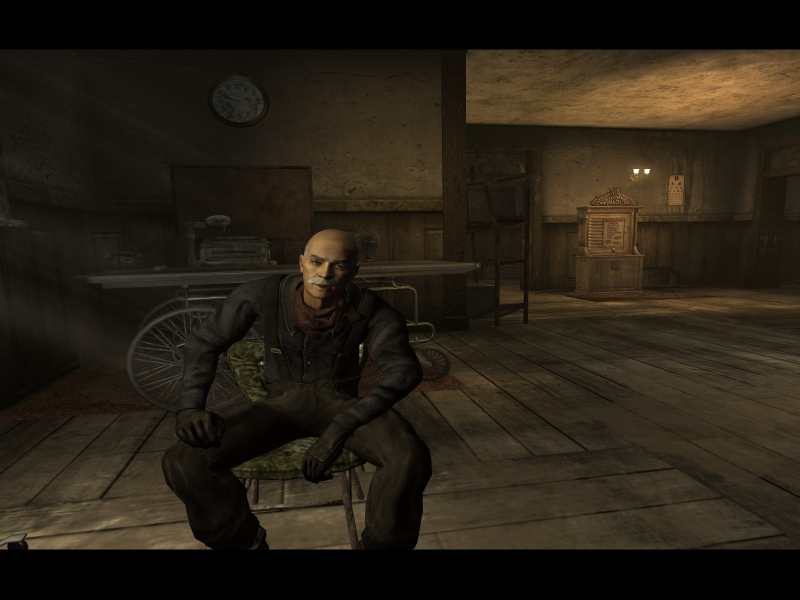
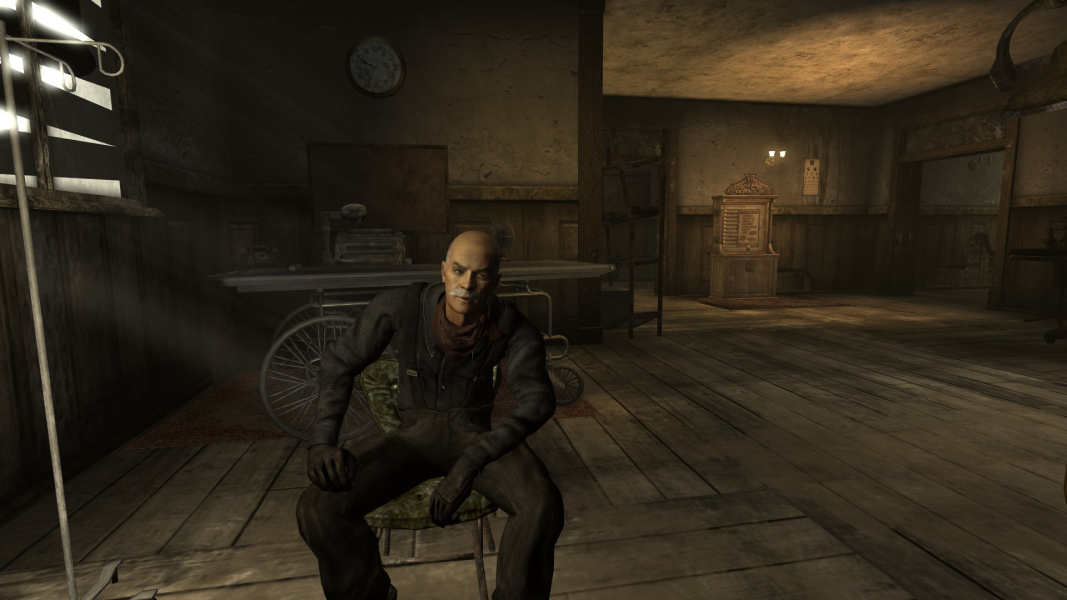
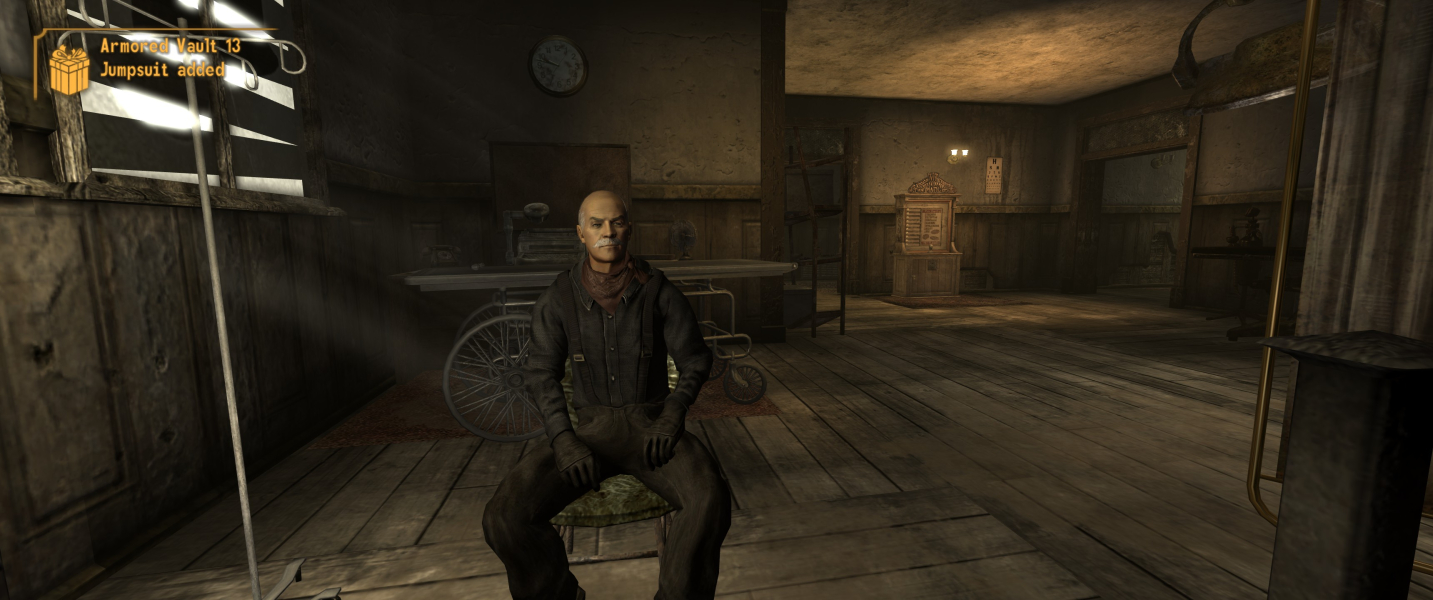


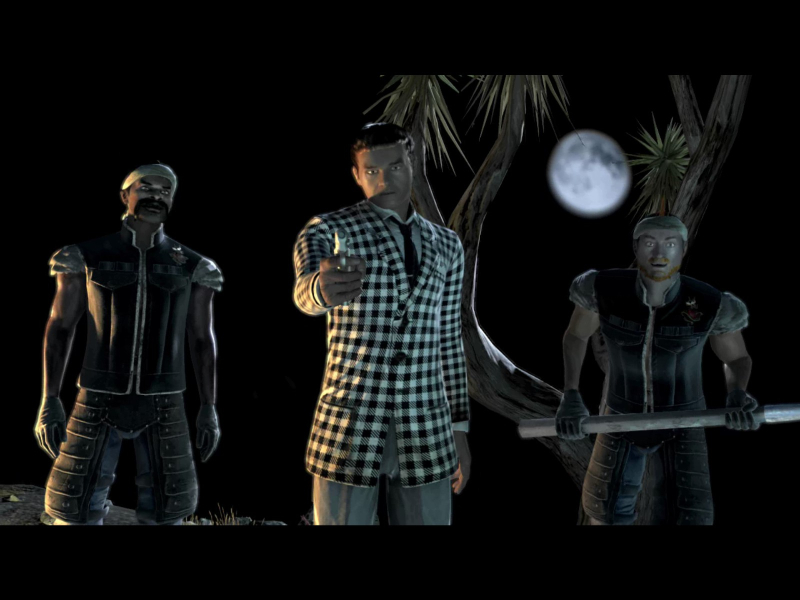
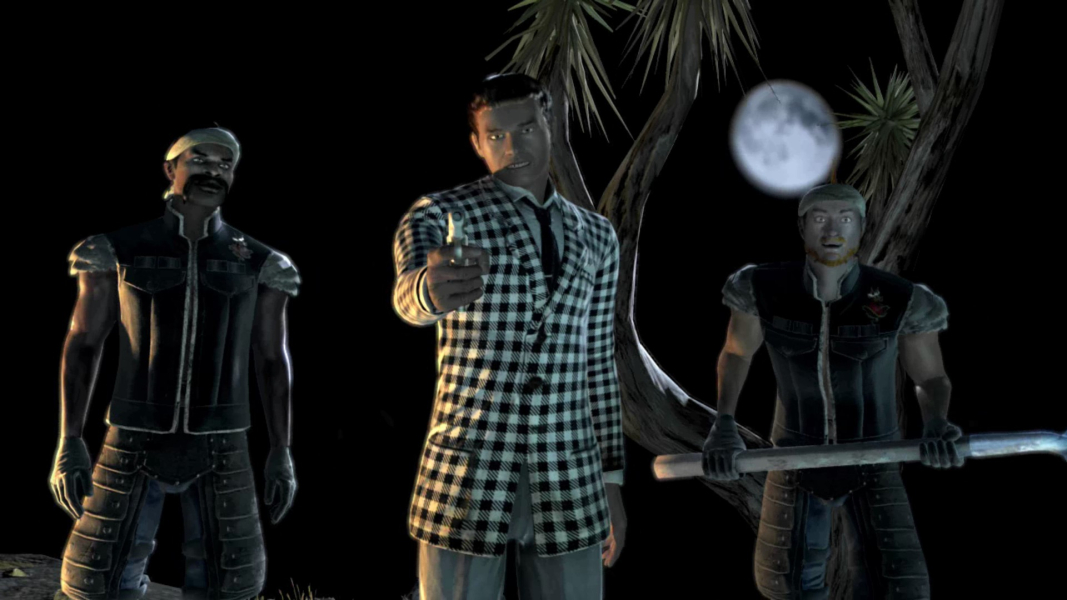
In-Game (Rendered) Cutscenes



FMV Cutscenes

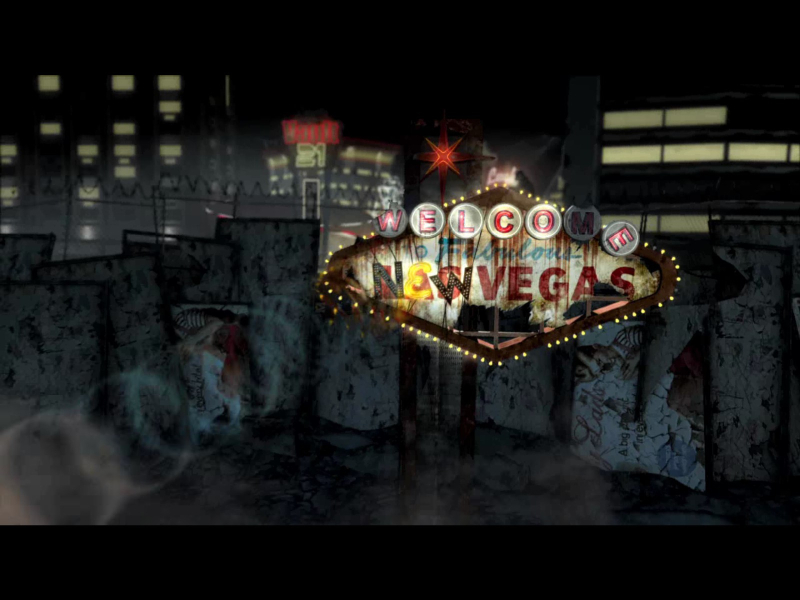
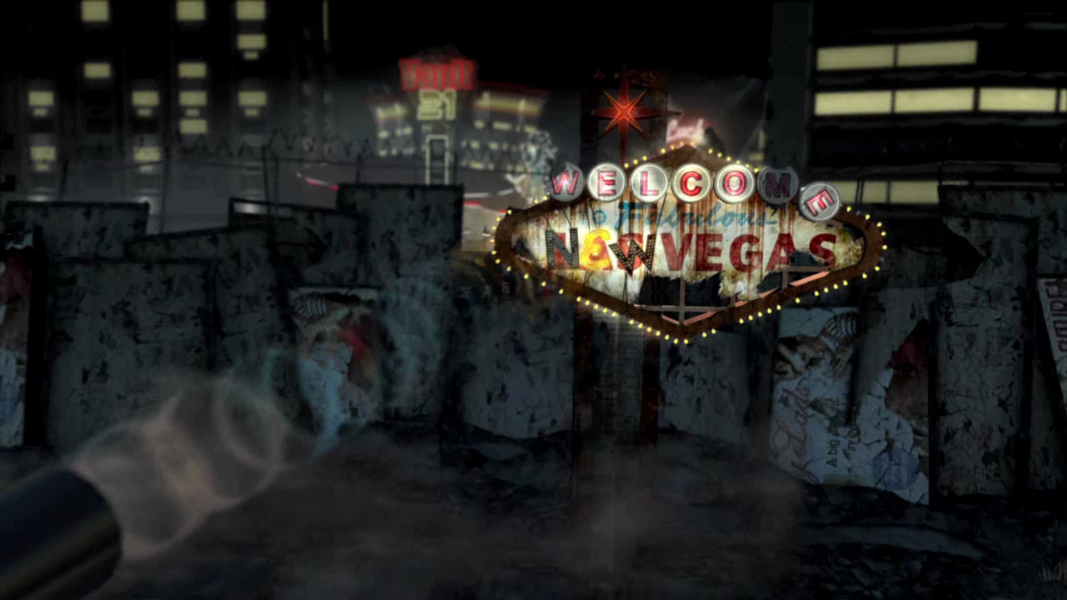
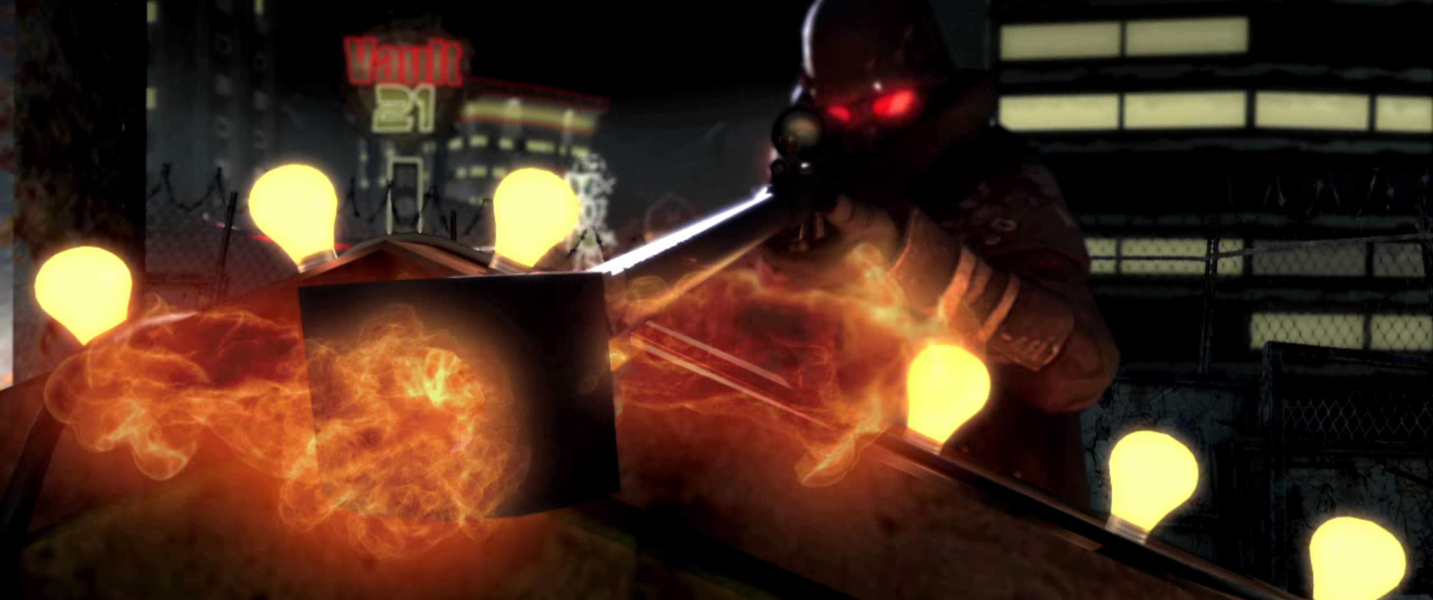

Menu Screenshots