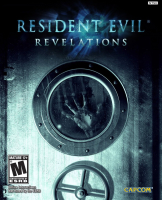


Resident Evil: Revelations, known as Biohazard Revelations (バイオハザード リベレーションズ Baiohazādo Riberēshonzu?) in Japan, is a survival horror video game for the Nintendo 3DS. The game was developed by Capcom, and was released on January 26, 2012 in Japan; January 27, 2012 in Europe; February 2, 2012 in Australia; and February 7, 2012 in North America.
A high definition port of the game was released for Microsoft Windows, PlayStation 3, Wii U and Xbox 360 in May 2013.
Resident Evil: Revelations returns to the survival horror gameplay of earlier series installments, with returning elements such as a limited supply of ammunition, and more emphasis on exploration and puzzle solving.[2] The game's camera keeps an over-the-shoulder view from behind the playable character.[5] The player may move the protagonist while aiming a weapon, and has the option to switch between a first-person and third-person perspective.[5][6] A new device, the Genesis, detects items hidden throughout the game's environments.[7]
Extra features include Raid Mode, allowing two players to cooperate in battling waves of enemies.[8] Players are also able to send in-game supplies to friends via the StreetPass feature of the Nintendo 3DS.[9] The Wii U version offers additional features using the Wii U GamePad, including dual screen gameplay, Off-TV Play and Miiverse functionality.[10] The game also supports the Circle Pad Pro expansion peripheral for the Nintendo 3DS version.[11]
Support Summary
Widescreen | Ultra/Super‑Wide | Multi-Monitor | 4K Ultra HD | |
Support | ||||
Method | ||||
HUD | ||||
Cutscenes | ||||
FMVs |
Game Information
Screenshots Comparison
Solutions & Issues
Nativ
There are 2 Ways:
1.Go to -> C:\Users\......\AppData\Local\CAPCOM\RESIDENT EVIL REVELATIONS\config.ini
Look for Aspect=16:9 - change it to Aspect=default
But this works ONLY for 2560 x 1080
3440 x 1440 will crash.
2.Use the latestWideScreen Fixer.
How to make it work:
1. Go to C:\Users\XXX\AppData\Local\CAPCOM\RESIDENT EVIL REVELATIONS.
2. Open the config.ini file.
3. In the ini file find the "Resolution=" field and write 2560x1440.
4. Make the ini file READ ONLY
5. Start WSF and THE GAME.
6.DO NOT ENABLE THE FIX (The game will crash)
7. Get to the main screen (After the intro screen with the big eye).
8.ALT+TAB and enable the FIX (If you don't ALT+TAB the game will crash)
9.ALT+TAB tp the game and you will see the full 21:9 Resolution.
10.Enjoy the game!!!!!!
Thanks to Helifax for this solution:
Use the latestWideScreen Fixer.
How to make it work:
1. Go to C:\Users\XXX\AppData\Local\CAPCOM\RESIDENT EVIL REVELATIONS.
2. Open the config.ini file.
3. In the ini file find the "Resolution=" field and write the desired single monitor resolution to be used in Surround/Eyefinity (for example for 5040x1050 select 1680x1050).
4. Make the ini file READ ONLY
5. Start WSF and THE GAME.
6.DO NOT ENABLE THE FIX (The game will crash)
7. Get to the main screen (After the intro screen with the big eye).
8.ALT+TAB and enable the FIX (If you don't ALT+TAB the game will crash)
9.ALT+TAB tp the game and you will see the Surround/Eyefinity Resolution. (It is more visible after you get ingame since the menu is centered and displayed on the center monitor)
10.Enjoy the game!!!!!!
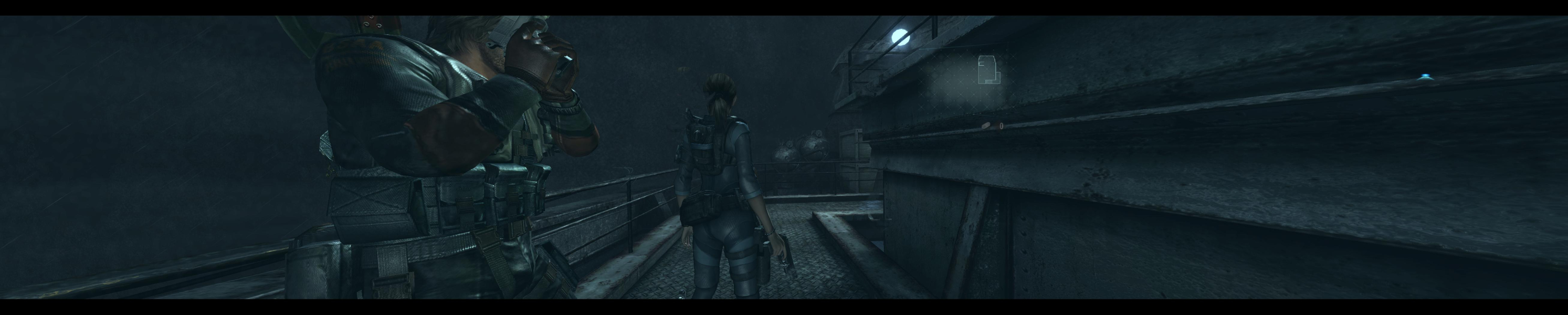
Gameplay Screenshots


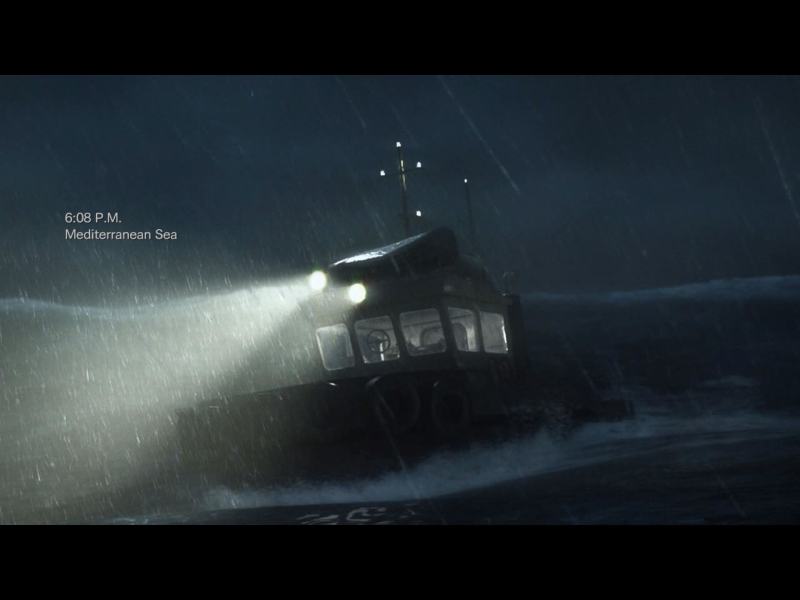
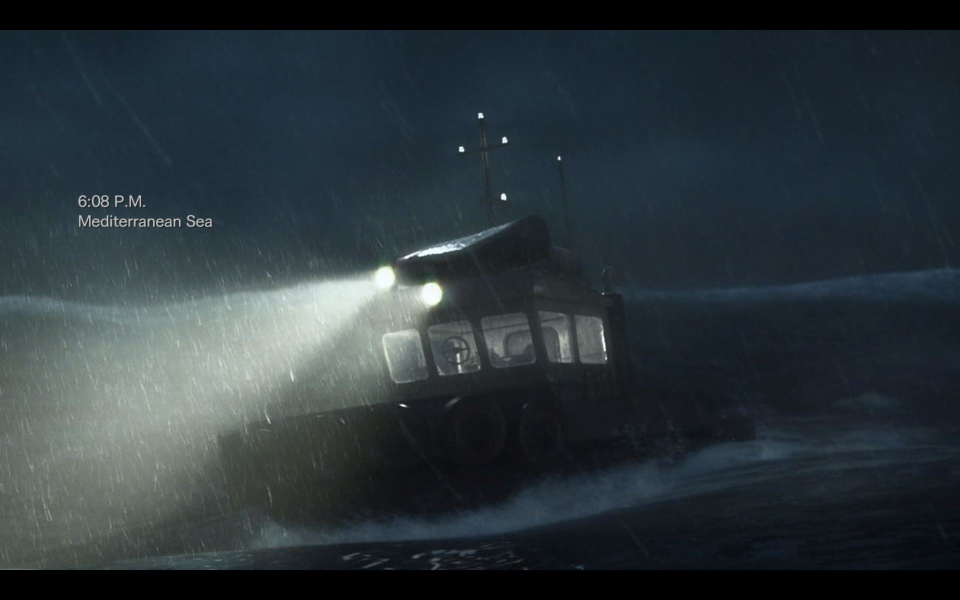
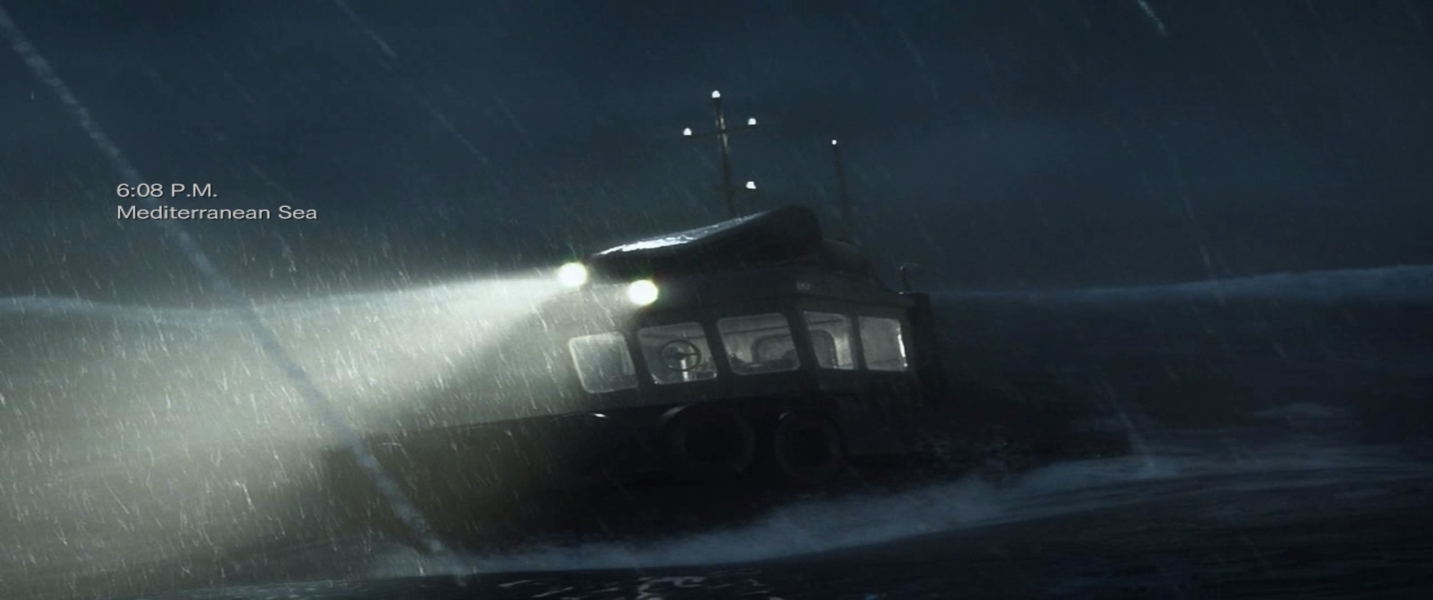
FMV Cutscenes

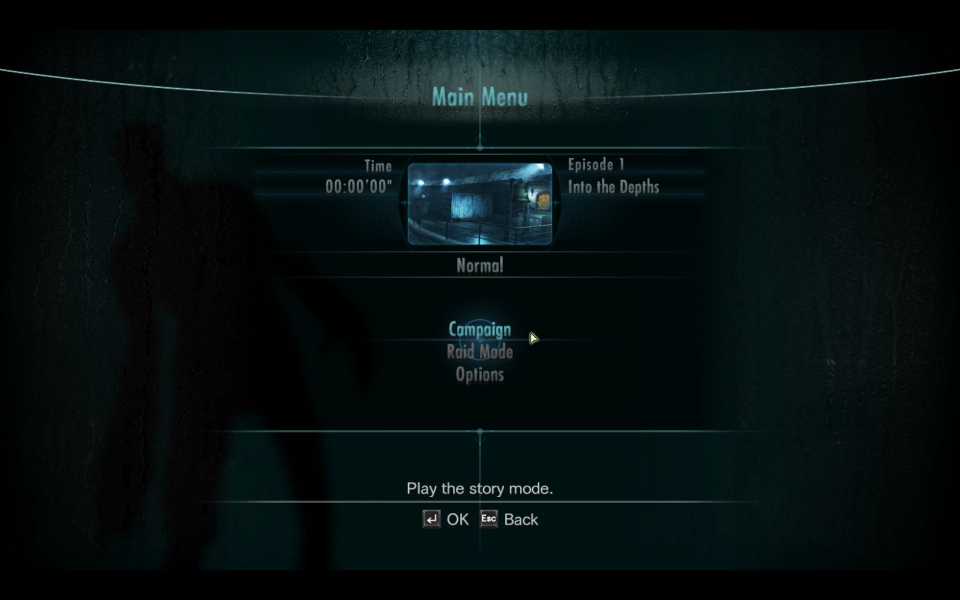
Menu Screenshots



Additional Screenshots