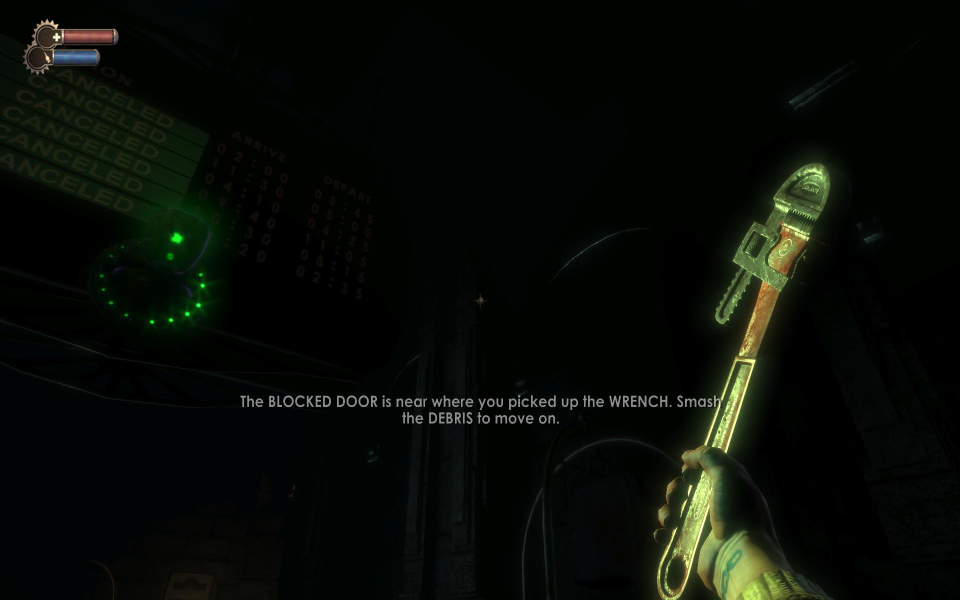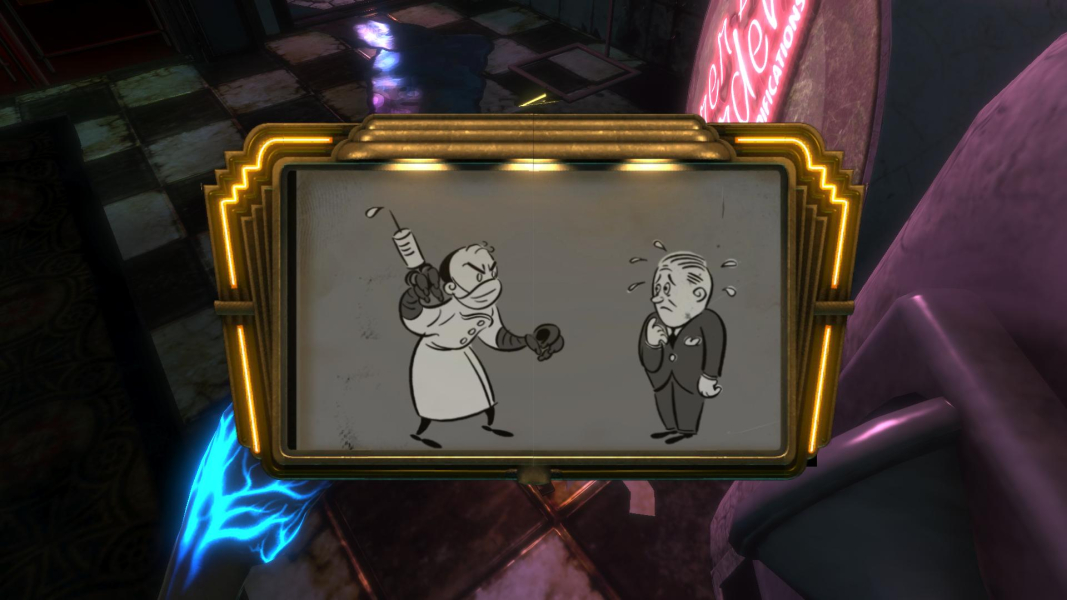


Bioshock is Ken Levine's vision of a paradise lost. This first person shooter is considered the spiritual successor to the System Shock series. The game takes place in the underwater utopian city Rapture as it is in a state of impending collapse. You must survive the horrors that await.
Bioshock is a FPS developed by 2K Boston/2K Australia. It is set in a 1960 that got a big dose of science fiction.
Players combat enemies with a combination of traditional FPS weapons and the genetics-defying plasmids. These plasmids enable players to perform many unique attacks like summoning a swarm of insects from the player's flesh.
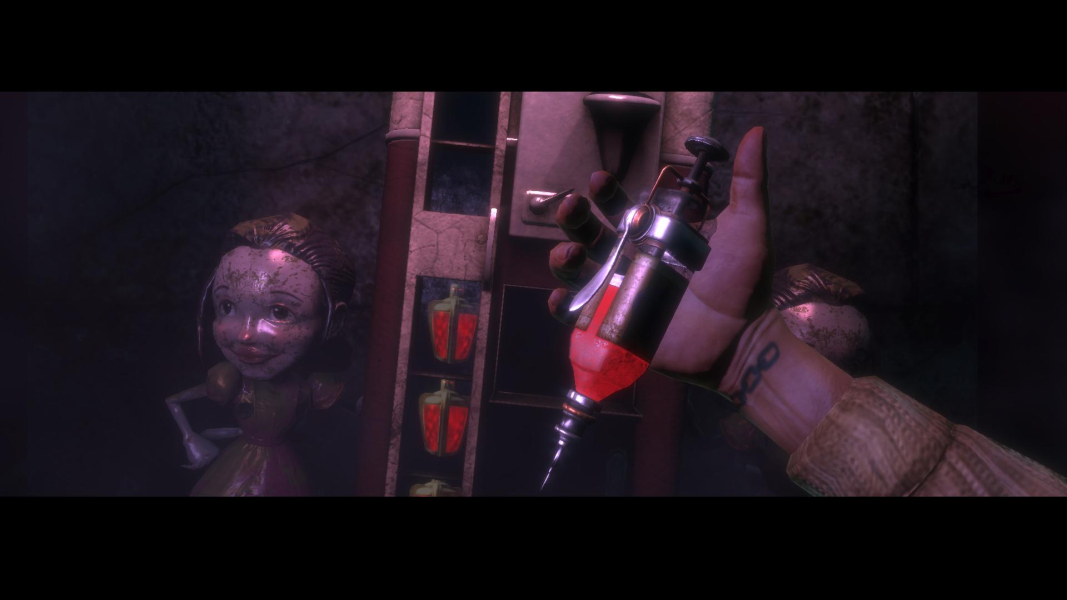
Players can increase their character's abilities by "harvesting" special children within the game. The decision on how to interact with these children will determine the final outcome of the game.
Darling it's better down where it's wetter take it from me.
Support Summary
Game Information
Screenshots Comparison
Solutions & Issues
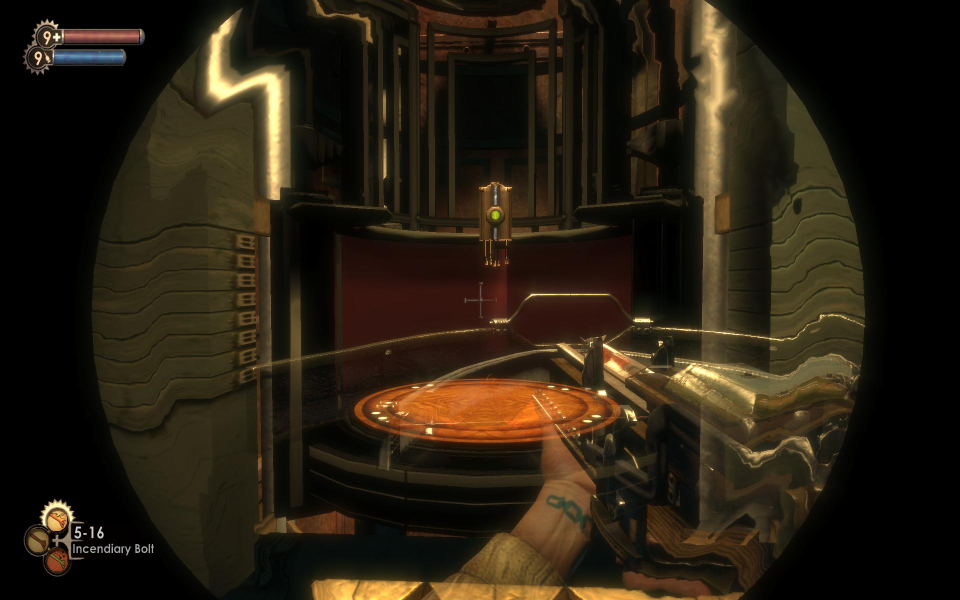
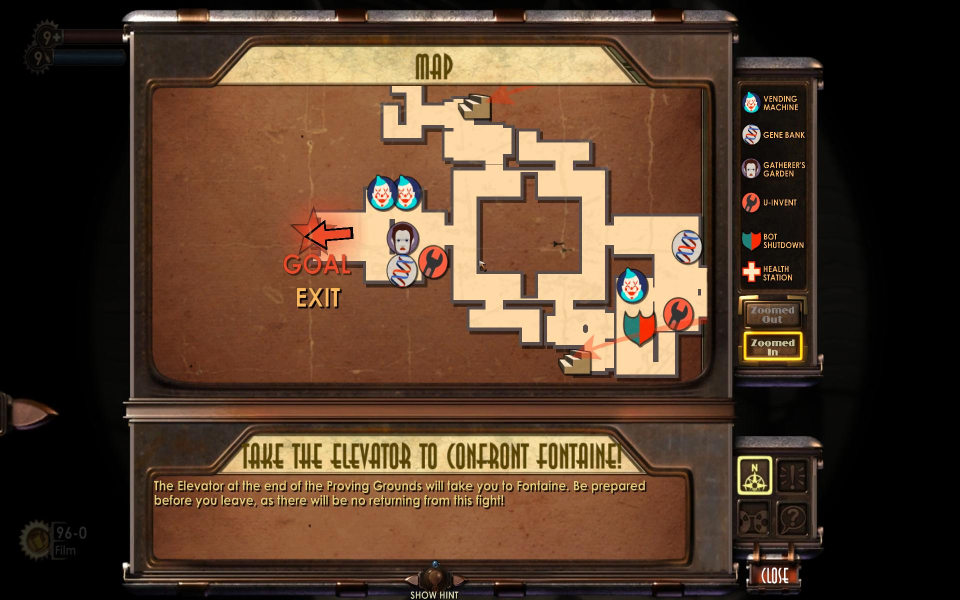
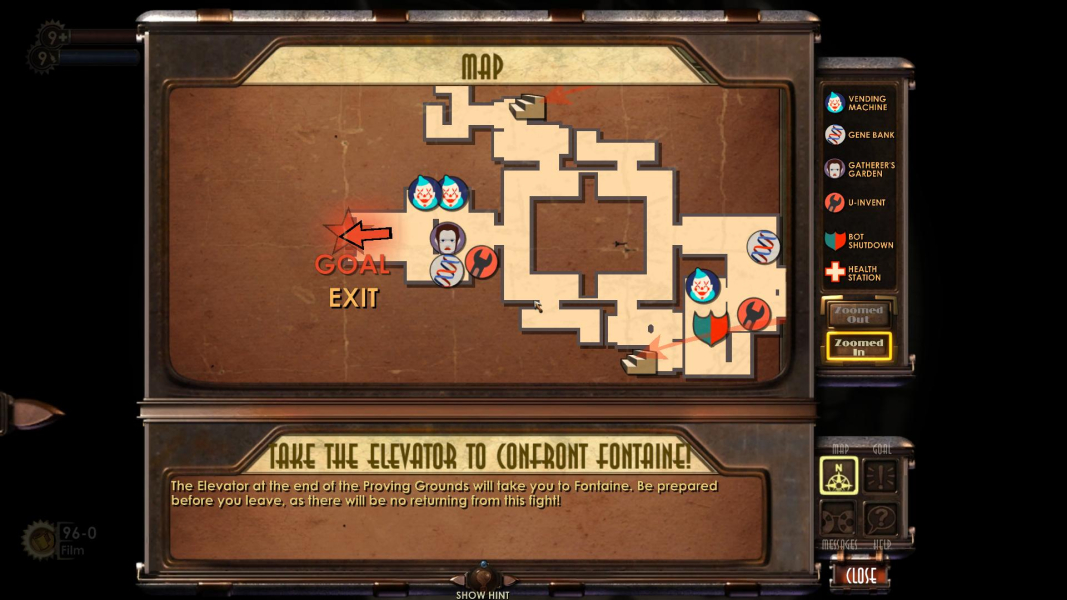
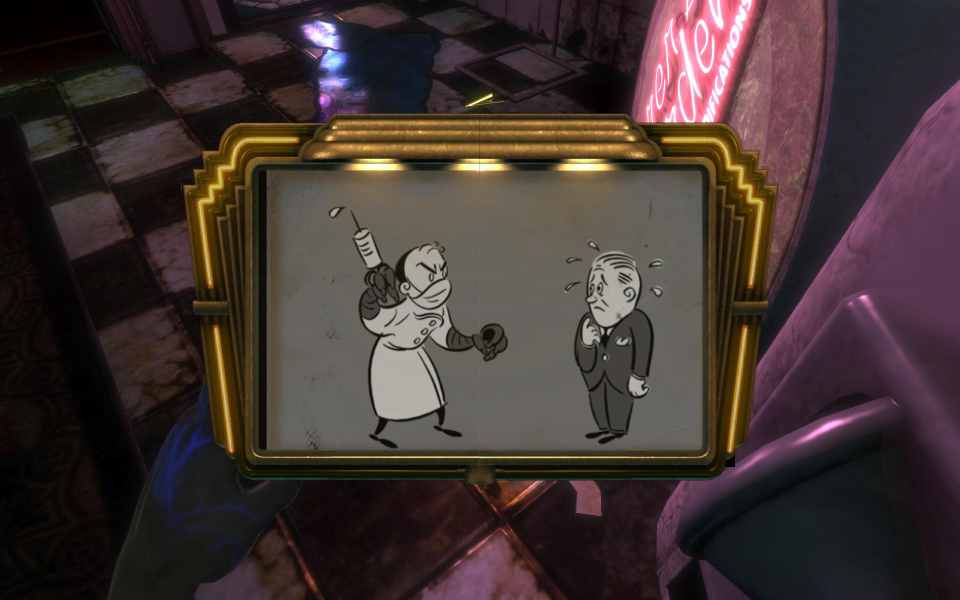
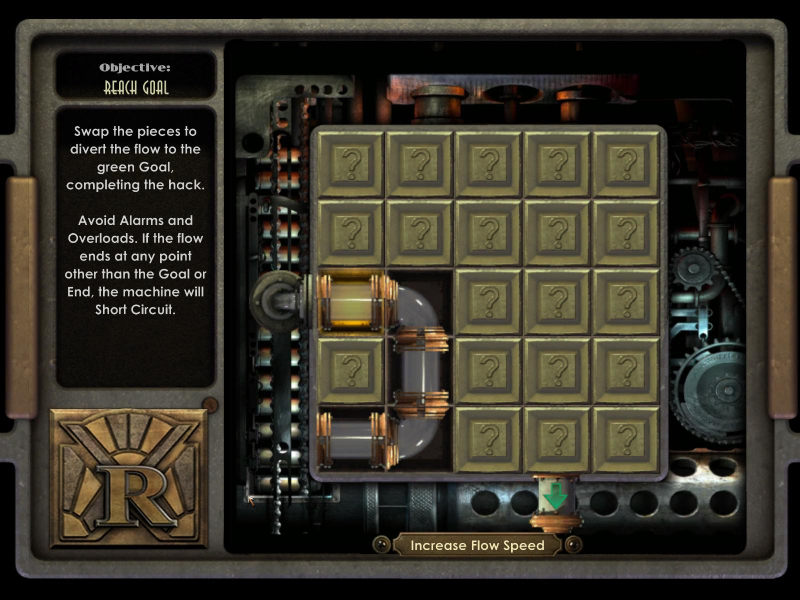
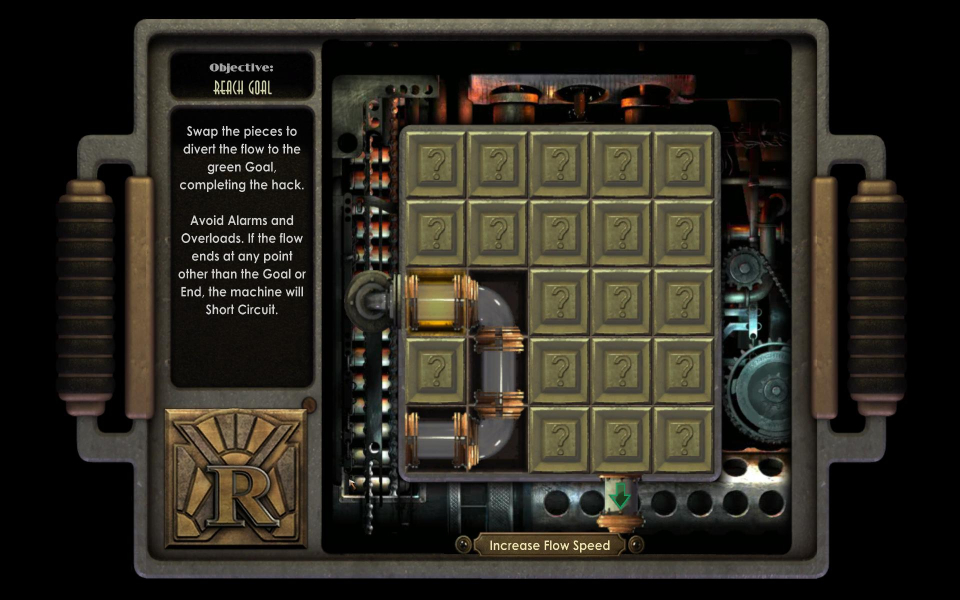
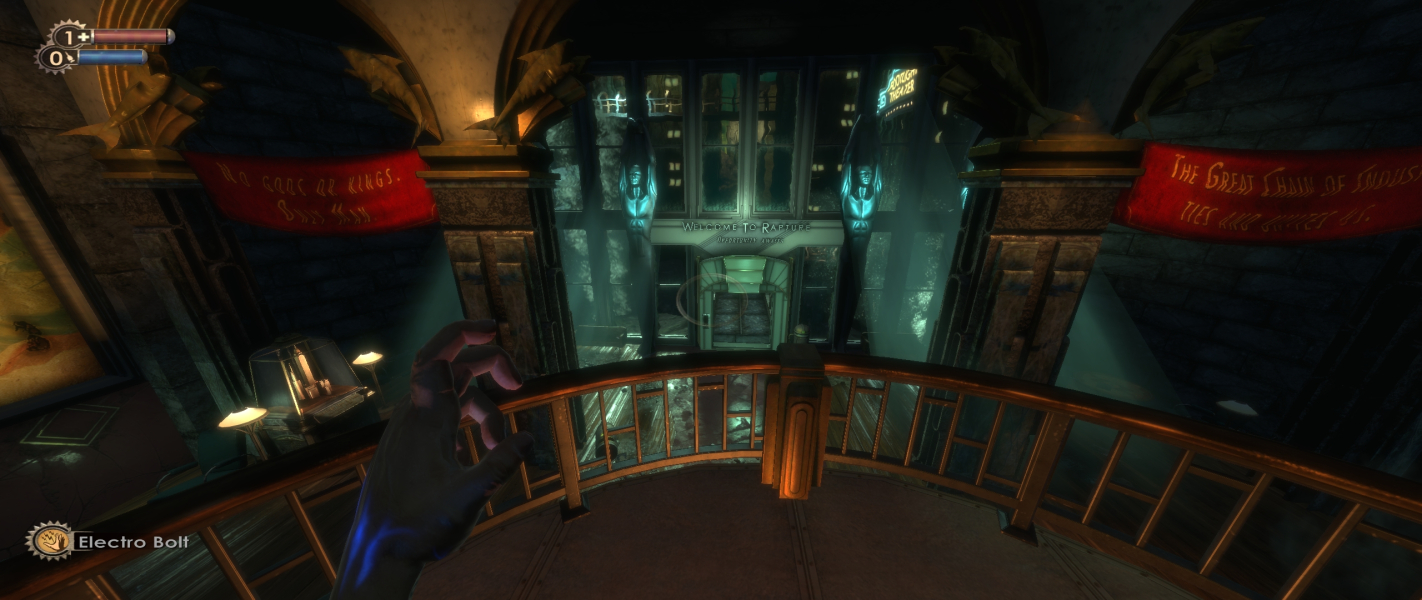
Native support for widescreen resolutions. There is a "Horizontal FOV Lock" selection that needs to be disabled in the game-options screen. The HUD and all two-dimensional elements have vertical stretching in 16:10 and 15:9 resolutions. This includes the pre-rendered plasmid screens and certain pre-rendered backgrounds.
The game works fine with the resolution selecting it in the menu. You just need to adjust the FOV to your needs if the default one isn't good enough.
Flawless Widescreen has a plugin which fixes most of the problems (Menu, FOV, HUD). Only thing which is a bit off is the mouse positioning on the HUD and menus but it's still functional.
Get Flawless Widescreen here: http://www.flawlesswidescreen.org/
------ Old method ------
Resolutions can be set by ingame options but fov however can not.
To change fov to whatever you want you will have to edit User.ini file in C:\Users\username\AppData\Roaming\Bioshock
Look for entry:
F11=
F12=
and replace it with
F11=SetFOV 150
F12=ResetFOV
Now when in game: F11 key wil set your fov to 150 and F12 will restore it to native value.
Hud will be streched and you will need to press F11 everytime a level changes - but other than that game looks great in eyefinity.
Bioshock Recorgnises 4K Res natively and even notifies if it's widescreen yes or no.
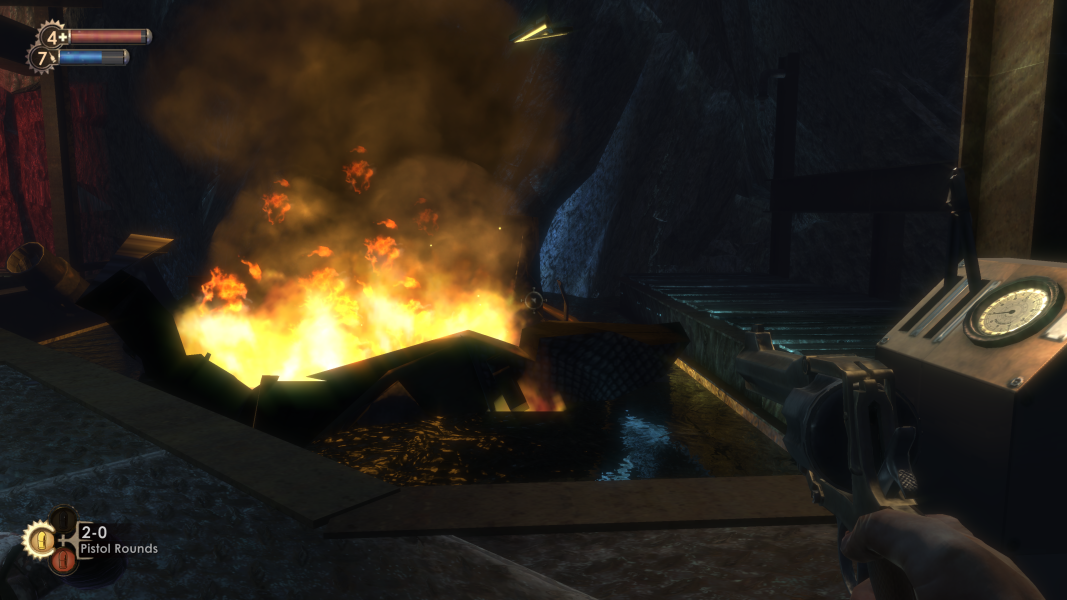
Gameplay Screenshots




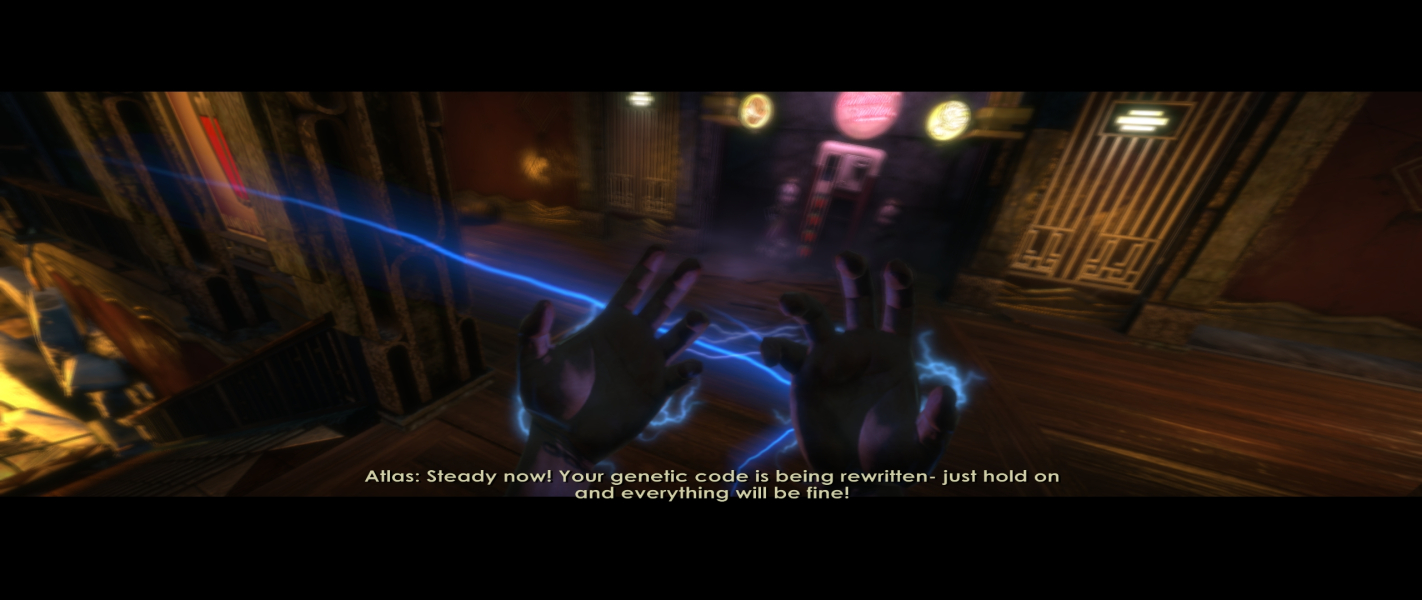
In-Game (Rendered) Cutscenes
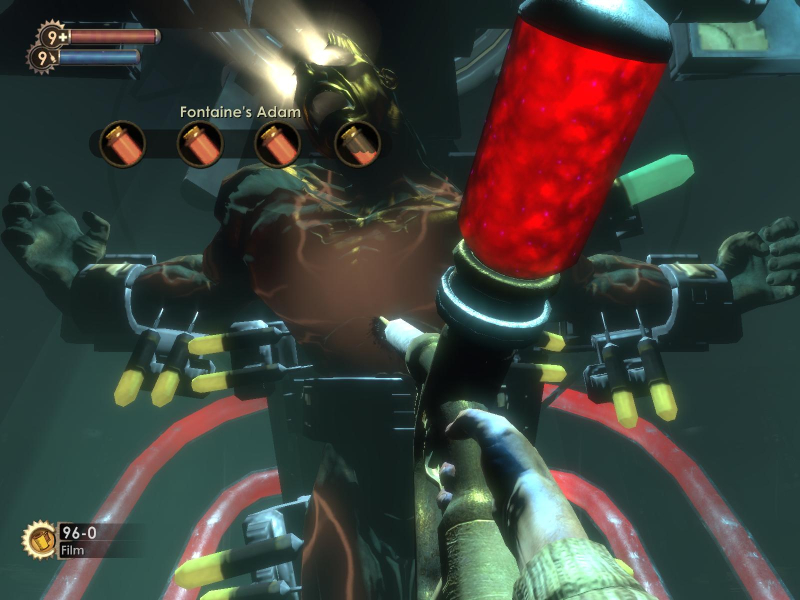
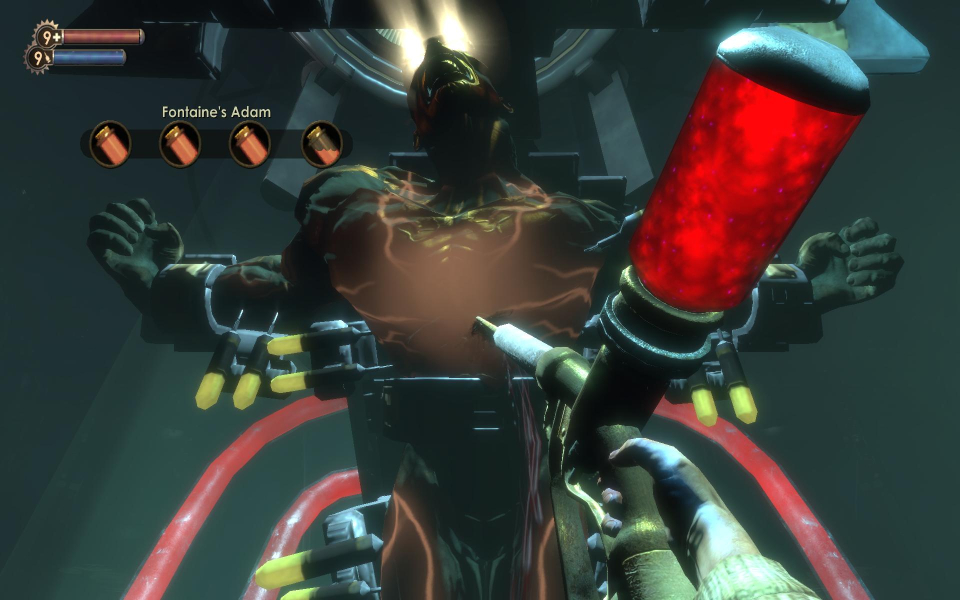
FMV Cutscenes
4K UHD Screenshots
Additional Screenshots