


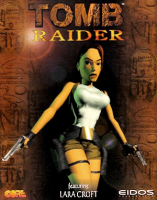


The original Tomb Raider game (1996) originally released on Sega Saturn
Support Summary
Game Information
Game Status:Released
Release Date:
Tested Version:GOG.com
Play Styles:Single-Player
Setting:Modern
Genre:Action-Adventure
Developer:Core Design
Screenshots Comparison
Solutions & Issues
Widescreen Solution & Issues:
Default resolution is 640x480; for higher resolutions do the following:
- Make a folder. This will be the installation folder.
- Copy the DATA and FMV folders into this folder.
• For the Retail version, look for these folders on the CD-ROM.
• For the GOG.com and Steam versions, extract GAME.GOG with UniExtract to get these folders. - Download Tomb Raider Fix.
- Extract all files in the fix folder to the folder you've created, replacing existing files.
- Install both redistributable versions in the VC_Redist x86-x64 folder.
- Check How To Install.txt to get more info about available features.
- Launch Tombati.exe to play the main game.
- Launch Tombub.exe in the Unfinished Business folder to play the bonus chapter.
The desktop resolution is used by default. All resolutions are Hor+. Resolution, FOV, draw distance, and many other settings can be changed by editing the INI files in the Patches folder (tombati.ini for the base game, tombub.ini for Unfinished Business).
The health bar and inventory items scale with the resolution. Other text and 2D symbols remain at the original size.
FMV cutscenes appear windowboxed due to the video files having built-in letterboxing (the developer/publisher logos are pillarboxed instead).
Ultra/Super-Wide Specific Solution & Issues:
Same as widescreen steps.
Eyefinity / Surround Specific Solution & Issues:
Same as widescreen steps.
Gameplay Screenshots
4:3 Screenshot

16:10 Screenshot

16:9 Screenshot

21:9 Screenshot
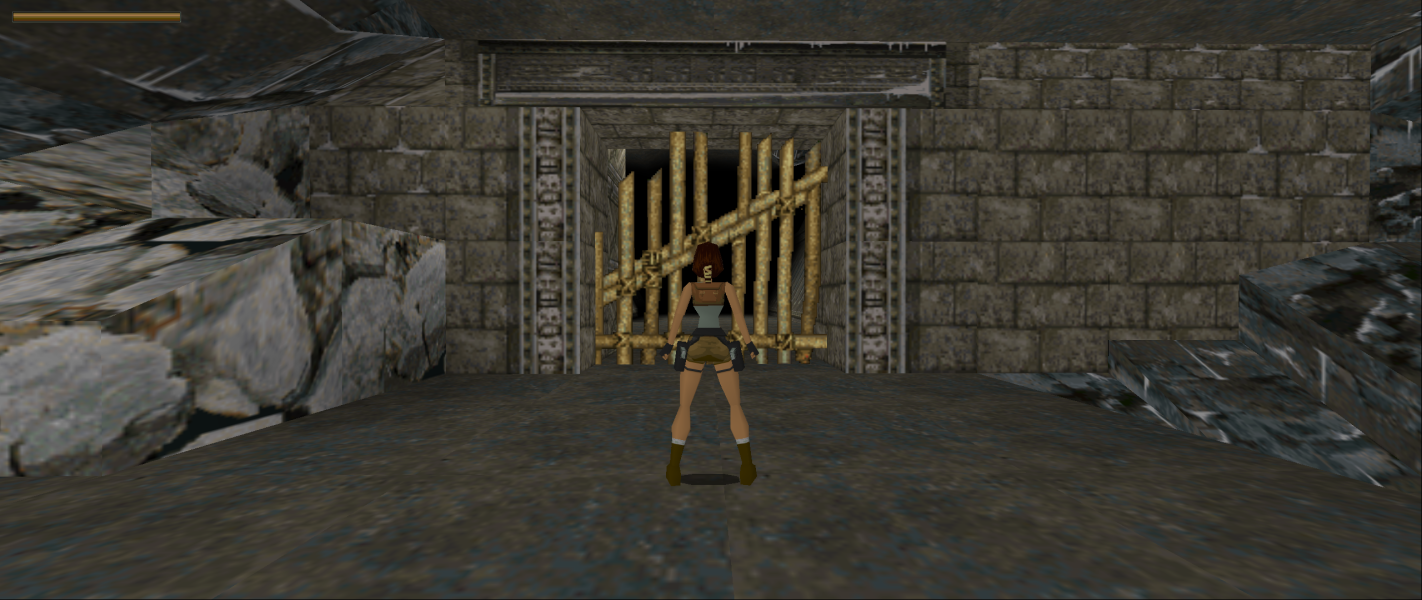
32:9 Screenshot

Eyefinity / Surround Screenshot

FMV Cutscenes
4:3 FMV Cutscene
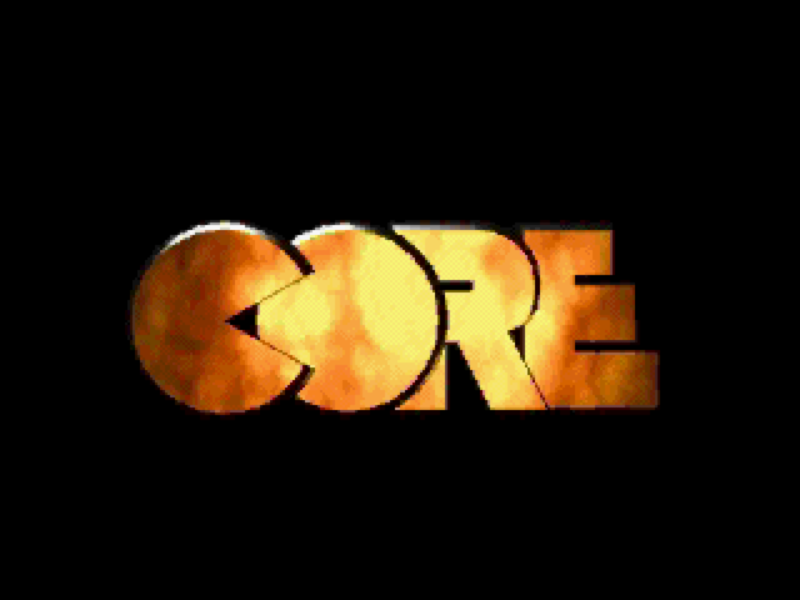
16:10 FMV Cutscene

16:9 FMV Cutscene
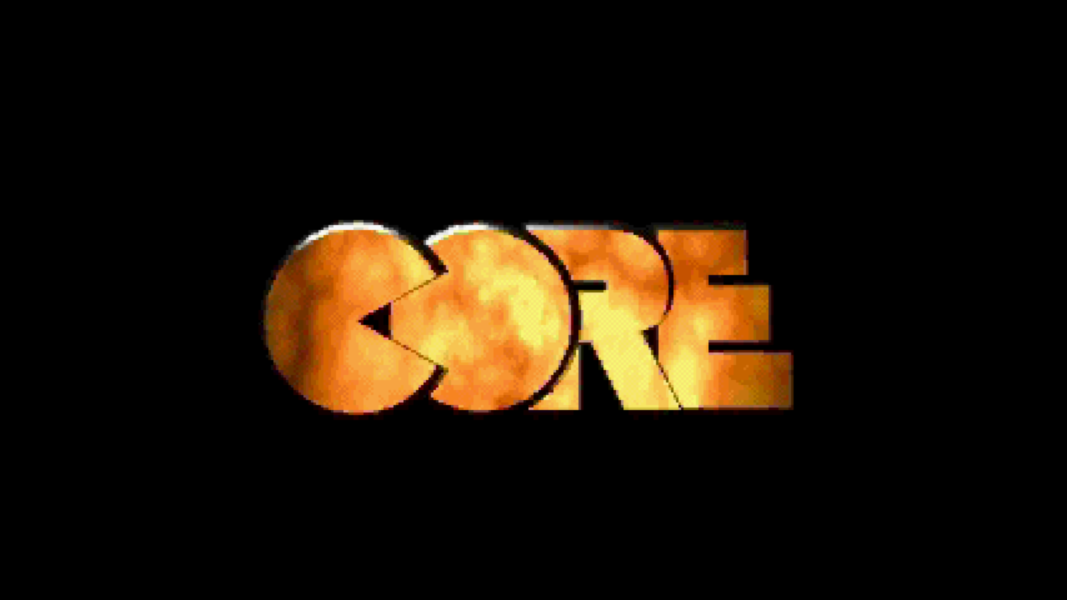
21:9 FMV Cutscene
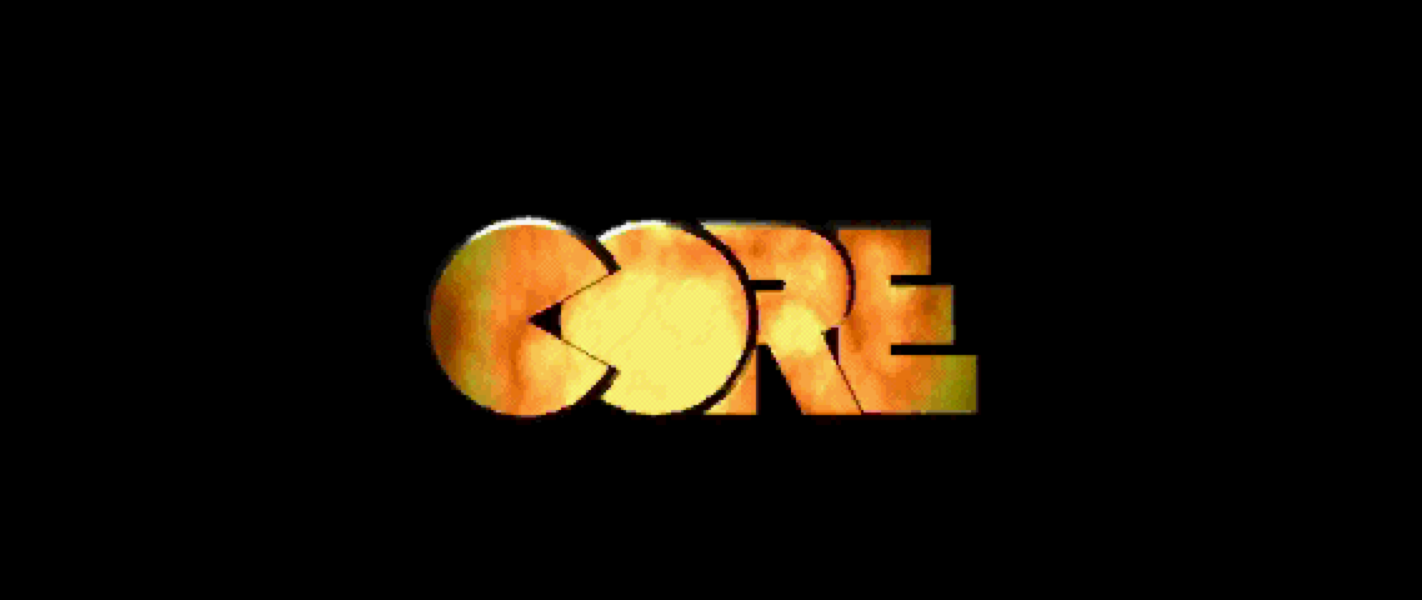
Eyefinity / Surround FMV Cutscene

Menu Screenshots
4:3 Menu
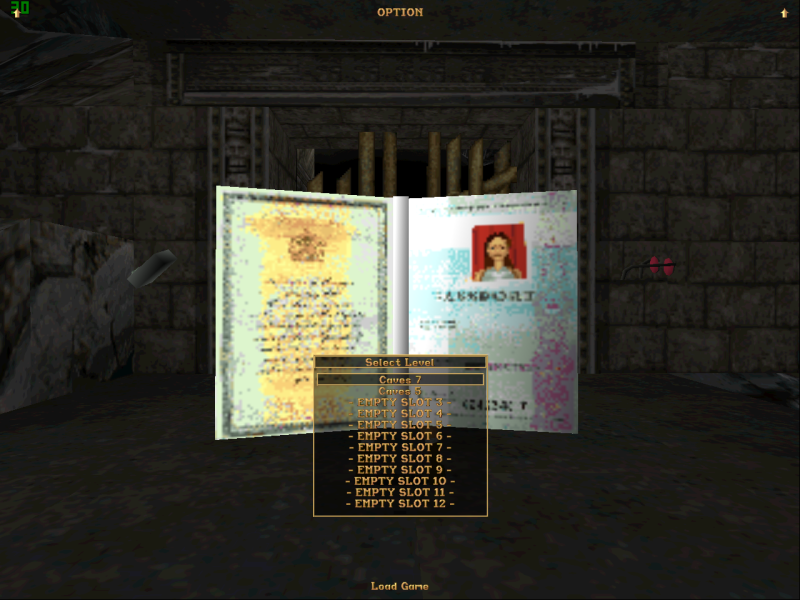
16:10 Menu
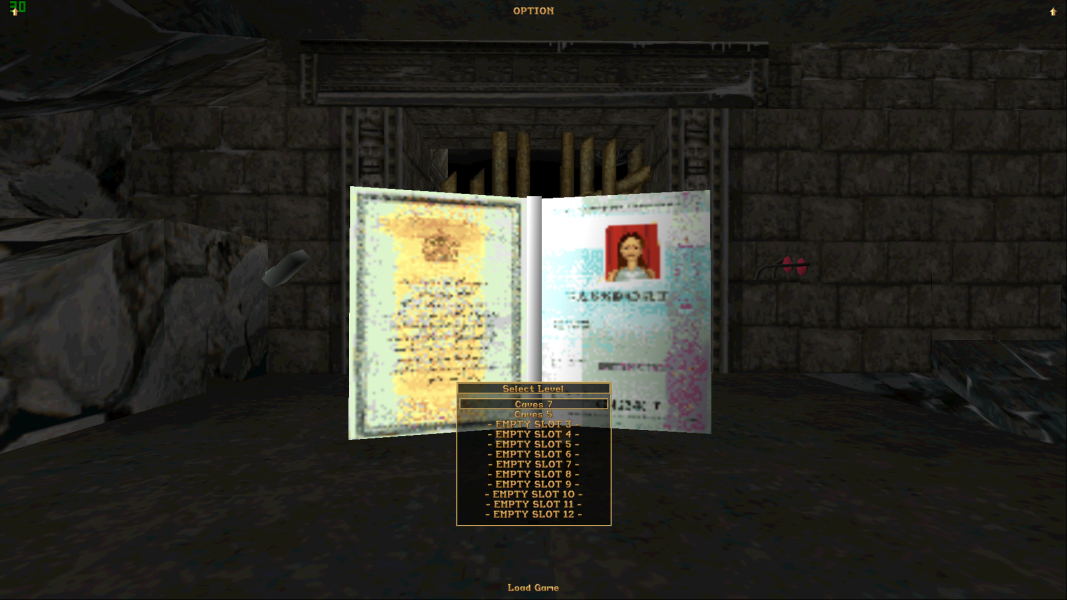
16:9 Menu

21:9 Menu

Eyefinity / Surround Menu

Resolutions & Configurations
16:9 Resolutions:1920x1080


