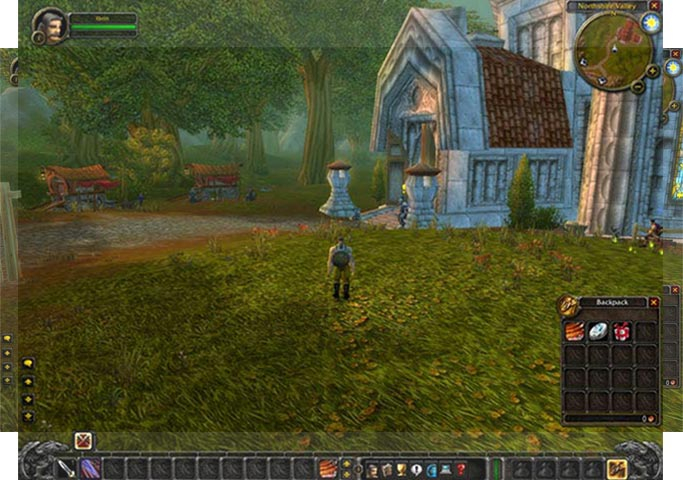


WOW is the blockbuster MMO from from Blizzard, set in their Warcraft universe. The screenshots included here are from the original release of WOW. The client has been updated continuously, and with the Lich King release was brought into full Hor+. We've updated the info here, but left the original screenshots.
This DR is out of date for the current state of the game (June 2014). Please see the entry for Pandaria.
Support Summary
Widescreen | Ultra/Super‑Wide | Multi-Monitor | 4K Ultra HD | |
Support | ||||
Method | ||||
HUD | ||||
Cutscenes | ||||
FMVs |
Game Information
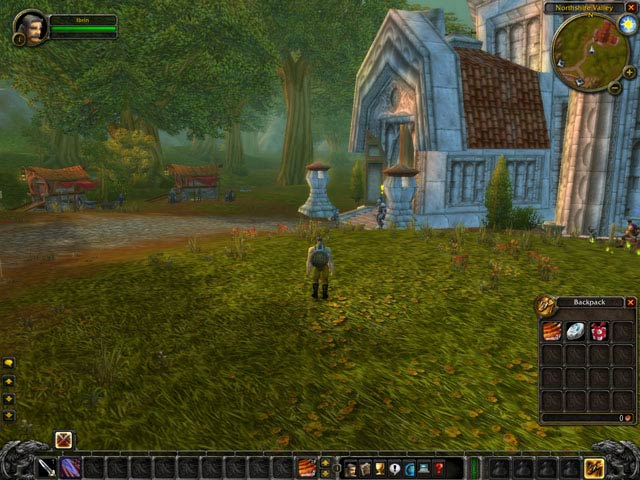
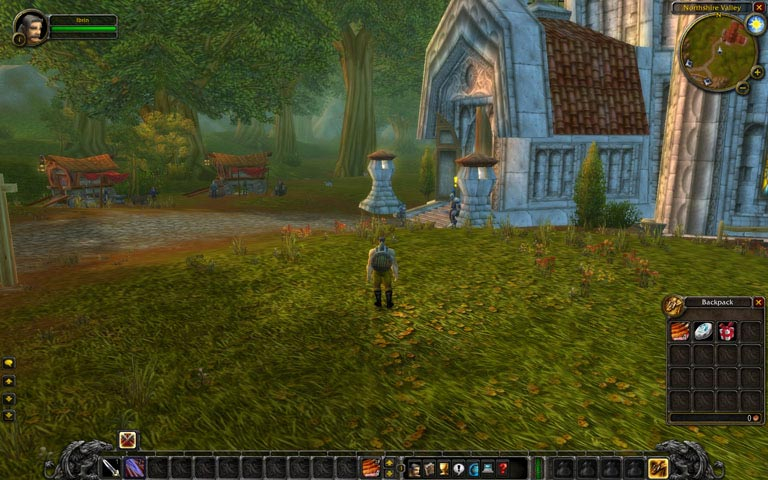
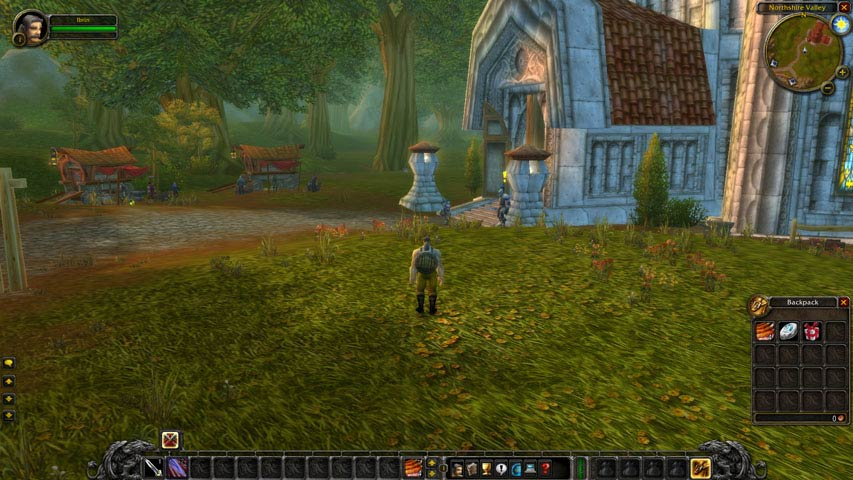
Screenshots Comparison
Solutions & Issues
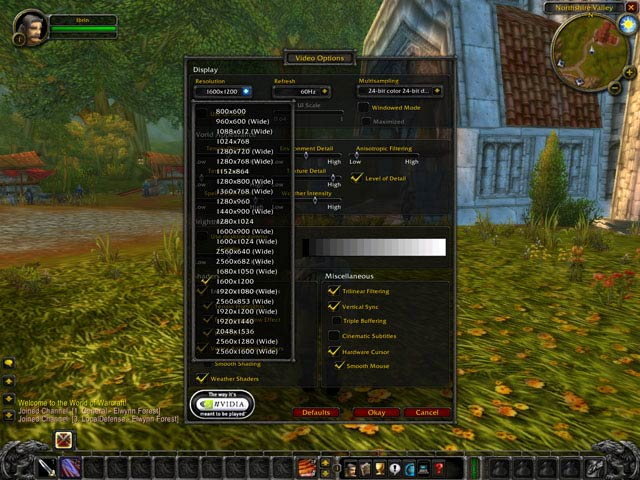
Native. The game shows all available Windows resolutions, even custom resolutions. It also indicates which resolutions are widescreen. (refer additional screenshots)
With the addition of DX11 support, native support is broken and you must use DX9 in fullscreen mode (in order to use Crossfire). In Dx11 mode you can use Windowed fullscreen but that will disable any crossfire support you have.
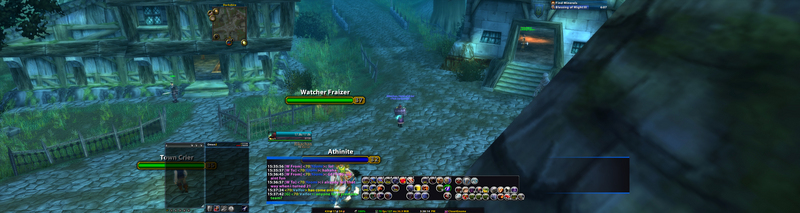
The game is halfheartedly supporting of multi-mon. They have not bothered adapting the chat bubbles or combat text to widescreen. The result is huge combat text and chat bubbles that block the view of the game. It seems to be that these issues really are not hard to fix but yet they have not.
Add-ons can fix the combat text and placing of frames in the game to practical spots.
- move anything
- tidy plates
Unfortunately I have not found a fix for chat bubbles.
Gameplay Screenshots


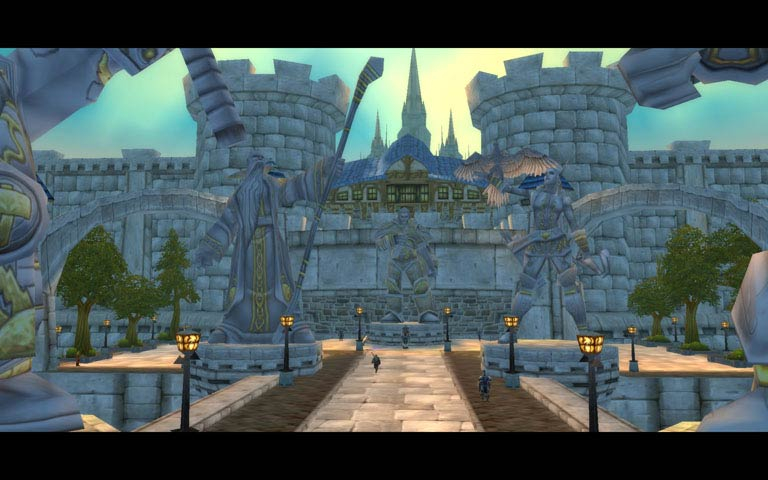
In-Game (Rendered) Cutscenes


Additional Screenshots