


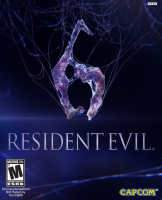


Resident Evil 6, known as Biohazard 6 (バイオハザード6 Baiohazādo Shikkusu?) in Japan, is an action-adventure third-person shooter video game in the Resident Evil series, developed and published by Capcom. Capcom defines the game's genre as "dramatic horror", however there is disagreement among reviewers whether this installment belongs in survival horror genre. It was released for the PlayStation 3 and Xbox 360 on October 2, 2012. The Microsoft Windows version was released on March 22, 2013.
Support Summary
Game Information
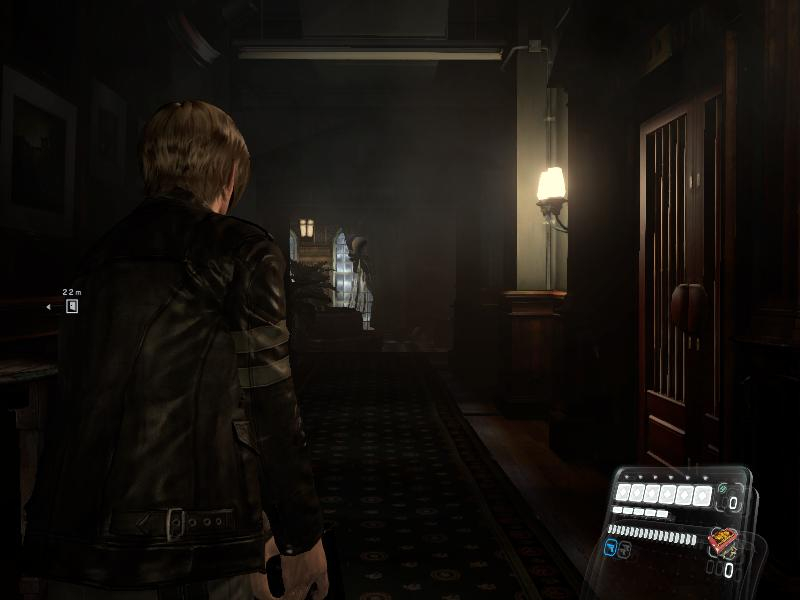
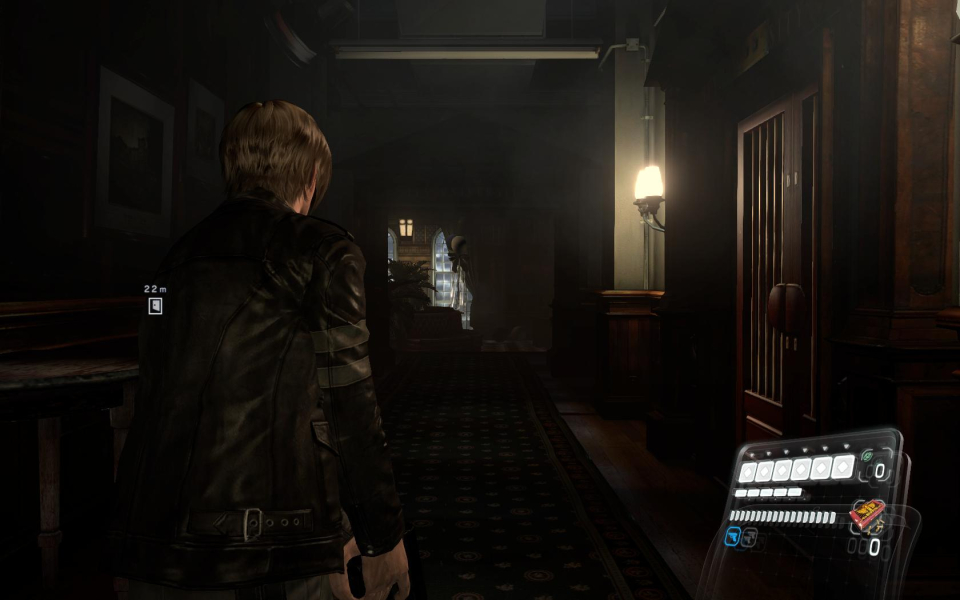
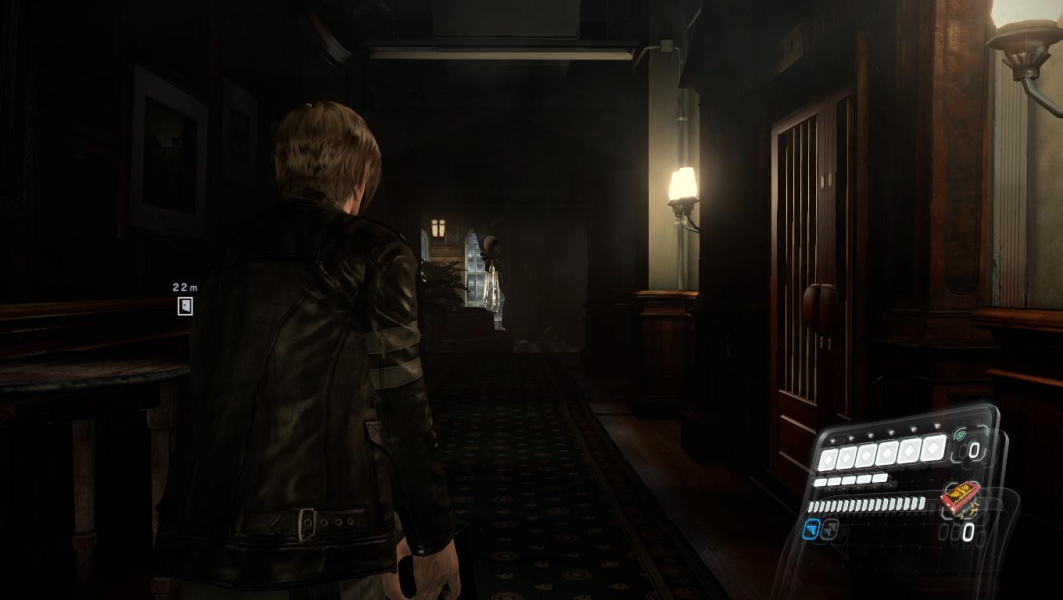
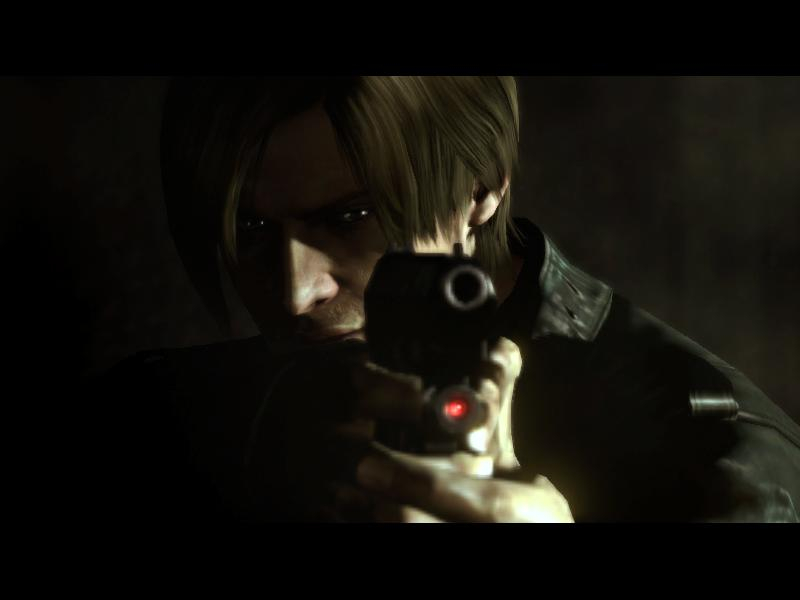
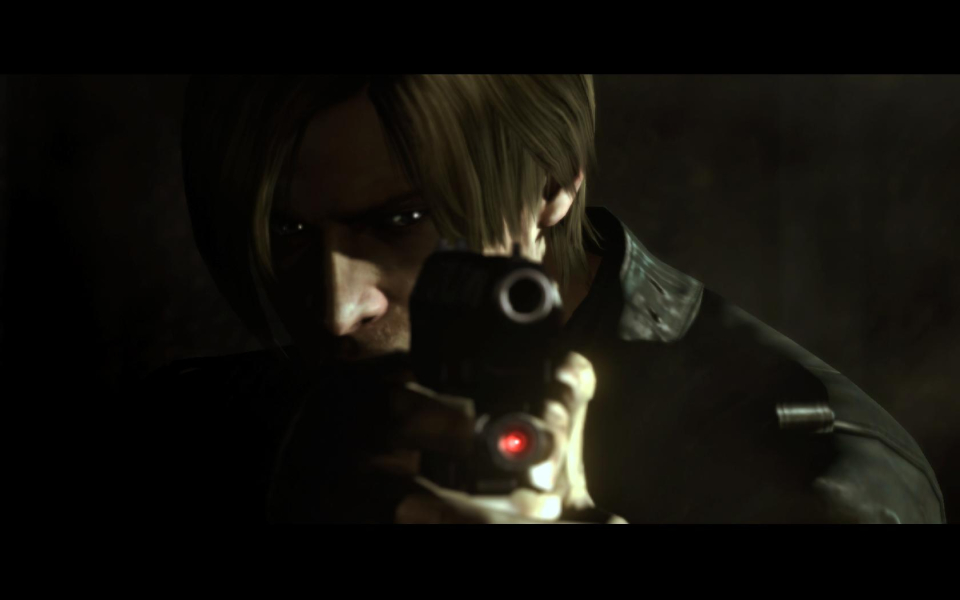
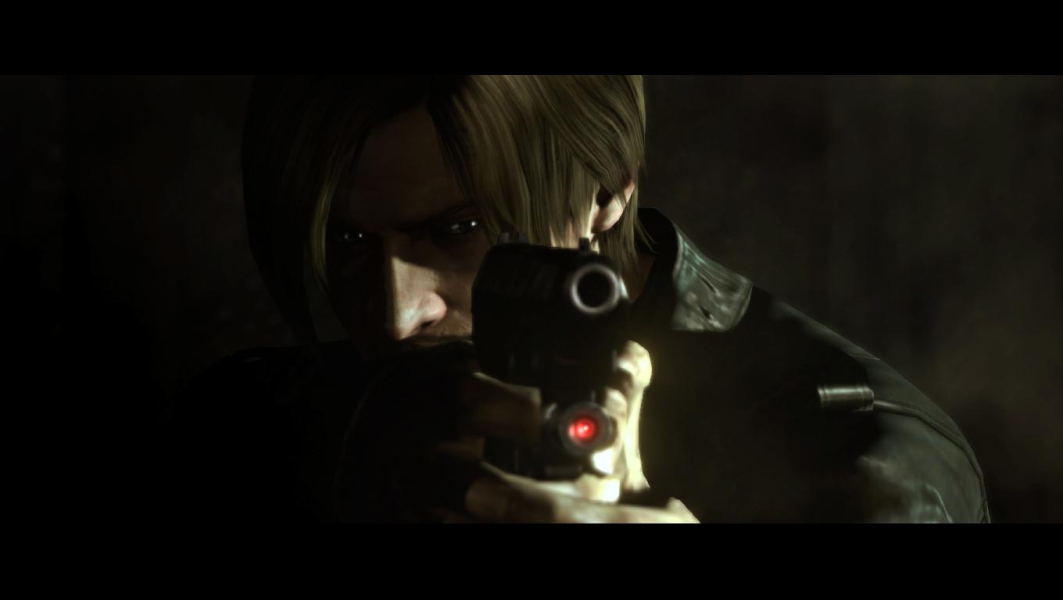
Screenshots Comparison
Solutions & Issues
Setting custom resolutions:
If any of the resolutions, supported by your GPU/Monitor doesn't appear on options, then editing the "config.ini" found in "%:\Users\User name\Documents\CAPCOM\RESIDENT EVIL 6" will do the trick.
Set the custom resolution as shown below:
[DISPLAY]
Resolution= WidthxHeight [Set the custom resolution here]
Aspect=DEFAULT But you must set it to 16:9/16:10/4:3 depending on the resolution you choose or the resolution might change automatically.
RefreshRate= Set it to your monitor's refresh rate.
FullScreen=ON [Sometimes, setting it to "OFF" will work and change to fullscreen after opening the game]
Save the file and close it. Right click on config.ini and select properties. Enable Read-only and apply.
The game should work fine now. Any resolutions above 640x360 worked. Setting resolutions below 640x360 reverted it back to 640x480.
Border less Window mode:
Set Fullscreen=OFF as shown above. Download any Fullscreenizer tool [Any fullscreen tool may work, but I've only tested this tool: "http://runtimelegend.com:3110/badsector/fullscreenizer" which works perfectly] and after opening the game, fullscreenize it and you're good to go.
Border less window gives much clearer image if you use any resolution lower than your monitor's native resolution. Also, by this way- you can run the game in resolutions that your monitor or GPU don't support.
Removing cinema scopes during cut-scenes:
Big thanks to Helifax for his RE6 plugin. Use Widescreen Fixer.
After selecting Resident Evil 6 plugin, go to options [The little Cog icon beside plugin name] select game's version. Disable "Automatically Detect Resolution". In "Display count" set the number to what it was before disabling Automatically Detect Resolution.
In the "Uncorrected Resolution" section, set the resolution to the one that you selected for your game. And then save settings. The cinema scope [black bars on top and bottom] from all the cut-scenes will be removed except the 2 pre-rendered cutscenes.
Solution:
Use the Widescreen Fixer with Resident Evil 6 plugin.
You can set custom resolutions in the "config.ini" which is located in "%:\Users\User name\Documents\CAPCOM\RESIDENT EVIL 6" if the desired resolution doesn't appear on the options menu in game. After saving the ini file, close it and right click on config.ini and select Properties. Enable "Read-only" in the attributes and apply.
Go to settings [The cog icon beside plugin name] and disable Automatically detect resolution. Select Display count to whatever it was before disable auto detect. Set the custom resolution in "Uncorrected Resolution" section and save. Gameplay and cut-scenes work fine. The two pre-rendered cut-scenes [Plane crash and C virus missile] will be letter boxed on left-right [Even though the aspect ratio of the cutscene is 21:9]. The main menu will be somewhat buggy like Eyefinity screens, but acceptable.
Tested Resolutions:
1280x548
2560x1080
Note: 840x360 didn't work and gets changed to 840x480.
- The game itself is Horizontal+. The FOV angle is correctly calculated to tripplescreen resolutions. However, all the menus and UI is unusable as it behaves in a Vert- fashion, being very zoomed in. Since the game has alot of timed events and the Vert- behavior of the HUD the icons can not be seen.
- FMV cut-scenes render incorrectly on the left screen only.
Solution:
Thanks to Helifax the following issues has been addressed:
- Hud is now correctly scaled and centered.
- Lower part of the HUD is now correctly scaled and centered.
- All the cinematics are now rendered on the center screen.
- Removed black bars for cinematics.
Issues that are not fixed:
- Game renderer does not support bezel corrected resolutions!
- Screen overlay seen at the start of the game and other locations.
Simply use Widescreen Fixer and select "Resident Evil 6" plugin.
PS: It was observed that the game starts to stutter or 10-15 seconds after the fix is enabled. After the 15 seconds time frame it reverts to normal playable state.
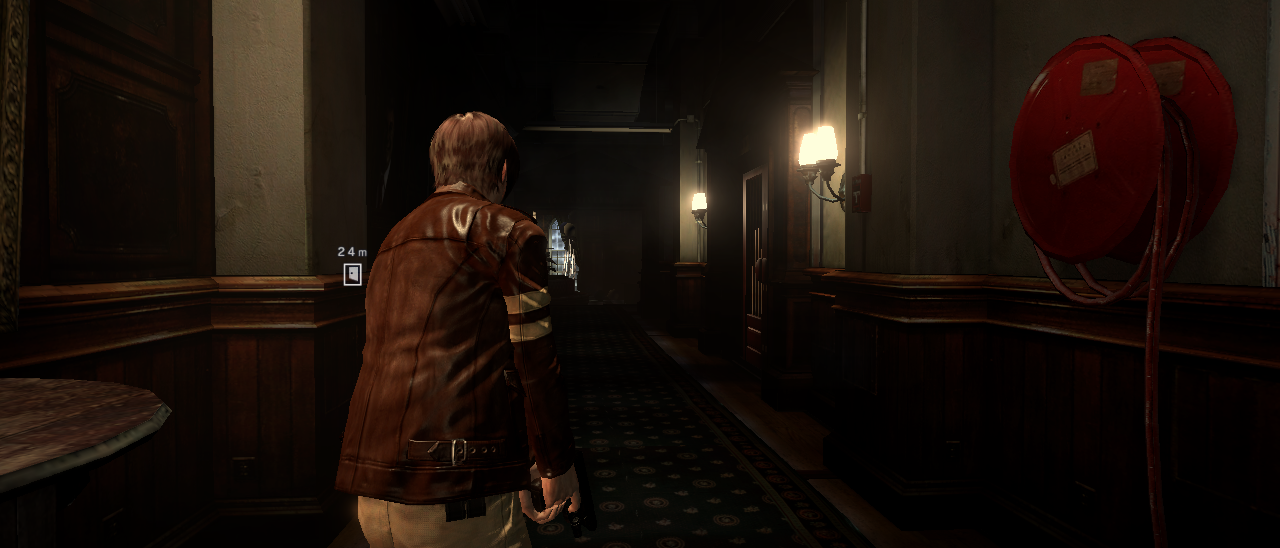
Gameplay Screenshots


FMV Cutscenes
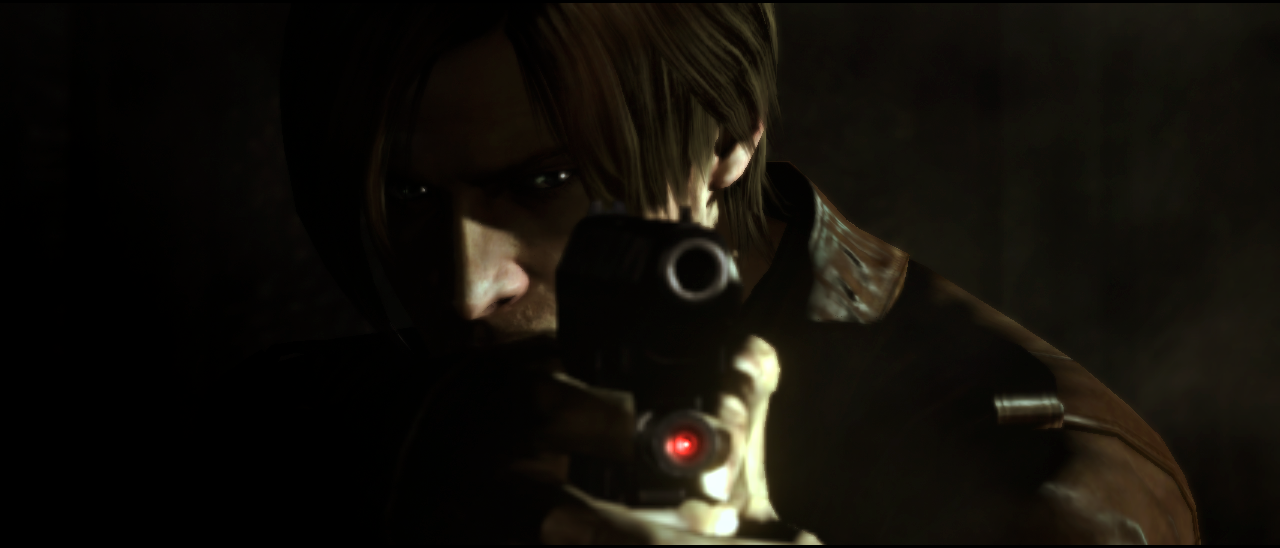

Menu Screenshots

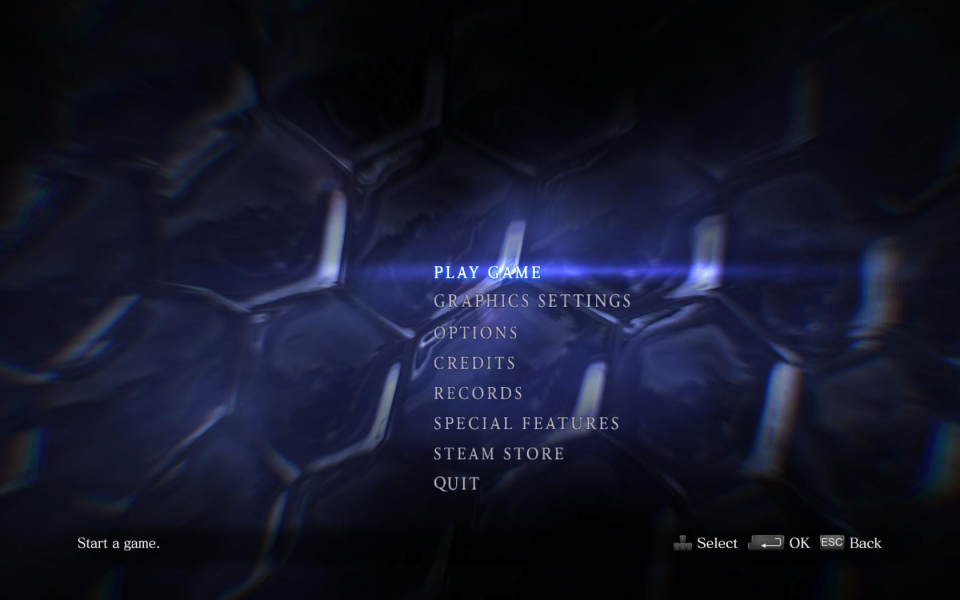
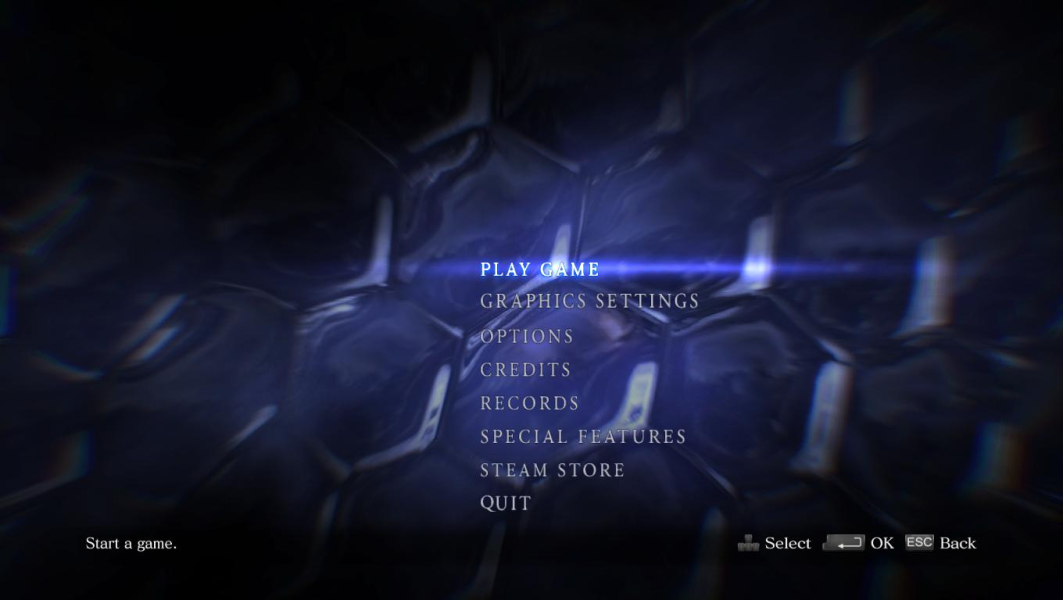

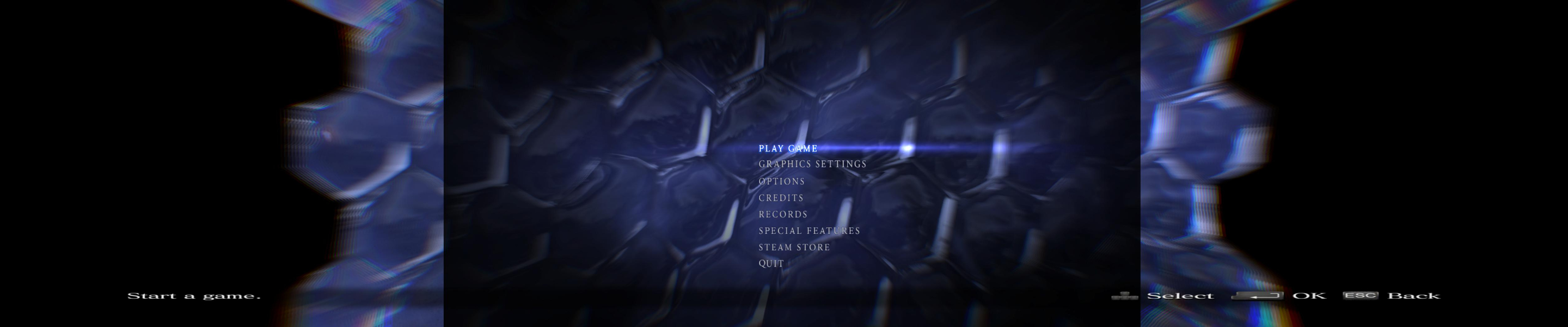
Additional Screenshots


