





6 years in the making or back from the dead ? Gearbox's xenoshooter is finally here and pits a squad of soldiers against never-before-seen classes of aliens through story levels and multiplayer modes.
Support Summary
Screenshots Comparison
Solutions & Issues
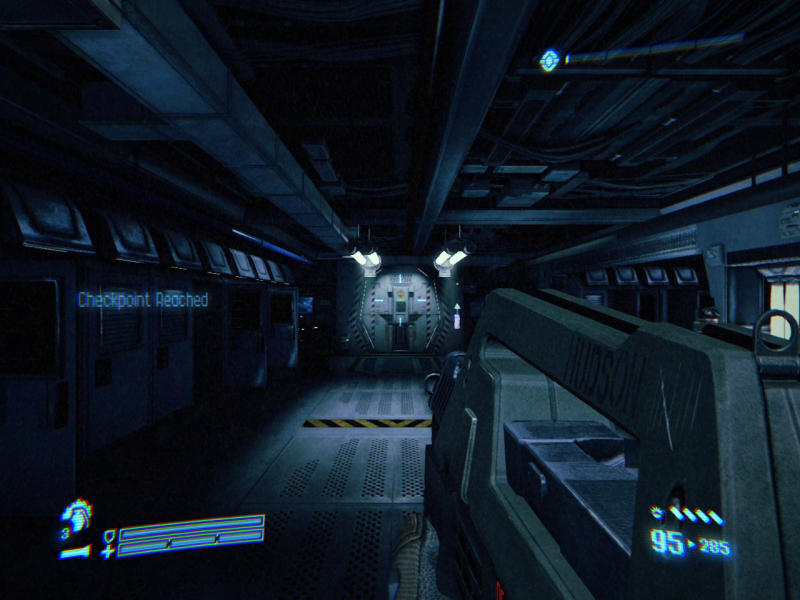
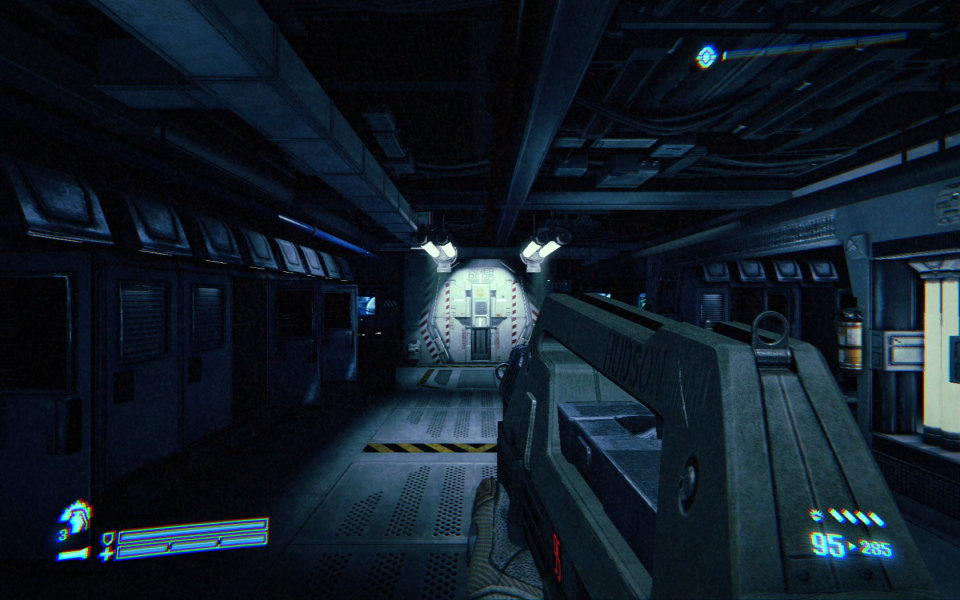
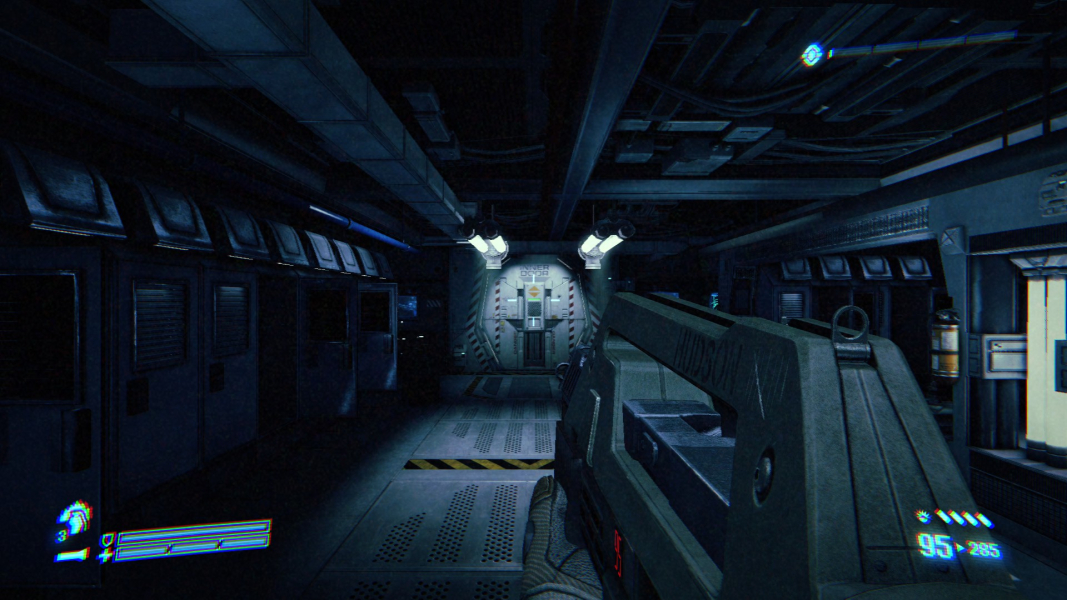
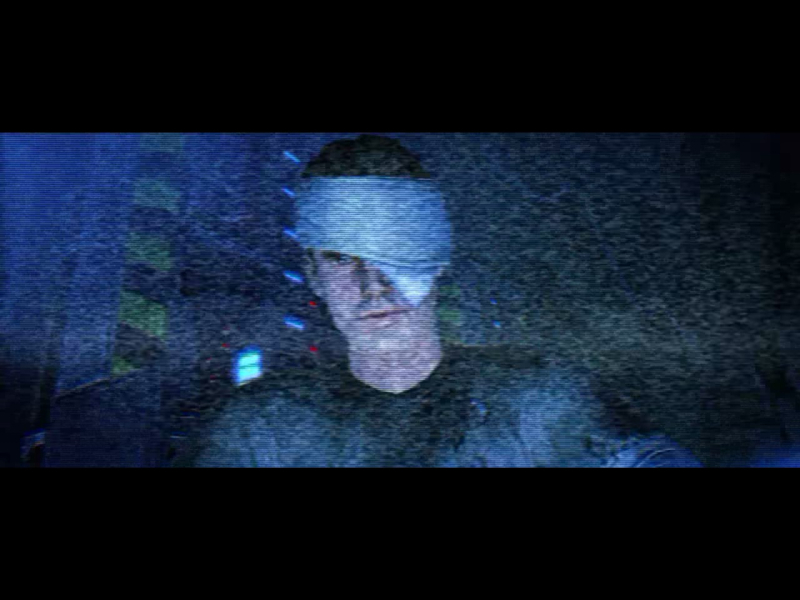
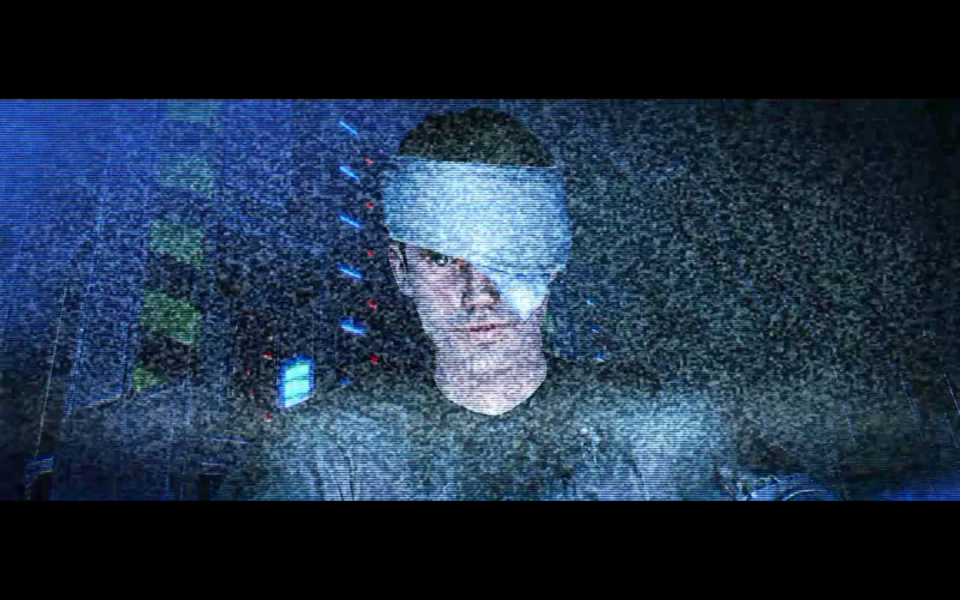
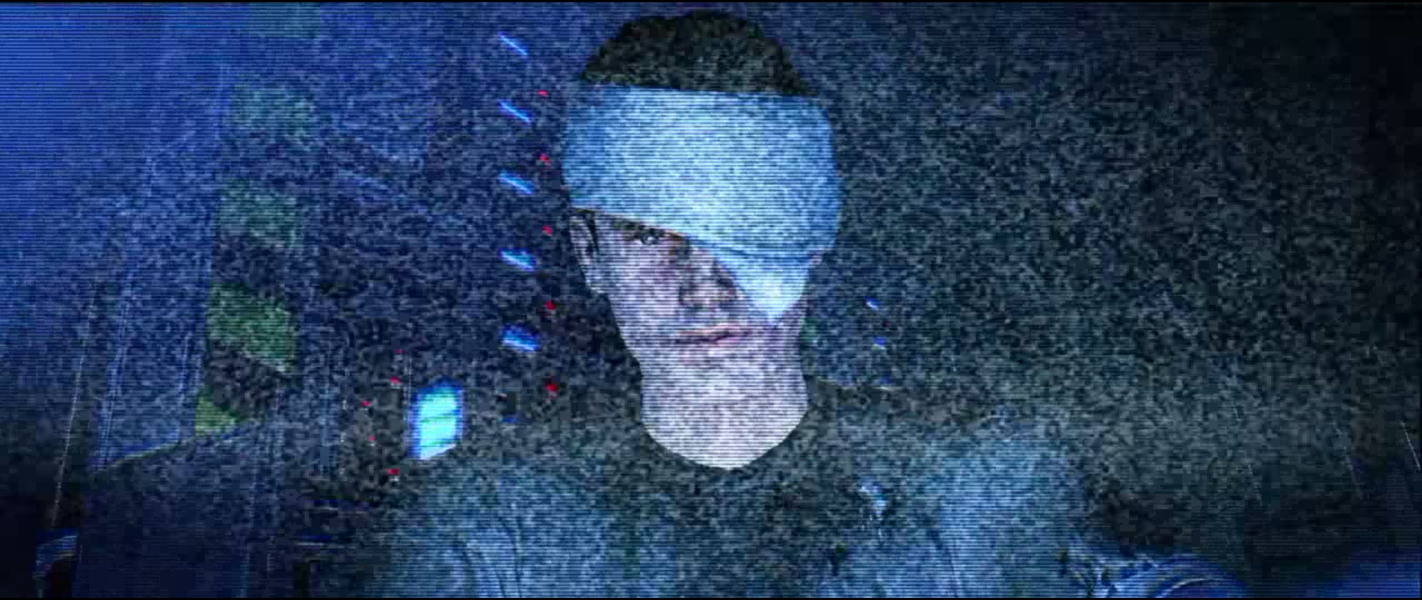
Being yet another game built off of the Unreal Engine 3, this game exhibits Vert- behavior. Thankfully, you can adjust the FOV in the Video Options menu (or follow the instructions listed in the Multi-Monitor Support section) to mitigate this issue somewhat. However, in-game cutscenes, such as being pounced by a Xenomorph or using the Powerloader, are Vert-, no matter what. FMV cutscenes are anamorphic.
The same .ini tweaks used for multimonitor resolutions also applies to 21:9 aspect ratios.
The FMV cutscenes fill the entire screen on 21:9.
If you go into PecanEngine.ini found in My Documents\My Games\Aliens Colonial Marines\PecanGame\Config,
there are two FOV settings. FOVAngle and FOVOffset. You can mess with those to get the correct FOV for triple wide resolutions.
However, in-game cutscenes will still use the default low FOV, as well as getting into the powerloader. Also, the HUD remains stretched out to the side monitors.
You can also change AspectRatioAxisConstraint=AspectRatio_MaintainXFOV to AspectRatio_MaintainYFOV. The problem with this is that it forces all the HUD elements to the center monitor without also changing the spacing that it would have had on the side monitors, so the HUD becomes ultra small in the middle monitor and also close to the middle of the screen. This also applies to popups like the tutorial dialogue boxes, so it becomes really hard to read them.
Gameplay Screenshots


FMV Cutscenes
Menu Screenshots
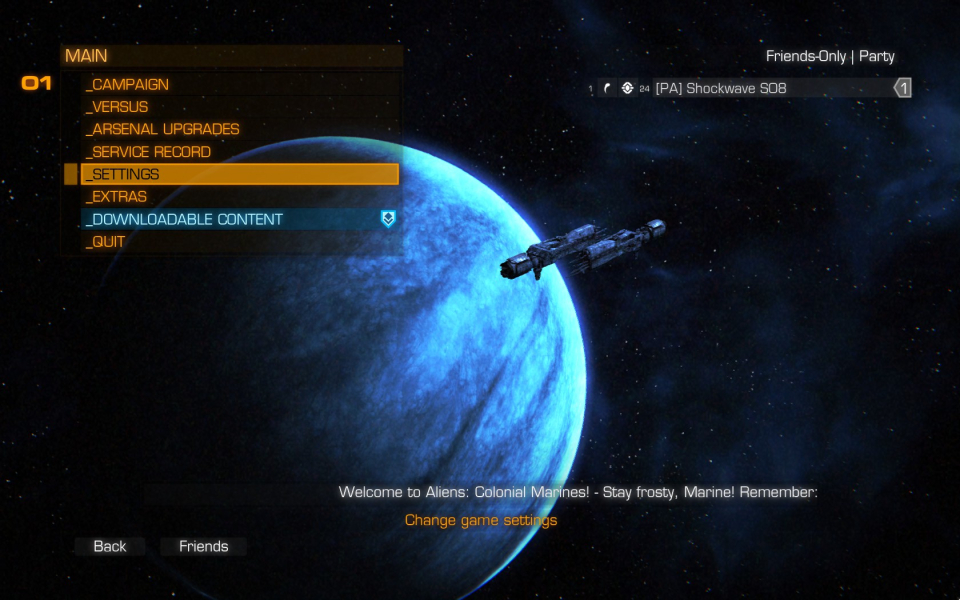
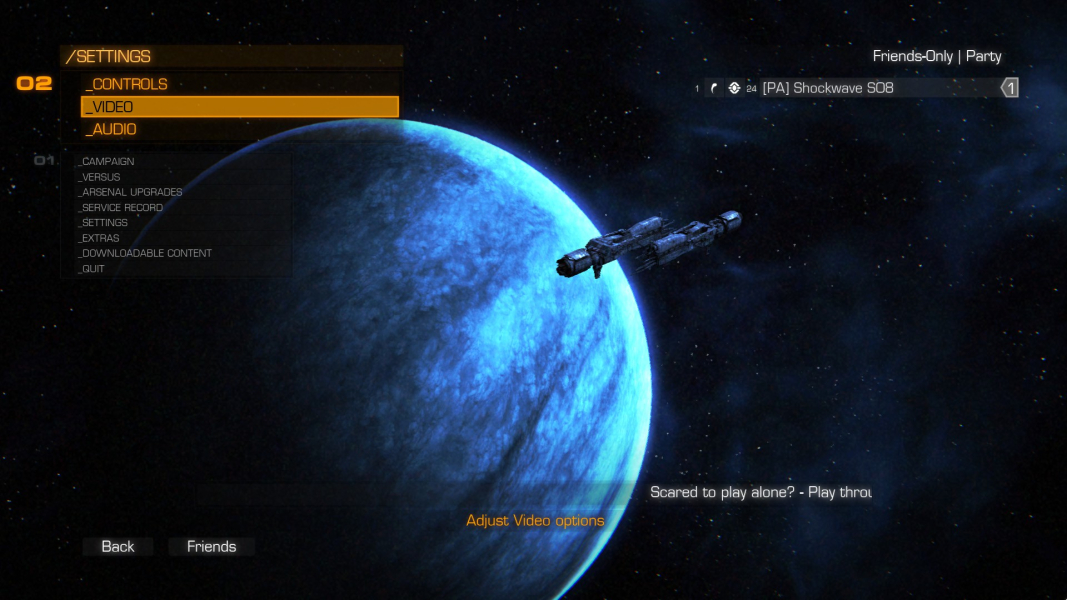

Additional Screenshots


