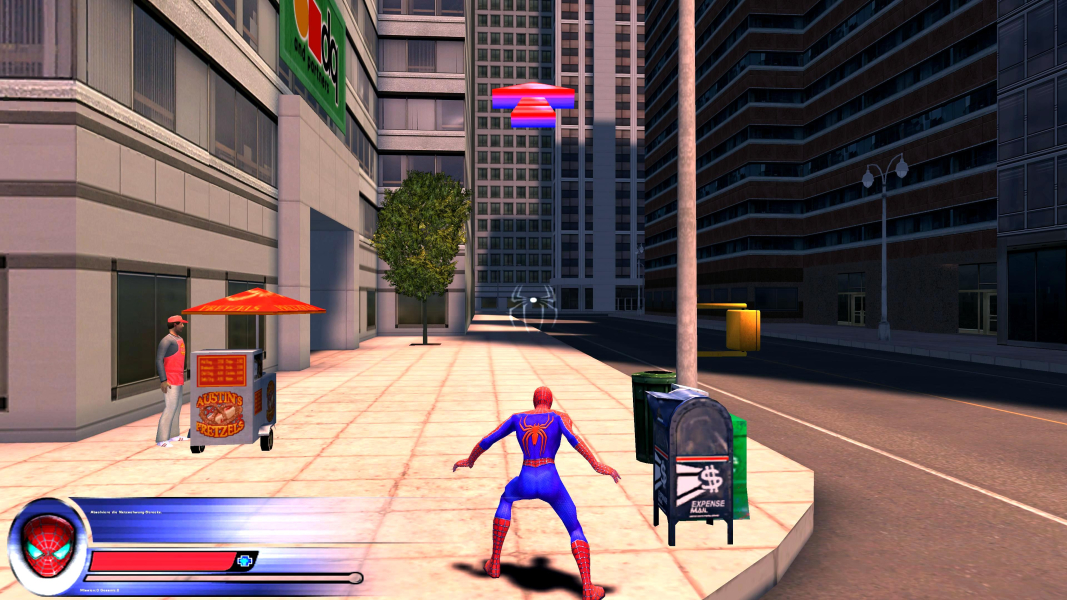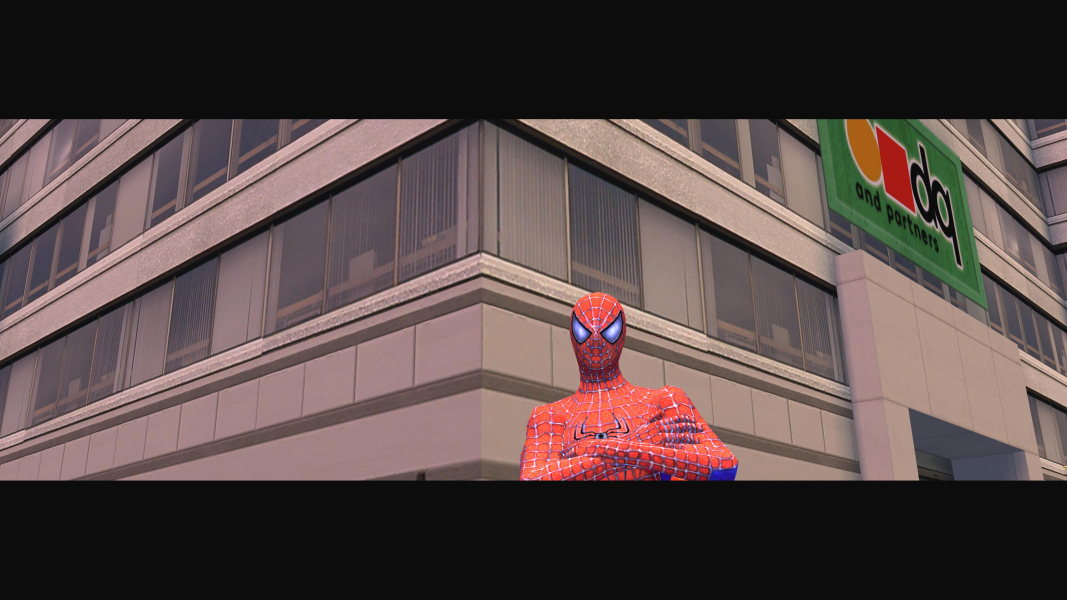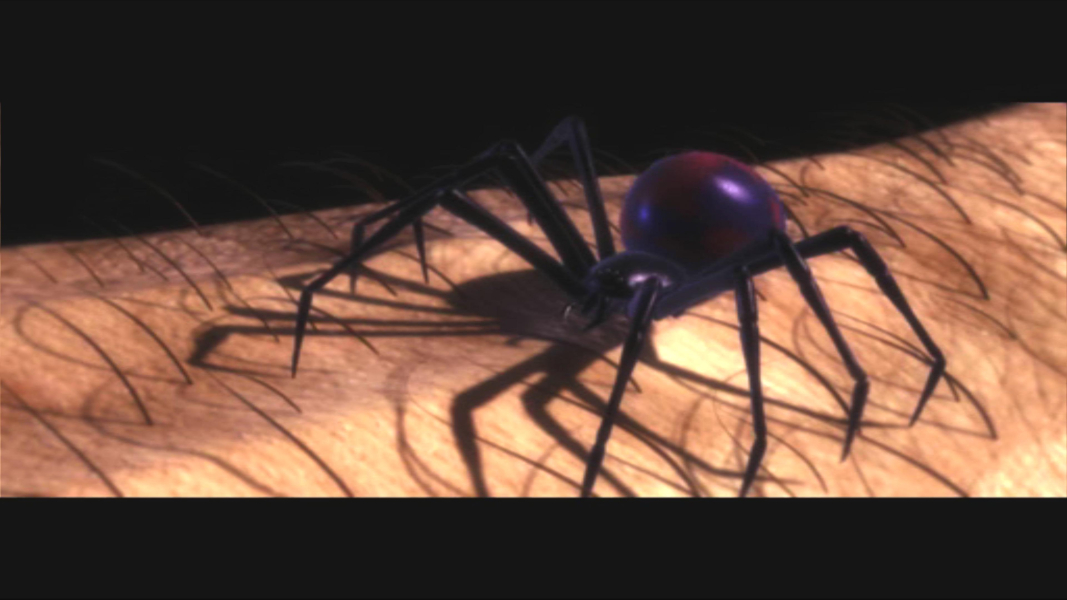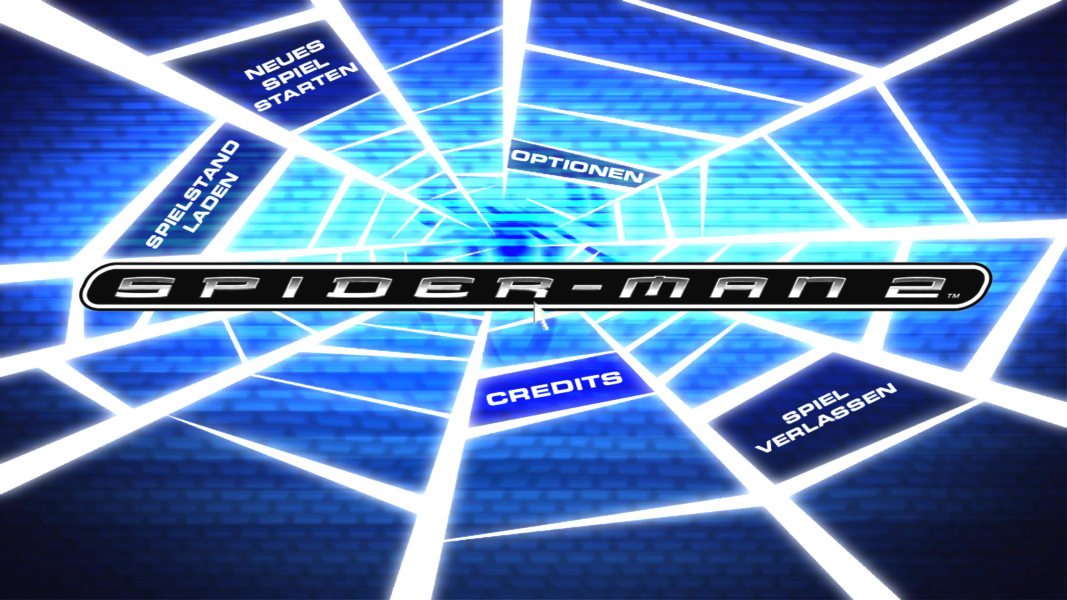



Spider-Man 2 is the name of several computer and video games based on the Spider-Man universe and particularly the Spider-Man 2 film. It is a follow-up to the game Spider-Man: The Movie and was followed by Spider-Man 3 to promote the release of the third film in 2007. These games were published by Activision for different systems in 2004.
Support Summary
Game Information
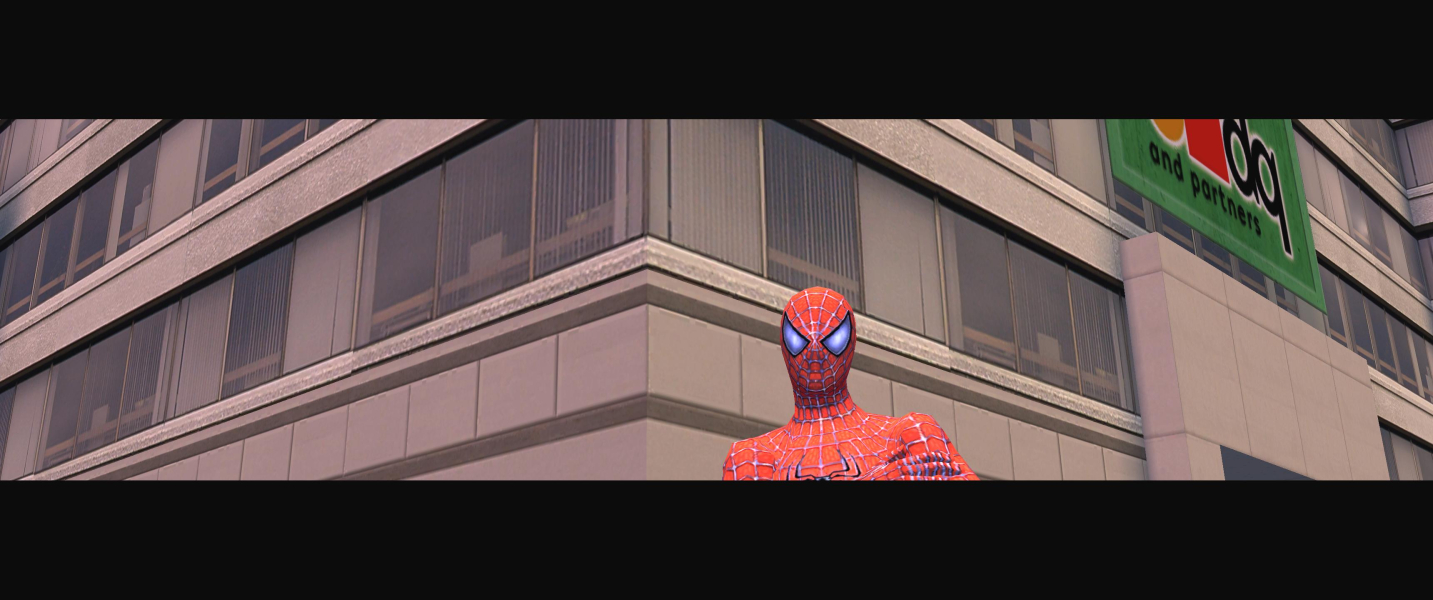
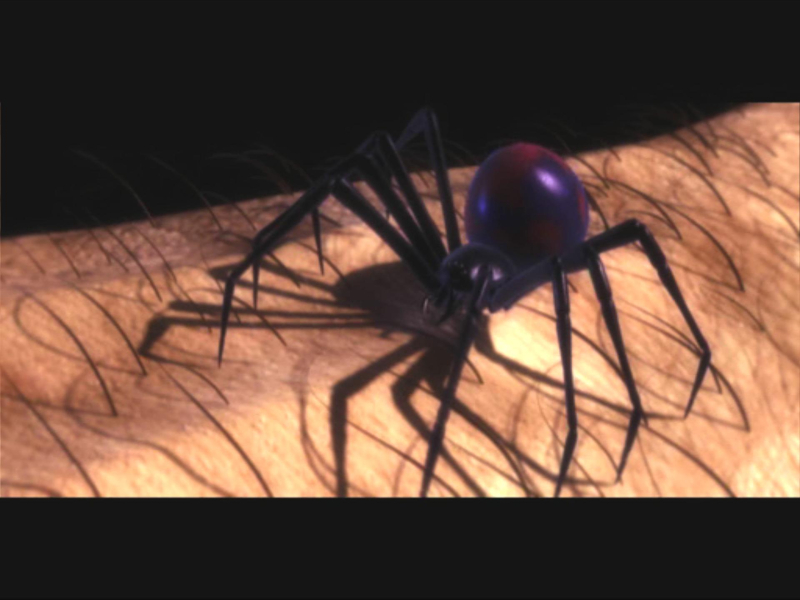
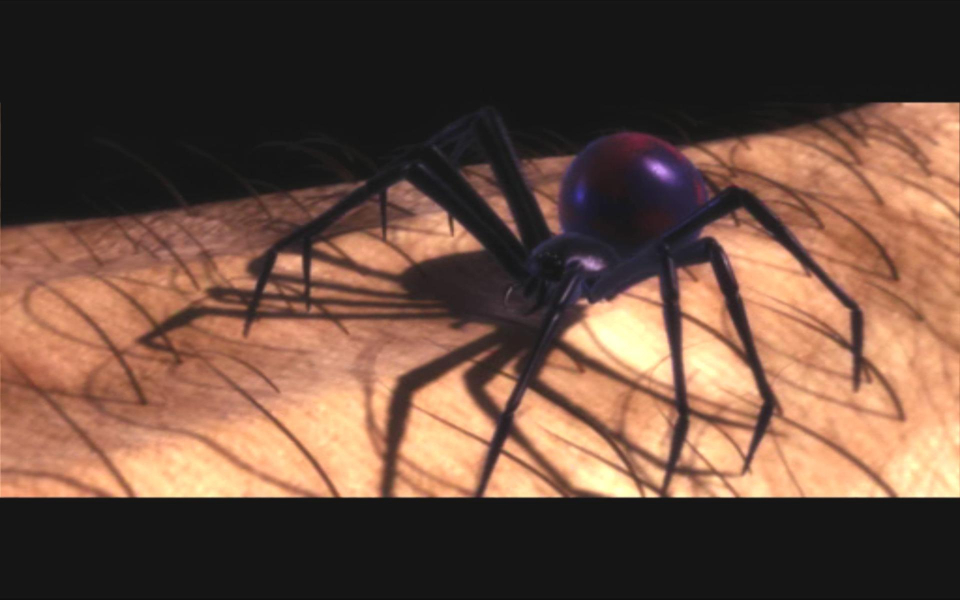
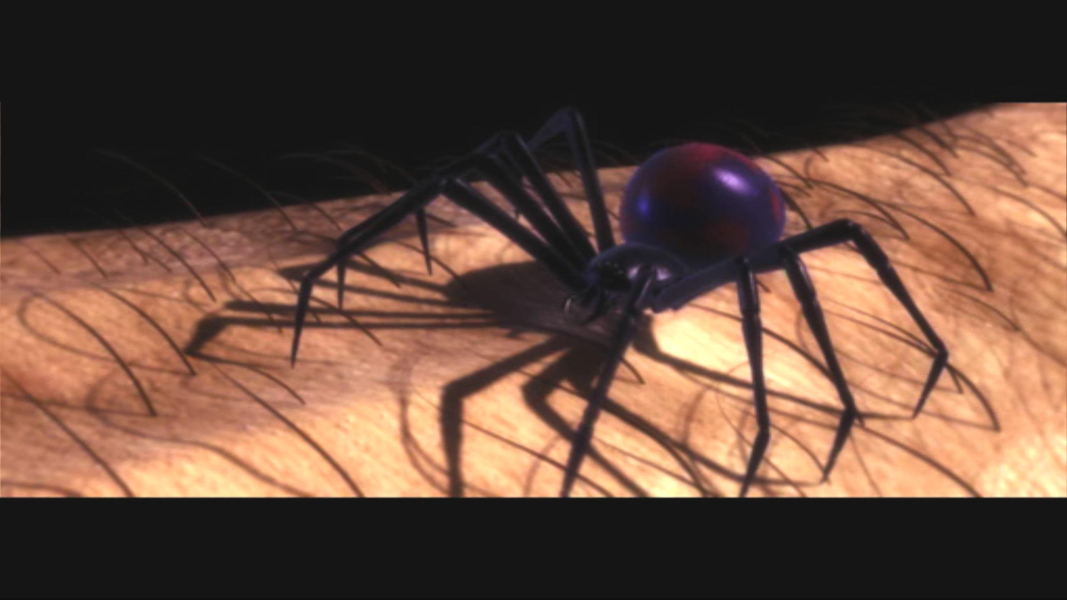
Screenshots Comparison
Solutions & Issues
To get it going in widescreen ...
In the Spider-Man 2 - System folder find the webhead.ini ...
under the heading ...
[WinDrv.WindowsClient]
change the lines ...
FullscreenViewportX=640
FullscreenViewportY=480
to ...
FullscreenViewportX=2560 ... or your desired resolution
FullscreenViewportY=1440 ... or your desired resolution
And in the User.ini in the same folder ... add all of this at the bottom ...
[Engine.PlayerController]
DesiredFOV=75.000000 ... or your desired FOV
DefaultFOV=75.000000 ... or your desired FOV
Here you can calculate your FOV.
That's it ... enjoy !
Same Solution as in Widescreen
Same Solution as in Widescreen
Same Solution as in Widescreen
Gameplay Screenshots


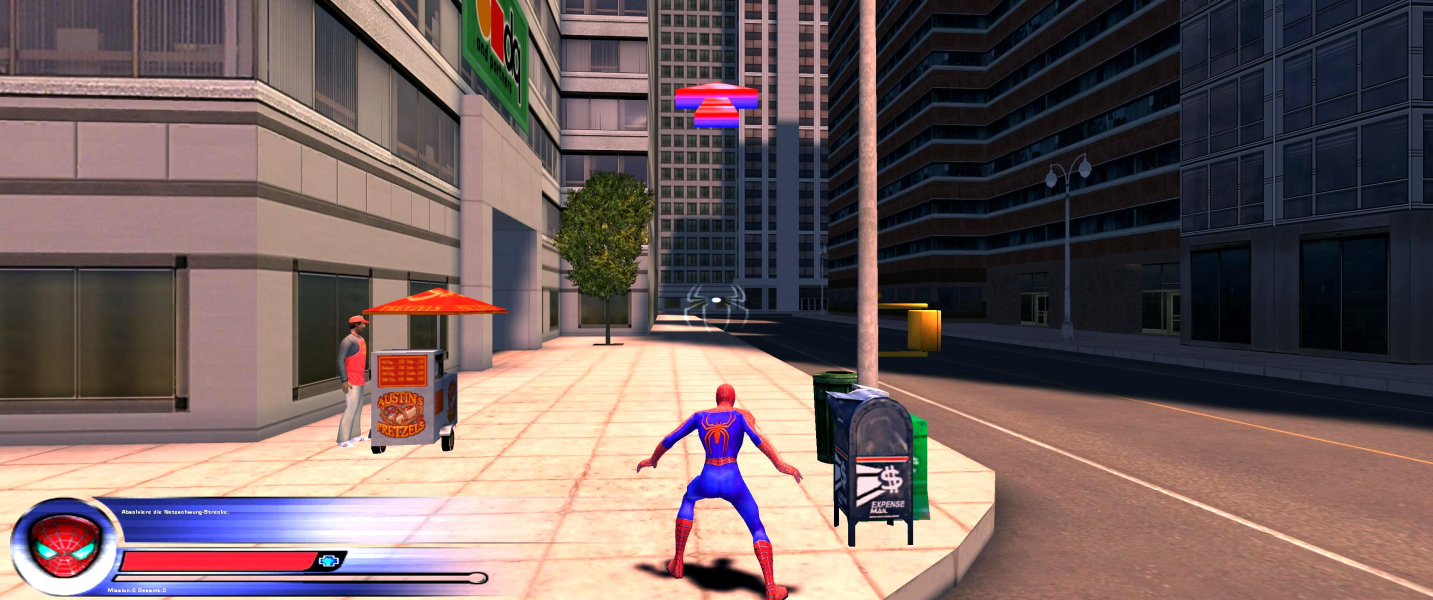


In-Game (Rendered) Cutscenes
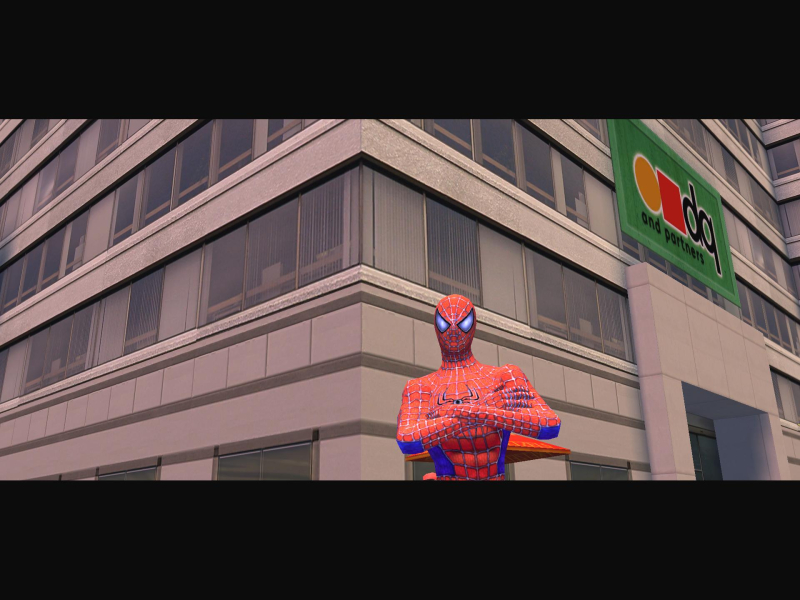
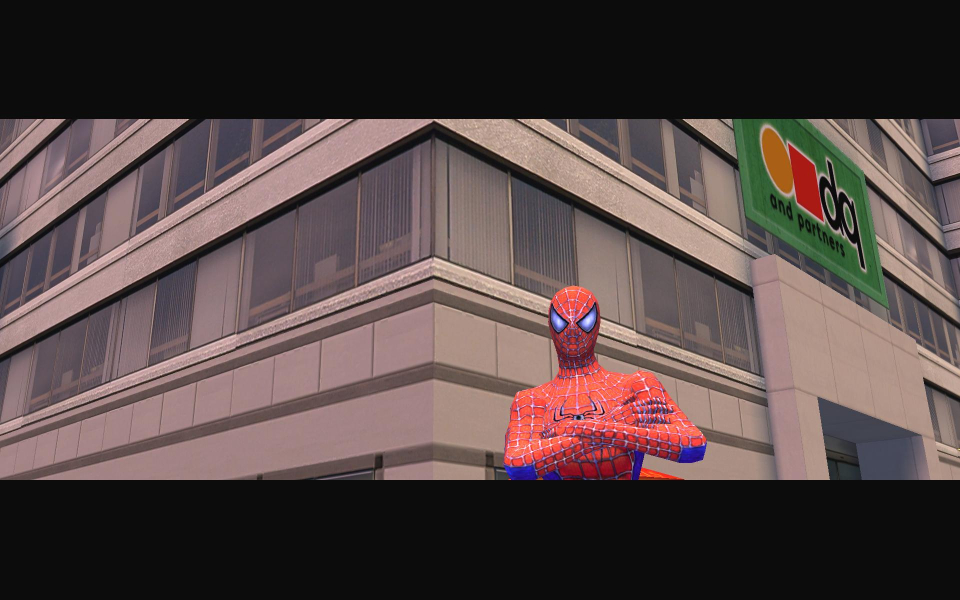
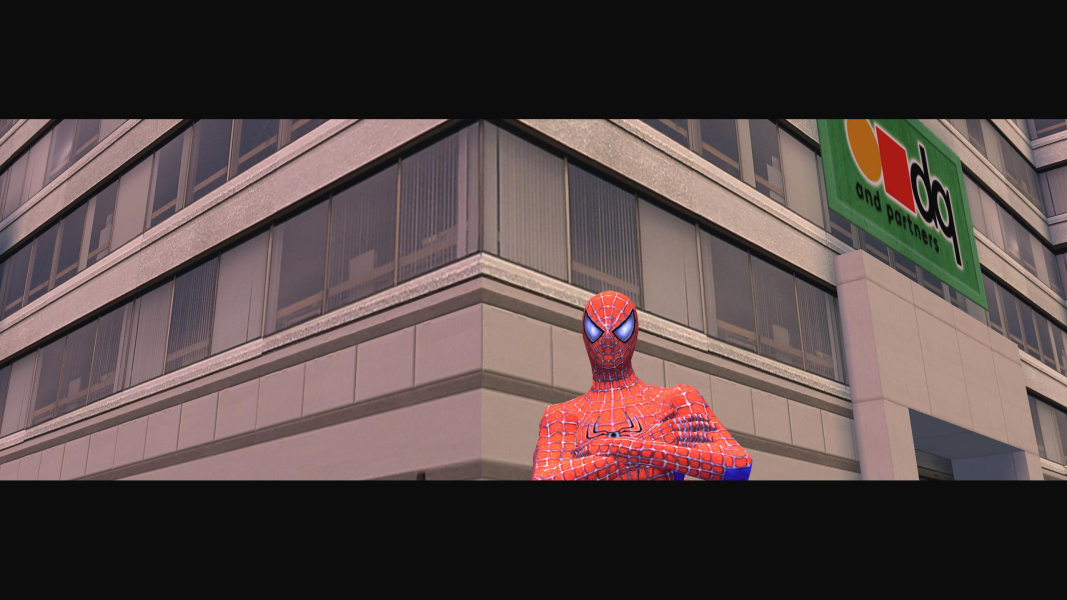

FMV Cutscenes
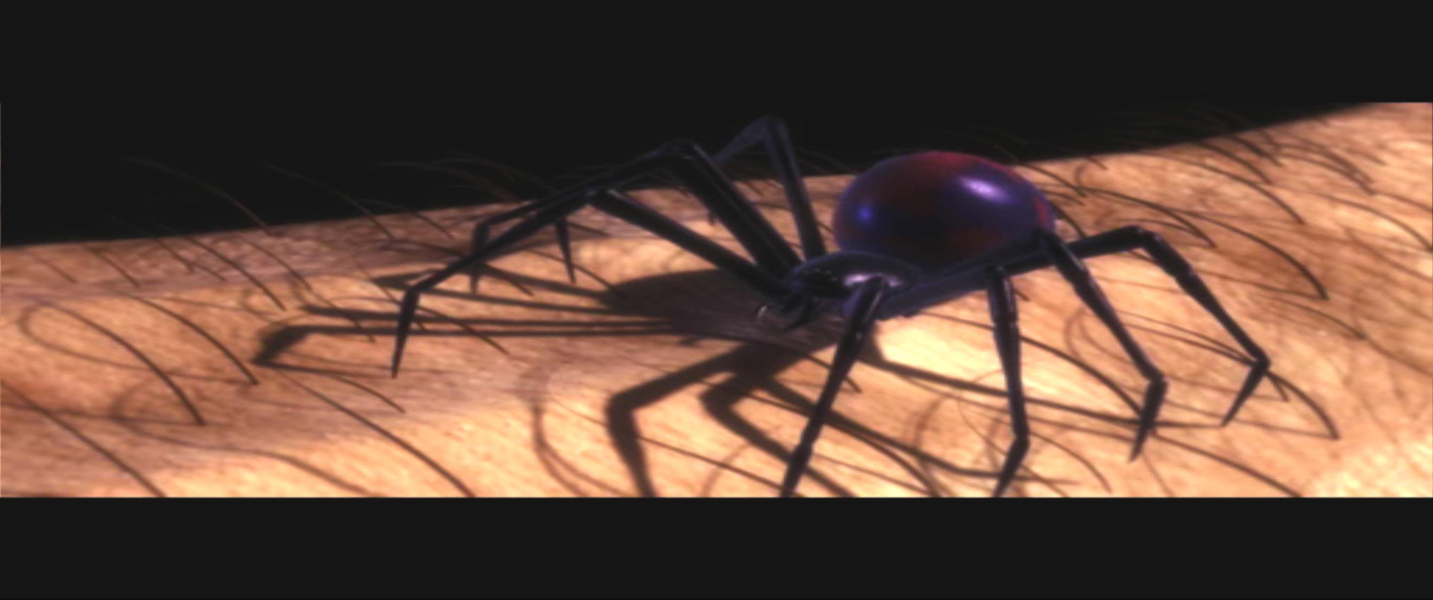

Menu Screenshots

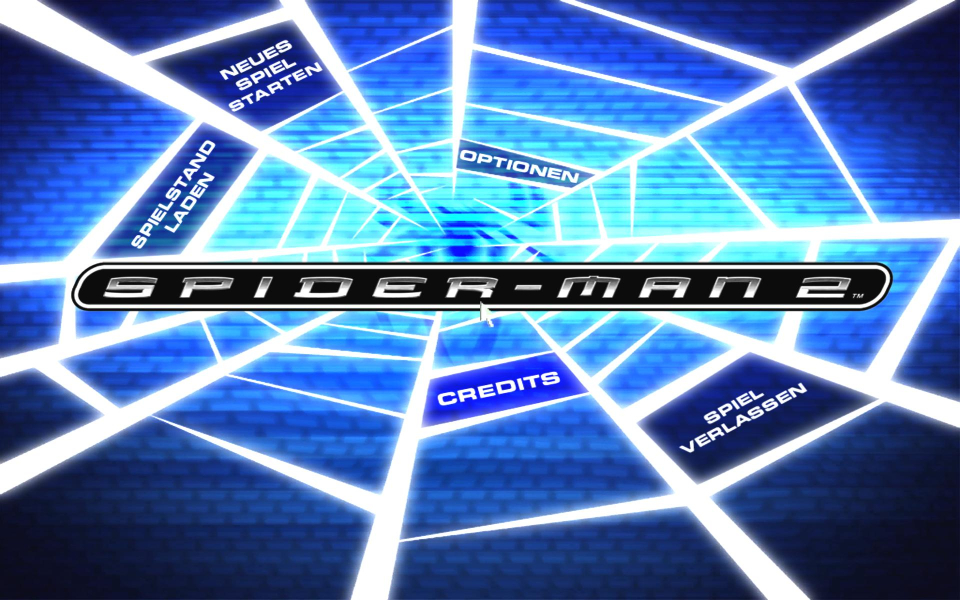
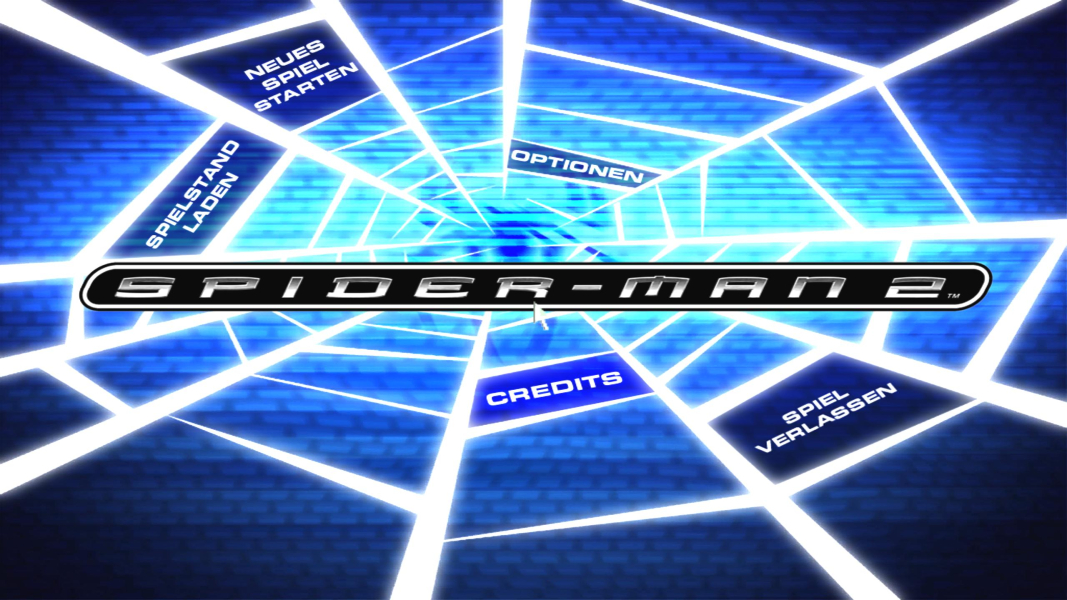
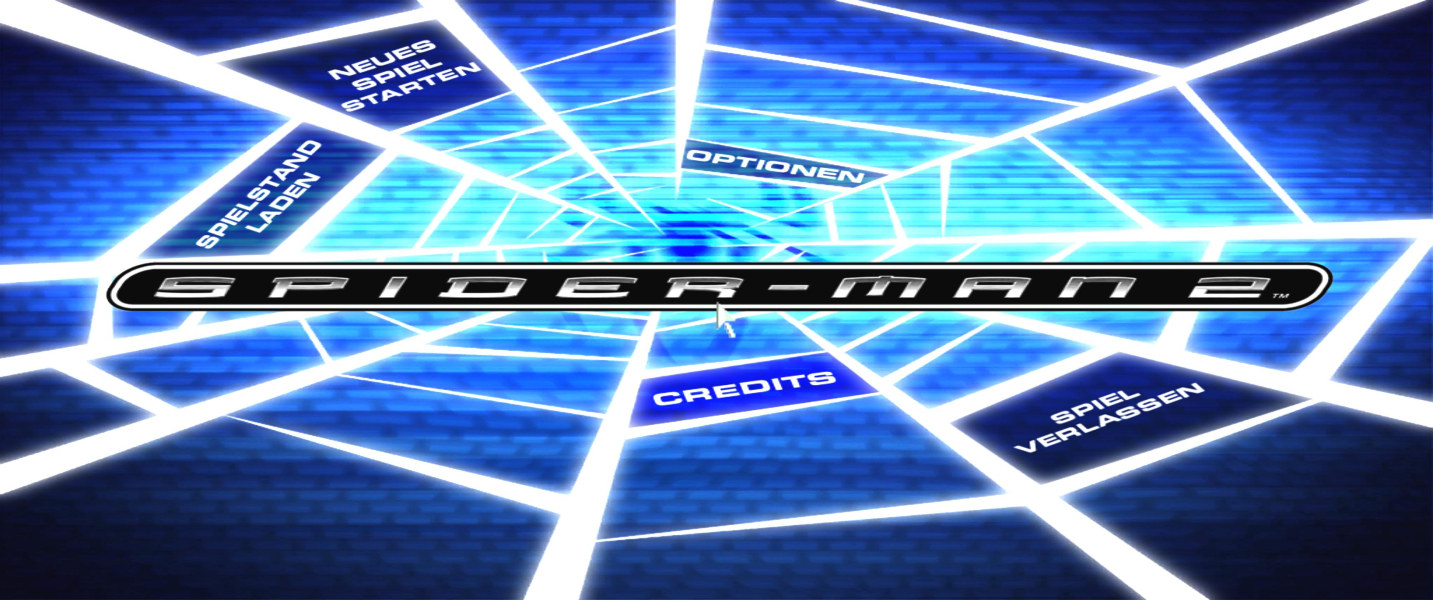

4K UHD Screenshots