


Submarine game in the Silent Hunter series. Focus is on combat and completing mission objectives.
Support Summary
Game Information
Game Status:Released
Release Date:
Play Styles:Single-Player
Setting:Military
Genre:Naval Combat
Store Links:
Screenshots Comparison
Solutions & Issues
Widescreen Solution & Issues:
RUNNING SILENT HUNTER III IN WIDESCREEN:
1) You need to download this DX9 tool http://koti.mbnet.fi/kegetys/dx9res10.zip
2) Unzip it into your Silent Hunter 3 install directory.
3) Edit the resolution in d3d9.cfg using notepad. (ie. Set resX=1920,
resY=1200)
4) Run the game and it will run at that resolution!
Note: The games menu's look unchanged by the new resolution.
Unfortunately there doesn't appear to be an AR Fix...
Gameplay Screenshots
4:3 Screenshot
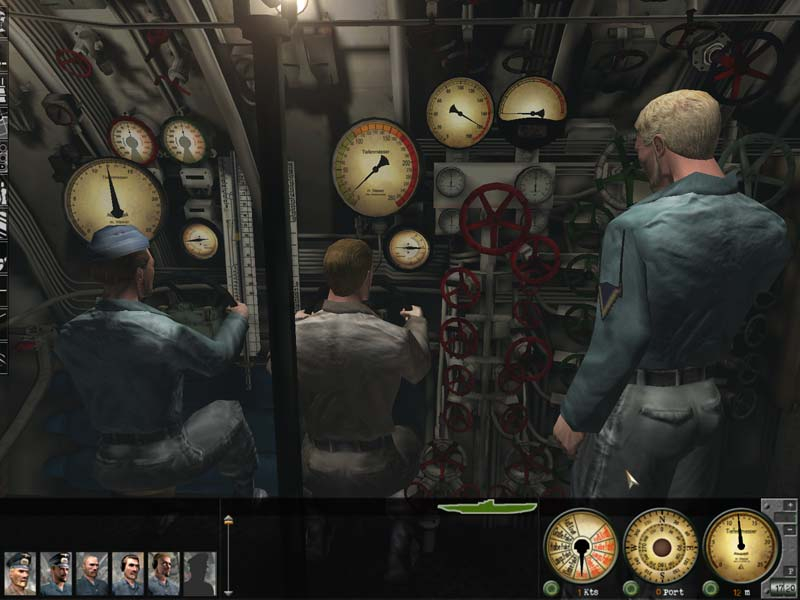
16:10 Screenshot
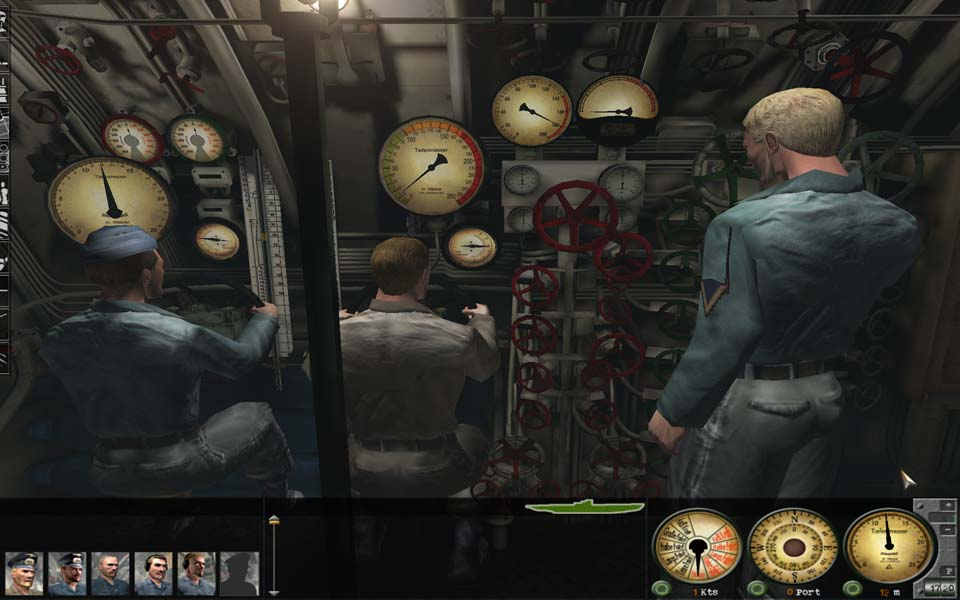
16:9 Screenshot

21:9 Screenshot

32:9 Screenshot

Eyefinity / Surround Screenshot

Additional Screenshots


