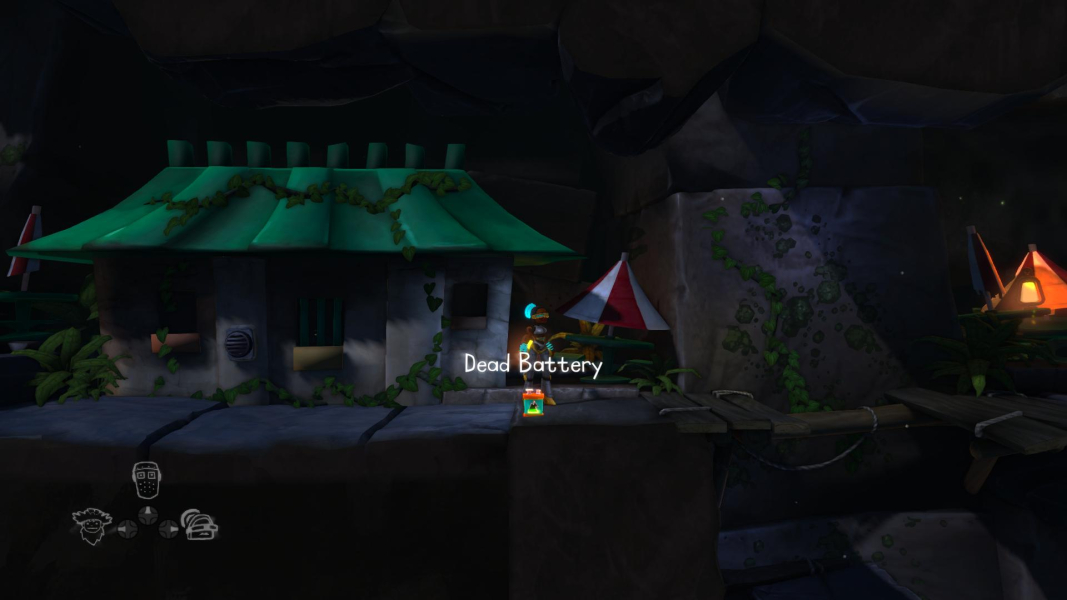


The Cave is a platform/adventure game that follows the underground journey of three characters to choose from a cast of seven, each with a special ability. Gameplay revolves around the team-based resolution of puzzles.
In typical Double Fine fashion, expect delightful humor, a Hor+ FOV and... gameplay capped at 30 fps. The HUD is a vast improvement over previous games, though.
Support Summary
Game Information
Screenshots Comparison
Solutions & Issues
The game should initially run at your native resolution.
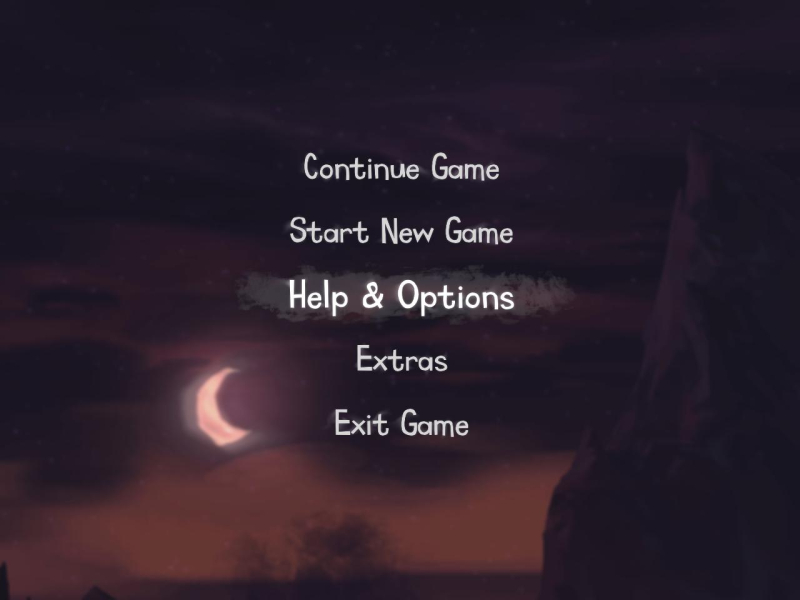
You can adjust resolution and refresh rate under Help & Options, Settings, Display.
Settings are stored in C:\Users\\AppData\Roaming\Doublefine\TheCave\screen.dat
Native support, no problem found.
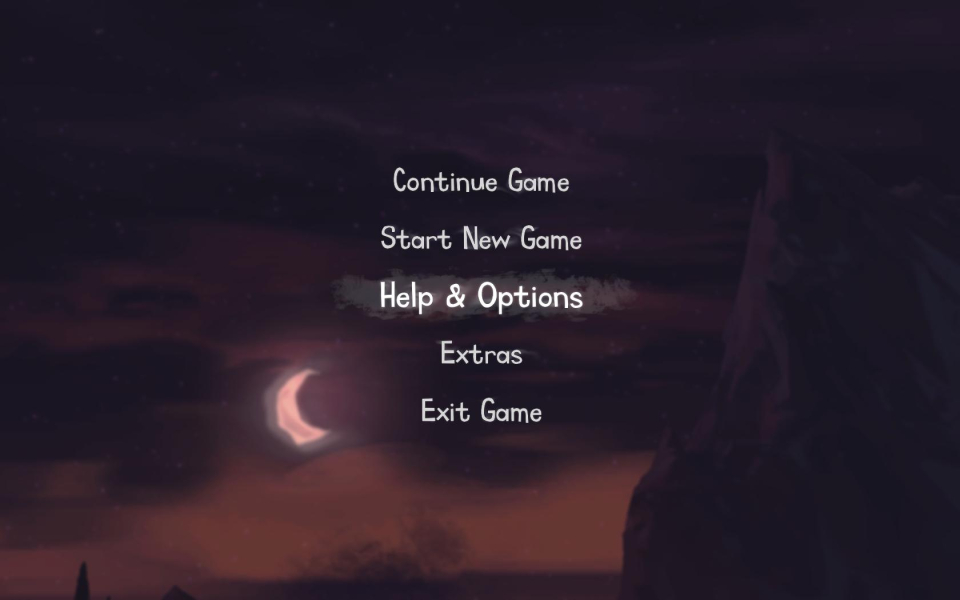
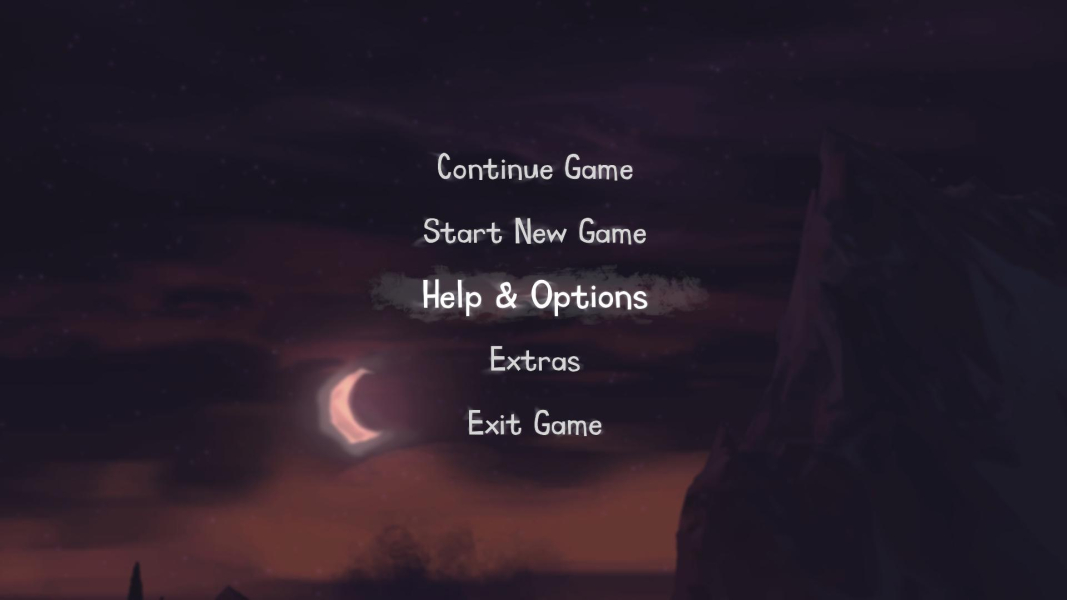
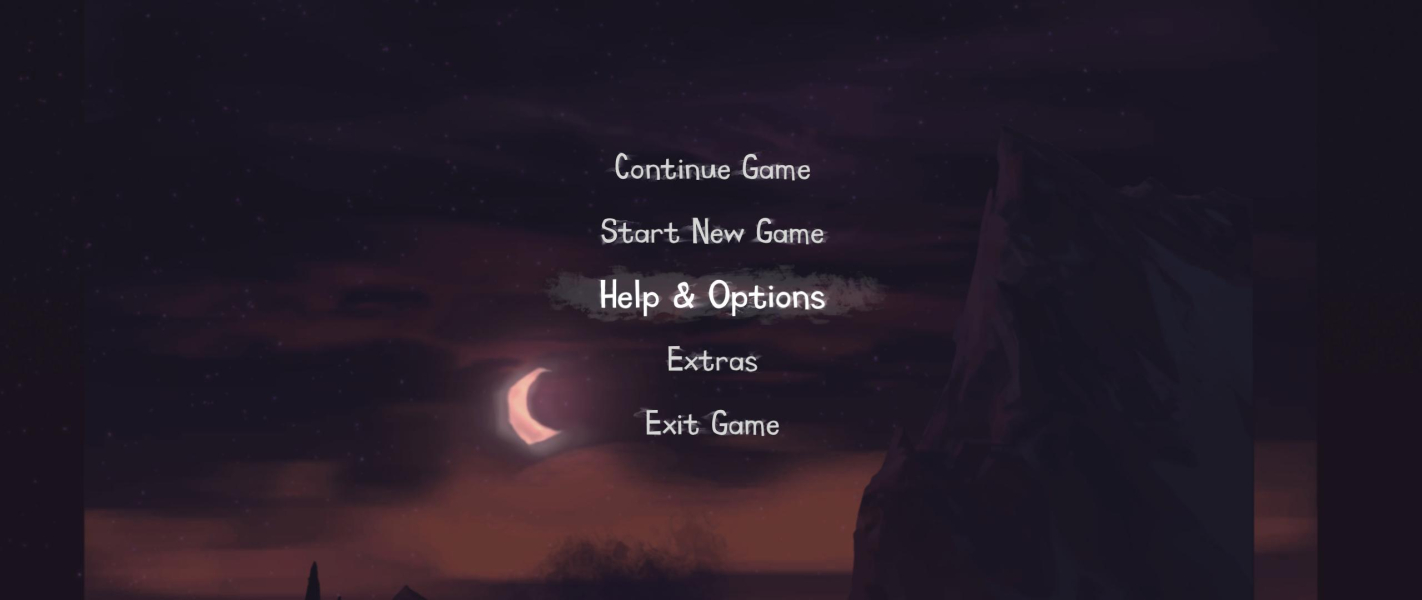
Cosmetic nanoblemish: main menu's backdrop (also seen during opening/closing cut-scenes) was not designed for aspects wider than 16:9.
If graphics look distorted even though in-game resolution setting is correct, Save & Exit then restart the game. This should fix the aspect ratio.
Initial character selection is Vert- (unnecessarily zoomed in). This is fixed as soon as your first character gets moving.
In quite a few places throughout the game, the camera loses focus and characters get stuck on a side screen, unable to move. Only solution is to switch to a single screen res and restart the game.
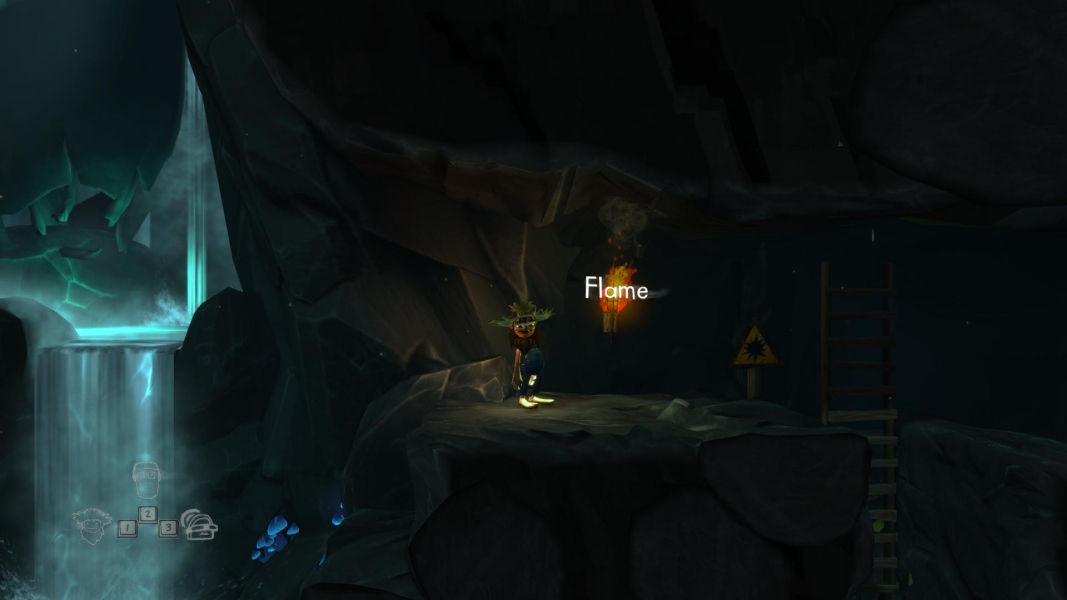
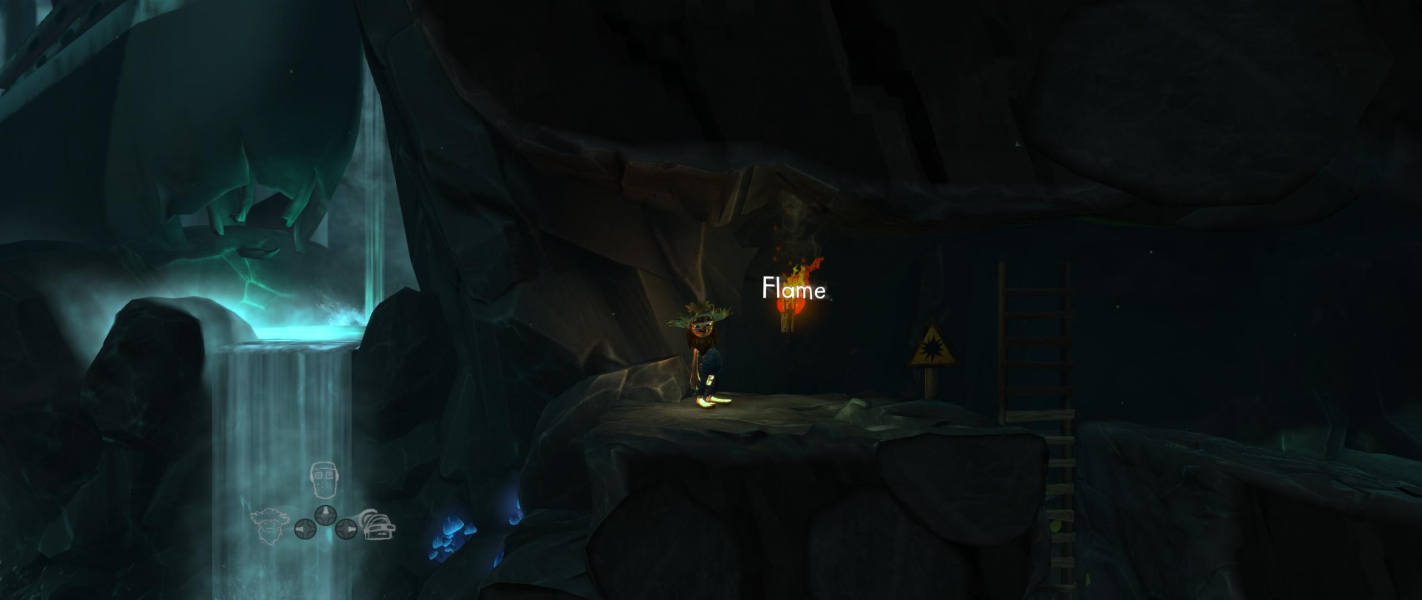
Gameplay Screenshots
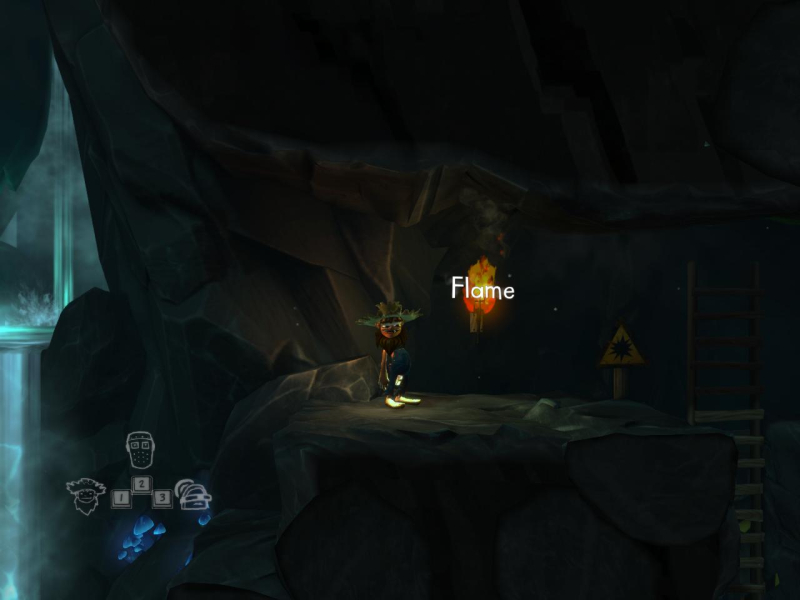
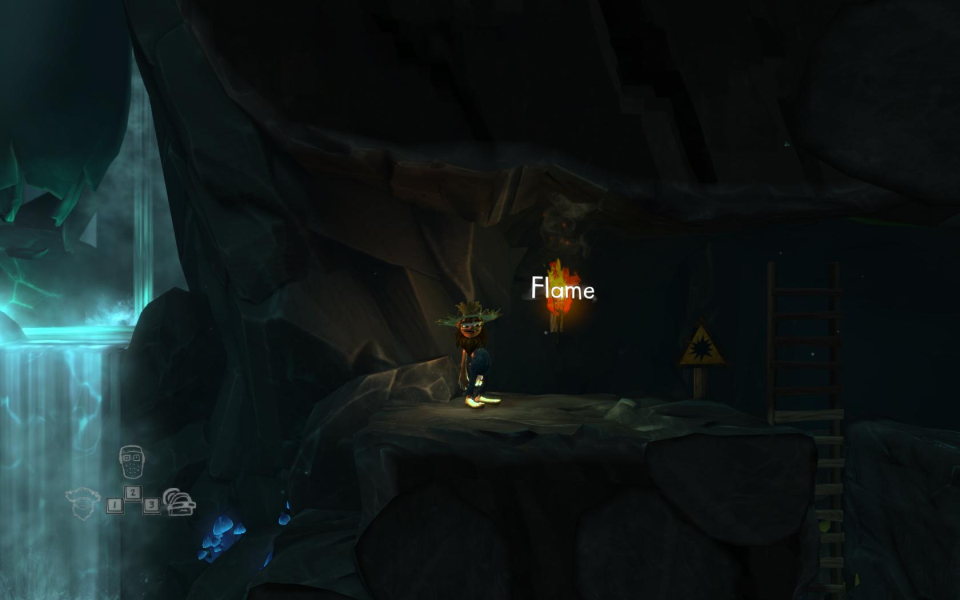


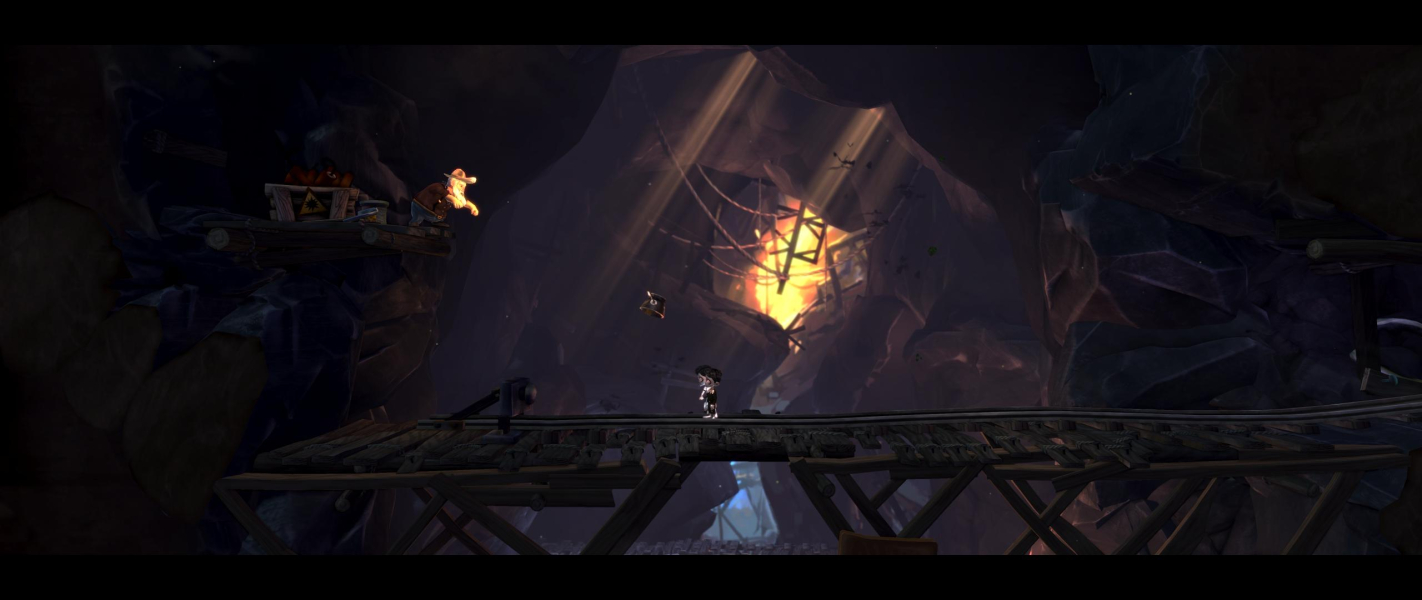
In-Game (Rendered) Cutscenes



Menu Screenshots

Additional Screenshots