


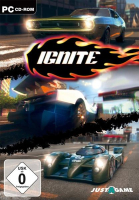


Ignite is an arcade racing game with a distinctive scoring system. A demo is available both as a DRM-free download and in Steam.
Players rack up points by drifting, drafting, smashing small objects or reaching top speeds. Hitting walls and using nitro reduces the point pool. After the race is over, remaining points are converted into seconds removed from the overall time.
The game features 3 car classes (Muscle, Street and Race) and 15 car models, each with 5 skins and associated bonuses. Game modes include Campaign, Free Play and Multiplayer (with or without AI). Tracks are variations of 8 environments, plus a... whooping 25 nuances of daylight.
Support Summary
Game Information
Screenshots Comparison
Solutions & Issues
In-game resolution setting is limited to a handful of hard-coded resolutions: 800x600, 1024x768, 1280x720, 1280x1024, 1366x768, 1680x1050, 1920x1080.
However the game will always start at your current desktop resolution. Apparently this setting mostly controls the pixel count of 3D rendering.
Screen change is 16:9 anamorphic (letterboxed) by default, but 16:10 and 15:9 can be fixed to fullscreen/Hor+:
-make sure desktop resolution is set to the desired game resolution.
-run the game and adjust in-game resolution to 1680x1050, press Esc to apply.
The game should now use the full screen height.
This works for all 16:10 and 15:9 resolutions. Non-widescreen on the other hand is always letterboxed.
Unsupported. Viewport is always Vert-.
To play on a single screen you must set your desktop to single-screen before launching the game.
Interestingly the FOV of menu backdrops and cut-scenes is very easy to edit:
C:\Program Files (x86)\Nemesys Games\Ignite\levels
Open .nml files with a text editor and adjust all fov= values to your liking.
Unfortunately the race camera's FOV is not stored there, so it's quite useless really.
Gameplay Screenshots
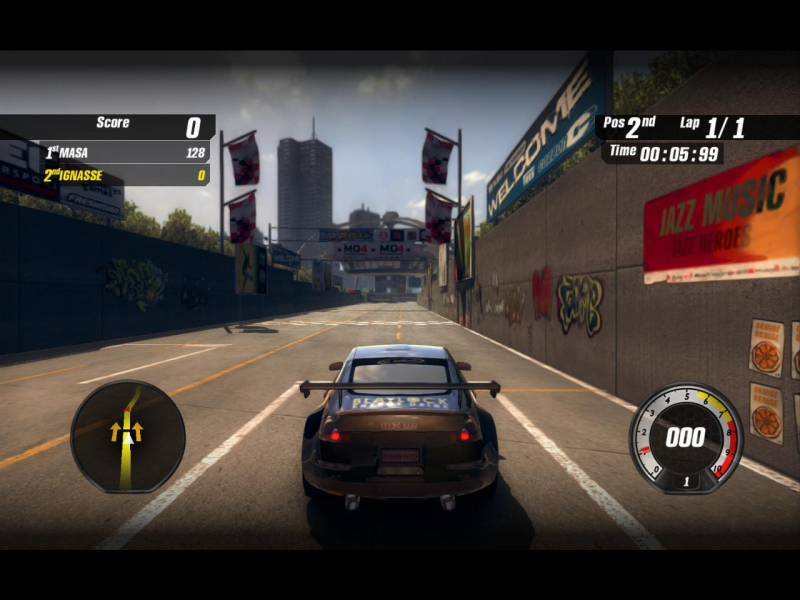
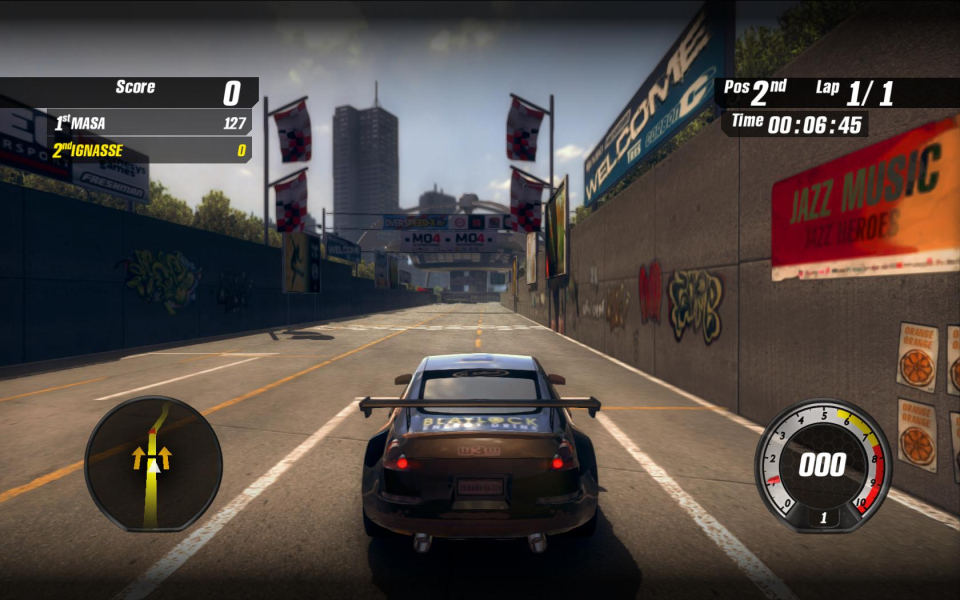
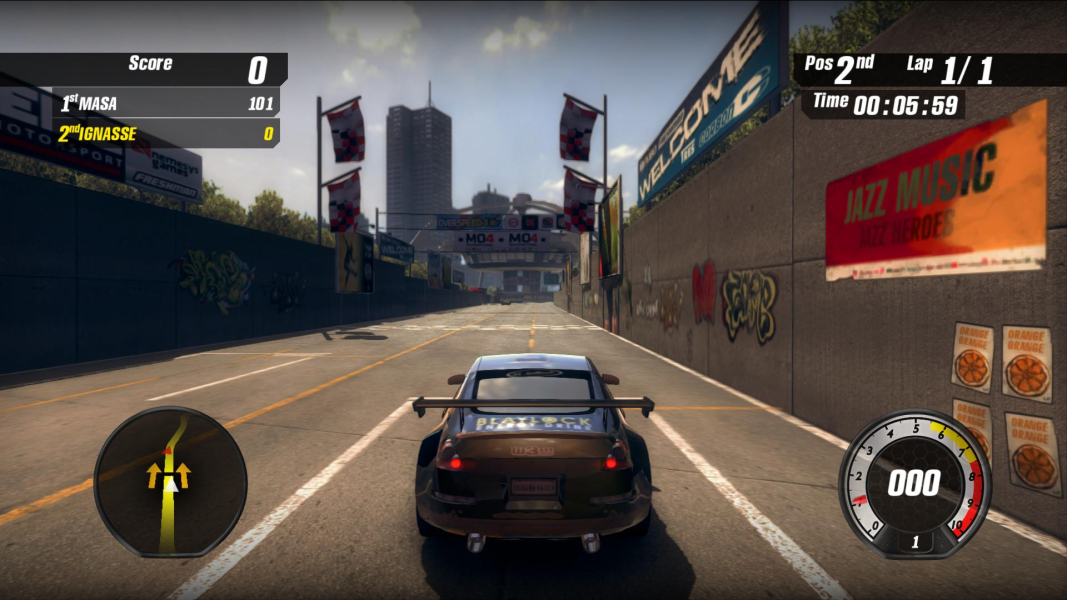



In-Game (Rendered) Cutscenes

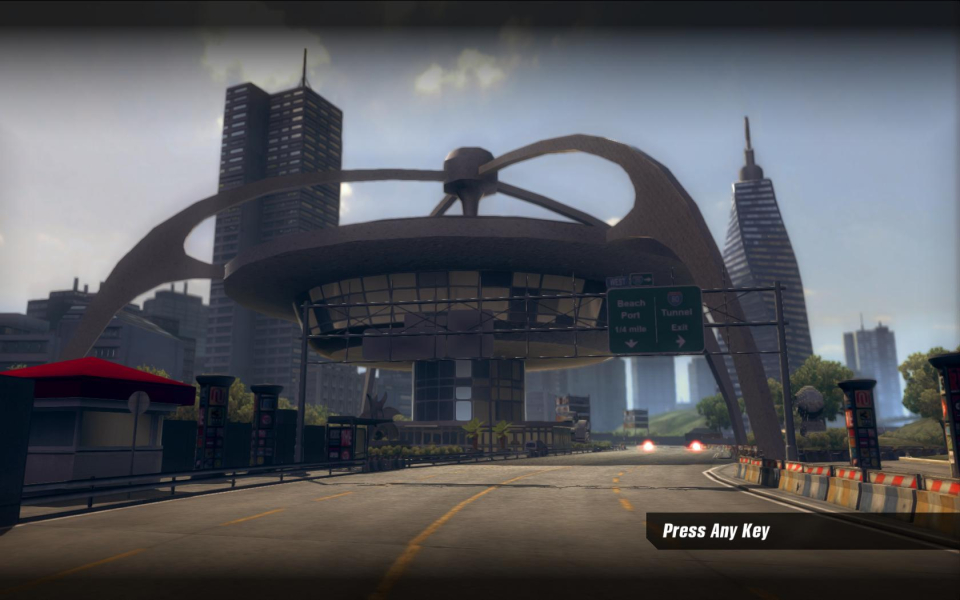


Menu Screenshots
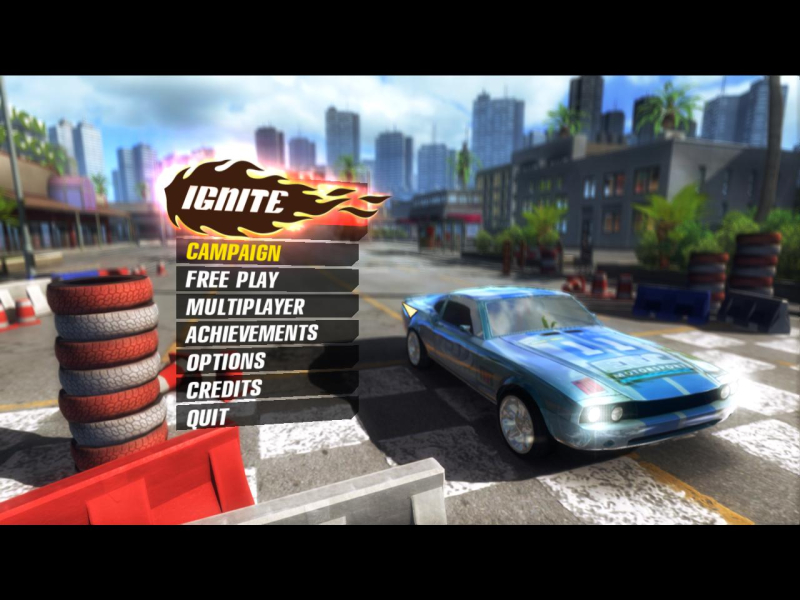
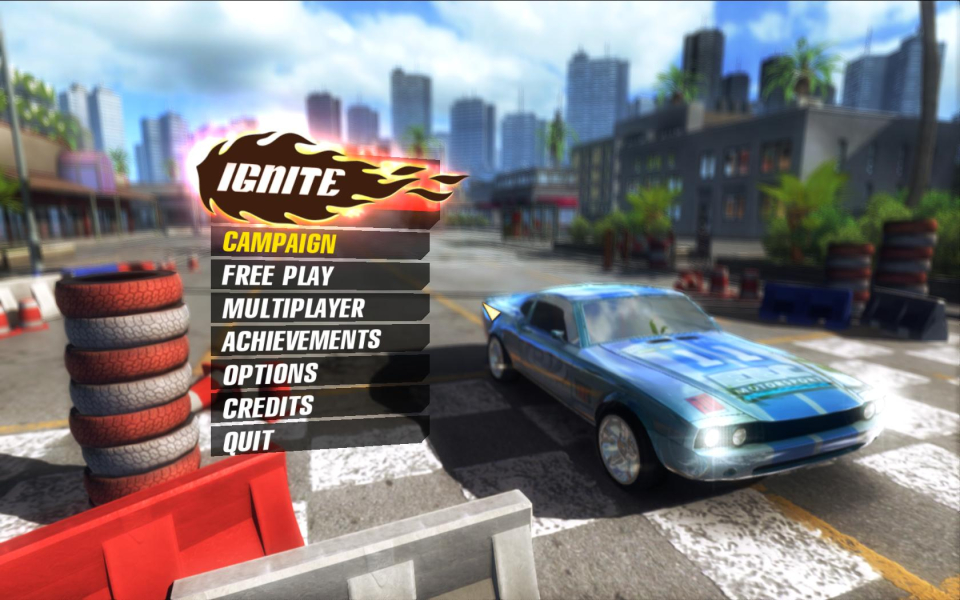
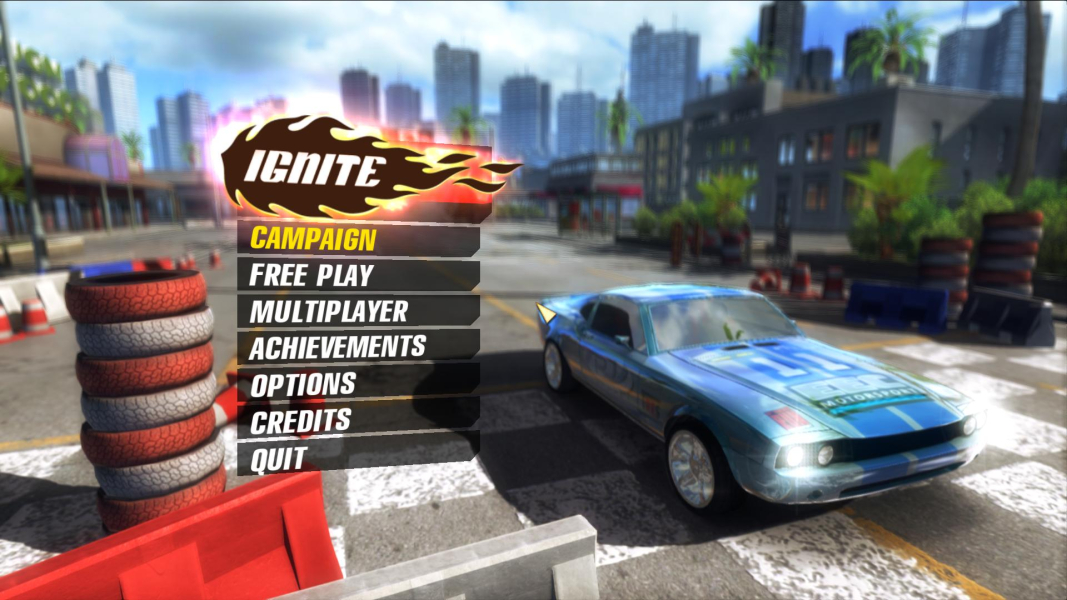

Additional Screenshots


