

FTL: Faster Than Light is a top down, real time strategy game created by indie developers Subset Games. In the game, the player controls the crew of a single spacecraft, holding critical information to be delivered to an allied fleet several sectors away, while in pursuit by a large rebel fleet. The player must guide the spacecraft over a number of sectors, each with planetary systems and events generated in a procedurally-generated roguelike fashion, while facing against rebel and other hostile forces, recruiting new crew, and outfitting and upgrading their ship. Combat takes place in real time, and if the ship is destroyed or the crew lost, the game ends in permadeath, requiring the player to restart.
The concept for FTL was based on tabletop board games and other non-strategic space combat video games that required the player to manage an array of ship's functions. The initial development by the two-man Subset Games was self-funded, and guided towards developing entries for various indie game competitions. With positive responses from players and judges at these events, Subset opted to engage in a crowd-sourced Kickstarter campaign to finish the title, and succeeded in obtaining twenty times more than they had sought; the extra funds were used towards more professional art, music and in-game writing. The game, considered one of the major successes of the Kickstarter fundraisers for video games, was released in September 2012, to many positive reviews.
(Source: Wikipedia)
Support Summary
Widescreen | Ultra/Super‑Wide | Multi-Monitor | 4K Ultra HD | |
Support | ||||
Method | ||||
HUD | ||||
Cutscenes | ||||
FMVs |
Game Information
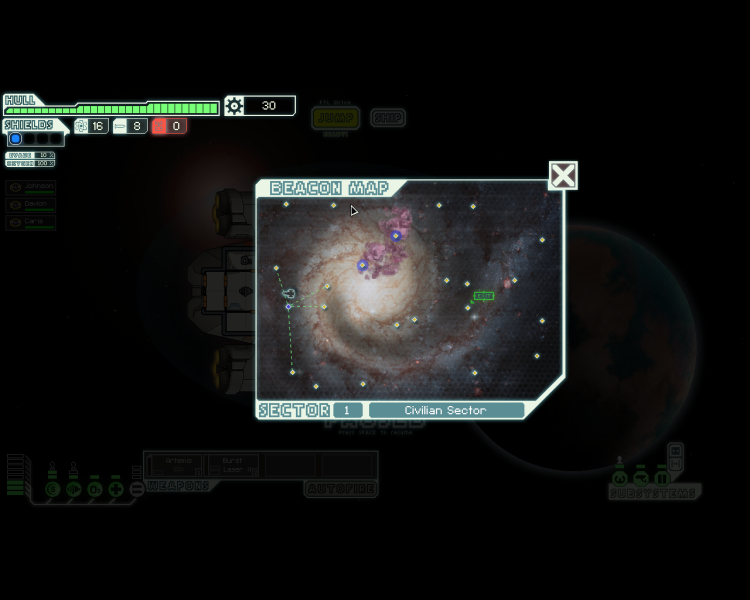
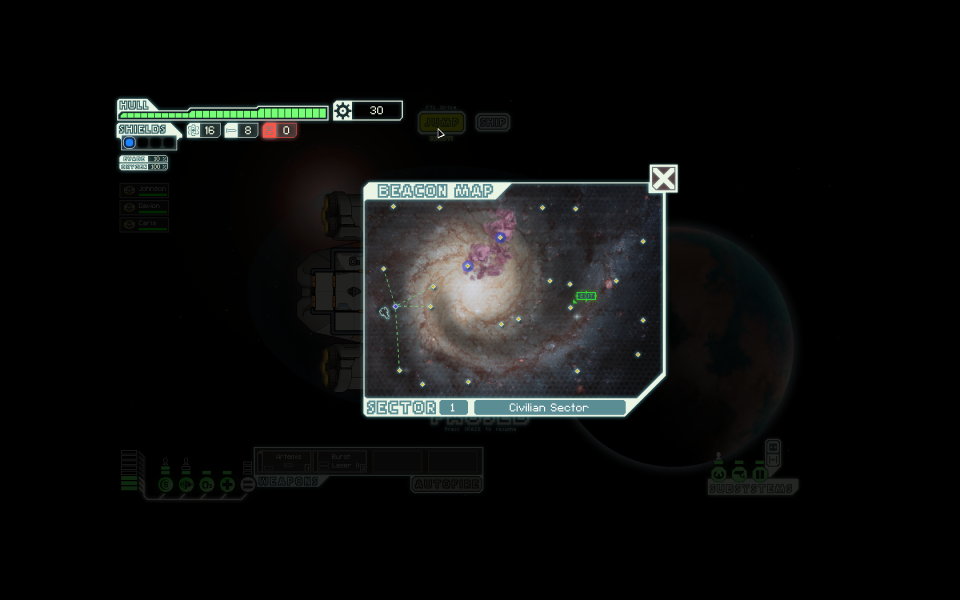
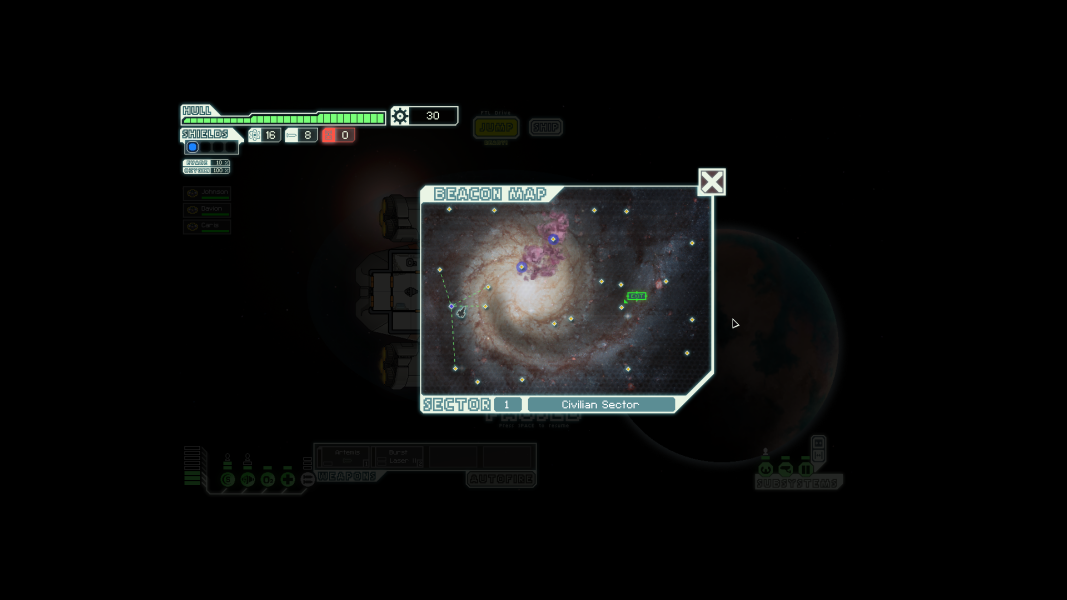
Screenshots Comparison
Solutions & Issues
They game is rendered in 1280x720. By default it plays in a window. There is a "full screen - black bar" option that will stretch the image to fit your screen, placing blacks are around the image as needed. The game also offers a "full screen - stretch" option. This simply runs the game in 1280x720 and runs the game at fullscreen. It relies on your monitor to properly scale the image. In the end, it's probably better to just play in a window.
See widescreen
See widescreen
Gameplay Screenshots

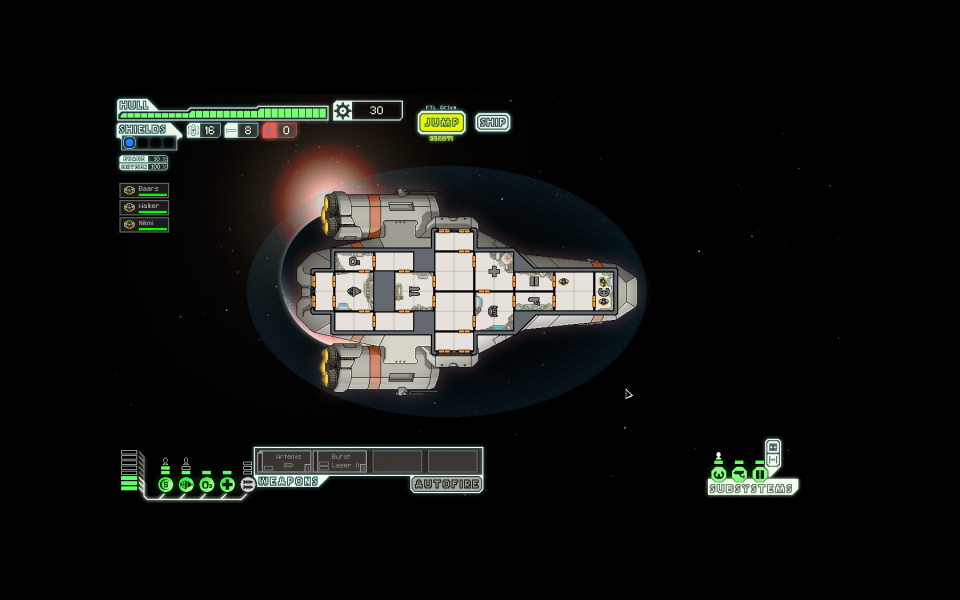
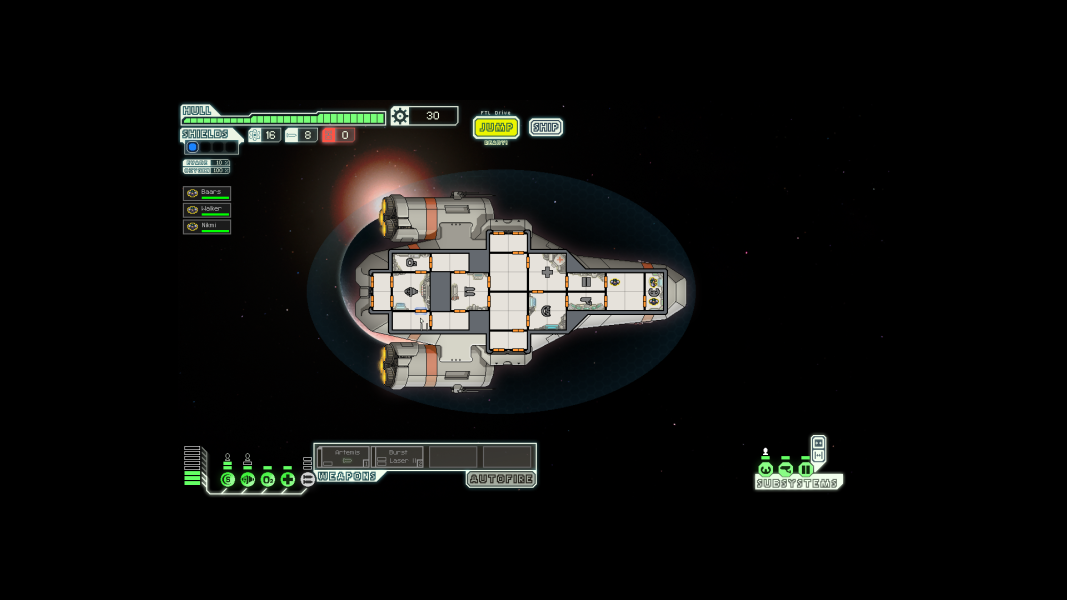
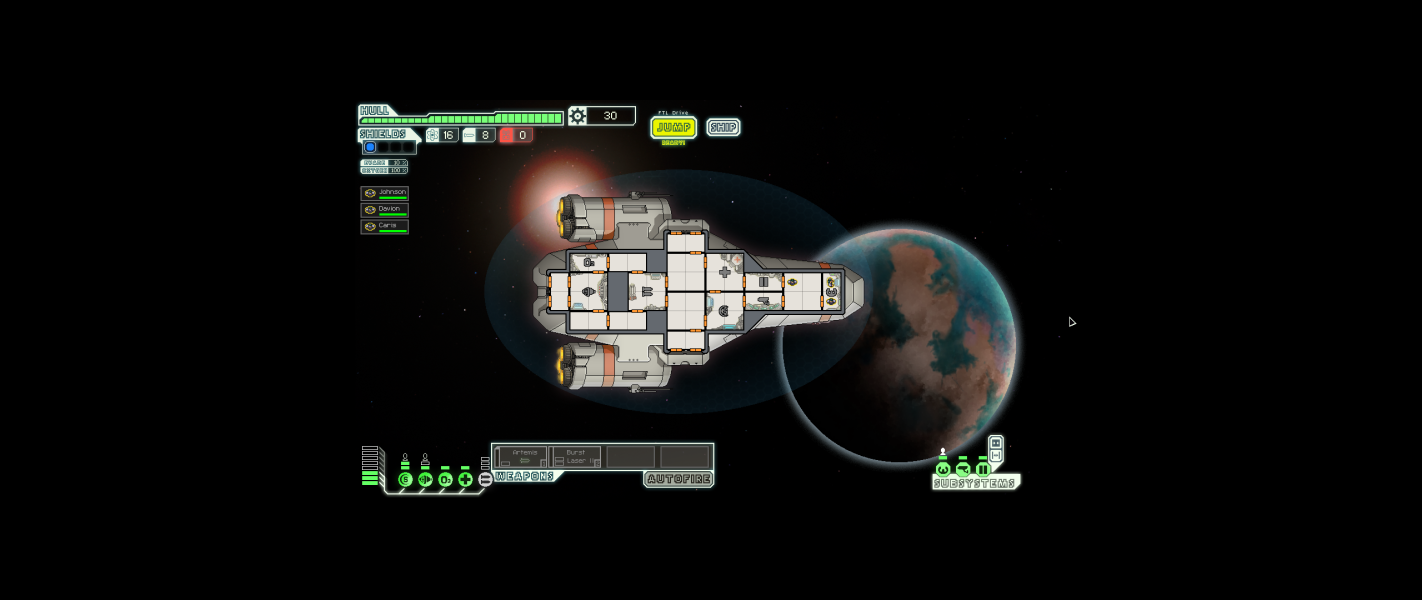


Menu Screenshots
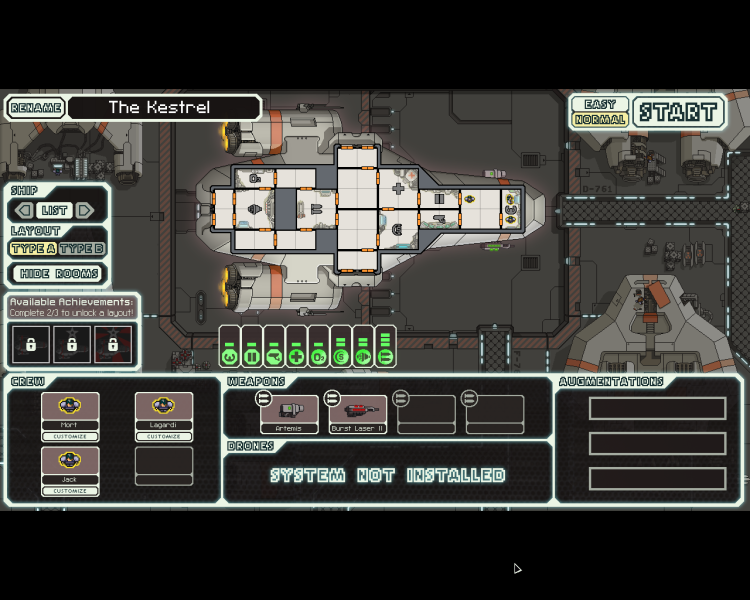
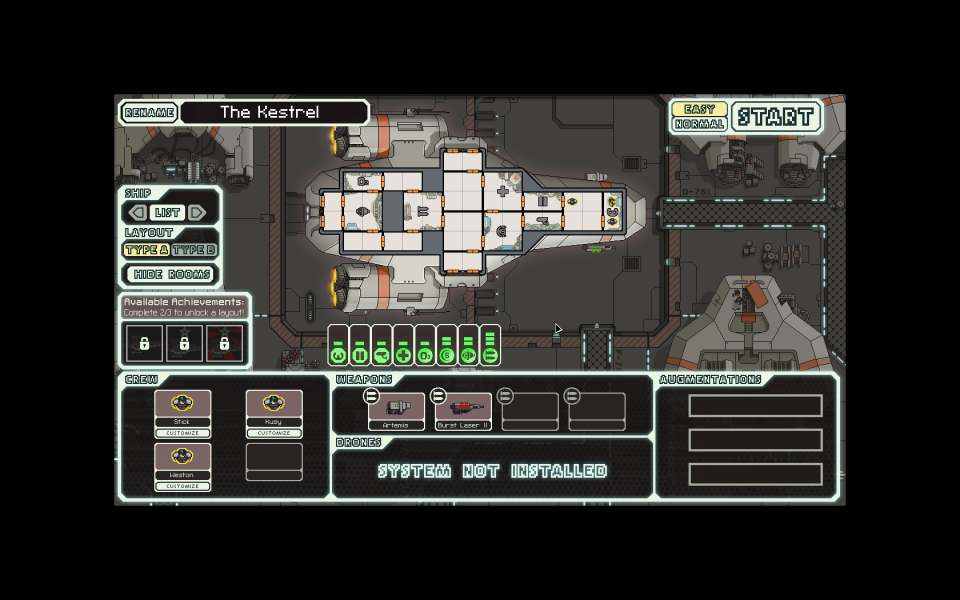

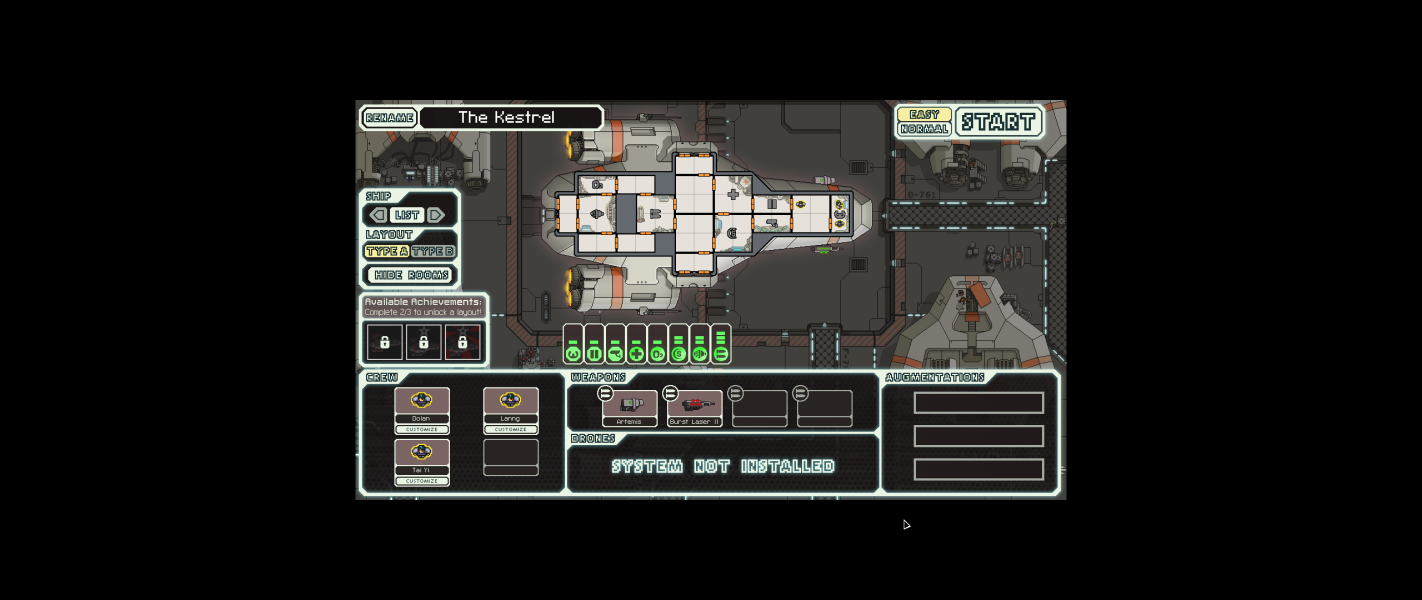

Additional Screenshots